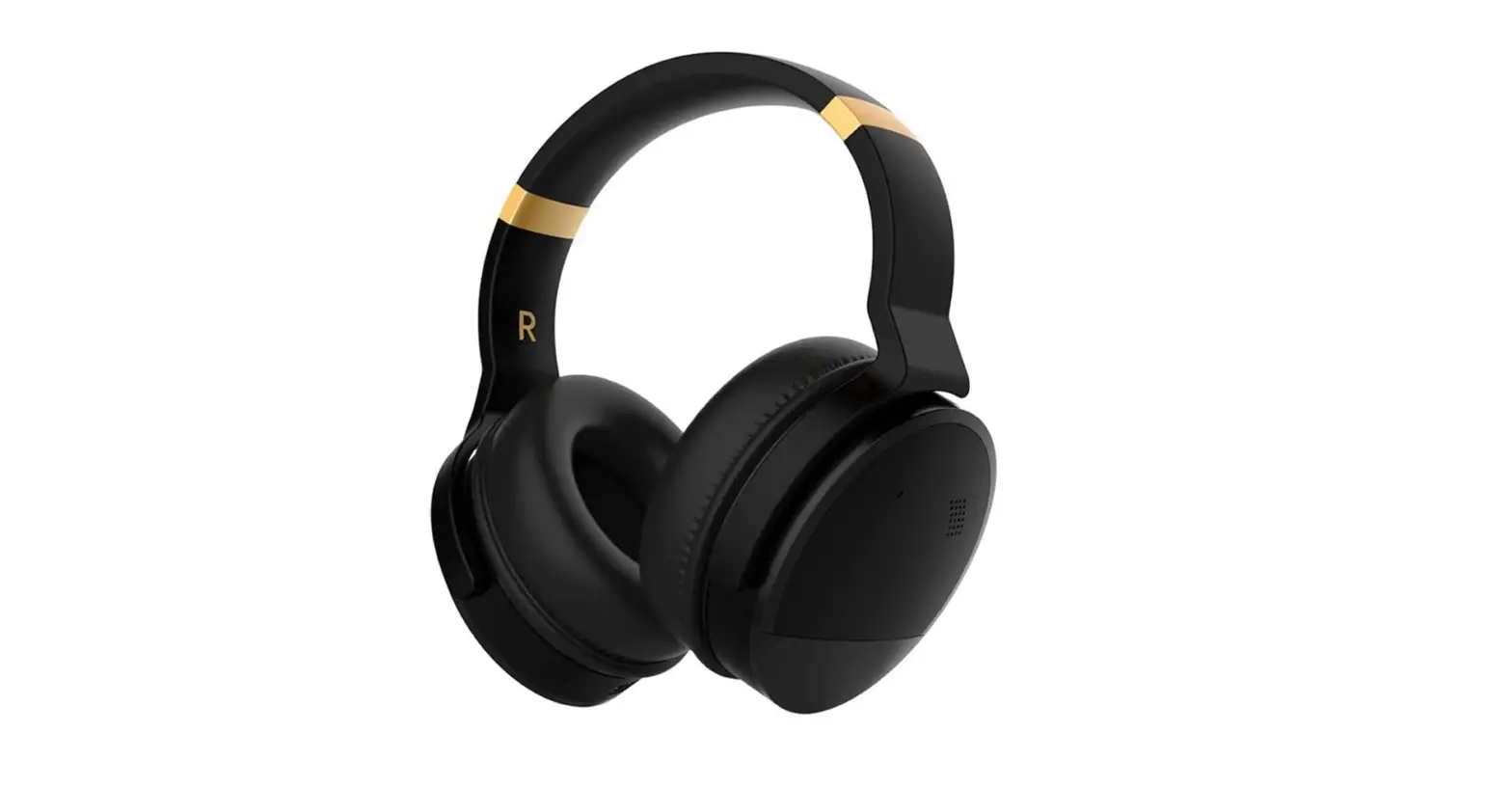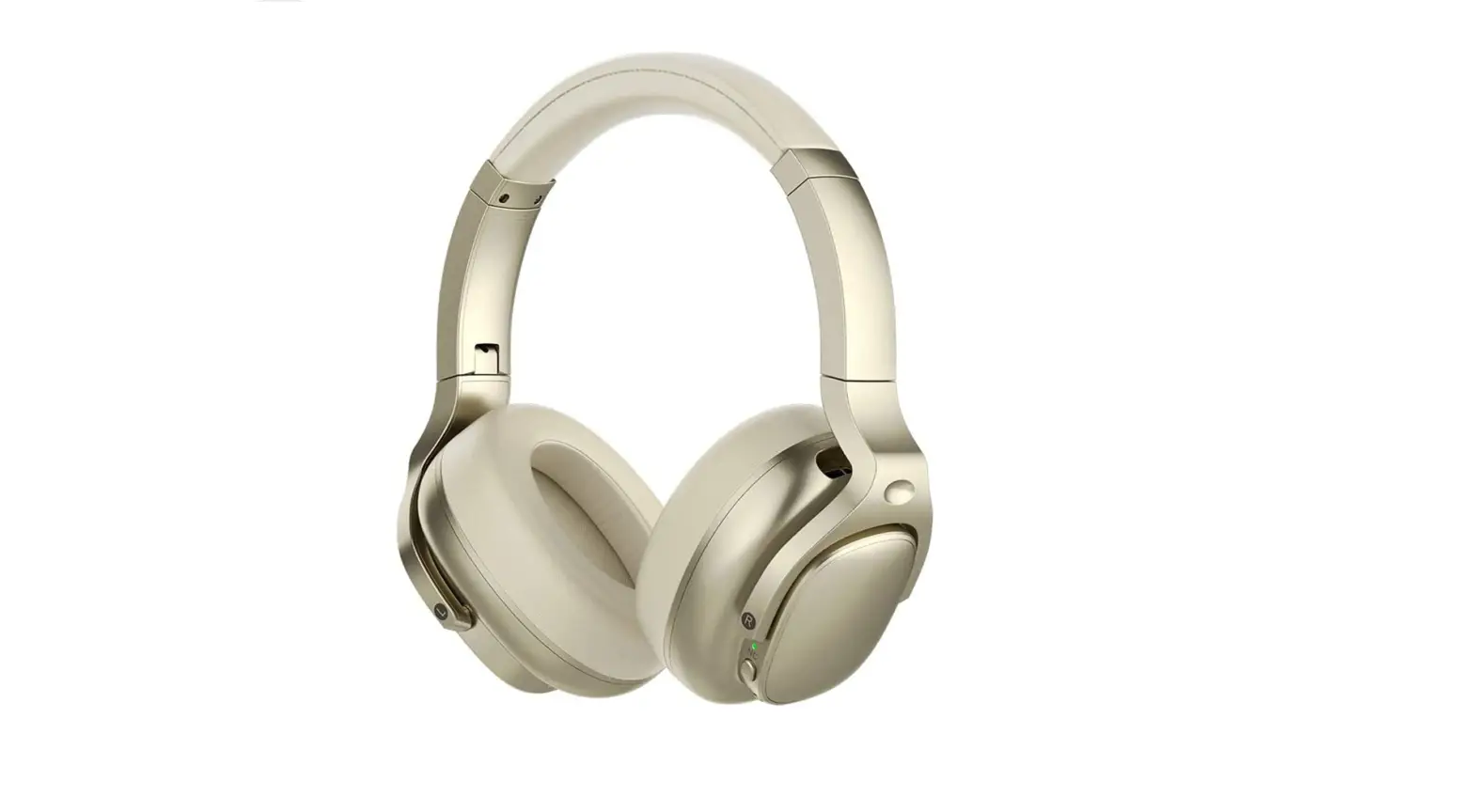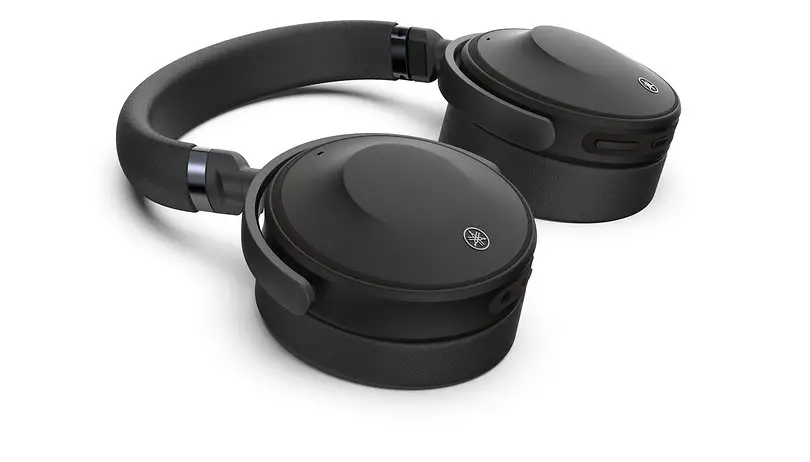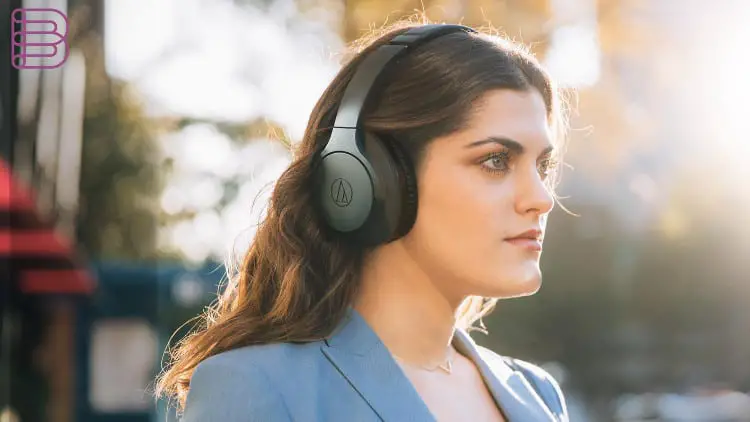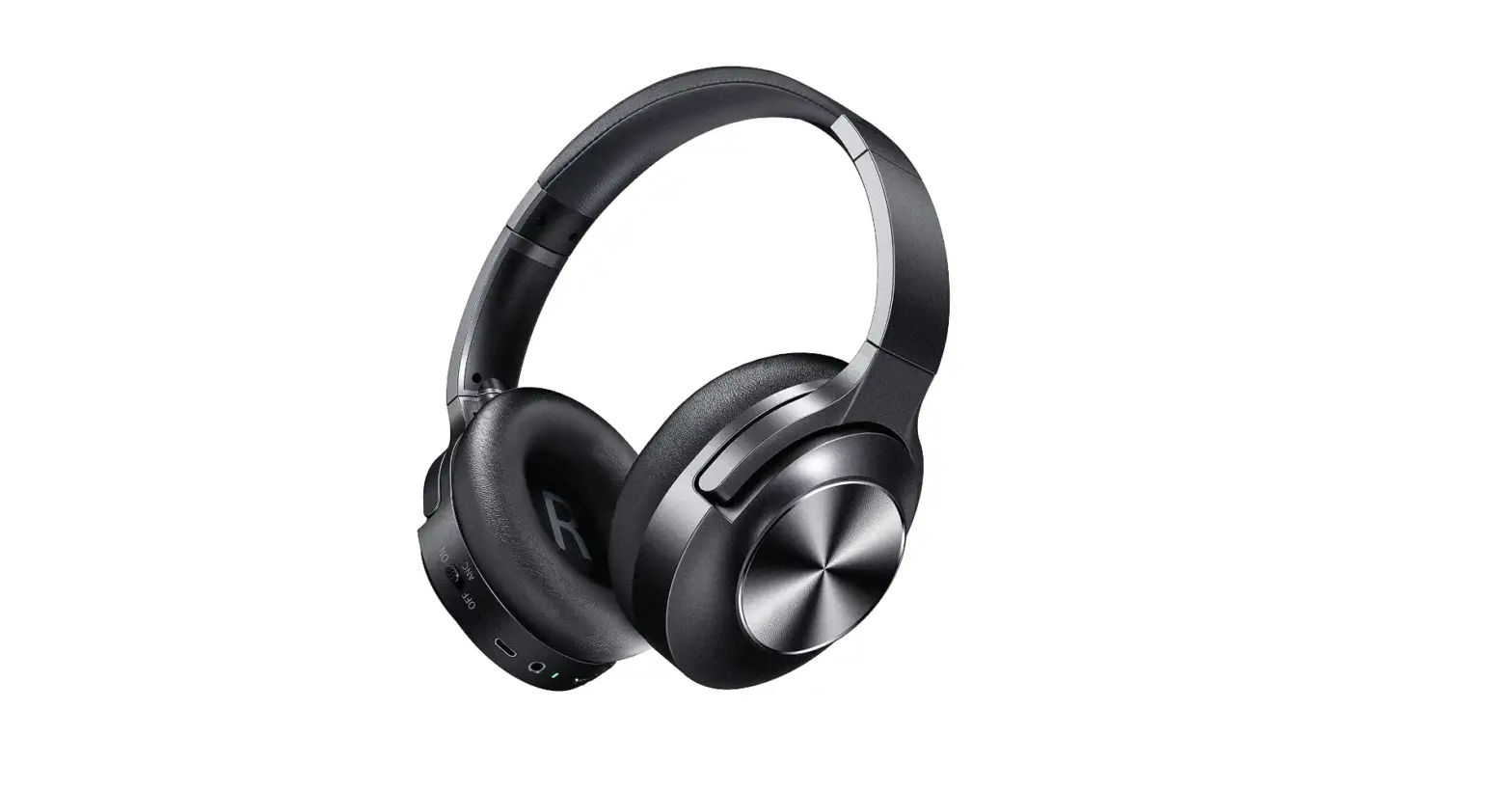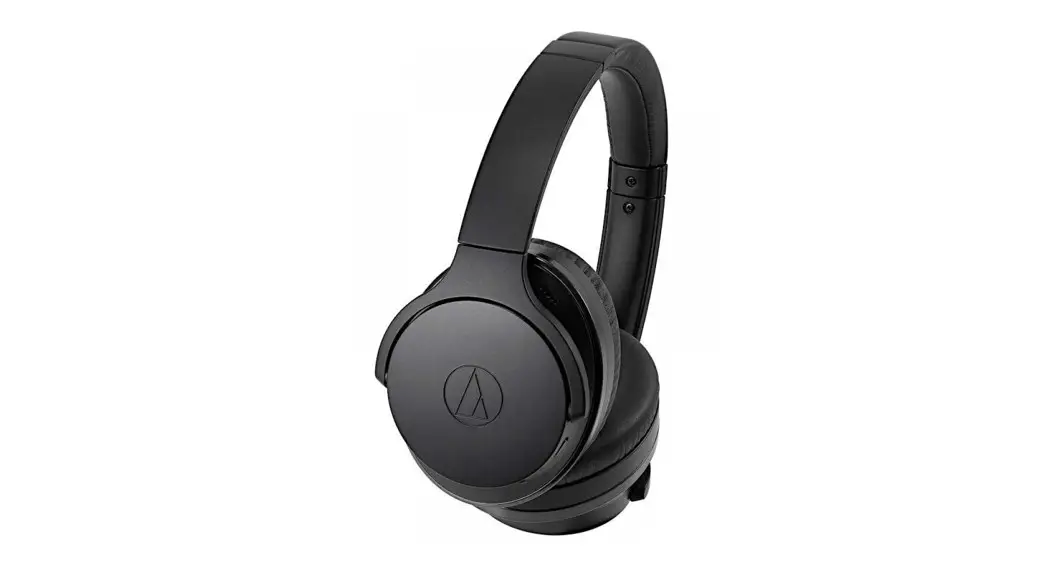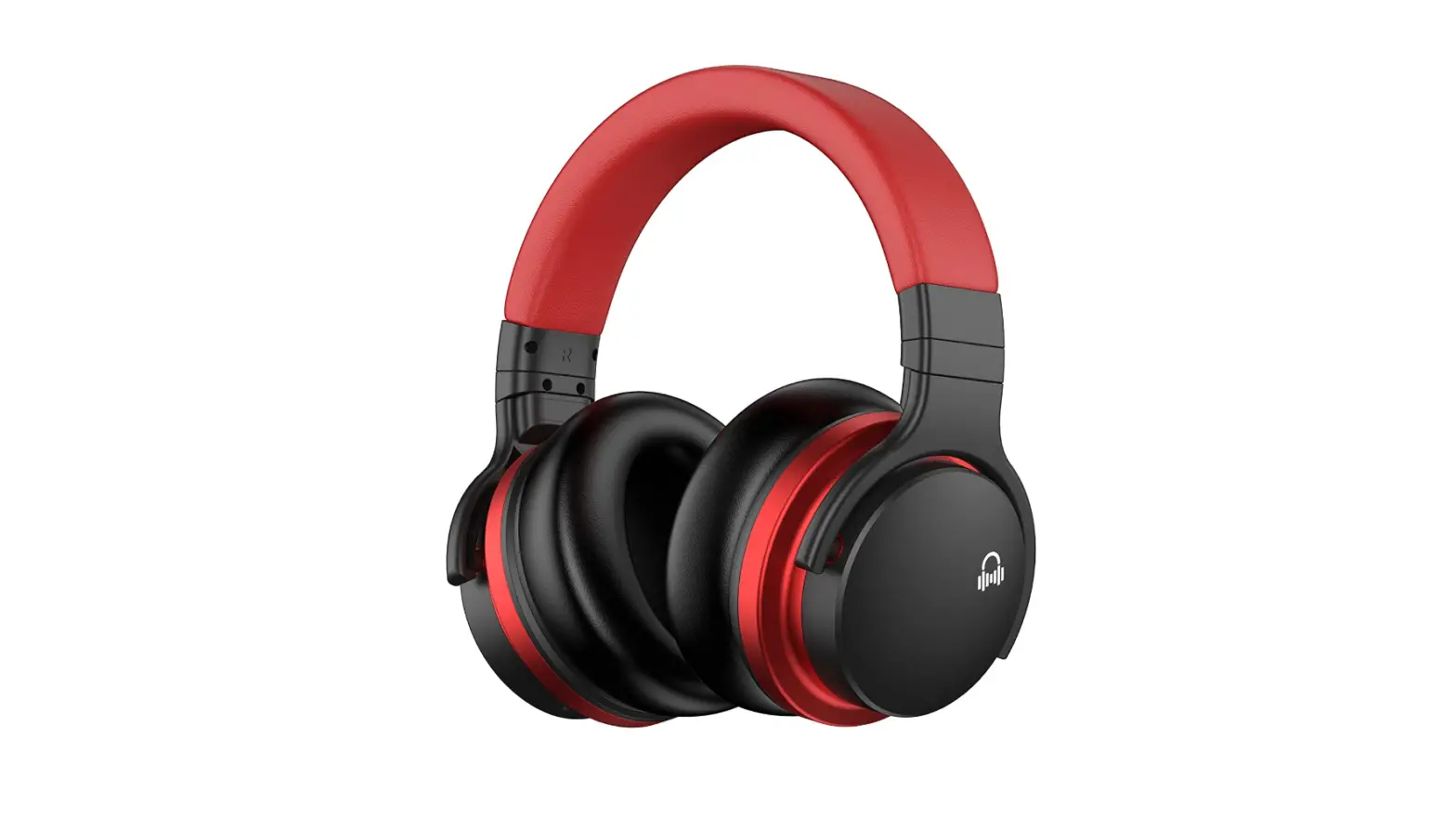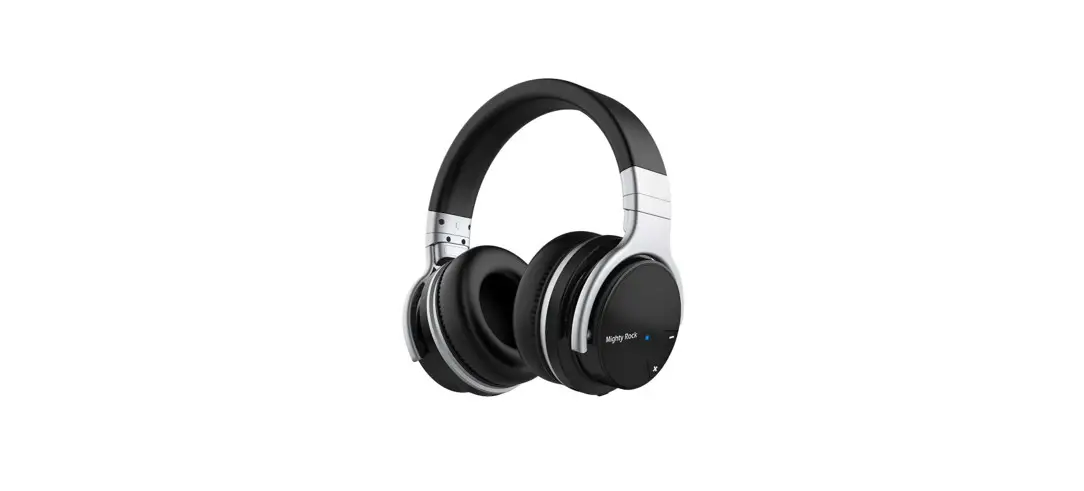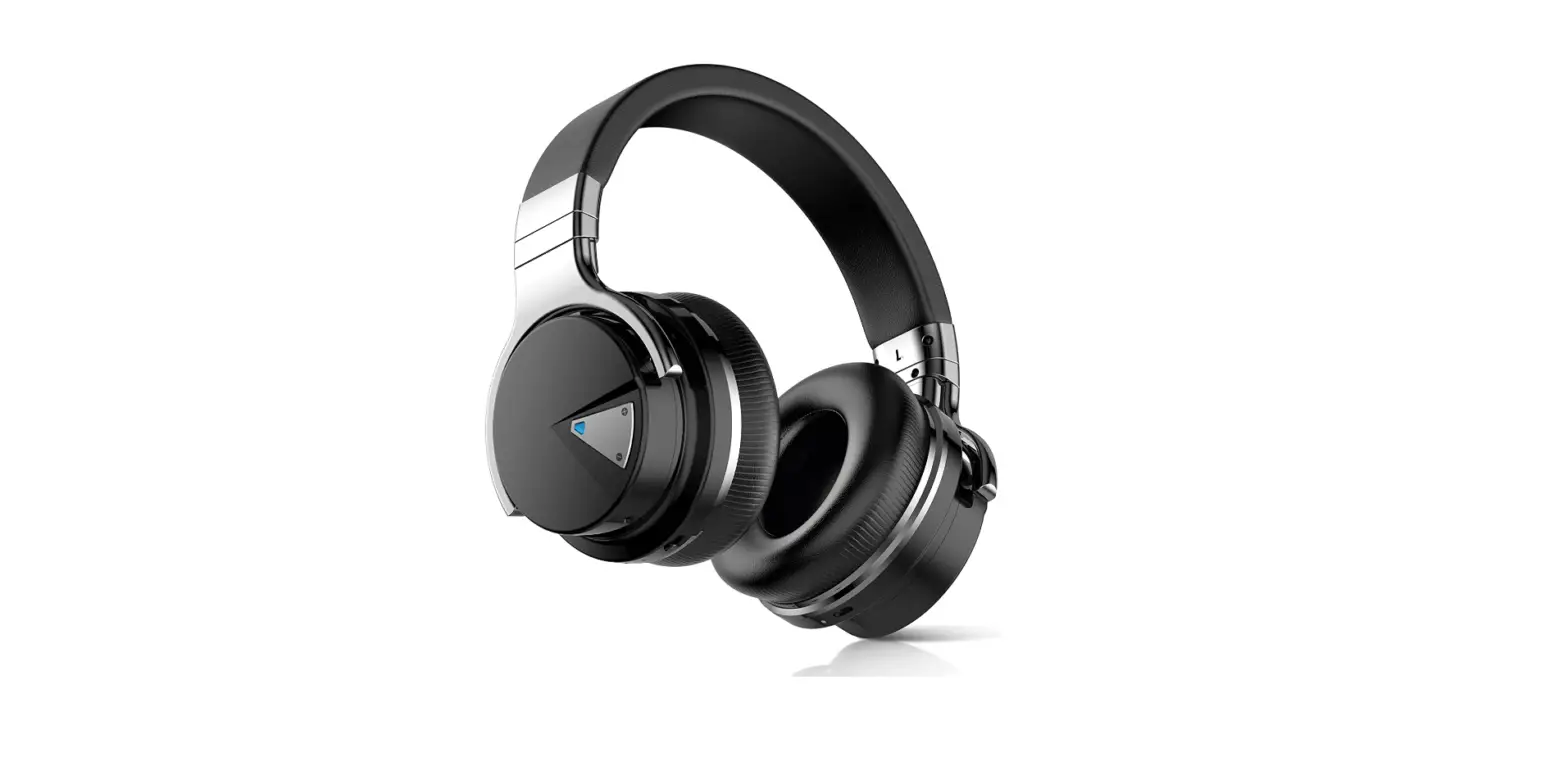

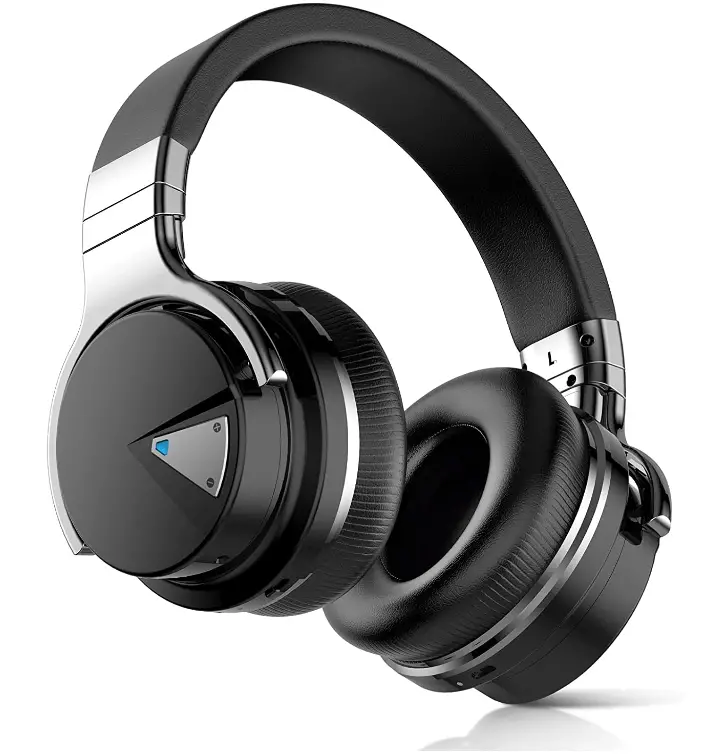
Qisebin E7 Wireless Noise-Canceling Headphones, Over-Ear Bluetooth Headphones
Specifications
- Product Dimensions
7.6 x 7 x 3 inches - Item Weight
1.6 ounces - Batteries
1 Lithium-Ion battery - Connectivity Technology
Wireless, Bluetooth - Special Feature
Noise-canceling - Form Factor
Over-Ear - Brand
Qisebin
Introduction
Powerful active noise cancellation is a feature of the E7 active noise-canceling headphones. Effective noise suppression for work, travel, and everywhere in between. Advanced active noise reduction technology muffles background noise from busy offices, busy streets, and airplane cabins so you can concentrate on what you want to hear and enjoy your music, movies, and videos. Significant noise reduction for busy offices, airplanes, and other locations 45mm huge speaker drivers for your favorite music You may use these lightweight, comfy around-ear headphones all day. NFC and upgraded Bluetooth 4.0 And 30 Hours of Play. Technology for actively canceling noise. Effective noise suppression for work, travel, and everywhere in between. Advanced active noise reduction technology muffles background noise from busy offices, busy streets, and airplane cabins so you can concentrate on what you want to hear and enjoy your music, movies, and videos. Both in wired and wireless modes, the noise suppression feature may perform effectively.
It is possible to listen to audio content without turning up the volume too much thanks to noise cancellation. In a noisy environment, like an airplane, it can also aid in improving sleep. Noise-canceling headphones in the aviation environment boost the signal-to-noise ratio substantially more than passive noise attenuating headphones or no headphones, making it easier to hear essential messages like safety precautions. Noise-canceling headphones can enhance listening to the point where they entirely negate the effects of concurrently distracting activity.
What’s In the Box?
- Qisebin Headphones
- Charging Cable
- Protective Case
High-quality
Noise loss
longer playtime
Excellent sound
How can I connect my wireless E7 earbuds?
- Connect Using Your Mobile Device’s Bluetooth Menu
- Activate the headset. The headphone will automatically enter pairing mode after turning on if this is your first time connecting.
- On your smartphone, turn on the Bluetooth function.
- Choose your headphones from the available devices.
Frequently Asked Questions
- My E7 headphones won’t connect; why?
Try turning off Bluetooth on your iPhone 8 and turning on and off the E7 before trying to pair it with the iPad once more. I had already resolved the issue. The same thing I did. Thanks Pedro, I was able to pair the Cowin E7 with the iPad Pro after turning off Bluetooth on the iPhone 10R. - What is the charging time for E7 headphones?
The headphones may take up to four hours to fully charge. Notes: In Bluetooth-only mode, a full charge provides up to 30 hours of playing. Additionally, Bluetooth with Noise Cancelling can last up to 20 hours. - How long is the E7 battery good for?
The Cowin E7s have received more than 12,000 reviews on Amazon and an amazing 4.3 out of 5 stars, earning them a good rating for their battery life, sturdy construction, and sound quality (up to 30 hours of playtime per charge). - How can I recharge my E7 earbuds?
To charge the E7 headphones, insert the micro USB charging cable into the left ear cup’s bottom and then insert the other end into any available USB port. - why aren’t my headphones charging?
Check your headphones’ charging port for any damage, such as bent metal or connectors. Additionally, check to see if the port isn’t loose when you touch it, as this might indicate that the connectors have come loose from the headset. - How can I tell when my headphones have enough power?
Bluetooth headsets all function differently. However, once your headsets have reached full charge, the earbuds usually start to glow. Red and green lights are most frequently used in headsets. A low battery level is indicated by the red light, while a full charge is indicated by the green light. - How can I tell whether my Bluetooth headphone battery is full?
When the battery is charging, the indicator light will come on. The light won’t turn on for up to a minute. 3. The indicator light will go out after the headset’s battery is fully charged, which takes roughly 2-3 hours. - Are noise-canceling headphones useful for academic purposes?
Because they can cancel out background noise and isolate students from the outside world, really excellent noise-canceling headphones are a terrific way to help students concentrate while they’re studying or writing a term paper. - Should you invest in noise-canceling headphones?
Yes. This technology will wow you with its powerful effects if you want to safeguard your hearing, lessen ambient distractions, and have a superior audio experience.