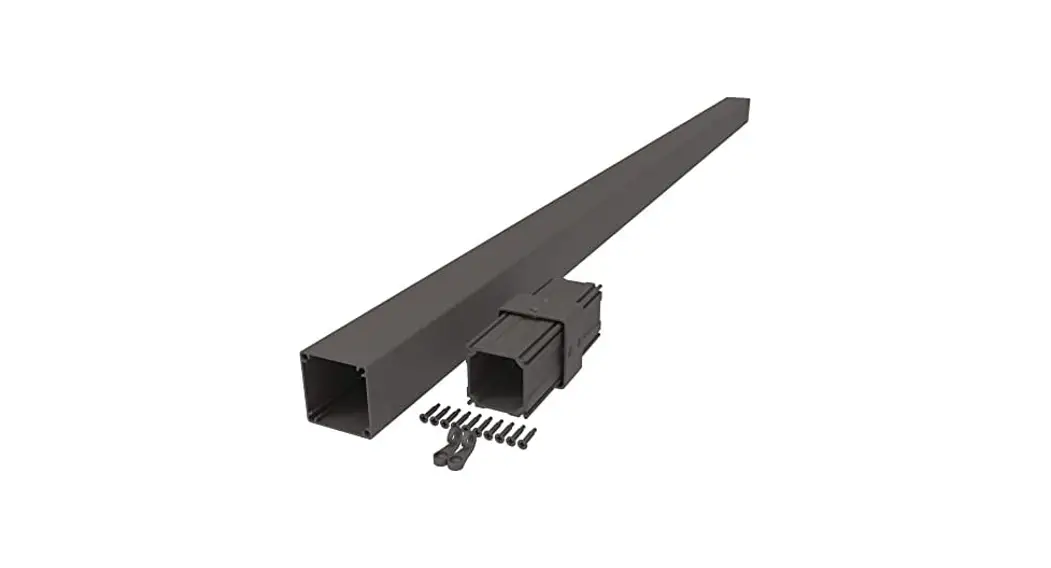
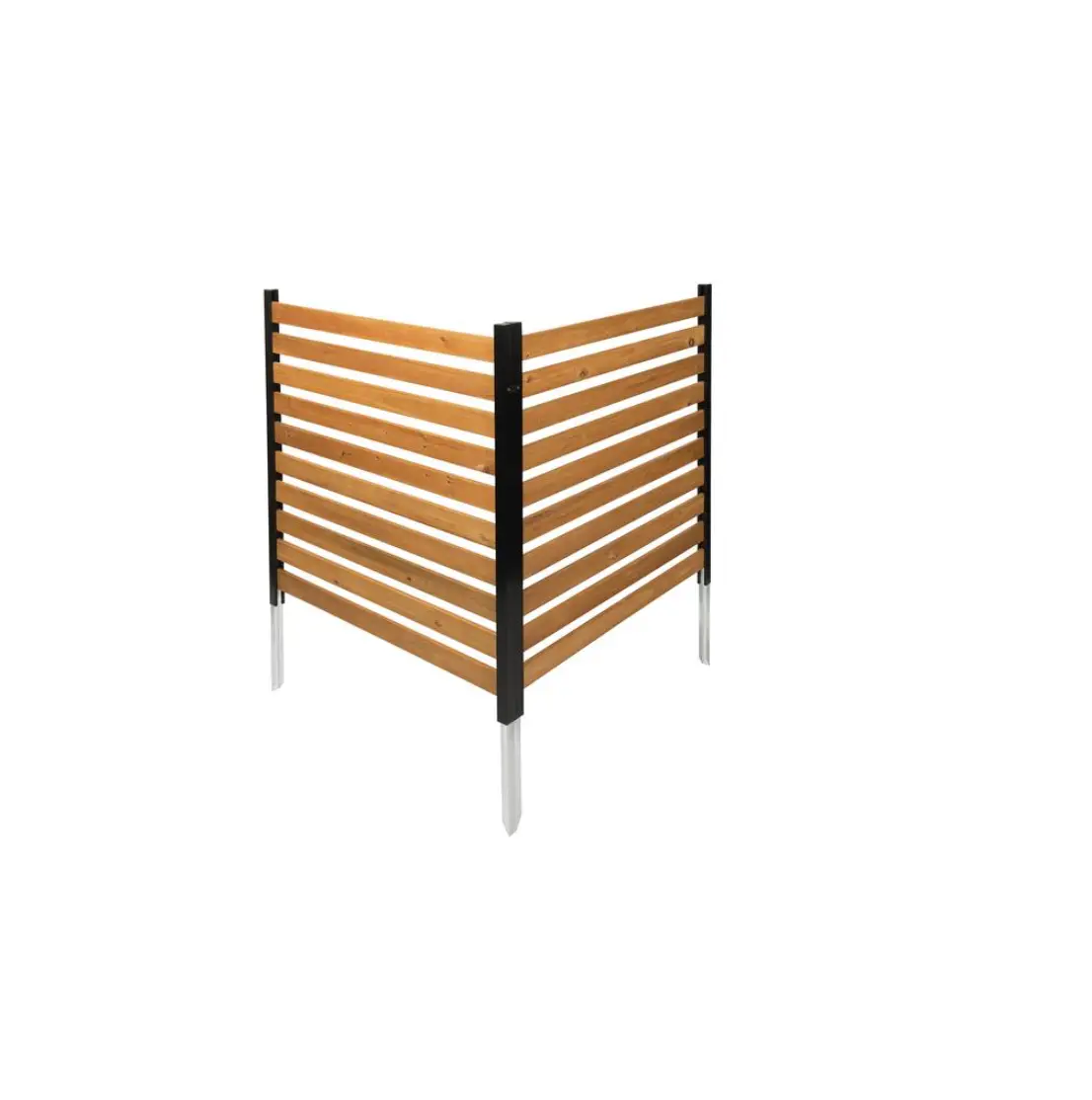
HDTWH73377 ScreenRail Crossover Post
Product Information: ScreenRail Crossover Post
The ScreenRail Crossover Post is a component of the ScreenRail
system. It is available in two heights, 36 or 42 inches, and comes
with a 2-pack Modified Rail Mounts with covers and screws.
Package Contents:
- 1 ScreenRail Crossover Post
- 2 Modified Rail Mounts with covers and screws
Installation Instructions:
- Determine the spacing of the ScreenRail CO Post between
vertical members. The ScreenRail CO Post must be aligned with
vertical members for a straight run on horizontal rails. - Install all vertical posts and rails prior to installing
horizontal rails. - Attach the ScreenRail CO Post with appropriate fasteners for
the surface to be attached to (concrete anchors, TapCons, etc.).
Use fasteners on both sides of ScreenRail CO Post mount plate. - Cut horizontal rails to the desired length.
- Option A: Surface Mount Bottom Rails – Cut the bottom rails to
the exact length between vertical rails and ScreenRail CO Post
positioned in previous steps. Attach bottom rails with appropriate
stainless steel fasteners 16 inches on center. - Option B: Rail Mounts – Cut the top rails (and bottom rails if
using Option B) 1/4 inch shorter per mount (total 1/2 inch for 2
mounts) than the distance measured between the vertical rails and
ScreenRail CO Post. Attach top rails to modified rail mounts
(included with ScreenRail CO Post) and bottom rails to rail mount
included with ScreenRail sections. - Attach top rail with #8 x 3/4 stainless steel self-tapping
screws (provided) through the rail mounts. - Install the mount covers over the screws. Place one side of the
cover so the retaining notch is in the lock position. Place a block
of wood against the side of the cover that is not locked. Tap
gently to snap the cover in place. Instead of a wood block, a
rubber or other non-scuffing mallet may be used.
ScreenRail
‘
‘
· These instructions must be followed exactly as written and the materials used must be exactly as shown in the instructions. Any deviation from the instructions or variation in the materials used/installed may result in an unsuccessful installation.
· Tools Recommended: Hammer, Tape Measure, Miter Saw (with aluminum cutting blade), Screw Gun (with #2 square drive bit), Drill (with 3/16″ bit), Level, Non-scuffing Mallet or Wood Block.
SCREENRAIL CROSSOVER POST
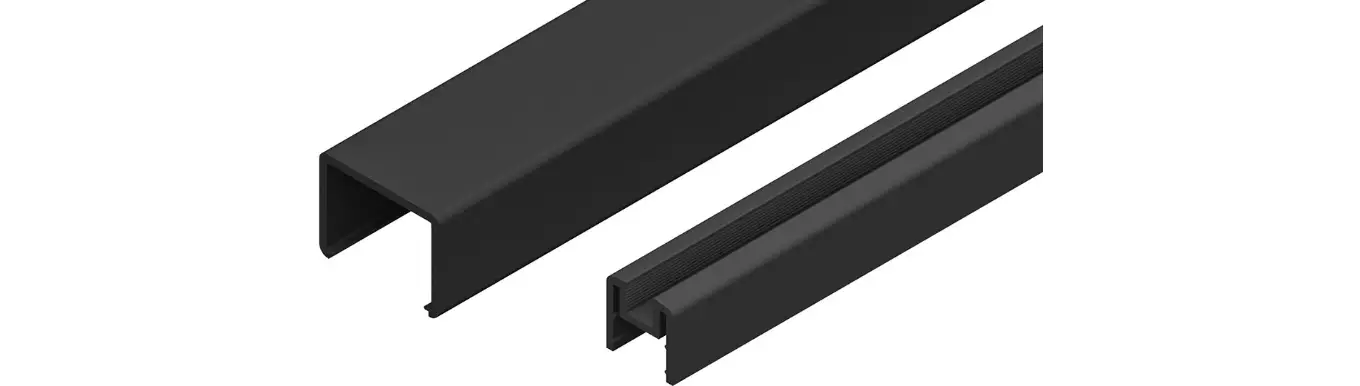
ScreenRail Crossover Post Includes: (1) ScreenRail Crossover Post 36″ or 42″ tall, (1) 2-pack Modified Rail Mounts with covers and screws.
Determine spacing of ScreenRail CO Post between vertical members. ScreenRail CO Post must be aligned with vertical members for a straight run on horizontal rails.
Screen retention grooves must always be on the side the screen is to be attached. (NOTE: Install all vertical posts and rails prior to installing horizontal rails.)
Attach ScreenRail CO Post (Illustration CO1) with appropriate fasteners for the surface to be attached to, (concrete anchors, TapCons, etc.). (Note: Use fasteners on both sides of ScreenRail CO Post mount plate).
Cut horizontal rails to desired length. (Illustration CO2.)
Option A: Surface Mount Bottom Rails Cut the bottom rails to the exact length between vertical rails and ScreenRail CO Post positioned in previous steps. Attach bottom rails with appropriate stainless steel fasteners 16″ on center.
Option B: Rail Mounts Cut the top rails, (and bottom rails if using Option B), 1/4″ shorter per mount (total 1/2″ for 2 mounts) than the distance measured between the vertical rails and ScreenRail CO Post. Attach top rails to modified rail mounts (included with ScreenRail CO Post) and bottom rails to rail mount included with ScreenRail sections.
Attach top rail with #8 x 3/4″ stainless steel self-tapping screws (provided) through the rail mounts.
Install the mount covers over the screws. (Hint: Place one side of the cover so the retaining notch is in the lock position. Place a block of wood against the side of the cover that is not locked. Tap gently to snap the cover in place. Note: Instead of a wood block, a rubber or other non-scuffing mallet may be used.) (Illustration CO3.)
%
&
”
! “!# “$
 Fencing | Deck Railing | Porch Columns | Entry Gates - DSI