CEL-FI ROAM R41 Smart Mobile Repeater
Product Information
The ROAM R41 is a cellular signal booster designed to improve
signal strength and coverage in vehicles and boats. It is equipped
with a Main Unit, Automobile Auxiliary Power Adapter, Mobile Donor
Antenna, Server Antenna, Mounting Hardware, and Ground Cable.
Model Numbers:
- R41-9B-001
- R41-9B-002
- R41-9B-003
- R41-YB-001
- R41-YB-002
- R41-YB-003
Bands Supported:
- 1/3/5/7/8/26/28L
- 1/3/7/8/20
Link Output Power (dBm):
- Downlink: 0 dBm
- Uplink: 22 dBm
Power/Status LED Indicator:
- No light: Device is powered off
- Solid Orange: Device is powered on
- Slow blinking green: Device registration pending (ES11)
- Solid Green: Device self-test passed (ES12)
- Solid Red: Device self-test failed (ES12)
- Flash Red 1 time & OFF for 4sec: Translation/Error
State - Flash Red 2 times & OFF for 4sec: Translation/Error
State - Flash Red 3 times & OFF for 4sec: Translation/Error
State - Flash Red 4 times & OFF for 4sec: Translation/Error
State - Flash Red 5 times & OFF for 4sec: Translation/Error
State - Flash Red 6 times & OFF for 4sec: Translation/Error
State - Flash Red 7 times & OFF for 4sec: Translation/Error
State
Product Usage Instructions
- Install the Donor Antenna:
- Mount the Donor Antenna on the exterior and towards the rear of
the vehicle or boat. - Ensure there is 50 cm of metal around the base of the antenna
for optimal performance.
- Mount the Donor Antenna on the exterior and towards the rear of
- Install the Server Antenna:
- Mount the Server Antenna in the cabin/deck towards the front of
the vehicle or boat where coverage is needed. - Ensure the Server Antenna is mounted horizontally.
- Separate the Donor Antenna as far away as possible from the
Server Antenna for better performance.
- Mount the Server Antenna in the cabin/deck towards the front of
- Select the Main Unit Location:
- Find a suitable location to securely mount the Main Unit.
- Ensure airflow and avoid contact with other objects.
- Make sure the location allows all cables to reach their desired
locations before mounting the device.
- Attach Server and Donor Antennas:
- Attach the Donor Antenna and Server Antenna to the Main
Unit.
- Attach the Donor Antenna and Server Antenna to the Main
- Install Ground Cable:
- Using the provided M3 screw, attach one end of the ground cable
to the Main Unit. - Attach the other end of the ground cable to the chassis of the
vehicle or boat. - Ensure a drip loop is added to the Donor Antenna cable to
prevent water damage to the Main Unit’s electronic equipment.
- Using the provided M3 screw, attach one end of the ground cable
- Plug in the Main Unit:
- Connect the Main Unit to the power source using the provided
Automobile Auxiliary Power Adapter.
- Connect the Main Unit to the power source using the provided
- Download Nextivity WAVE Software:
- Download the WAVE App to monitor and manage the status of your
ROAM R41.
- Download the WAVE App to monitor and manage the status of your
Note: For marine installations, use the provided Marine
Installation instructions and download the MyWave App to
automatically track the base station to which your phone is
connected.
ROAM R41 Quick Start Guide
KIT#:
R41-9B-001 R41-9B-002 R41-9B-003
R41-YB-001 R41-YB-002 R41-YB-003
Included In the Box
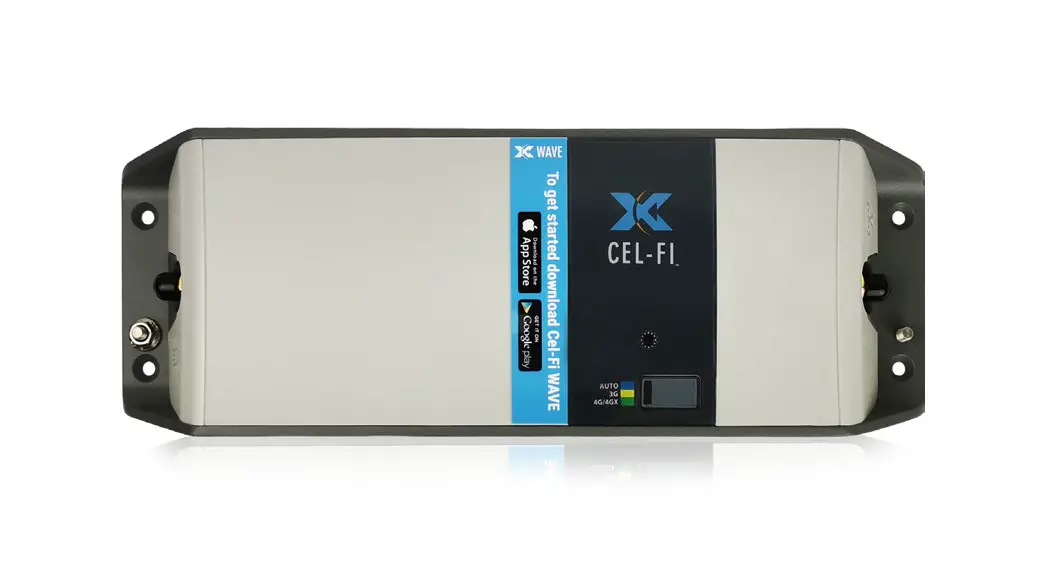
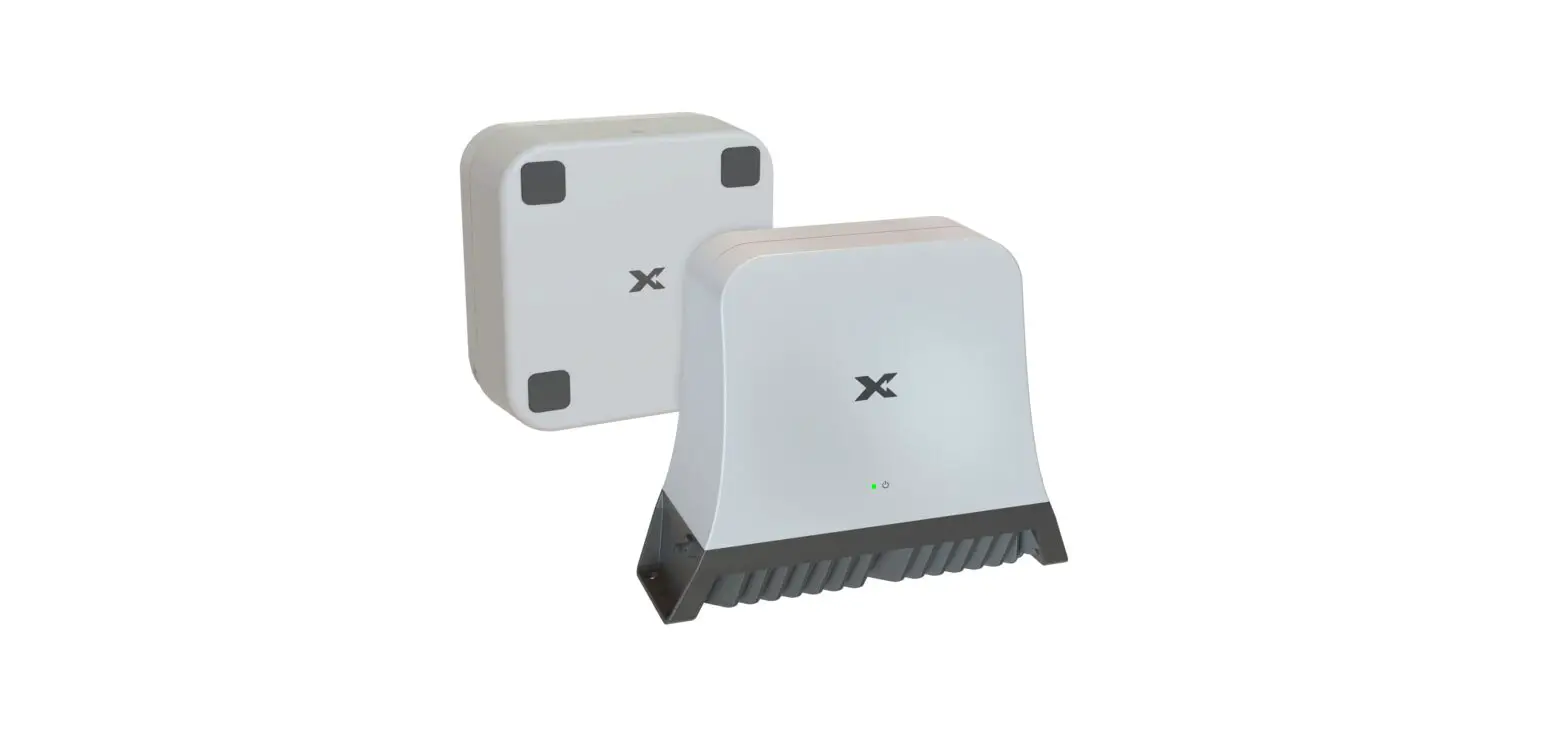
Main Unit
Automobile Auxiliary Power Adapter
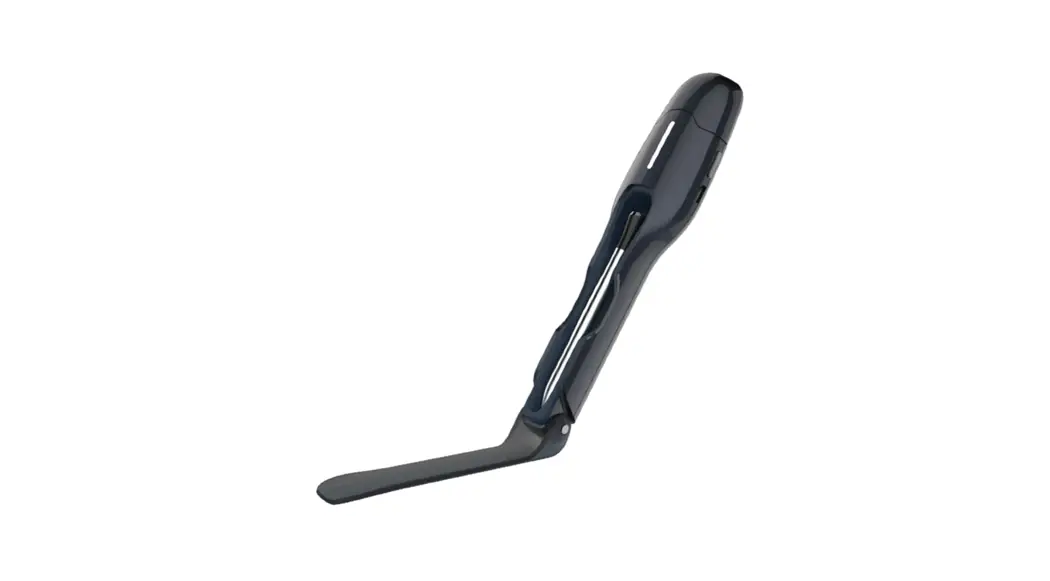
Mobile Donor Antenna*
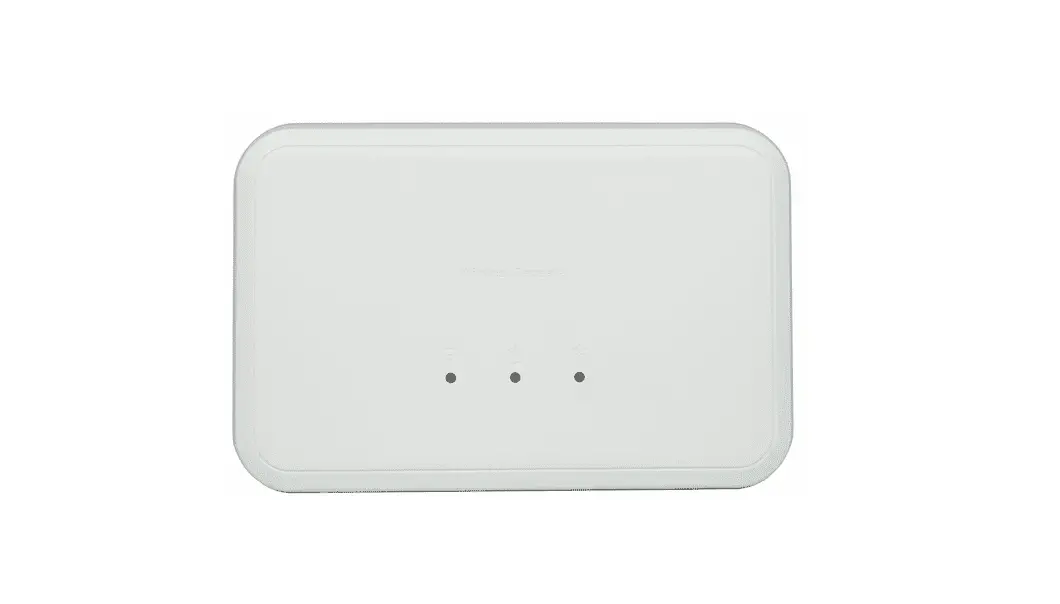
Server Antenna*
Mounting Hardware
Ground Cable
Quick Installation IMPORTANT: Your CEL-FI GO G41 is electronic equipment. The CEL-FI GO G41 must be kept indoors and in a dry, cool, well ventilated area.
1
Install Donor Antenna
Donor Antenna
2
Install the Server Antenna
Server Antenna
Mount your Donor Antenna on the exterior and towards the rear of your automobile or boat, depending on the design and type of vehicle. Make sure you consider the cable connection to the Main Unit with your location choice. Note: For best performance, ensure there is 50 cm of metal around the base of the antenna.
3
Select the Main Unit Location
Main Unit
Donor Port
Install the Server Antenna in the cabin/deck towards the front of the vehicle where coverage is needed. Make sure to mount the Server Antenna horizontally.
Note: The Donor Antenna should be separated/isolated as far away as possible from the Server Antenna, greater separation provides the best performance.
4
Attach Server and Donor Antennas
Server Port
Find a suitable location to securely mount the Main Unit. When installed, the Main Unit should have airflow and be in a position that doesn’t contact other objects. Make sure the location provides enough distance for all the cables to connect. It’s best to ensure all cables reach desired locations BEFORE mounting the device.
5
Install Ground Cable
Drip Loop
Attach the Donor Antenna and Server Antenna to the Main Unit. Note: Adding a drip loop to the Donor Antenna cable is crucial as it prevents water from flowing down the cable and damaging the Main Unit’s electronic equipment.
6
Plug in the Main Unit
Using the provided M3 screw, attach one end of the ground cable to the Main Unit and the other end to the chassis of the automobile or boat.
Using the provided M3 screw, attach one end of the ground cable to the Main Unit and the other end to the chassis of the automobile or boat.
7
Nextivity WAVE Software
Download the WAVE App to monitor and manage the status of your ROAM R41. Scan to Download
Marine Installation
Grounding Cable
ROAM R41
Power Source
Drip Loop
Download the MyWave App to set your ROAM R41 to automatically track the base station to which your phone is connected. Scan to Download
Server Antenna
Model# R41-YB R41-9B
Bands Supported
Link Output Power (dBm)
1/3/5/7/8/26/28L
Downlink Uplink
0 22
1/3/7/8/20
Downlink Uplink
0 22
Power/Status LED Indicator
LED Behavior
No light Solid Orange Slow blinking green Solid Green Solid Red Flash RED 1 time & OFF for 4sec Flash RED 2 times & OFF for 4sec Flash RED 3 times & OFF for 4sec
Flash RED 4 times & OFF for 4sec Flash RED 5 times & OFF for 4sec Flash RED 6 times & OFF for 4sec Flash RED 7 times & OFF for 4sec
Translation/Error State
Device is powered OFF
Device is powered ON
Device is booting up Device is band scanning to acquire network signals Device is operating normally and providing coverage Hardware Error (ES1)Disconnect & Reconnect Device is not receiving signal from the cellular network (ES2) Donor input signal is too strong for the device (ES4) Device’s server antenna is too close to donor antenna (ES7) Device is disabled by the operator (ES9) Device location lock pending (ES10)
Device registration pending (ES11)
Device Self-Test Failed (ES12)
qsg-R41_eng_23-0421
Copyright © 2023 by Nextivity, Inc., U.S. Patents pending. All rights reserved. The Nextivity and CEL-FI logos are registered trademarks of Nextivity, Inc. All other trademarks or registered trademarks listed belong to their respective owners. Designed by Nextivity, Inc. in California.