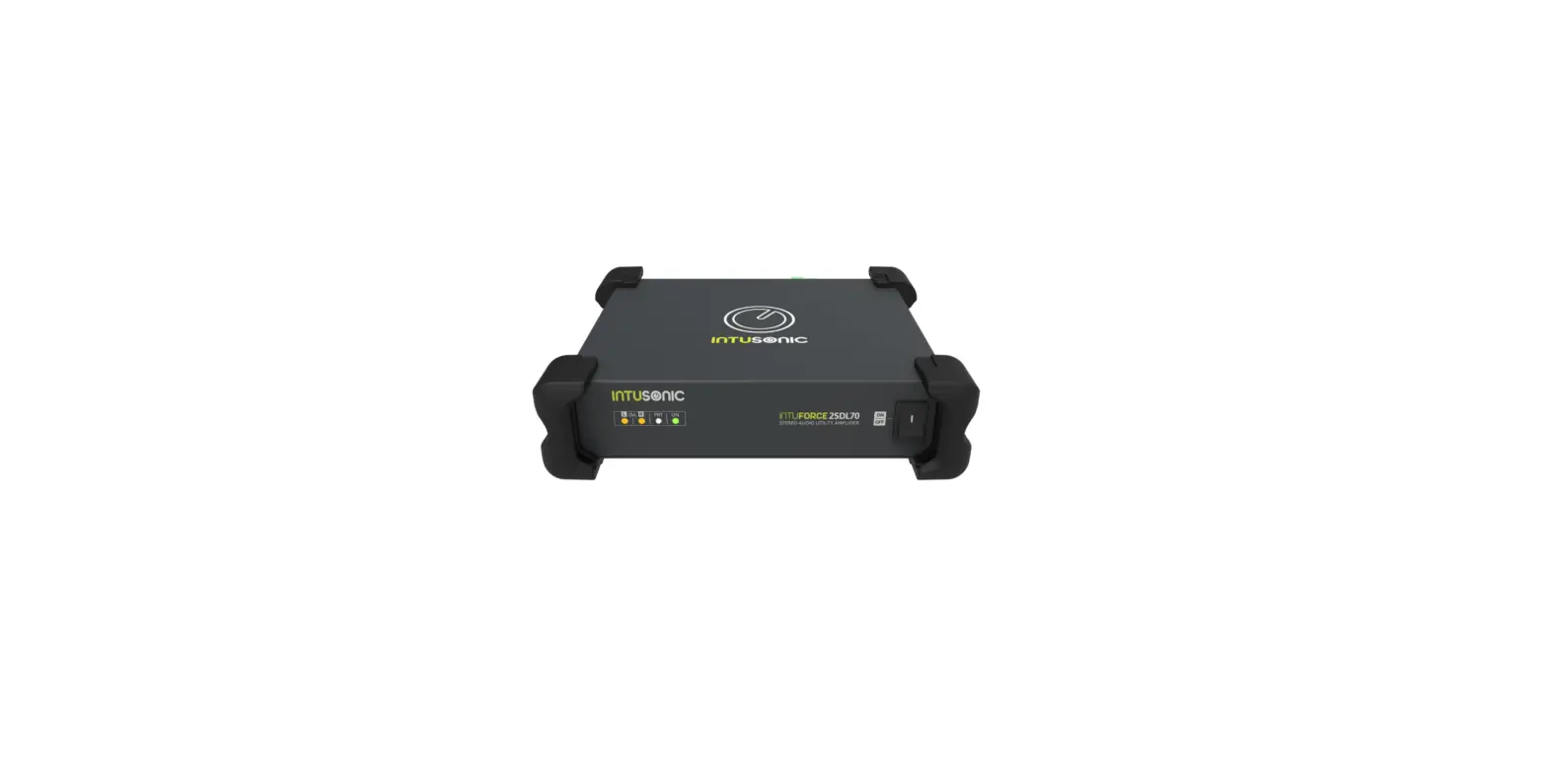
4SDL160 Multichannel System Amplifier
Product Information
The INTUSONIC 4SDL160 is a multichannel system amplifier
designed and distributed by INTUSONIC, a brand of Universal
Technical Industries Co. Ltd. The product is manufactured by Adelto
Industries Limited, located at Unit 4 Britannia Business Park Comet
Way, Southend-on-Sea Essex, SS2 6GE, United Kingdom. For more
information, visit their website at www.adelto.com or contact them at
[email protected].
Product Usage Instructions
Thank you for choosing INTUSONIC for your sound system. To
ensure optimal performance and longevity, please follow these usage
instructions:
Manual Language
This user manual is written in English. For other languages,
please use an auto-translation service of your choice.
Important Safety Instructions
- Read these instructions and all markings on the product. Keep
these instructions. - Heed all warnings and instructions, both in this manual and on
the product. - Clean only with a dry cloth. Unplug the unit or its power
adaptor/charger from AC supply before cleaning. - Do not use this product near water and avoid any exposure to
water. - Before connecting this product to any AC supply, make sure to
check whether the AC mains voltage and frequency match the
indication on the product and its packaging. - Only connect this product or its power adaptor/charger to an AC
supply with sufficient power handling, protective earth connection,
ground-fault (earth-fault) protection, and overload
protection. - Disconnect the product or its power adaptor/charger from the AC
supply during thunderstorms or longer periods of being unused. - Make sure any heat sink or other cooling surface, or any air
convection slot, is exposed sufficiently to free air circulation
and is not blocked. - Do not operate this product in environmental temperatures
exceeding 35 degrees Celsius and/or 85% relative humidity. - Position the product in a safe and stable place for operation,
out of reach of unauthorized persons. - Make sure any cable connections to and from the product are
neither subject to potentially destructive mechanical impact nor
present any risk of stumbling or other accident risk to
people. - Audio equipment may generate sound pressure levels sufficient
to cause permanent hearing damage to persons. Always start up at
low volume settings and avoid prolonged exposure to sound pressure
levels exceeding 90dB. - Do not open this product for service purposes. There are no
user-serviceable parts inside.
Please refer to the user manual for further information and
instructions on using the INTUSONIC 4SDL160 multichannel system
amplifier.
20 | Page
USER MANUAL 4SDL160
USER MANUAL 4SDL160
Page | 1
WWW.INTUSONIC.COM
INTUSONIC is a brand of Universal Technical Industries Co. Ltd.
Concept, Design & Distribution by
Adelto Industries Limited
Unit 4 Britannia Business Park Comet Way, Southend-on-Sea Essex, SS2 6GE, United Kingdom www.adelto.com / [email protected]
INTUFORCE 4SDL160
Multichannel System Amplifier
WWW.INTUSONIC.COM
2 | Page
USER MANUAL 4SDL160
Welcome
Thank you for choosing INTUSONIC for your sound system. To make sure that this product meets your expectations and provides long-term, reliable performance, please read and follow this instruction manual carefully.
Manual language
UK This user manual is written in English. For other languages, please use an auto-translation service of your choice.
FR Ce guide est écrit en anglais. Pour les autres langues, veuillez utiliser un service de traduction automatique de votre choix.
DE Diese Anleitung ist in Englisch verfasst. Für andere Sprachen verwenden Sie bitte einen automatischen Übersetzungsdienst Ihrer Wahl.
ES Este manual está escrito en Inglés. Para otros idiomas, utilice un servicio de traducción automática de su elección.
PT Este manual está escrito em Inglês. Para outros idiomas, use um serviço de tradução automática de sua escolha.
IT Questo manuale è scritto in inglese. Per altre lingue, utilizza un servizio di traduzione automatica a tua scelta.
Important safety instructions
Read these instructions and all markings on the product. Keep these instructions.
Heed all warnings and instructions, both in this manual and on the product.
Clean only with a dry cloth. Unplug the unit or its power adaptor/charger from AC supply before cleaning.
Do not use this product near water and avoid any exposure to water. Before connecting this product to any AC supply (if any), make sure
to check whether the AC mains voltage and frequency match the indication on the product and its packaging. Only connect this product or its power adaptor/charger to an AC supply (if any) with sufficient power handling, protective earth connection, ground-fault (earth-fault) protection and overload protection. Disconnect the product or its power adaptor/charger from the AC supply (if any) during thunderstorms or longer periods of being unused.
WWW.INTUSONIC.COM
USER MANUAL 4SDL160
Page | 19
EC Declaration of Conformity
The manufacturer Adelto Industries, Unit 4 Britannia Business Park, Comet Way,
Southend-on-Sea, Essex, SS2 6GE, United Kingdom Declares at his sole responsibility that the equipment
INTUSONIC 4SDL160 is in conformity with the following directives/standards/regulations:
EMC Directive 2014/30/EU EN55035:2017
LVD Directive 2014/35/EU EN62368-1
ROHS2 Directive 2011/65/EU & 2015/863/EU EN63000:2018
And is marked as follows:
Southend-on-Sea, 19th March 2021
Authorized Signature
WWW.INTUSONIC.COM
18 | Page WWW.INTUSONIC.COM
USER MANUAL 4SDL160
USER MANUAL 4SDL160
Page | 3
Make sure any heat sink or other cooling surface, or any air convection slot, is exposed sufficiently to free air circulation and is not blocked.
Do not operate this product in environmental temperatures exceeding 35 degrees Celsius and/or 85% relative humidity.
Position the product in a safe and stable place for operation, out of reach of unauthorized persons.
Make sure any cable connections to and from the product are neither subject to potentially destructive mechanical impact nor present any risk of stumbling or other accident risk to people.
Audio equipment may generate sound pressure levels sufficient to cause permanent hearing damage to persons. Always start up at low volume settings and avoid prolonged exposure to sound pressure levels exceeding 90dB.
Do not open this product for service purposes. There are no userserviceable parts inside.
Warranty will be void in any case of unauthorized service by the user or other not authorized persons.
Take any precaution required by local law, applicable regulations or good business practice to avoid injury of people or material damage by use of this product.
Symbols used in this manual
DANGER! Safety hazard. Risk of injury or death.
ATTENTION! Read manual before installation and operation.
WARNING! Hazardous voltage. Risk of severe or fatal electric shock.
WARNING! Fire hazard.
Health Advice
This unit may produce and absorb electromagnetic radiation. The strength of radiation and the sensitivity for disturbing interference matches the CE and FCC requirements. A corresponding sign is printed on the backside of the unit. Any change or modification may affect the behavior of the unit concerning electromagnetic radiation, with the CE and FCC requirements eventually not to be met any more. The manufacturer takes no responsibility in this case.
WWW.INTUSONIC.COM
4 | Page
USER MANUAL 4SDL160
Functional Advice (only for powered products)
This unit is immune to the presence of electromagnetic disturbances both conducted and radiated – up to a certain level. Under peak conditions, the unit is classified to show a “class C” performance criteria and may encounter temporary degradation or loss of function which may need manual help to recover. In such case, switch the unit off and back on to recover .
Environmental Advice
This unit is built to conform to the ROHS-2 standard according to directive 2011/65/EU and the WEEE directive 2012/19/EU of the European Parliament and of the Council of the European Union. Under these regulations, the product shall not be discarded into regular garbage at the end of its life, but shall be returned to authorized recycling stations.
Battery Advice (only for battery-powered products)
Some products may contain a battery. Refer to the further chapters of this manual to determine whether this product contains a battery, and whether this is removable and/or rechargeable.
Where applicable, adhere to the relative regulations in aviation transport.
If the battery is rechargeable, the battery might not be fully charged or partly discharged at the time of purchase. Recharge before use. Only use recommended or included chargers with appropriate voltage/current rating.
WARNING! Fire hazard. Batteries might heat up during charging. Only charge in a place with sufficient air convection.
Wireless Advice
Some products may contain a wireless transmitter, receiver or transceiver. Refer to the further chapters of this manual to determine whether this product contains a wireless function, and in which frequency this operates.
Make sure the frequency of operation does not require a specific license in the territory you operate the product in. If it does, obtain such license prior to any operation.
Certain wireless technologies are designed for short distance operation. The actual distance will depend on how jammed the
WWW.INTUSONIC.COM
USER MANUAL 4SDL160
Page | 17 WWW.INTUSONIC.COM
16 | Page
USER MANUAL 4SDL160
Technical Data
Rated Power @ 4/8 /p CH Rated Power @ /8 BDG C-D Frequency response S/N ratio (8, full power) Residual Noise (full power) Crosstalk Damping THD&N (rated power) AC IN Dimensions WxDxH Weight
……………………………….4x150W/80W ………………………………………..280W ……………………..20H-20kHz (+-0.5dB) ……………………………………..> 88dB ……………………………………< -70dBu ………………………………………> 63dB ………………………………………<0.12% ……….115/230V~, 50/60Hz, max 350W ……………………….482.6x245x88 mm ………………………………………4.6 kg
Warranty
This product is guaranteed to be free of defects in material and workmanship at the time of purchase. Send-in warranty repair is granted for a period determined by
A period of at least 6 months (from the date of purchase), or the minimum period required by law in the territory of sale, whichever is longer.
A period of no longer (from the date of purchase) than the specified average lifetime of a component by the component’s manufacturer.
USER MANUAL 4SDL160
Page | 5
frequency band is at the location of use. In adverse cases, operational distances might be as low as 5m. In normal circumstances, 10m can be assumed. Test the operational distance prior to relying on the wireless functionality in a specific application.
Unpacking
Please check that the box contains the following items: 1 pc. main unit 1 pc. AC cord set 1 pc. instruction manual
If any part is missing, please contact your dealer immediately for replacem ent.
WARNING! After unpacking, and before plugging the AC cord in the wall outlet, check whether the AC mains voltage and frequency is the same as this product is specified for (see rear panel of product). Whenever the specified voltage or your AC plug should not match the local conditions, do NOT plug the AC cord into the wall outlet and contact your dealer immediately.
AC Mains Voltage Setting
If the AC mains voltage of your power outlet and the setting of the AC supply voltage on your unit do not match, contact your dealer, contractor or a qualified service workshop to change the setting of the AC voltage selector. The AC voltage selector switch is located on the rear panel of the unit, close to the AC inlet.
WWW.INTUSONIC.COM
WWW.INTUSONIC.COM
6 | Page
USER MANUAL 4SDL160
For a qualified technician to change the AC voltage setting, the AC cord shall be detached, the security cover (C) shall be flipped up, and the Voltage selector switch (S) shall be set to the new position. Afterwards, the security cover (C) shall be set back into a protective position to avoid tampering with the switch.
Rack/Cabinet Mounting
This product comes pre-assembled with 19” rack ears and handles. Depending on the location of installation and use, it might be commendable to remove either only the handles, or both the rack ears and handles. To do so, remove the screws at the side panel of the units as shown: To remove the handle (H), remove the single center screw out of the group of 3 screws at the front side of the metal cabinet. Pull the handles out to the front. To also remove the rack ears (E), remove the remaining two screws and then remove the rack ear.
USER MANUAL 4SDL160
Block diagram
Page | 15
About this product
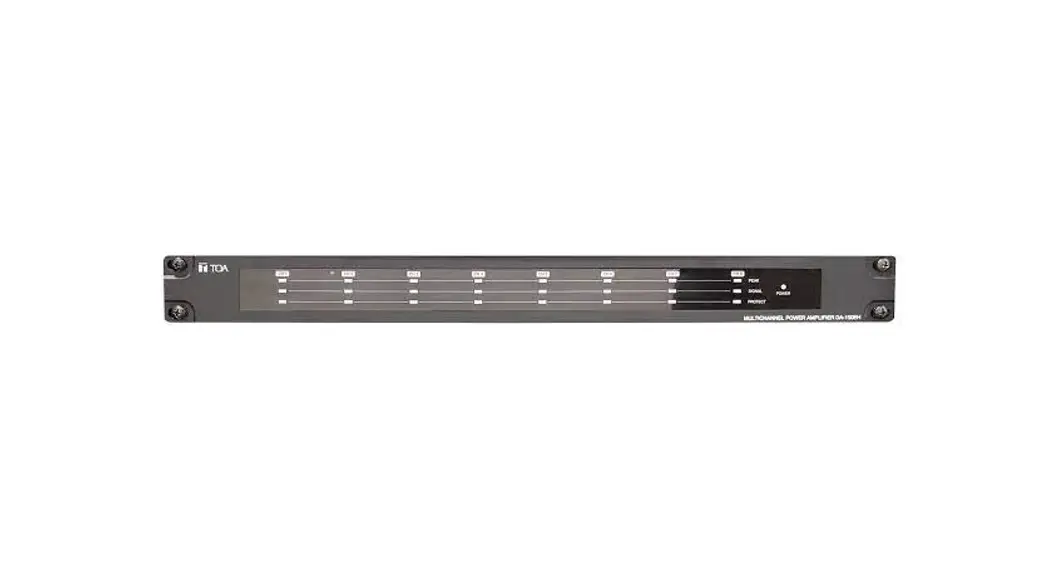
The 4SDL160 is a versatile low-impedance multichannel audio amplifier for installation purposes. It sports most of its controls on the rear panel to avoid any unnecessary user interaction. Input forwarding allows any channel configuration in a very simple manner, and the filter and level setting options per channel allow this unit to be configured for any size and complexity of sound systems. Silent, fan-less convection cooling enables low noise emissions and excellent reliability.
WWW.INTUSONIC.COM
WWW.INTUSONIC.COM
14 | Page
USER MANUAL 4SDL160
Speaker Cabling
Aside of proper signal cabling for the input signals, the choice of suitable speaker cables is often a neglected but at the same time essential point of amplifier installation. Speaker cables, specifically long ones, can significantly contribute to the load impedance of the amplifier, thus reducing the power output and turning some of the output power into heat instead of delivering it to the speakers. The most important aspect is to keep cables as short as possible and to choose a sufficient copper cross-section, with maximum length values as per below.
Cross-Section AWG per m 2 load 4 load 6 load 8 load
0.75mm2 18 0.0224 4.00m 8.00m 15.00m 22.50m
1.50mm2 15 0.0112 8.00m 16.00m 30.00m 45.00m
2.50mm2 13 0.00672 12.00m 24.00m 45.00m 60.00m
4.00mm2 11 0.00472 16.00m 32.00m 60.00m 90.00m
Note: 2 loads are only listed for reference but not applicable to this product .
USER MANUAL 4SDL160
Controls and Connections
Page | 7
WWW.INTUSONIC.COM
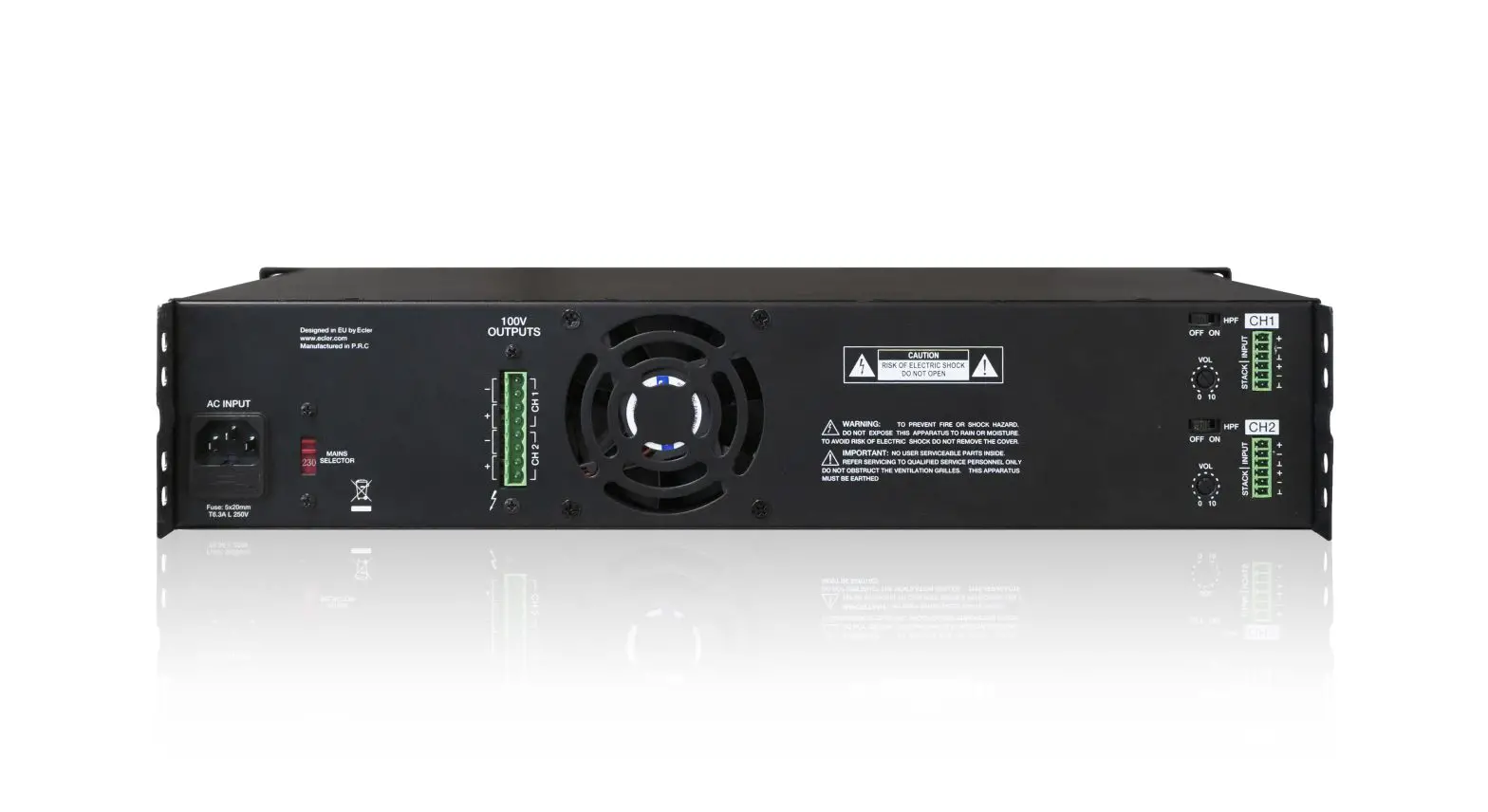
AC inlet and fuse holder. Use the supplied AC cord to connect the unit to AC mains. Make sure voltage and frequency stated and set on the unit comply with your local AC supply. The fuse can be accessed by the small drawer at the AC inlet. To change the fuse, unplug the AC cord first, pull out the fuse drawer and replace the fuse ONLY with a fuse of SAME voltage and rating. If the fuse blows again after replacement, hand over the unit to qualified service personnel.
WWW.INTUSONIC.COM
8 | Page
USER MANUAL 4SDL160
Mains Voltage Selector Switch. Refer to the chapter “AC mains voltage setting”. Inputs A/B/C/D. These are balanced XLR connectors which accept line level input signals. Each input signal is forwarded to the Link Outputs (4). Link Output A/B/C/D. These are balanced 6.35mm TRS connectors carrying the same signals as fed into the input (3). Use these to forward the same signal to another amplifier. Input Signal Routing Switches. These three switches allow to forward a signal received into a certain input (3 – A/B/C/D) to another input, allowing to fed all channel separately (4x), or in a 2×2 or a 1×4 configuration. Specifically: The A>B switch forwards the signal received into input (3-A) to (3B). Once pressed, no signal cable shall be inserted into (3-B), and the (3-A) signal will automatically be present at (3-B). The B>C switch forwards the signal received into input (3-B) to (3C). Once pressed, no signal cable shall be inserted into (3-C), and the (3-B) signal will automatically be present at (3-C). If the A>B switch is pressed at the same time, this means the signal received into input (3-A) will be forwarded automatically to (3-B) and (3-C), and no signal cables shall be inserted into both (3-B) and (3-C). The A>D switch forwards the signal received into input (3-A) to (3D). Once pressed, no signal cable shall be inserted into (3-D), and the (3-A) signal will automatically be present at (3-D). If the A>B and the B>C switches are pressed at the same time, it means that the (3A) signal is forwarded to (3-B), (3-C) and (3-D), and that no signal cables shall be inserted into (3-B), (3-C) and (3-D); in this case, all 4 amplifier channels will run only from the (3-A) input but cvan be individually controlled. Front volume control switch. This switch allows to disengage the front volume controls (17) individually per input channel, in case that users are not supposed to make any volume changes. Note: Depending on the setting of the MODE SELECTOR switch (9), certain front volume controls may be disengaged by default due to the respective input not being used in the chosen configuration. 100Hz HPF Filter Switch. Pressing this switch will engage an 18dB/Oct. HPF at 100Hz in the respective channel. This is recommendable when the respective amplifier channel feeds a smaller speaker which is incapable of reproducing very low frequencies. Engaging this switch will protect the speaker from harmful low-frequency input energy. Note: The HPF function is not available when the setting of the MODE SELECTOR switch (9) is set to 2.1 Mode.
WWW.INTUSONIC.COM
USER MANUAL 4SDL160
Signal Cabling
Page | 13
This product may use all or a selection of the below connector types, for which the pin assignment must comply with the following specification. Always make sure to use good connectors and cables to ensure proper operation. Balanced connections are to be preferred over unbalanced connections where applicable and feasible. Avoid unbalanced connections exceeding 2m of cable length.
WWW.INTUSONIC.COM
12 | Page
USER MANUAL 4SDL160
that this front-panel volume control might be disengaged via the reaside switches (6). Likewise, a volume control may be disengaged by the choice of a certain mode via the MODE SELECTOR switch (9). Signal LED. This LED indicates that a signal is present at the channel’s input. The threshold for this indicator is at -30dBu. Clip LED. This LED indicates that the signal exceeds the amplifiers capability of low-distortion reproduction. Reduce the level of the respective channel by means of the front-panel level controls (17), the rear-panel maximum level controls (8), or both. Protect LED. This indicator signals the amplifier’s protection circuitry being tripped. This might be caused by over-temperature, overcurrent, DC voltage or a short circuit at the output and may be accompanied with a temporary shutdown of the amplifier until safe operating conditions are restored. If this indicator does not turn off, the unit may need servicing. Note that channels A/B and C/D share a common protection indicator LED each. Bridge LED (only channels C/D). This indicator signals that the BRIDGE switch (13) was engaged and that outputs (14-3) and (14-4) run in bridge mode. Power switch. Switches the unit on and off. Make sure to switch the unit off when not in use. The ON position is indicated by a backlight.
WWW.INTUSONIC.COM
USER MANUAL 4SDL160
Page | 9
Maximum Volume Control. To limit the maximum channel volume independently from the front volume controls (17), set this control to the desired maximum value. Adjustments shall be made with a small screw driver. Note that the total angle is 300 degrees; do not apply excessive force with the screw driver. Note: When the front panel volume controls (17) are disengaged via the switches (6), this control sets the actual channel volume. Mode Selector Switch. This switch sets the overall signal routing of the power amplifier part to the preamplifier part inside the unit. The following selections are available:
4-Channel: Input (3-A) will be routed to amplifier output (14-1) Input (3-B) will be routed to amplifier output (14-2) Input (3-C) will be routed to amplifier output (14-3) Input (3-D) will be routed to amplifier output (14-4) 2-Zone (Dual Stereo) Input (3-A) will be routed to amplifier output (14-1) & (14-4) Input (3-B) will be routed to amplifier output (14-2) & (14-3) Input (3-C) remains unused Input (3-D) remains unused 1-Zone (4 Channel parallel) Input (3-A) will be routed to amplifier output (14-1 & -2 & -3 & -4) Input (3-B) remains unused Input (3-C) remains unused Input (3-D) remains unused 2.1 (Stereo & Subwoofer) Input (3-A) is routed to amplifier output (14-1), with HPF applied (12) Input (3-B) is routed to amplifier output (14-2), with HPF applied (12) Input (3-A) and (3-B) are mono summed and routed to both outputs (14-3) and 14-4) with LPF applied (12) and possible bridge option (13, 15) Input (3-C) remains unused Input (3-D) remains unused
Note 1: There is a certain overlap in functionality between the MODE SELECTOR switch and the input signal routing switches (5). Apart from the 2.1 Mode, the 2-Zone and 1-Zone modes can also be achieved by keeping the MODE SELECTOR in 4-Channel mode and making the respective settings with the Input Signal Routing switches (5). The difference however is that when using the 4-Channel mode and the Input signal routing switches, all 4 channels will allow individual settings of the channel volumes (8) and the HPF filters (7),
WWW.INTUSONIC.COM
10 | Page
USER MANUAL 4SDL160
while the use of the 2-Zone or 1-Zone modes via the MODE SELECTOR switch will apply the volume and HPF settings of the remaining active inputs to all assigned outputs. Note 2: In 2.1 mode the channel volumes (8) and the HPF filters (7) are disabled. Maximum volume control is only performed through the controls (10) and (11). Note 3: Change the mode only when the amplifier is switched off, and turn all volumes down. A mode change requires care to match the connected speaker system and application case. Stereo Satellite Speaker Maximum Volume Control (only in 2.1 Mode). When the 2.1 mode is selected via the MODE SELECTOR switch (9), this control sets the volume of the mid/high satellite speakers connected to outputs (14-1 and (14-2). Subwoofer Maximum Volume Control (only in 2.1 Mode). When the 2.1 mode is selected via the MODE SELECTOR switch (9), this control sets the volume of the subwoofers connected to outputs (14-1 and (14-2) or a single subwoofer connected to output (15) if BRIDGE mode is selected via the bridge switch (13). Active Crossover Frequency Selector Switches (only in 2.1 Mode). These switches set the crossover frequency between the stereo satellite speakers and the subwoofer in 2.1 mode. Four frequencies are available: 120Hz, 150Hz, 180Hz and 210Hz. Select the appropriate frequency according to the connected speaker system. Note: For best results, it is mandatory that all 3 switches are set to the same crossover frequency. Bridge switch. Pressing this switch will bridge outputs (14-3) and (14-4), with Input (3-C) feeding the bridges amplifier. Once this switch is pressed, do ONLY use the dedicated BRIDGE Output (15) and do NOT connect any speakers to the outputs (14-3) and (14-4). Incorrect use of the BRIDGE switch may result in damage to the speaker or the amplifier. Note: Change between bridged and single ended operation only when the amplifier is switched off, and turn all volumes down. Make sure connections are made as required and that the bridge output is loaded with a minimum of 8 Ohms. Speaker Output. These are 5mm terminal strips. Connect your speakers here. Note that the minimum load impedance is 4 Ohms for every output. Make sure no connections are made to the outputs (143) and (14-4) if the BRIDGE mode is activated via the bridge switch (13). The speaker load in BRIDGE mode shall exclusively be connected to the bridge output (15).
WWW.INTUSONIC.COM
USER MANUAL 4SDL160
Page | 11
Bridge Output. This is a 5mm terminal strip. Connect your speaker here if the BRIDGE mode is activated via the bridge switch (13). Note that the minimum load impedance is 8 Ohms. Make sure no connection is made to this output in case the unit is not in bridge m ode. Heatsink. For silent and maintenance-free operation, this amplifier is convection cooled. This requires the heatsink to have access to vertical airflow. Do not block the heatsink by mounting into narrow compartments or by locating other items at all sides of the amplifier. Note that the heatsink can reach touch temperatures of up to 60 degrees C. Do not locate flammable materials close to the heatsink
Front Panel Channel Volume Control. Set your desired output volume here for each of the 4 channels. Note that the maximum volume is set by the rear-panel maximum volume controls (8) and
WWW.INTUSONIC.COM
 INTUSONIC – commercial audio systems – the smart choice
 INTUSONIC – commercial audio systems – the smart choice