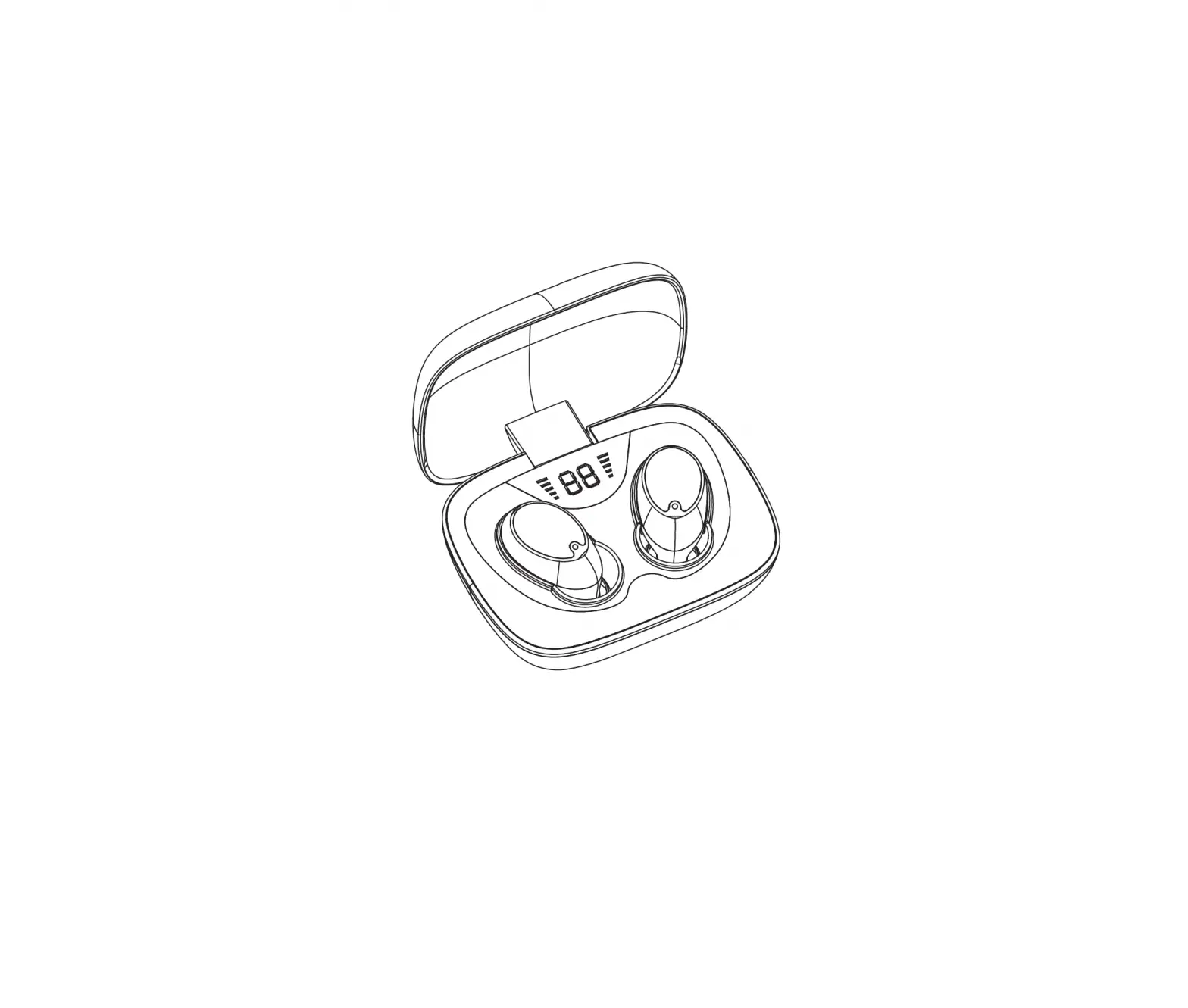
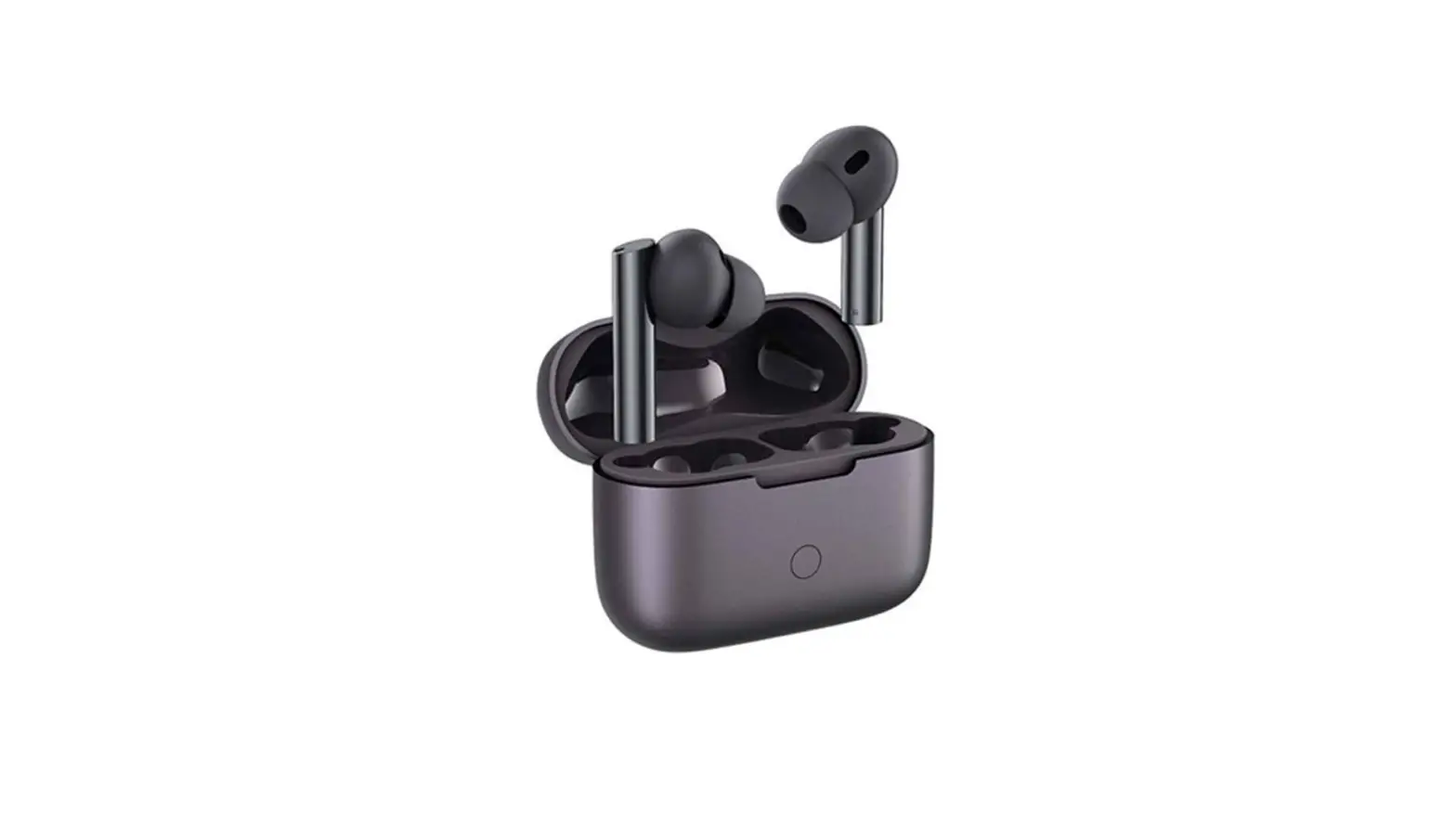
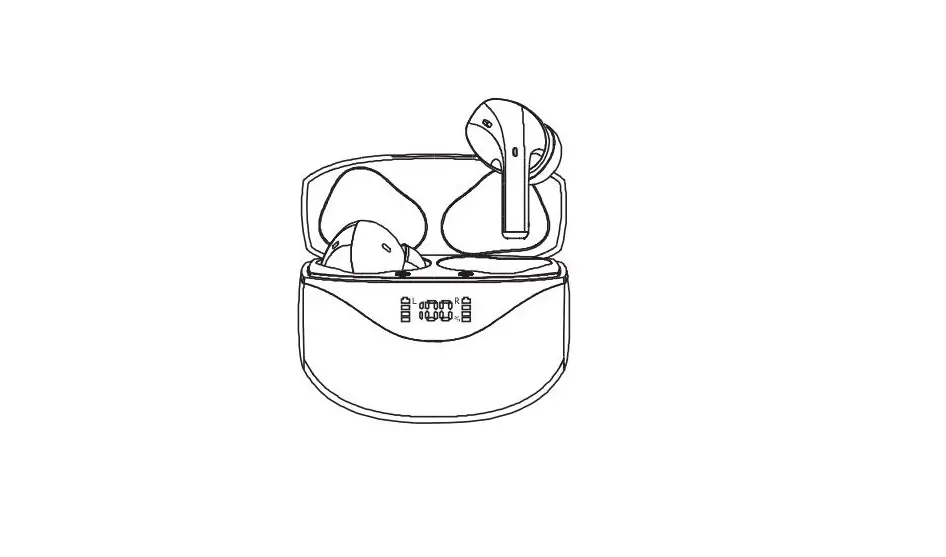
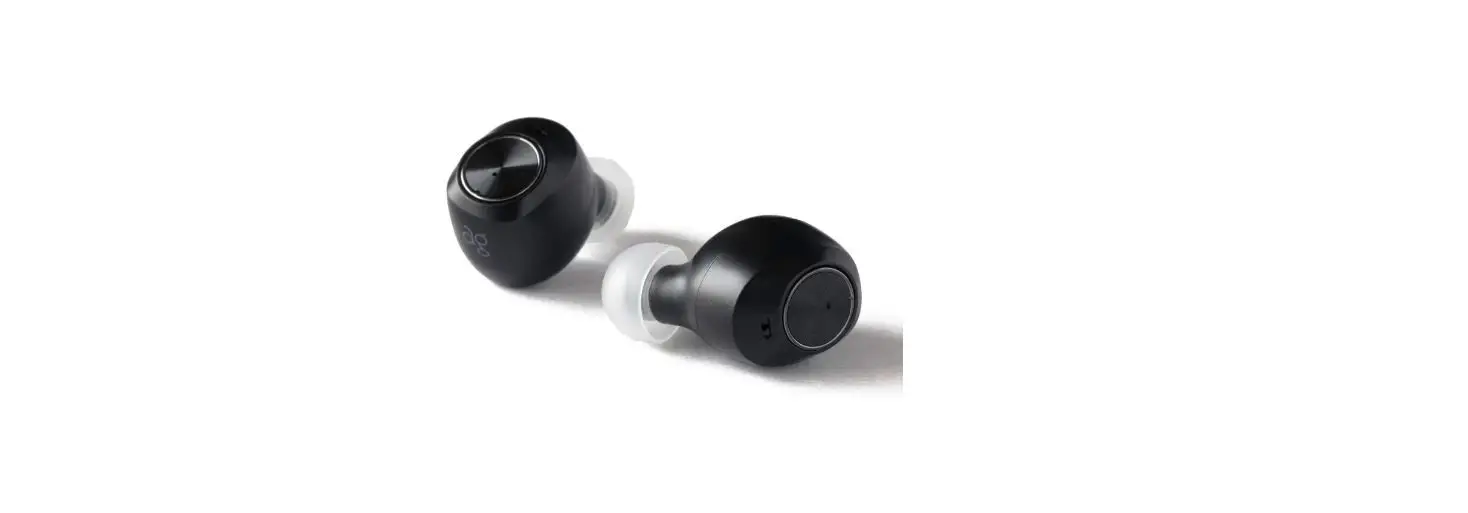
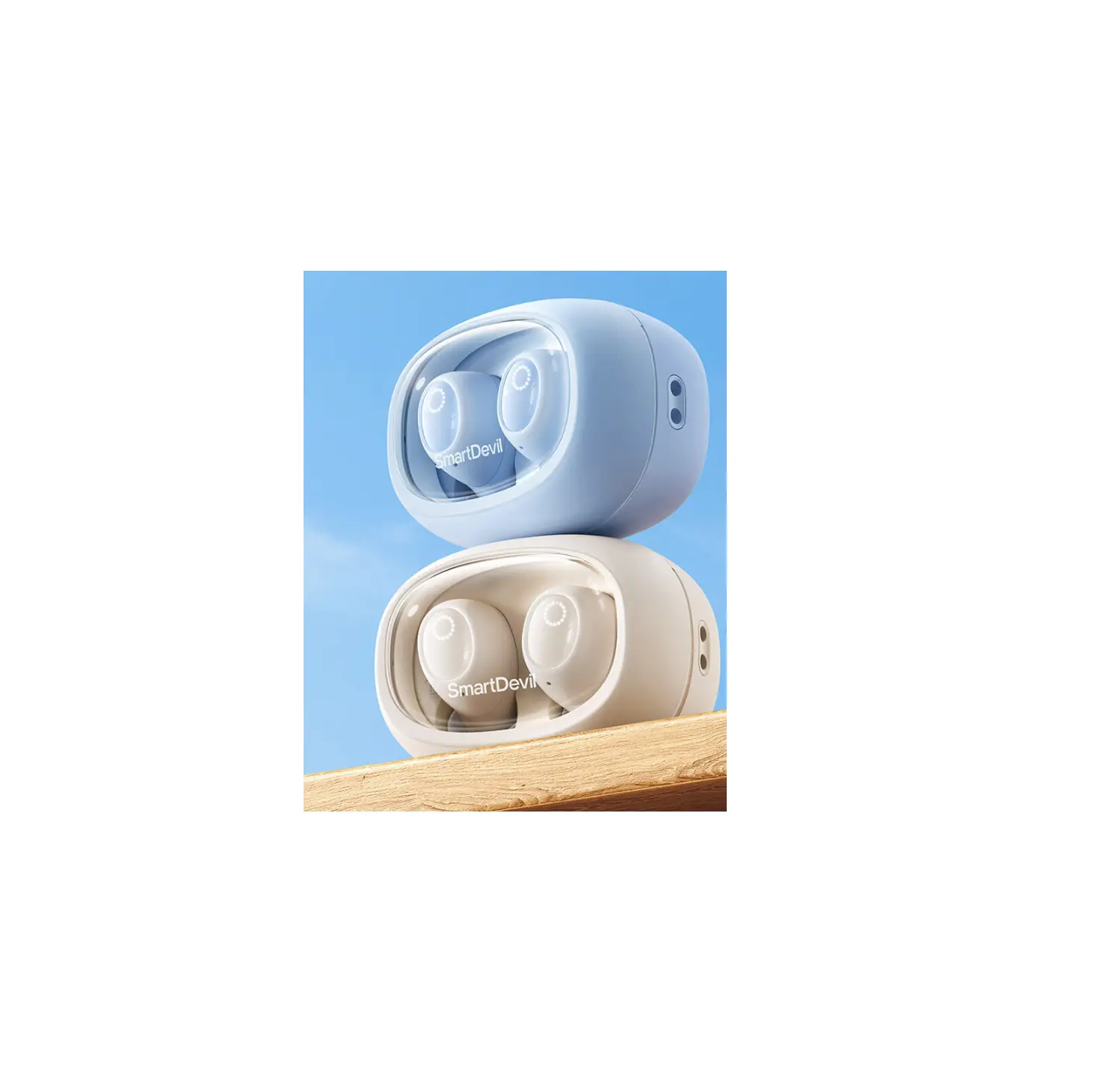
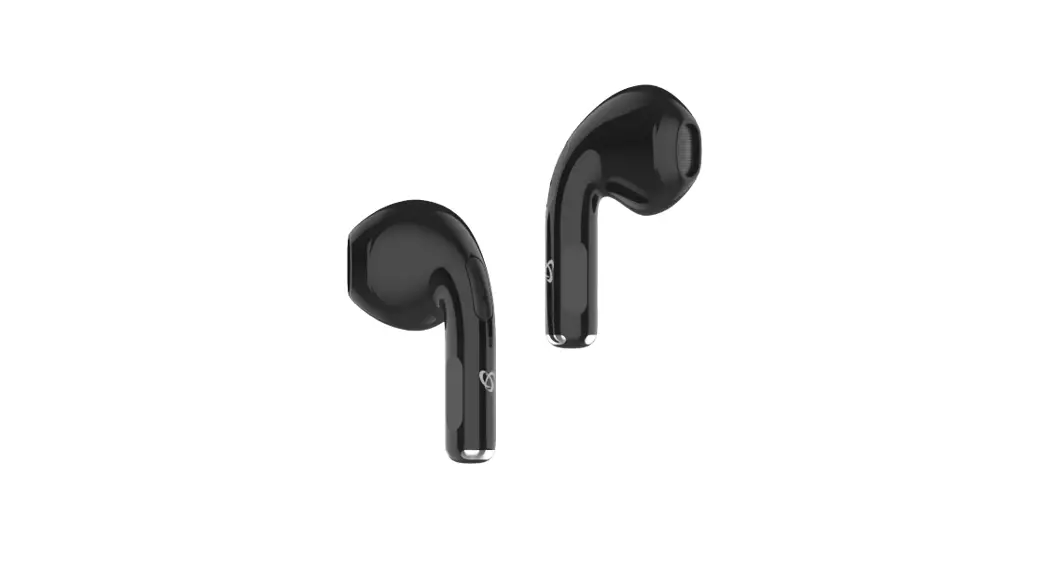
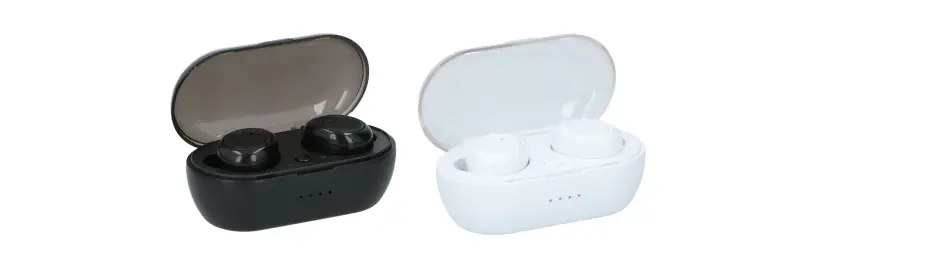
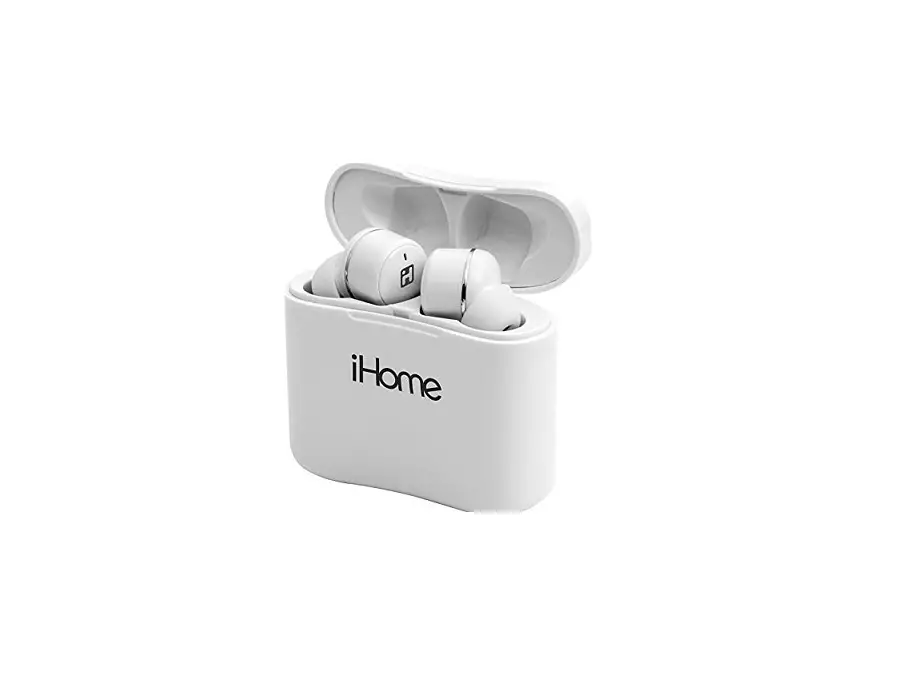
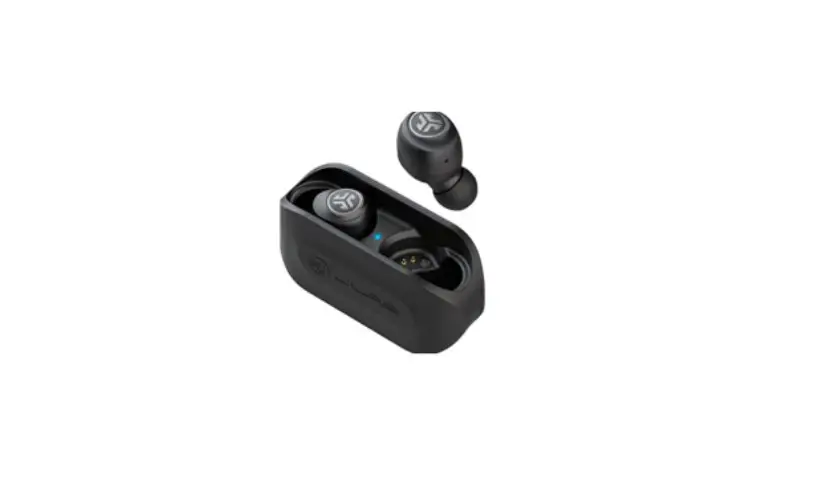
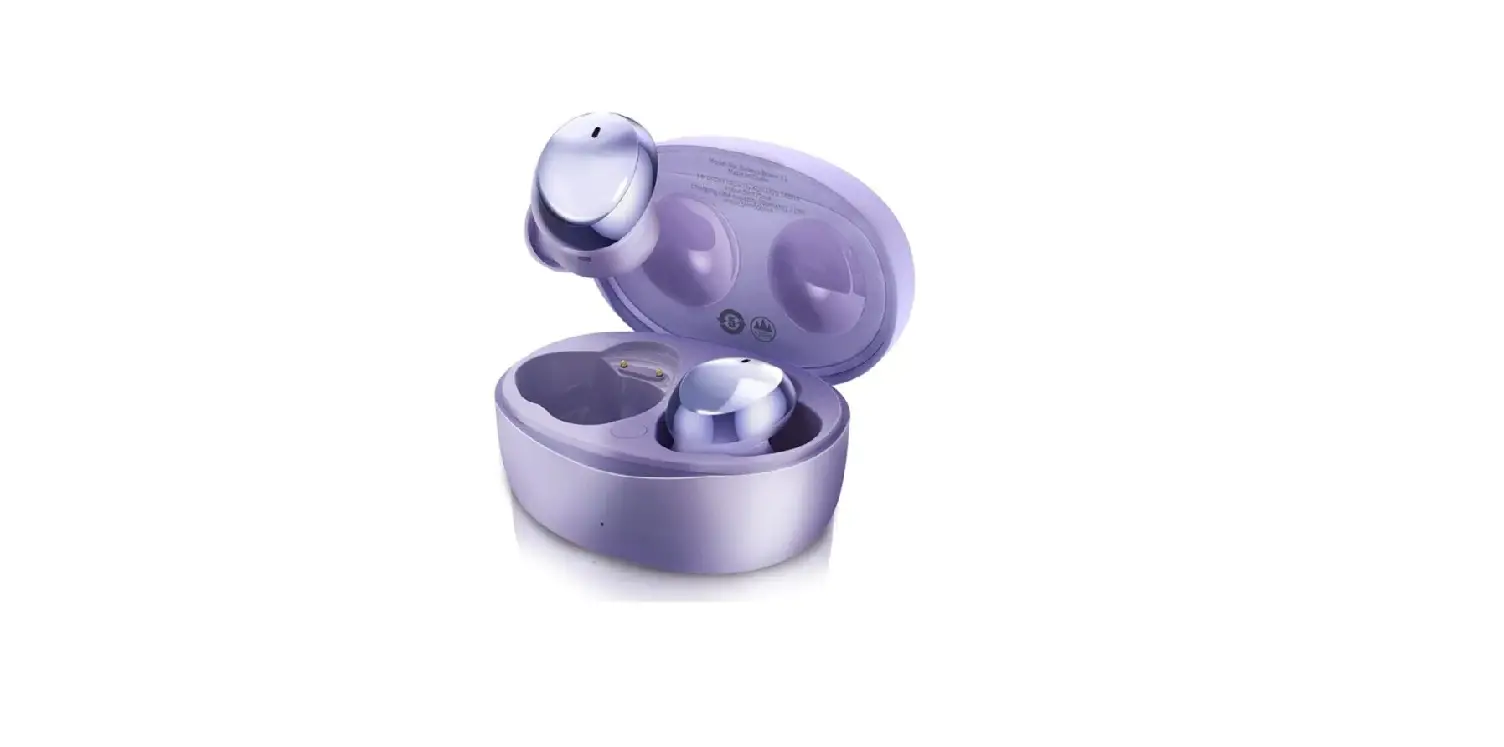
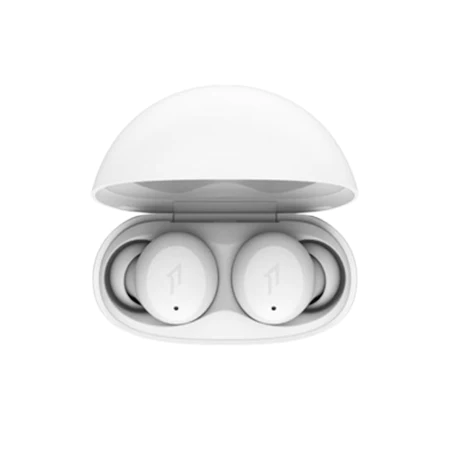
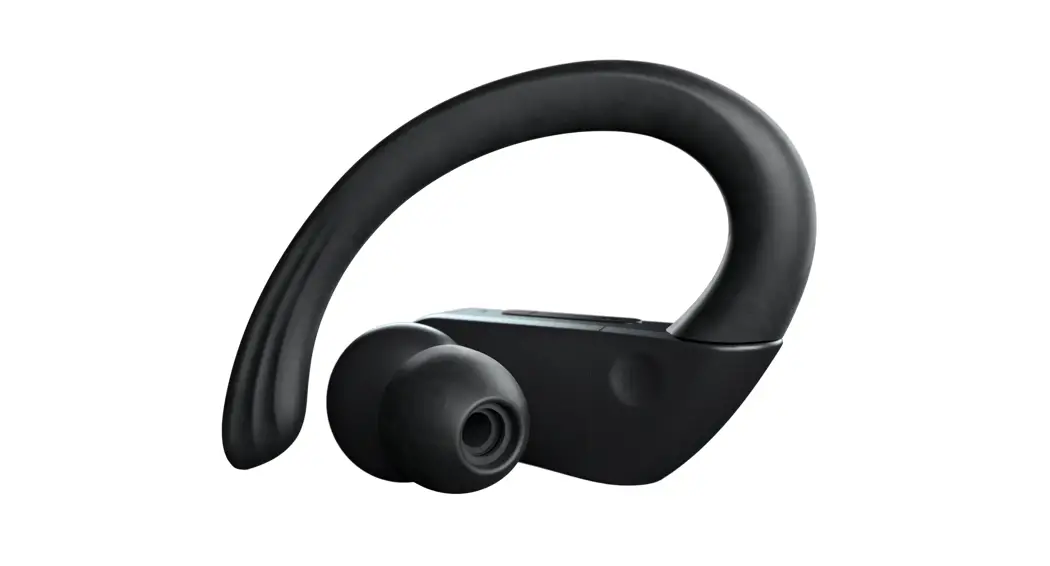
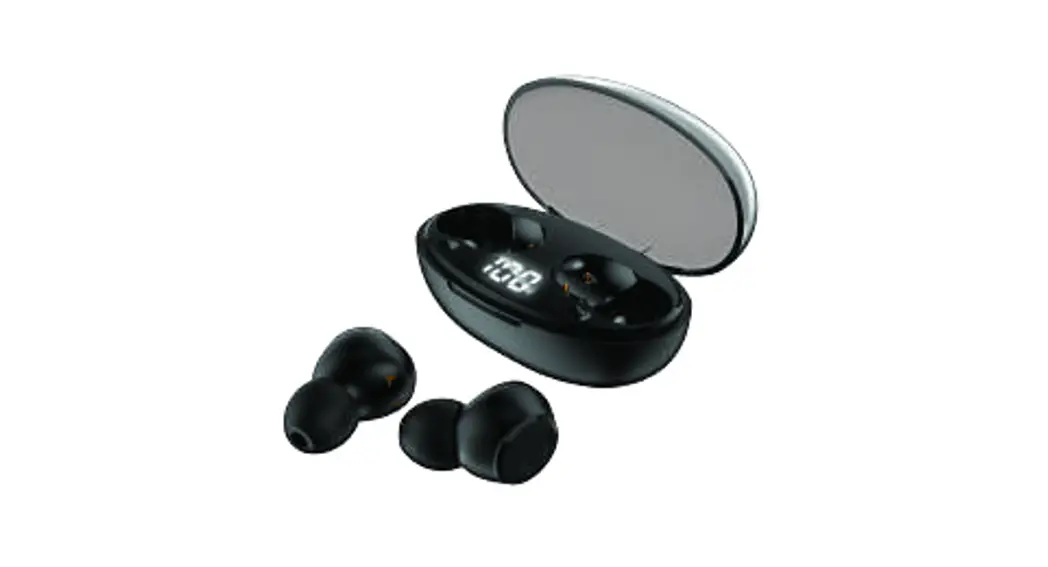
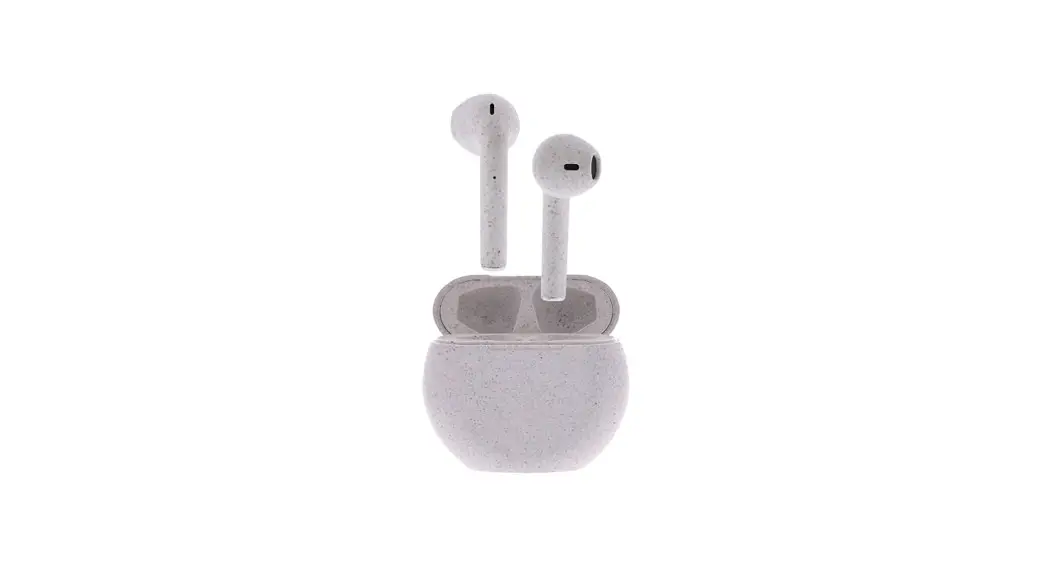
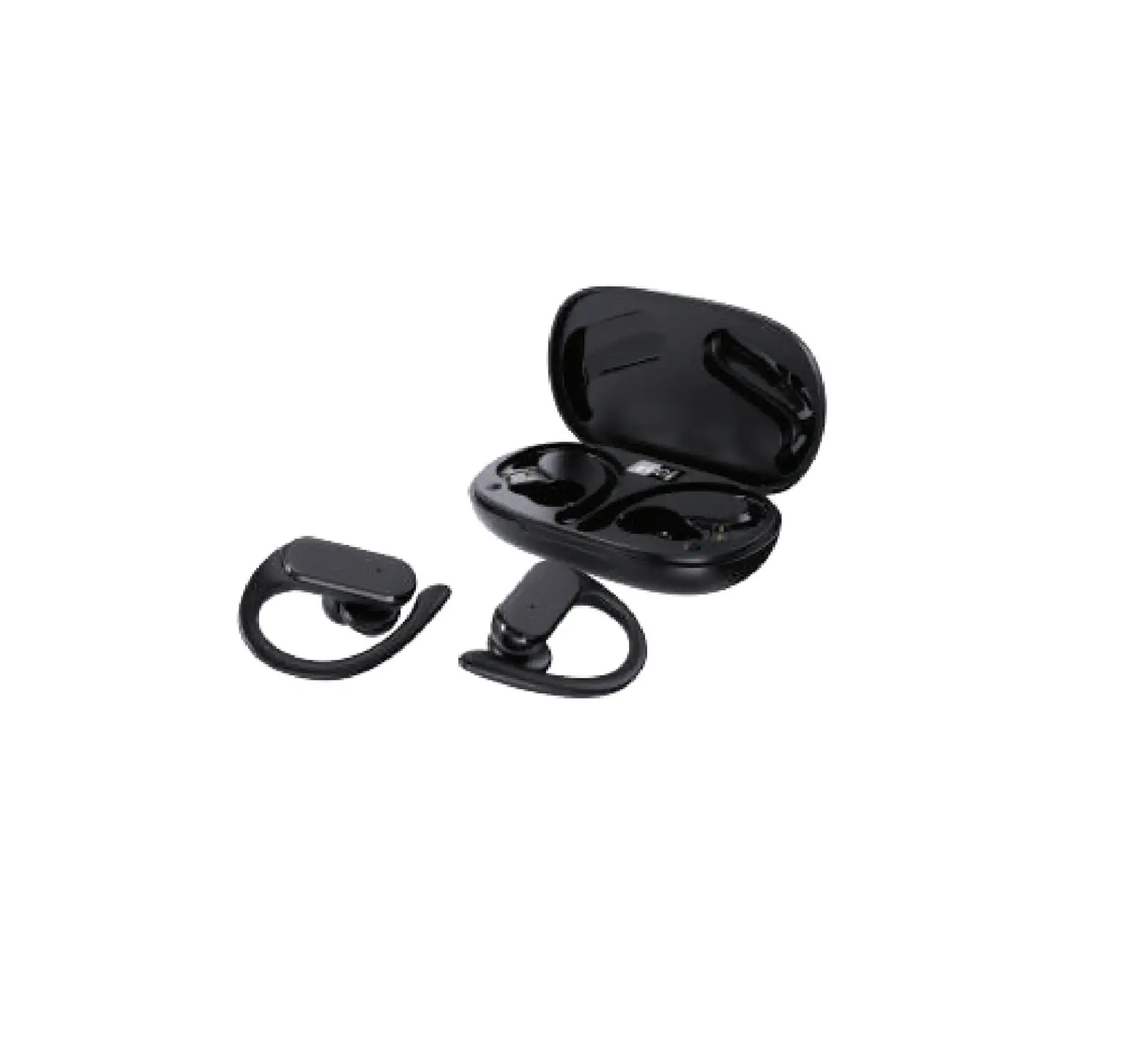
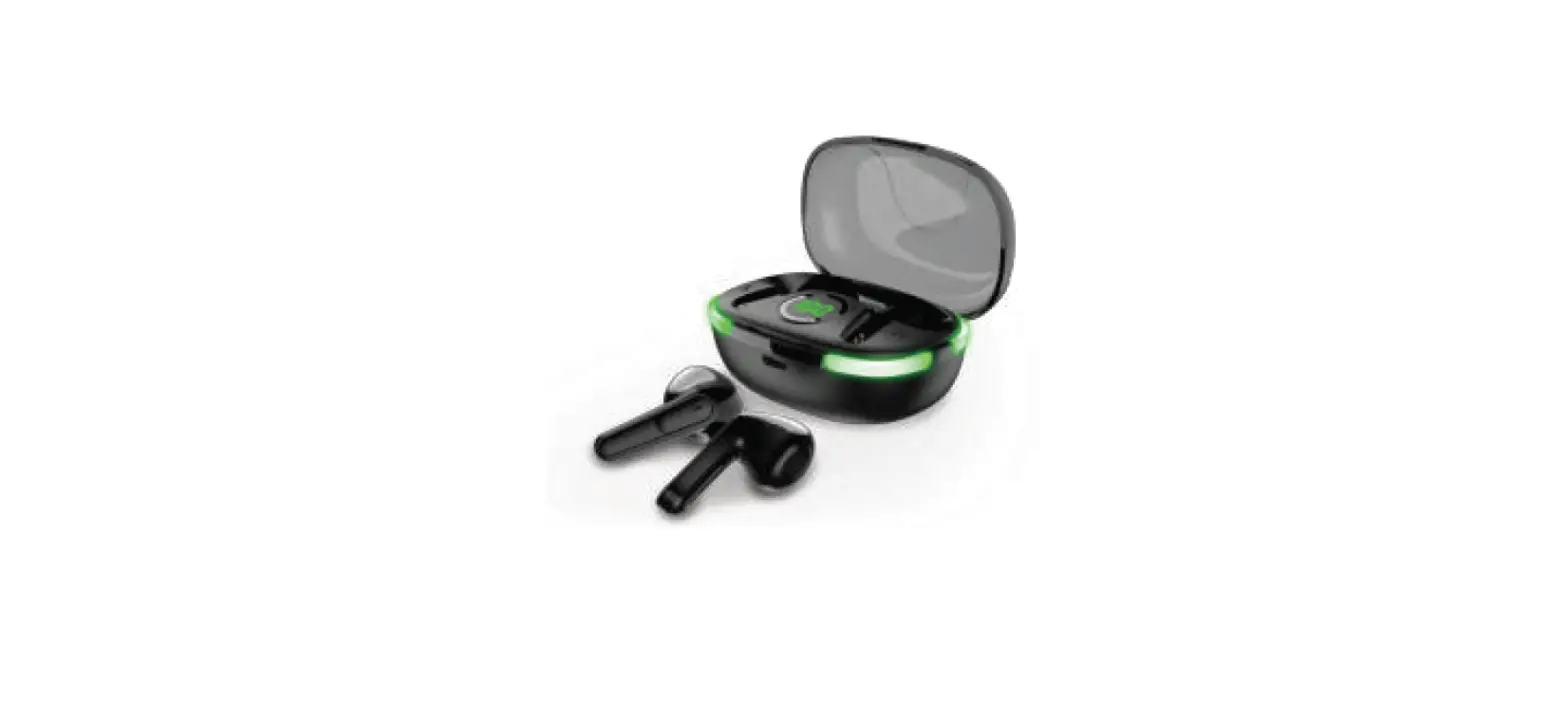
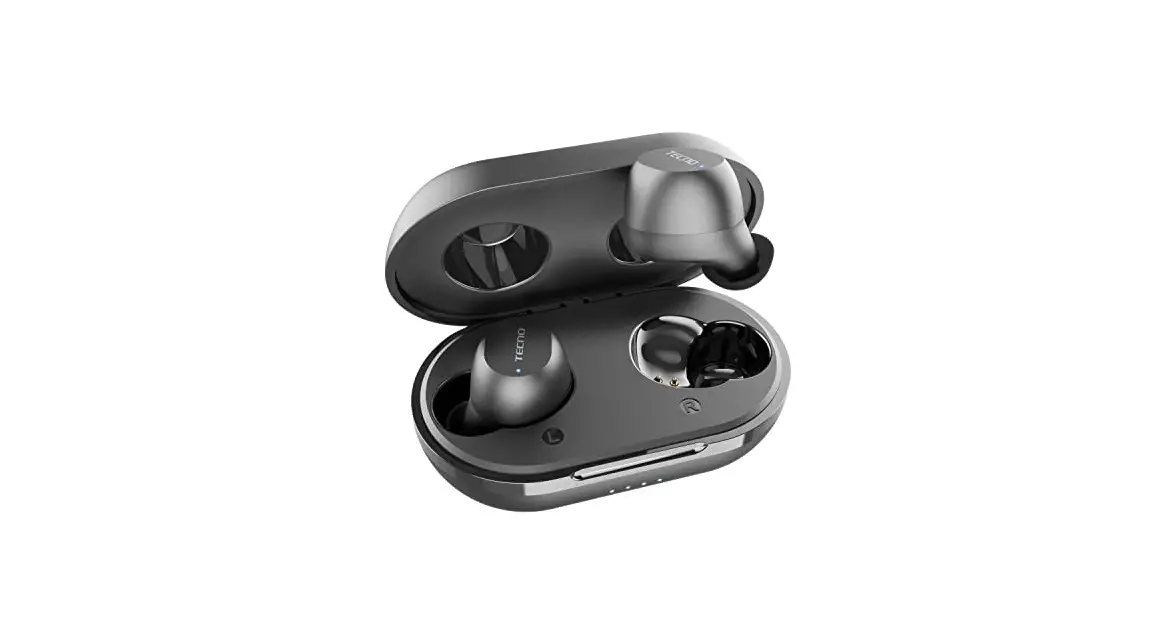
ES28 Bluetooth Earbuds
ES28 Bluetooth Earbuds
Thank you for choosing ES28 Bluetooth Earbuds. This product is
designed to provide you with high-quality sound and a comfortable
listening experience. Please read this instruction manual carefully
before using in order to have correct operation and best
performance of this product.
Key Definitions
| Touch Position | Single Touch | Double Touch | Touch Three Times | Press 2s | Press 4s |
|---|---|---|---|---|---|
| L | Play/Pause/Answer Calls/Hang Up Calls | Previous Track | Activate Voice Assistance | Reject Calls | Power Off |
| R | Play/Pause/Answer Calls/Hang Up Calls | Next Track | Activate Voice Assistance | Reject Calls | Power Off |
Operation Guide
Bluetooth Connection
- Dual-ear mode: Open the charging bin, take out the
L/R(left/right) headset from the charging bin and automatically
start up, and enter TWS headset pairing mode. After the left and
right ears are paired successfully, the white light of L headset
blinks and the light of R headset turns off. At this time, the user
can use the smart device to turn on Bluetooth and search for ES28
to connect, and the headset will prompt Connected. - Single-ear mode: When you remove the L headset or R headset
separately, the white indicator blinks. In this case, you can
search for the ES28 using your smartphone to pair it. The device
will prompt Connected, the pairing is successful, and the headset
indicator is off. - After the headset is successfully connected to the terminal
device, the headset can automatically connect back to the terminal
device that it was connected to last time after it is turned on
next time.
Call Notification
After the device is successfully connected to the smartphone,
when there is an incoming call, the headset prompts the user to
call, and the user can answer the call by pressing the L or R touch
position. Users can press and touch this location again during or
after a call to hang up. Hold down L or R touch position 2S to
reject incoming calls.
Charging
Charging bin: Connect the USB connector of Type-C line in the
packing accessories to the 5V charger, and connect the Type-C
connector to the Type-C interface of the charging bin. The white
light in the charging bin blinks slowly as charging, and the rear
light is always on when it is fully charged.
Earbuds: 1. When the power of earphone device is lower than
3.3V, the earphone end will prompt low power alarm. 2. Place the L
/R earphones in the charging bin, and the earphones will
automatically enter the charging state and turn on the white light.
3. It takes about 1.5 hours for the headset to be fully charged.
After the headset is fully charged, the headset white indicator
turns off.
Restore factory Settings
In case of failure to pair, press the headset for 10 seconds at
the same time when the headset is off. Restore the factory
settings, put the earphones into the charging bin, and then they
will be switched on and re-paired after being removed.
Technical Parameters
- Solution: V5.3
- Input voltage and current: 5V/1A
- Battery type: built-in rechargeable lithium battery
- Battery capacity: earphone 40mAh Charging bin 300mAh
- FR: 20Hz – 20kHz
- Sensitivity: 99+ -3dB
- Bluetooth version: V5.0
- Working distance: 10m
- Working time: headset 4H Charging bin: headset charging cycle 3
times
ES28 Instruction Manual
Dear customers:
Thank you for choosing ES28 Bluetooth Earbuds, please read this instruction manual carefully before using in order to have correct operation and best performance of this product.
The Key Definitions L Single Touch Double Touch Touch Three Times Press 2s Press 4s R Single Touch Double Touch Touch Three Times Press 2s Press 4s
Play/Pause/Answer Calls/Hang Up Calls Previous Track Activate “Voice Assistance” Reject Calls Power Off
Play/Pause/Answer Calls/Hang Up Calls Next Track Activate “Voice Assistance” Reject Calls Power Off
Operation Guide
Bluetooth Connection 1.Dual-ear mode: Open the charging bin, take out the L/R(left/right) headset from the charging bin and automatically start up, and enter TWS headset pairing mode. After the left and right ears are paired successfully, the white light of L headset blinks and the light of R headset turns off.
At this time, the user can use the smart device to turn on Bluetooth and search for “ES28” to connect, and the headset will prompt “Connected”.
2.Single-ear mode: When you remove the L headset or R headset separately, the white indicator blinks. In this case, you can search for the ES28 using your smartphone to pair it. The device will prompt “Connected”, the pairing is successful, and the headset indicator is off.
3.After the headset is successfully connected to the terminal device, the headset can automatically connect back to the terminal device that it was connected to last time after it is turned on next time.
Call Notification After the device is successfully connected to the smartphone, when there is an incoming call, the
headset prompts the user to call, and the user can answer the call by pressing the L or R touch position. Users can press and touch this location again during or after a call to hang up.
Hold down L or R touch position 2S to reject incoming calls.
Charging Charging bin: Connect the USB connector of Type-C line in the packing accessories to the 5V charger, and connect
the Type-C connector to the Type-C interface of the charging bin. The white light in the charging bin blinks slowly as charging, and the rear light is always on when it is fully charged.
Earbuds: 1. When the power of earphone device is lower than 3.3V, the earphone end will prompt low power alarm. 2. Place the L /R earphones in the charging bin, and the earphones will automatically enter the charging state and turn on the white light. 3. It takes about 1.5 hours for the headset to be fully charged. After the headset is fully charged, the headset white indicator turns off.
Restore factory Settings In case of failure to pair, press the headset for 10 seconds at the same time when the headset is off.
Restore the factory settings, put the earphones into the charging bin, and then they will be switched on and re-paired after being removed.
Technical Parameters
Solution
V5.3
Input voltage and current
5V/1A
Battery type
built-in rechargeable lithium battery
Battery capacity
earphone 40mAh Charging bin 300mAh
FR
20Hz – 20kHz
Sensitivity
99+ -3dB
Bluetooth version
V5.0
Working distance
10m
Working time
headset 4H Charging bin: headset charging cycle 3 times
Note: All parameters and operation methods in this manual may be updated with the iteration of software
and hardware solutions. If there is any change, we reserve the right to change without prior notice.
Safety Precautions 1. Please store and use the product in normal temperature environment, do not expose the product to rain or damp environment. 2. Do not throw and disassemble. Repair and modify the product to avoid unnecessary damage to the product. 3. The product has built-in lithium battery, please do not throw away or put it in fire at will, so as not to cause danger. 4. In order to prolong the service life of the headset and your health, please do not listen to the audio in a long time with large volume environment, so as not to damage your hearing. 5. In case of failure, please immediately disconnect the power supply to prevent damage to the sound device and other components. 6. Low battery will affect Bluetooth sound or Bluetooth is easy to disconnect, please charge in time.
This device complies with part 15 of the FCC Rules. Operation is subject to the following two conditions: (1) This device may not cause harmful interference, and (2) this device must accept any interference received, including interference that may cause undesired operation. Note: This equipment has been tested and found to comply with the limits for a Class B digital device, pursuant to Part 15 of the FCC Rules. These limits are designed to provide reasonable protection against harmful interference in a residential installation. This equipment generates, uses and can radiate radio frequency energy and, if not installed and used in accordance with the instructions, may cause harmful interference to radio communications.
However, there is no guarantee that interference will not occur in a particular installation. If this equipment does cause harmful interference to radio or television reception, which can be determined by turning the equipment off and on, the user is encouraged to try to correct the interference by one or more of the following measures: Reorient or relocate the receiving antenna. Increase the separation between the equipment and receiver. Connect the equipment into an outlet on a circuit different from that to which the receiver is connected. Consult the dealer or an experienced radio/TV technician for help. Warning: Changes or modifications to this unit not expressly approved by the part responsible for compliance could void the user’s authority to operate the equipment.
FCC Radiation Exposure Statement The device has been evaluated to meet general RF exposure requirement. The device can be used in portable exposure condition without restriction.