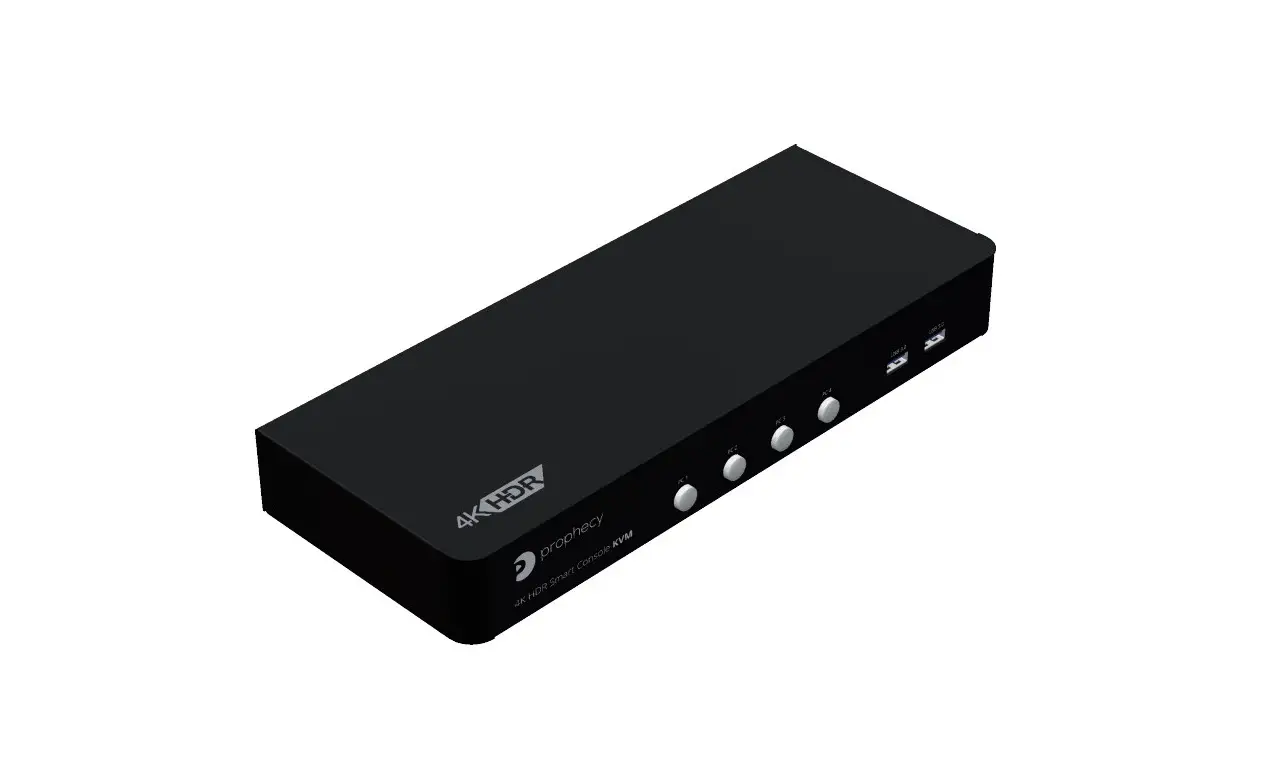
gofanco PRO-KVMDP-4P 4-Port DisplayPort 1.2 4K KVM Switcher User Guide
Congratulations for owning a gofanco product. Our products aim to meet all your connectivity needs wherever you go. Have fun with our products!
Please read this manual carefully before first use. If you need more information about our products, please visit www.gofanco.com.
For technical support, please email us at [email protected].
For drivers/manuals download, please go to http://www.gofanco.com/download.
Safety and Notice
Please read all of these instructions carefully before you use the device. Save this manual for future reference.
The PRO-KVMDP-4P 4-Port DisplayPort 1.2 4K KVM Switcher has been tested for conformance to safety regulations and requirements, and has been certified for international use. However, like all electronic equipments, the PRO-KVMDP-4P should be used with care. Please read and follow the safety instructions to protect yourself from possible injury and to minimize the risk of damage to the unit.
- Follow all instructions and warnings marked on this unit.
- Do not attempt to service this unit yourself, except where explained in this manual.
- Provide proper ventilation and air circulation and do not use near water.
- Keep objects that might damage the device and assure that the placement of this unit is on a stable surface.
- Use only the power adapter and power cords and connection cables designed for this unit.
- Do not use liquid or aerosol cleaners to clean this unit. Always unplug the power to the device before cleaning.
Introduction
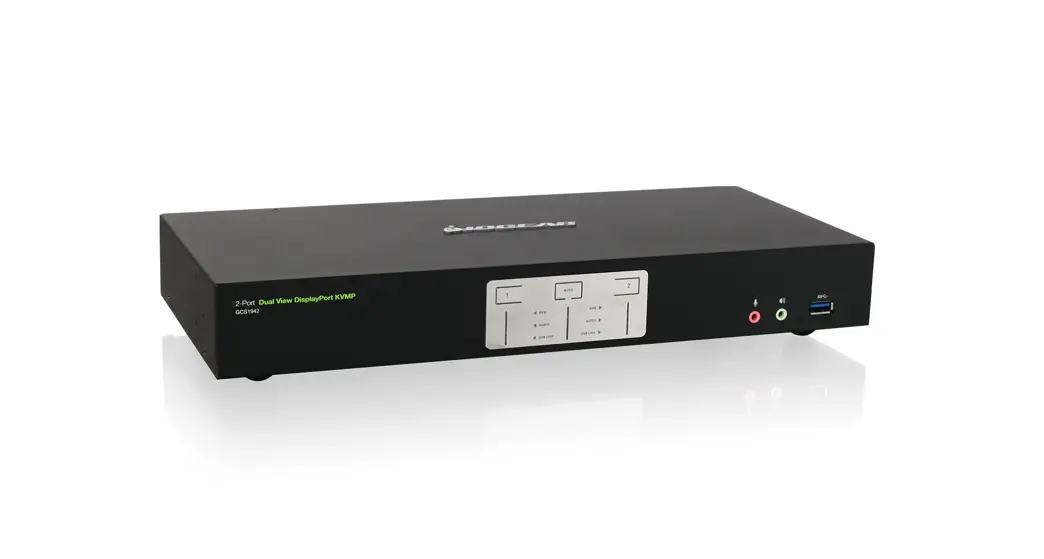
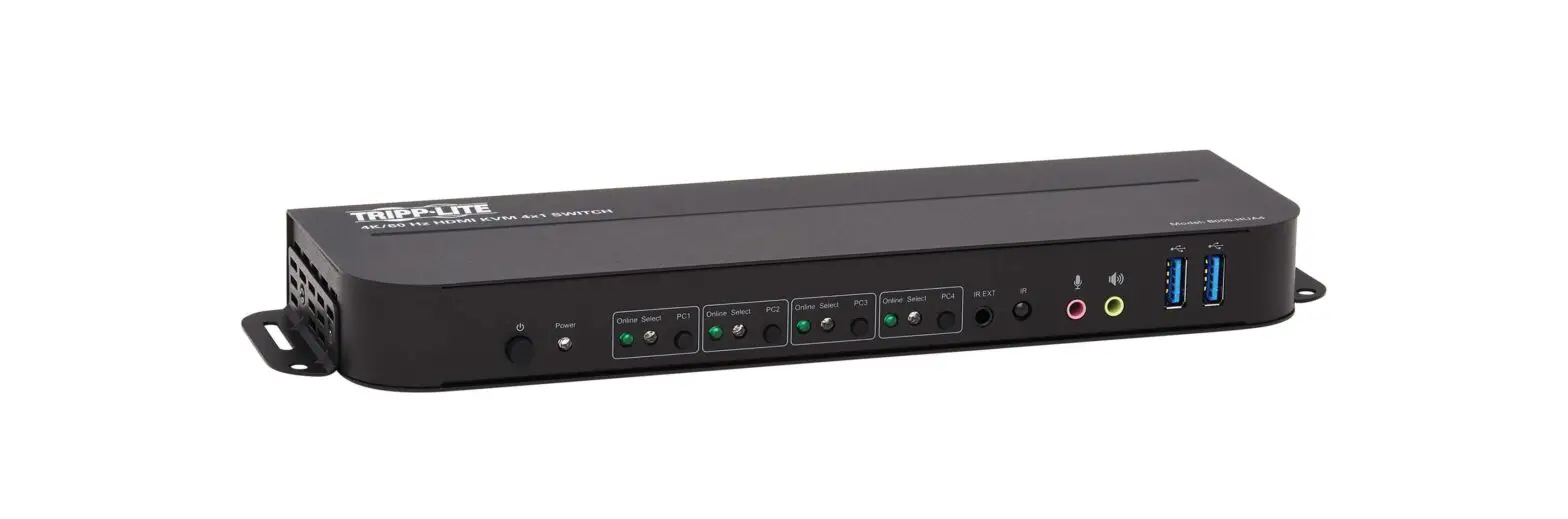
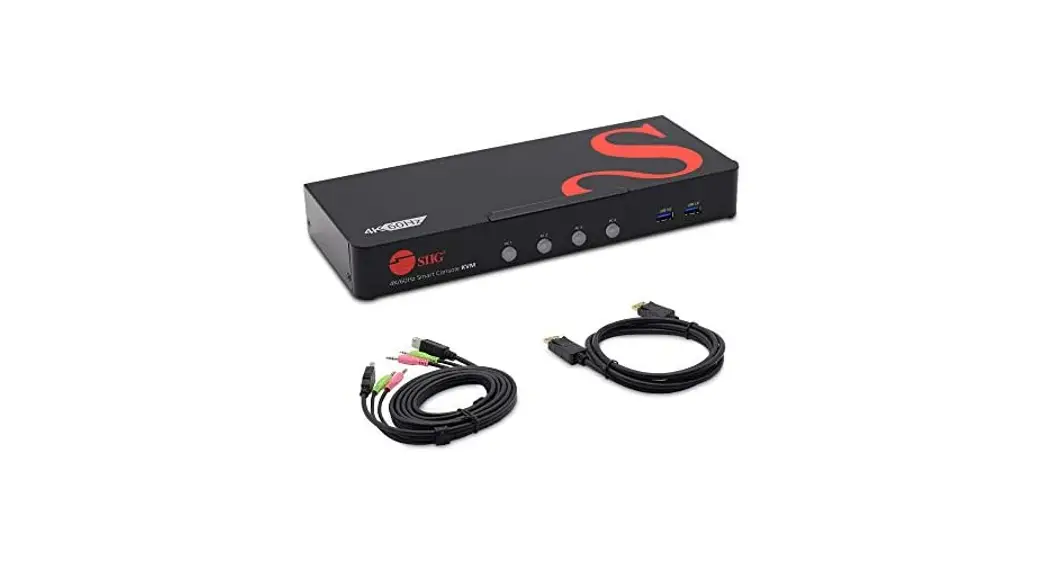
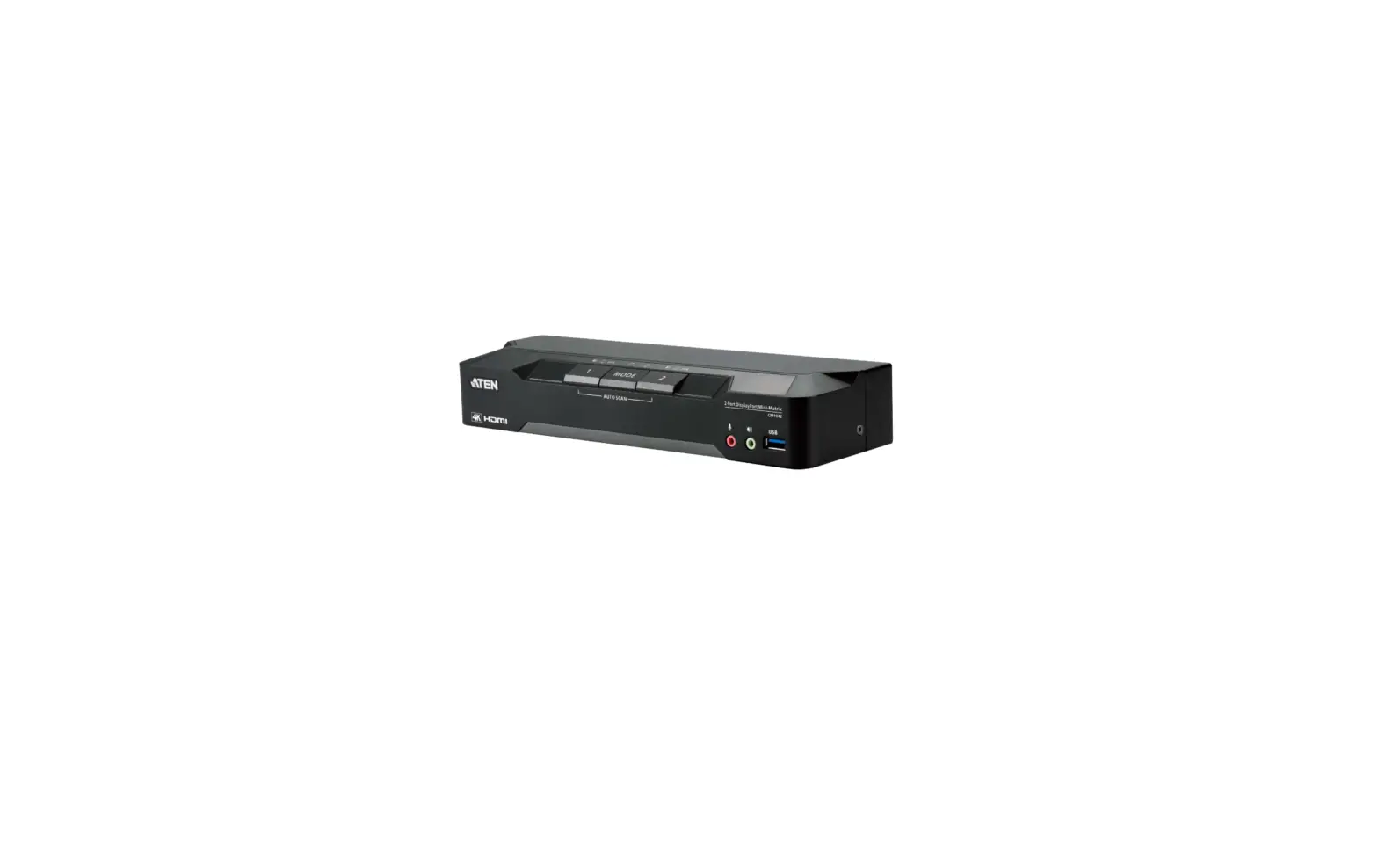
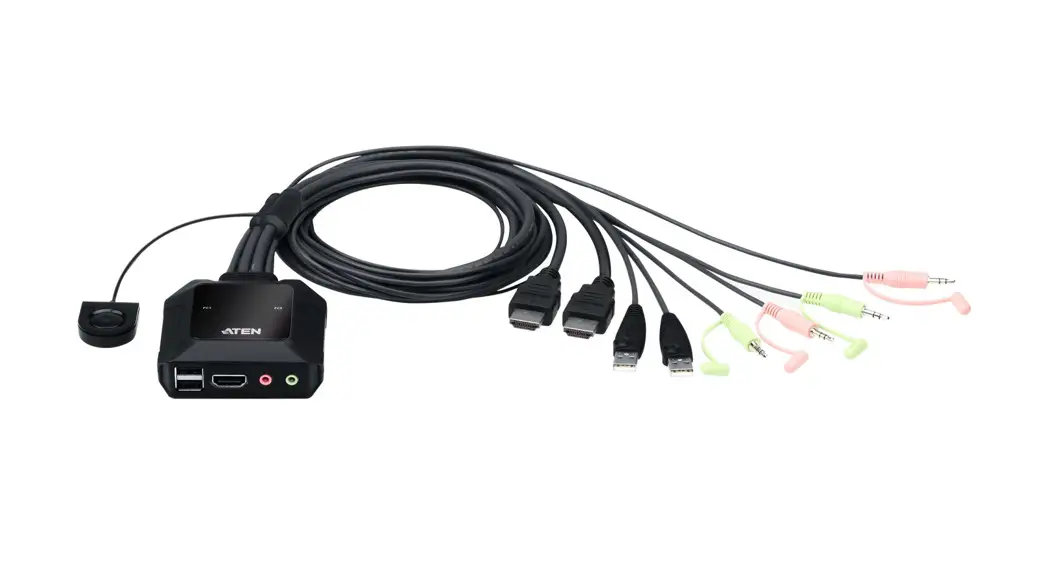
The PRO-KVMDP-4P 4-Port DisplayPort 1.2 4K KVM Switcher provides the most flexible and cost effective solution in the market for multiple computer management at home & office. The KVM switch can control 2 DisplayPort USB computers by one set of console peripherals (keyboard, mouse & monitor). With built-in USB 3.0 hub, users can share USB peripheral devices between connected computers.
Features
- DP 1.2 compliant
- Supports 4K2K@60 4:4:4 8bits · HDCP 1.3 compliant
- Supports separate line input and output
- Plug and Play without any driver needed
- Supports built-in 4-port USB 3.0 HUB to share USB devices
- Supports independent HID keyboard & mouse ports
- Supports hotkeys function
- Maximum total bandwidth: up to 21.6Gbps
- EDID Bypass
- Firmware upgradable for support of new features and technology enhancements
- The KVM can switch every input by push buttons
Package Contents
- 1x PRO-KVMDP-4P
- 1x DC 12V power supply
- 1x User Manual
Specifications
| Item | Description | |
Technical | ||
| Role of usage | 2-Port DisplayPort KVM Switch | |
| DP compliance | DP 1.2 | |
| Maximum total bandwidth | 21.6Gbps | |
| Video support | Up to 4K2K@60 4:4:4 8bits | |
| ESD protection | Human body model — ±15kV [air-gap discharge] & ±8kV [contact discharge] | |
| Input | 2x DisplayPort/ 2x USB 3.0(type B)/ 3x 3.5mm phone jack | |
| Output | 1x HDMI, 4x USB 3.0(type A), 2x USB 1.1(type A), 5x 3.5mm phone jack | |
| HDMI connector | Type A [19-pin female] | |
| USB connector | USB3.0 type A / type B | |
Mechanical | ||
| Housing | Metal enclosure | |
| Dimensions [L x D x H] | Model | 282 x 112 x 37mm [11.1″ x 4.4″ x 1.5″] |
| Package | 331 x 162 x 204mm [1′ x 6.4″ x 8″] | |
| Carton | 500 x 432 x 340mm [1’6″ x 1’4″ x 1’1″] | |
| Weight | Model | 946g [2 lbs] |
| Package | 2573g [5.6lbs] | |
| Power supply | 12V DC | |
| Power consumption | 6 Watts [max] | |
| Operation temperature | 0~40°C [32~104°F] | |
| Storage temperature | -20~60°C [-4~140°F] | |
| Relative humidity | 20~90% RH [no condensation] | |
Connection Diagram
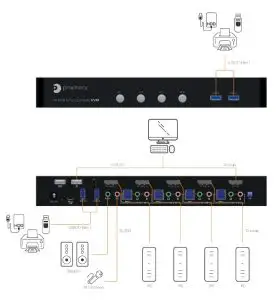
Panel Description
Front Panel

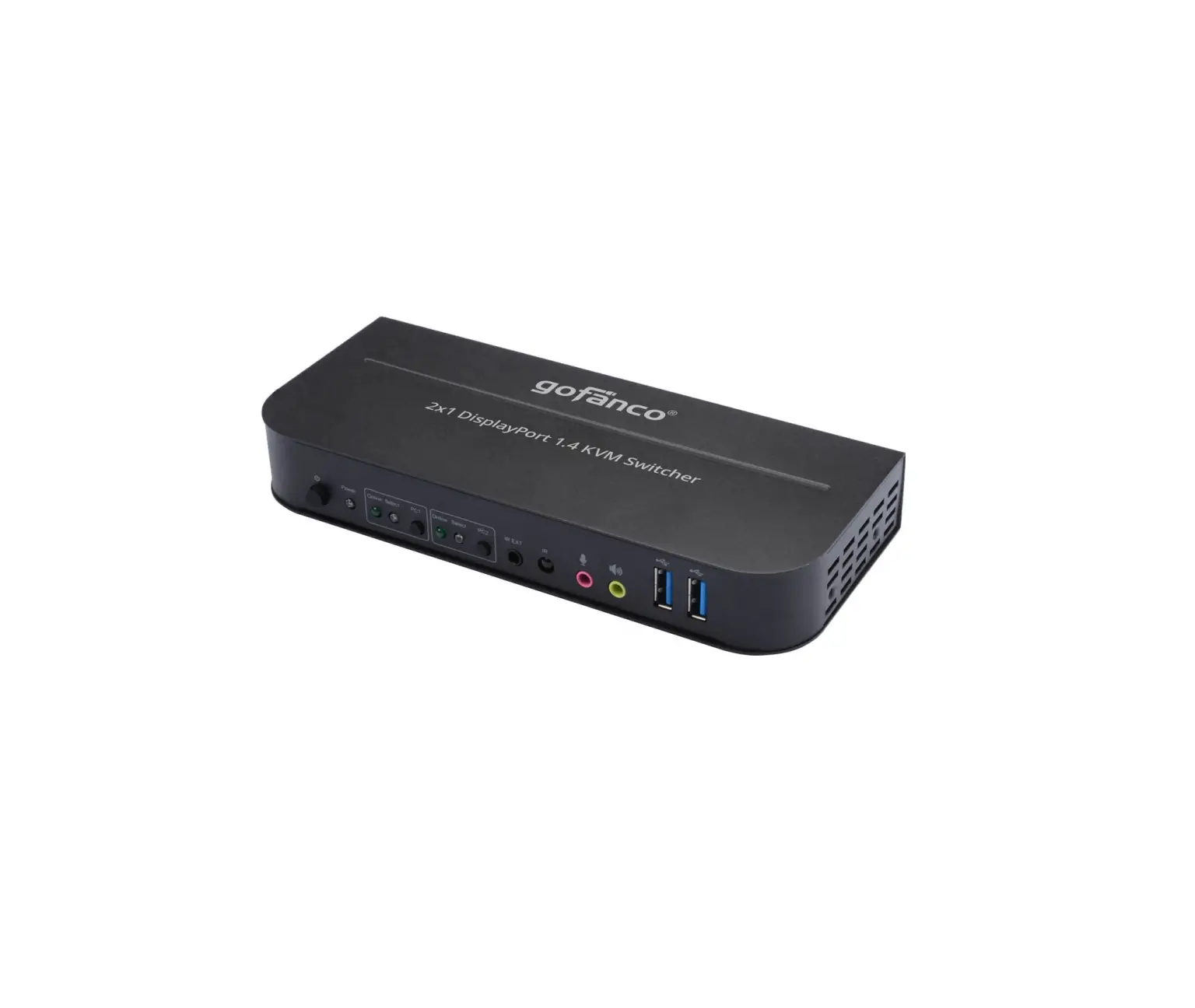
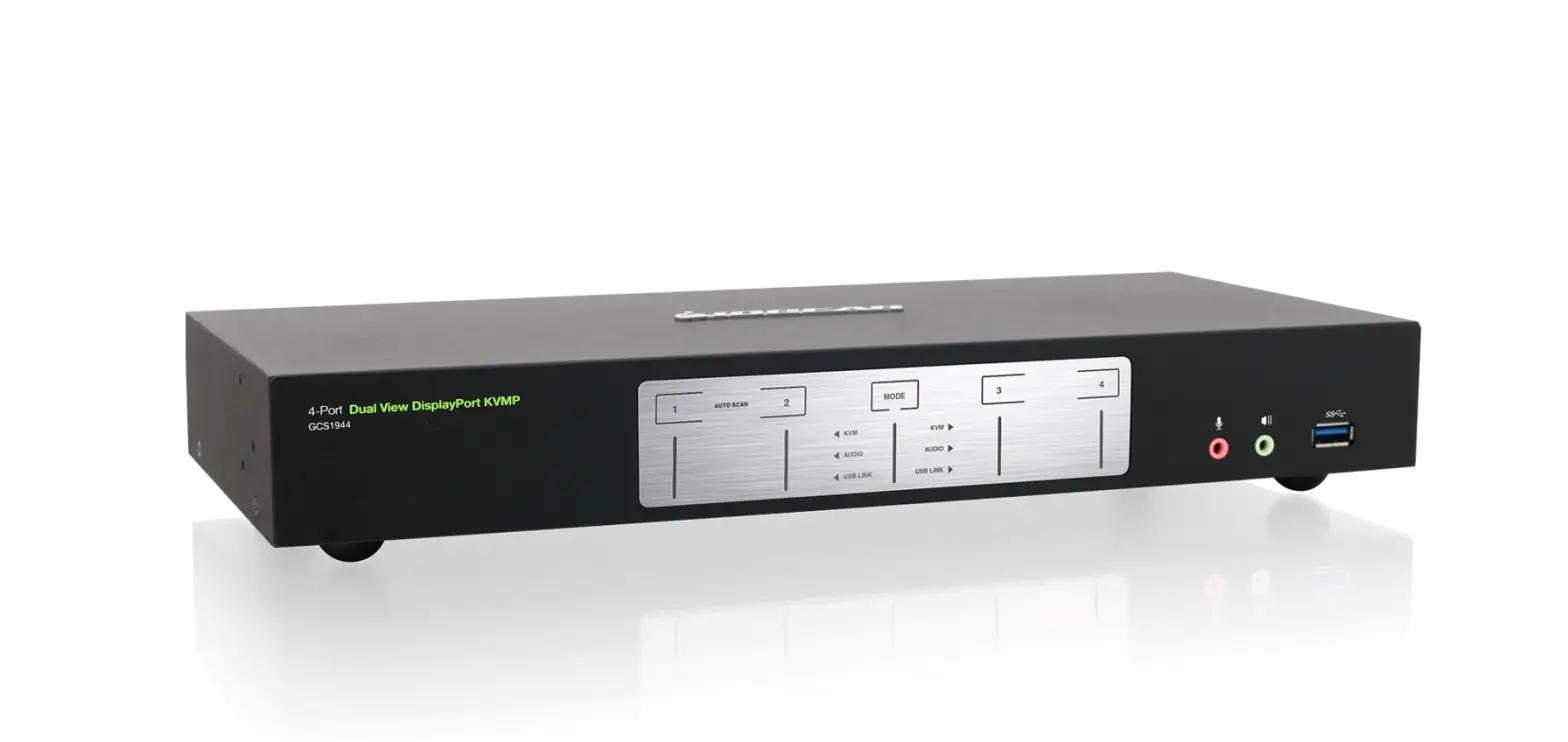
- Port 1-4 Selection Push Button: Switch between computers
- USB 3.0 Hub: Connect to USB devices
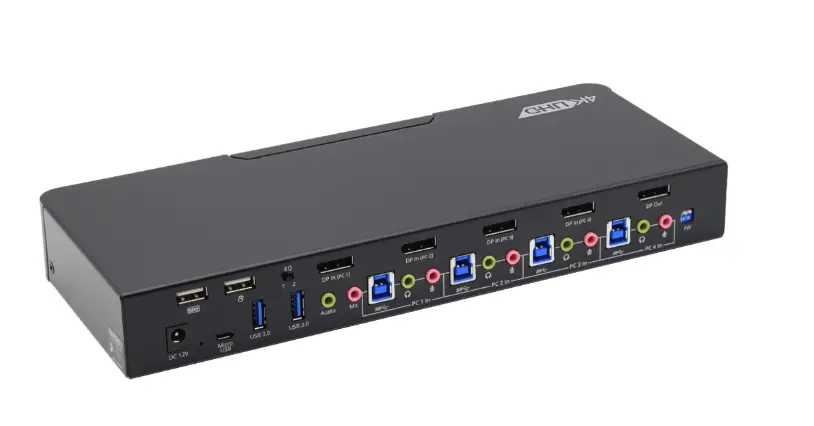
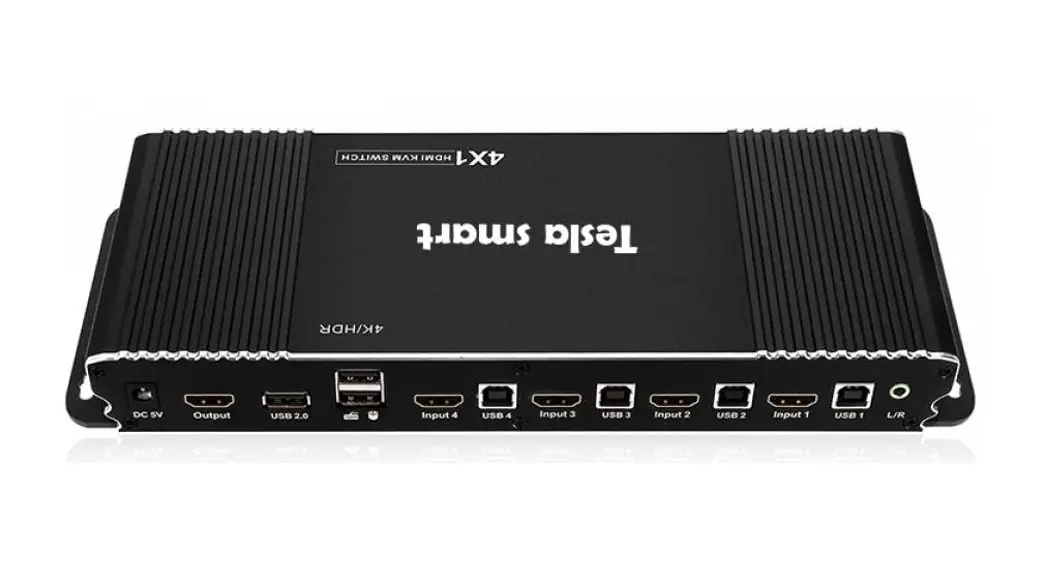
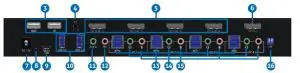
Rear Panel
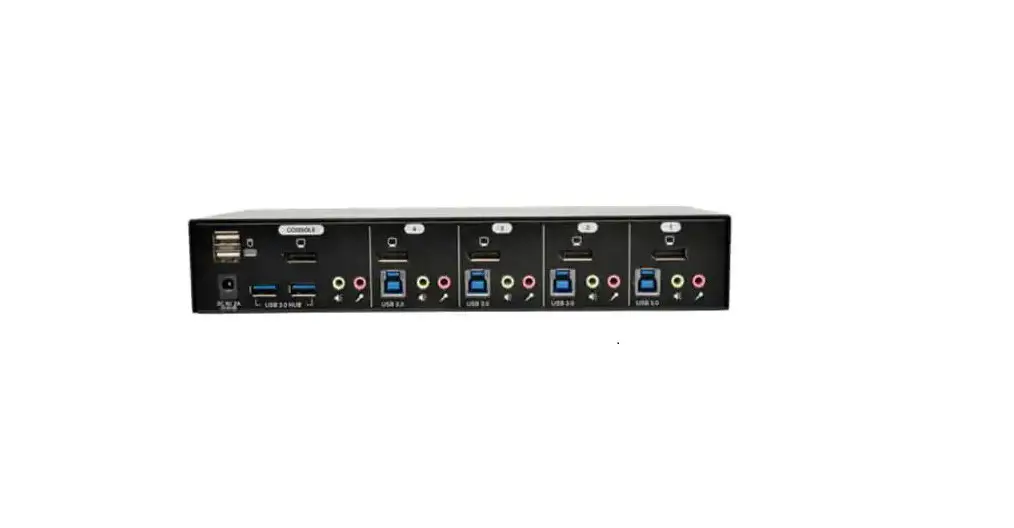
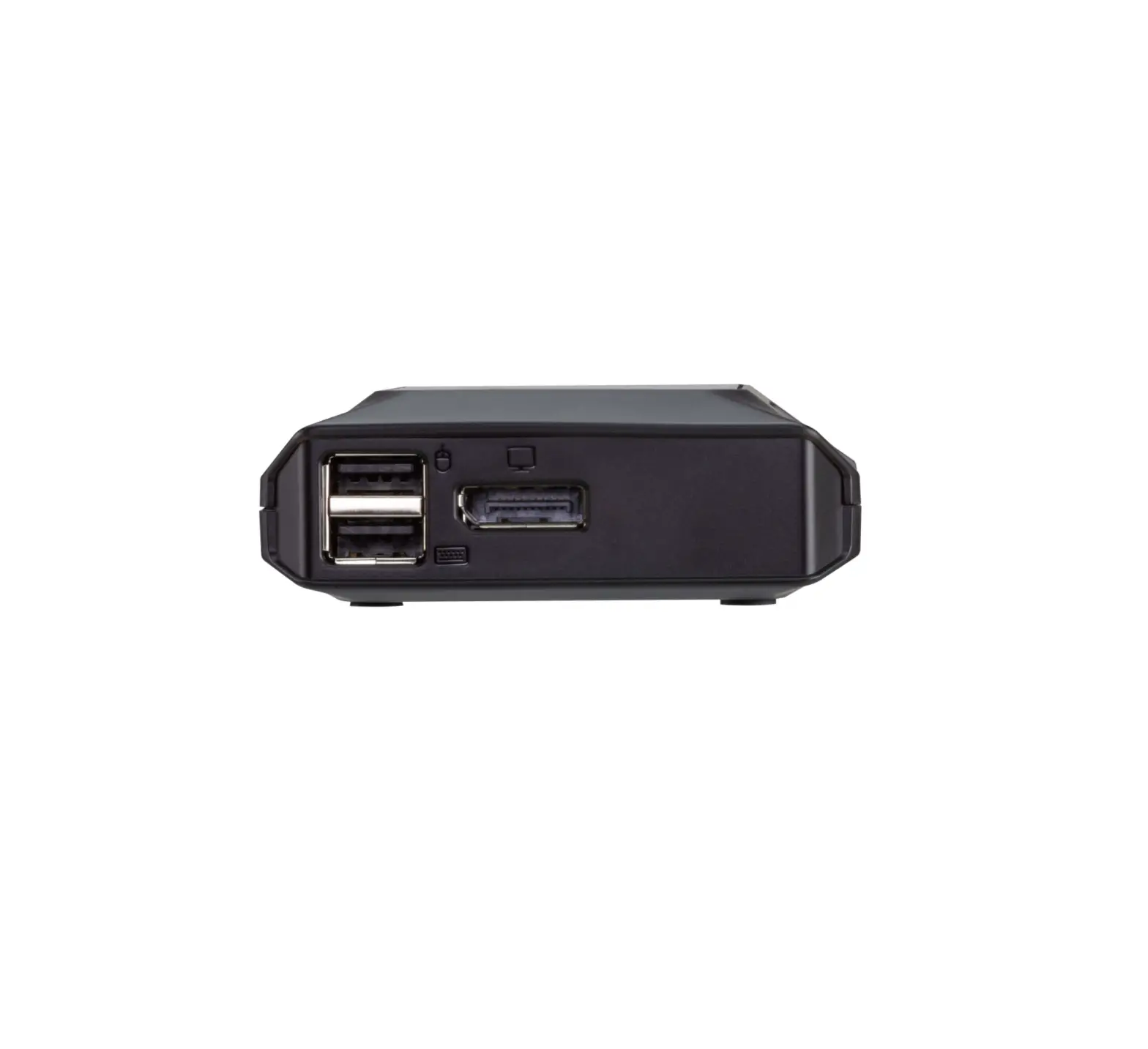
- Console USB Ports: Connect tokeyboard & mouse
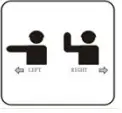
- Signal Level: Adjust the equalization control to receive DisplayPort signals. [Left]: EQ is weaker (short DisplayPort cables) [Right]: EQ is stronger (long DisplayPort cables)
- KVM Video IN 1-4 (HDMI IN 1-4): Connect the DP cable to PC
- Console Video OUT (HDMI OUT): Connect the DP cable to a display
- +12V DC: +12V DC power jack
- Power Status: Power indicator LED
- Micro USB: For F/W update
- USB 3.0 Hub: Connect to USB devices
- Console Stereo Audio OUT: Connect to analog stereo audio speaker
- Console Stereo Audio IN: Connect to analog stereo audio source
- KVM USB 3.0(Type B): Connect the USB cable to PC
- KVM Stereo Audio IN 1-4: Connect the stereo cable to PC
- KVM Stereo Audio OUT 1-4: Connect the stereo cable to PC
- 2-Pin Dip Switch: For F/W update
| Position | Description | |
| PIN#1 | OFF[ ] ] | Working mode |
ON[ ] ] | KVM Firmware Update mode | |
| PIN#2 | OFF[] | Reserved |
| ON[] | Reserved |
Hotkey
Default setting, all of the following commands begin by pressing the [Scroll Lock] key twice. Please follow the hotkey command listed below for selected operating functions:
| Hot key Definition | |
| [Scroll Lock] + [Scroll Lock] + [Ctrl] + [Enter] | Change [Scroll Lock] [Scroll Lock] to [Ctrl] [Ctrl] * |
| [Ctrl] + [Ctrl] + [Scroll Lock] + [Enter] | Change [Ctrl] [Ctrl] to [Scroll Lock] [Scroll Lock] |
| [Scroll Lock] + [Scroll Lock] + [NUMBER1~2] +[Enter] | Switch input 1~2 source to output |
| [Scroll Lock] + [Scroll Lock] + [S] | Auto Scan/ Exit Auto Scan mode** |
| [Scroll Lock] + [Scroll Lock] + [I] + [N] + [Enter] | Auto Scan Set [N]: 5~599 *** |
| [Scroll Lock] + [Scroll Lock] + [+] | Auto Scan Interval Add 5 Seconds |
| [Scroll Lock] + [Scroll Lock] + [-] | Auto Scan Interval Subtract 5 Seconds |
* You can change the default setting to [Ctrl] [Ctrl], if you are using a Mac keyboard or a keyboard that does not have Scroll Lock key
** Auto scan through each channel for quick screen browsing (default = 15 seconds)
*** You can set the auto scan interval according to the steps. (N = Number, 5~599)
Firmwave update
Firmware update is proceeded through Micro-USB KVM F/W update
- Connect the Micro-USB to USB cable between PC and device
- Set dip switch PIN#1 to ON[
 ] and then power on device
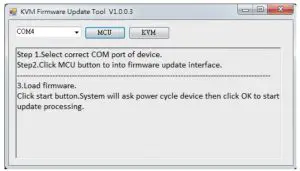
 - Open firmware update software and then select COM Port

- Click
 button to open “KVM Firmware Update” windows. Check all items and click each
  button to select the file which you want to write into device.
Click the button to start firmware update.
- After updating, please set the dip switch PIN#1 to OFF [] and power cycle the device
 button to open “KVM Firmware Update” windows. Check all items and click each
  button to select the file which you want to write into device.
 button to start firmware update.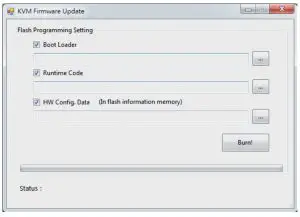
Limited Warranty
The SELLER warrants the PRO-KVMDP-4P 4-Port DisplayPort 1.2 4K KVM Switcher free from defects in the material and workmanship for 1 year from the date of purchase from the SELLER or an authorized dealer. Should this product fail to be in good working order within 1 year warranty period, The SELLER, at its option, repair or replace the unit, provided that the unit has not been ubjected to accident, disaster, abuse or any unauthorized modifications including static discharge and power surge. This warranty is offered by the SELLER for its BUYER with direct transaction only. This warranty is void if the warranty seal on the metal housing is broken.
Unit that fails under conditions other than those covered will be repaired at the current price of parts and labor in effect at the time of repair. Such repairs are warranted for 90 days from the day of reshipment to the BUYER. If the unit is delivered by mail, customers agree to insure the unit or assume the risk of loss or damage in transit. Under no circumstances will a unit be accepted without a return authorization number.
The warranty is in lieu of all other warranties expressed or implied, including without limitations, any other implied warranty or fitness or merchantability for any particular purpose, all of which are expressly disclaimed.
Proof of sale may be required in order to claim warranty. Customers outside Taiwan are responsible for shipping charges to and from the SELLER. Cables and power adapters are limited to a 30 day warranty and must be free from any markings, scratches, and neatly coiled.
The content of this manual has been carefully checked and is believed to be accurate. However, The SELLER assumes no responsibility for any inaccuracies that may be contained in this manual. The SELLER will NOT be liable for direct, indirect, incidental, special, or consequential damages resulting from any defect or omission in this manual, even if advised of the possibility of such damages. Also, the technical information contained herein regarding the PRO-KVMDP-4P features and specifications is subject to change without further notice.
Disclaimer
The product name and brand name may be registered trademarks of related manufacturers. TM and ® may be omitted on the user`s guide. The pictures on the user`s guide are just for reference, and there may be some slight differences with the actual products.
We reserve the rights to make changes without prior notice to a product or system described herein to improve reliability, function, or design.
Thank you for choosing gofanco
www.gofanco.com
 gofanco® | Professional & Residential AV/IT Solutions