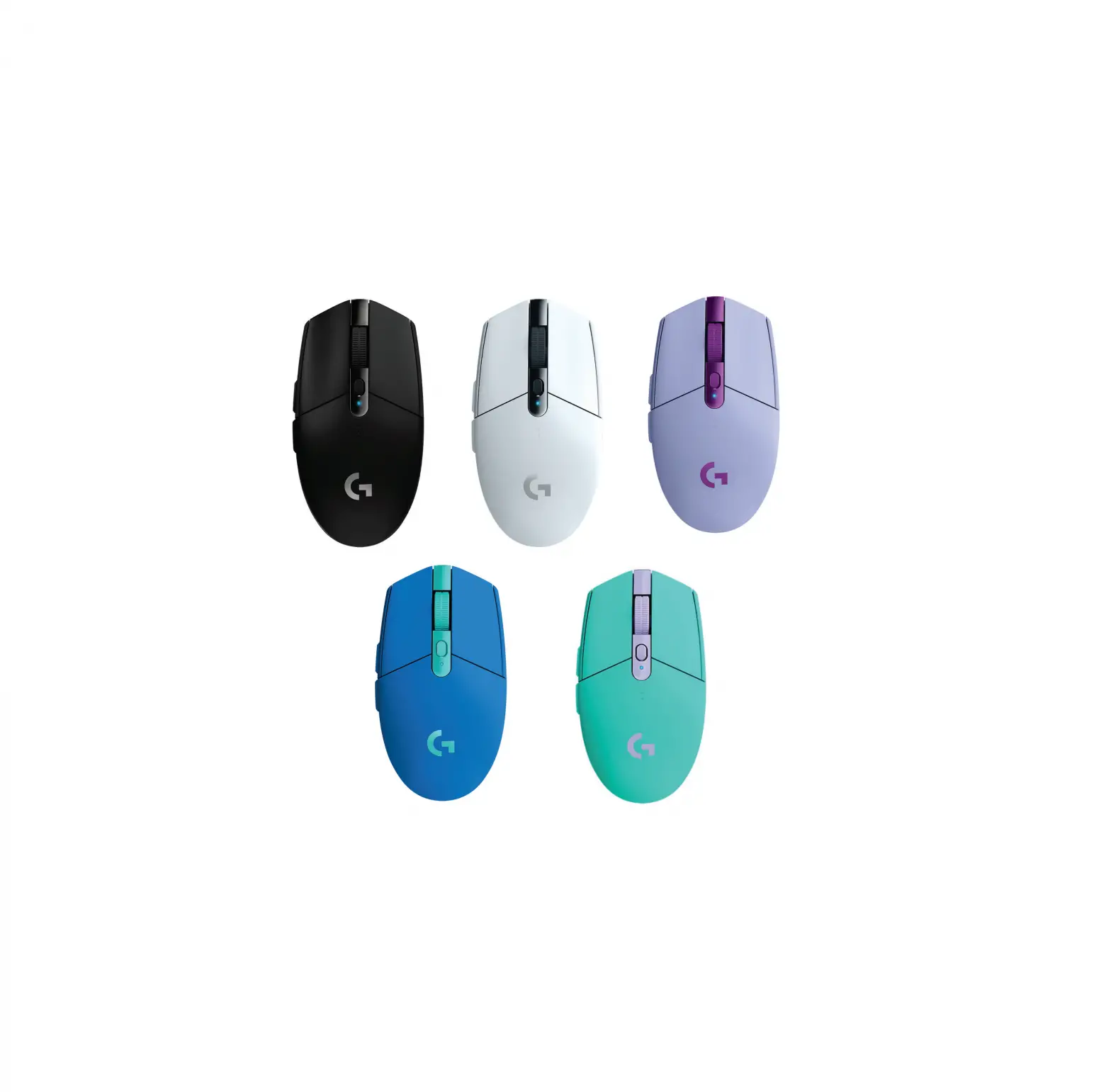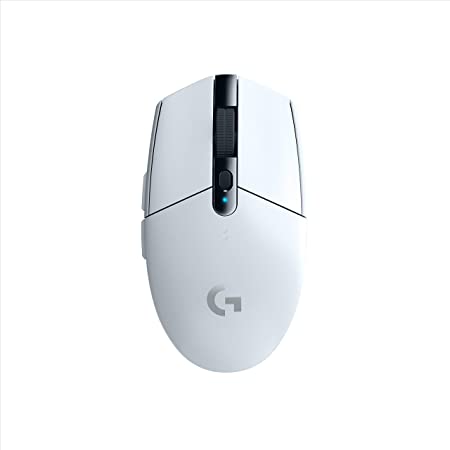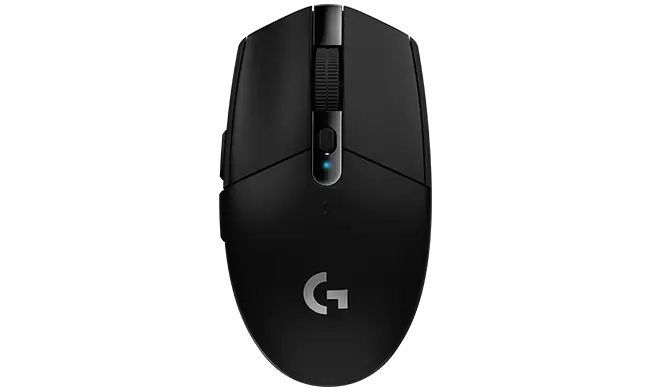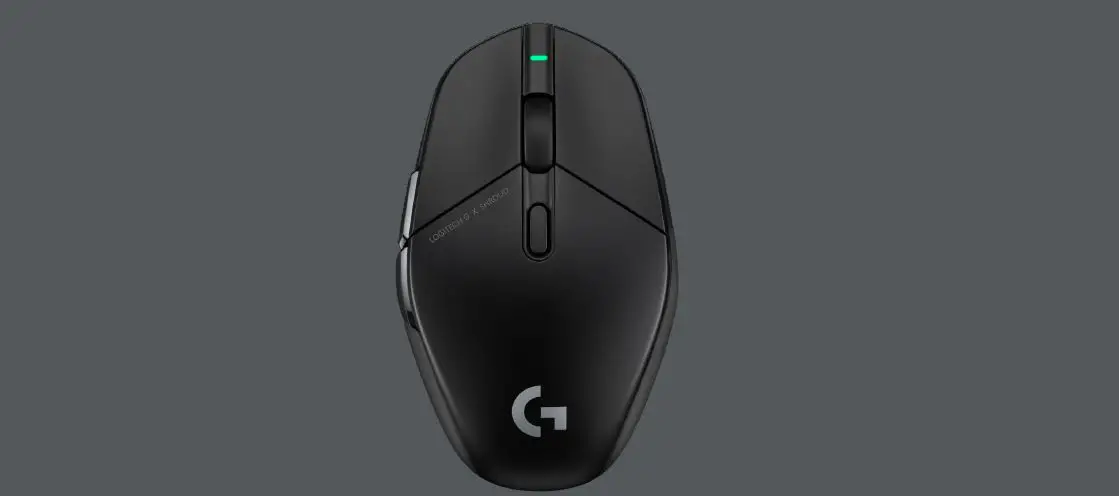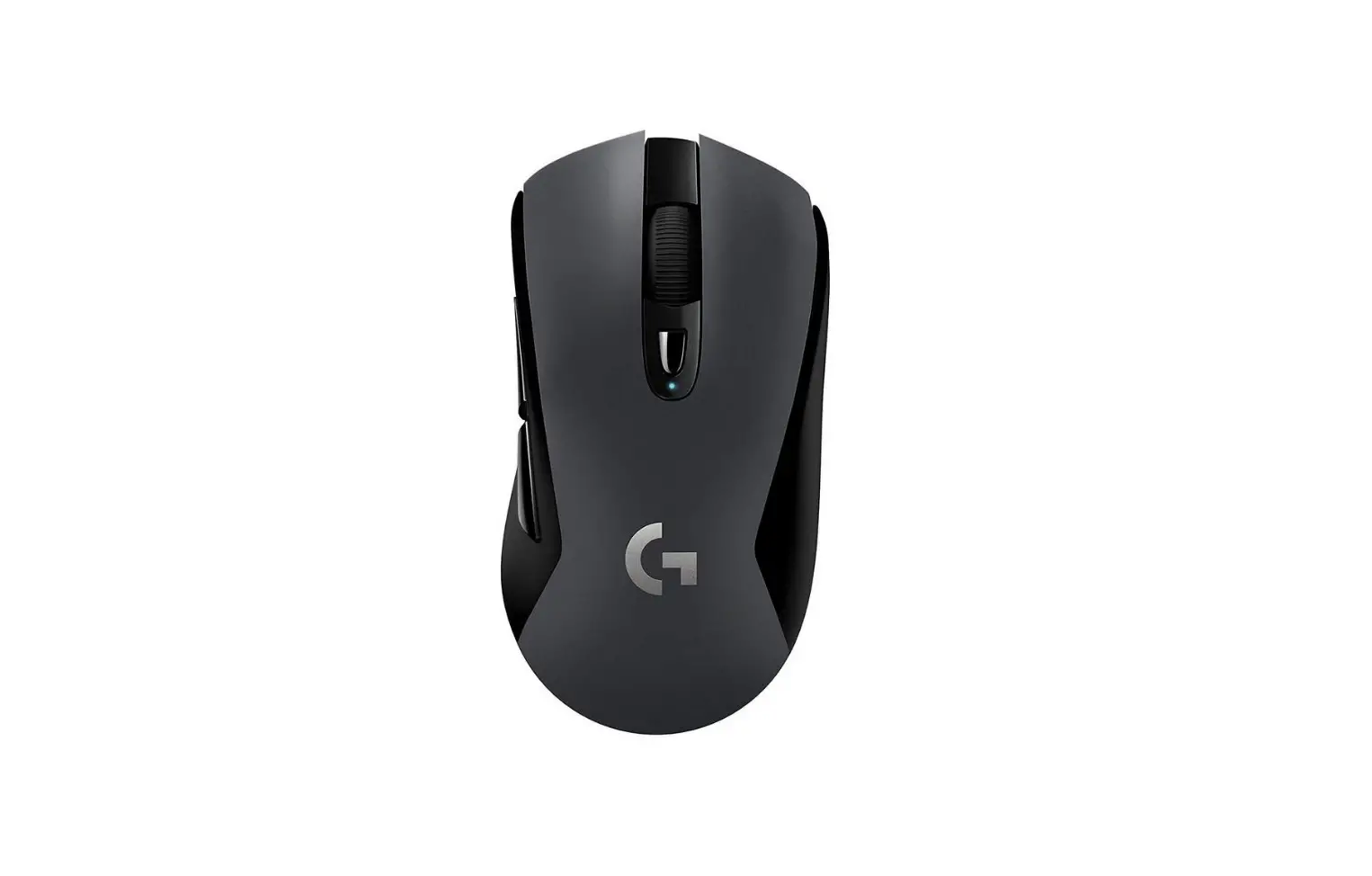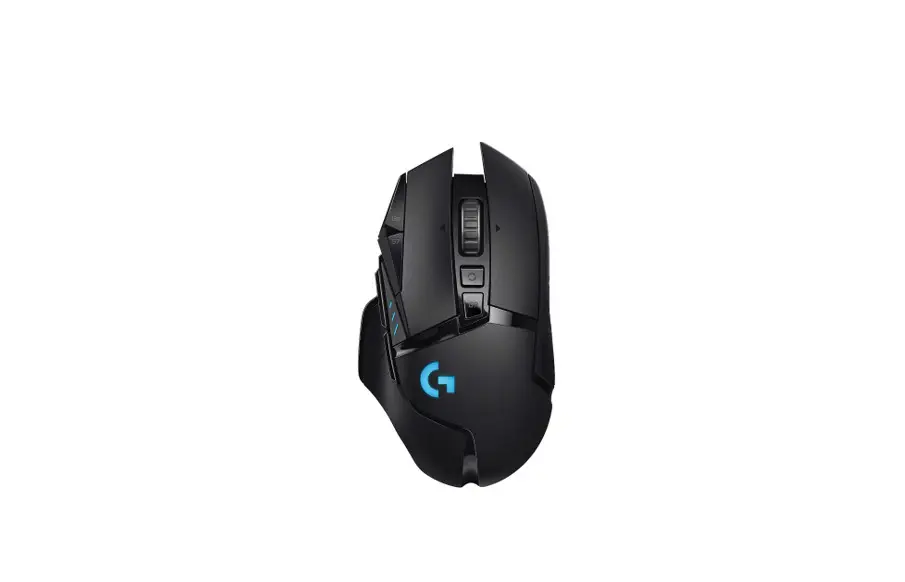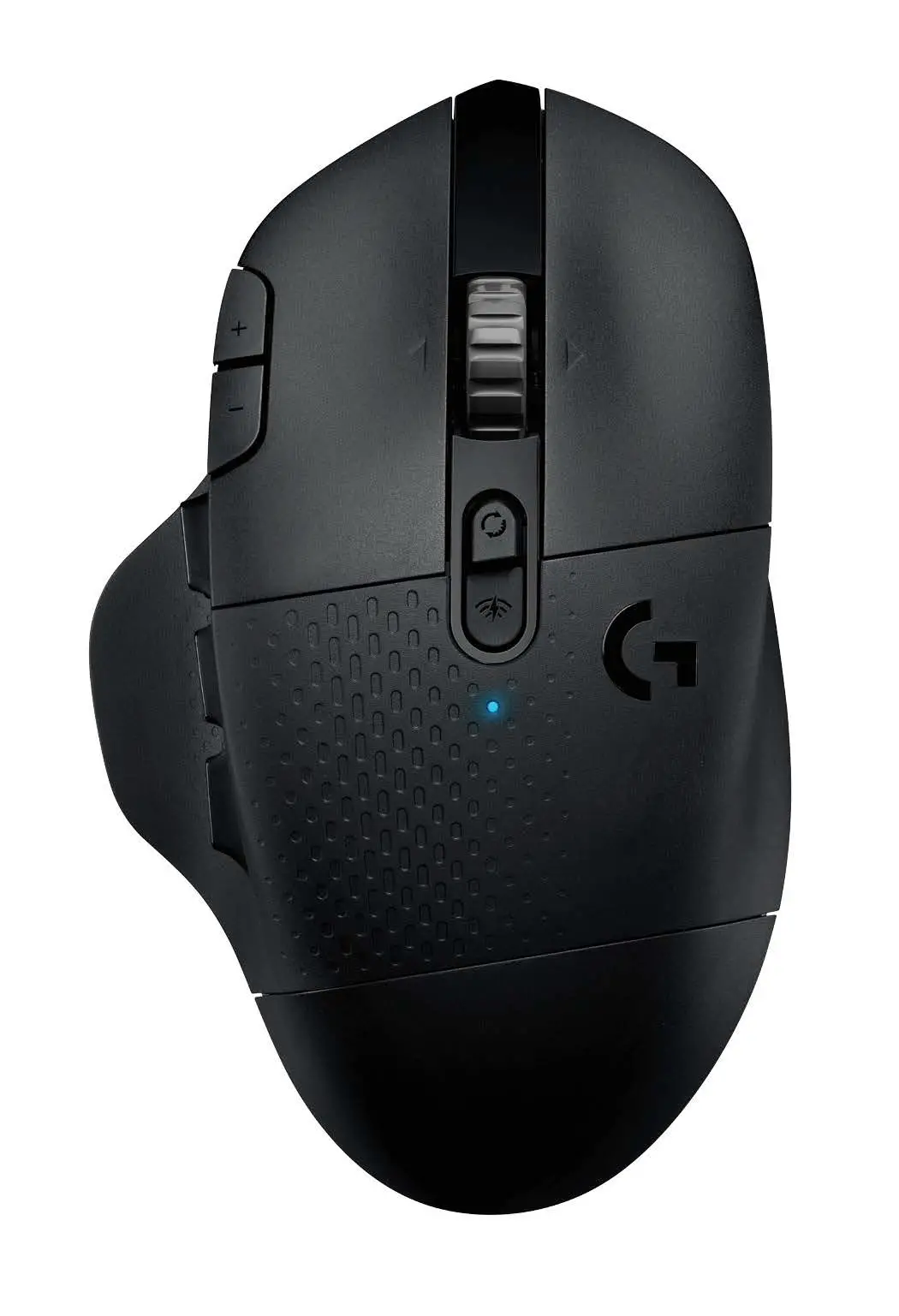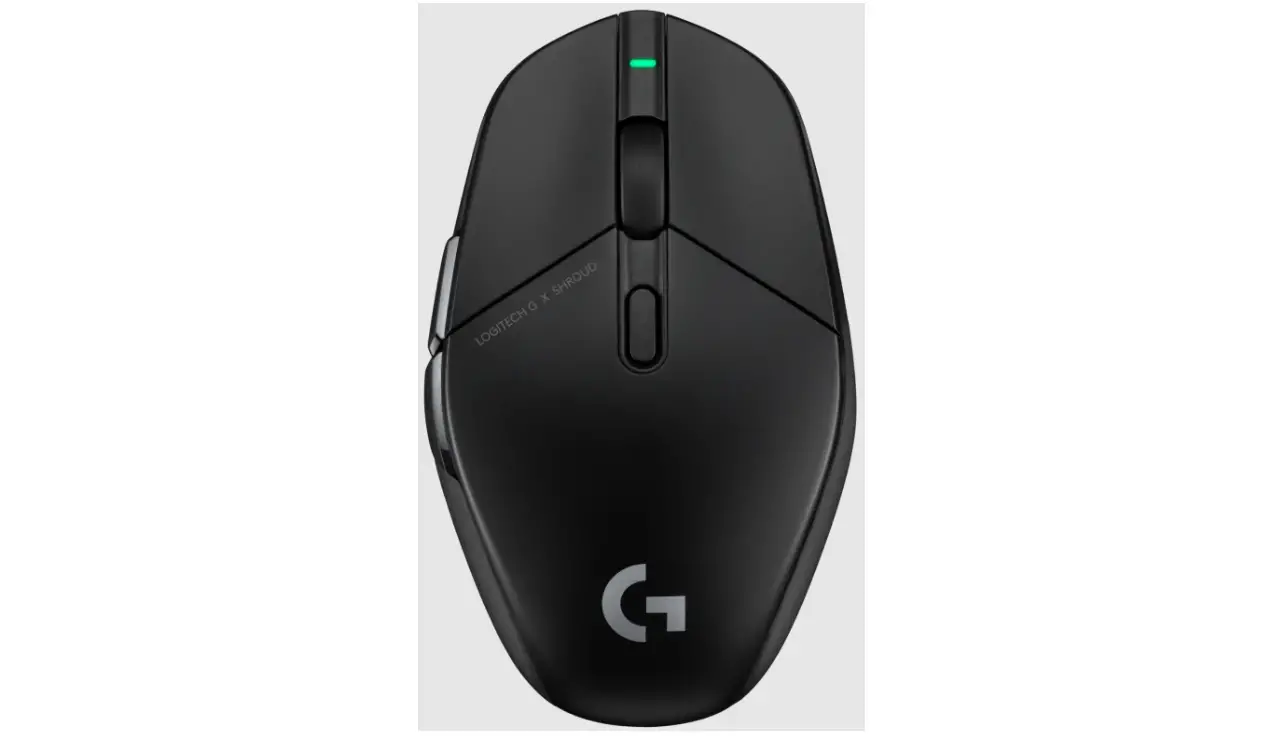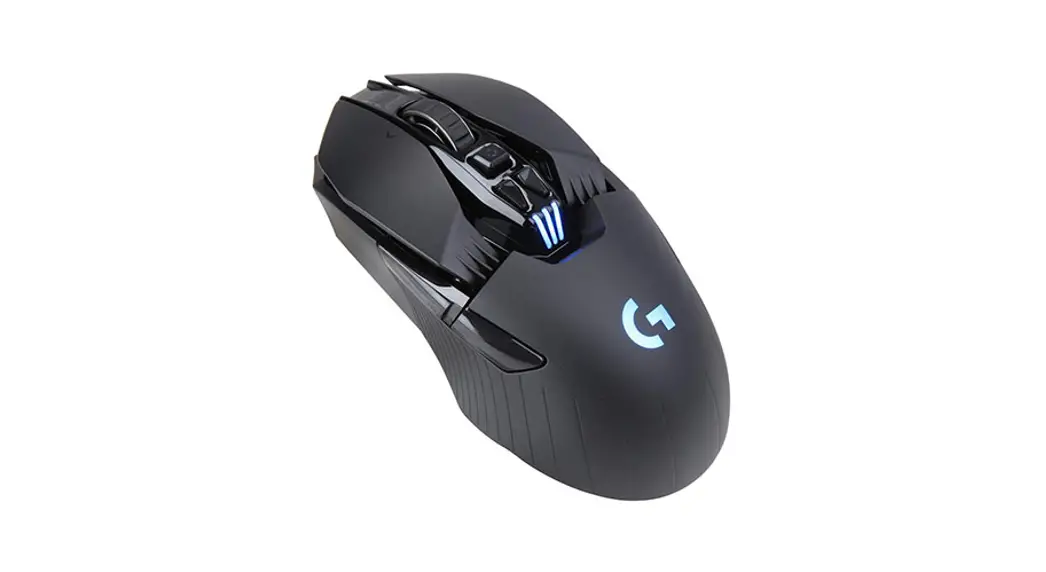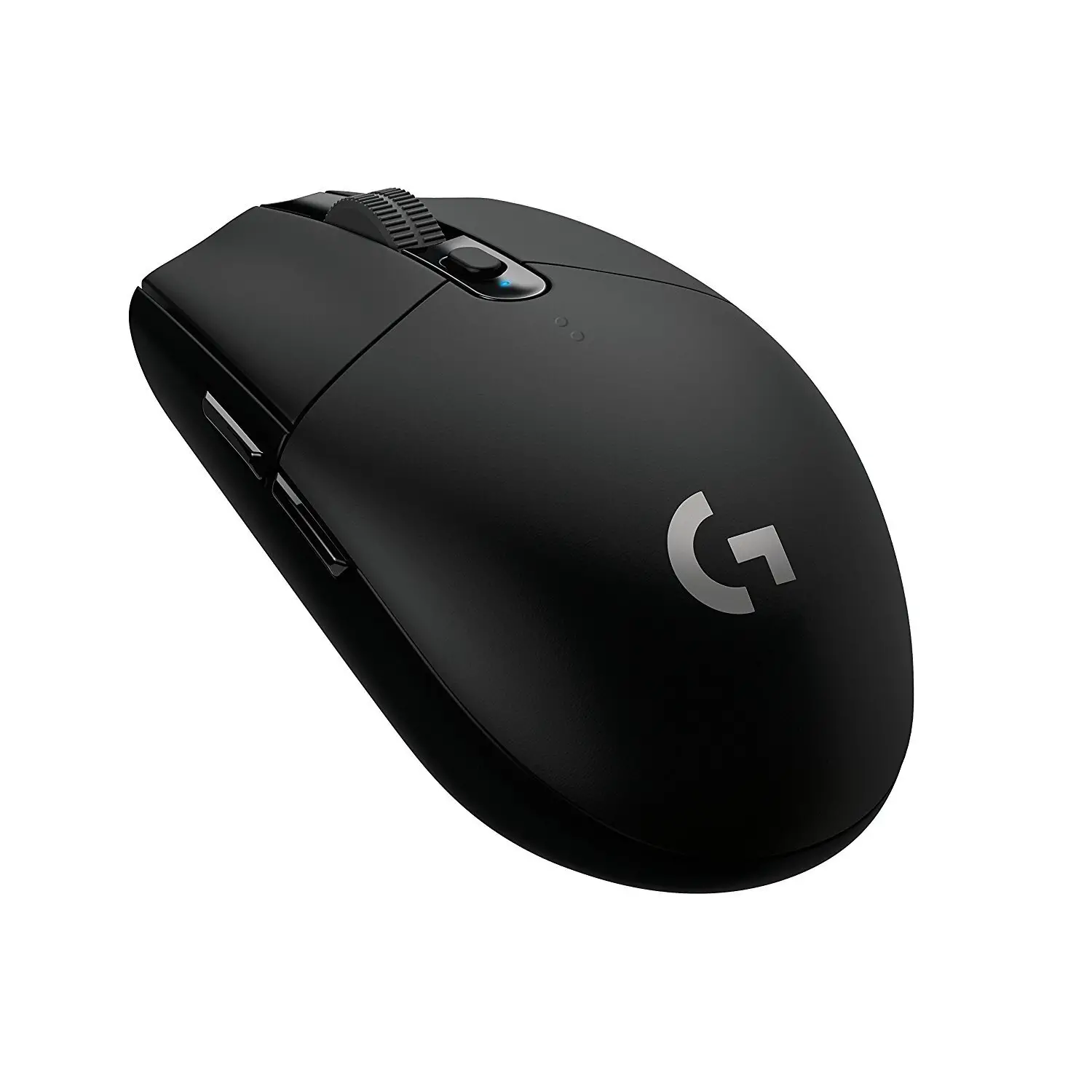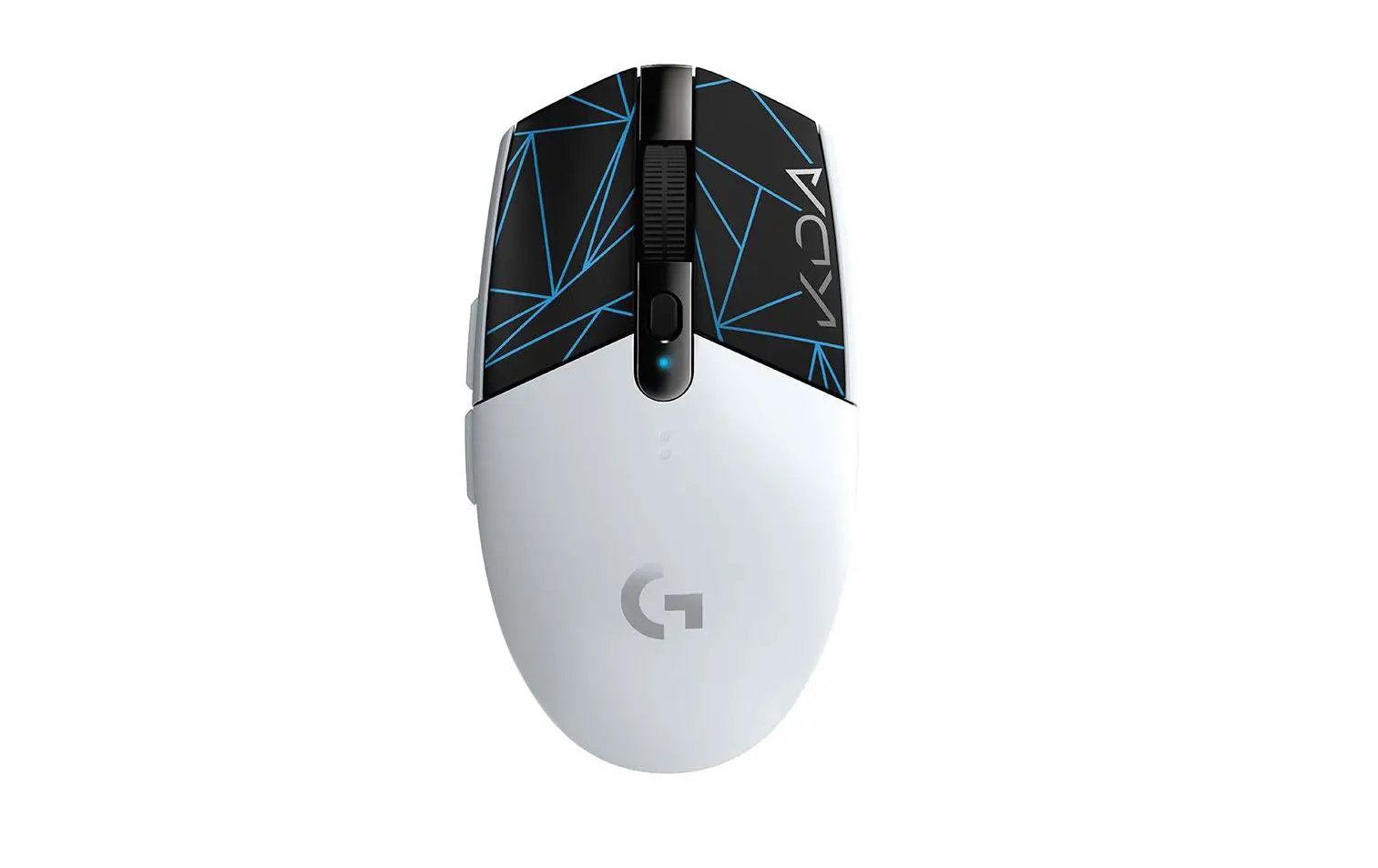

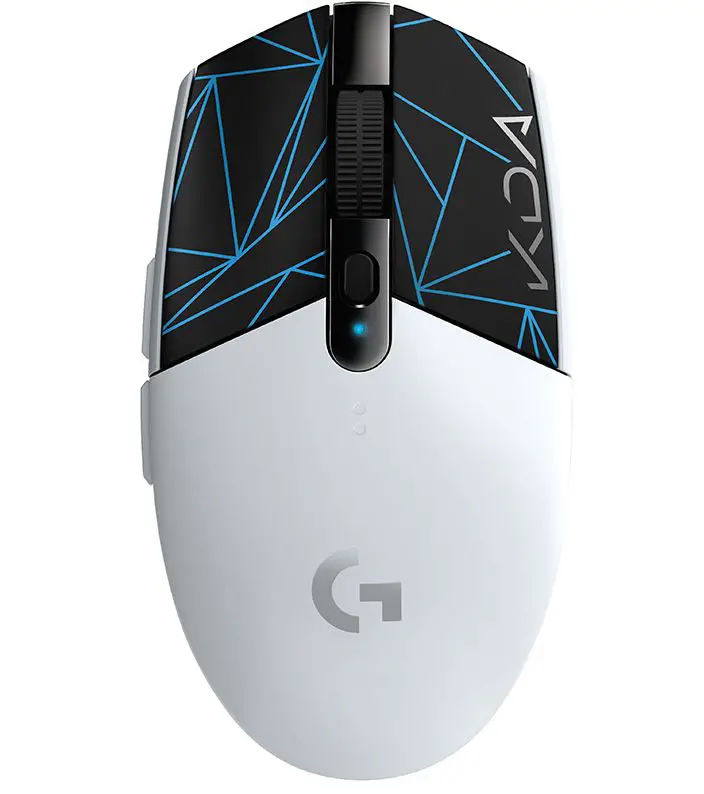
Logitech G305 SE Lightspeed Wireless Gaming Mouse
SETUP INSTRUCTIONS
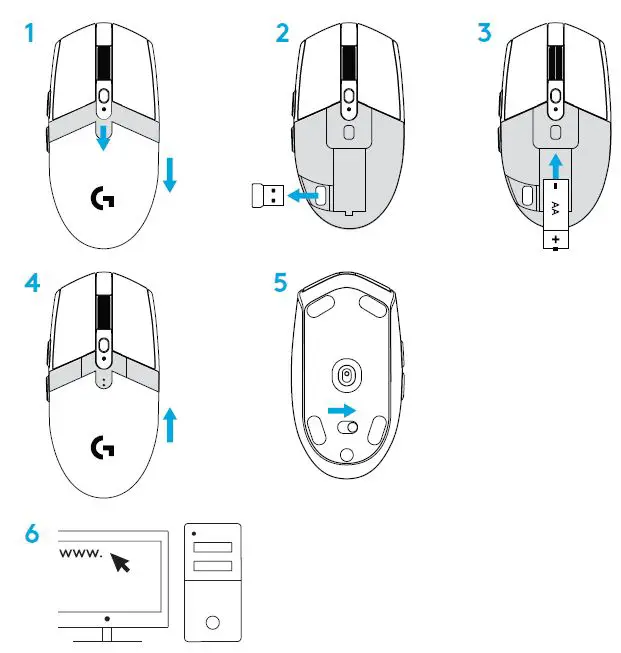
- Remove the battery cover by pressing the top of the cover and pulling it downwards
- Remove the receiver
- Insert the battery
- Close the battery cover
- Make sure the mouse is turned on via the switch on the bottom of the mouse
- Download the G HUB software
FULLY PROGRAMMABLE BUTTONS
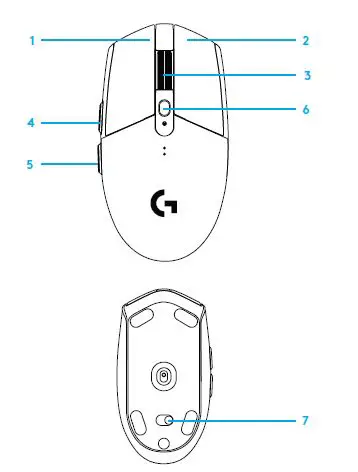
- Left (Button 1)
- Right (Button 2)
- Wheel click (Button 3)
- Forward (Button 4)
- Back (Button 5)
- DPI cycle (Button 6)
- On/Off switch (bottom of the mouse, not programmable)
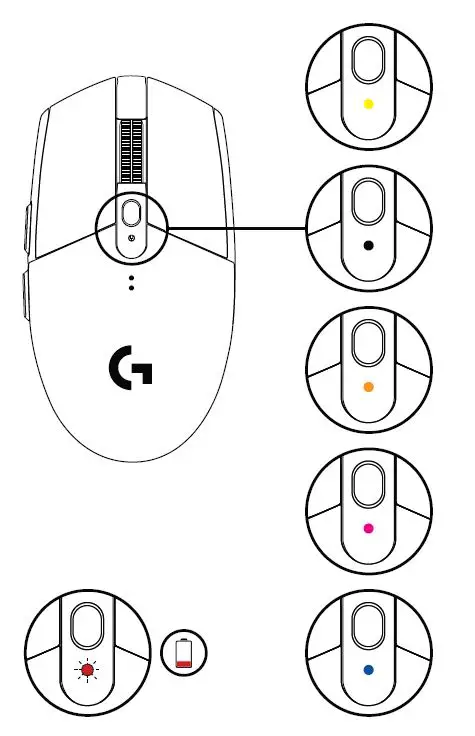
LED INDICATOR
Battery life
Flashing red: battery <15%
DPI
Yellow: step 1 – 400 DPI
White: step 2 – 800 DPI (default)
Orange: step 3 – 1600 DPI
Magenta: step 4 – 3200 DPI
Blue: step 5 – 6400 DPI (Step 5 can be activated via software only)
Mode
Cyan: performance mode (default)
Green: endurance mode (can be activated via software only).
Tips:
- Activating endurance mode will degrade tracking performance but improve battery life.
G HUB SOFTWARE
You can customize the onboard profile settings using the G HUB. These settings include button programming, report rate, performance/endurance modes, and tracking behavior.
G304 SE / G305 SE allows up to 5 DPI settings.
By default, G304 SE / G305 SE has the following settings:
- DPI: 400/800/1600/3200
- Report rate: 1ms
- Performance mode

 Logitech G HUB Advanced Gaming Software, RGB & Game Profiles