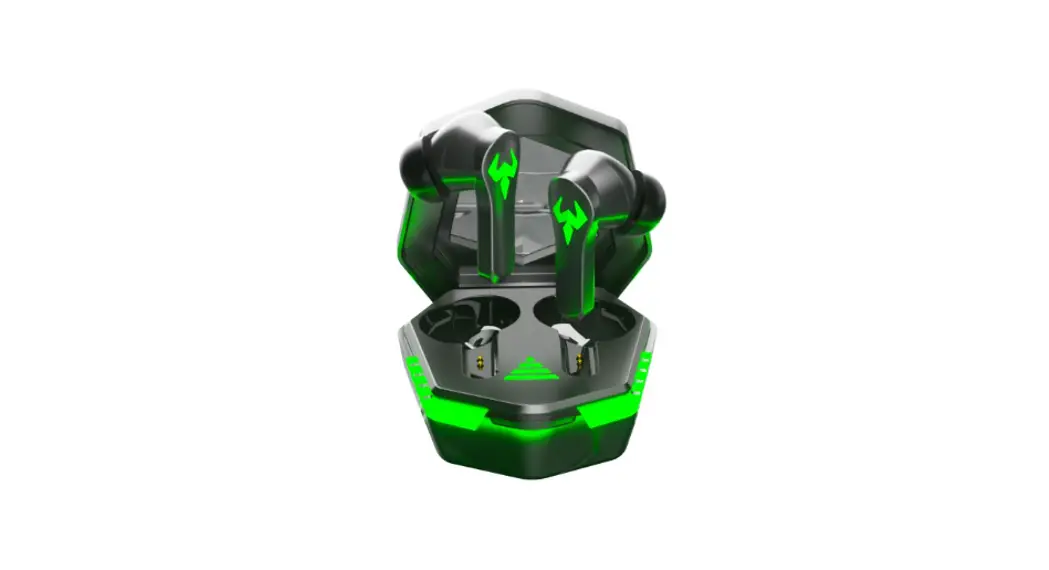
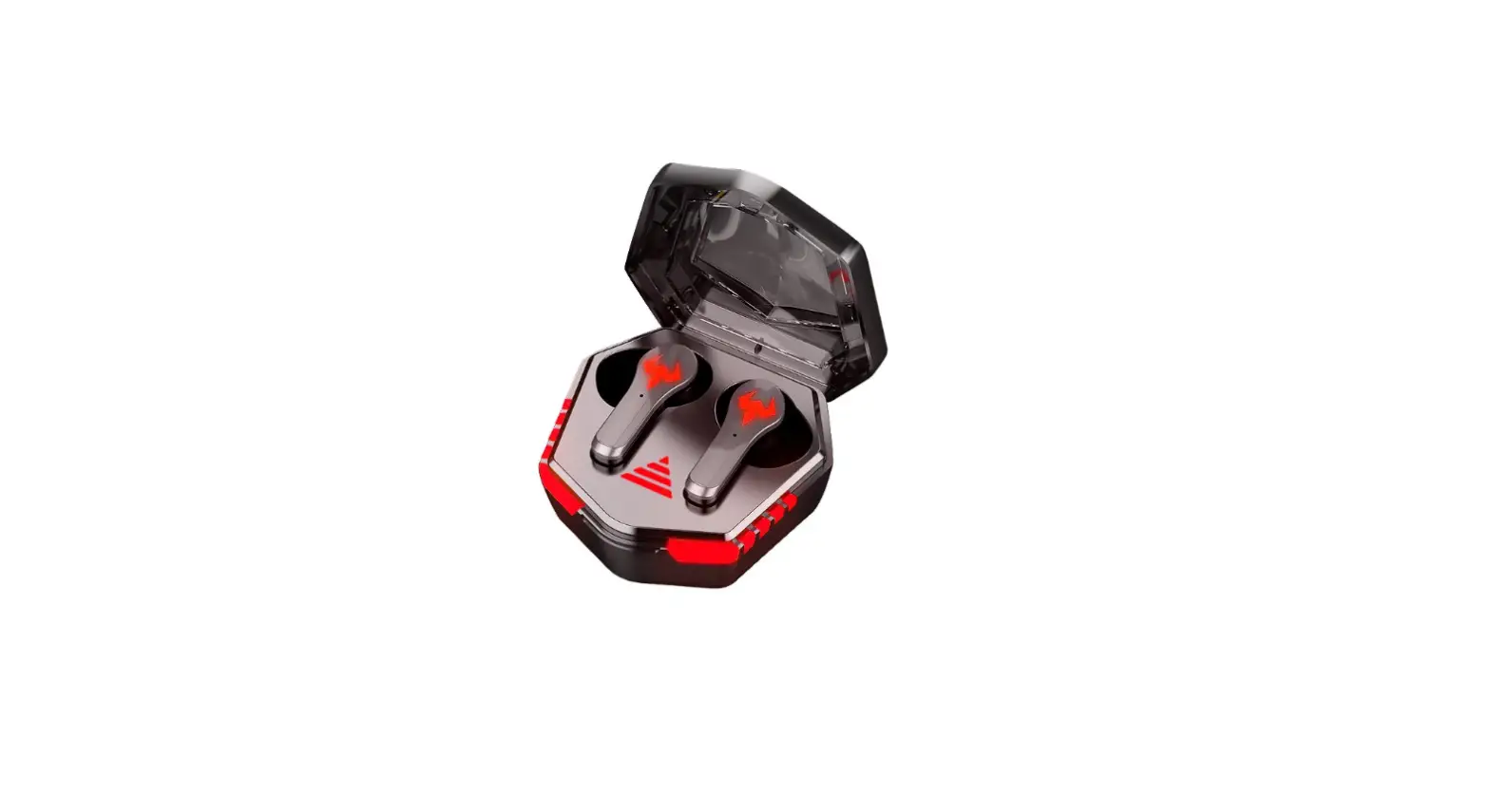
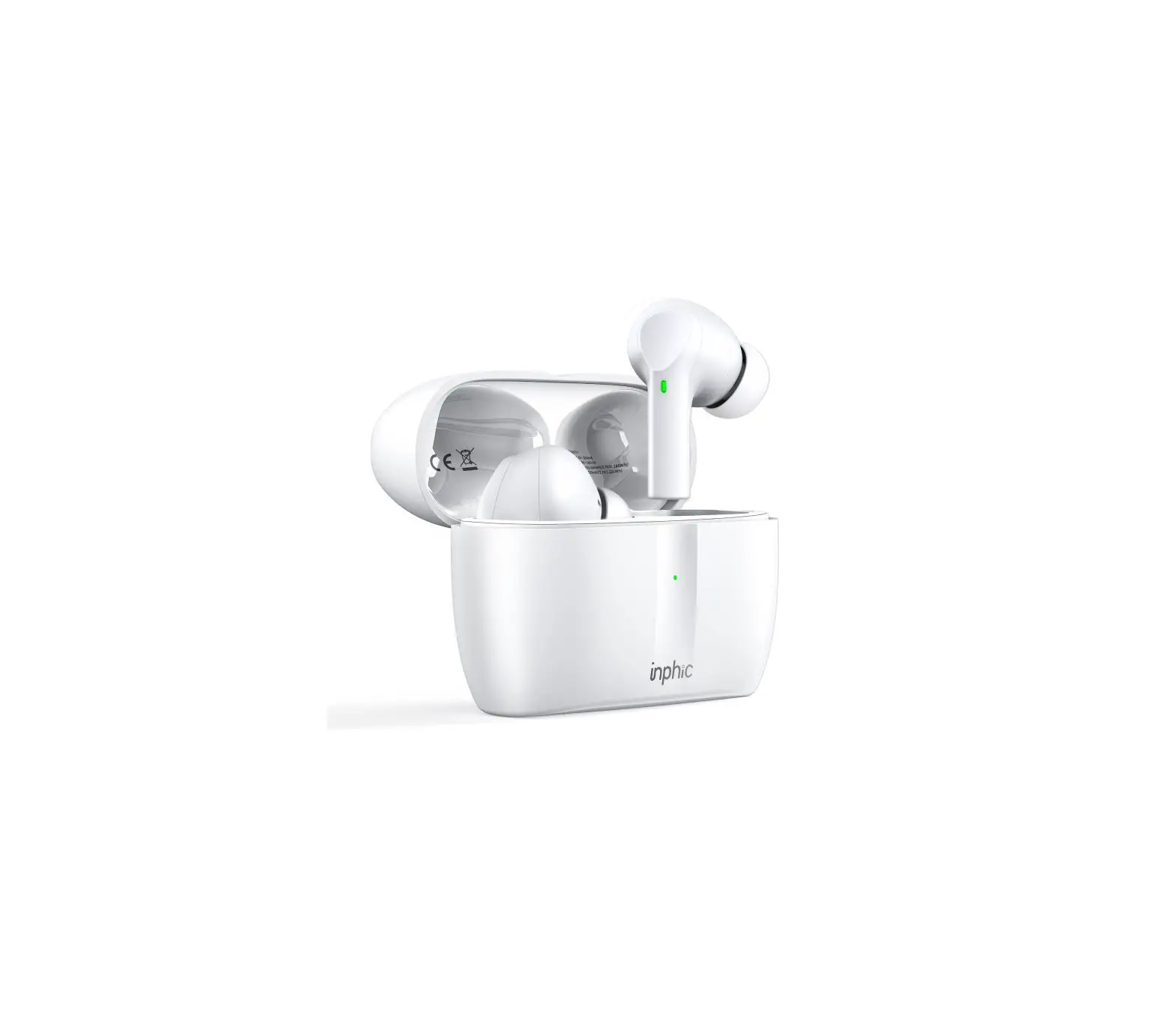
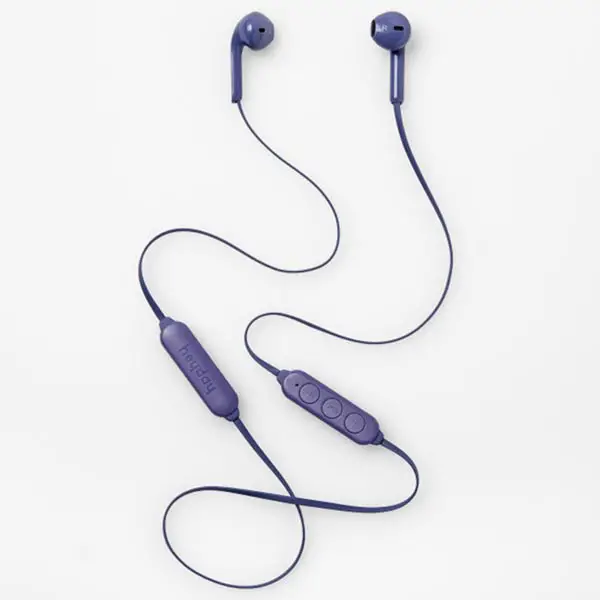
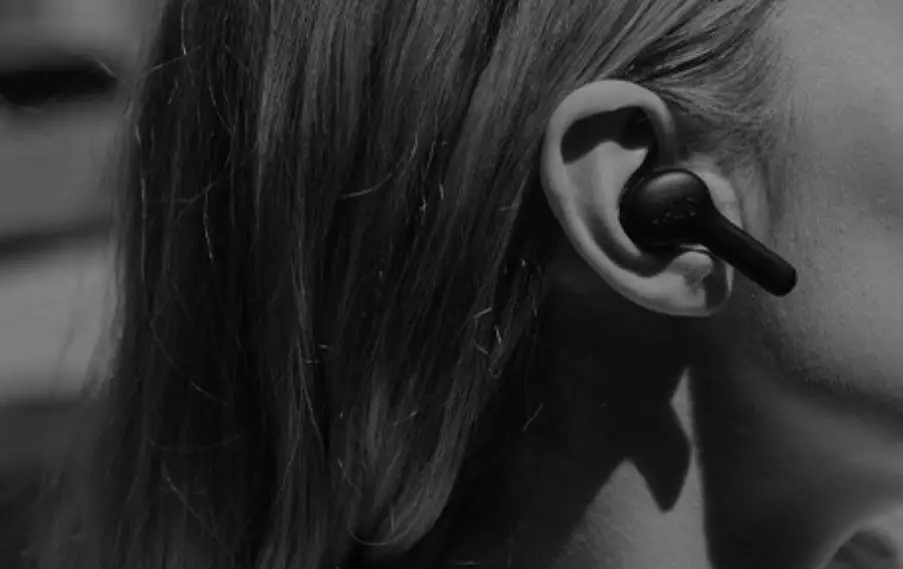
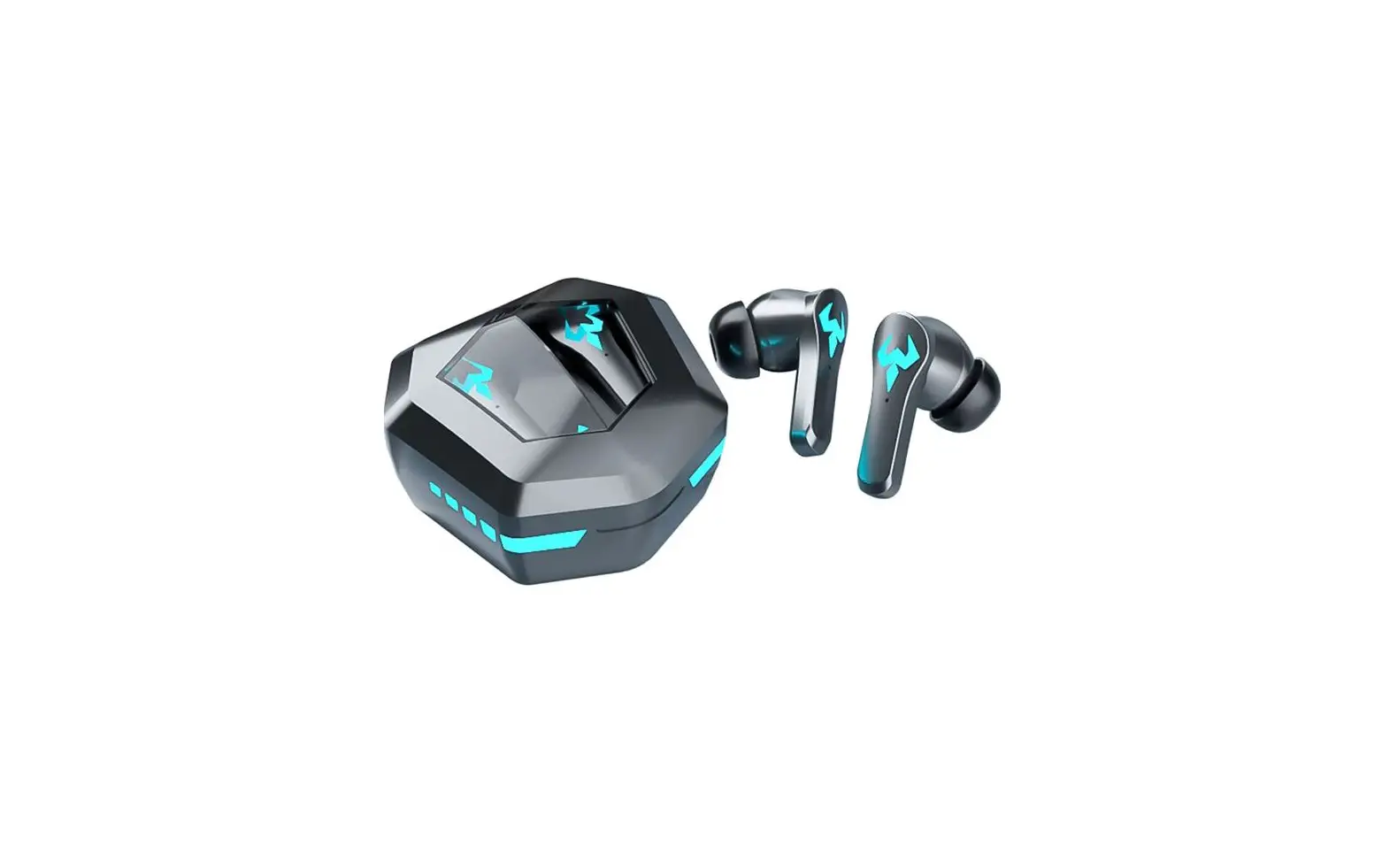
FE35 Wireless Earbuds
Product Information
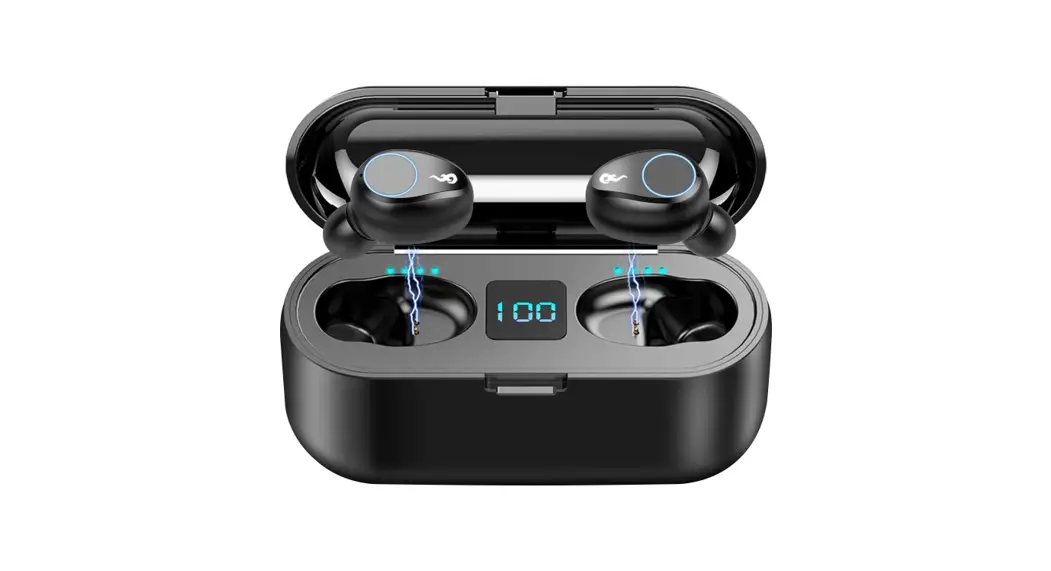
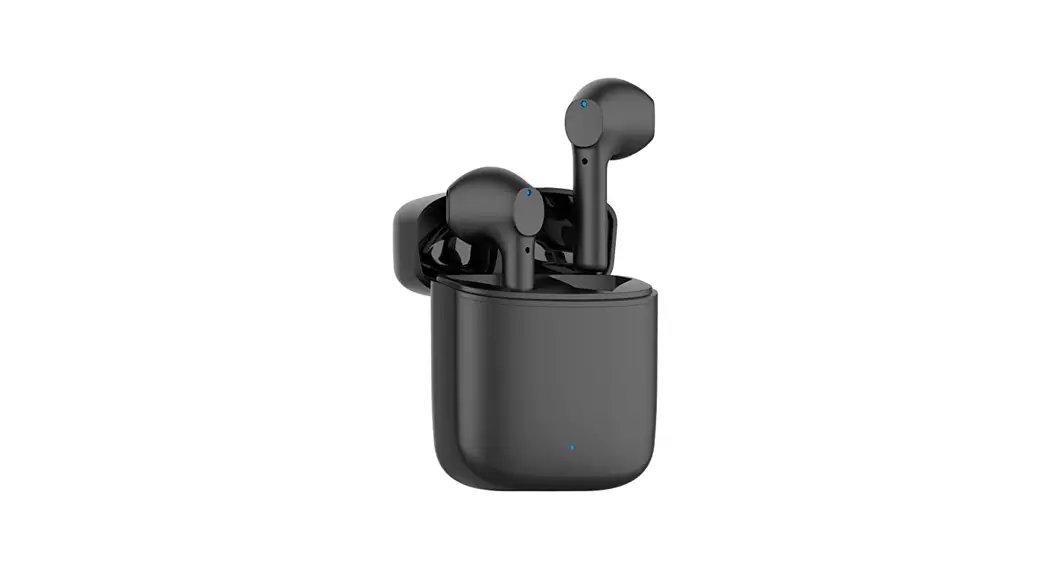
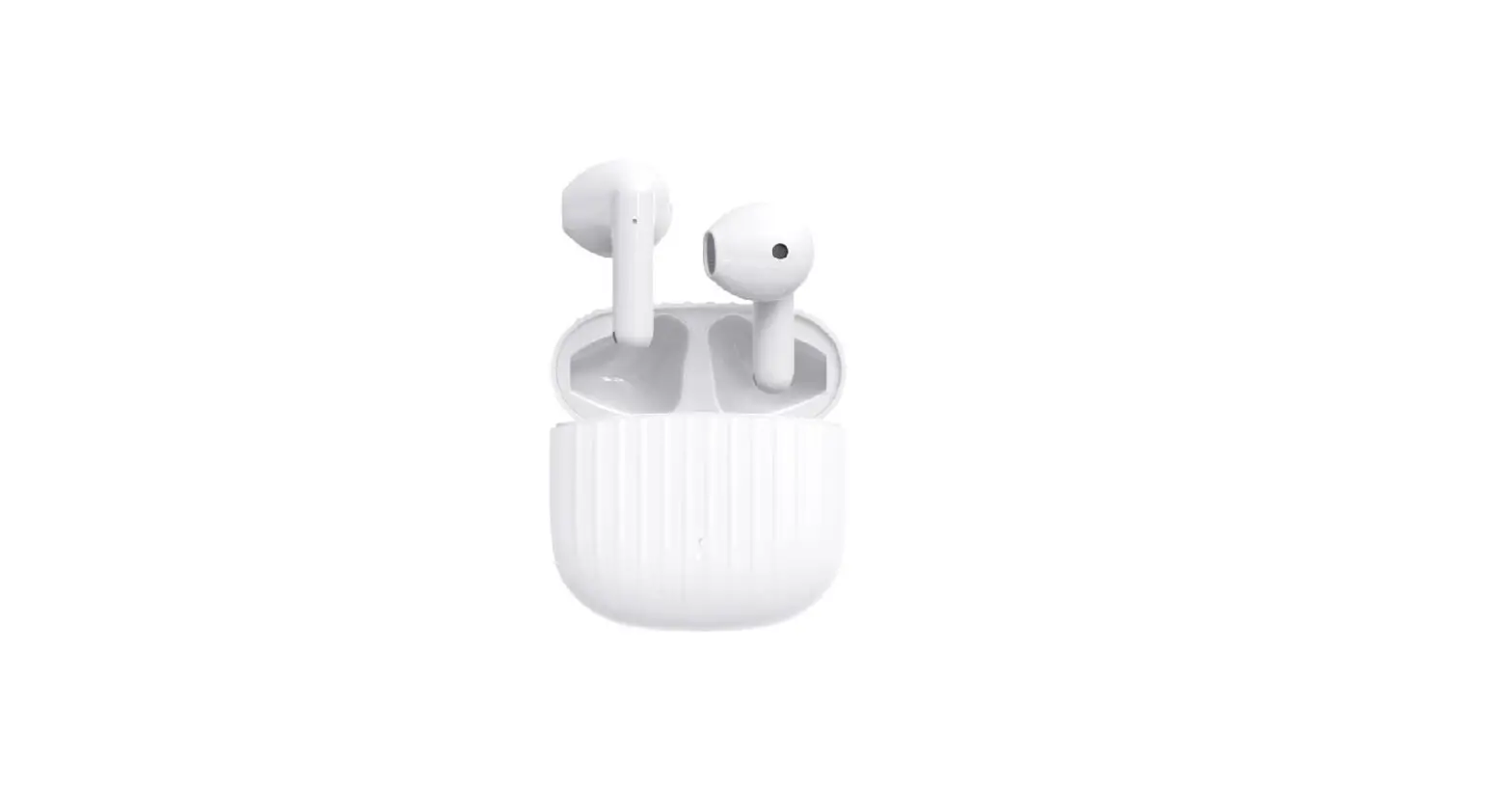
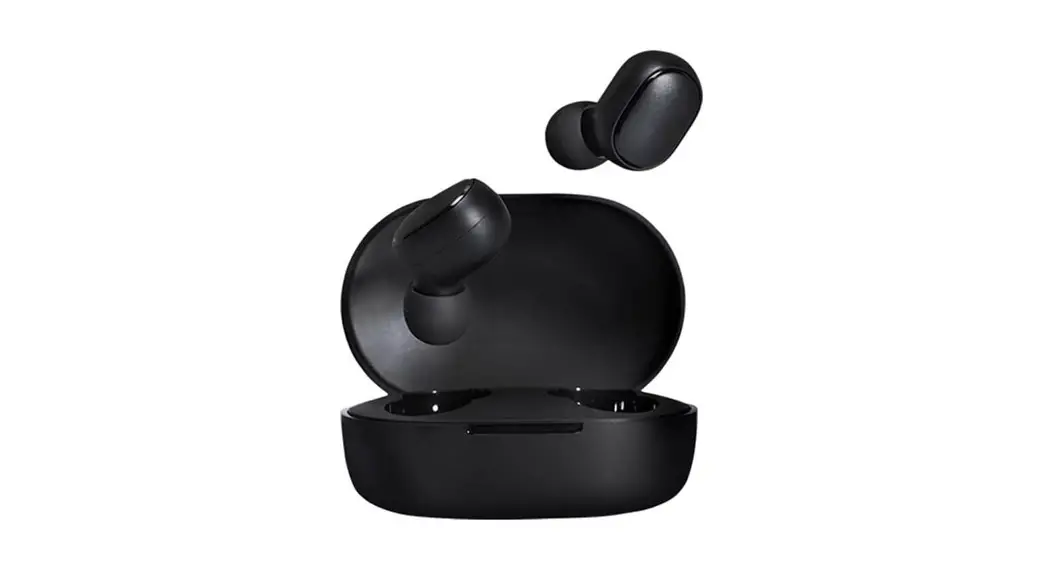
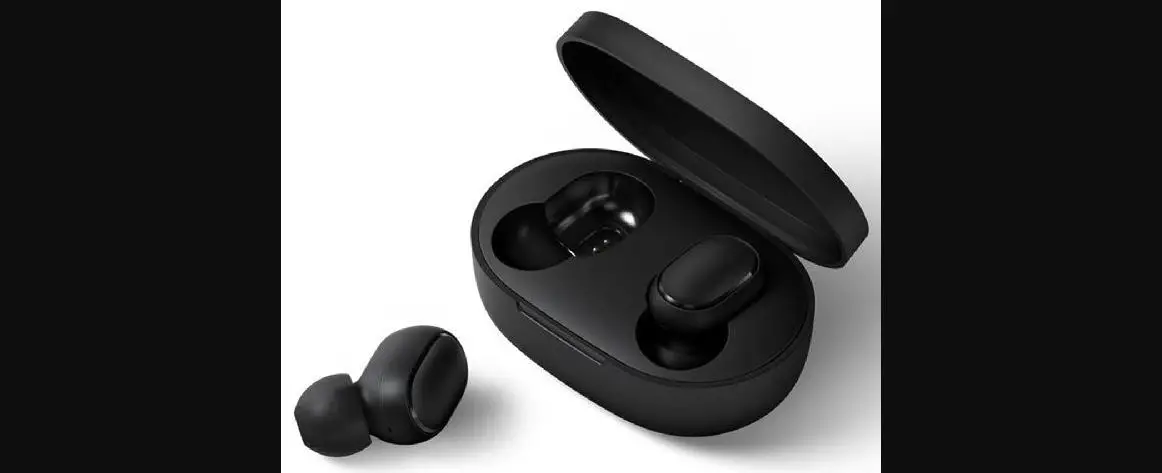
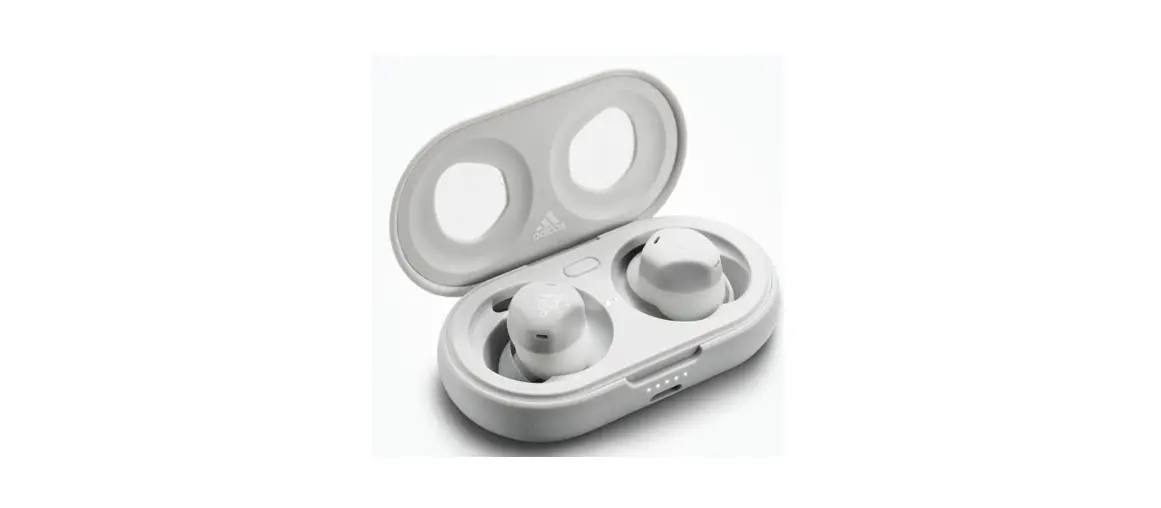
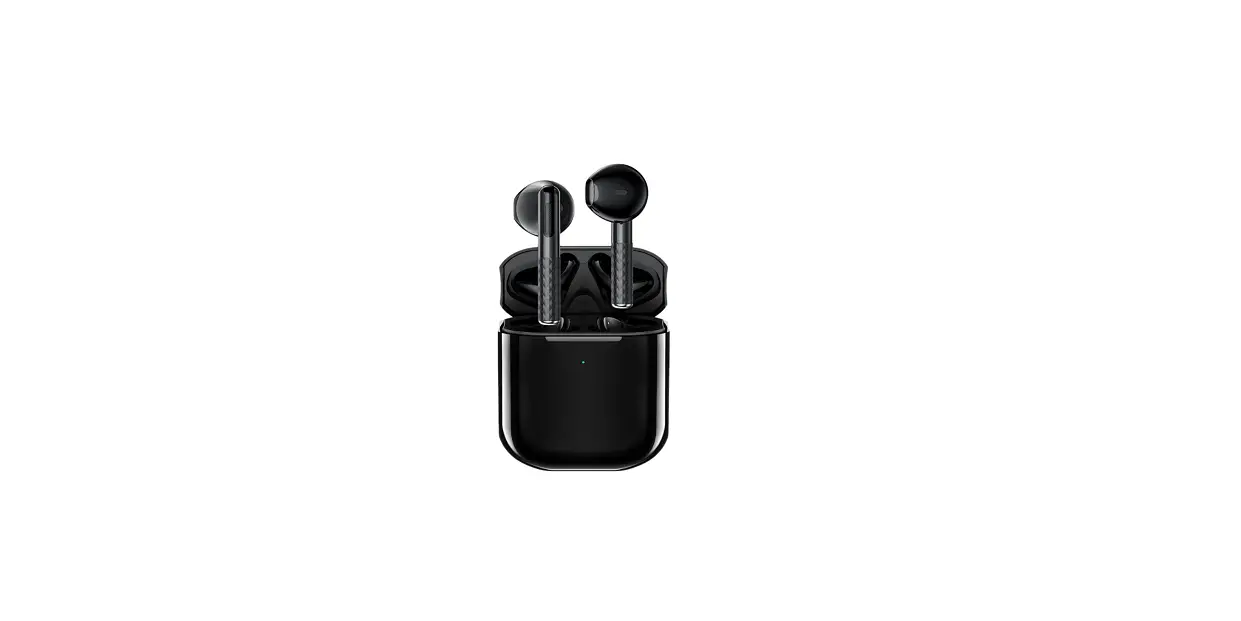
The FE35 Wireless Earbuds are a set of wireless earphones
designed for convenient and high-quality audio listening. The
earbuds come with various features and accessories to enhance the
user experience.
Product Host and Accessories
- 1 touch area (FMB)
- 2 earphone indicator
- 3 microphone sound hole
- 4 earphone charging pole
- 5 speaker sound hole
- 6 doll lights
- 7 LED power display of charging compartment
- 8 hall switch position
- 9 type-c charging port
Product Structure Description
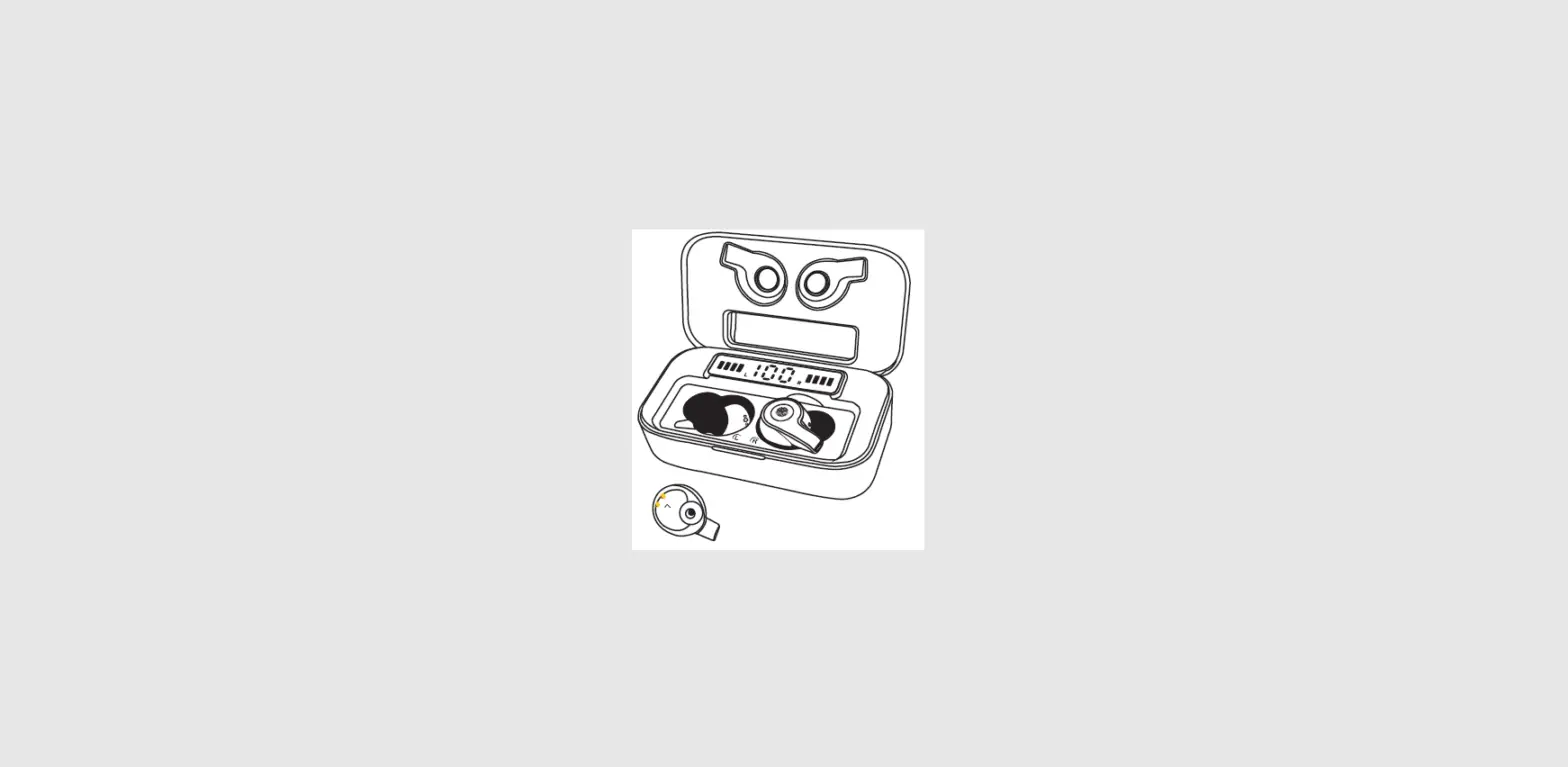
The product structure consists of various components, including
a touch area, earphone indicator, microphone sound hole, earphone
charging pole, speaker sound hole, doll lights, LED power display
of the charging compartment, hall switch position, and type-c
charging port. These components work together to provide a seamless
user experience.
Product Specifications
The specifications of the FE35 Wireless Earbuds include:
- Wireless connectivity
- Type-C charging port
- Intelligent voice assistant support
- Call function support
- Music function support
- Doll lights with multiple colors
- LED power display
Packing List
- FE35 Wireless Earbuds
- Charging compartment
- Charging cable
- User Manual
Product Usage Instructions
Power ON
To power on the earbuds:
- Take out the earbuds from the charging compartment. They will
automatically enter the pairing state, indicated by a white light
turning on for one second. - Alternatively, if the earbuds are in the shutdown state, press
and hold FMB (the touch area) for 3 seconds to power them on.
Pairing
To pair the earbuds with a functional device:
- Open the charging compartment. The earbuds will automatically
turn on and enter pairing mode, indicated by a flashing white light
(2 times per second). - On the functional device, search for the name “FE35” and click
to pair with the earbuds. - If there is no connection within 3 minutes, the earbuds will
automatically shut down.
Power OFF
To power off the earbuds:
- Put the earbuds into the charging compartment. They will
automatically shut down. - Alternatively, press and hold FMB for about 5 seconds. The
white light will flash 3 times slowly, accompanied by a shutdown
prompt sound, indicating that the earbuds are powered off.
Call Function
To use the call function:
- Answering a call: When there is an incoming call, tap FMB once
to answer. - Hang up the call: In the call state, touch FMB once to hang
up. - Reject a call: When there is an incoming call, tap FMB twice to
reject it.
Music Function
To use the music function:
- After the FE35 earbuds are successfully connected to your
mobile phone, you can open the music app to play music. - In music mode:
- Pause/Play: Touch the multi-function button (FMB) once to pause
the music playback. Touch it again to continue. - Previous song: Tap the left FMB twice to play the previous
song. - Next song: Tap the right FMB twice to play the next song.
- Increase volume: Tap the right FMB three times.
- Decrease volume: Tap the left FMB three times.
- Pause/Play: Touch the multi-function button (FMB) once to pause
Intelligent Voice Assistant
To use the intelligent voice assistant:
- Activate: Long press FMB for 2 seconds to activate Siri or the
voice assistant on your device. - Exit: To exit Siri or the voice assistant, it can be canceled
by your mobile phone or by long-pressing FMB for 2 seconds.
Charging and Lighting
The FE35 earbuds and charging compartment have specific charging
and lighting indications:
- Earphone charging: After placing the earphones in the charging
compartment and closing the top cover, the doll light will flash
pink-yellow-orange in a 3-color breath pattern for a cycle and then
turn off. If the doll is not detected, the red light will flash 3
times and turn off. - Compartment charging: After plugging in the charging cable, the
LED display will show the current battery level. The doll light
will flash slowly for breathing and display the corresponding color
of the battery. - Open the cover of the charging compartment: The LED display
will show the battery level for 8 seconds. The doll light will
breathe in 3 colors of pink-yellow-orange (3 seconds per cycle) and
then turn off after one cycle for each color. - Close the cover of the charging compartment: The LED display
will show the battery level for 8 seconds. The doll light will
breathe in 3 colors of pink-yellow-orange (3 seconds per cycle) and
then turn off after one cycle for each color.
FE35
FE35 Wireless Earbuds User Manual
Product Host and Accessories
FE35 × 1 Type-C charging cable × 1 User manual × 1
Product Structure Description
1 touch area (FMB) 2 earphone indicator 3 microphone sound hole 4 earphone charging pole 5 speaker sound hole 6 doll lights 7 LED power display of charging compartment 8 hall switch position 9 type-c charging port
Before using MOEEN earbuds, please read this User Guide carefully and keep it for future reference.
Product Specifications
Version: V 5.0 Speaker specification: 13MM 32 Frequency response range: 20Hz-20KHz Using distance: About 10 meters Music playback: About 5 hours Talk time: About 5 hours Standby time: About 150 hours Charging time: About 1.5 hours Battery specification: 35mAh*2/500mAh Speaker sensitivity: 94dB Weight: 40g The above data are laboratory measured values, and actual use may vary according to specific circumstances. The music playback and talk time data are all measured at 50% of the earbuds volume.
Packing List
Wireless earbuds × 1 Charging compartment × 1
User manual × 1 Type-C charging cable × 1
Instructions
Power ON It automatically enters the pairing state after taking out from the charging compartment, the white light turns on for one second to complete the boot. Or press and hold FMB for 3 seconds in shutdown state to boot.
Pairing When the charging compartment is opened, it will automatically turn on and enter pairing mode while white light flashes quickly 2 times per second. Use a functional device to search for the name of “FE35”, and click to pair it. If there is no connection within 3 minutes, the earbuds will automatically shut down.
Power OFF It will automatically shut down while putting the earbuds into the charging compartment. Press and hold the “FMB” for about 5 seconds, the white light flashes 3 times slowly,
accompanied by a shutdown prompt sound to complete Power OFF.
Call function Answering a call: when there is an incoming call, tap “FMB” once to answer. Hang up the call: in the call state, touch “FMB” once to hang up. Reject a call: when there is an incoming call, tap “FMB” twice to reject it.
Music function After FE35 is successfully connected to your mobile phone, you can open the music app to play music. In music mode: Pause/Play: touch the multi-function button once to pause the music-play, touch it again to
continue. Previous song: tap the left “FMB” twice to the previous song. Next song: tap the right “FMB” twice to the next song. Increase volume: tap the right “FMB” 3 times. Decrease volume: tap the left “FMB” 3 times.
Intelligent voice assistant
Activate: Long press “FMB” for 2 seconds to activate “Siri”/ voice assistant. Exit: Voice exit “Siri”/ voice assistant, be canceled by mobile phone or long press “FMB” for 2 seconds .
Charging and Lighting
Earphone charging: After the earphones are placed in the charging compartment, and the top cover is closed, when the charging compartment detects they are charging, the status of the doll light is pink-yellow-orange 3-color breath flashing for a cycle and then goes out. If the doll is not detected, the red light flashes 3 times and turns off.
Compartment charging: After plugging in the charging cable, the LED display will show the current battery level, the doll light will flash slowly for breathing, and display the corresponding color of the battery.
Open the cover of the charging compartment: The LED displays the battery level, and it will turn off after 8 seconds; the backlight of the doll breathes according to 3 colors of “pink-yellow-orange” (3S/cycle), and turns off after one cycle for each color.
Close the cover of the charging compartment: The LED displays the battery level, and it will turn off after 8 seconds; the backlight of the doll breathes according to 3 colors of “pink-yellow-orange” (3S/cycle), and turns off after one cycle for each color.
Light color corresponding to electricity: pink 25%, yellow 26-80%, orange 81-100%.
Charging and Battery Precautions
This product has a built-in non-removable rechargeable battery. The charging current and voltage is 5V/500mA, please do not charge the product with a
charger exceeding 5V/500mA, otherwise it will easily cause damage to the battery.
Safety Precautions
1. To ensure your personal safety, do not wear or place the earbuds too close to the pacemaker (less than 10cm).
2. Children should use this device under adult supervision, this product is not a toy. 3. Using the earbuds at high volume, especially for a long time, may damage your hearing. 4. For traffic safety, do not use earbuds while driving or riding a bicycle.
Name and content of toxic and hazardous substances or elements in the product
This form is prepared according to the provisions of SJ/T 11364-2014
Part name Toxic and Hazardous Substances or Elements
Lead Mercury Cadmiu Hexavalent
Polybrominated Polybrominated
Pb Hg mCd chromium Cr(VI) biphenyls (PBB) diphenyl ethers (PBDE)
Metal parts ×
Gum parts
Wire
Circuit board ×
assembly
Battery
×
Indicates the content of this toxic and hazardous substance in all homogeneous materials of this part is below the
limit requirement specified in GB/T 26572. ×Indicates that the content of this toxic and hazardous substance in at least one homogeneous material of this part
exceeds the limit requirement specified in GB/T 26572 standard.
The parts marked with “X” in the table are all unable to replace harmful substances due to the limitation of global
technological development level.
FAQ
(1) What should I do if the left and right ear pairing fails? If the left and right ears cannot be paired, please turn off the BT function of mobile phone first, put the earphones back into the charging compartment, then take out the earphones according to above instructions to complete pairing steps. After they are successfully paired, turn on the BT function of mobile phone, and manually click it to connect.
(2) What to do when the phone is connected to 2 earphones at the same time? A. Turn off the BT function of the phone, pick up the 2 earphones from the charging compartment at the same time, pair them again, turn on the BT of phone after the pairing is successful, and manually click it to connect again. B. The mobile phone directly disconnects both earphones, and reconnects according to the instructions.
(3) Several problems that may occur when pausing playback: After testing the Apple phone, the automatic re-connection cannot be performed after turning on again. You need to manually click the earbuds name to reconnect, then it can be used normally.
(4) Earbuds have noise problems:
A. Whether there is interference from large electronic equipment nearby. B. Confirm whether there is any noise in the sound source itself, change the music and test them again. C. When the battery is low, there will be noise. Put the earphones into the charging compartment for charging.
(5) Earbuds sound delay problem: At present, the normal delay time of BT technology is lower than 300ms.
(6) There is no sound from the earphone, touch them with no effect, and the indicator light flashes abnormally.
Turn off the BT of mobile phone, put earphones into the charging compartment and take them out again. After the reset is successful, repeat the above steps to reach the connection.
(7) Other possible problems: A. The secondary ear is stuck, there may be electromagnetic interference nearby. B. Earbuds are not charging: Confirm if the charging compartment has electricity; Whether the thimble of the charging compartment and earphone are in good contact with each other for electric shock. C. The earbuds do not turn on: Confirm whether the earbuds are powered, or whether the white light of earbuds is on when placed into the charging compartment. D. The voice of the other party cannot be heard in the earbuds call state: Confirm whether the earbuds is connected to mobile phone; Whether switch to the BT call state of mobile phone.
(8) A single earphone is not charged when placed in the charging compartment: Take out the L/R earphones at the same time, and put them back into the charging compartment; Insert the power cord of the charging compartment to charge.
(9) Left and right earphones are disconnected: Turn on both earphones out of warehouse, in the state of disconnection, do not touch the right earphone, tap the left earphones 4 times and the 5th long press, let go after hearing the “Du Du” sound for about 5 seconds, wait for about 8 seconds, the pairing is automatically completed. And the earbuds can be used normally after placing it in the charging compartment. (This function is invalid when connecting mobile phones or other external devices).
Product certification
Inspection date:
Inspectors: Inspection conclusion: qualified unqualified
Manufacturer: Shenzhen Myplus Technology Co., Ltd
FCC Statement
This device complies with part 15 of the FCC rules. Operation is subject to the following two conditi ons: (1) this device may not cause harmful interference, and (2) this device must accept any interfer ence received, including interference that may cause undesired operation. Caution: Changes or modifications not expressly approved by the party responsible for compliance could void the user’s authority to operate the equipment. NOTE: This equipment has been tested and found to comply with the limits for a Class B digital devic e, pursuant to part 15 of the FCC Rules. These limits are designed to provide reasonable protection against harmful interference in a residential installation. This equipment generates uses and can rad iate radio frequency energy and, if not installed and used in accordance with the instructions, may c ause harmful interference to radio communications. However, there is no guarantee that interferen ce will not occur in a particular installation. If this equipment does cause harmful interference to rad io or television reception, which can be determined by turning the equipment off and on, the user is encouraged to try to correct the interference by one or more of the following measures: – Reorient or relocate the receiving antenna. – Increase the separation between the equipment and receiver. – Connect the equipment into an outlet on a circuit different from that to which the receiver is connected. -Consult the dealer or an experienced radio/TV technician for help important announcement Radiation Exposure Statement The device has been evaluated to meet general RF exposure requirement. The device can be used in
portable exposure condition without restriction.