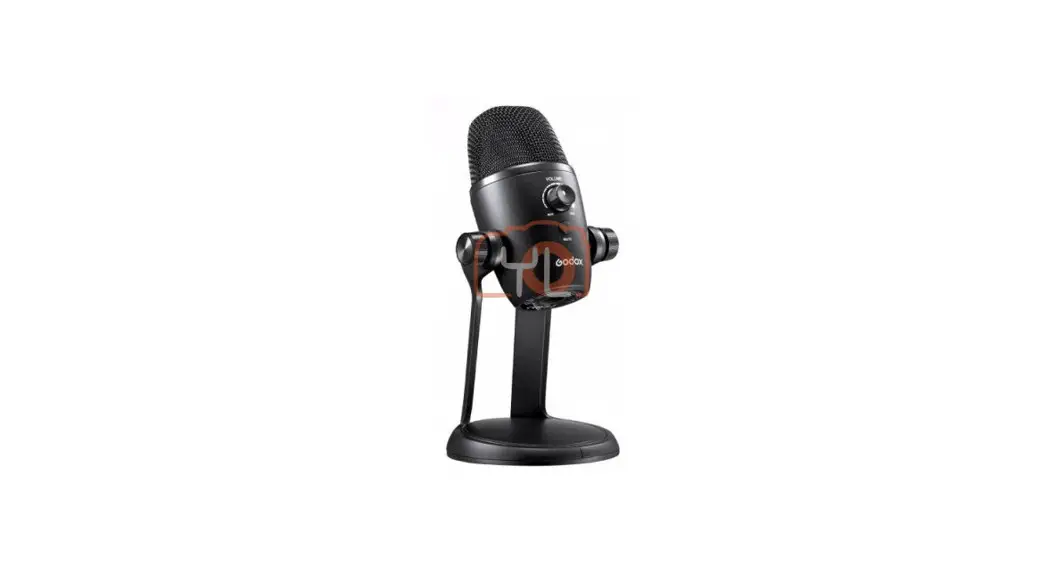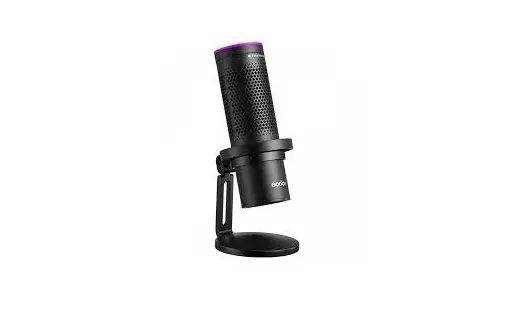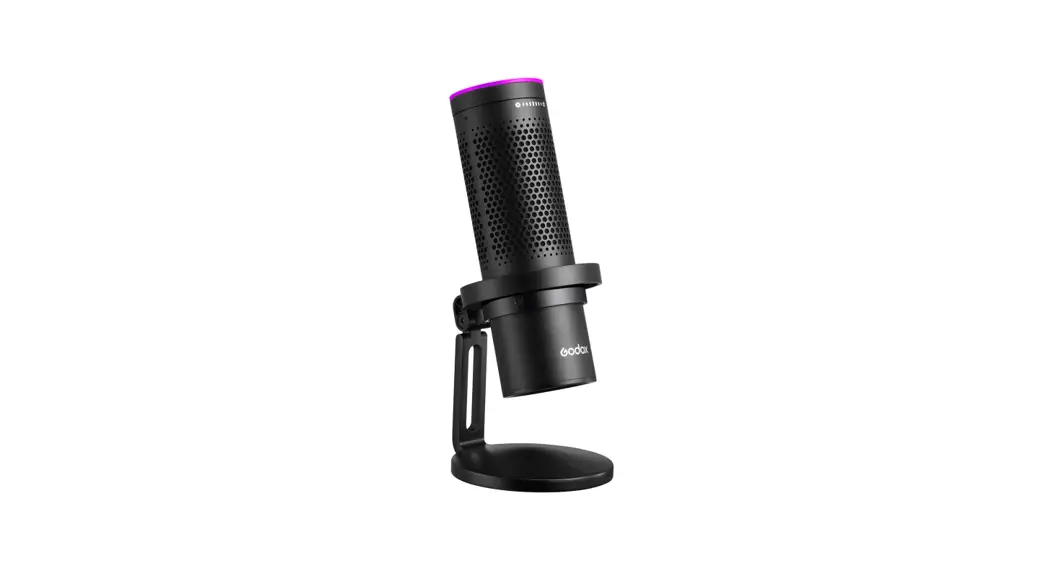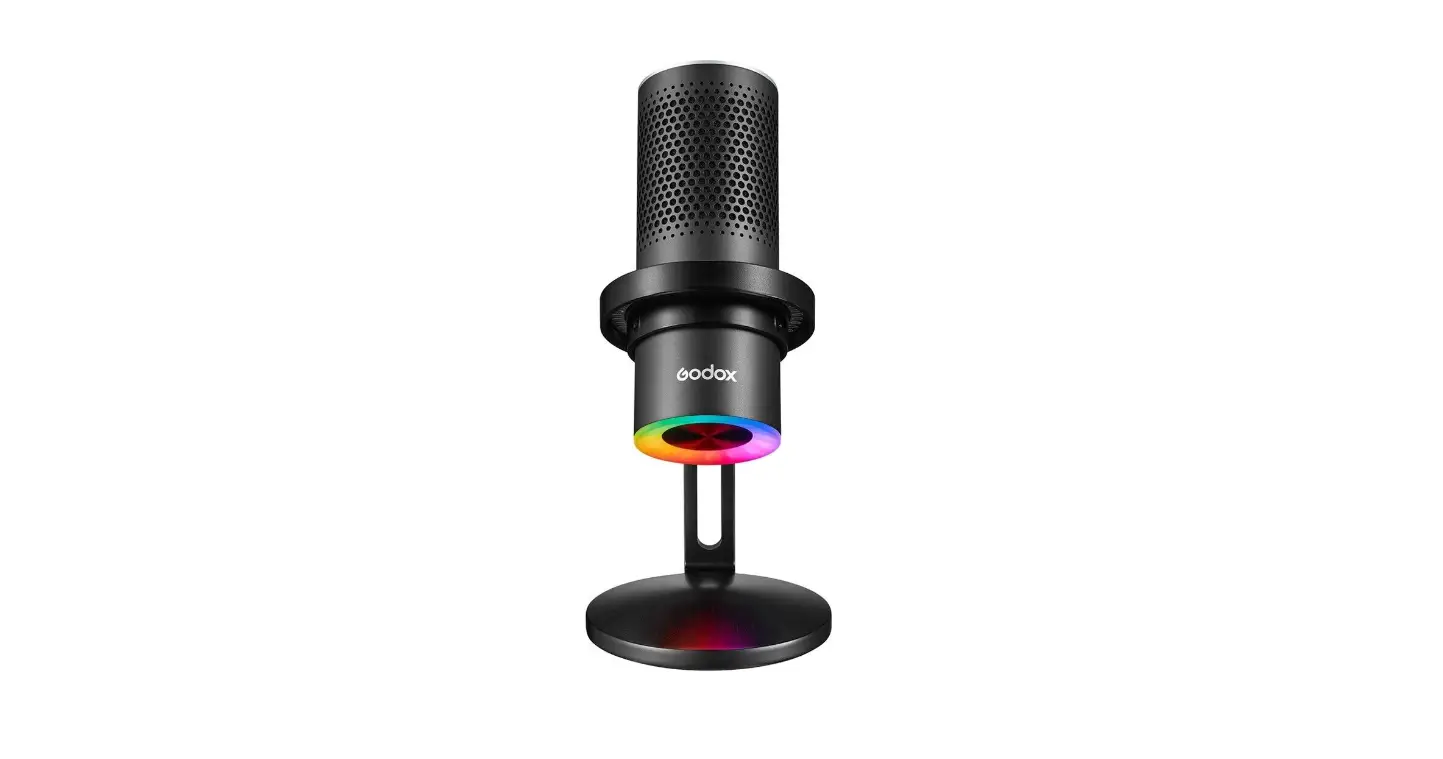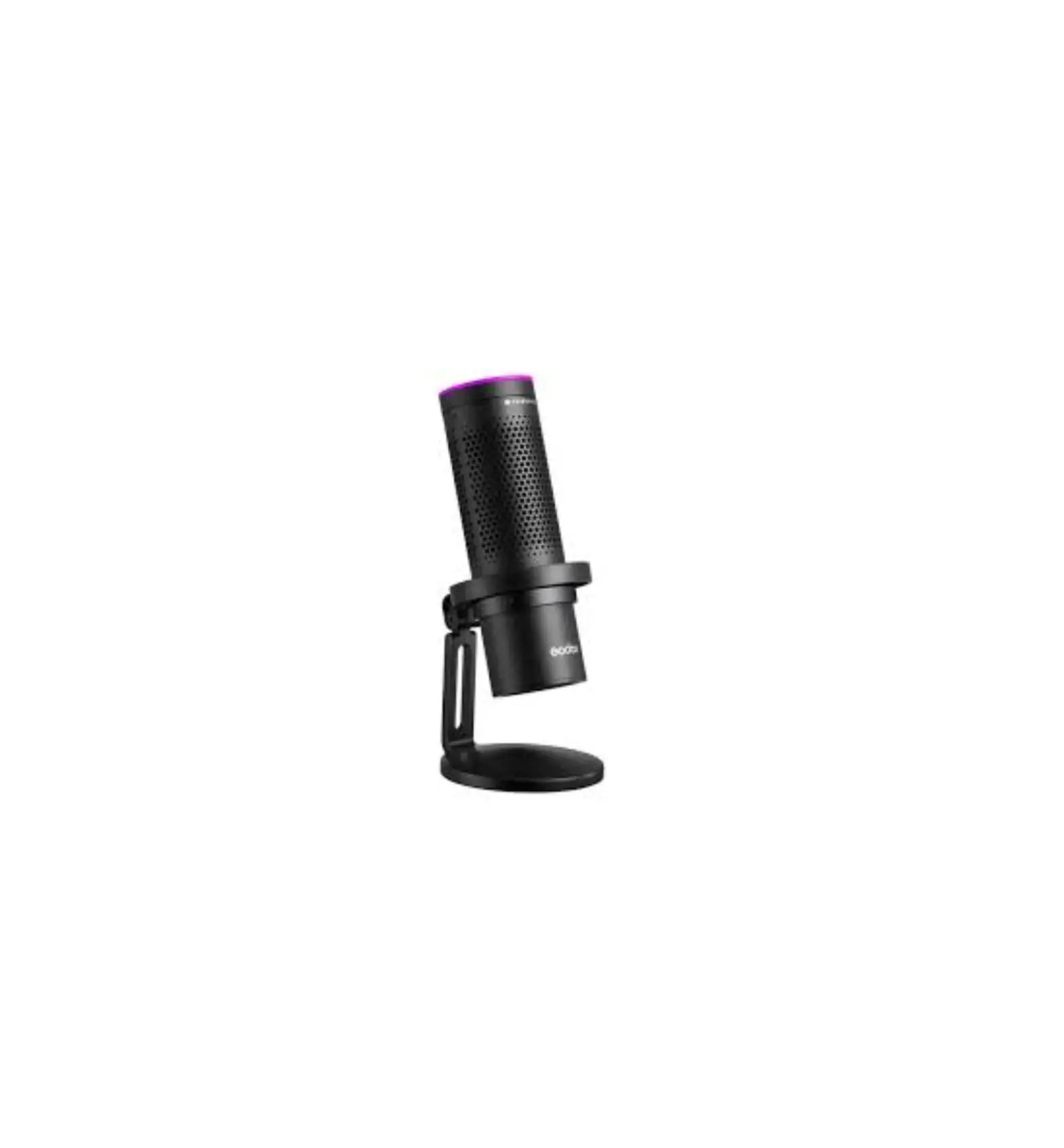
Godox EM68X RGB Ultra Multi Pattern USB Condenser Microphone
Foreword
Thank you for purchasing!
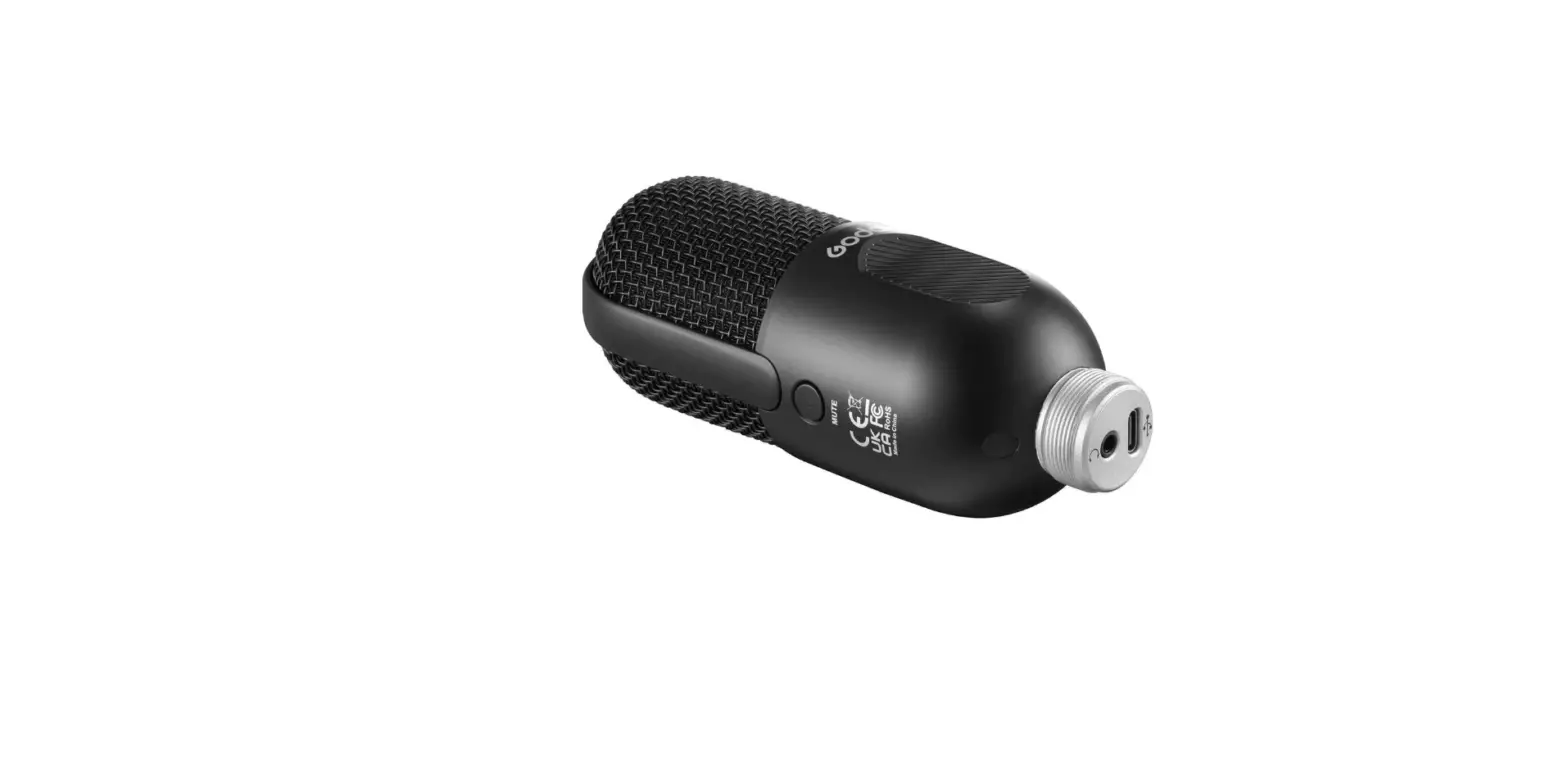
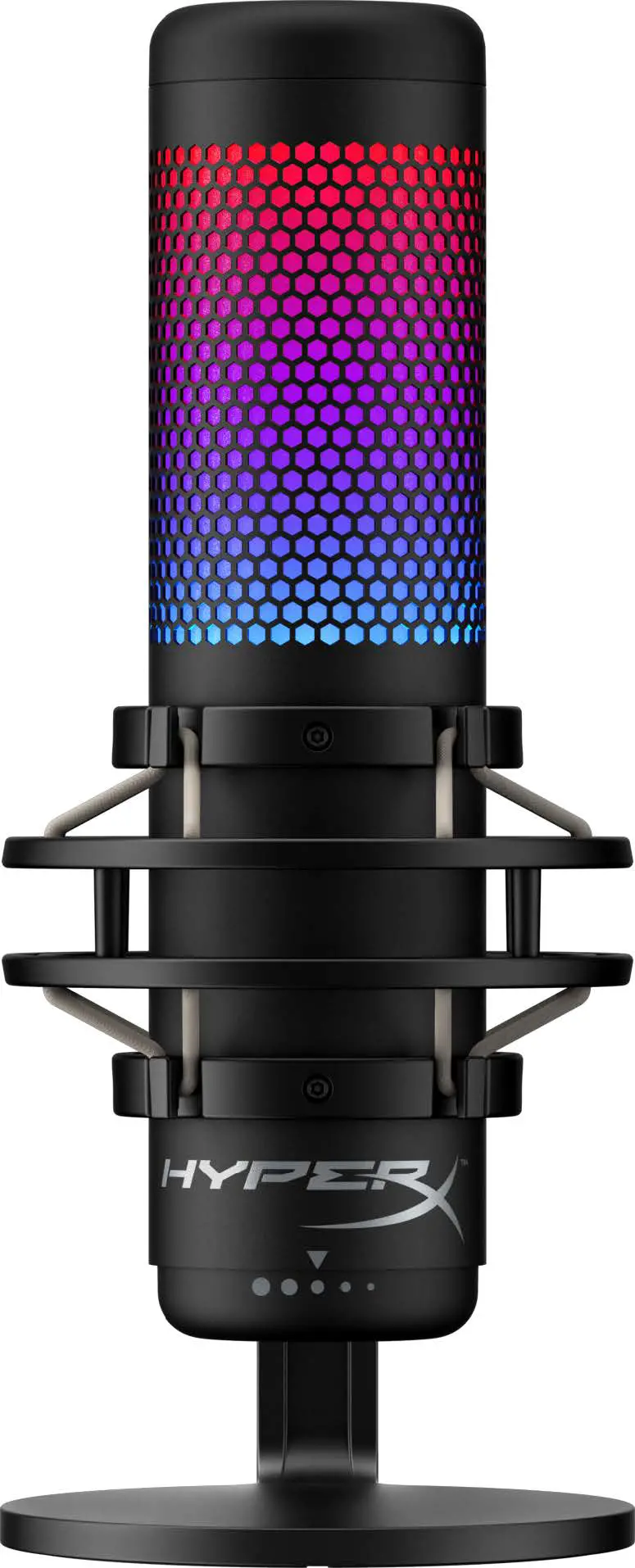
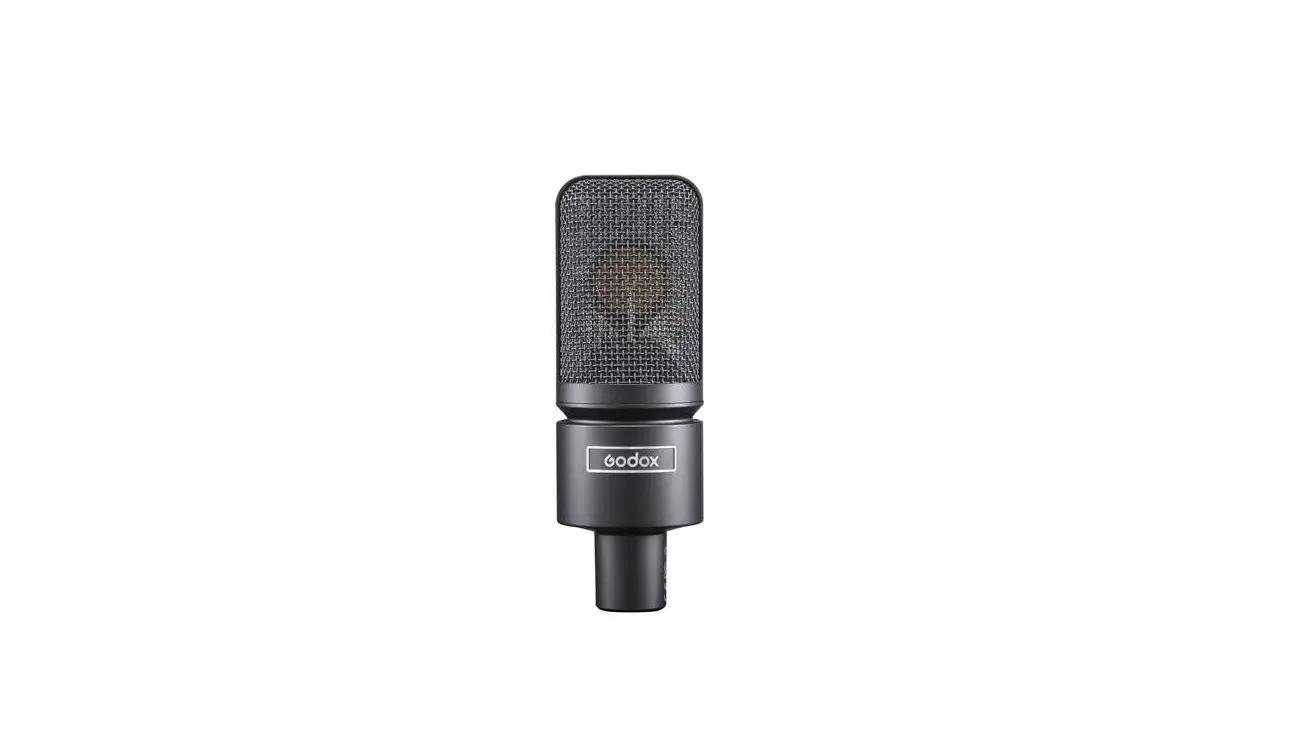
EM68X is a professional e-sports microphone with RGB colorful light effects. The light effects, control mode, volume and pickup pattern can be controlled by smartphone APP Godox Mic, which allows users to set various personalized RGB light effects and functions. It is quite suitable fore-sports, live streaming and indoor interview.
Please read this manual carefully before using to make sure the correct operation and exert the optimum function.
Main Feature
- Five light effects with color, brightness and speed adjustable
- Four pickup patterns with volume adjustable
- Four control modes flexibly switch mute mode
- Auto-sensible and workable after connecting to PC with Type-C data cable
- Real-time monitoring through 3.5mm audio port
- Attached patent shock absorbing bracket contributes to security and stability.
 Warning
This product is high-precision instrument, please avoid falling, collision or pounding. Do not disassemble. Should repairs become necessary, this product must be sent to our Company or an authorized maintenance center. Always keep this product dry. Do not use in rain or damp conditions. Do not leave or store this product in the environment of direct sunlight, near heating devices, or in hot, humid or dusty. Keep out of reach of children. Do not use in flammable and explosive environments. Pay attention to the relevant warning signs. Do not leave or store the product if the ambient temperature reads over 50°C. Please read carefully and follow the warnings or instructions provided by the manufacturer.
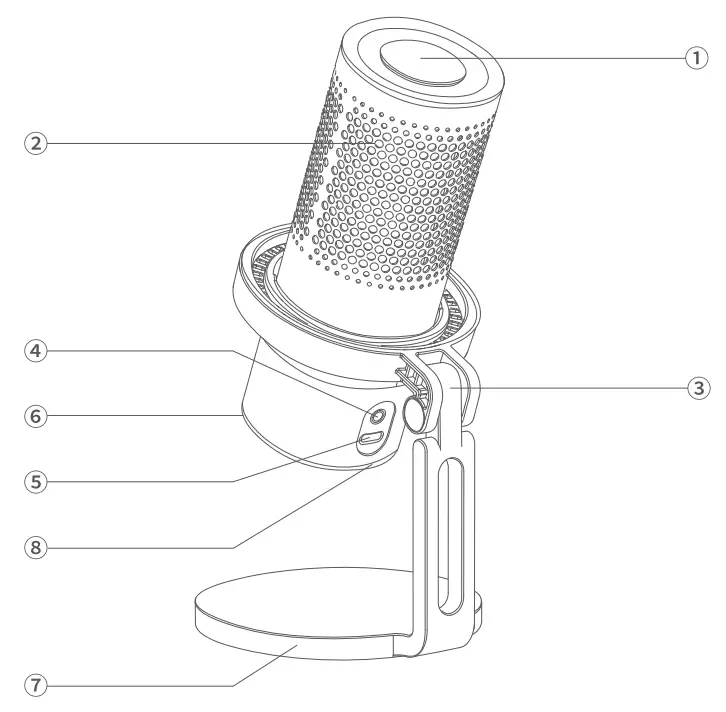
Structure of Product
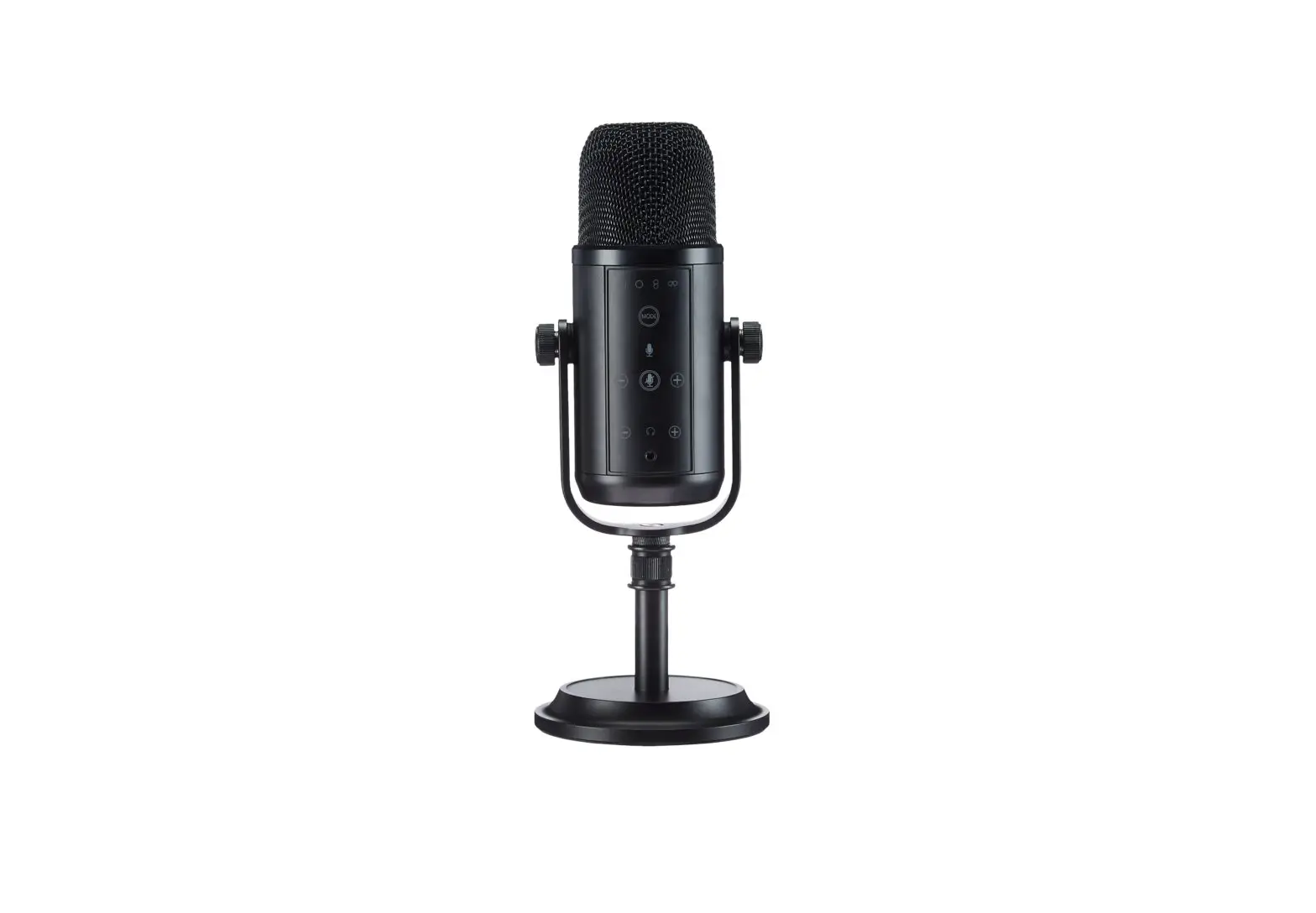
- Touching Mute Area
- Microphone
- Patent Shock Absorbing Bracket
- 3.5mm Audio Monitoring Port
- Type-C Port
- Sweep Sensing Area
- Metal Base
- Light Effects Area

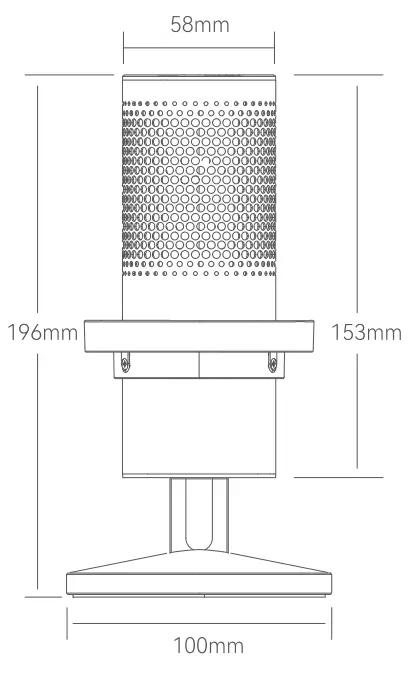
Dimension of Product
What’ s in the Box
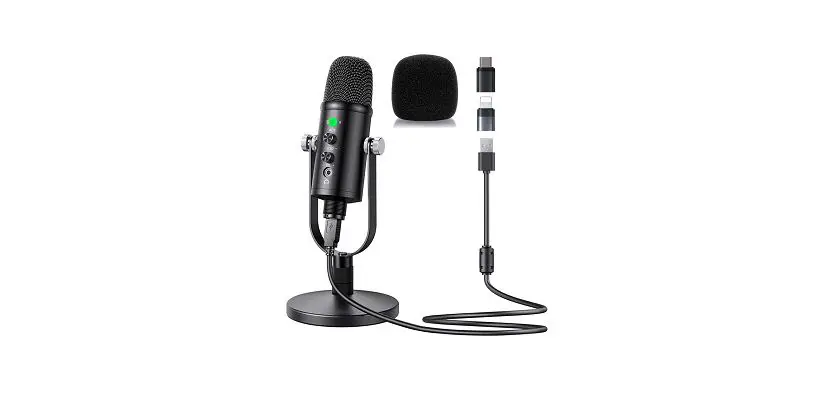
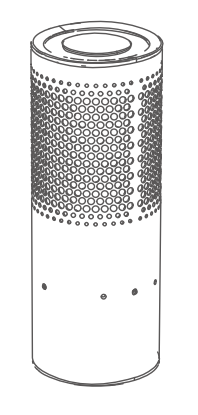
- Microphonex1

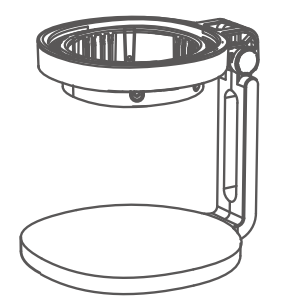
- Patent Shock Absorbing Bracketx1

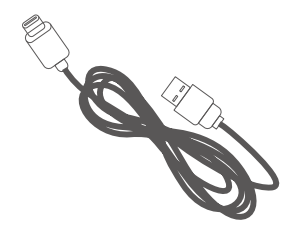
- Type-C to USB Data Cablex1

- Instruction Manualx1


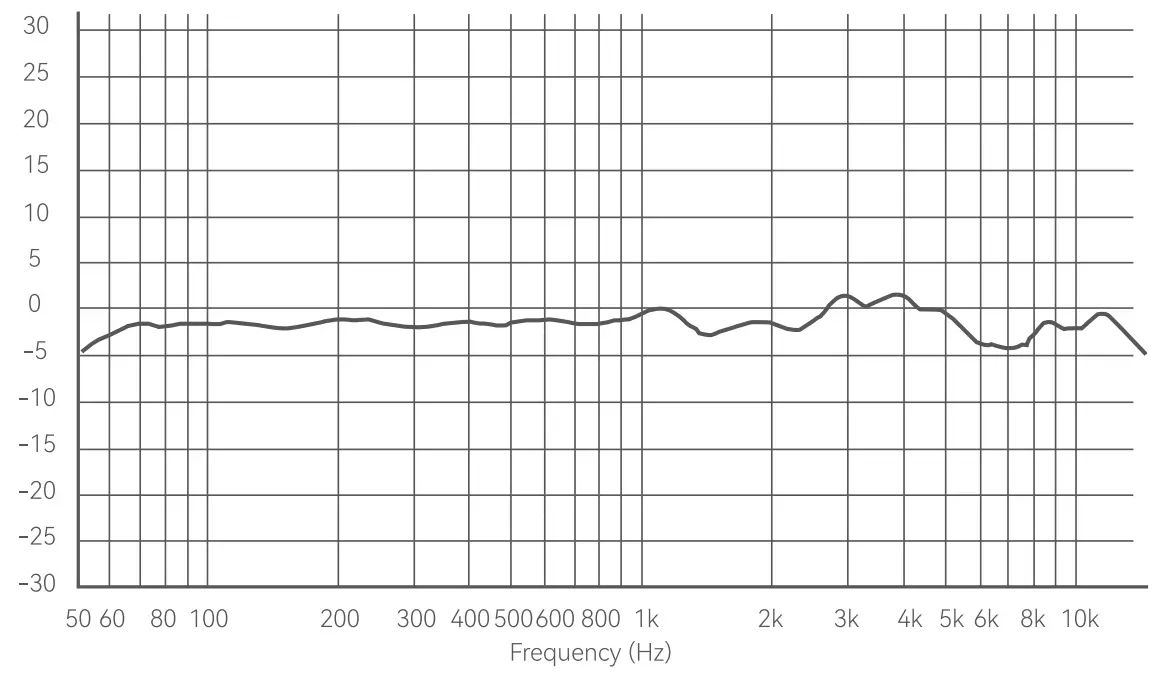
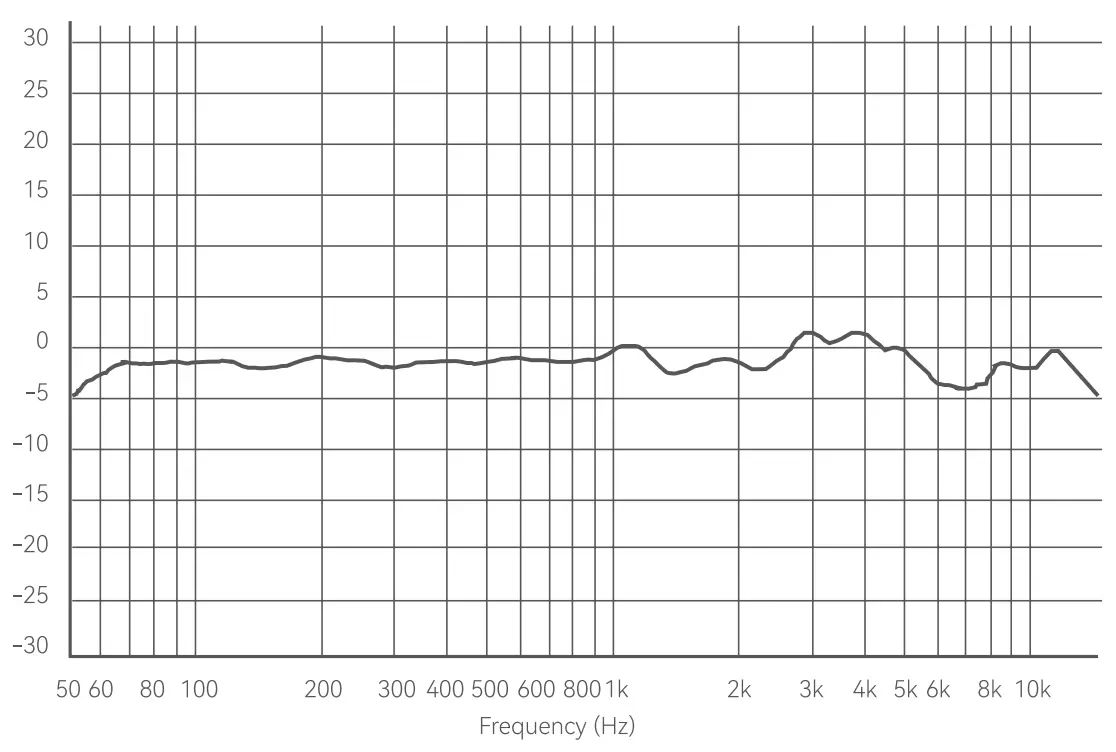
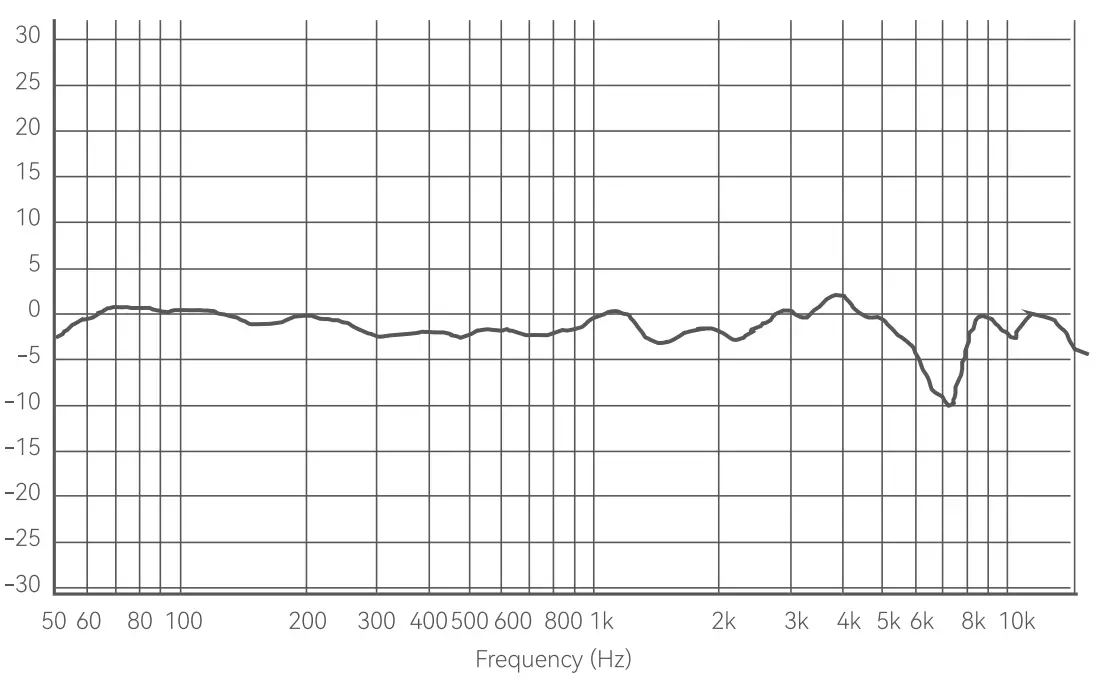
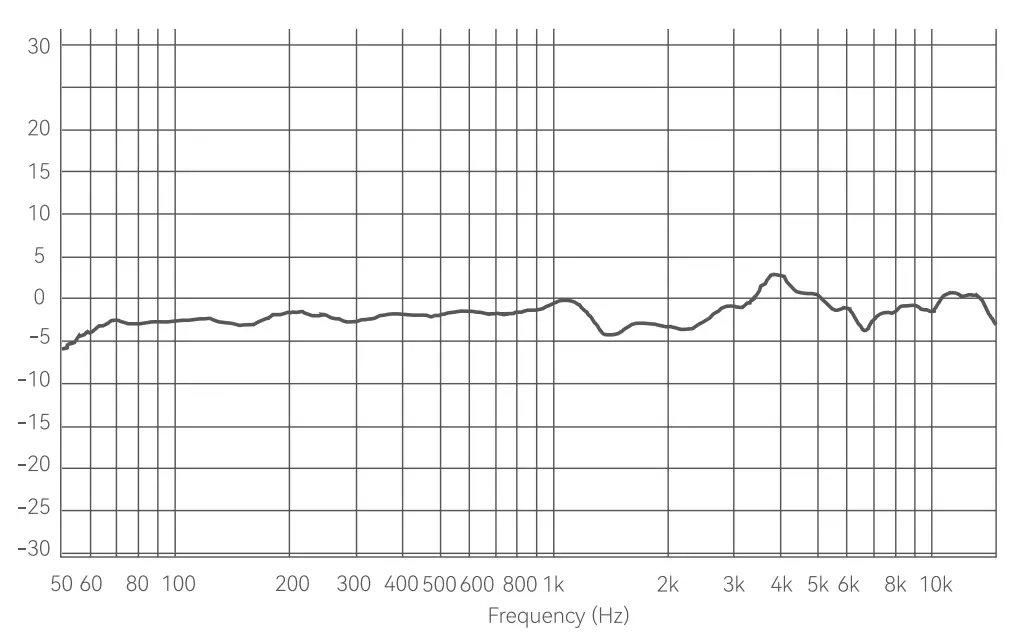
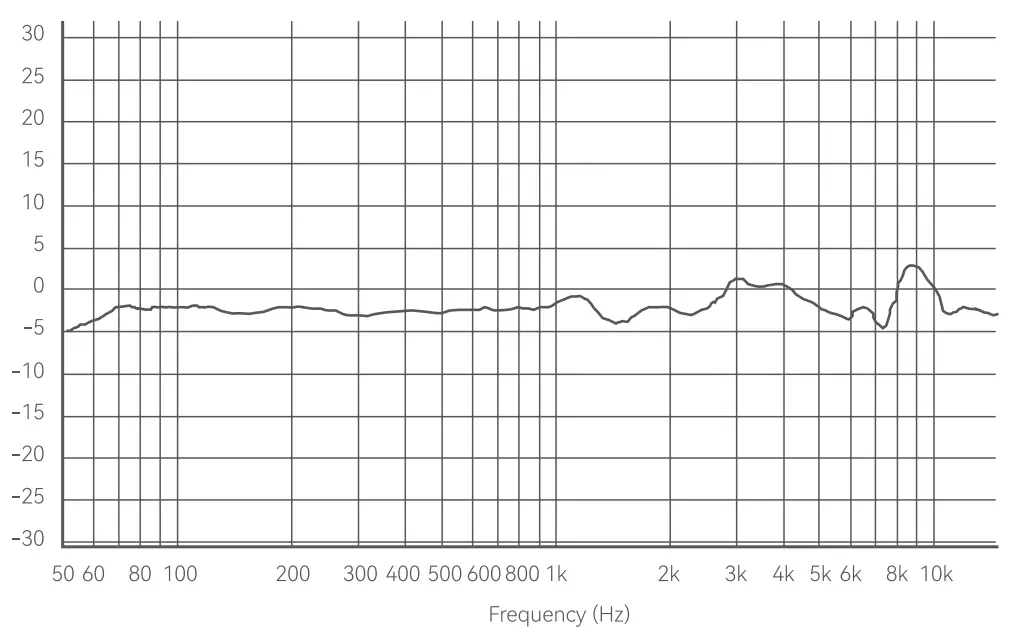
Frequency Response
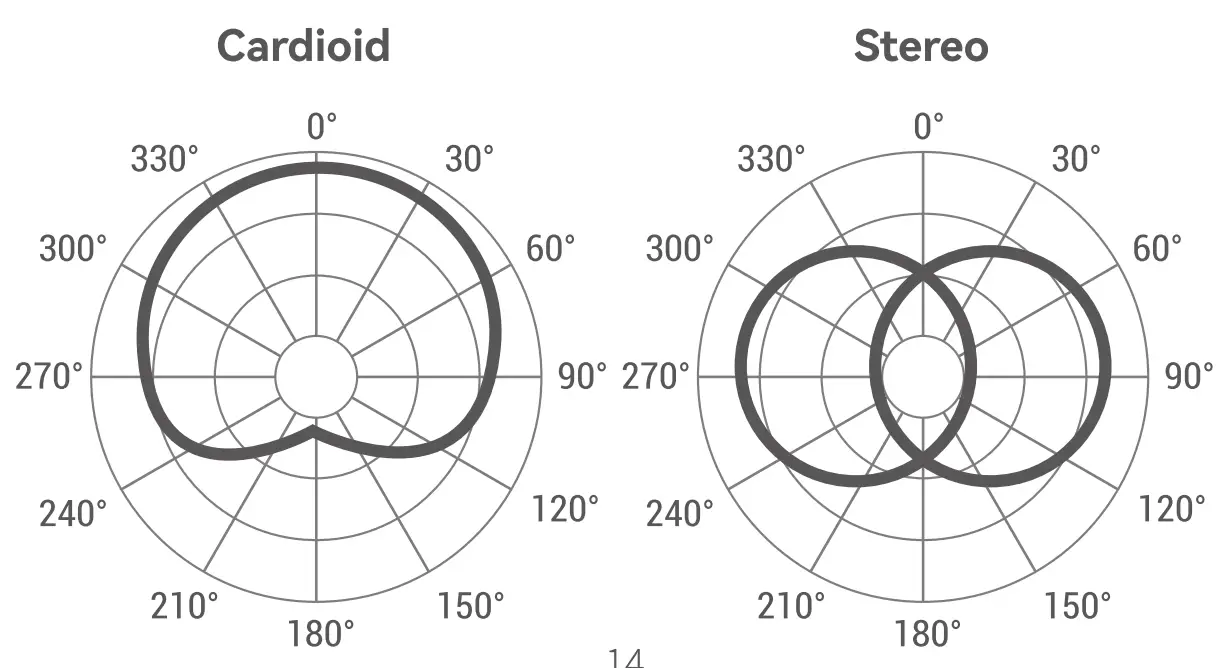
Cardioid

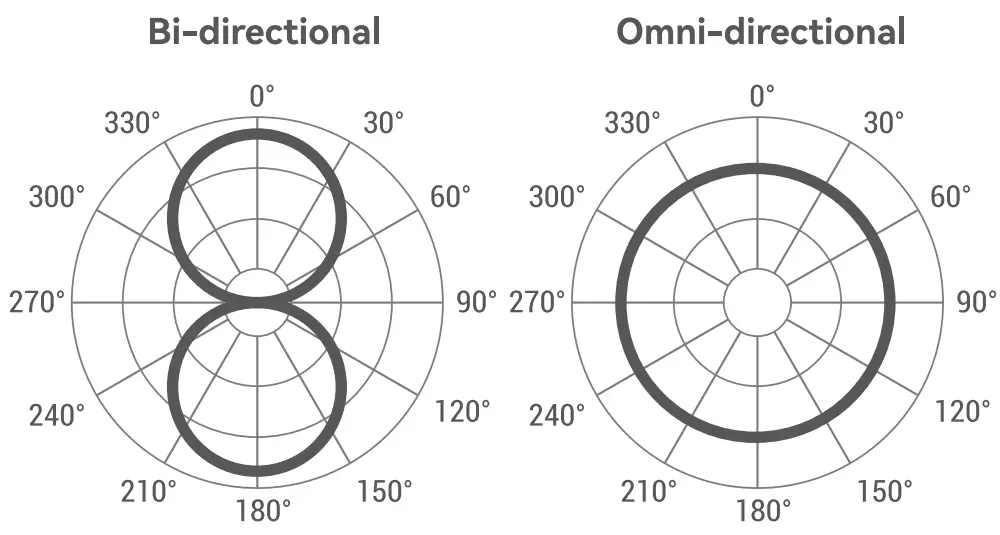
Omni-directional

Bi-directional

Stereo (L)

Stereo (R)

Directivity


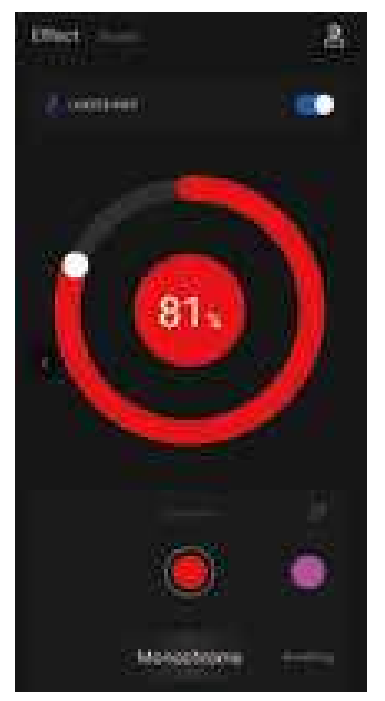
| Monochrome | Switch among constantly on mode of 7 colors (red, magenta, blue, cyan, green, yellow, white), with adjustable brightness from 1% to 100% |
| Breathing | Switch among breathing mode of 7 colors (red, magenta, blue, cyan, green, yellow, white), with adjustable brightness from 1% to 100% and speed from 1 % to 100% |
| Gradient | Display 7 colors (red, magenta, blue, cyan, green, yellow, orange) in order respectively, with adjustable brightness from 1% to 100% and speed from 1 % to 100% |
| RGB Loop | Display 7 colors (red, magenta, blue, cyan, green, yellow, orange)at the same time, with adjustable brightness from 1% to 100% and speed from 1% to 100% |
| Sound | Light effect changes along with sound, with adjustable brightness from 1%to 100% |
Operating Instruction
Connect the microphone to computer, open Godox Mic on the phone with Bluetooth on, then click Connect to device, the APP will search the microphone and click to connect, after which you can control and adjust the microphone.
- Effect

- Sound

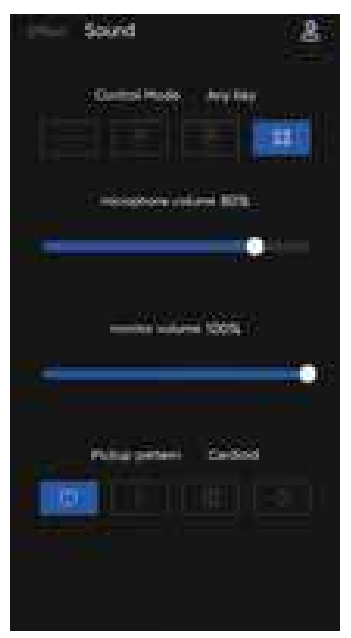
Control mode
 No Close: Neither touch function nor sweep sensing function can control the microphone, it is in constant on mode.
 Hand Sweep: Sweep in the sweep sensing area (under the microphone for about 2 to 3cm), then the mute mode is on, the light effect is turned off, and the microphone can’t pick up the sound. Sweep again to turn off mute mode and turn on the light effect, then the microphone will work normally. The touch function is not available in this mode.
 Touch: Slightly touch the touching mute area on the top, then the mute mode is on, the light effect is turned off, and the microphone can’ t pick up the sound. Press again to turn off mute mode and turn on the light effect, then the microphone will work normally.
The sweep sensing function is not available in this mode.
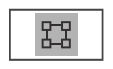 Any Key: The sweep sensing and touch functions can simultaneously control the microphone. You can turn on/off the mute mode and light effect with either sweep sensing function or touch function.
Microphone Volume
The microphone volume is adjustable from 0% to 100%.
Monitor Volume
The monitor volume is adjustable from 0% to 100%.
Pickup Pattern
 Cardioid: suitable to pick up sound from the front.
 Bi-directional: suitable to pick up sound from the front and back.
 Omnidirectional: suitable to pick up sound from all directions.
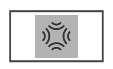 Stereo: suitable to pick up sound the left and right.
Note:
- Make sure you speak at the front of the microphone which is the side with logo.
- Make sure the earphone is correctly worn.
- Testing environment should be quiet.
- The suitable speaking distance is approximate 10cm.
- Connect the microphone to the computer, the mute mode is off by default, the light effect is turned on, and the microphone works normally. This microphone has memory function which displays the previous light effect just before power off.
3.5mm Audio Monitoring Port
This microphone supports real time audio monitoring through 3.5mm Audio Monitoring Port.
Type-C Port
Connect the microphone to Win PC/Mac OS system with Type-C to USB data cable, it will automatically recognize and start working.
Technical Data
| Model | EM68X |
| Directivity | Cardioid, Omnidirectional, Bi-directional, Stereo |
| Frequency Response | 20Hz-20KHz |
| Mic Sensitivity | -40dB±2dB |
| Max. Sound Pressure Level | 115dB |
| THO | <3% |
| Signal Noise Ratio | 70dB |
| Sampling Rate | 48KHz |
| Compatible PC System | Win7/Win8/Win10/Mac OS |
| Smartphone APP Compatible System | Android, iOS |
| Microphone Dimension | 58x153mm |
| Microphone Net Weight | 239g |
| Bracket Net Weight | 412g |
| BT Frequency Range | 2402MHz-2480MHz |
| Max. Transmitting Power | 5dBm |
Maintenance
Keep dry. This product is not water-proof. Malfunction, rust, and corrosion may occur and go beyond repair if soaked in water or exposed to high humidity.
Avoid sudden temperature changes. Condensation happens in sudden temperature changes such as the circumstance when taking the product out of a building with higher temperature to outside in winter. Please put the product in a handbag or plastic bag beforehand.
Keep away from strong magnetic field. The strong static or magnetic field produced by devices such as radio transmitters leads to malfunction.
Changes made to the specifications or designs may not be reflected in this manual.
FCC Statement
This device complies with part 15 of the FCC Rules. Operation is subject to the following two conditions:
- This device may not cause harmful interference, and
- this device must accept any interference received, including interference that may cause undesired operation.
Any Changes or modifications not expressly approved by the party responsible for compliance could void the user’s authority to operate the equipment.
Note: This equipment has been tested and found to comply with the limits for a Class B digital device, pursuant to part 15 of the FCC Rules. These limits are designed to provide reasonable protection against harmful interference in a residential installation. This equipment generates uses and can radiate radio frequency energy and, if not installed and used in accordance with the instructions, may cause harmful interference to radio communications. However, there is no guarantee that interference will not occur in a particular installation. If this equipment does cause harmful interference to radio or television reception, which can be determined by turning the equipment off and on, the user is encouraged to try to correct the interference by one or more of the following measures:
- Reorient or relocate the receiving antenna.
- Increase the separation between the equipment and receiver.
- Connect the equipment into an outlet on a circuit different from that to which the receiver is connected.
- Consult the dealer or an experienced radio/TV technician for help.
The device has been evaluated to meet general RF exposure requirement. The device can be used in portable exposure condition without restriction.
Warning
Operating frequency:2402MHz – 2480MHz
Maximum EIRP Power: 5dBm
Declaration of Conformity
GODOX Photo Equipment Co.,Ltd. hereby declares that this equipment are in compliance with the essential requirements and other relevant provisions of Directive 207 4/53/EU. In accordance with Article 10(2) and Article 10(1 O), this product is allowed to be used in all EU member states.For more information of DoC, Please click this web link https://www.godox.com/DOC/Godox_EM68X_DOC.pdf
The device complies with RF specifications when the device used at 0mm from your body.
Wechat Official Account

GODOX Photo Equipment Co., Ltd.
Add.: Building 2, Yaochuan Industrial Zone, Tangwei Community, Fuhai Street Bao’ an
District, Shenzhen 518103, China Tel: +86-755-29609320(8062) Fax: +86-755-25723423
E-mail: [email protected]
Made in China I 705-EM68X0-00