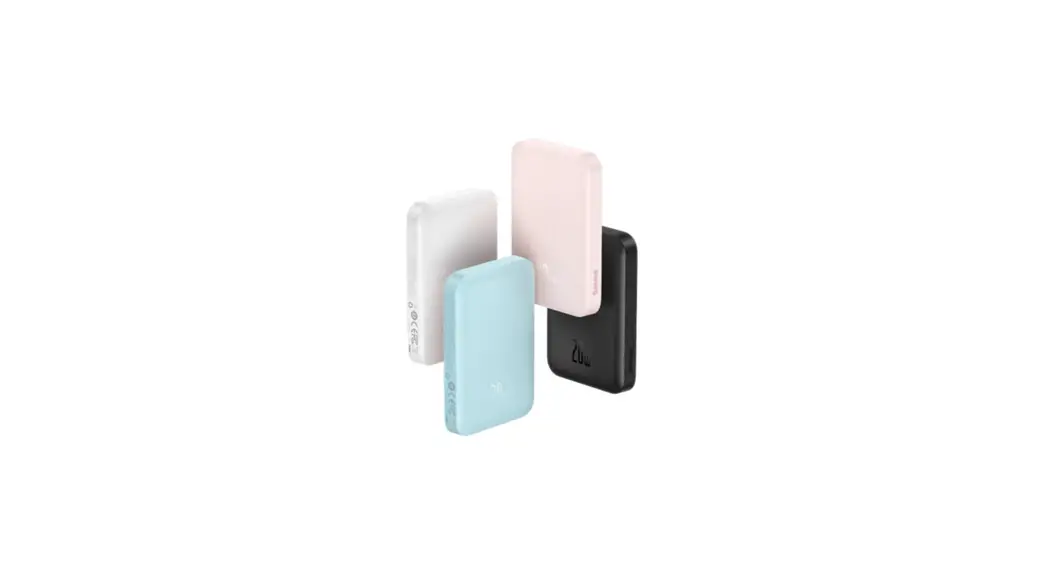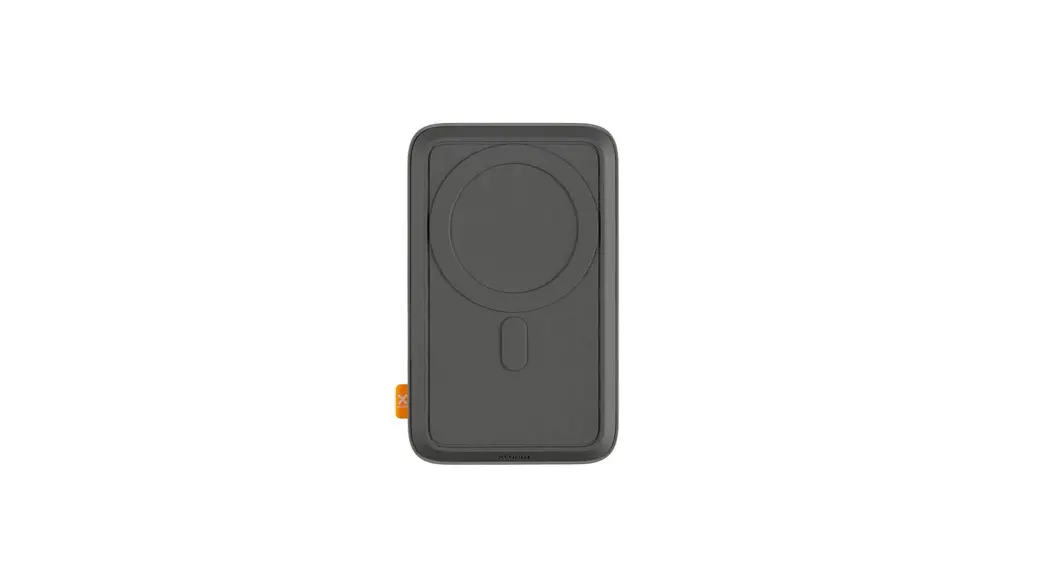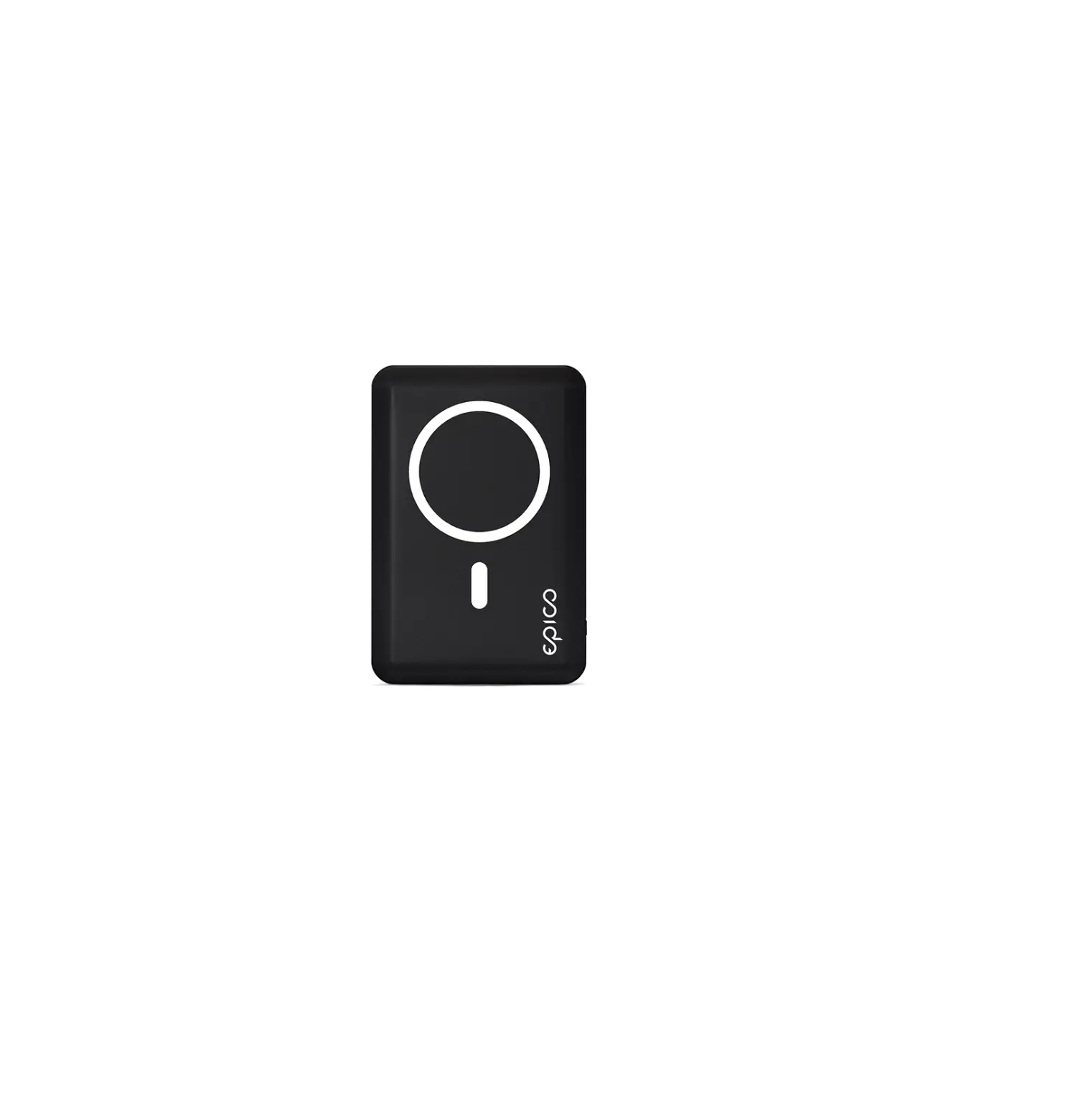
JOYROOM JR-W030 6000mAh Wireless Power Bank with Ring Holder User Manual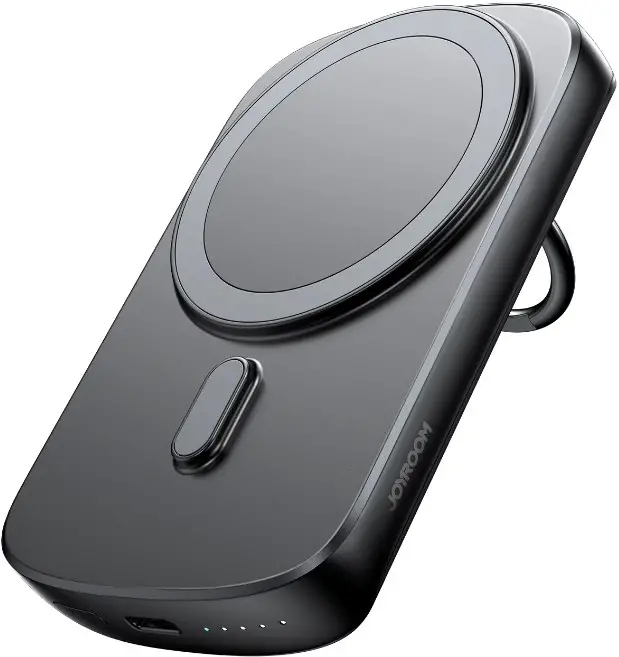
Product introduction
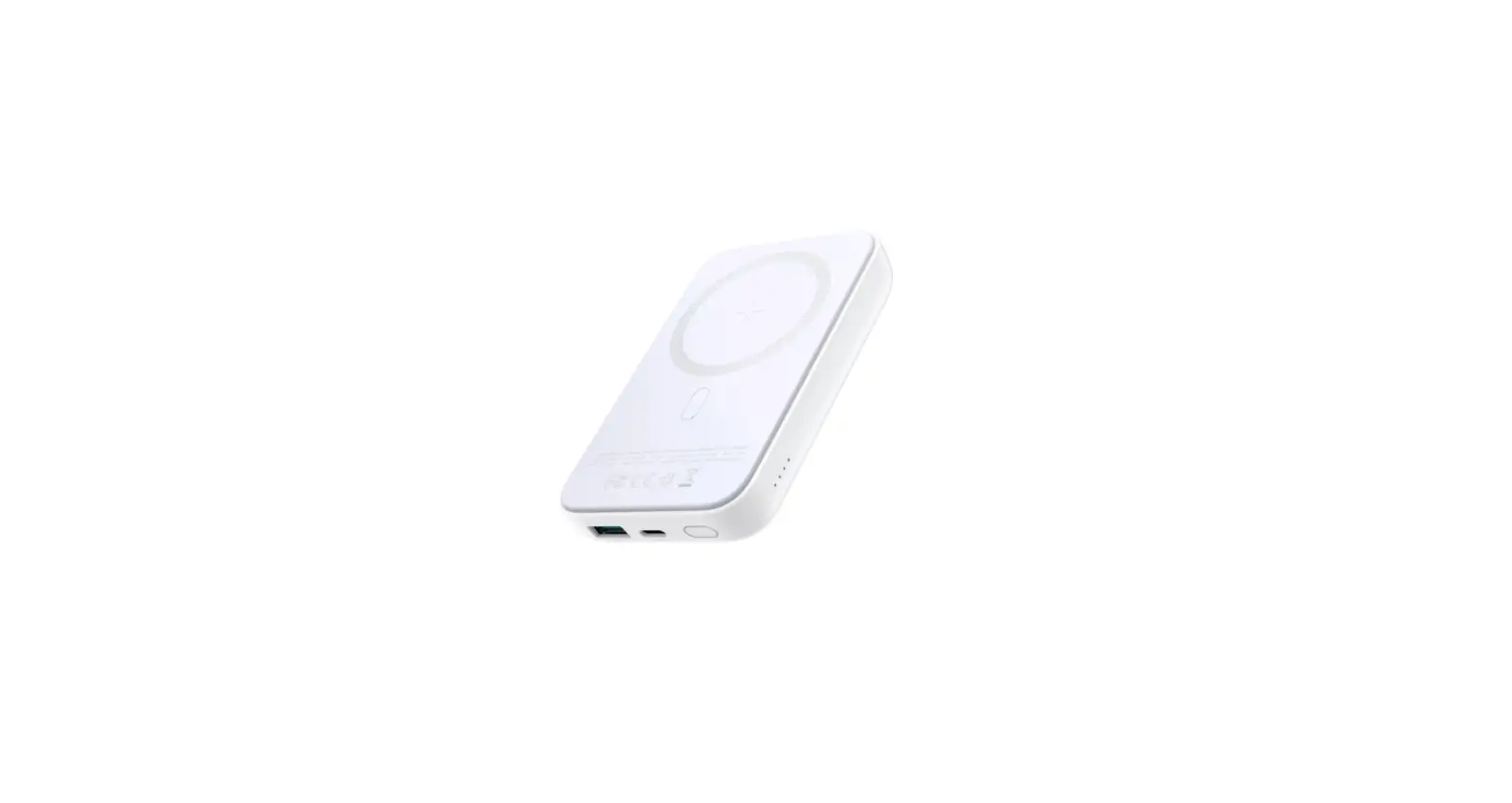
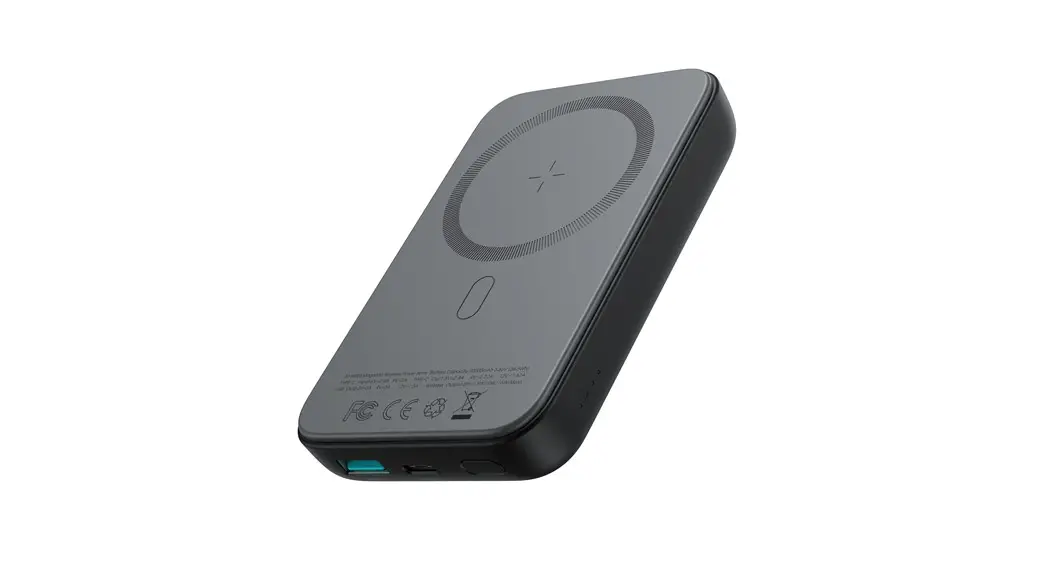
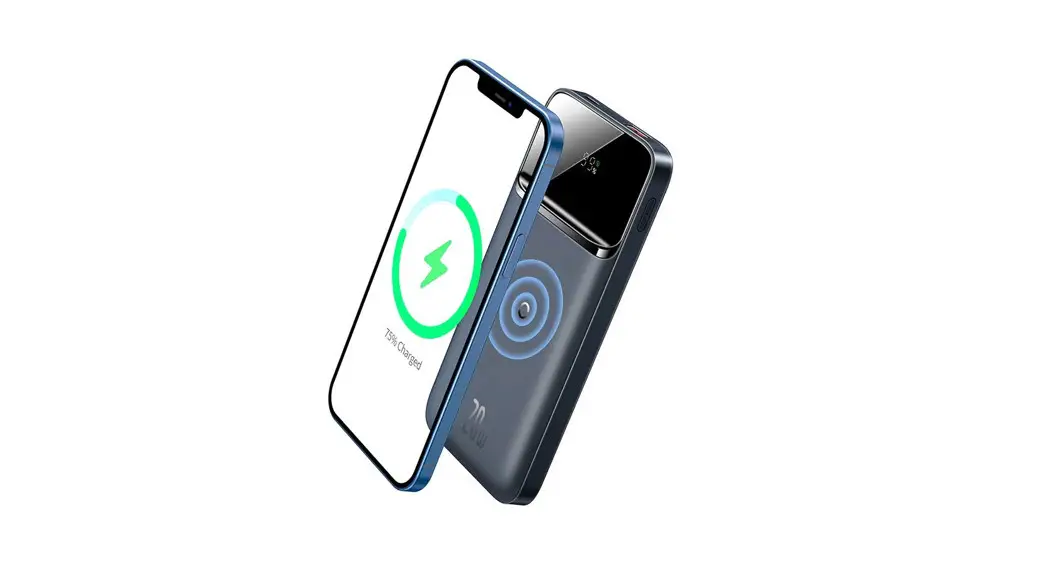
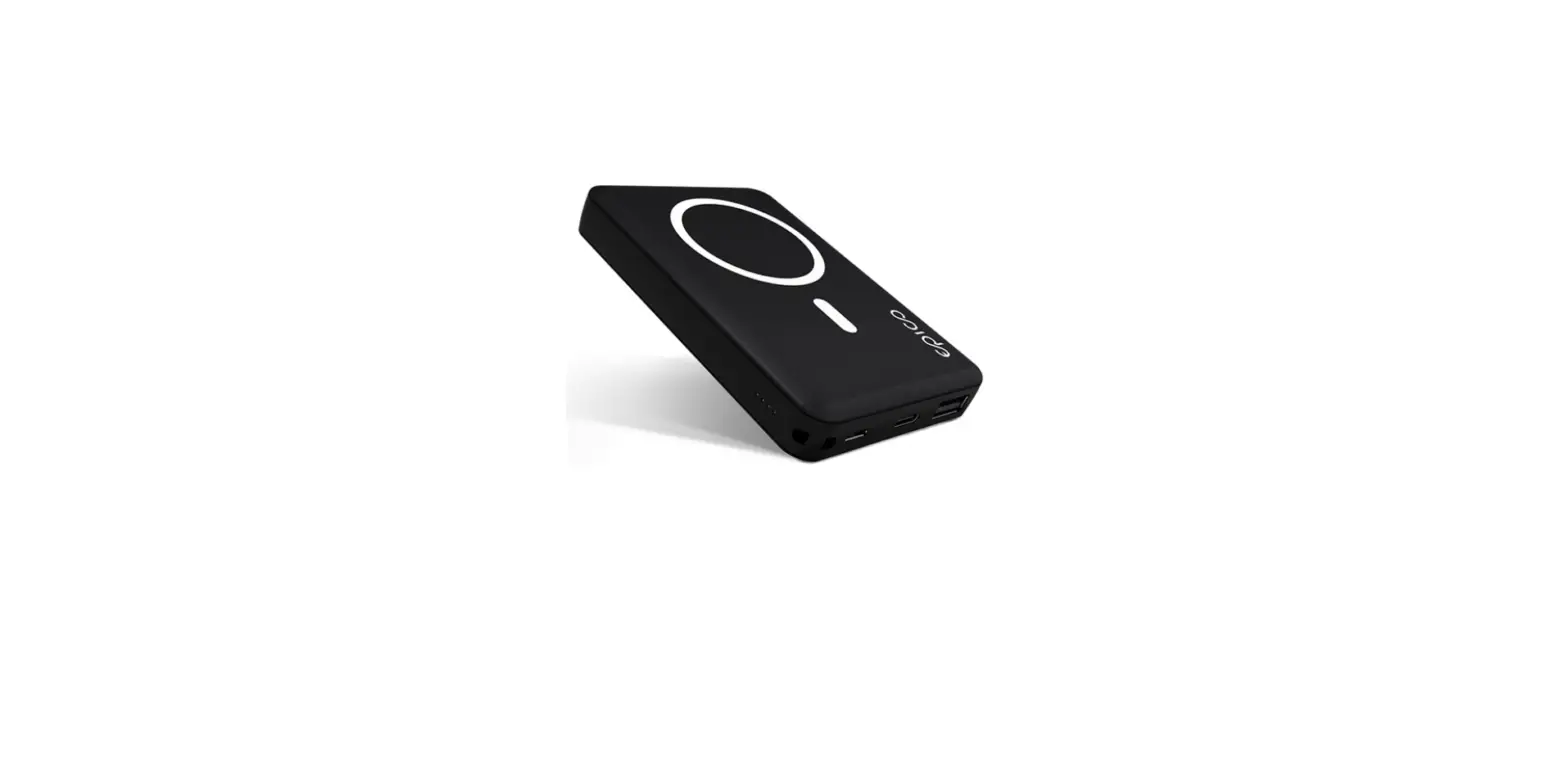
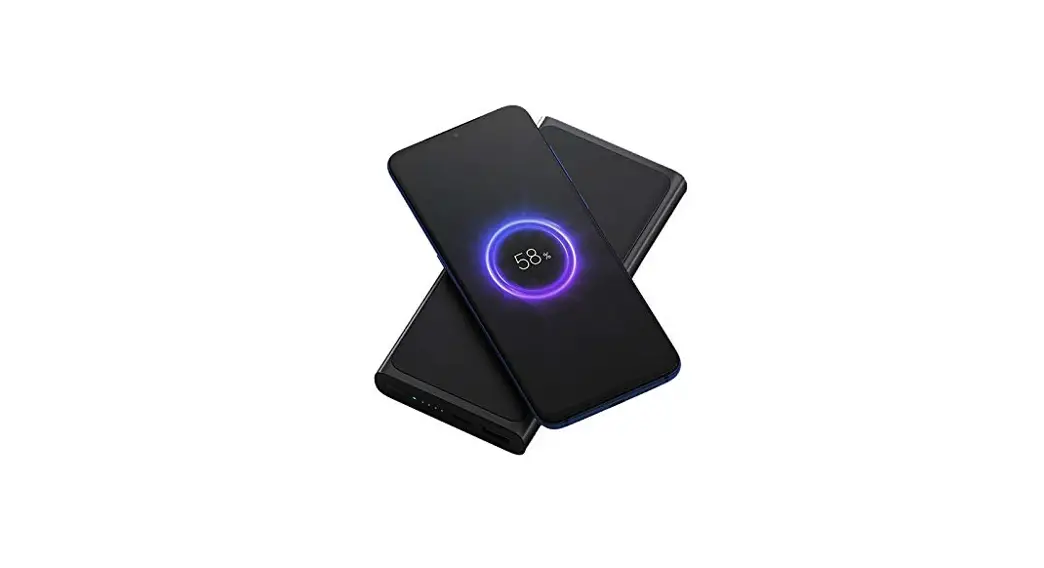
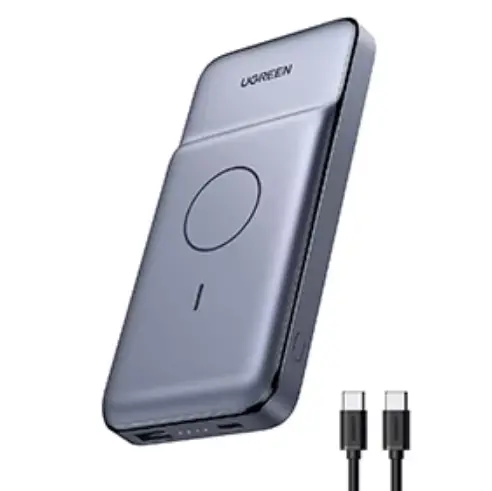
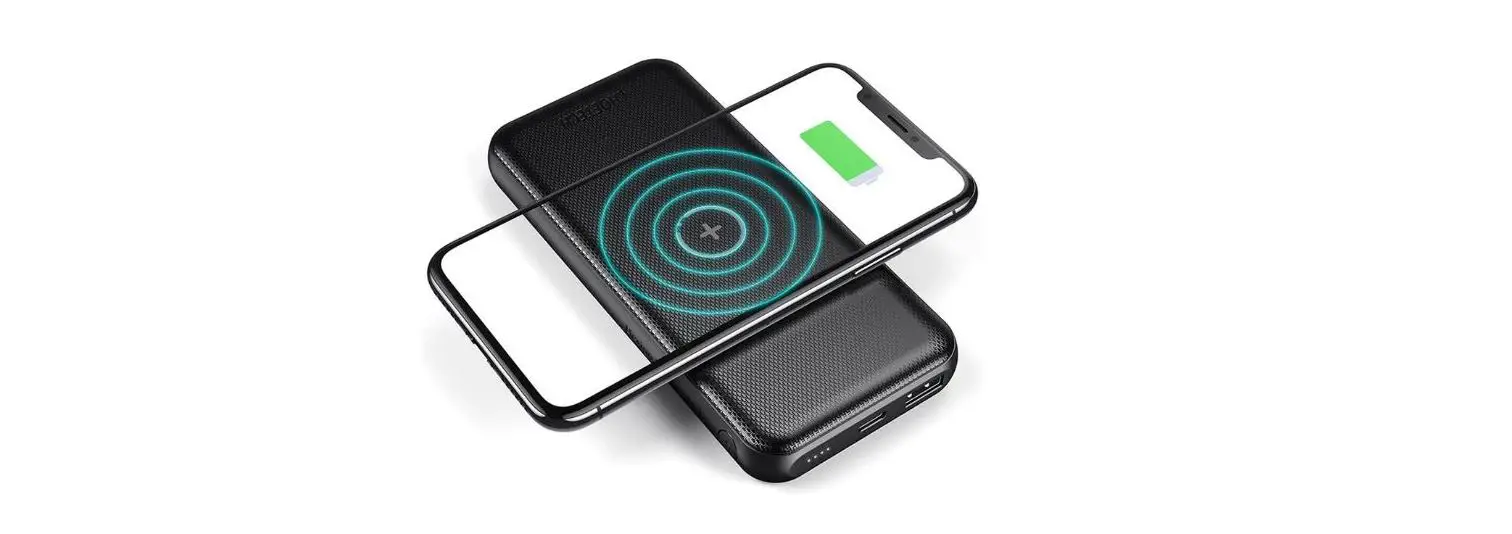
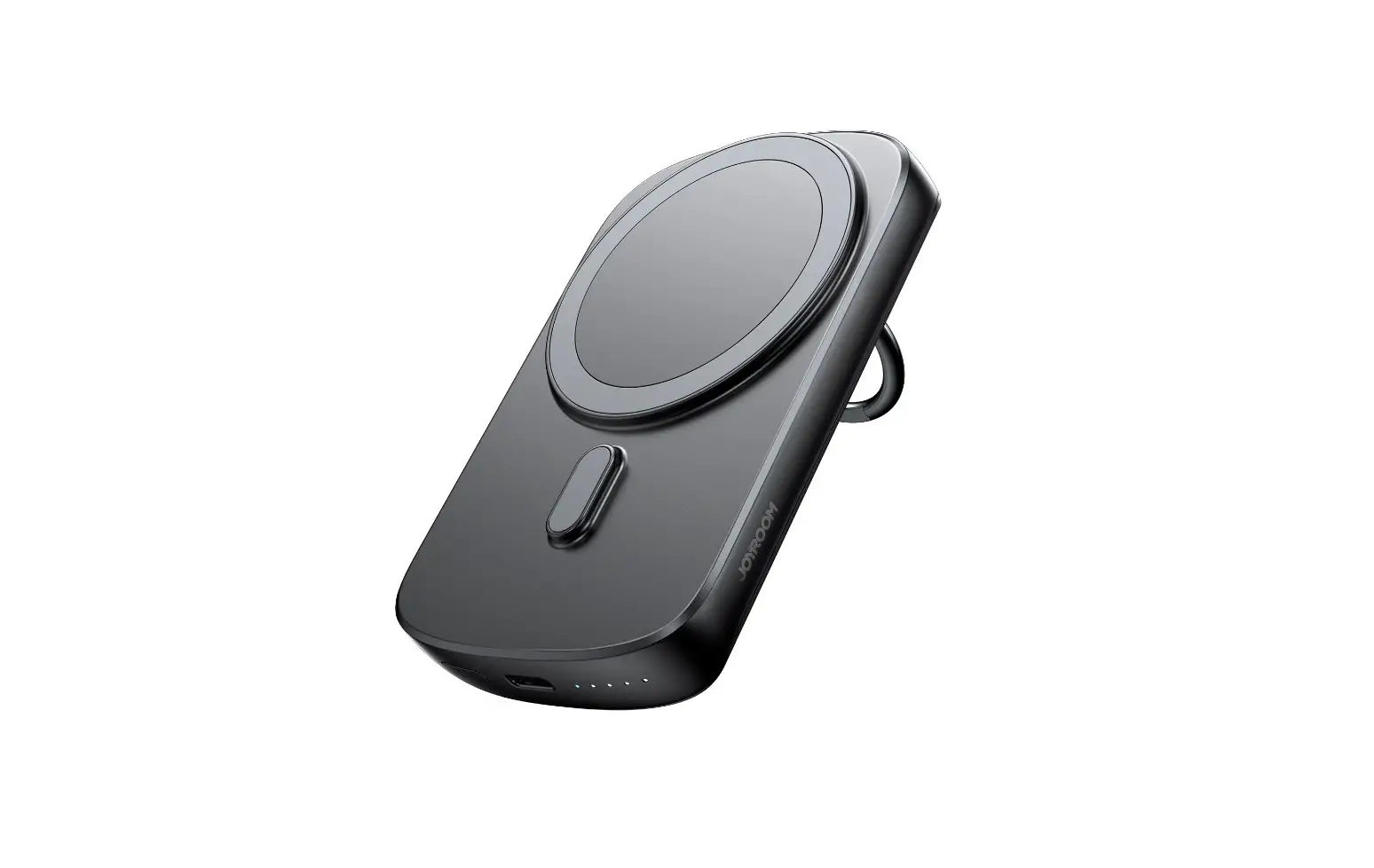
The product is a 20W power bank with ring holder. It supports both wired and wireless charging, and can charge 2 devices simultaneously. It provides charging for mobile phones, tablets, e-book readers, watches, game consoles, etc. It supports PD3.0, QC3.0, AFC fast charge protocols. It is compatible with 5W, 7.5W, 10W, 15W magnetic charging. With N52H ultra-strong magnets, it holds the phone securely and ensures continuous charging. The LED indicators let you know the remaining power in real time. The product has a built-in smart chip and a variety of safety protections such as over-charge, over-discharge, over-voltage and over-temperature protection, etc.
Product diagram
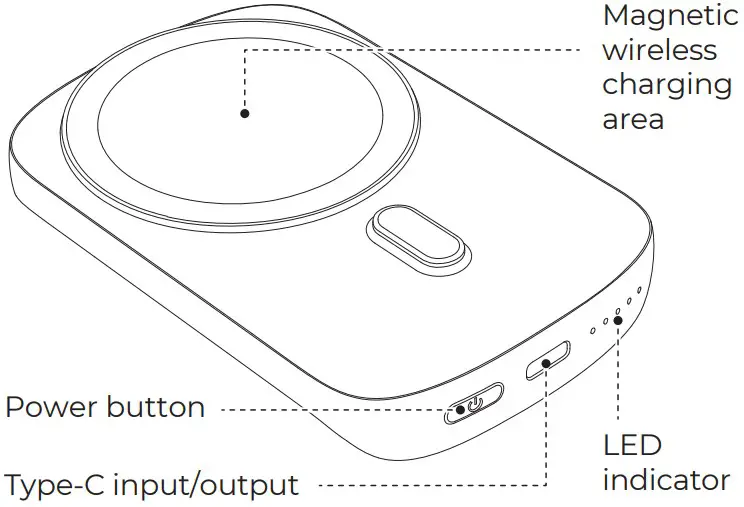
Parameters
| Model | JR-W030 | |||
| Battery Capacity | 6000mAh 3.85V (23.1Wh) | |||
| Rated Capacity | 3400mAh (5V 2.4A) | |||
| Energy conversion rate | ≥78% | |||
| Type-C Input | 5V | 2.4A 9V | 2A 12V | 1.5A |
| Type-C Output | 5V | 2.4A 9V | 2.22A 12V | 1.67A |
| Wireless Charging Output | 5W/7.5W/10W/15W | |||
| Multi-port Output | 5V | 3A (MAX) | ||
| Material | PC+ABS fireproof material | |||
| Size | 99.5*64.5*20mm | |||
| Net Weight | 138g | |||
Packing list
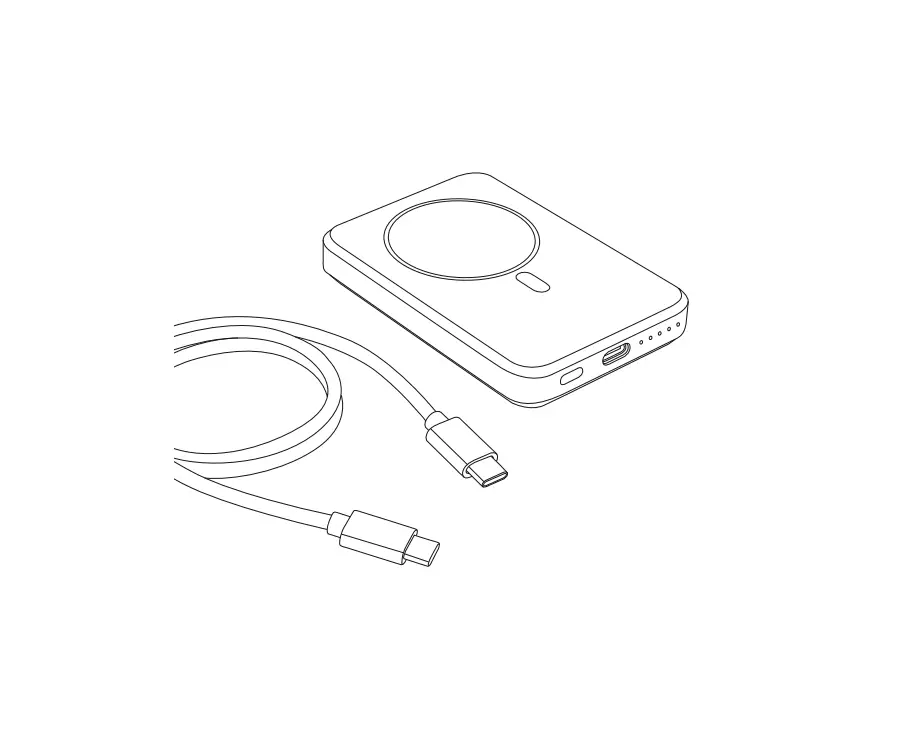
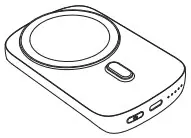
- Power bank x1

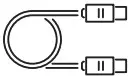
- Charging Cable x1

- Manual & Warranty card x1


Operation instructions
- Power on
- Press the button once to power it on.
- Connect device to have it automatically power on.
- LED light
100 %
75 %
50 %
25 %- In turned on status, you can check the remaining power capacity.
- If no device is connected in 30s, the product will enter sleep mode and the LED light will turn off automatically.
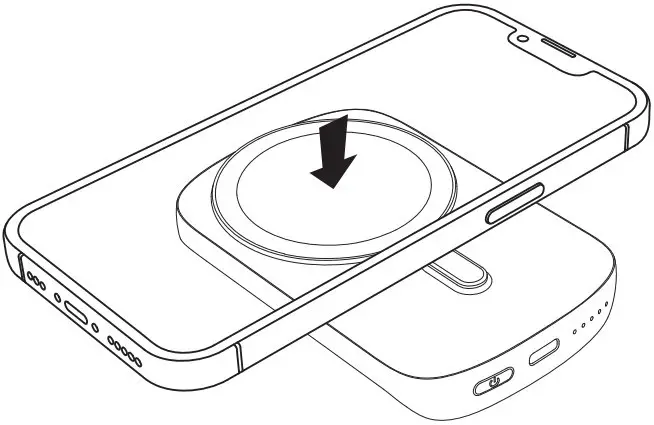
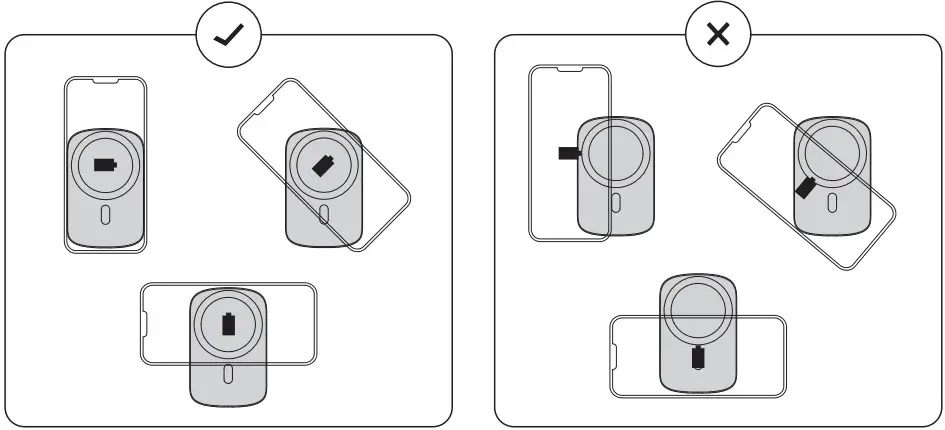
- Wireless charging tips Place your mobile phone that supports wireless charging in the wireless charging area of the product (as shown in the figure below) for accurate alignment, it will enter wireless charging status instantly





Charging indicator instructions
| LED indicator | Indicator Status | Product Status |
| Wired charging indicator | Constant white light | Standby |
| Constant white light | Wired charging status | |
| Wireless charging indicator | Constant ice blue light | Wireless charging status |
| Flashing green light | Abnormity detected |
Wireless charging precautions
- This wireless power bank is not compatible with non-MagSafe phone cases, such as Otterbox Defender cases.
- Do not use an adapter with an output of 5V 1A (5W) or less.
- Wireless charging is more convenient than wired charging, but confined by current wireless charging technology, its charging speed is slower than that of wired charging.
- High temperatures will reduce charging speed and restrict power, which is something that happens to all wireless chargers.
- It is recommended that you charge your device in environments with temperatures below 25°C / 77°F.
Using environment
Using ambient temperature: 0℃ to 40℃, non-tropical area
Storage ambient temperature: 0℃ to 40℃
Recharge the power bank
Use the USB to Type-C cable to connect the Type-C port of the power bank with the charger. The LED light keeps flashing which means the power bank is being recharged. When it is fully recharged, the LED light will stop flashing and be constant on.
Noto: please recharge the product with a charging cable and charger of nominal specifications.
Warm reminders
- Please fully charge the power bank when using it for the first time.
- Please pull out the charging cable in time after fully charged to avoid energy loss.
- Please use suitable cables and accessories to make the power bank function normally.
- Do not drop, impact, disassemble the product or try to repair it by yourself.
- Do not store the product in a wet place or immerse it in water.
- Do not expose or store the product near a heat source or flammable materials.
- Do not leave this product in the car. The high temperature of sunlight will damage the product.
- Please keep it out of the reach of children to avoid improper use.
- Do not put any foreign object into the USB/Type-C input/output ports of the product to avoid short circuit or damage.
- Please charge the power bank fully at least once every four months to prolong its service life.
- Please stop using the product in case of swelling, leakage, deformation of battery and other abnormalities.
- Do not disassemble the product by yourself. Any shortened service life or damage caused by improper use or storage of the product by customer will not be borne by our company.
- Avoid using chargers with excessive output current or load.
FCC Warning Statement
This equipment generates uses and can radiate radio frequency energy and, if not installed and used in accordance with the instructions, may cause harmful interference to radio communications. However, there is no guarantee that interference will not occur in a particular installation. If this equipment does cause harmful interference to radio or television reception which can be determined by turning the equipment off and on, the user is encouraged to try to correct the interference by one or more of the following measures:
- Reorient or relocate the receiving antenna.
- Increase the separation between the equipment and receiver
- Connect the equipment into an outlet on a circuit different from that to which the receiver is connected.
- Consult the dealer or an experienced radio/TV technician for help.
After-sale service regulations:
- Consulting service: Please read the User Manual carefully before using the product and keep it for future use.
- Replacement service: The company undertakes that if there is product failure within 7 days from the date of purchase that is not caused by human error, the customer can choose between replacement and repair freely (if the appearance is in good condition, it will be repaired) provided that the product, its accessories and packaging are complete and in good condition. The customer can ask the local authorized dealer to deal with it.
- Warranty service: In case of product failure within the warranty period that is not caused by human error, free warranty service will be provided within one year. In case of product failure caused by human error, we will charge for relevant repairing.
- Charged repairing service: In case of product failure within one to three years from the date of purchase, charged repairing service will be provided. Users need to pay for the components, transportation and labor costs.
- Warranty exceptions (you need to pay for relevant service):
- Expired the warranty period;
- There’s alteration on the Warranty Card, or the serial number is inconsistent with the product itself;
- Product damage caused by accidents or human error (e.g.: customer fails to use, maintain and store the product according to the User Manual; incorrect installation, improper power supply, water intrusion, etc.)
- Failure to provide Warranty Card and valid invoice (except that you can prove that the product is within the warranty period).
- Product damage caused by force majeure, such as earthquake, fire disaster, flood, thunderstroke, etc.
- Product damage caused by disassembling, repairing or refitting the product without authorization.
Warranty Card
| No.: | |
| Date of purchase: | |
| Customer: | |
| Dealer: | |
| Name: | Telephone: |
| Address: | |
| Batch number: | |