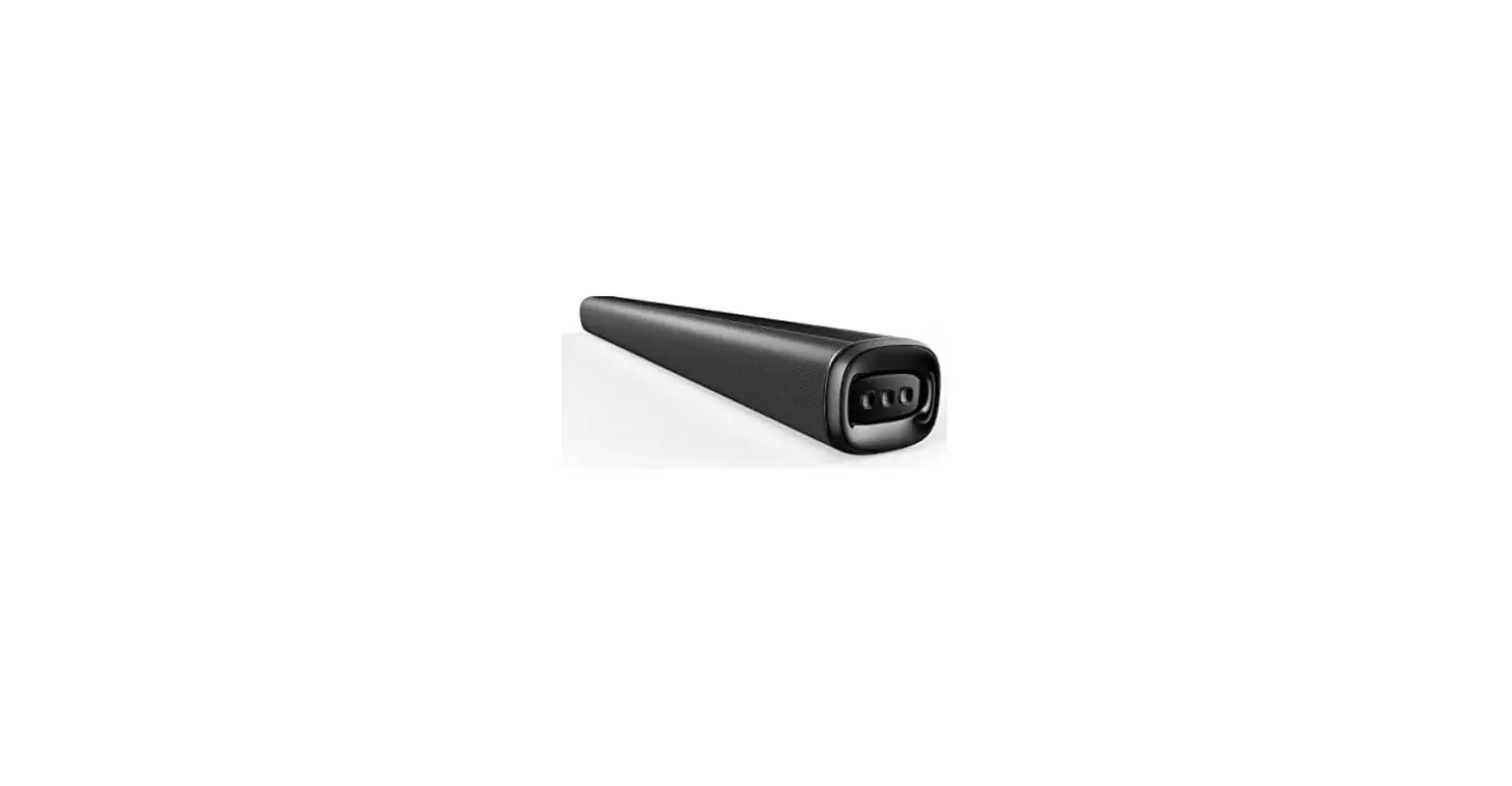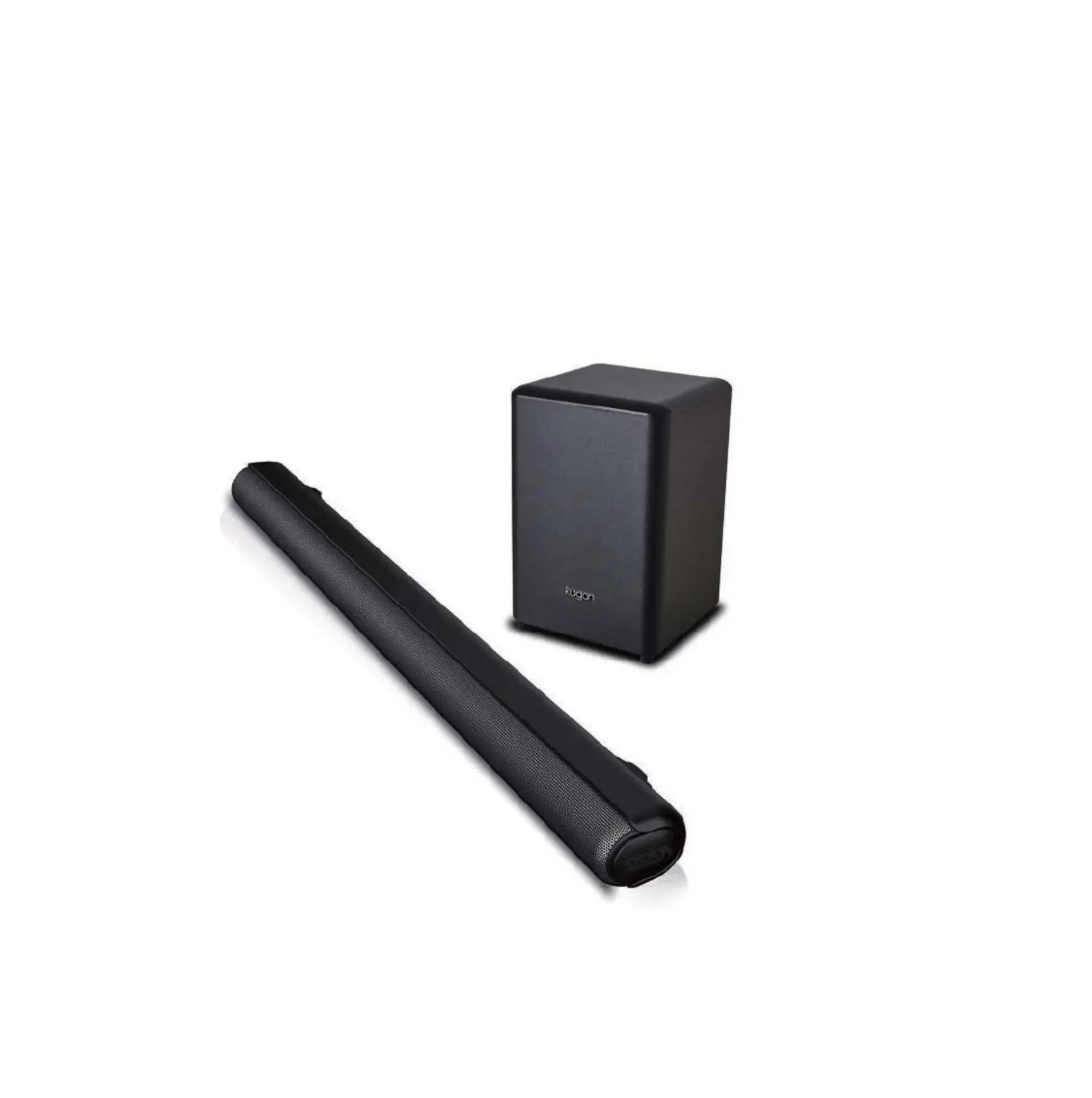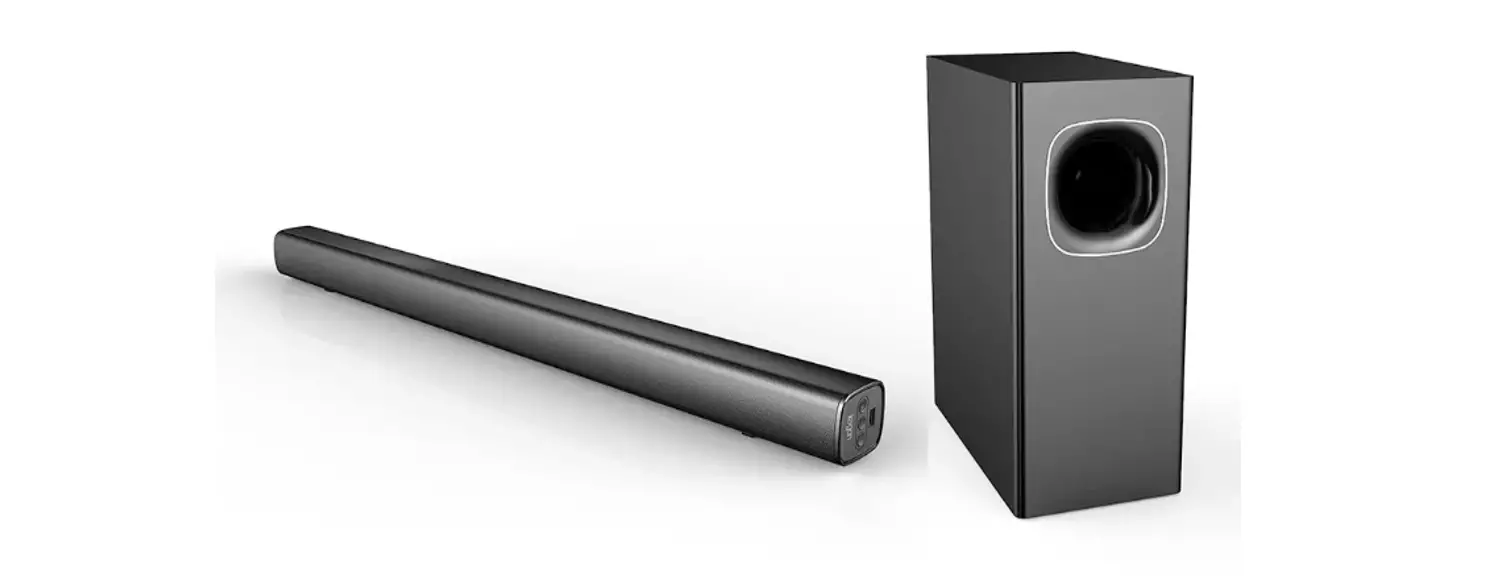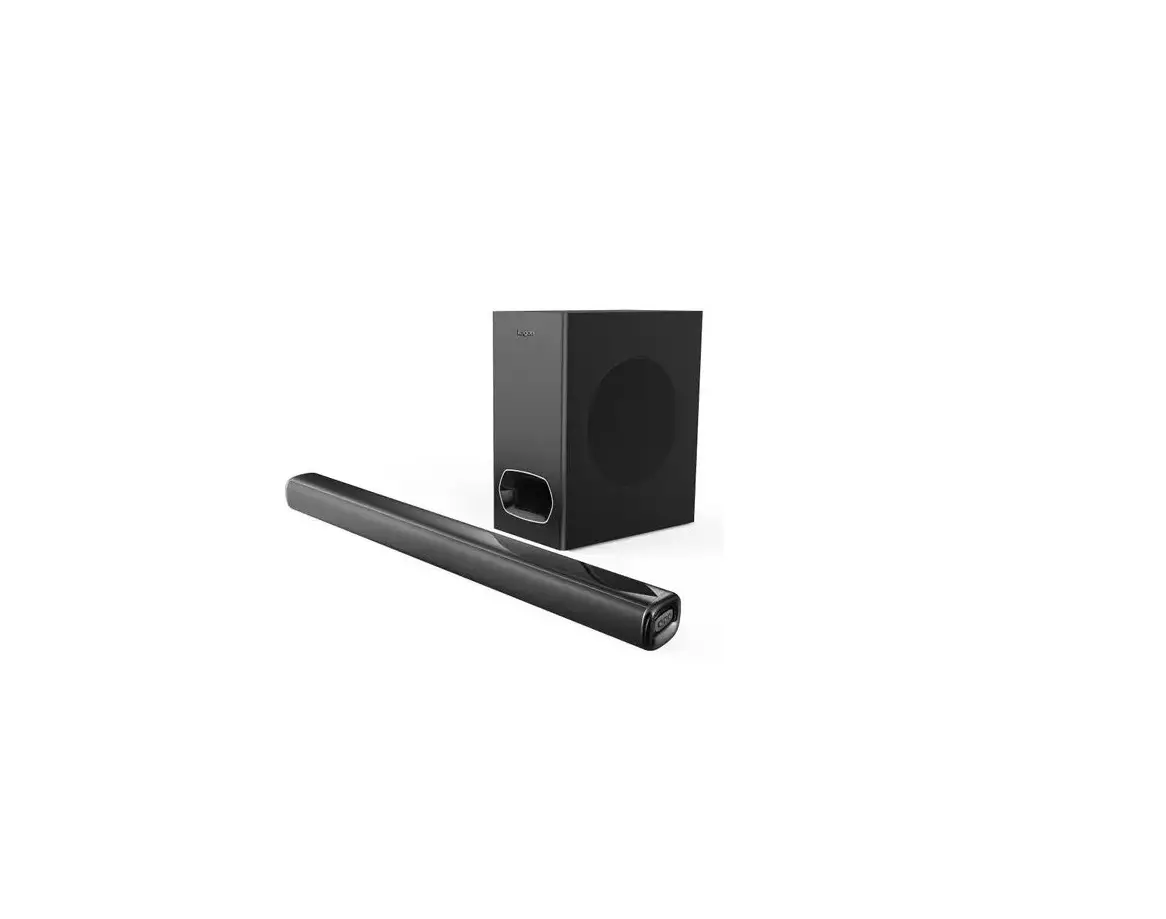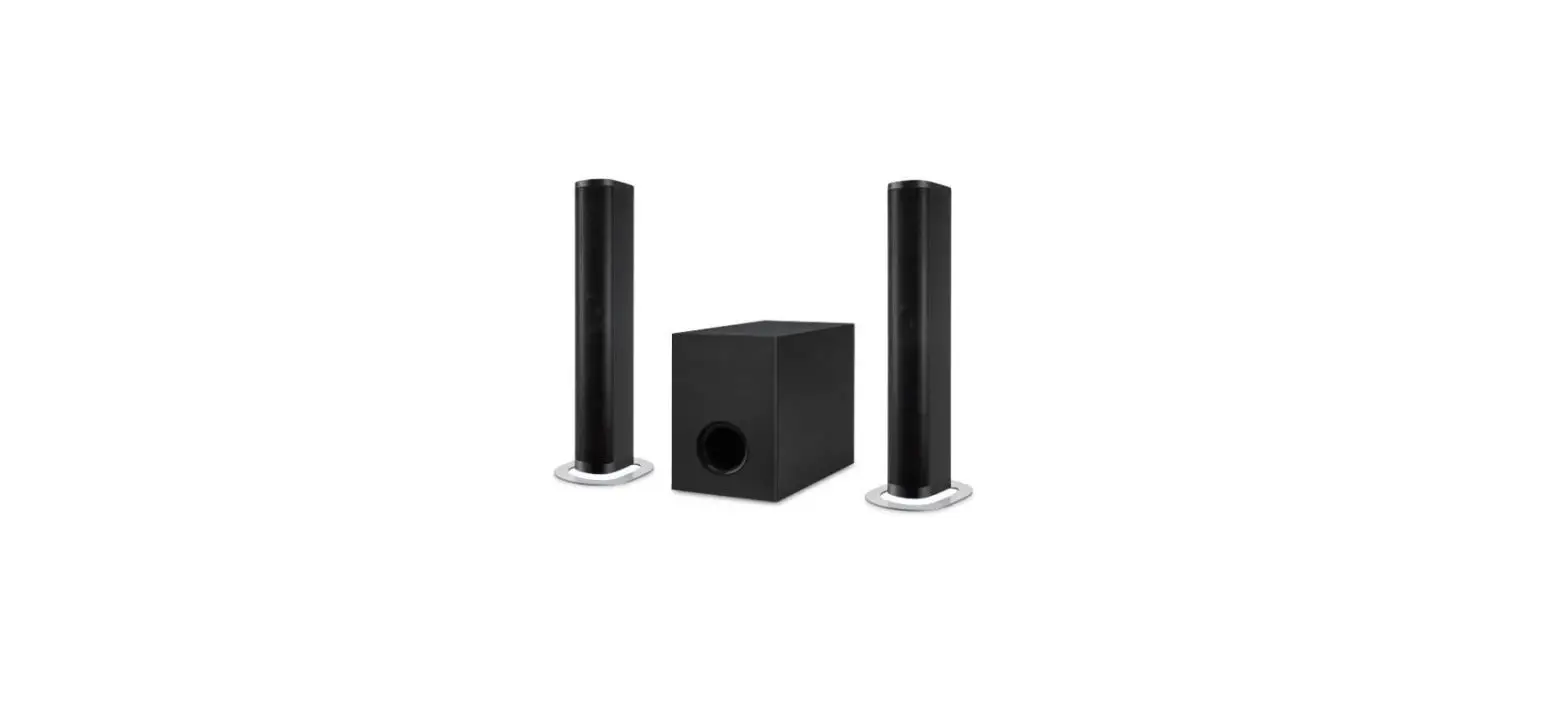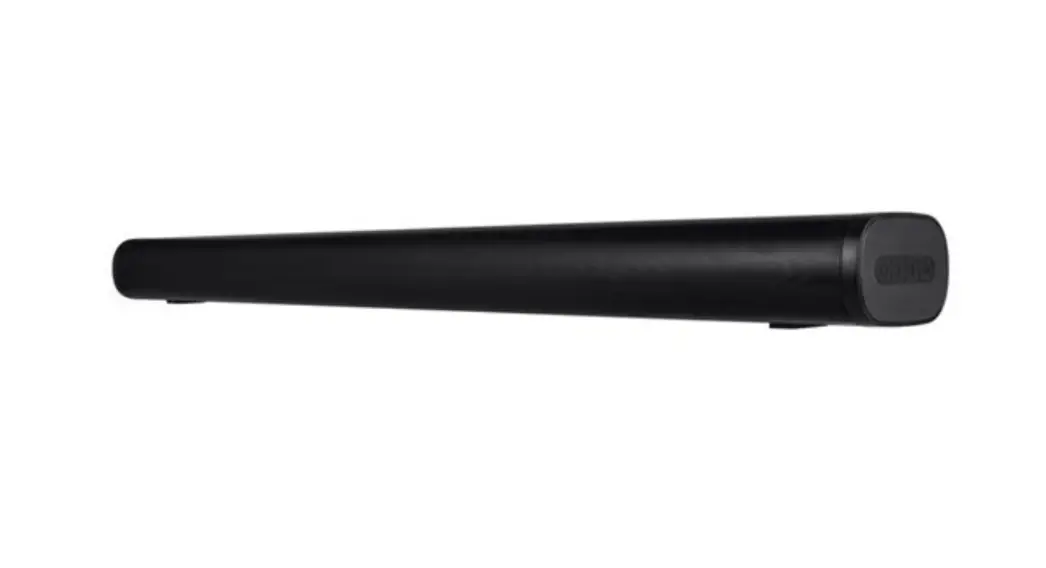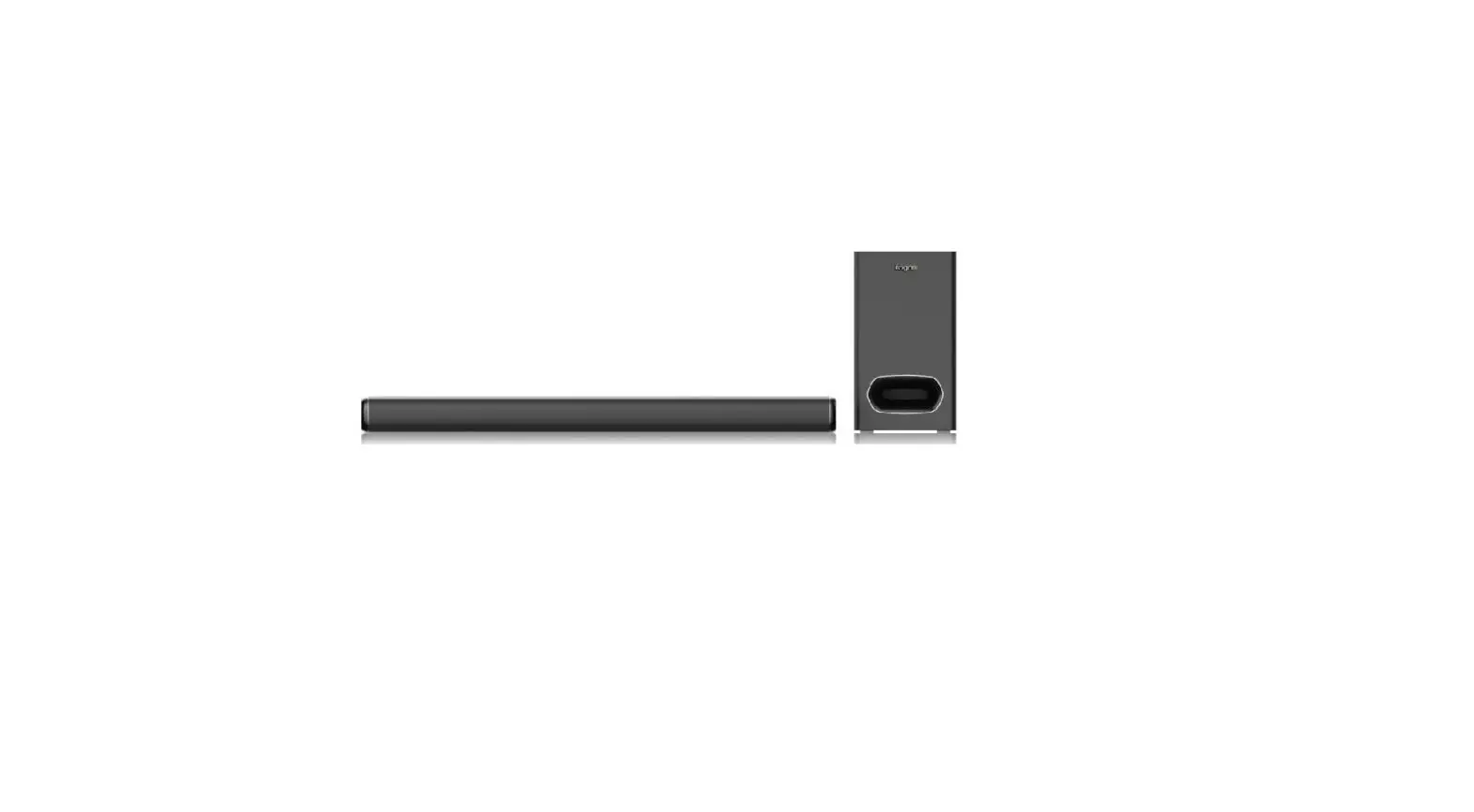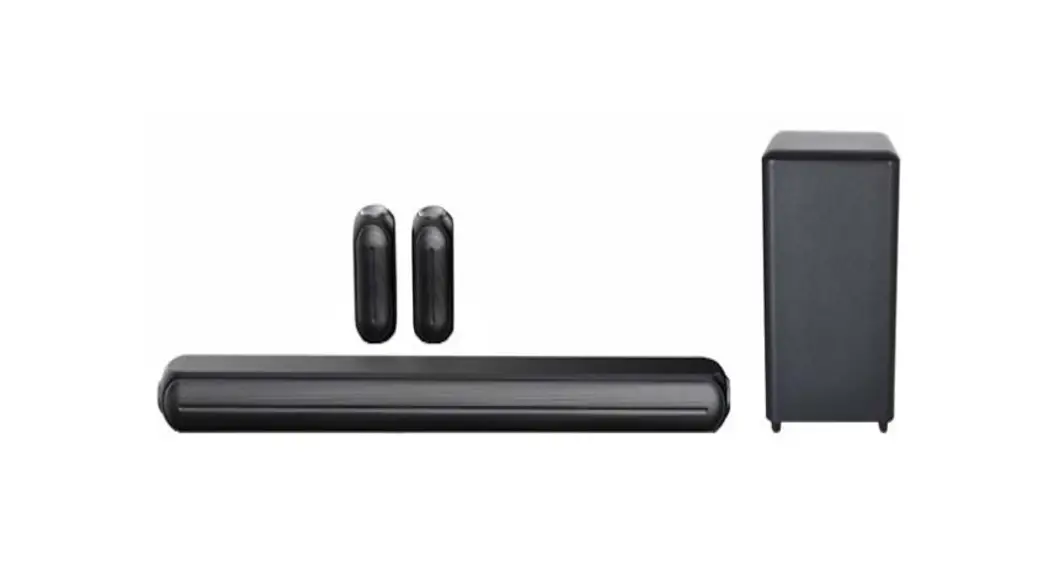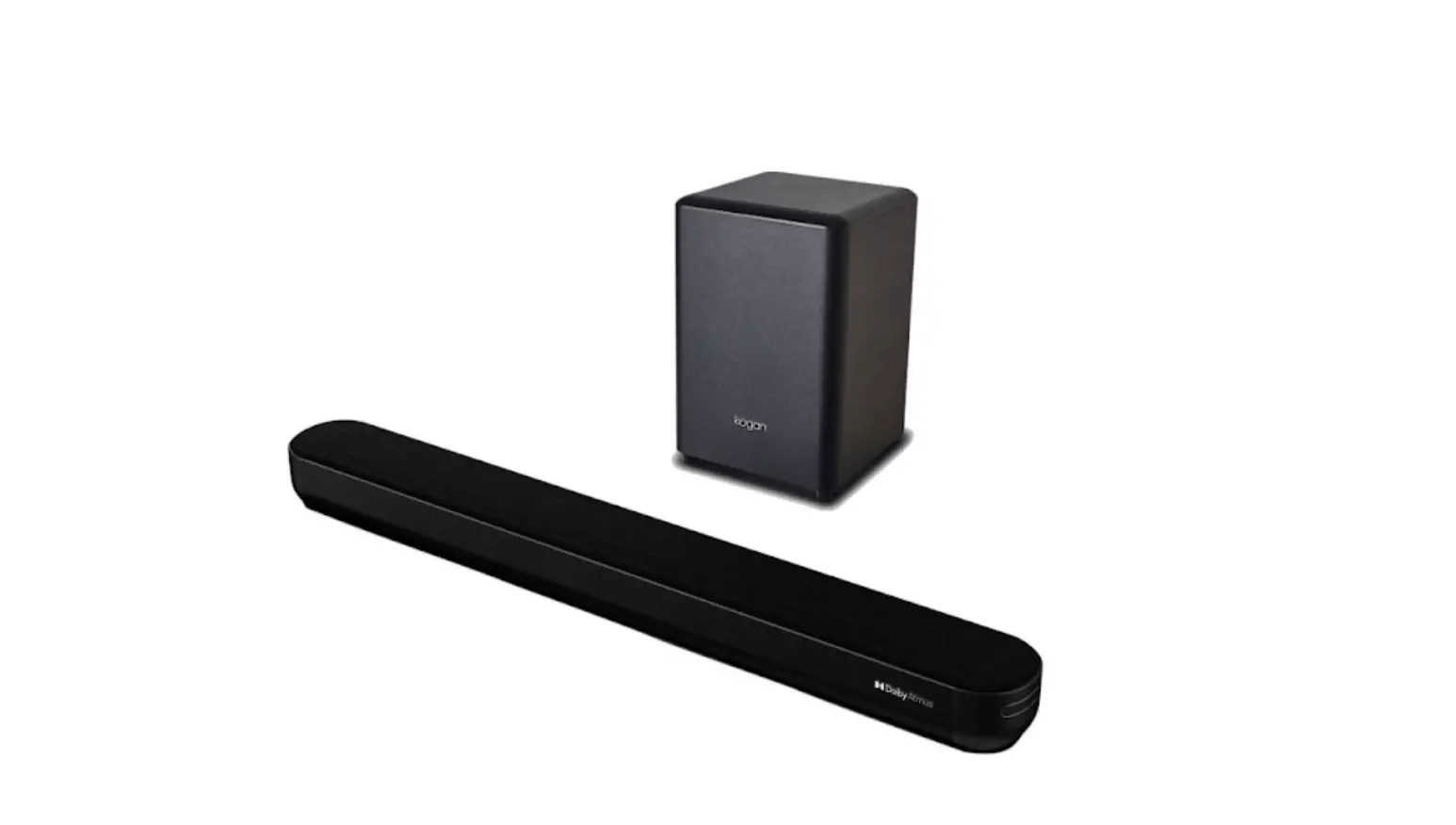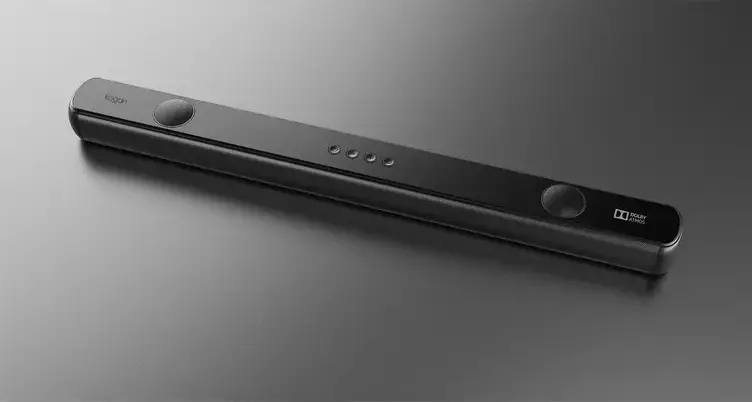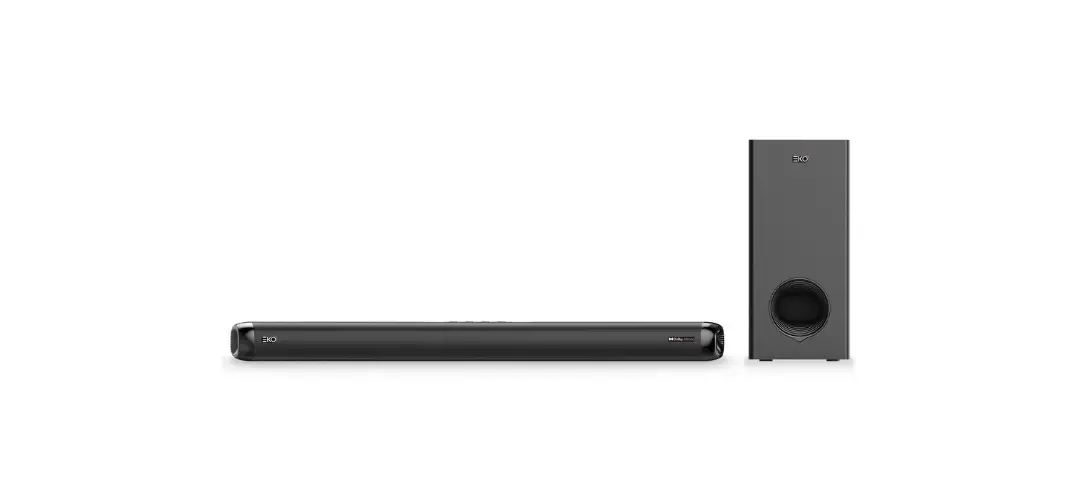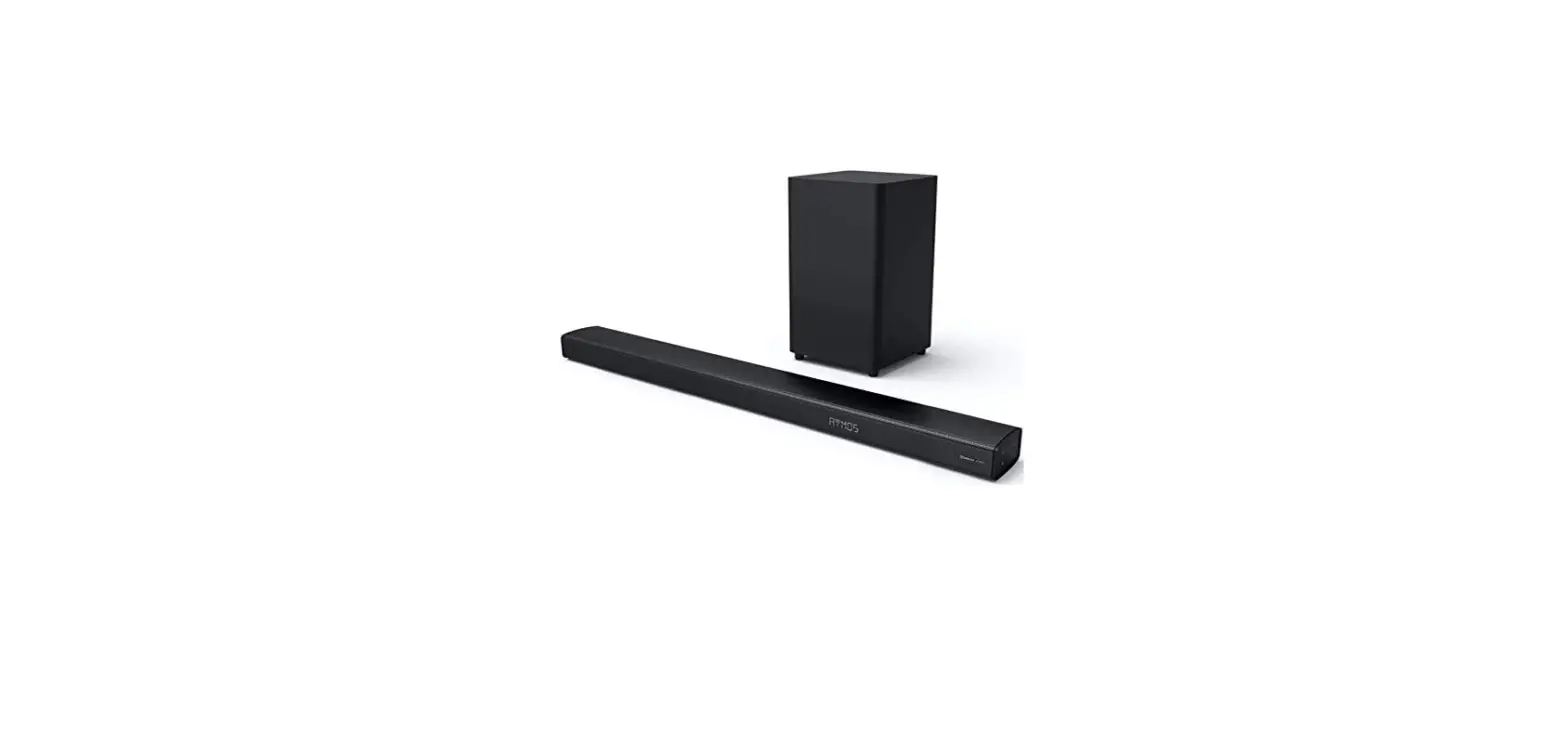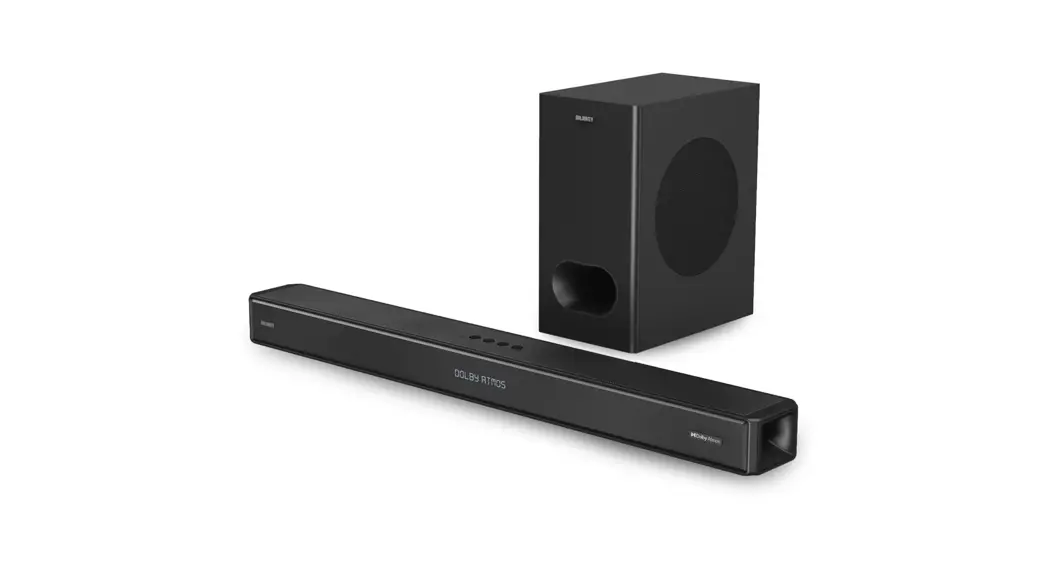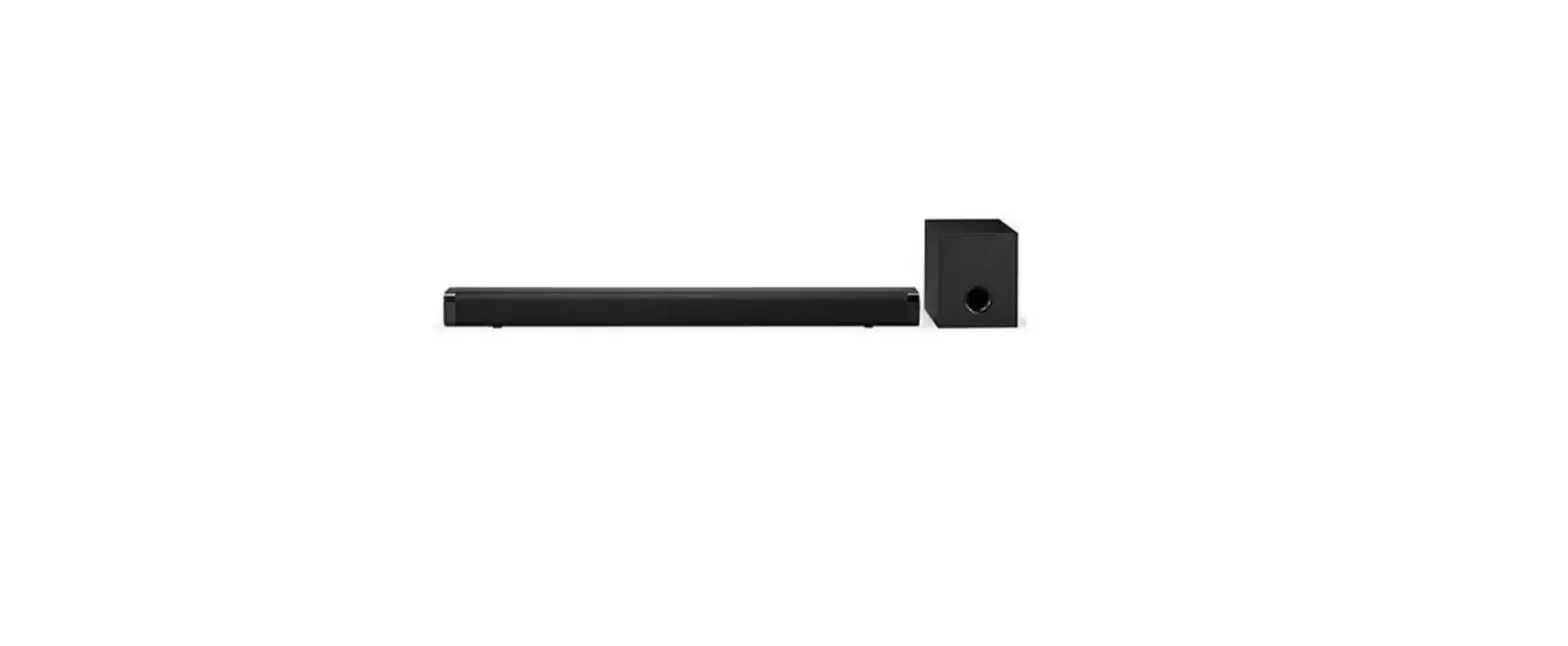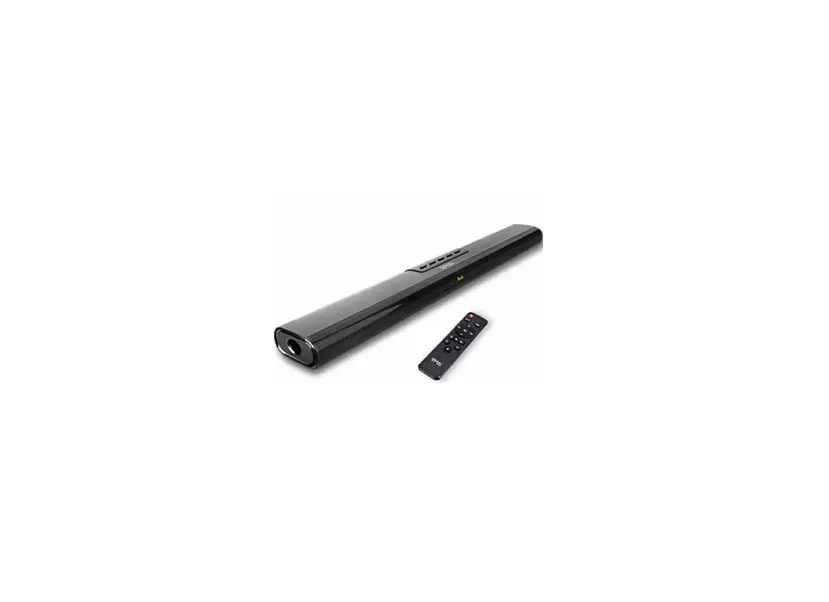
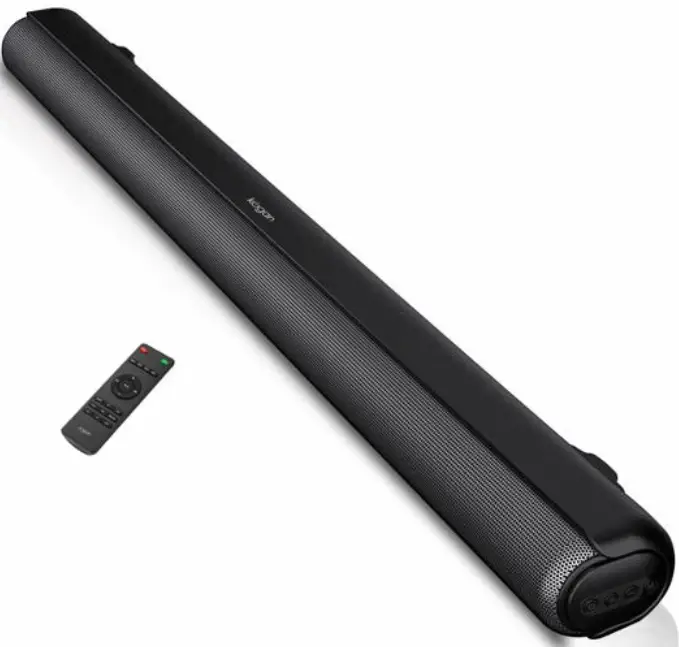
kogan KASBD80HA 2.1ch 80W Dolby Soundbar with Built-In Subwoofer
SAFETY & WARNINGS
- Do not use this product in a high temperature or wet environment.
- To reduce the risk or electronic shock or fire, do not remove the cabinet cover.
- Do not attempt to repair or dismantle the unit on your own. Contact help.Kogan.com for support.
- If small fragments or liquids fall into the product, cease use immediately and contact help.Kogan.com for support.
- Don’t install the unit in or near a location where it may be exposed to rain, moisture or other liquids.
CONNECTIVITY

- USB IN: Use to connect a flash drive for direct MP3/WAV/FLAC playback (FAT32 format and 64GB max).
- OPTICAL IN: Use to connect compatible devices using an optical cable (not provided).
- HDMI(ARC): Use to connect compatible devices using a HDMI cable (not provided)
- AUX IN: Use to connect compatible devices using the supplied 3.5mm stereo jack cable.
- AC IN: Use to connect the AC power supply.
LED display
- Red LED: Standby
- BT: Bluetooth mode
- USB: USB media mode
- AUX: Auxiliary input mode
- OPT: Optical mode
- ARC: HDMI(ARC) mode

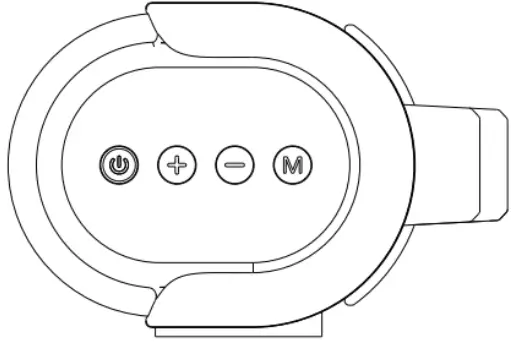
| 1. |  | Press to power on/off the sound bar. |
| 2. |  | Long press to increase volume/Short press to skip to next track(BT/USB model only) |
| 3. |  | Long press to decrease volume/Short press to skip to previous track(BT/USB model only) |
| 4. |  | Short press to switch different modes |
REMOTE CONTROL
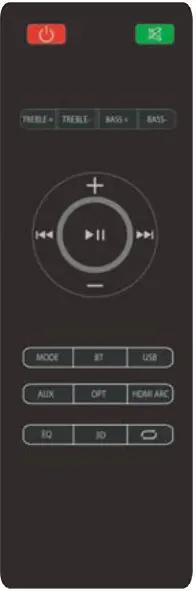
| Button | Function | Button | Function |
 | Power On/Off | MODE | Switch between BT/USB/AUX/OPT/HDMI(ARC) |
 | Mute or recover the volume | BT | Switch to BT mode |
| TREBLE + | Increase the Treble | USB | Switch to USB mode |
| TREBLE – | Decrease the Treble | AUX | Shifting into AUX mode |
| BASS + | Increase the Bass | OPT | Shifting into Optical in mode |
| BASS – | Decrease the Bass | HDMI | Shifting into HDMI(ARC) mode |
| + | Volume turning up | EQ | Shifting to different EQ |
| – | Volume turning down | 3D | 3D Surround on/off |
 | Previous track |  | USB Repeat modes |
 | Pause/Play | ||
 | Next track |
OPERATION
Power ON/OFF: Press the Power button on the remote control or soundbar control panel to turn the unit on and off.
AUX in: Connect a compatible device using the 3.5mm stereo jack cable provided, then press the MODE button on the remote control or soundbar control panel repeatedly until AUX is displayed on the LED display. Ensure the connected device is producing an audio signal, then adjust the volume of the soundbar using the Volume up and Volume down buttons on the remote control or soundbar control panel.
Bluetooth: Press the BT button on the remote control or repeatedly pressing the MODE button on the soundbar control panel until BT is shown on the LED display. The LED display will flash to indicate that the soundbar is in Bluetooth pairing mode. Ensure that the device you wish to connect is also in pairing mode and search for ‘Kogan 80W Dolby SB’ in its device list. When the two devices are paired, the LED display on the soundbar will stop flashing and remain constant. (The soundbar will now automatically re-pair with this device whenever it is within range and has Bluetooth turned on.)
USB media mode: The soundbar is compatible with USB flash drives of up to 64GB in size and can play MP3/WAV/FLAC audio files directly. Simply insert a compatible drive into the USB port on the back of the soundbar and the unit will automatically switch to USB mode and play the first compatible track.
USB repeat mode (accessed via the remote control) enables single track repeat (press once) and all track repeat (press twice). The media player also has a memory function that will recall and continue from the last-played point when a USB flash drive that has previously been used with the sound bar is reinserted.
HDMI(ARC): Connect a HDMI ARC compatible device to the HDMI ARC port on the soundbar using a standard HDMI cable (not supplied), then press the MODE button on the remote control or soundbar control panel repeatedly until ARC is displayed on the LED display. Ensure HDMI ARC is selected as the TV’s audio output, then adjust the volume of the soundbar using the Volume up and Volume down buttons on the remote control or soundbar control panel.
Optical in: Connect a compatible device to the OPTICAL port on the soundbar using a digital optical cable (not supplied), then press the MODE button on the remote control or soundbar control panel repeatedly until OPT is displayed on the LED display. Ensure Optical SPDIF is selected as the TV’s audio output, then adjust the volume of the soundbar using the Volume up and Volume down buttons on the remote control or soundbar control panel.
Equalizer modes: The soundbar has 3 equalizer presents, tailored to complement various styles of music. Press the EQ button on the remote to choose between Music (EQ1), Movie (EQ2), News (EQ3).
Wall mounting: The soundbar has two keyhole slots on the back to enable wall mounting, using the fixings provided or a compatible soundbar bracket (not supplied).
SPECIFICATIONS
- Audio output 80W RMS
- Speaker drivers 4 x 2.25” 20W + 2 x 2.25” 15W
- Bluetooth version 5.0
- Bluetooth range Up to 10m
- Connection USB, OPTICAL, HDMI(ARC), AUX (3.5mm), AC IN
- Power supply 100-240V
- Dimensions 904 x 108 x 72mm
Need more information?
We hope that this user guide has given you the assistance needed for a simple set-up. For the most up-to-date guide for your product, as well as any additional assistance you may require, head online to help.kogan.com