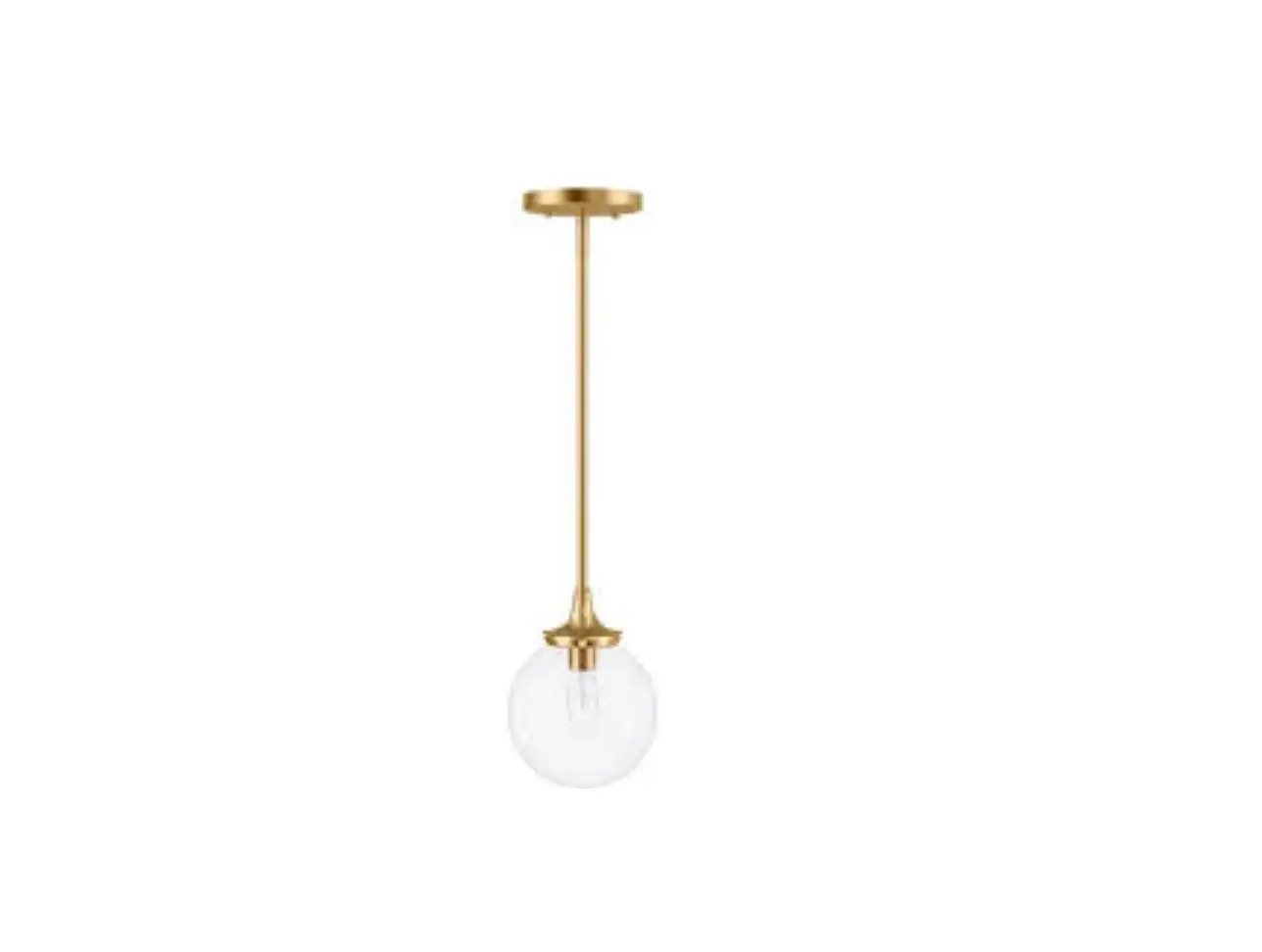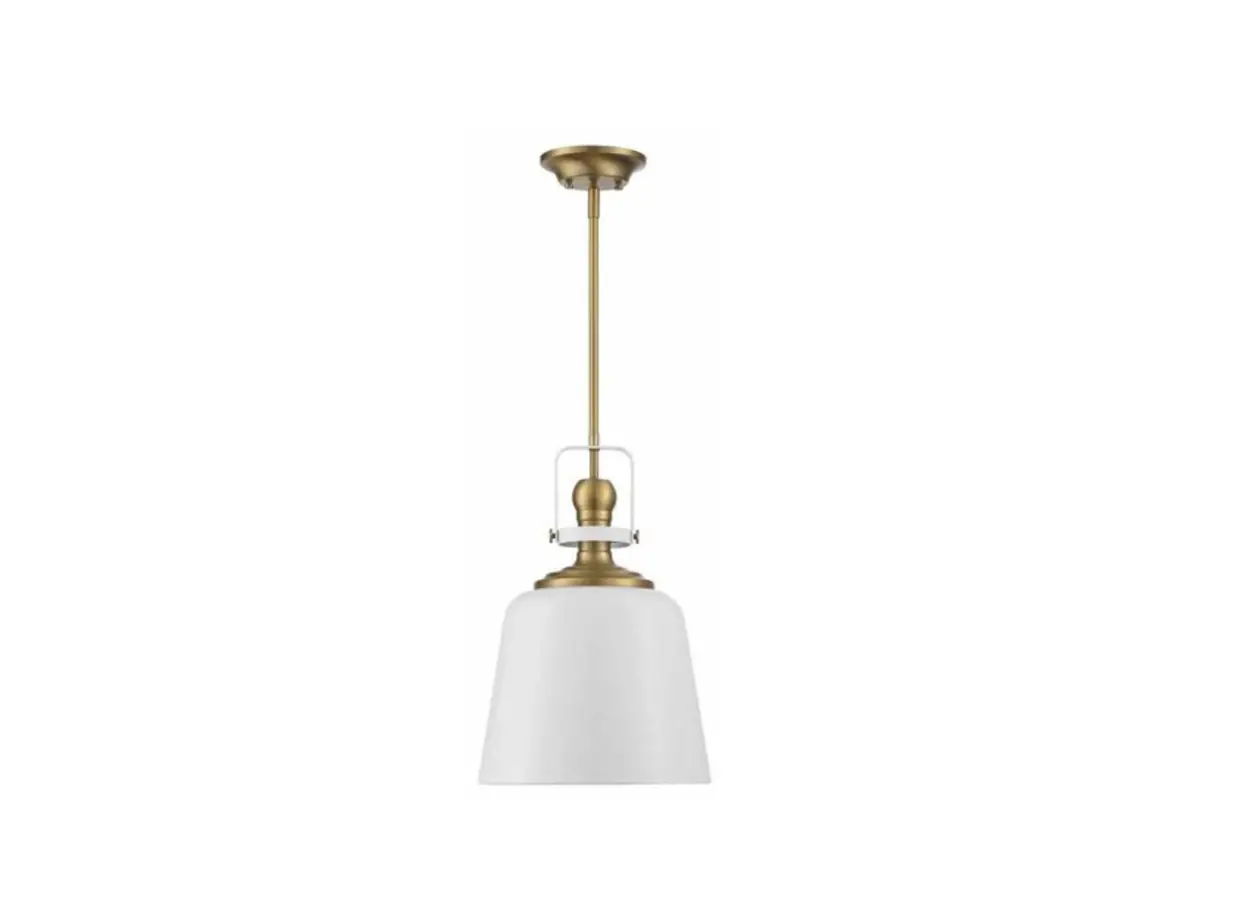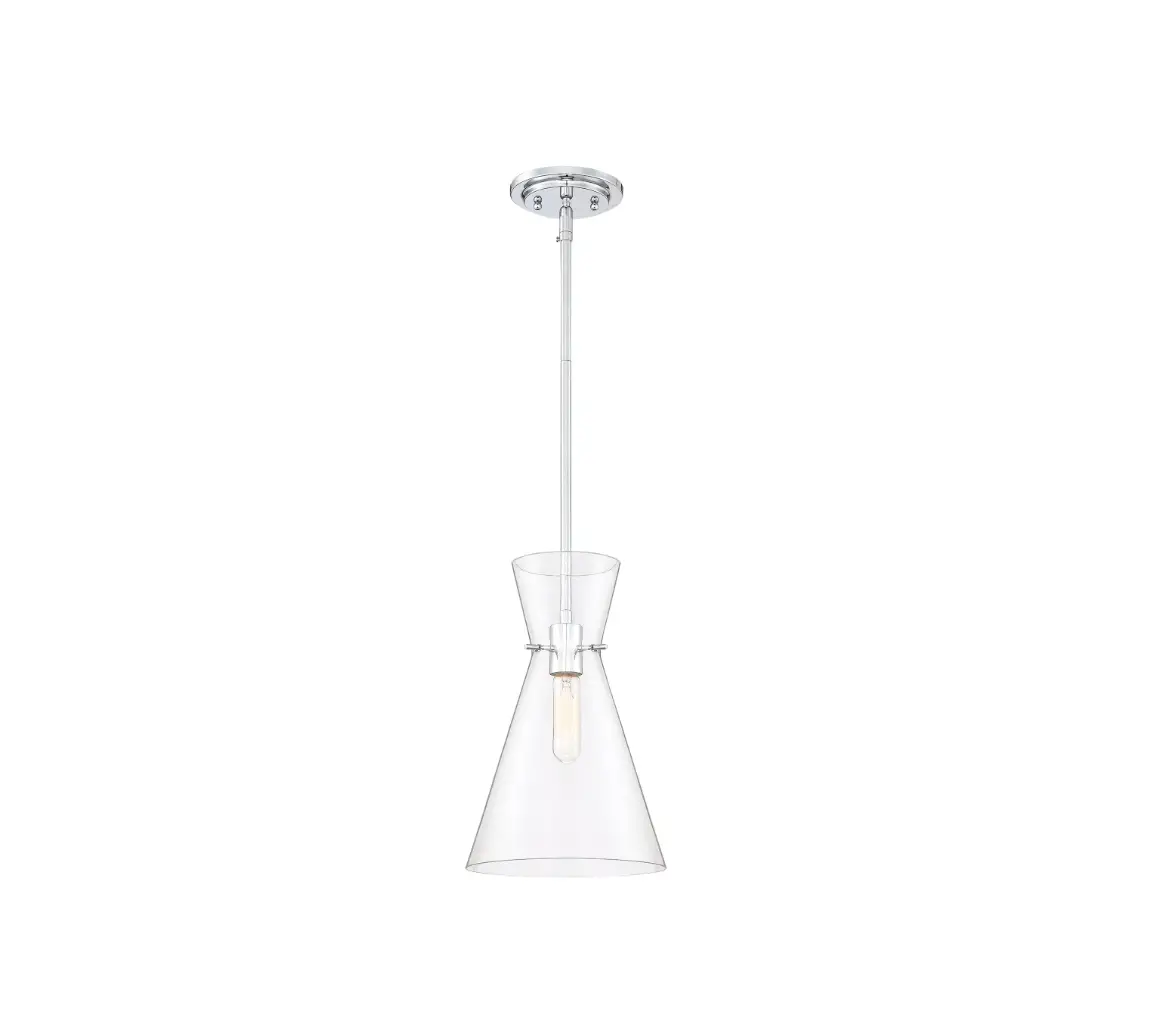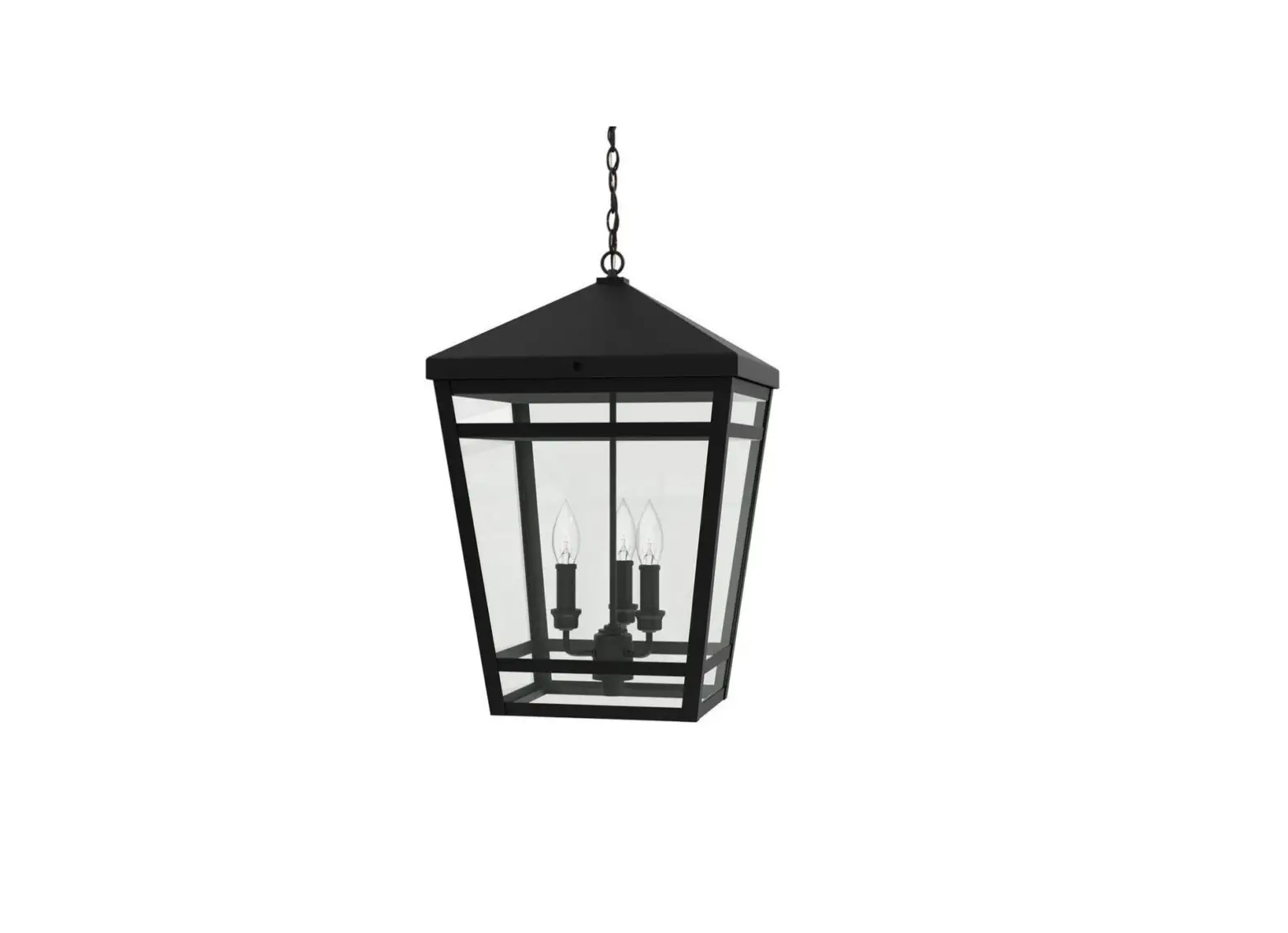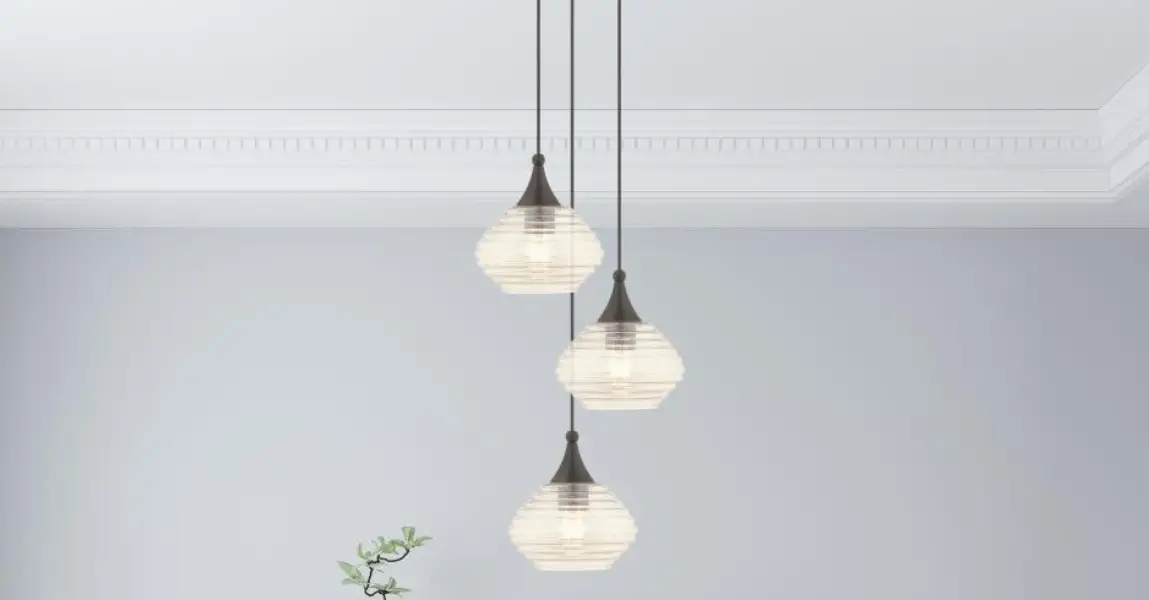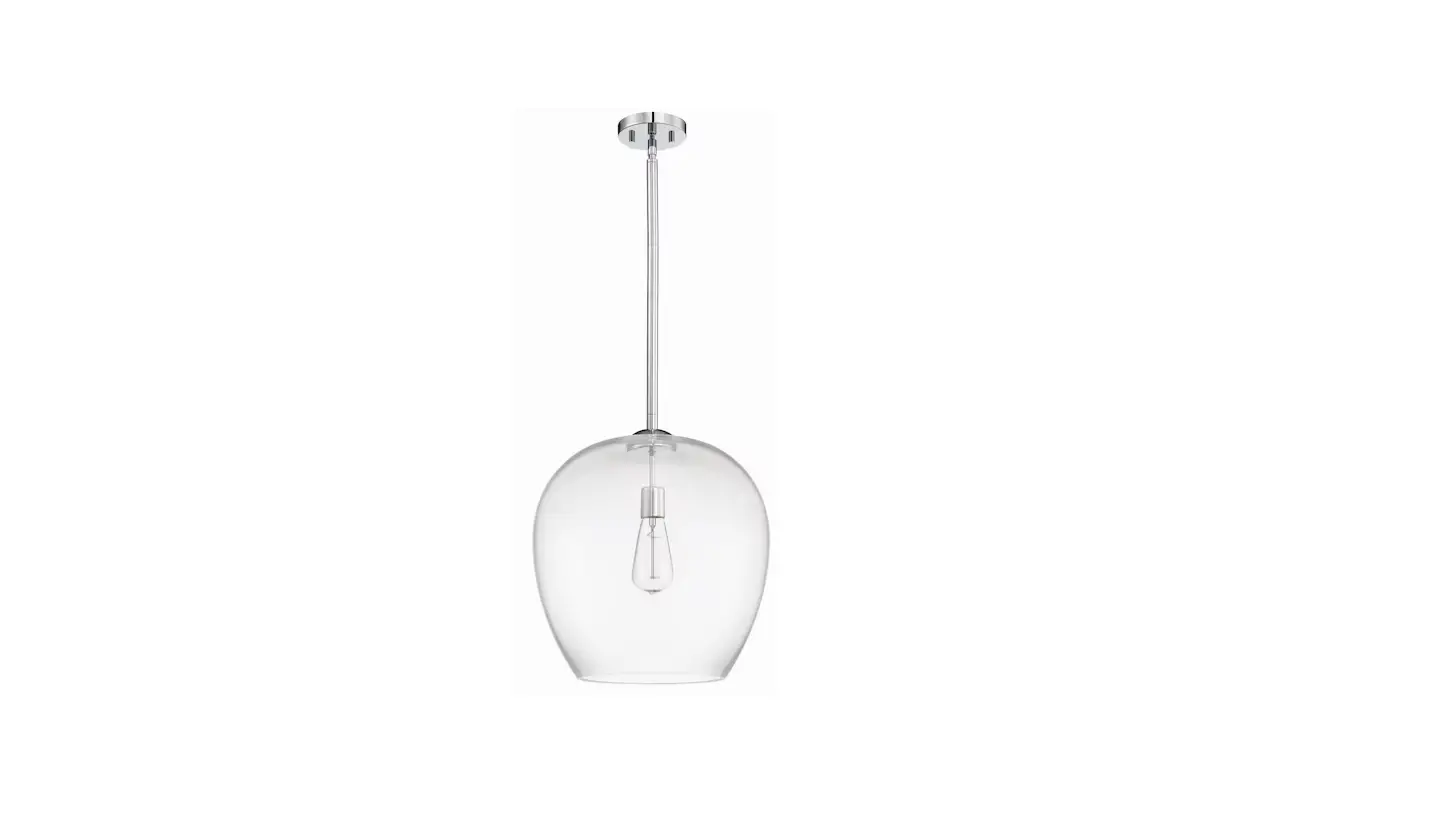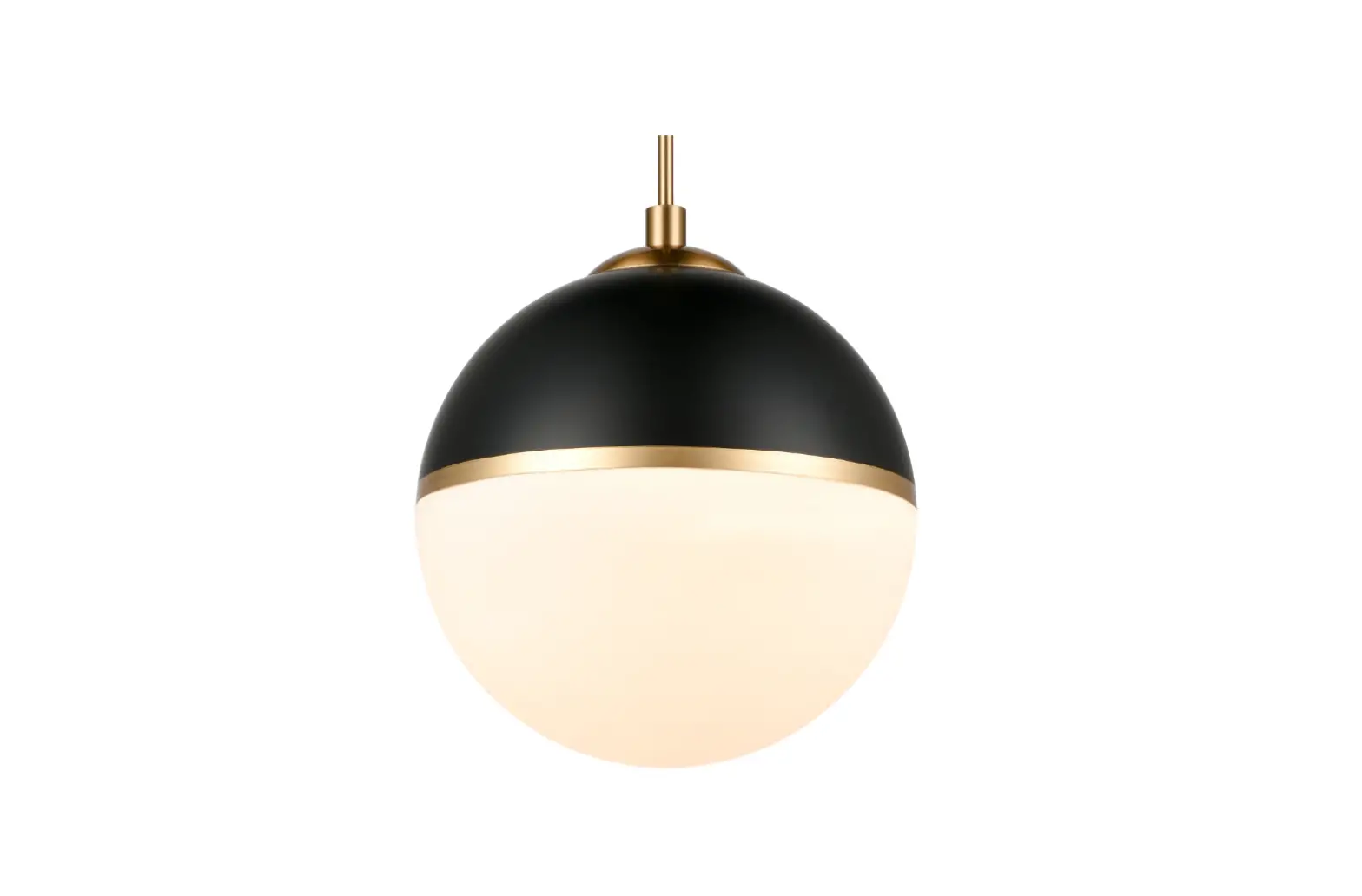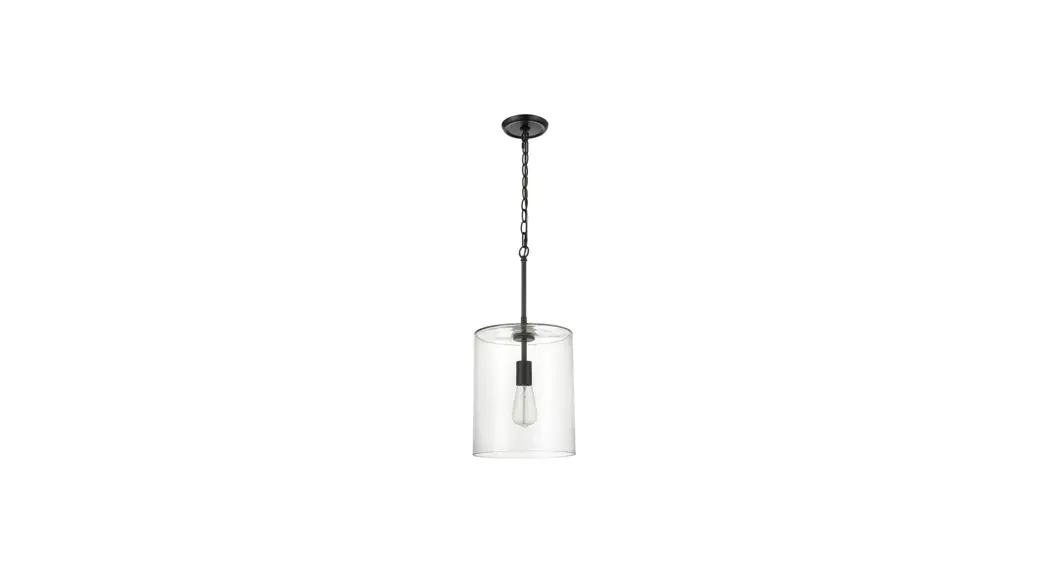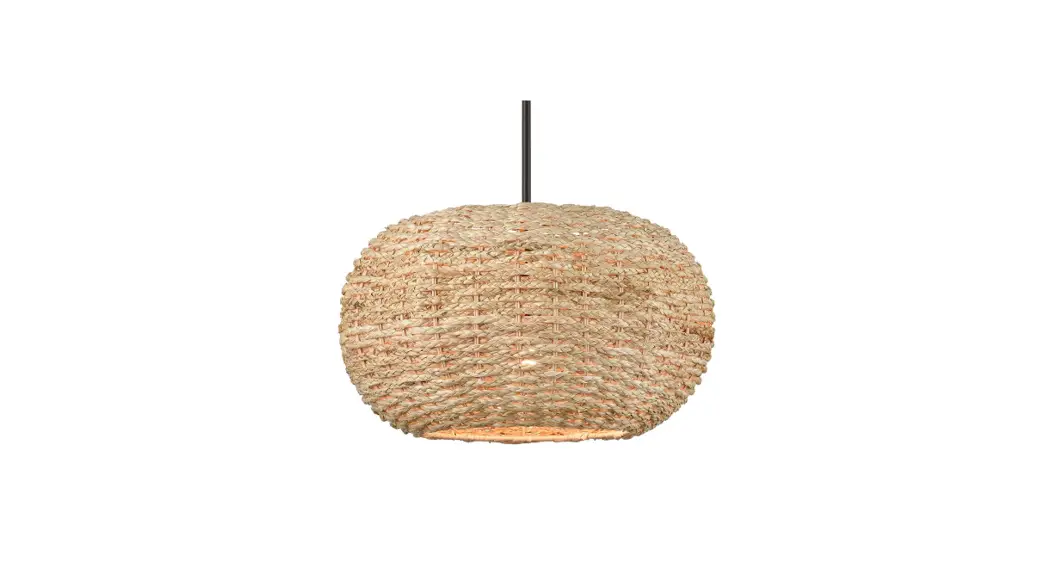

 479857 Biddeford Pendant Light
Instruction Manual
BEFORE YOU BEGIN
We recommend consulting a professional if you are unfamiliar with installing electric fixtures. Signature Hardware accepts no liability for any damage to the faucet, plumbing, sink, counter top, or for personal injury during installation.
Observe all local plumbing and building codes.
Unpack and inspect the product for shipping damage. If any damage is found, contact our Customer Relations team via live chat at www.signaturehardware.com or by emailing [email protected].
GETTING STARTED
Ensure that you have gathered all the required materials that are needed for the installation.
ADDITIONAL QUESTIONS?
Still need help? Check out our Help Center at www.signaturehardware.com for product and warranty information, or contact us through live chat or by emailing [email protected].
FOR YOUR SAFETY
WARNING: Be sure the electricity to the wires you are working on is shut off, either the fuse is removed or the circuit breaker is shut off. You don’t need special tools to install this fixture. Be sure to follow the steps in the order given. Under no circumstances should a fixture be hung on house electrical wires, nor should a swag type fixture be installed on a ceiling which contains a radiant type heating system. Read instructions carefully. If you are unclear as to how to proceed, consult a qualified electrician.
CARE INSTRUCTIONS
To clean, wipe fixture with a soft cloth. Clean glass with a mild soap. Do not use abrasive materials such as scouring pads or powders, steel wool or abrasive paper.
TOOLS AND MATERIALS: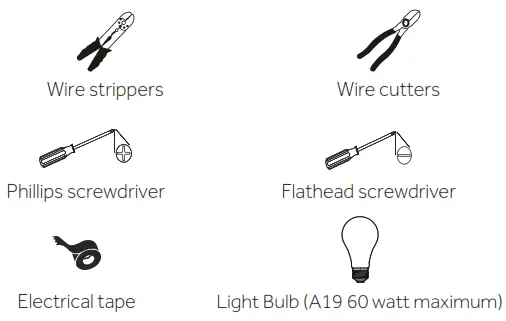 SAVE THIS MANUAL: RETAIN FOR CONSUMER ’ S USE.
READ THESE INSTRUCTIONS COMPLETELY BEFORE INSTALLING THE PRODUCT: FOR PRODUCT OR INSTALLATION QUESTIONS PLEASE CALL CUSTOMER SERVICE AT 1-800-221-3379.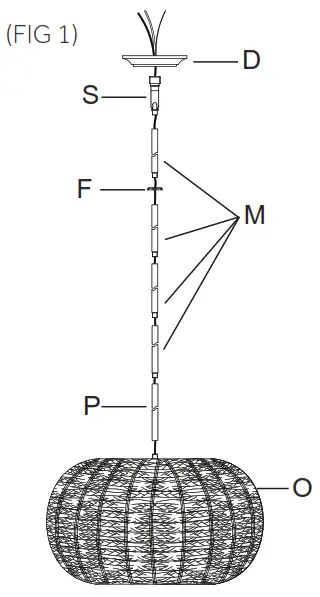
INSTALLATION
(FIG 1)
- Carefully push fixture wires up through bottom of 6 inch stem (P). Pull fixture wires out of top of 6 inch stem (P). Pull fixture wires taut. Screw bottom of 6 inch stem (P) onto top of fixture body (O).
- Determine desired hanging height of fixture. Select the quantity of stems (M) to achieve that height.
- Carefully push fixture wires from top of 6 inch stem (P) up through bottom of stem (M). Pull fixture wires out of top of stem (M). Pull fixture wires taut. Screw bottom of stem (M) onto top of 6 inch stem (P).
- Carefully push fixture wires through remaining stems (M). Thread stems (M) together carefully keeping fixture wires taut.
- Slip threaded ring (F) down over end of last stem (M).
- From last stem (M), push fixture wires up through threaded end of swivel (S). Pull fixture wires out of top of swivel (S). Thread swivel (S) onto top of last stem (M).
- Slip fixture wires through hole in center of canopy (D).
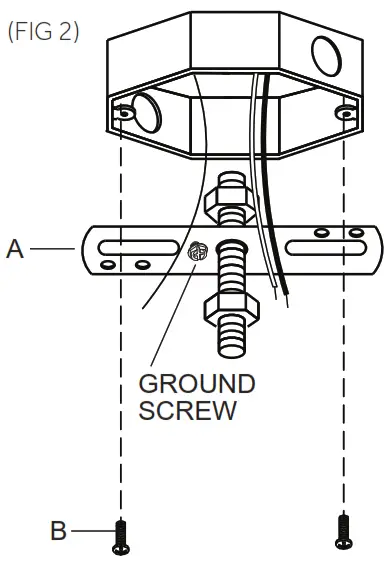
 INSTALLATION (FIG 2)
 - Carefully pull house wires out of junction box so they are easily accessible during installation.
- Position mounting bracket (A) so the head of the attached ground screw is pointing down towards floor.
- Place mounting bracket (A) up against junction box. Align each slot in mounting bracket (A) with each hole in junction box.
- Thread one junction box screw (B) into each slot in mounting bracket (A) and into holes in junction box. Tighten junction box screws (B) to secure mounting bracket (A) to junction box.
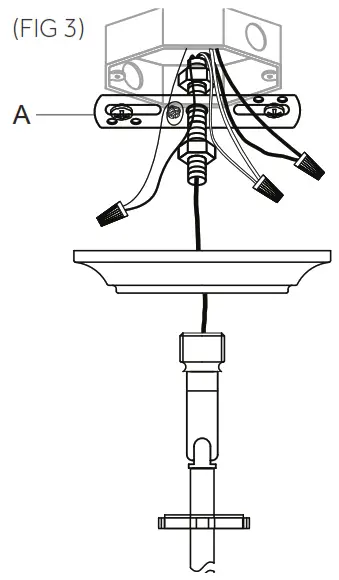
INSTALLATION (FIG 3)Connect Black or Red Supply Wire (Lead Wire) to: Connect White Supply Wire (Neutral Wire) to: Black wire White wire *Parallel wire (round or smooth) *Parallel wire (square or ridged) Clear brown, gold or black
wire without tracerClear brown, gold or black
wire with tracerInsulated wire (other than green)
with copper conductorInsulated wire (other than green)
with silver conductor* When parallel wires are used, the neutral wire is ridged down its length and the other wire is round and smooth (see illus.). 

- Strip 3/4” of insulation from ends of fixture wires.
- Twist the end of fixture white wire to the end of house white wire together. Twist a wire nut onto ends of wires. Wrap electrical tape around wire nut and wires to secure connection. Twist the end of fixture black wire and the end of house black wire together. Twist a wire nut onto the ends of wires. Wrap electrical tape around wire nut and wires to secure connection. Loosen ground screw on mounting bracket (A). Wrap house ground wire around ground screw leaving enough ground wire to attach to fixture ground wire. Twist the end of fixture ground wire to the end of house ground wire together. Twist a wire nut onto ends of wires. Wrap electrical tape around wire nut and wires to secure connection.
Note: If you have electrical questions consult your local electrical code for approved grounding methods. - After wires are connected, carefully tuck wires inside junction box.
 INSTALLATION (FIG 4)
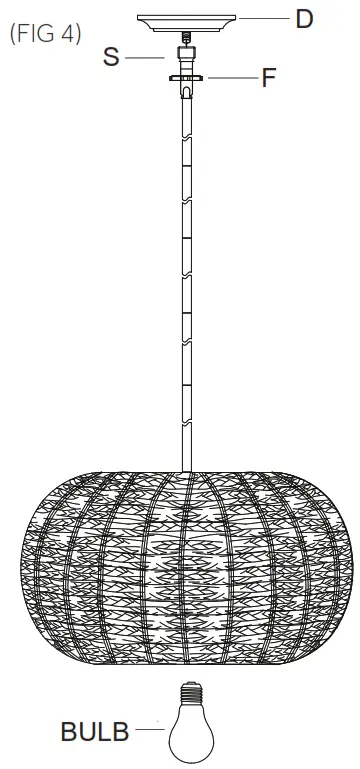
 - Carefully raise fixture up to ceiling. Place canopy (D) over mounting bracket (A). Pass hole in center of canopy (D) over end of threaded pipe on mounting bracket (A).
- Raise threaded ring (F) up to canopy (D). Screw threaded ring (F) onto threaded pipe protruding from canopy (D). Tighten threaded ring to secure canopy (D) to ceiling.
- Raise fixture up to ceiling. Screw swivel (S) onto threaded pipe protruding from canopy (D).
- Screw recommended bulb (E26 Edison bulb type, not included) into socket. Verify correct bulb wattage marked on socket of fixture.
WARNING: DO NOT exceed maximum bulb wattage.
 INSTALLATION (FIG 2)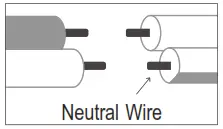
 INSTALLATION (FIG 4)
REVISED: 11/29/2021
CODES: PHPL3471
1.855.715.1800
signaturehardware.com
 Bathroom, Kitchen, Home Decor, Lighting & More