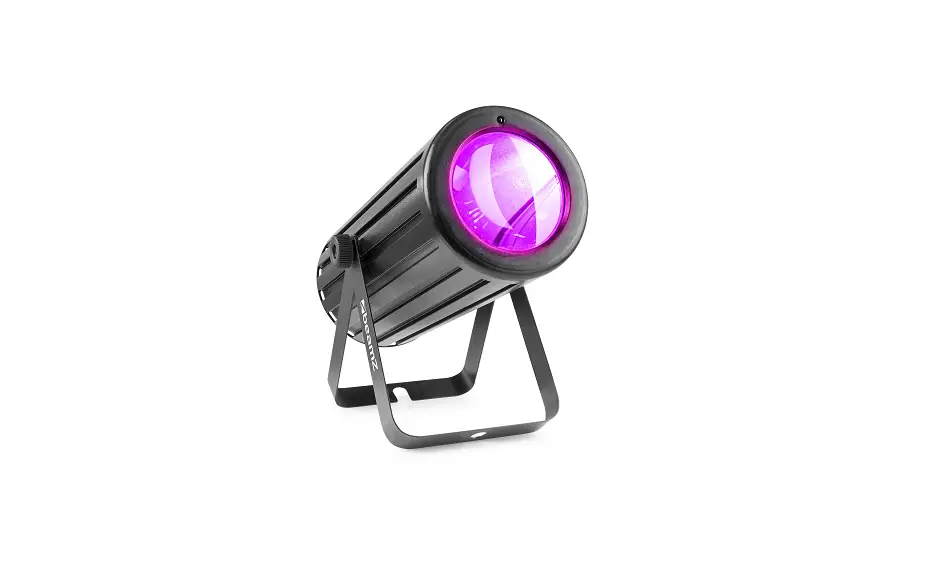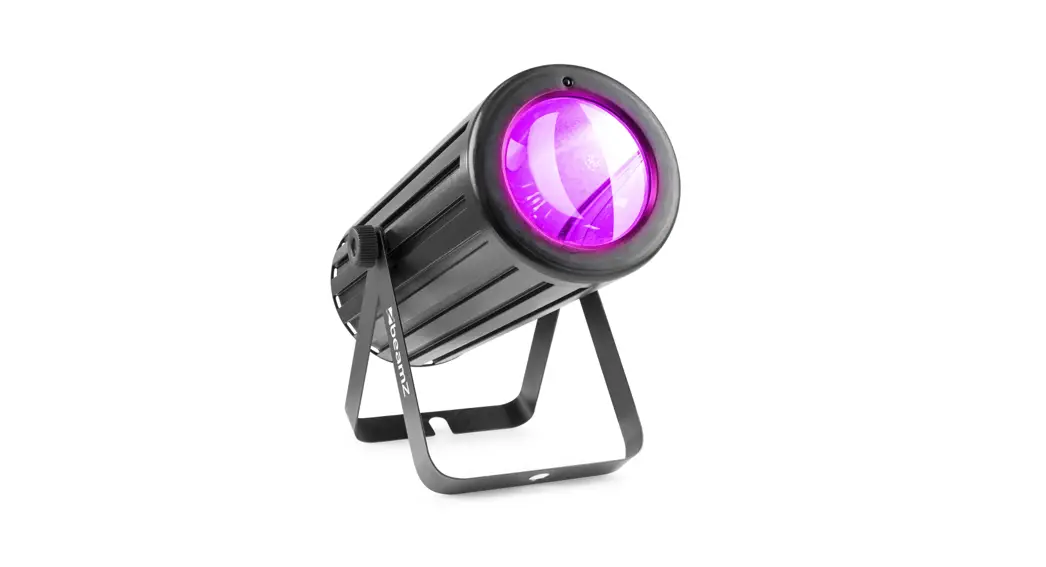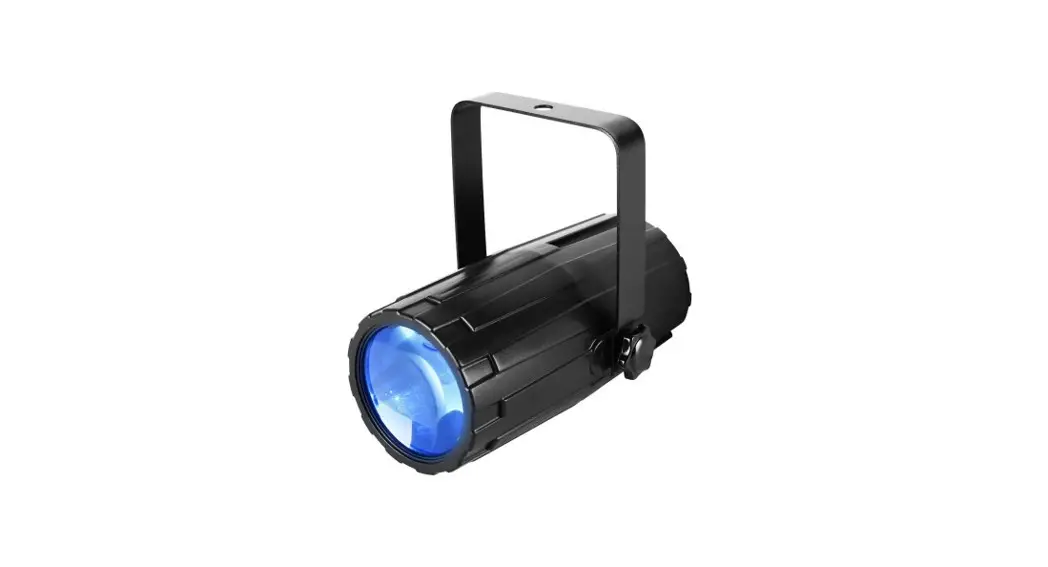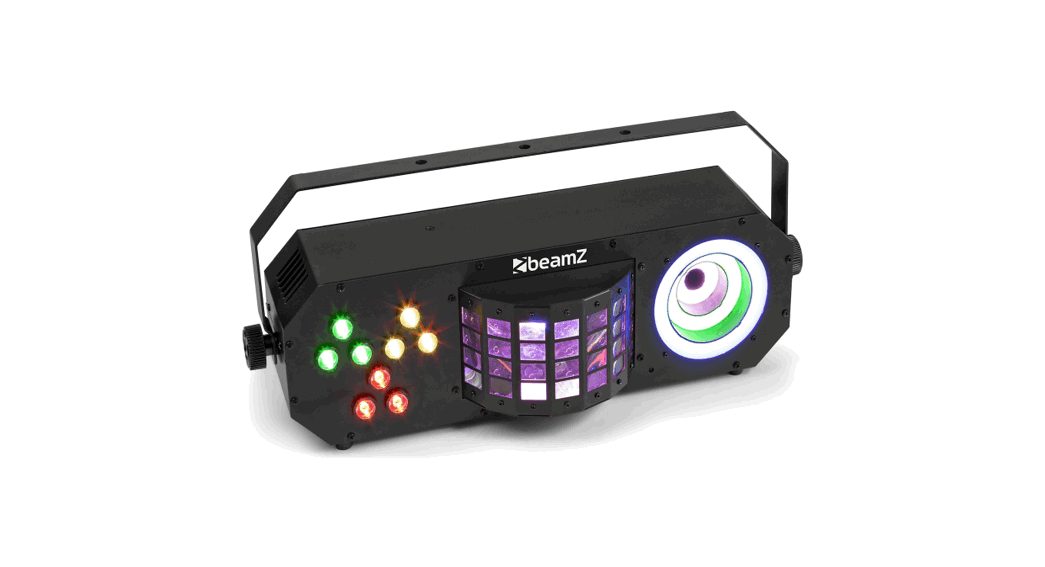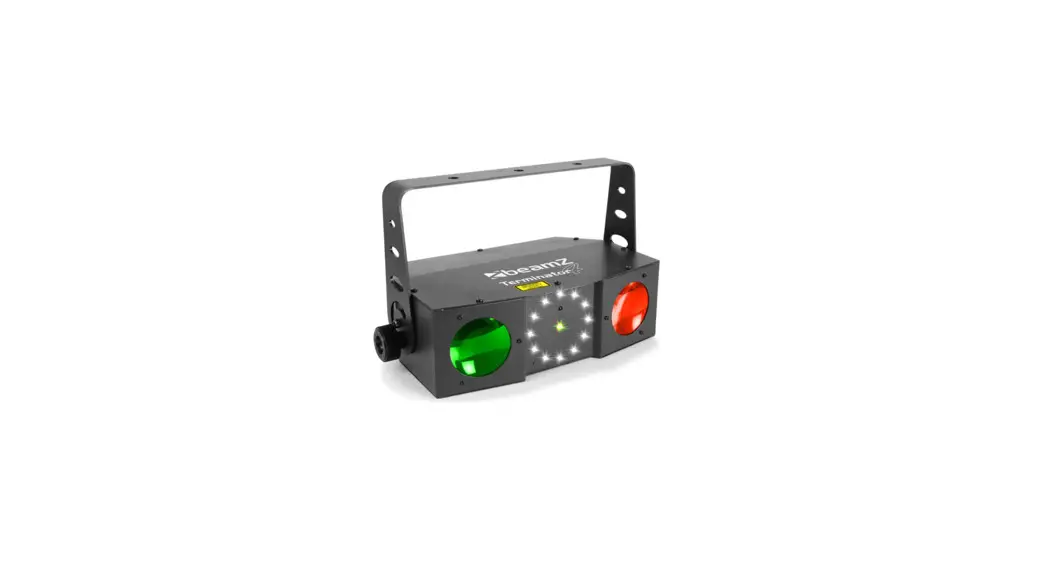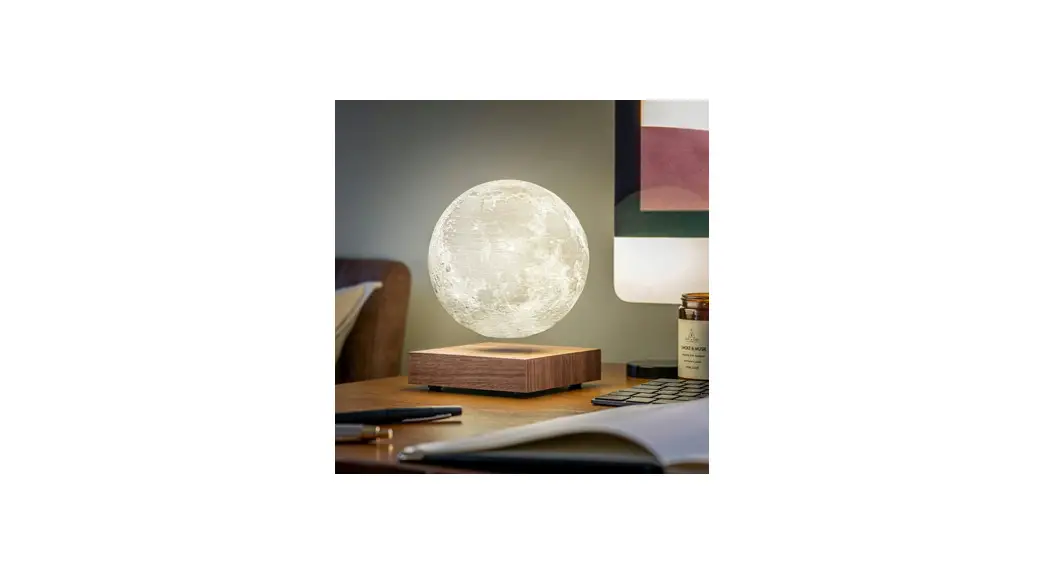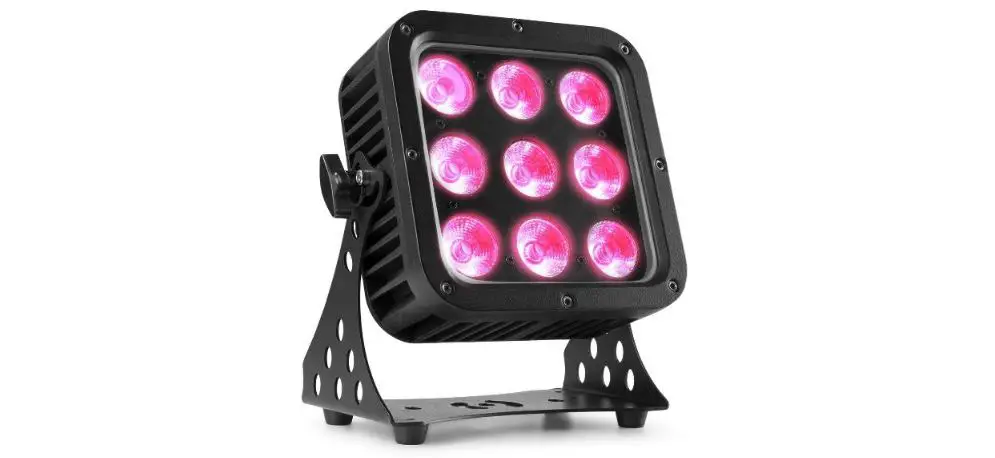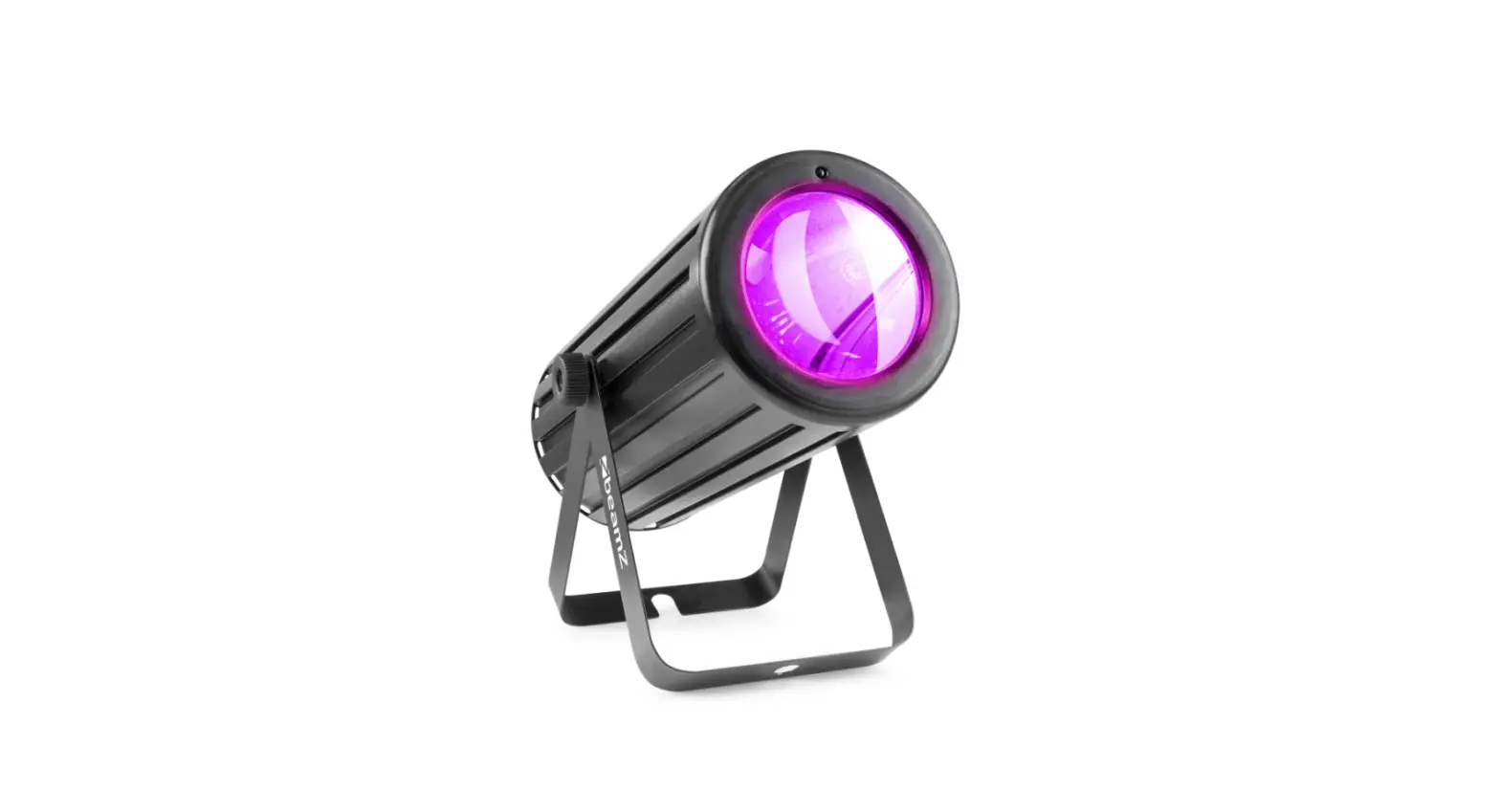

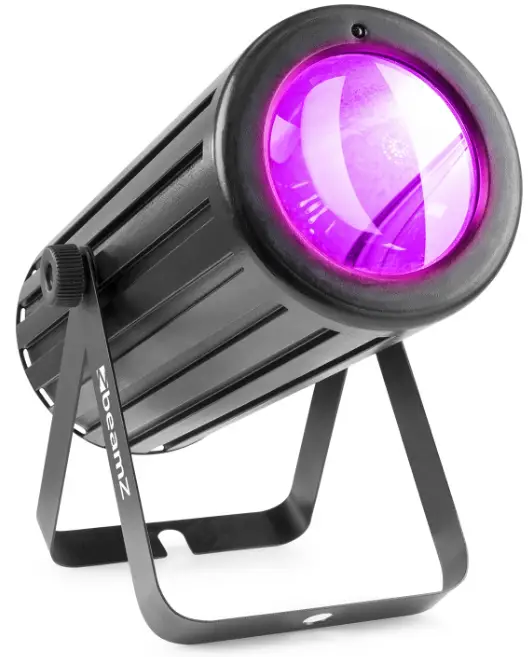
beamZ 153.687 Moon Flower
RIGGING
The unit may be set up on a stable and even surface. By means of the fixing facilities of the baseplate, the unit can also be mounted upside down to a truss, see the below picture. For fixing, certified clamps with the correct save working load is required. According to the figure, the quick lock bolts of the omega brackets are placed into the openings provided in the base plate and turned clockwise until they lock (to the stop). The mounting place must be of sufficient stability and be able to support a weight of 10 times the unit’s weight. Secure the unit with a safety cable so that it cannot fall down.
When carrying out any installation, always comply with European and national guidelines concerning rigging, truss, and all other safety issues. Always let the installation be checked out by an authorized dealer!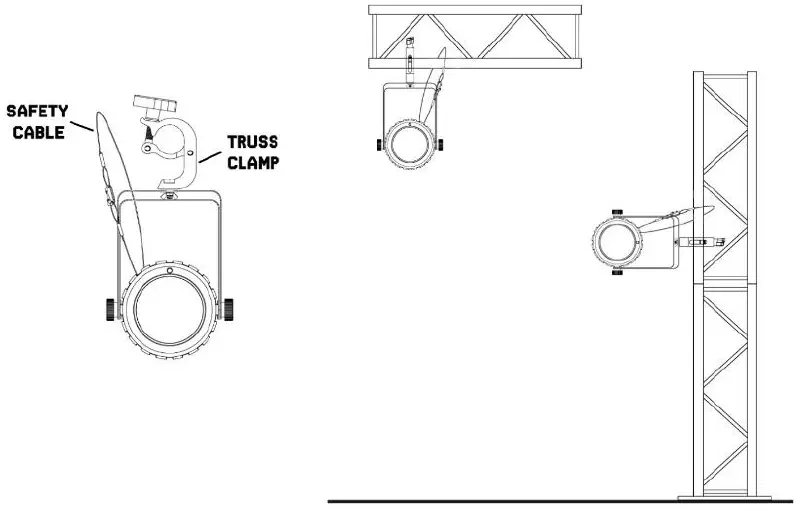
REMOTE CONTROLLER
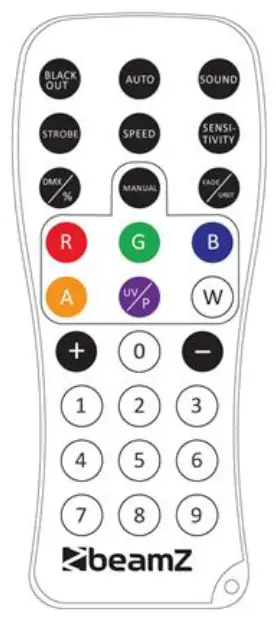
BLACKOUT MODE
Press BLACK OUT> off existing modes. Press (BLACK OUT> return the last modes.
AUTO MODE
Automatic mode will enable you to run the automatic programs on the product.
To turn on Automatic mode:
- Press AUTO> on the remote controller
- Press *> or <-> to choose between the different auto programs.
SOUND MODE
The sound-Active mode will enable the product to respond to the music. To turn on Sound-Active mode:
- Press on the remote controller.
- Press or to choose between the different sound programs.
STROBE MODE
To adjust the strobe speed of the automatic program and the sound active program.
- Press <STROBE> on the remote controller.
- Press <+> or <-> to either increase or decrease the speed of the program.
- Press <STROBE> again to turn off the strobe.
SPEED MODE
To adjust the speed of the automatic program and the sound active program.
- Press <SPEED> on the remote controller.
- Press <+> or <-> to either increase or decrease the speed of the program.
SENSITIVITY MODE
To adjust sound sensitivity for in Sound-Active mode
- Press SENSITIUITY> on the remote controller.
- Press or -> to either increase or decrease sound sensitivity.
DMX %. MODE
To enable DMX or disallow DMX on the product Press DMX> on the remote controller, and the product work on the DMX control modes.
MANUAL MODE
- Press cMANUAL> on the remote controller.
- Press R>. <G>. <B>. Hb. <A>, [red. green, blue, white, or amber) to choose your colour.
- Press again R>, cG>, <B>, <W>, <A>, (red, green, blue, white, or amber) to close your colour.
- Press or -> to either increase or decrease the percentage of each colour.

DMX CHANNELS
| CHANNEL | FUNCTION | VALUE | DESCRIPTION |
| 1 | Strobe | 000-009 | No function |
| 010-255 | Stroboscope from slow to fast | ||
| 2 | Colour | 000-009 | No function |
| 010-019 | Red | ||
| 020-029 | Green | ||
| 030-039 | Blue | ||
| 040-049 | White | ||
| 050-059 | Amber | ||
| 060-069 | Red+ Green | ||
| 070-079 | Green + Blue | ||
| 080-089 | Blue + White | ||
| 090-099 | Red + Amber | ||
| 100-109 | Red + Blue | ||
| 110-119 | Green + White | ||
| 120-129 | Blue + Amber | ||
| 130-139 | Red + White | ||
| 140-149 | Red + Green + Amber | ||
| 150-255 | Red + Green+ Blue + White + Amber | ||
| 3 | Mode | 000-009 | No function |
| 010-019 | Auto program1 | ||
| 020-029 | Auto program2 | ||
| 030-039 | Auto program3 | ||
| 040-049 | Auto program4 | ||
| 050-059 | Auto program5 | ||
| 060-069 | Auto program6 | ||
| 070-079 | Auto program7 | ||
| 080-089 | Auto program8 | ||
| 090-099 | Sound Program1 | ||
| 100-109 | Sound Program2 | ||
| 110-119 | Sound Program3 | ||
| 120-129 | Sound Program4 | ||
| 130-139 | Sound Program5 | ||
| 140–149 | Sound Program6 | ||
| 150–159 | Sound Program7 | ||
| 160–255 | Sound Program8 | ||
| 4 | Speed | 000-255 | Auto and Sound program speed (Slow-fast) |
beamZ
IS a leading developer of lighting products, including intelligent DMX moving heads, wireless battery-operated DMX effects, static washes, sound-activated club effects strobes & blacklights, LED lighting, fog and special effects machines, lasers, and indoor and outdoor architectural lighting, as well as lighting controllers and protective bags.