
QUICK START GUIDE
Welcome!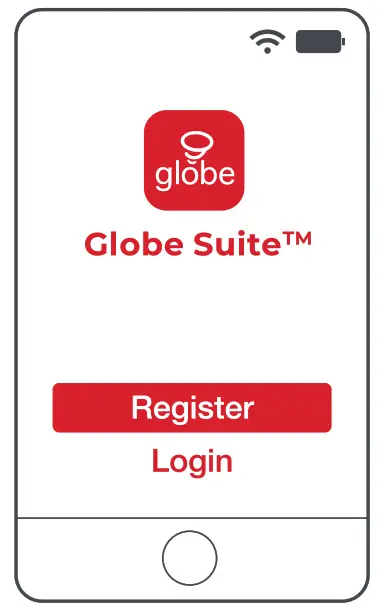
Get started
- Download the Globe Suiten4 app from the App Store or Google Play to your mobile device.
- Launch the Globe Suiten^ app.
- To register, enter your email address. Create a password, then login to the app. OR
- Login if you already have an account.
Verify your network
- Verify your network and ensure your mobile device is connected to a 2.4 GHz Wi-Fi channel.
- Consult your router documentation for detailed instructions on how to change wireless settings.
- Once your devices have been successfully paired, you can switch back to mixed mode or use a cellular data network to control your smart products.
3a Add a device
- Power on your device.
- Select the “+” symbol on the top right-hand corner.
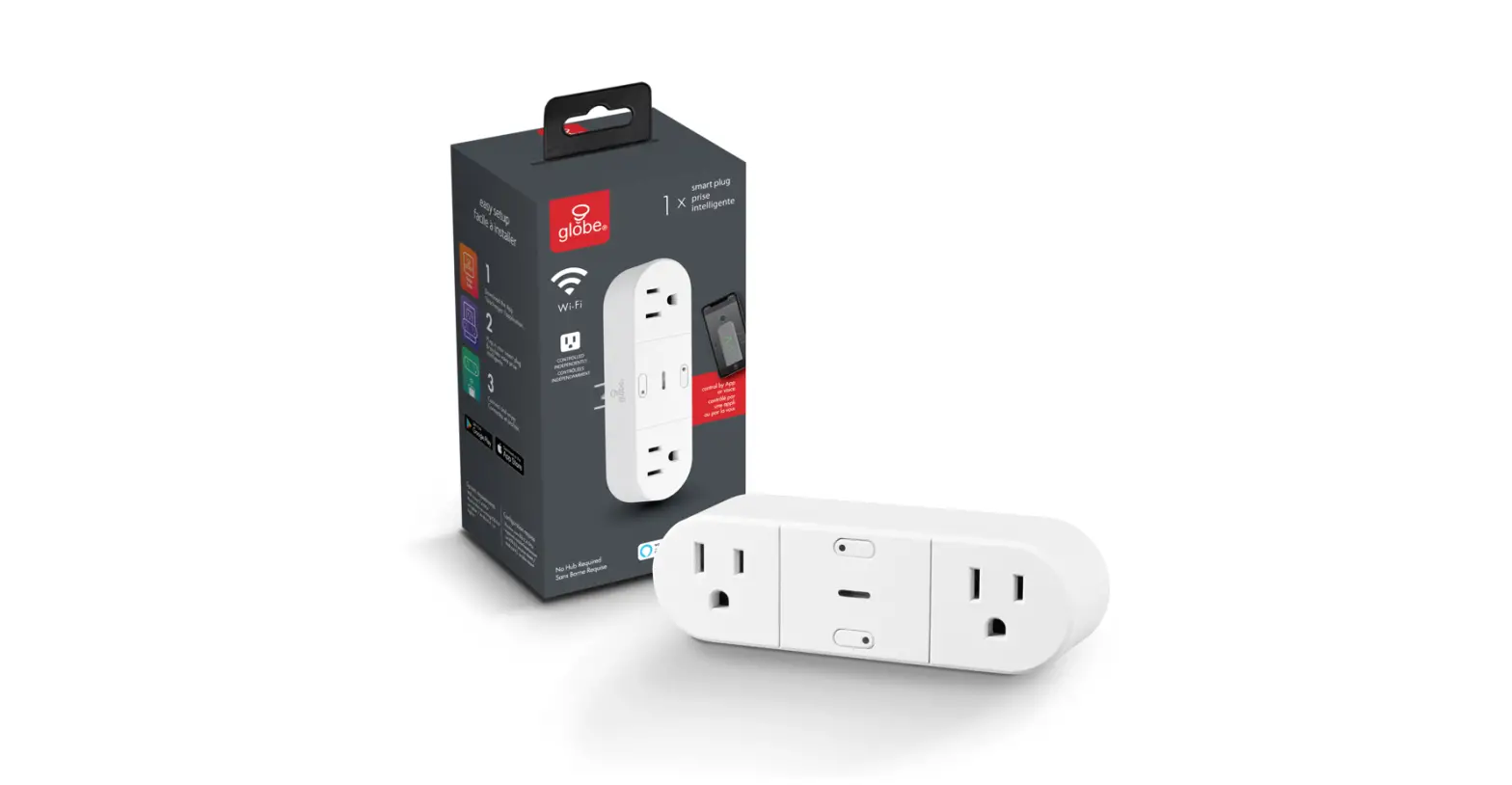
- Select your product type and follow the instructions within the app.
- If the connection fails, try using AP mode.
3b AP mode
- On the “add a device” page select AP mode on the top right-hand corner and follow the instructions within the app.
- If the connection fails, try using Scan mode.
3c Scan mode
- Select the “+” symbol on the top right-hand corner.
- Select “Scan”.
- Follow instructions within the app.
- You’re good to go!

Setup voice assistance
- Instructions in the Globe Suiten” app: Select “Profile”, select “Integration”, choose your voice assistant, and follow instructions.
Did you know?
Most modern routers are dual-band meaning they support both 2.4 GHz and 5 GHz channels.
The most common wireless options are:
- Mixed: The router will broadcast both 2.4 GHz and 5 GHz simultaneously under the same SSID. The device will choose which to connect to based on multiple variables (congestion, distance to router etc.).
- 2.4 GHz: Broadcast only on this channel.
- 5 GHz: Broadcast only on this channel.
- Dual 2.4 and 5 GHz using separate SSIDs: Pouter will broadcast both channels and the user manually decides which to connect to.
Have a question? We can help!
 www.globe-electric.com/smart
[email protected]

Visit the FAQ page in the app

Check us out on YouTube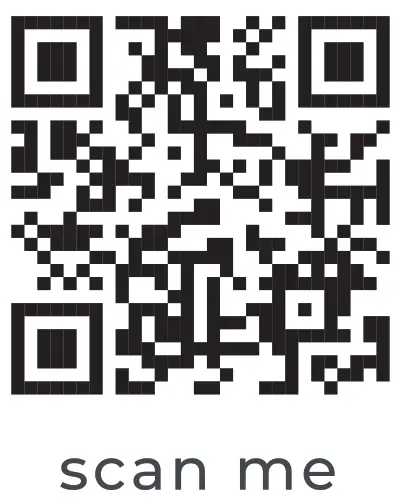
https://globe-electric.com/smart/
Globe Electric Company 34204*_QSG 09-089-20
34204*_QSG Designer: SN
Docket: 09-089-20
Factory: LI-TECH
PRINTING SPECIFICATIONS FOR SKU:
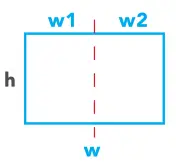 BOOKLET DIMENSION
w1 (width): 65mm
w2 (width): 65mm
w (width): 130 mm
h (height): 90 mm