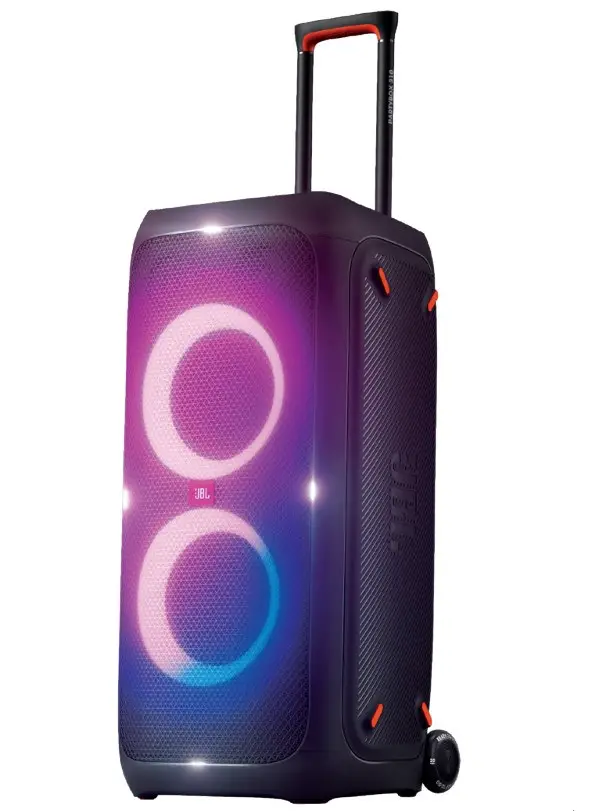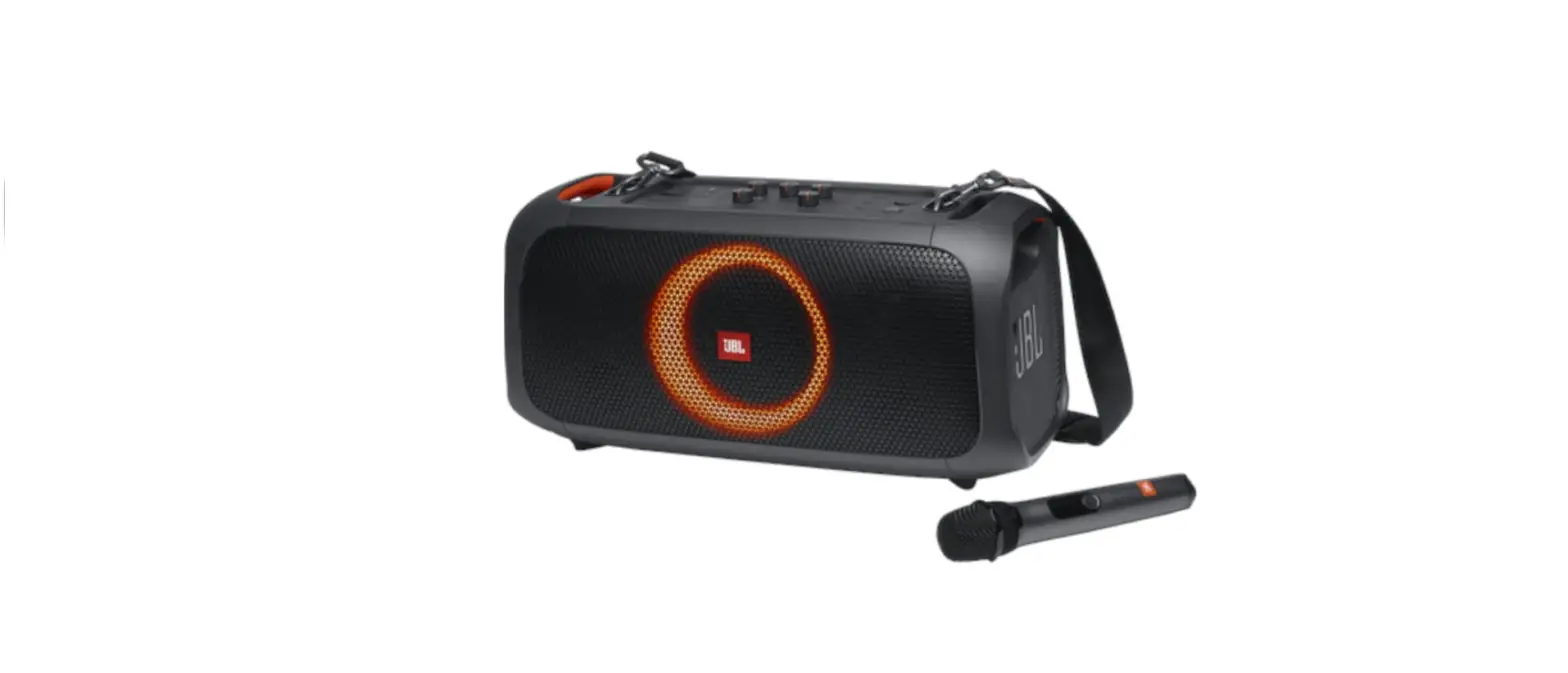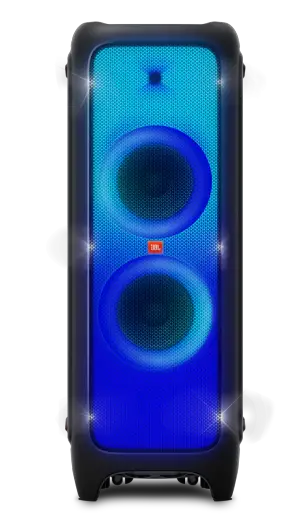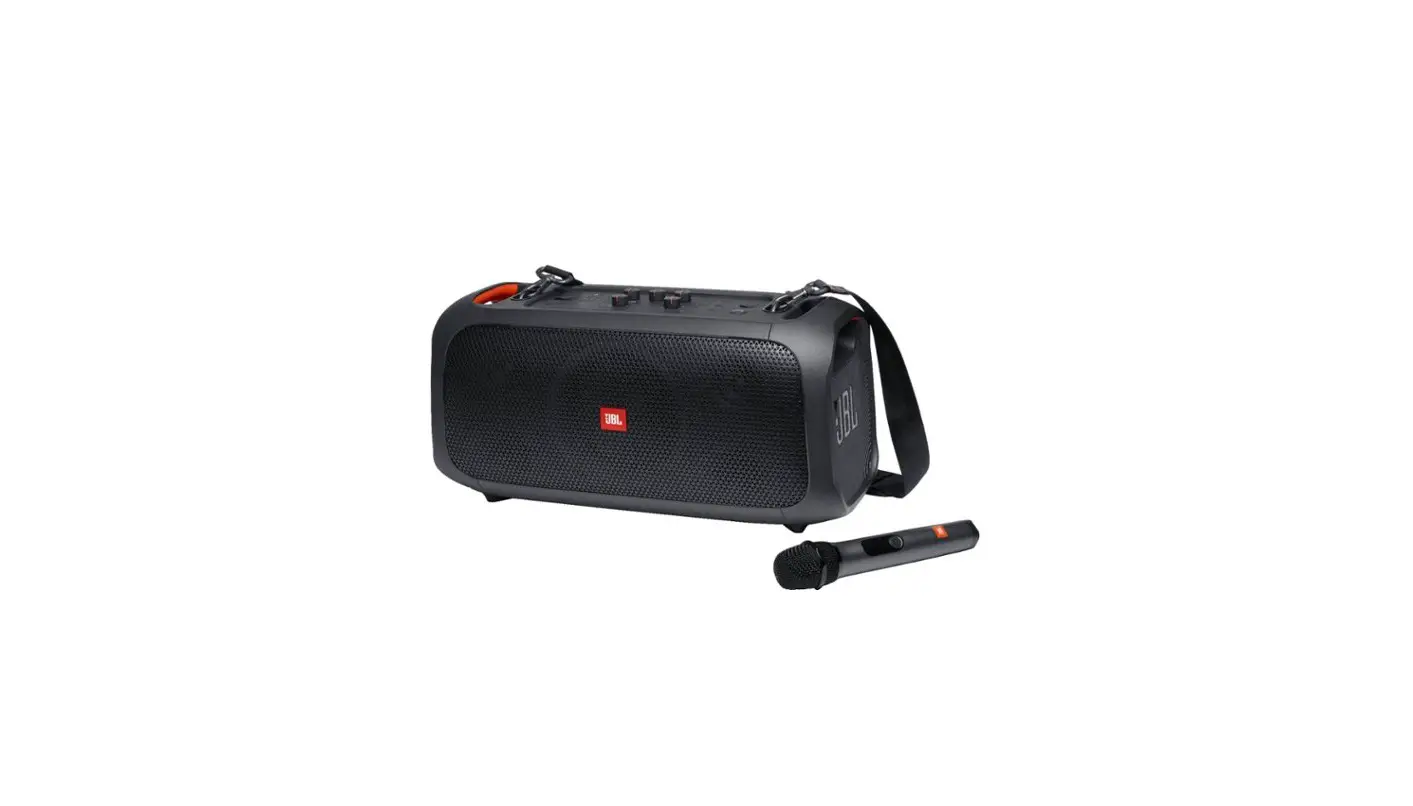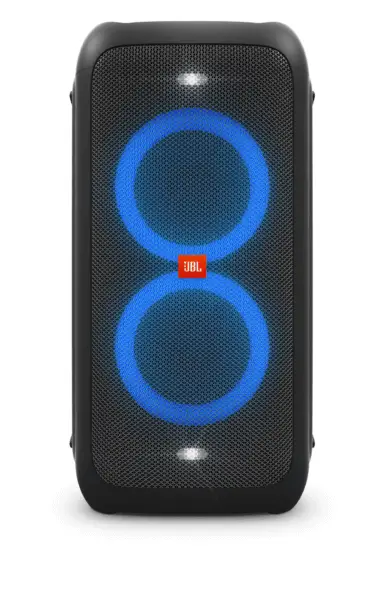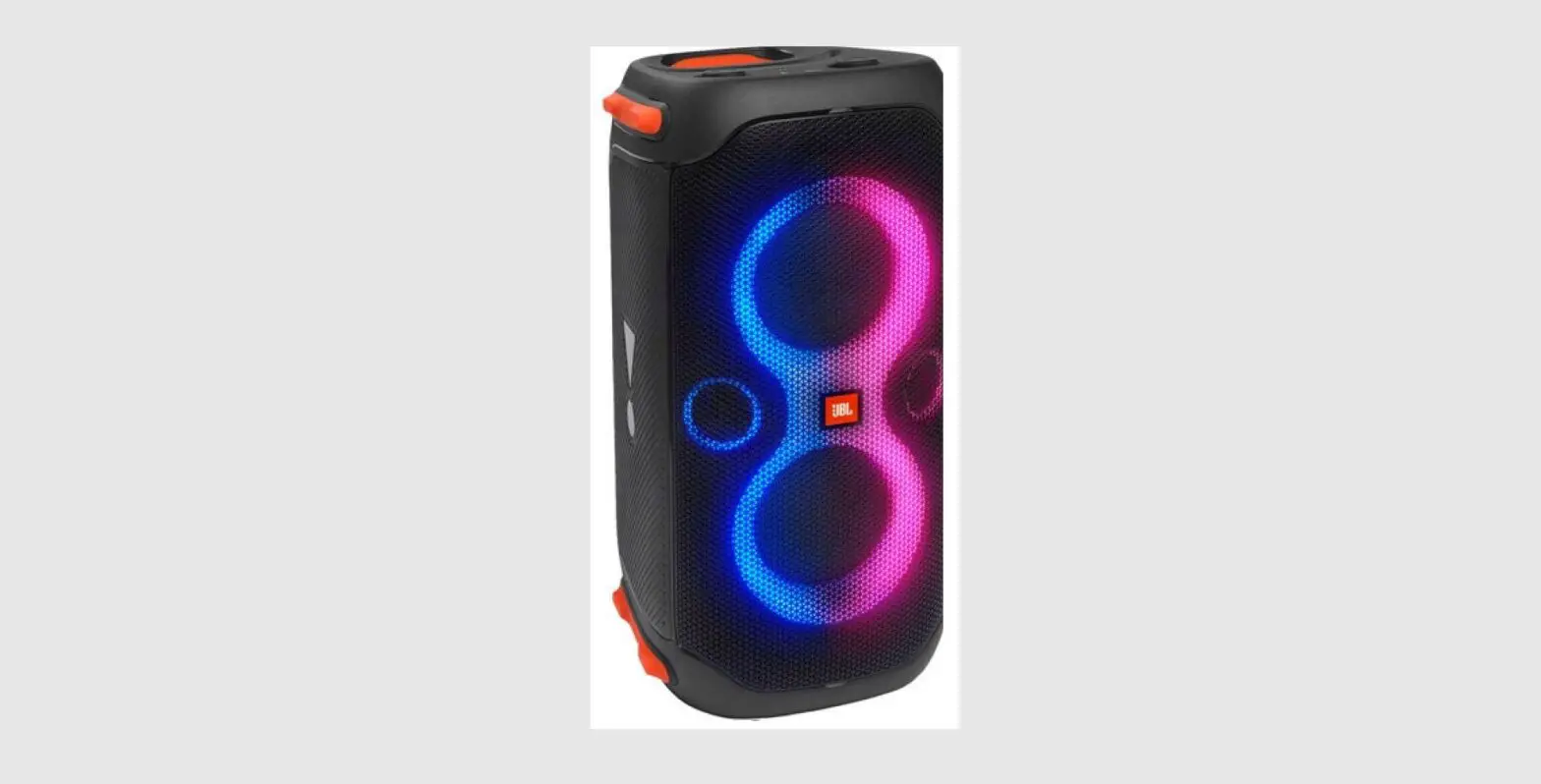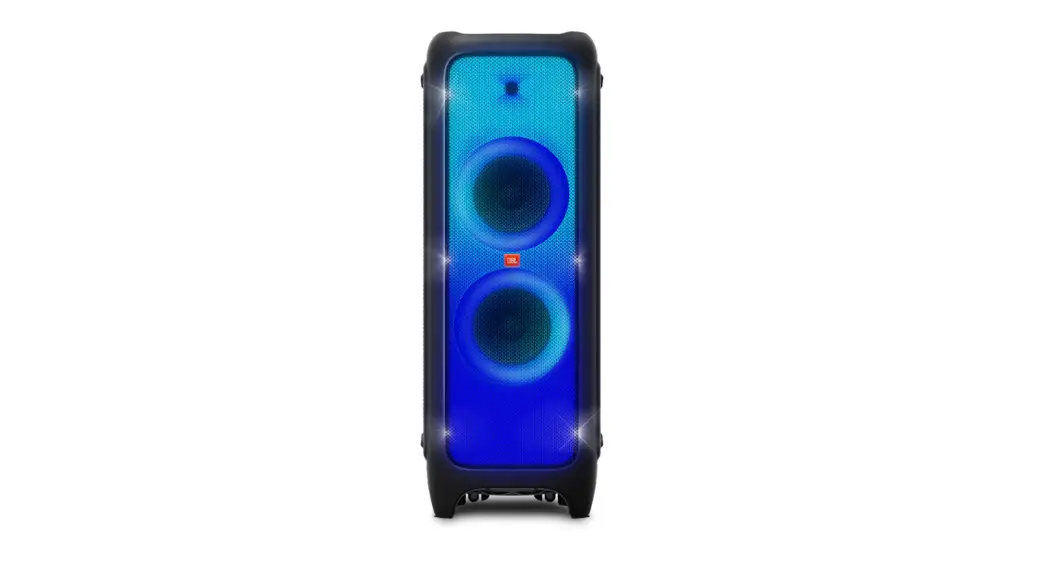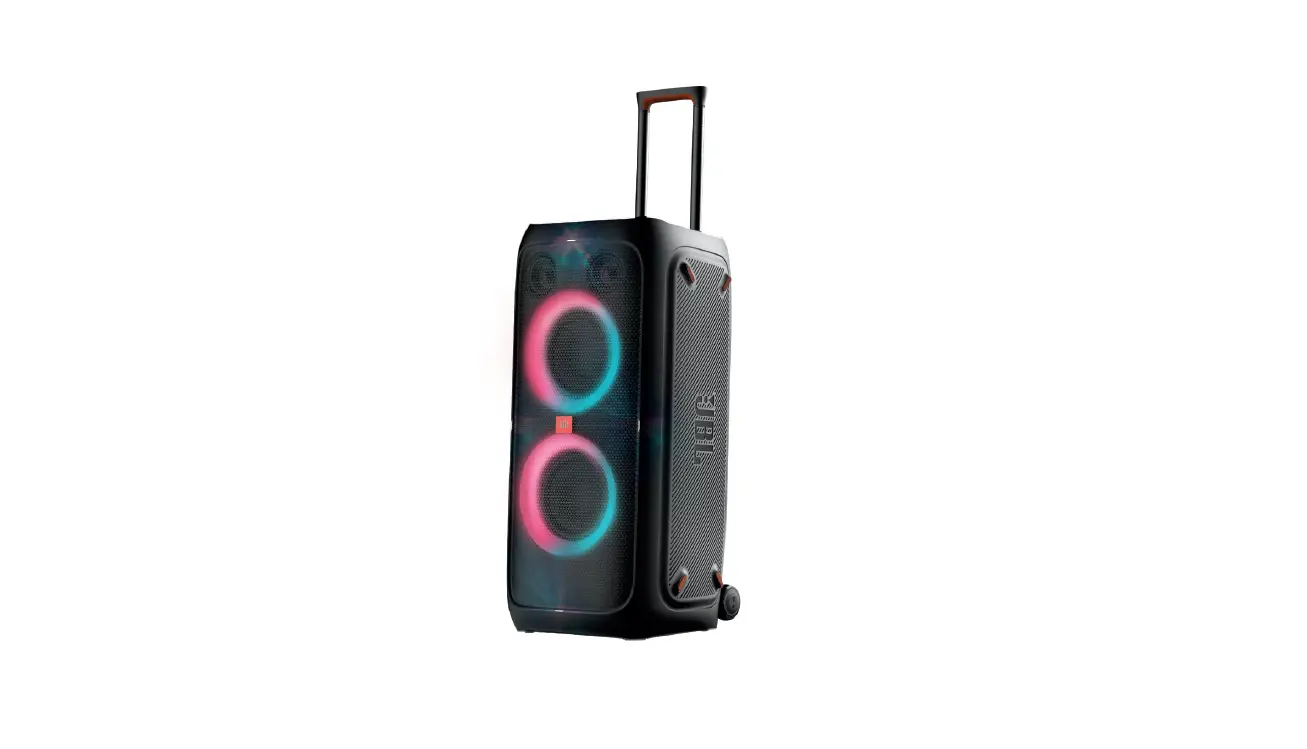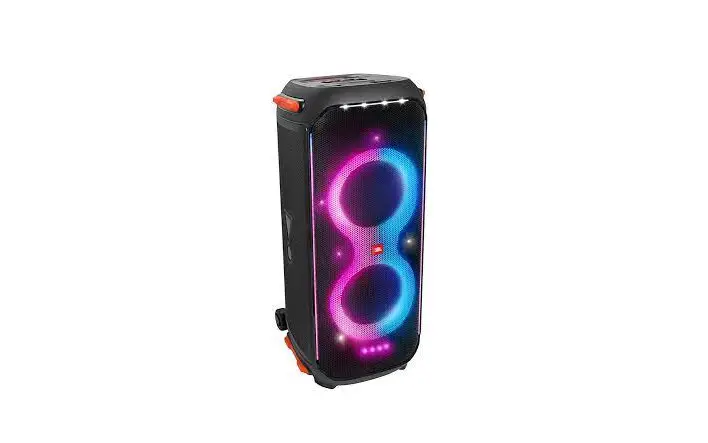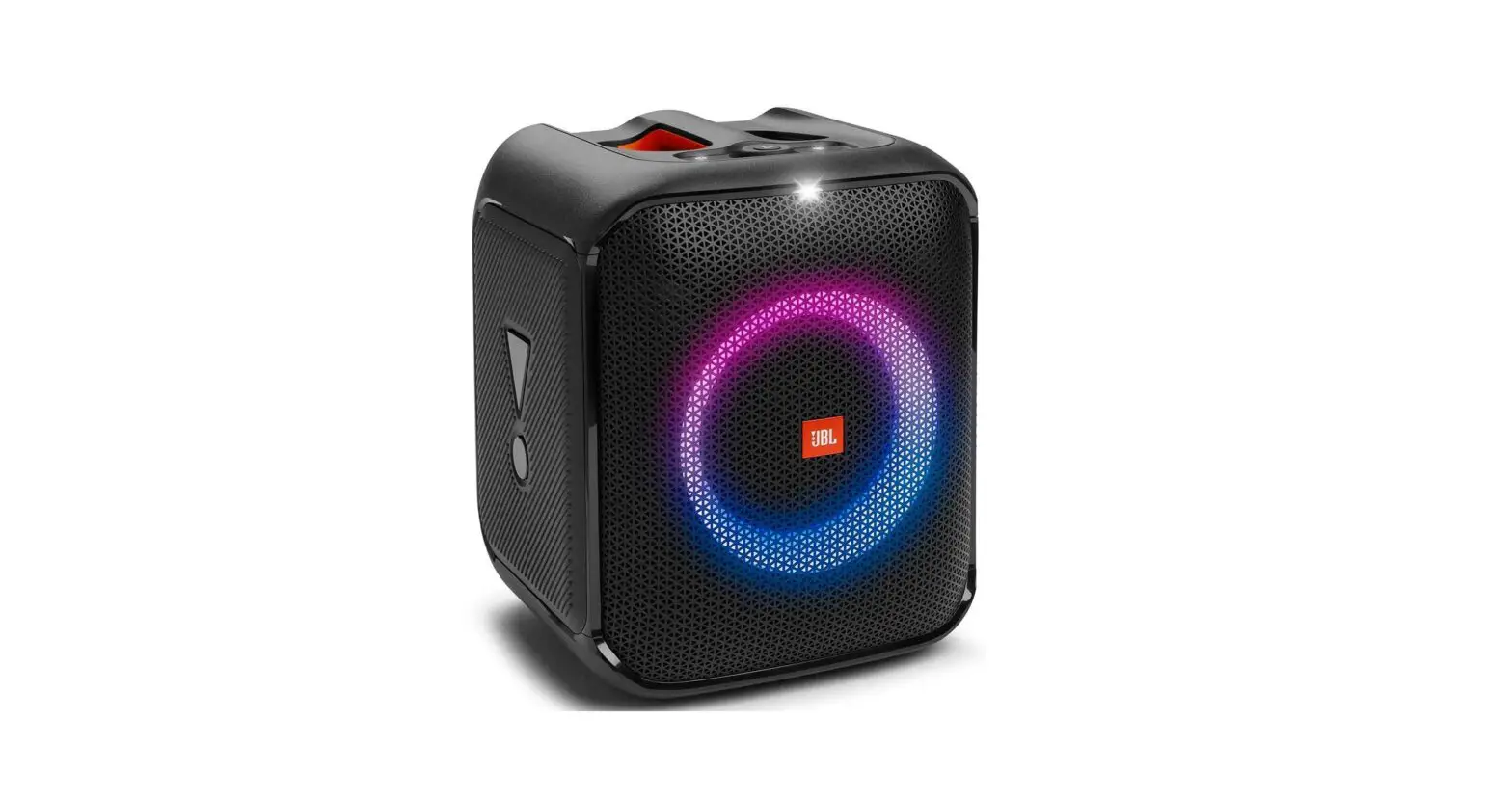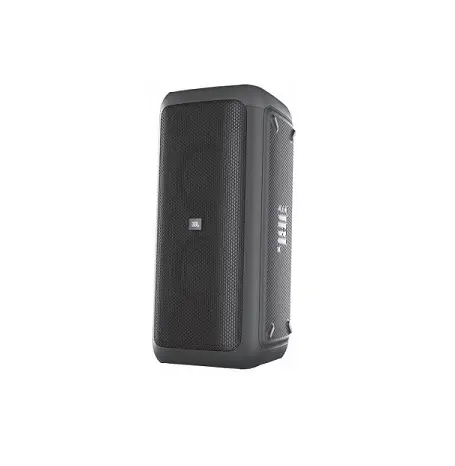
JBL Partybox User Guide
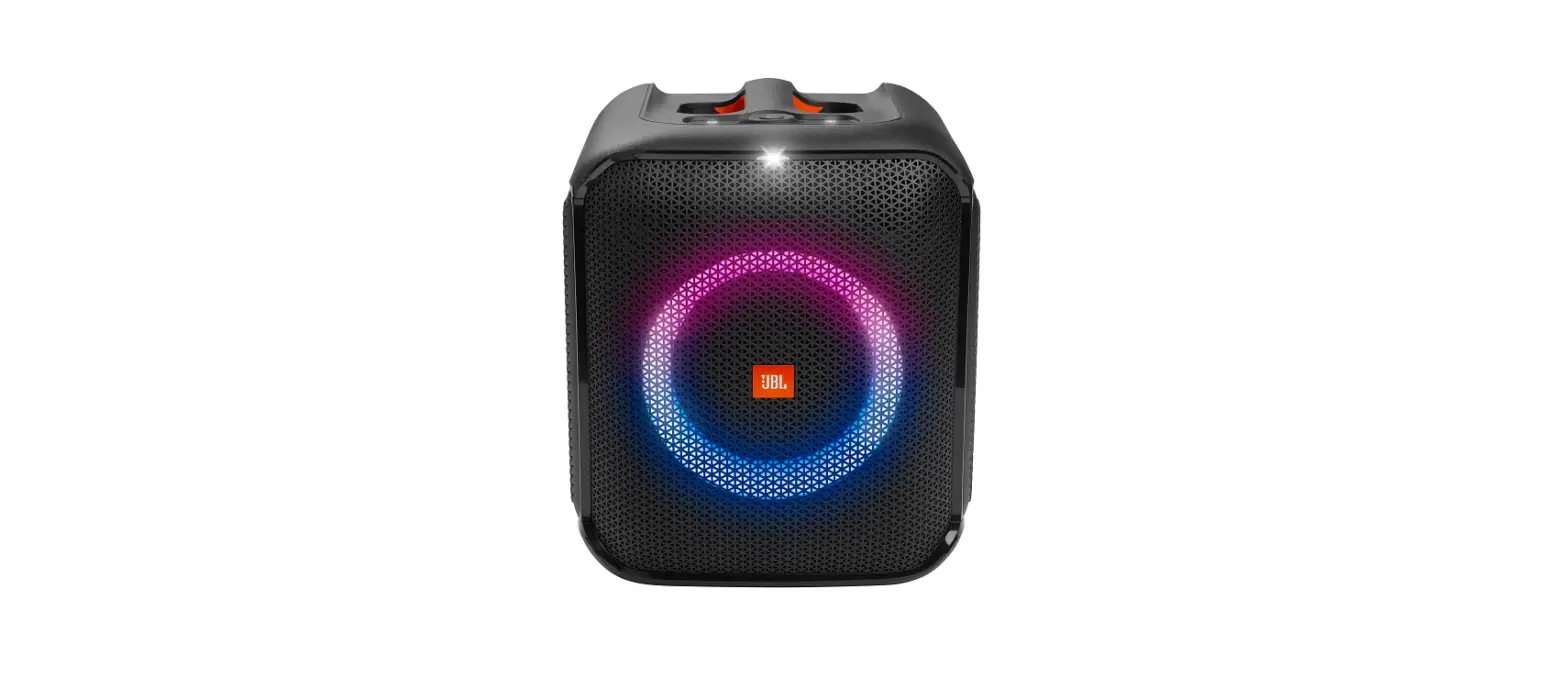
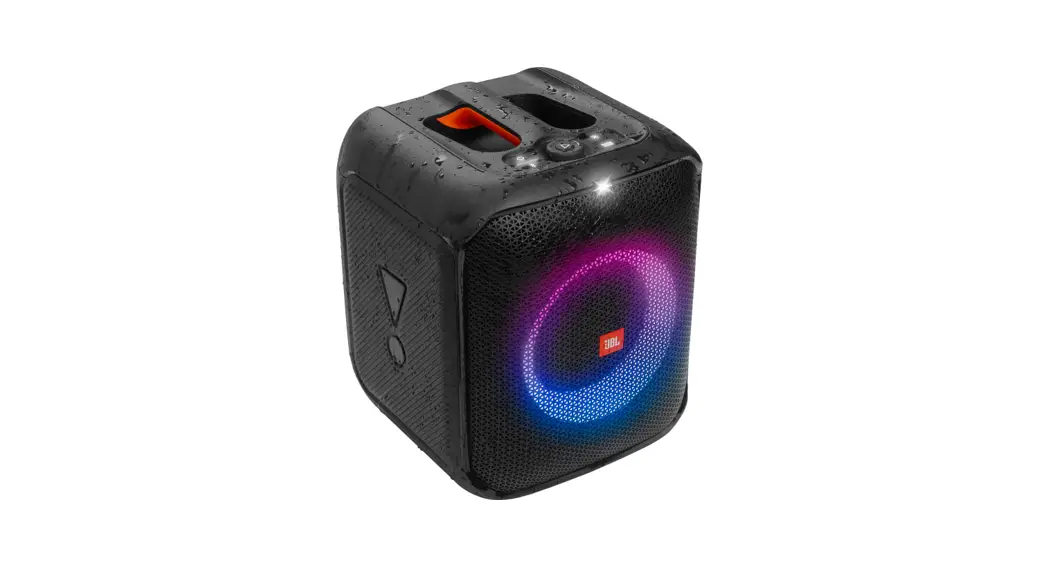
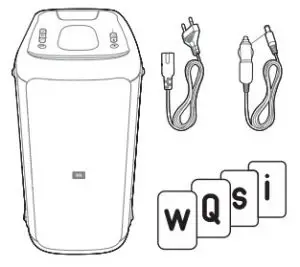
What’s in the box

Placement
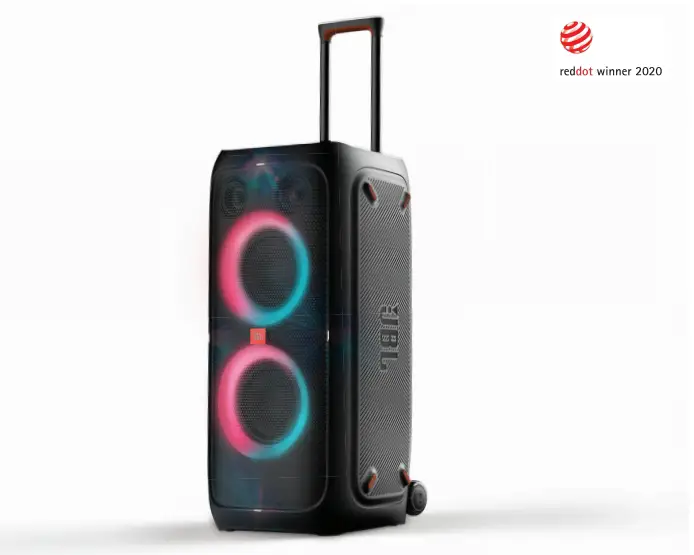
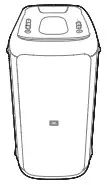
- Vertically

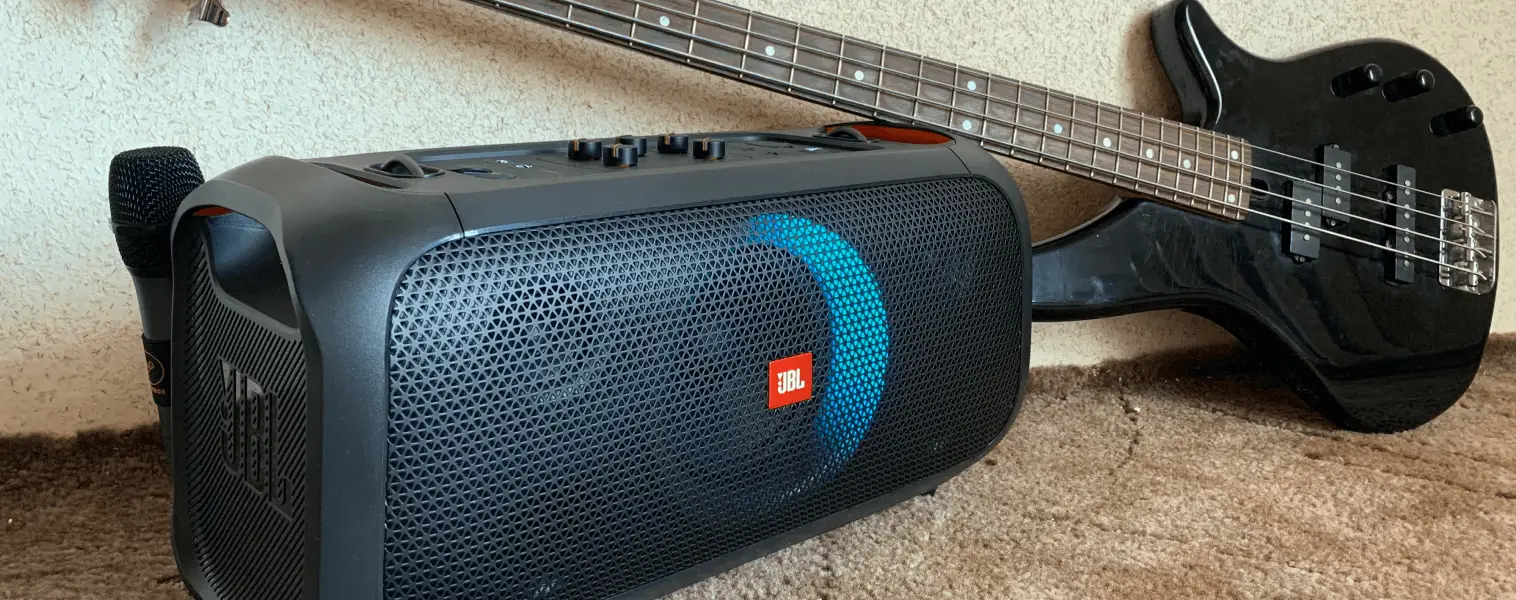
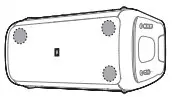
- Horizontally (for best quality sound, ensure the two
tweeters are placed on the upper side of the speaker box)
Power on
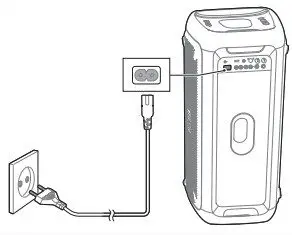
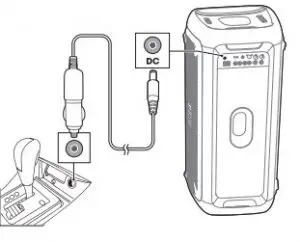
Charging (PartyBox 300 only)
- Fully charge the built-in battery before using for the first time, which will prolong the battery lifespan.
- Built-in battery charging works on AC power only.
- Press any button to check the remaining battery level when it is turned on.
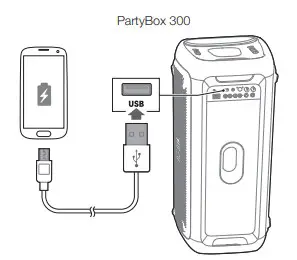
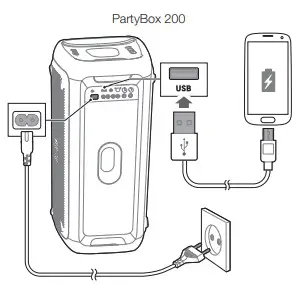
Charging USB devices
Connections
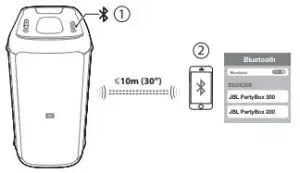
- A. Bluetooth

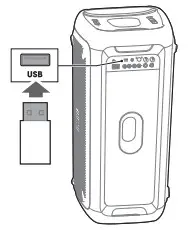
- B. USB

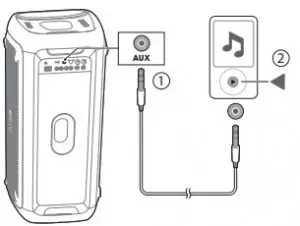
- C. AUX

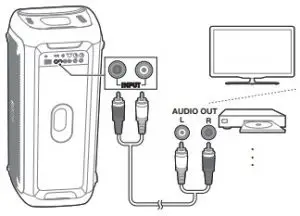
- D. INPUT
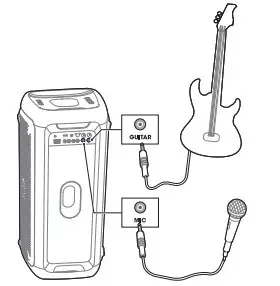
Mix sound with microphone / Guitar
TWS (True Wireless Stereo) mode
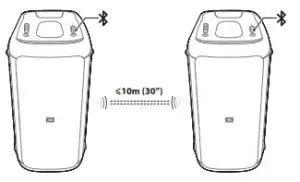
- Press and hold
 on both speakers simultaneously for 5 seconds, TWS connection will be built up. By default the first one connected to your device will be the primary speaker (L channel), the other one will be the secondary speaker (R channel).
 - Press L/R button on one speaker to toggle between L channel / R channel / Stereo, another speaker will change the setting automatically.
- In TWS mode, press and holdfor 5 seconds on either speaker or power off to exit the TWS mode.
LED Behavior
 |  White (Constant) White (Constant) | Power ON |
 Amber (Constant) Amber (Constant) | Stand by | |
 Off Off | Power Off | |
 |  White (Fast Flash) White (Fast Flash) | Pairing |
| White (Constant) | Connected | |
| Off | Not Connected | |
 | White (Constant) | On |
| Off | Off | |
 (Party Box 300 only) |  Red (Fast flash) Red (Fast flash) | Low Battery |
| White (Slow Flash) | Charging | |
| White (Constant) | Charged |
Specifications
| AC power input: | 100-240V ~ 50/60H |
| DC power input: | 12V 8A |
| Built-in battery: | Li-ion 10.4Ah, 7.2V (PartyBox 300) |
| Power consumption: | 60W |
| Standby power consumption: | <2W with BT Connecting; <0.5 without BT connecting |
| USB output | 5V 2.1A |
| Speaker drivers | 2 woofer + 3 tweeter |
| Speaker impedance | 4 ohm |
| Rated output power | 120 W RMS |
| Total output power | 240 W Max |
| Frequency response | 45 Hz – 18 KHz (-6dB) |
| Signal-to-noise (S/N) ratio | 65 dBA |
| Input sensitivity |
|
| Bluetooth version: | 4.2 |
| Bluetooth profile: | A2DP, AVRCP |
| Bluetooth transmitter frequency range | 2402-2480MHz |
| Bluetooth maximum transmitter power | 12dBm (EIRP) |
| Bluetooth transmitter modulation: | GFSK, π/4 DQPSK, 8DPSK |
| Bluetooth range: | Approx. 10 m (33 feet) |
| USB file system | FAT16, FAT32 |
| USB file format: | mp3, .wma, .wav |
| Dimensions (W x H x D) | 30 x 688 x 323 mm / 13 x 27 x 12.7 in |
| Net weight: |
|
Note: The product is in compliance with the European Union energy legislation.
- Bluetooth connection mode
The product is intended to be used for streaming music via Bluetooth connection. A consumer can stream Bluetooth audio to the speaker. When the product is connected through Bluetooth, the Bluetooth connection must remain active at all times to ensure proper operation. The product will enter into sleep mode (networked standby), after 20 minutes without operation, the power consumption @ sleep is less than 2.0 Watts, after which it can be re-activated via Bluetooth connection. - Bluetooth disconnection mode The product will enter into standby mode, after 20 minutes without operation, the power consumption @ standby is less than 0.5 Watts.
 Anatel — Agência Nacional de Telecomunicações