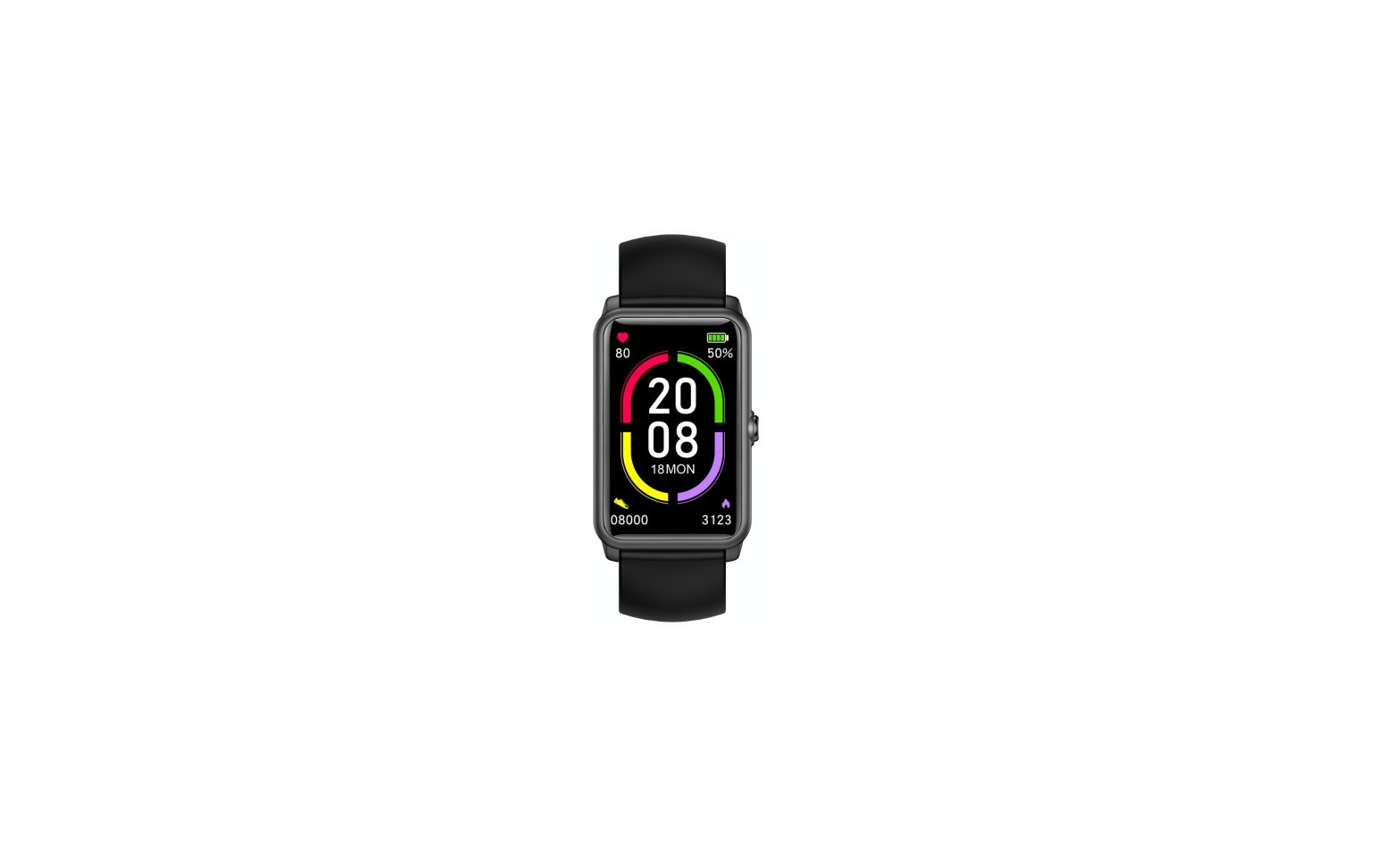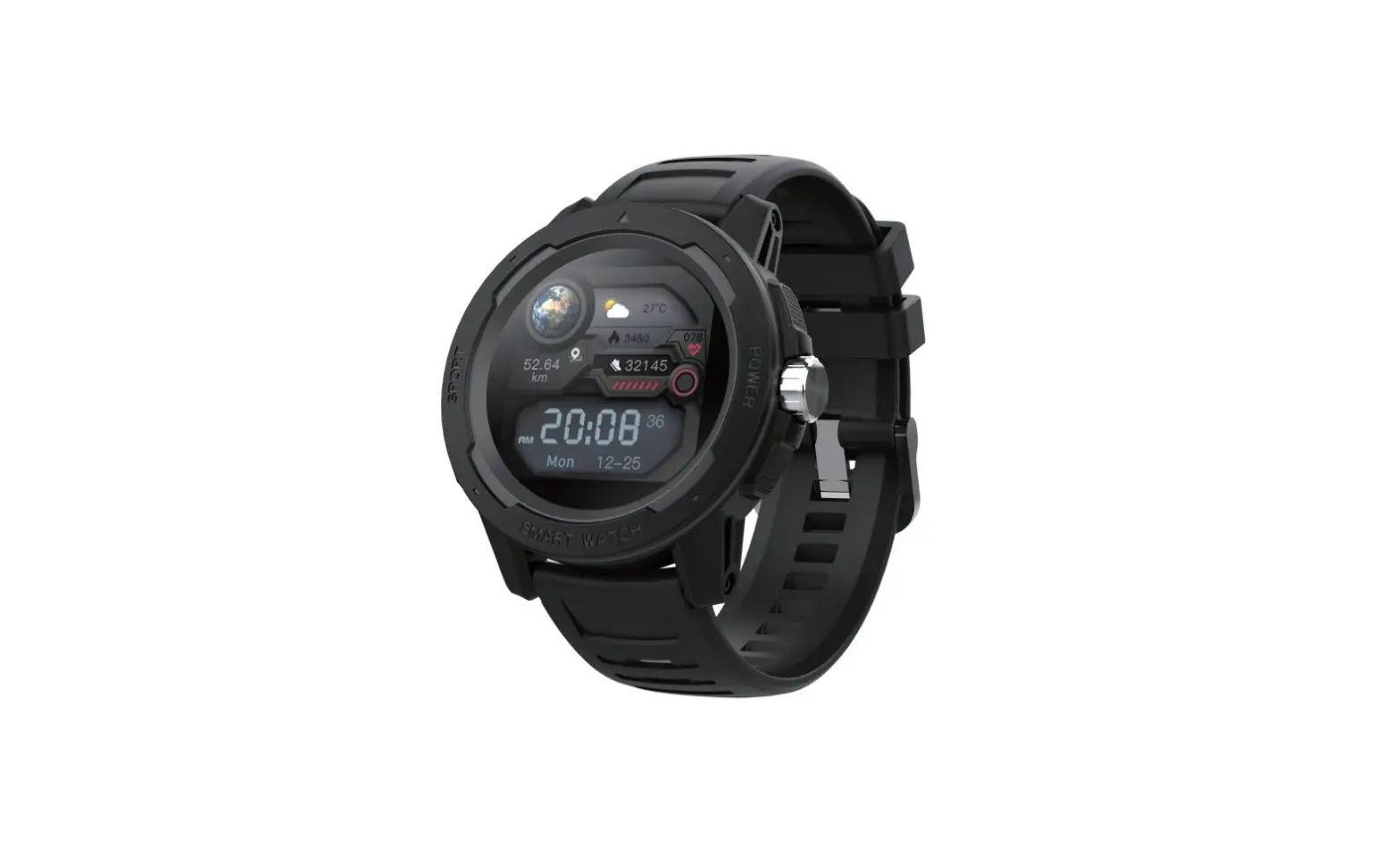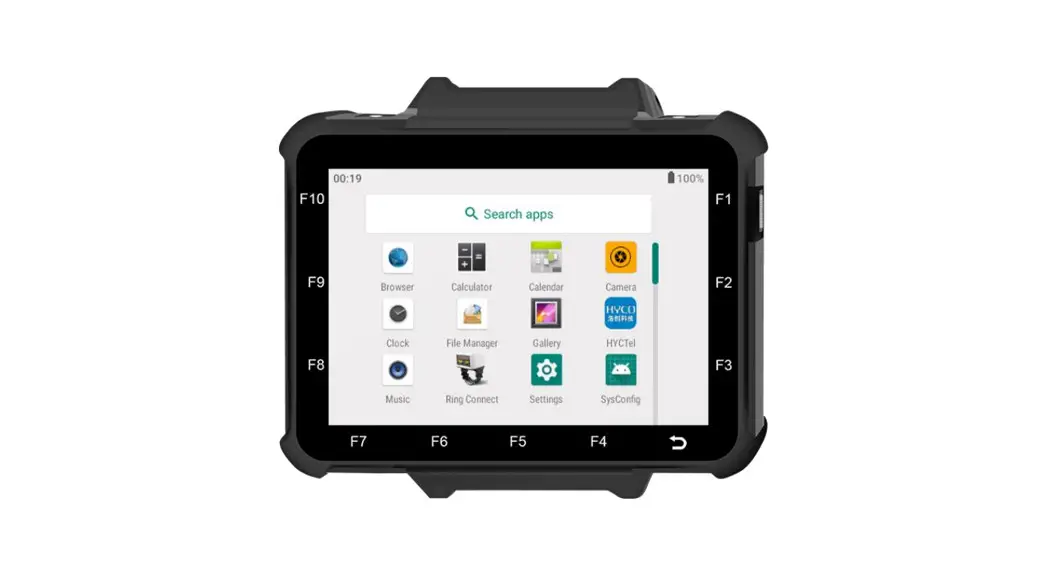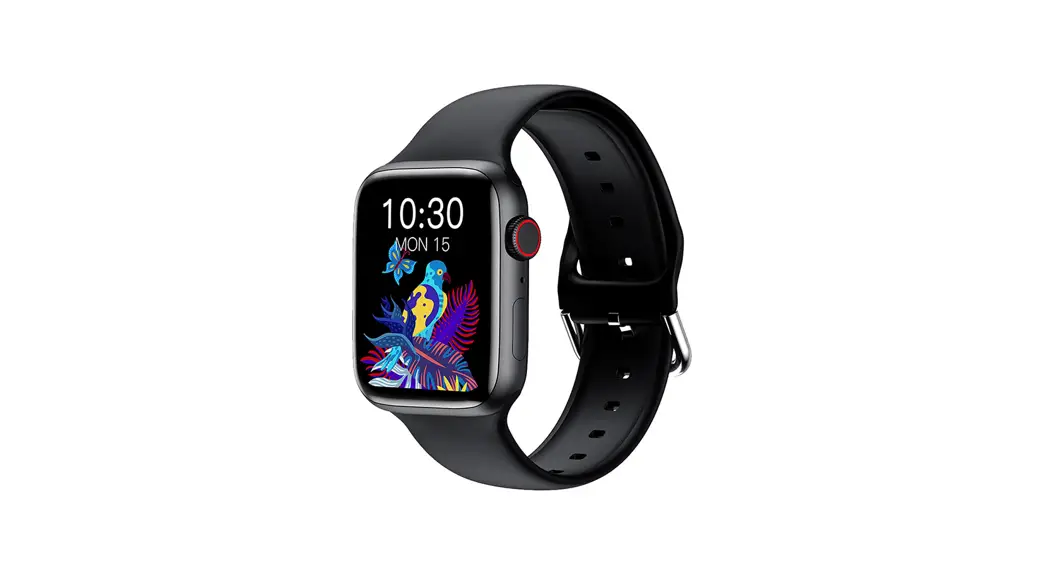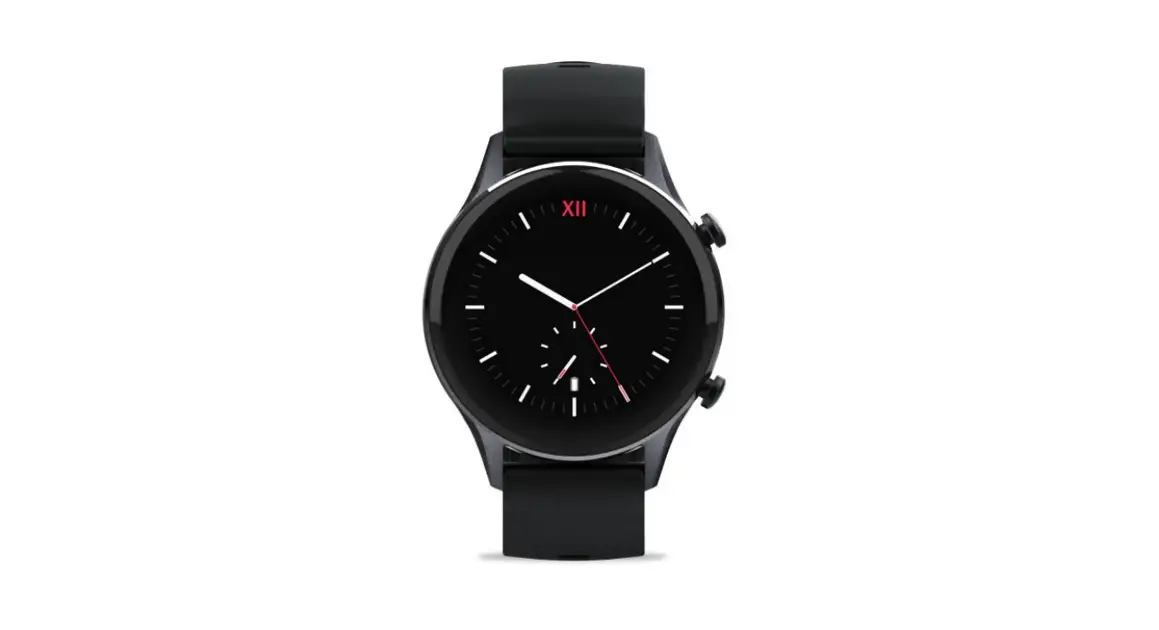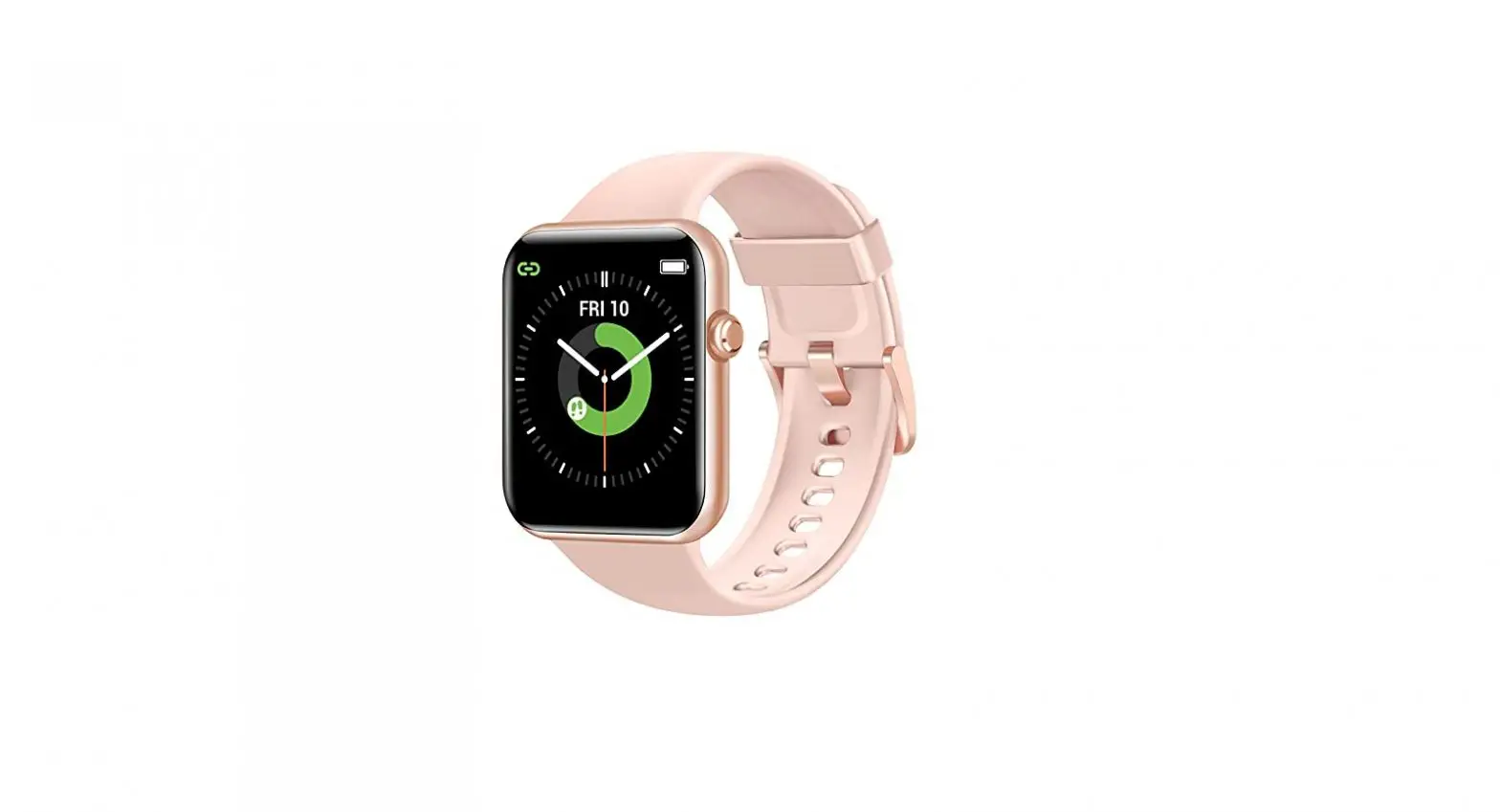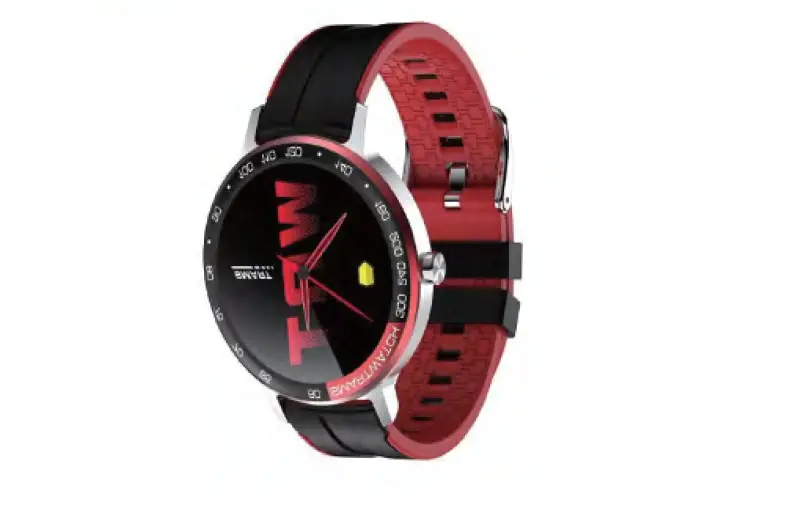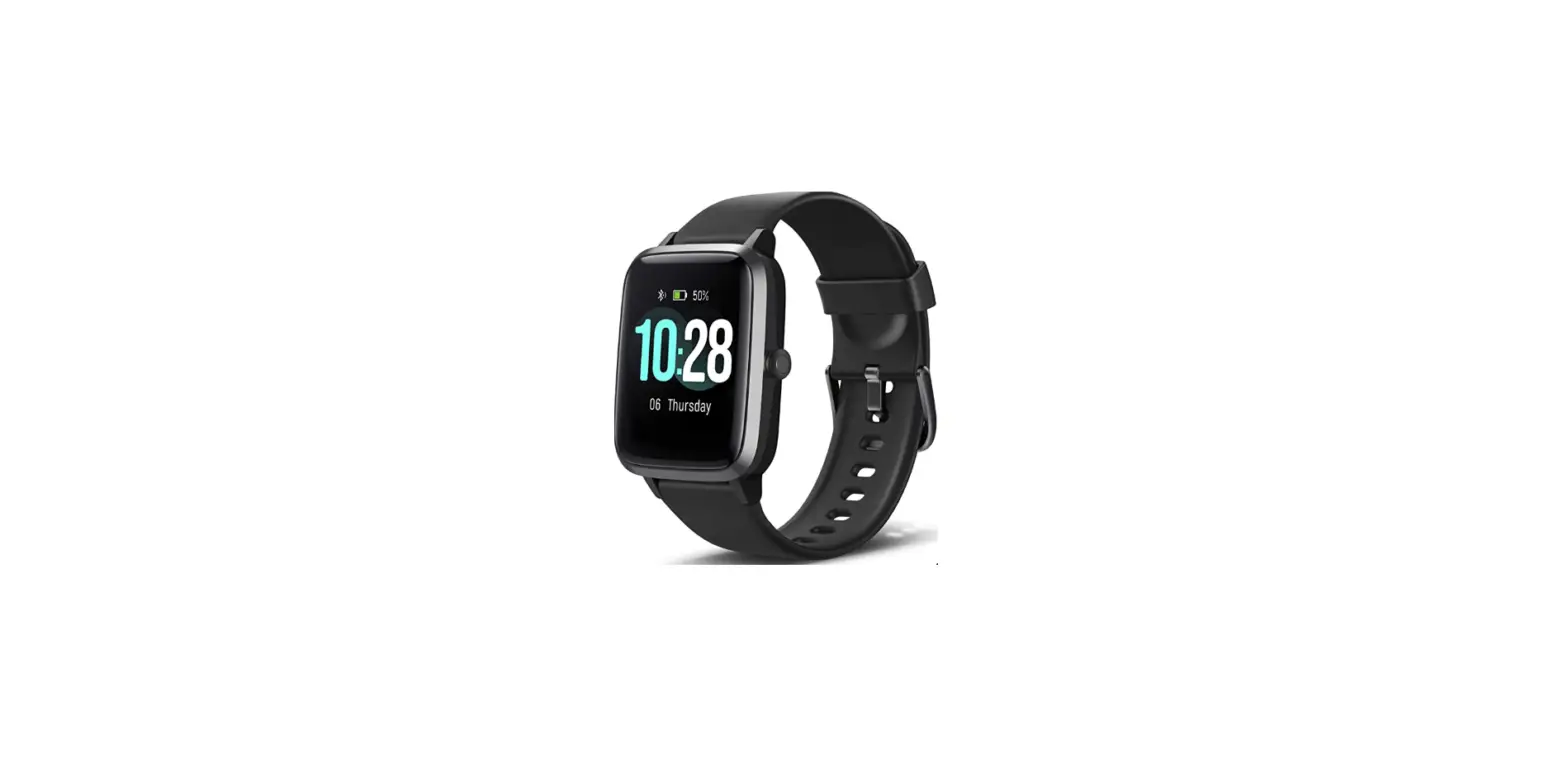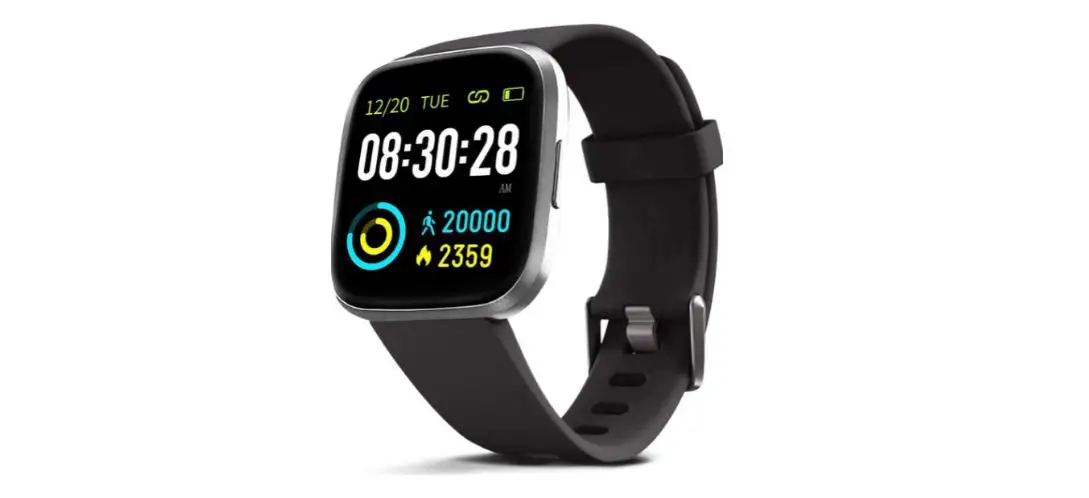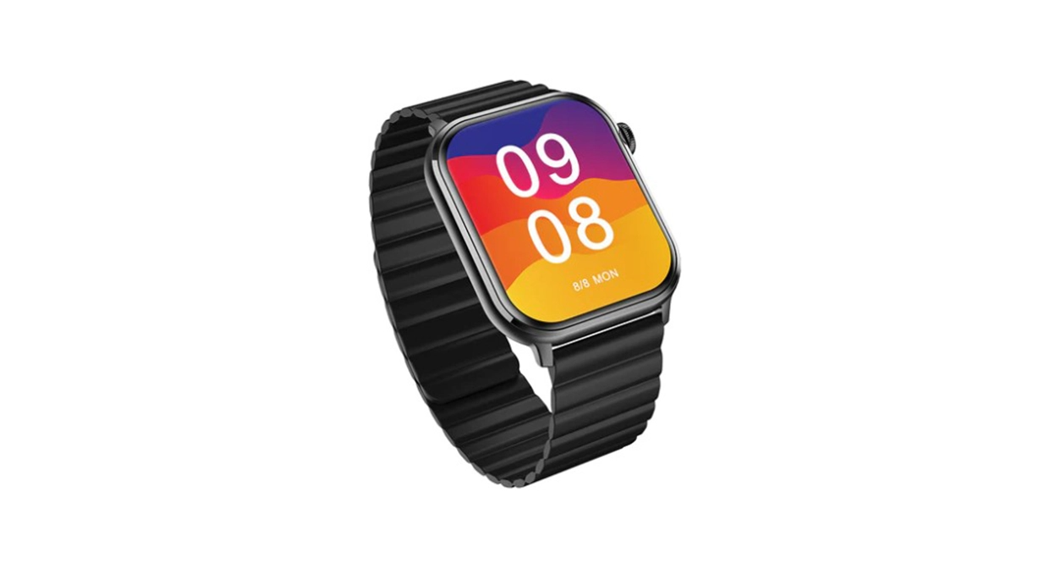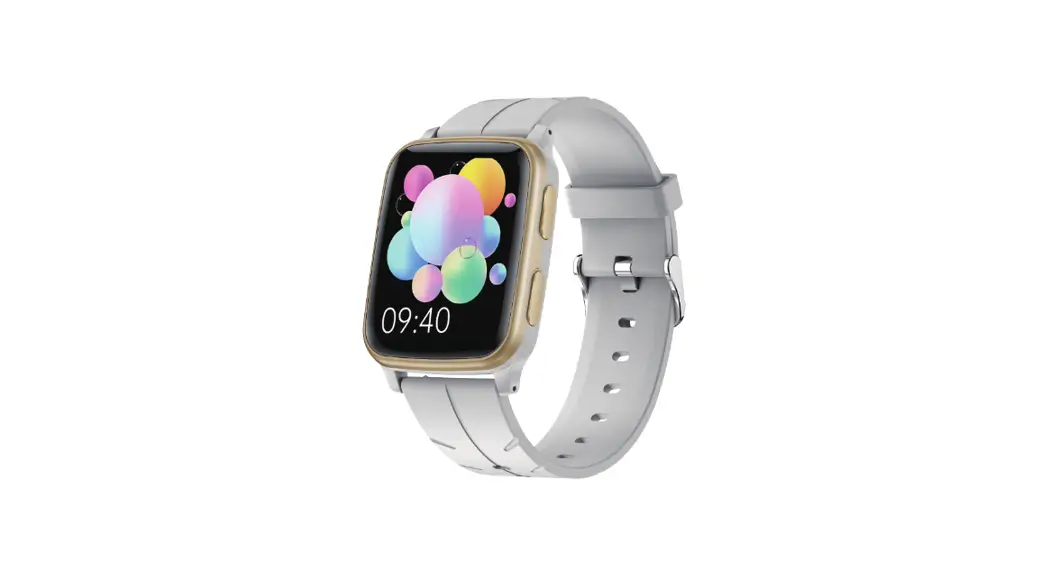
 Smart sports watch
Operation guide
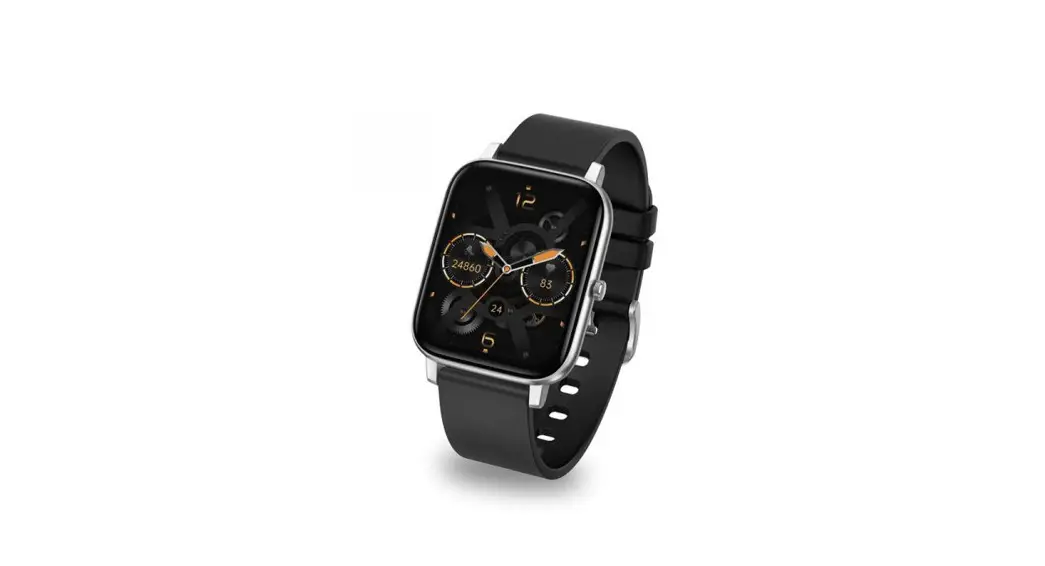
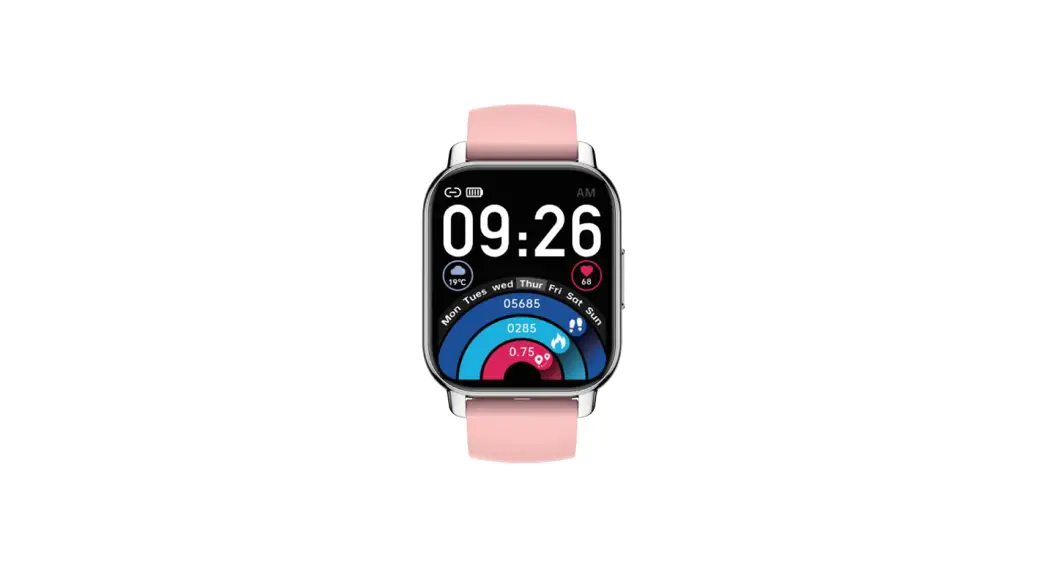
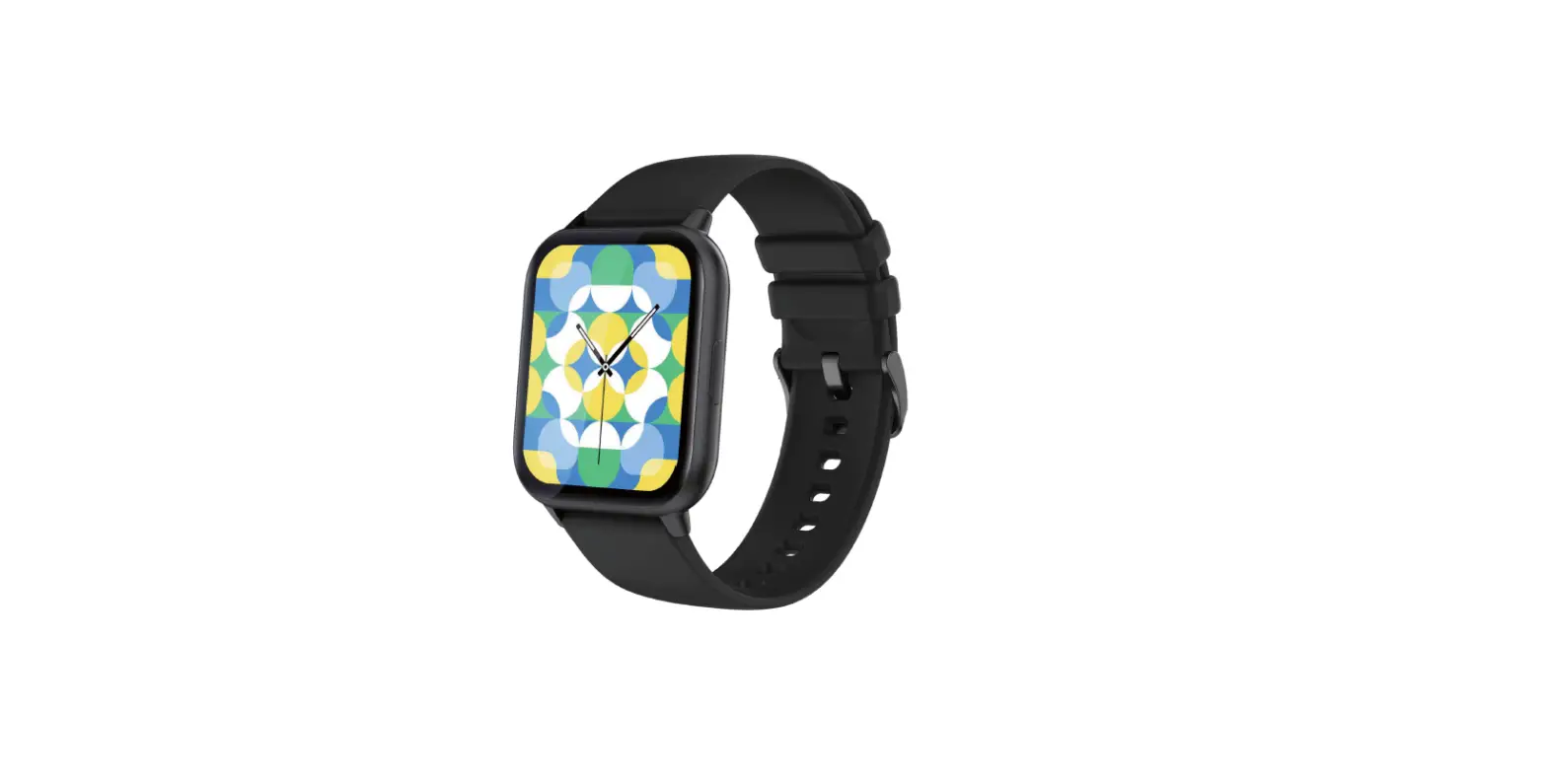
H56 Smart Watch
SMART WATCH
YOUR FITNESS AND HEALTH TRACKER
PRODUCT PARAMETER
RESOLUTION: 240X280
BATTERY CAPACITY: 285MAH
WATERPROOF RATING: IP68
INPUT: 5V=1A
SIZE: 43.7×37.2×10.7MM
BATTERY: POLYMER BATTERY
STRAP WIDTH: 22MM
Thank you for choosing this product, please read the operation guide carefully before use Quick start
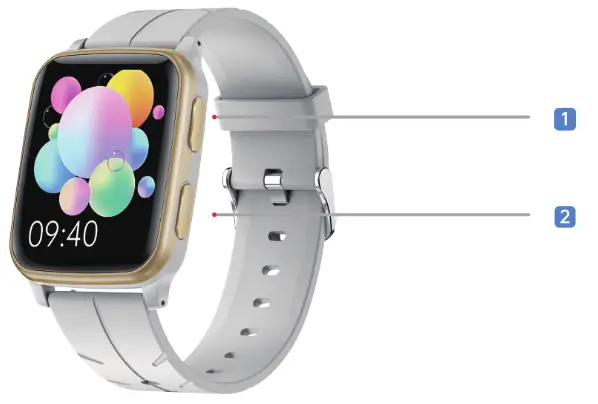
- Main interface
- power button
button Long press the main interface
- Enter sports mode
 Short press the main interface
- Main Menu
- Double click in menu mode to enter multi-style menu
- Back
Long press the power button
- Power on
- Shut down
Short press the power button
- Turn off the screen
- Bright screen
Screen slip
slip
- Control interface
 slide up
- Message interface
 Swipe left
- Quick interface
 Swipe right
- Multifunctional interface
 Download APP‘
- You can search for “FitCloudPro” APP in App Store/Google play and other major app stores to download.
- Use the scan function to scan the QR code of the attachment to download.
 http://fitcloud.hetangsmart.com/qrcode/
Note: After the download and installation are successful, please register and log in according to the interface prompts for better experience and use of this product.
 Strap installation
 Strap installation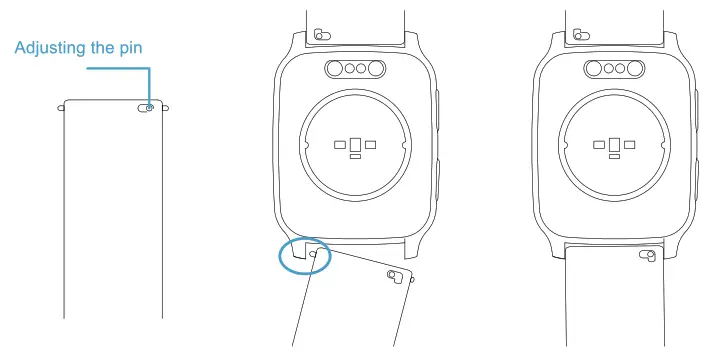
 Get Notifications
 Get Notifications
Go to the FitCloudPro app—Device—Push Notifications—Turn on the switch of the app you need to receive notifications. Please don’t forget to allow thenotification permission of thephone.
 Smartwatch firmware upgrade
 Smartwatch firmware upgrade
The APP wilt prompt that there is a new watch firmware version. You can enter the APP “Device” interface to Upgrade it.
Smartwatch Upgrade notes:
- The watch’s battery should be above 60%
- During the up grade process, the mobile phone interface will show an upgrade progress bar, please do not do any operations.
 Set Time
 Set Time
Once the device is successfully connected to the APP, the time and date will be synchronized with your phone.
 Change Watch Face
 Change Watch Face
Open the FitCloudPro App–>Device–>Watchface (10S) / DialLibrary (Android) –>Select the FIRST picture to edit picture in your own gallery as the watch face
 Switch Units
 Switch Units
Open the FitCloudPro App–> Me –> Unit Prefer –> Set units for length, weight or temperature
 Auto Monitoring
 Auto Monitoring
Please go to your APP—Device—Turn on the switch of the Automatic Health Monitor and Elevated Heart Rate Measurement
 Waterproof instructions
 Waterproof instructions
Waterproof rating: IP68 The watch is waterproof which you can wear it to swin or do water activities.But it cannot be taken to hot bath,diving.
Supplement: It is not recommended to wear it in a hot bath. Water vapor produced when washing hot water.lts molecular radius is small,and it is easy to seep into the gap of the watch case. When the temperature drops,it will gradually condense into water droplets,which will damage the circuit board of the watch and damage the watch.
 Unbind or add device
 Unbind or add device
Open the FitCloudPro app and tap “Device”> “Unbinding Bracelet” or ‘Add Peripheral”
NOTE:
- The app can only connect to one watch. To connect to another watch, please unbind the connected watch first.
- To successfully connect the watch and mobile phone, you need to turn on the Bluetooth connection device of the mobile phone.
- If you use an Android phone, it needs to turn on the location information function of the mobile phone system, otherwise, the device may not be searched.
 Host size
43.7×37.2×10.7mm Product weight
35g Screen size
1.69 inches Battery capacity
300mAh Screen resolution
240x280pixels
 Function introduction
 Function introduction
Super long battery life, thin and light smart sports watch. It integrates multiple functions such as multi-sports, heart rate, blood pressure, blood oxygen, sleep monitoring, daily exercise record, instant information reminder, etc. It is suitable for daily health testing and wearing during exercise. After pairing and connecting with a mobile phone, you can experience one of the smart watches. Series function. Smart watches support: main interface switching, message notification, blood oxygen detection, sleep detection, heart rate detection, blood pressure detection, exercise mode, message push, remote camera, music control, etc.
 Maintenance
 Maintenance
it is recommended to wear and maintain according to the following 3 points:
- Keep the product clean
- Keep the product dry
- Please wear the product correctly ” For stains that are not easy to remove, it is recommended to scrub with alcohol
Safety instructions
- Although smart watches can detect real-time dynamic heart rate, they cannot be used for any medical purposes.
- Do not place the device and its accessories in an area with too high or too low temperature, otherwise it may cause the device to malfunction, catch fire or explode.
- Avoid strong impact or vibration on the product, so as not to damage the equipment and its accessories and cause equipment failure.
- Do not disassemble or modify the equipment and accessories without authorization, please contact the after-sales service when the equipment fails.
- if the equipment is not used for a long time, please make sure to recharge it once every three months.
ANY DOUBT?

24/7 online customer service Scan QR code to quickly register. Register online now!
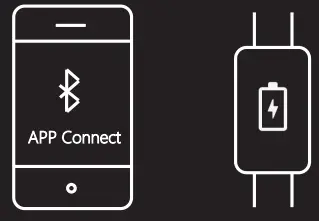
Connect APP and charge it to activate
 www.morepro.cc
  http://www.morepro.cc
24/7 online customer servicehttp://www.morepro.cc
 [email protected]
If you have any questions, please feel free to contact us
www.morepro.cc
MADE IN CHINA