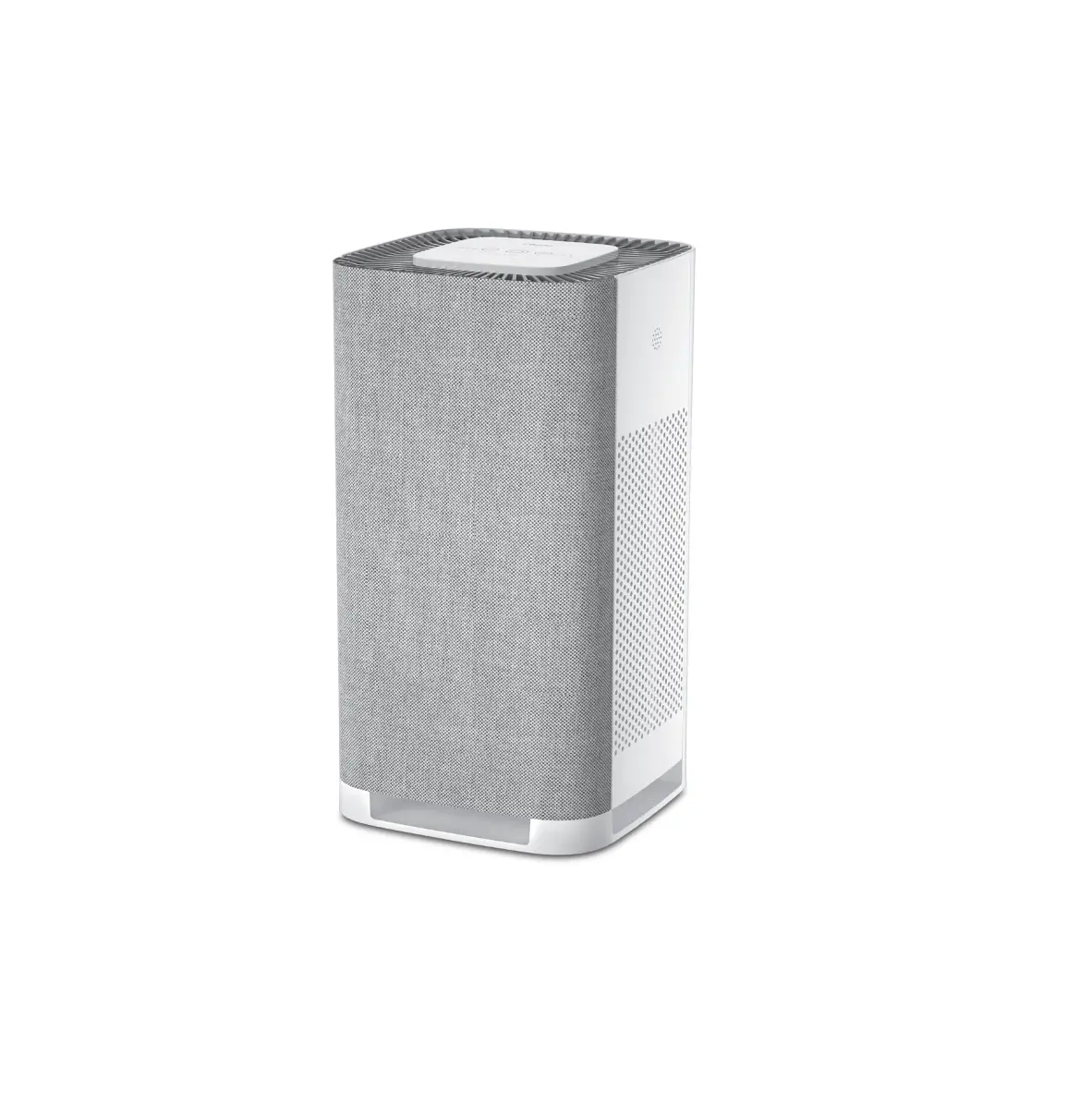
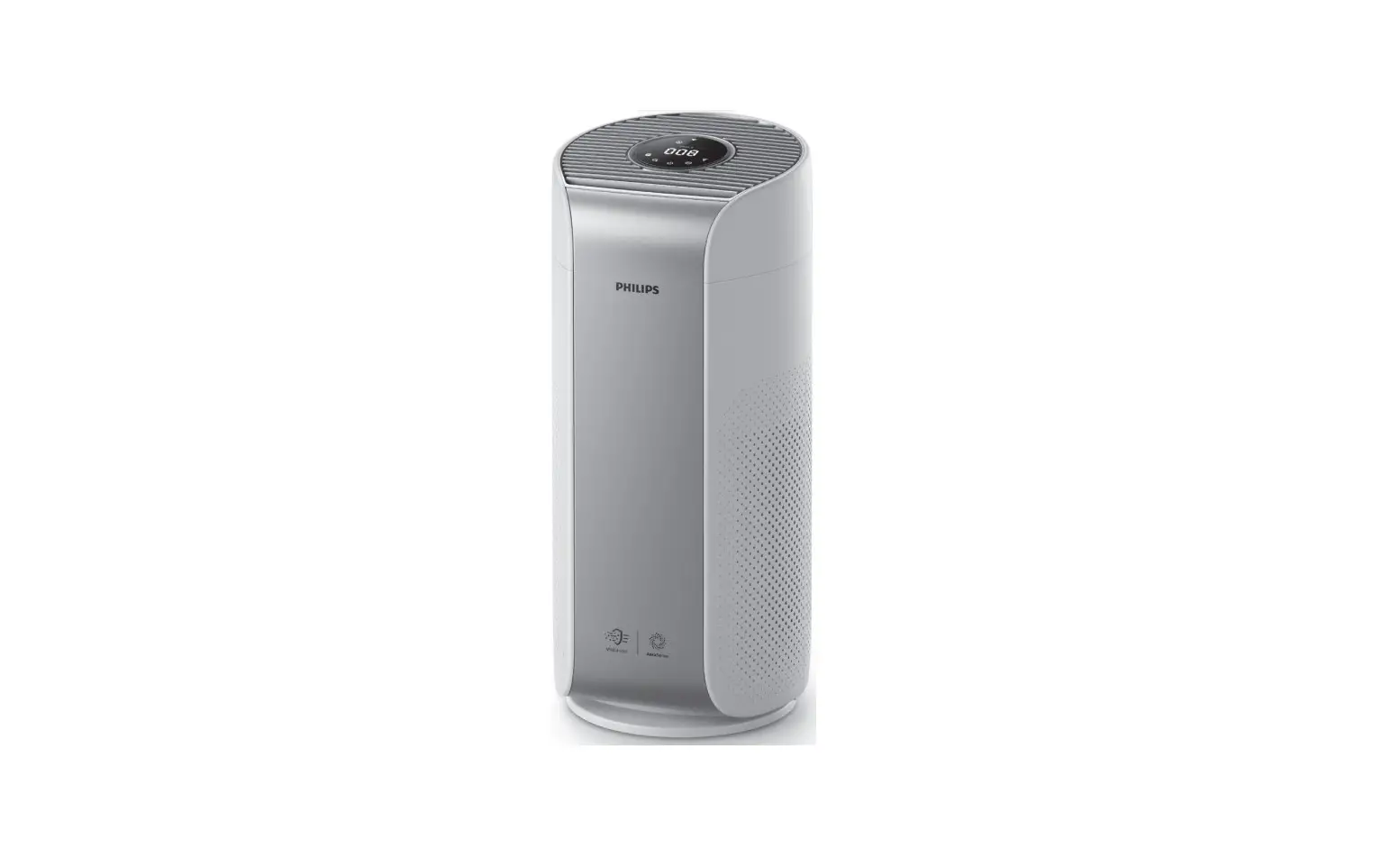
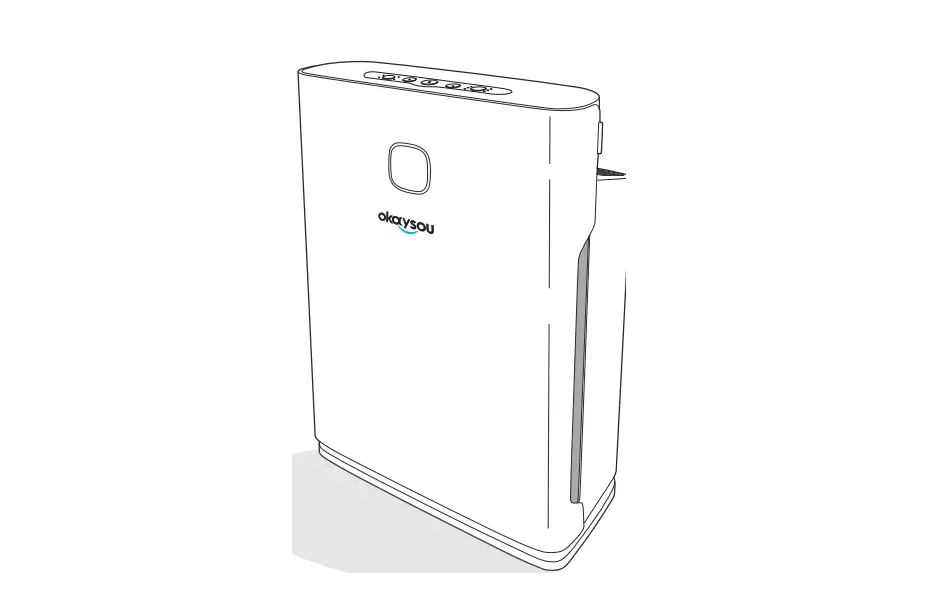
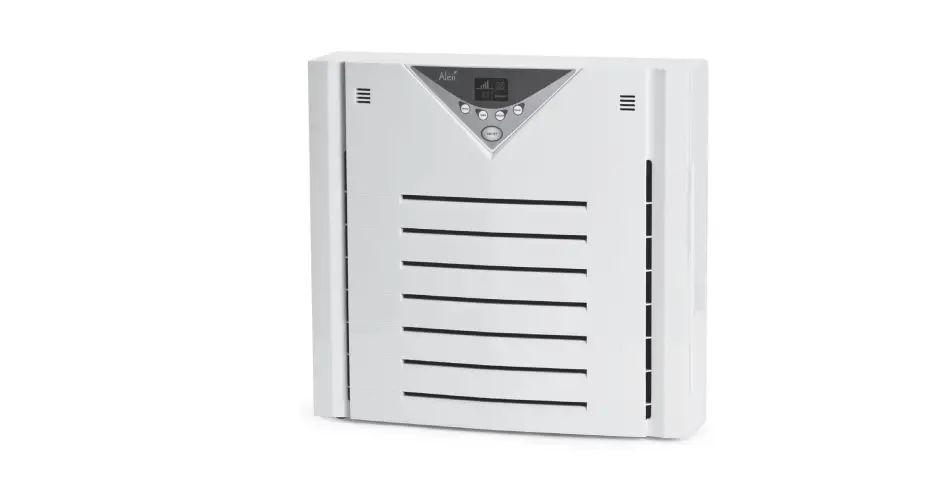
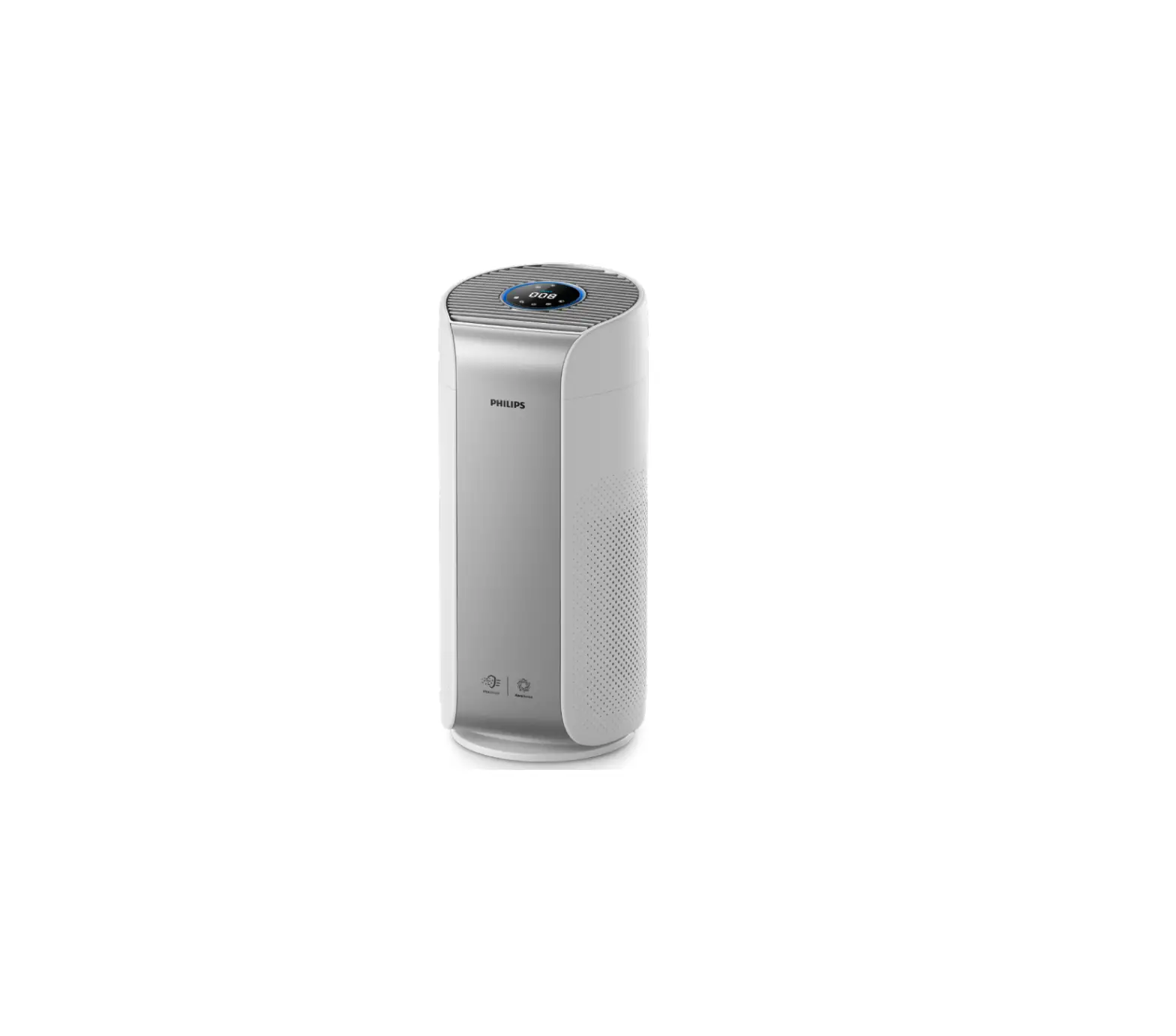
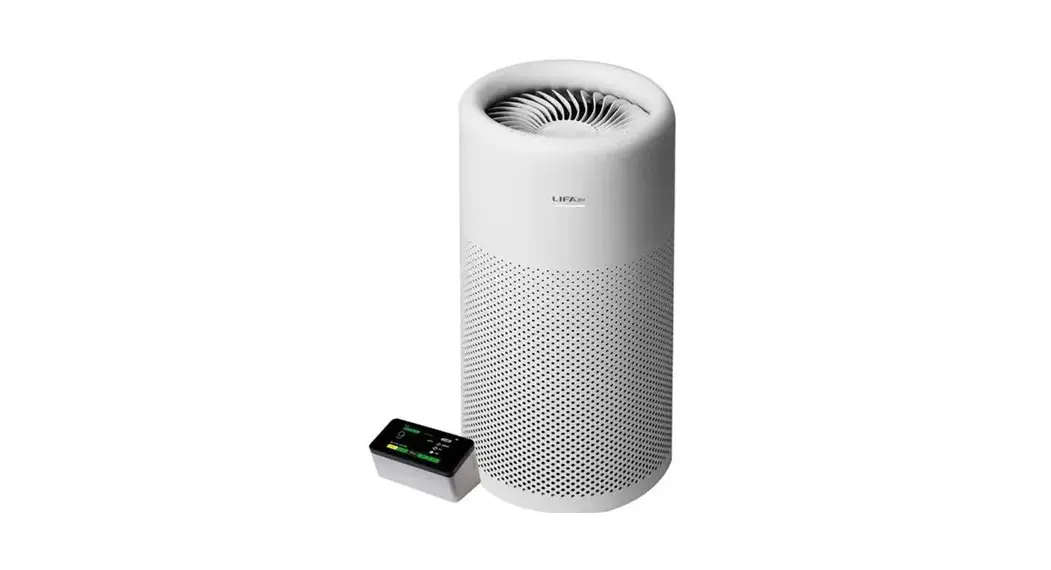
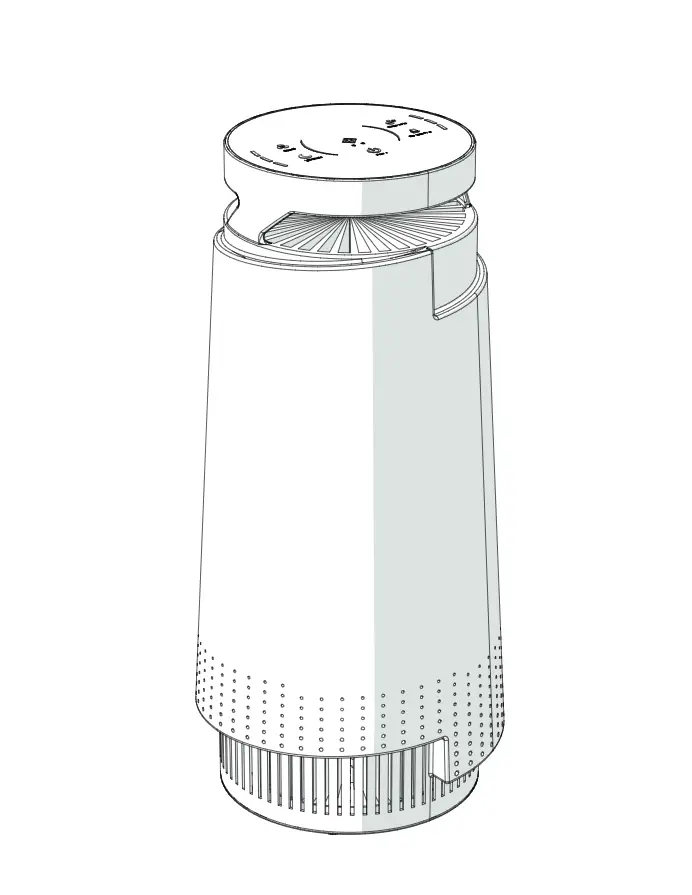
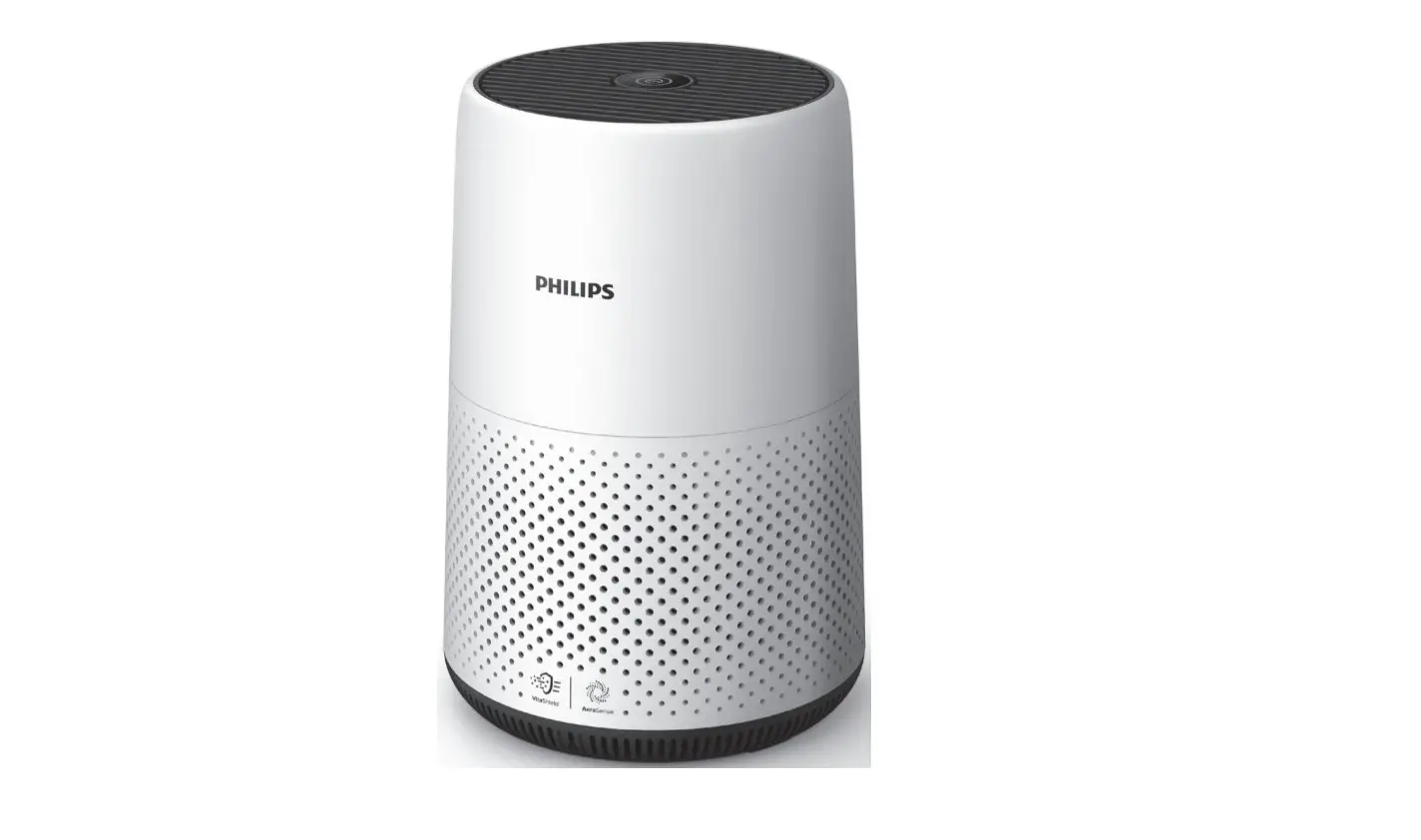
IF3233 Air Purifier
Product Information:
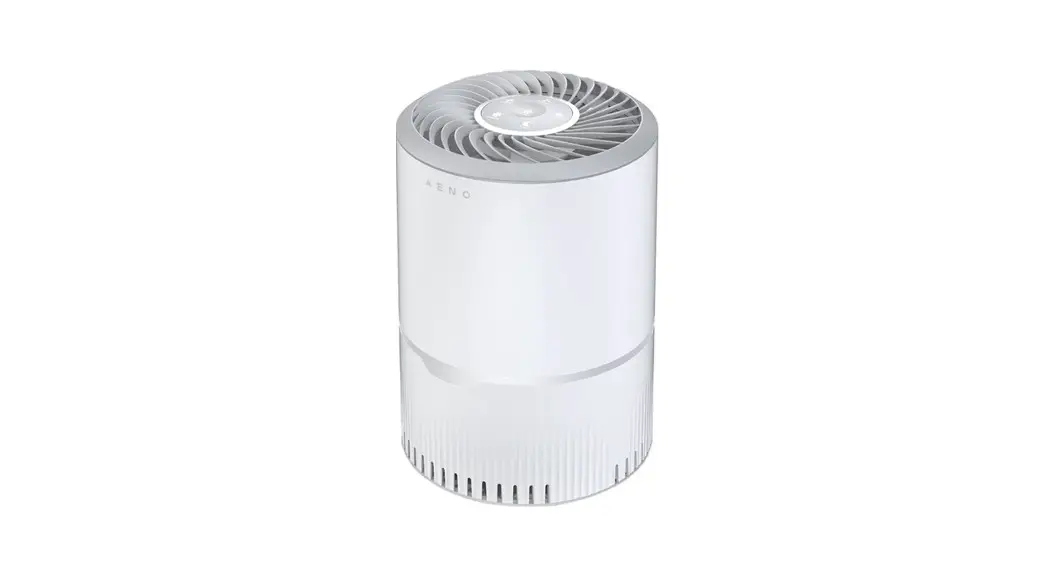
The product is the IF3233 air purifier. The package includes the
control area, a USB cable, the air outlet top cover, and a USB
socket. The user manual contains important instructions for safe
installation, use, and maintenance. The appliance must be placed at
a proper distance from objects or surrounding walls making sure
that its functioning will not cause accidental damages. The USB
cable should be arranged away from the high traffic area and where
it will not be tripped over. Additionally, the appliance must be
switched off by pressing the power button off, switching off the
electric mains, and unplugging the USB cable of the appliance if it
is not used for a long period before storing, cleaning, or
performing any maintenance operation. The appliance must not be
used or stored outdoors.
Product Usage:
- Place and use the appliance on a dry, horizontal, stable, and
heat-resistant surface. - Insert the USB cable into the USB socket of a device. The
appliance enters Standby mode, and red light surrounds the
button. - Press the Power button on the top of the appliance. The
appliance enters Operation mode, and green light replaces the red
light. - By pressing the Power button, the appliance alternates between
Standby and Operation modes. - During Operation mode, when the power is ON, negative ions are
released automatically; during Standby mode, when the power is OFF,
negative ions stop being released. - Switch off the appliance by pressing the Power button and
unplug the USB cable from the USB socket from the electric mains
when not in use and before cleaning or replacing the Filter or
cleaning the appliance.
How to Clean:
Filter replacement is calculated by the built-in program, but
due to the different pollution levels of the actual application
environment, the life cycle of each Filter will be different, and
it can be replaced in time according to the sound and smell of the
machine.
Model: IF3233
PARTS & DESCRIPTION
LIST OF COMPONENTS
1. Power 2. Air Outlet 3. Top Cover 4. USB Socket 5. Filter (under the Top Cover) 6. Base 7. 360° Air Inlet 8. USB Cable
Control area
USB Cable
Air outlet Top Cover
USB socket
Filter (under the Top Cover) Base 360° Air inlet
1
WARNINGS
ATTENTION : Read this booklet carefully it contains important instructions for a safe installation, use and maintenance. Important instructions to be kept for future reference.
The following basic precautions should always be followed when using electrical appliances:
1. Read all instructions before using the appliance. 2. This appliance must be used only for the purpose it was expressly designed; any
use NOT complying with the instructions contained in the manual is considered inappropriate and dangerous. The manufacturer is NOT responsible for possible damages caused by the inappropriate and/or unreasonable use. 3. This appliance is NOT suitable to be used or stored near heat sources (open flame, ovens, heaters, stoves, etc.) and/or in an explosive environment (in the presence of flammable substances such as gas, vapour, mist or dust, in atmospheric conditions when, after ignition, the combustion is spread in the air). Items containing these substances should never be placed in the appliance, and never be used to clean the appliance in order to avert the risk of fire or explosion. 4. The packing materials (plastic bags, expanded polystyrene, etc.) must be kept out of the reach of children or disabled persons since they represent potential sources of danger. 5. The installation/assembly of the appliance will be made in accordance with the indications of the manufacturer. A wrong procedure may cause damages to persons, animals or objects, for which the manufacturer cannot be considered responsible. 6. Before use, check the integrity of the appliance and USB cable. In case you are not sure, contact a qualified person. If the USB cable is damaged, it must be replaced by the manufacturer or its service agent or a qualified technician in order to avoid a shock hazard. 7. Before powering the appliance make sure the rating (voltage and frequency) corresponding to the grid and the USB socket is suitable for USB cable of the appliance, and that the wall socket is properly grounded. 8. DO NOT power the appliance using multiple sockets. If possible, avoid the use of adapters and/or extension cables; if their use is absolutely necessary, use only materials in compliance with the current safety regulations and according to the electrical parameters of the adapters. 9. The appliance must NOT be switched on using external timers and/or other remote control appliances which are not specified in this manual. 10.Only use original components & accessories provided by the manufacturer. Any non-original components & accessories NOT recommended by the manufacturer may cause injuries to persons or damage to the appliance.
2
11.If you are using the appliance for the first time, you should: a. Clean the exterior parts of the appliance thoroughly with warm water & detergent with a non-abrasive sponge. DO NOT use metal scouring pads. b. Check that the Fan Grills and Fan Blade are NOT damaged. c. Operate the appliance only with the Filter element inserted and the cover closed. d. Place and use the appliance on a horizontal, stable and dry surface. Damage may occur if the appliance is placed on an incline or decline. e. Insert the USB cable into the USB socket. Be sure that the plug of the cable fits tightly into the socket. f. Press the “Power” button ON. The indicator light turns on. g. To stop the appliance, press the “Power” button OFF. Make sure to remove any label or protective sheet which may prevent its proper functioning. DO NOT:
· operate the appliance in a room (or location) with high air humidity, such as a bathroom, shower or swimming pool, as moisture can accumulate in the appliance and cause an electric shock;
· cover the appliance during functioning; · obstruct totally nor partially the Air Inlet & Outlet; · insert objects or body parts inside the protection cover of the appliance; · attempt to force the fan blades to turn; · push the “Power” button too forcefully; · use the appliance near curtains or textiles; · use any spray in the room; · add aromatic oil to the Filter; · use any of the following agents as a cleaner: gasoline, thinners, benzene, acidic
or abrasive detergents; · operate the appliance at temperatures lower than 0°C or higher than 40°C, and
operate the appliance for more than 6 hours without turning it off for at least 30 minutes to let the appliance cool down for a total usage of 12 hours a day failure to heed this warning may result in motor failure; · leave the appliance unsupervised during operation. 12.Plug and unplug the power cable firmly holding it with dry hands. Always unplug the USB cable to avoid overheating and avoid stretching it (DO NOT pull it, tug it or use it to drag the appliance to which is connected). Before unplugging the appliance, switch it off, by pressing the “Power” button. 13.During operation, DO NOT touch the appliance with wet body parts, and it is recommended to have between you and the standing surface, an isolating element (for example, wearing shoes with rubber soles). 14.DO NOT soak the appliance in water or other liquids, wash it under the tap, or let any liquid flow into the internal casing of the appliance to prevent electric shock. In case of accidental fall in water, DO NOT try to take it out, but first of all unplug immediately the power cable from the socket. 15.DO NOT operate the appliance next to an open window while it is raining. Rainwater splashing onto the appliance may cause an electric shock.
3
16.Place the appliance at a proper distance from objects or surrounding walls making sure that its functioning will not cause accidental damages. There should be at least 20 cm of free space from the back, left & right sides, and the top of the appliance.
17.Avoid placing the USB cable on abrasive or sharp surfaces or in positions where it can be damaged easily. The cable must NOT be placed under carpets, or covered with throw rugs, runners or similar. Arrange the cable away from the high traffic area, and where it will NOT be tripped over.
18.Always switch “OFF” the appliance by pressing the “Power” button OFF, switching off the electric mains and unplugging the USB cable of the appliance if it is NOT used for a long period, before storing, cleaning or performing any maintenance operation.
19.Avoid carrying out operations which are NOT specified in this manual (such as disassembling and/or altering).
20.In case of malfunction or anomaly during the functioning, switch off the appliance immediately, turn off the power and check the cause of the anomaly, if possible, with the support of a qualified person.
21.DO NOT touch the inside of the appliance while it is operating. The blades are rotating at very high speeds, which may lead to injury to your fingers and hands.
22.If smoke is observed coming out of the appliance, unplug the power cable immediately.
23.This appliance is NOT intended for commercial use but to be used in households and similar applications, such as: · Staff kitchen areas in shops, offices and other working environments; · Dormitories; · By clients in hotels, motels and other residential environments; · Bed and breakfast type environment
24.DO NOT use or store the appliance outdoors. Store and use the appliance only indoors, or in any case, protected from weathering such as rain, direct radiation of the sun and dust.
25.This appliance can be used by children aged from 8 years and above and persons with reduced physical, sensory or mental capabilities or lack of experience and knowledge if they have been given supervision or instruction concerning use of the appliance in a safe way and understand the hazards involved. Children shall NOT play with the appliance. Cleaning and user maintenance shall NOT be made by children unless they are older than 8 and supervised. Keep the appliance and its cable out of reach of children less than 8 years old.
26.Save these instructions.
4
HOW TO USE
1. Place and use the appliance on a dry, horizontal, stable and heat-resistant surface. 2. Insert the USB cable into the USB socket of a device. The appliance enters Standby
mode, and red light surrounds the button. 3. Press the “Power” button on the top of the appliance. The appliance enters
Operation mode, and green light replaces the red light.
4. By pressing the “Power” button, the appliance alternates between Standby and Operation modes.
5. During Operation mode, when the power is ON, negative ions are released automatically; during Standby mode, when the power is OFF, negative ions stop being released.
6. Switch off the appliance by pressing the “Power” button and unplug the USB cable from the USB socket from the electric mains when not in use and before cleaning or replacing the Filter, or cleaning the appliance.
5
HOW TO CLEAN
1. Filter replacement is calculated by the built-in program, but due to the different pollution levels of the actual application environment, the life cycle of each Filter will be different, and it can be replaced in time according to the sound and smell of the machine.
2. In households with a large number of smokers, the Filter replacement cycle may be shortened. If bad odours are released from the Air Outlet, it means that the Filter’s filtration and adsorption volume is saturated. You should clean it first and if there is no improvement, you should replace the Filter. It is recommended to clean the Filter once every 1 month. If the operating environment is poor, the cleaning frequency should be increased.
3. If the appliance is in Operation mode, switch off the appliance by pressing the “Power” button and unplug the USB cable from the USB socket from the electric mains before cleaning or replacing the Filter, or cleaning the appliance.
4. Wait for the appliance to cool down completely. 5. Rotate the Base according to the icons on the side in order to
open the Base.
6. Lift up the Top Cover as shown in the figure below and remove the Filter. Wrap the Filter in a garbage bag to avoid pollutants from falling onto the floor.
Top cover Filter
Base
7. The Filter is either cleaned if it had not reached its replacement cycle, or thrown away if it has. Please note that a Filter that reaches its replacement cycle cannot be used even if it is cleaned up. Please treat it as non-combustible waste.
8. Use a vacuum cleaner to suck up dirt from the Air Inlet and Air Outlet, and also to clean the surface dust on the Filter when the surface is dusty, which can extend the service life of the Filter.
9. Insert the new or cleaned Filter into the Base and put the Top Cover back into position.
10.Clean the exterior parts of the appliance thoroughly with warm water & dish-washing agent and a damp cloth, and immediately wipe dry. DO NOT use a scrubbing brush. DO NOT use any of the following agents as a cleaner: gasoline, thinners, or benzene.
11.Never run water over the appliance as malfunctions may occur if water seeps inside the appliance.
6
PROBLEM SOLVING
If your air purifier is not working properly, please check the following before sending it for repairs.
Problem
The appliance does not work
Possible Causes
The USB cable is not properly inserted in the USB socket.
How to Solve
Insert the USB cable into the USB socket. Do not use adaptors or extensions.
The switch at the electric mains is not switched on, on the device holding the USB socket and/or the ON/OFF switch is not pressed.
The motor has overheated.
Turn the electric mains and/or the ON/OFF switch on the device holding the USB socket.
Disconnect the USB cable from the USB socket and leave the motor to cool.
The USB cable is defective.
Have the USB cable replaced at the authorised Service Centre.
Lack of power.
Check that the device holding the USB socket is on.
Motor or PCBA breakdown
Have the appliance checked at the authorised Service Centre.
Bad odours are released The Filter’s filtration and
from the Air Outlet of the adsorption volume is
appliance
saturated.
Have the Filter replaced.
The odour concentration of the indoor air is too high
Open nearby windows for ventilation, and check if the bad odour is emanating from the appliance itself.
7
Problem
Possible Causes
How to Solve
The purification effect is not significant, and the air quality is not significantly improved
The Filter had not been installed.
The appliance is tucked within narrow confines or near obstacles that affect the ability of the appliance to draw in air.
The Filter is too dirty.
The appliance is too noisy Foreign objects have fallen into the appliance.
The appliance has been situated on uneven ground.
Install the Filter.
Place the appliance on a flat, stable surface or remove the obstacles.
Clean or replace the Filter. Check to see whether there is any blockage, and if so, attempt to remove them. If the foreign object(s) is wedged too deeply, bring the appliance to the authorised Service Centre. Place the appliance on a flat, stable surface.
The Filter cannot fit into the appliance
The parts may have been incorrectly assembled.
The Filter is too dirty. The Filter is being installed upside down.
Check to see whether the Filter or parts around it had been incorrectly re-positioned during the last replacement or cleaning.
Have the Filter replaced.
Adjust the correct orientation of the Filter and align it with the bottom slot.
8
ENVIRONMENTAL TIP
This device, along with all other electronic devices, should, when it is no longer capable of functioning, be disposed with the least possible environmental damage according to the local regulations in your area. In most cases you can discard the device at your local recycling center.
DISPOSAL: Do not dispose this device as unsorted municipal waste. Collection of such waste separately for special treatment is necessary.
WARRANTY
The manufacturer provides warranty in accordance with the legislation of the customer’s own country of residence, with a minimum of 1 year, starting from the date on which the appliance is sold to the end user. The warranty covers defects in material and workmanship. The repairs under warranty may only be carried out by an authorised service centre. When making a claim under the warranty, the original bill of purchase (with purchase date clearly indicated) must be submitted.
The warranty will not apply in cases of: · normal wear and tear · if the steps (as laid out in the section regarding Warnings) have not been observed
e.g. overloading of the appliance, use of non-approved accessories · if the appliance has not been properly maintained, if force has been used against it
or if it has been damaged in any other way · damage caused by non-observance of the user manual or non-compliance with the
installation instructions · errors or faults owing to defects in the distribution system · if the appliance has been repaired or modified or changed in any way or by any
person not properly authorised
9
SPECIFICATION
MODEL IF3233 POWER 5V = 2A
NEGATIVE ION OUTPUT
CABLE TYPE
10×106 pcs/m3
USB CHARGE
CLEAN AIR DELIVERY RATE COVERAGE AREA
30m3/h
2.1m2 to 3.6m2
10