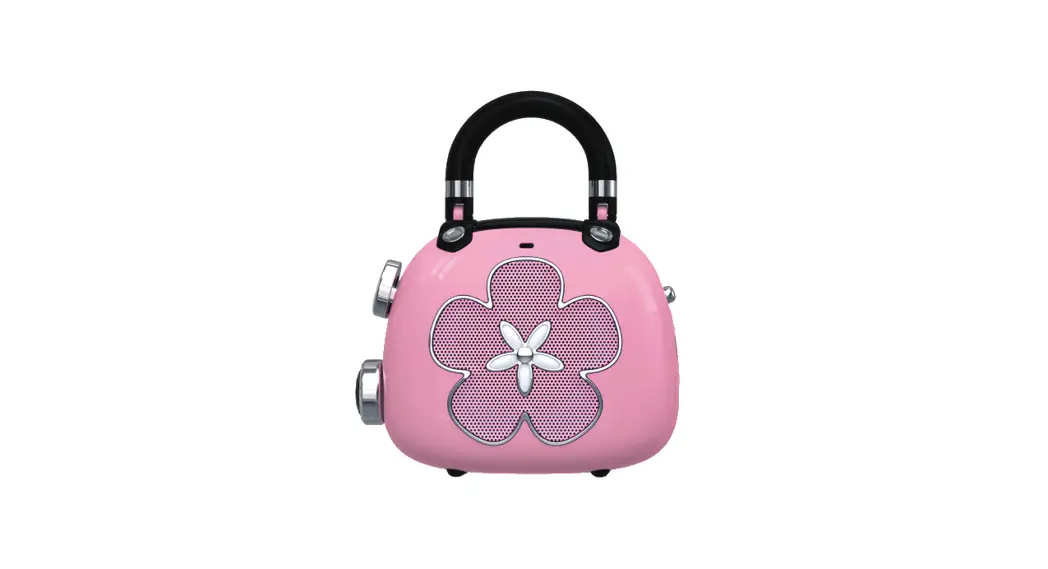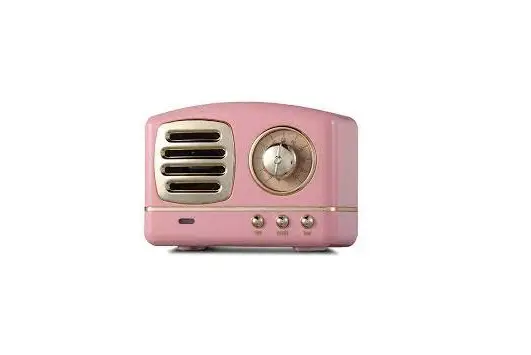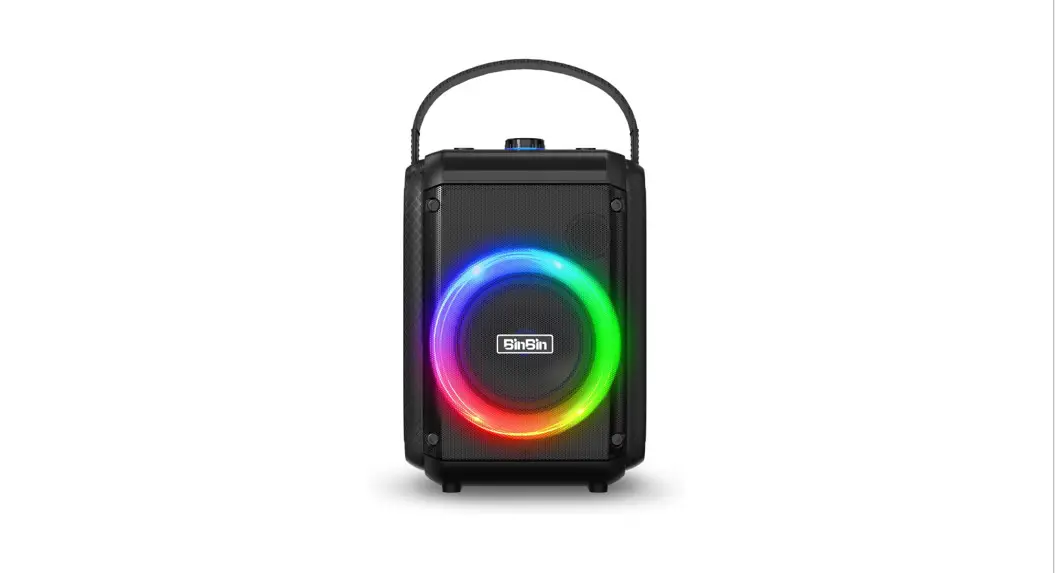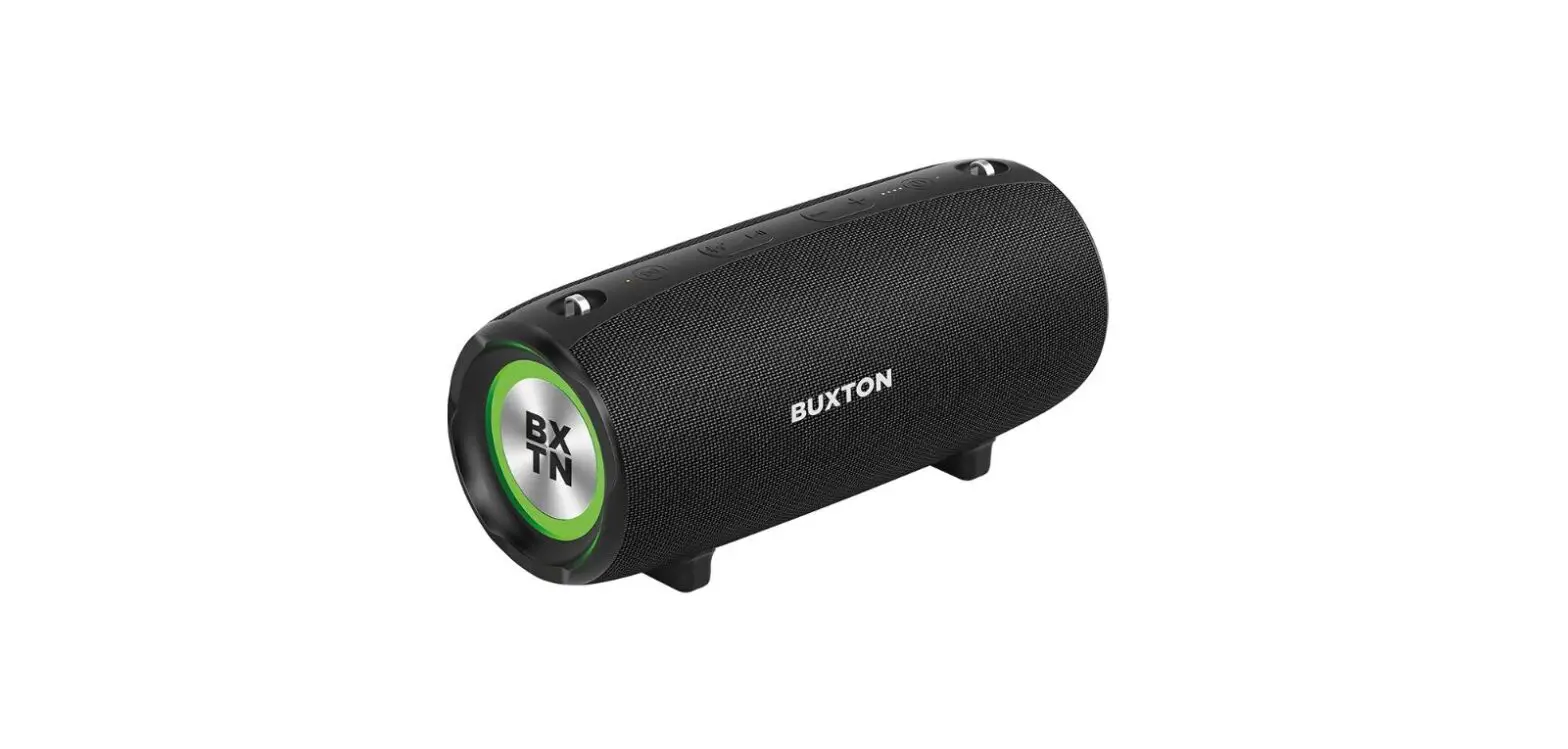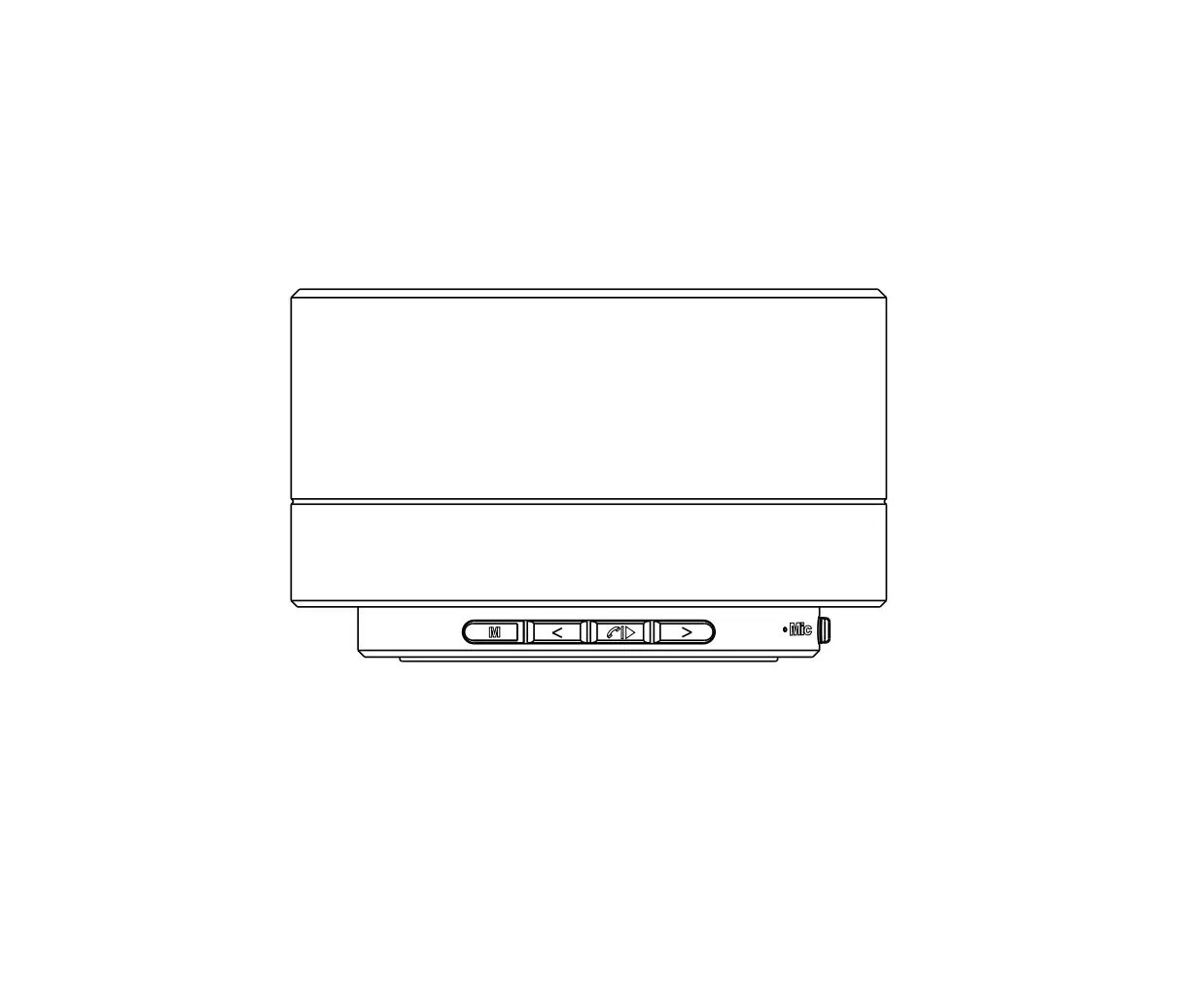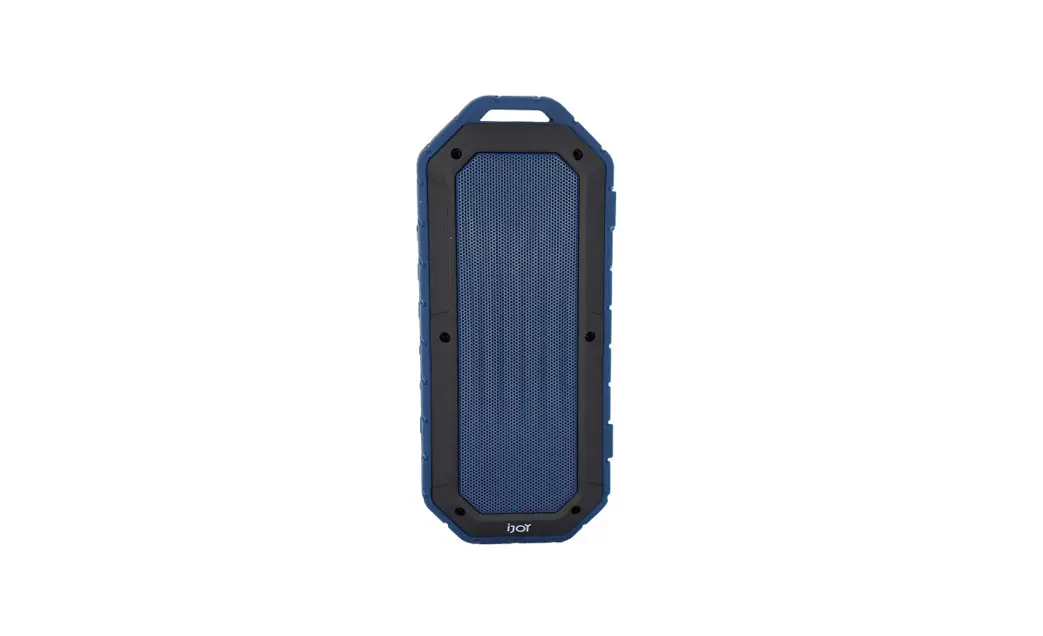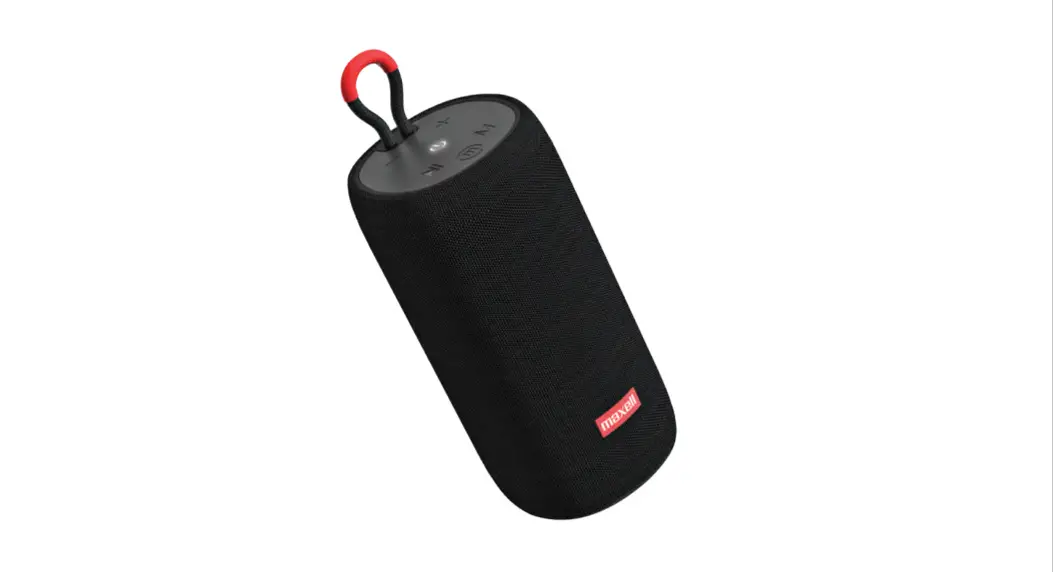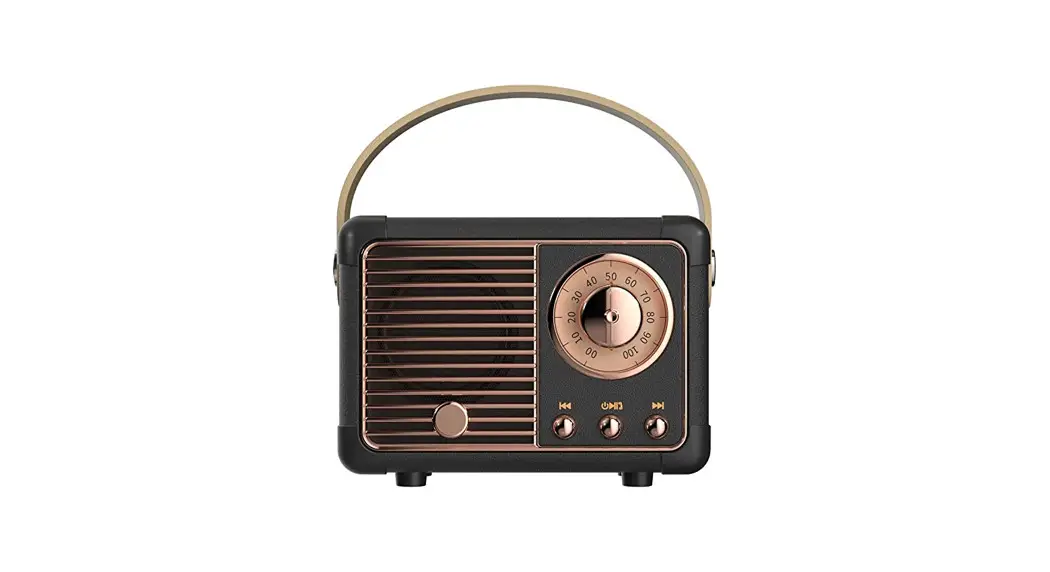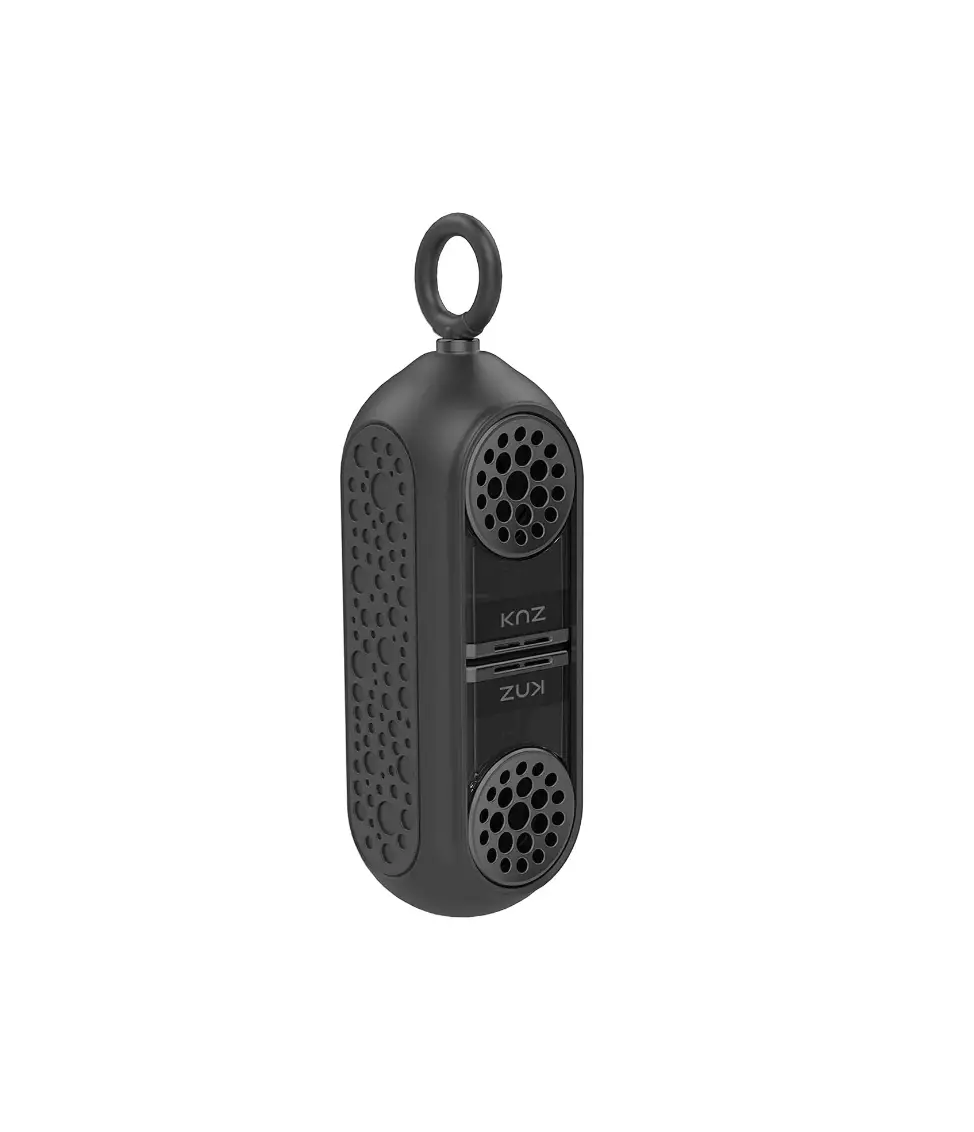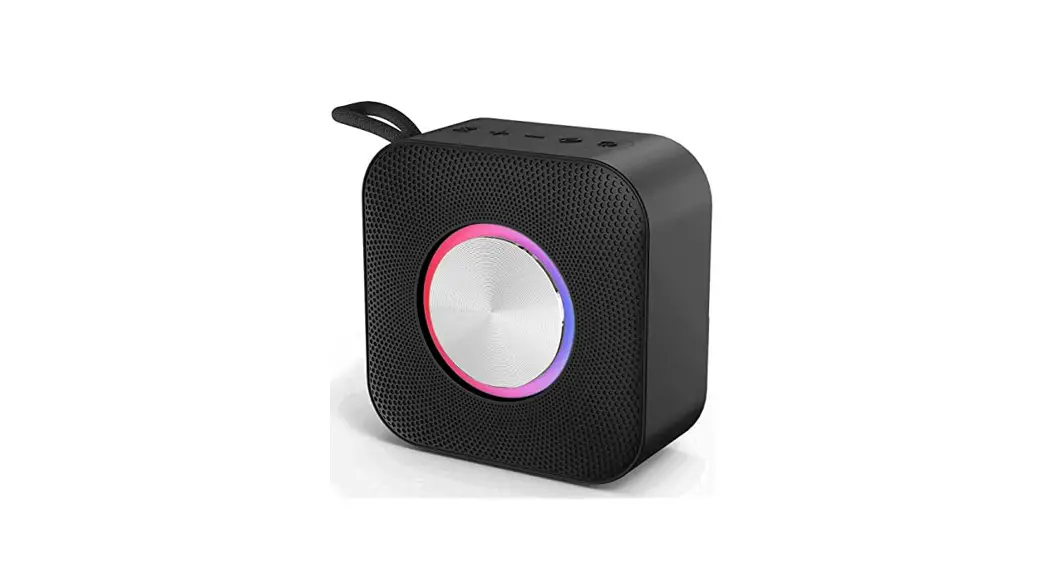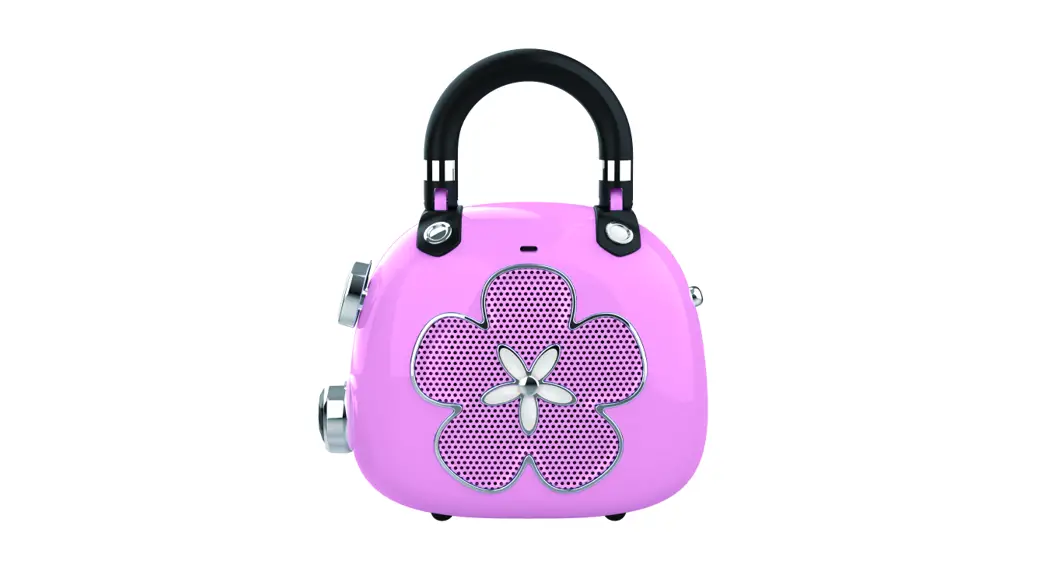

Illustration
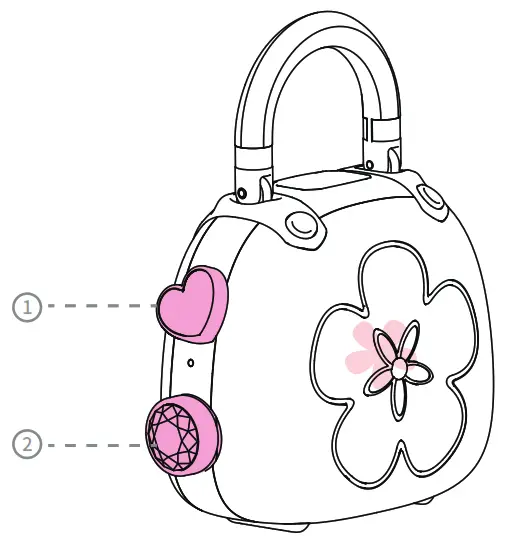
| No | 49U Want to | How to Do |
| 1 | Skip next track | Press and hold |
| Increase volume | Press | |
| 2 | Go to the previous track | Press and hold |
| Decrease volume | Press | |
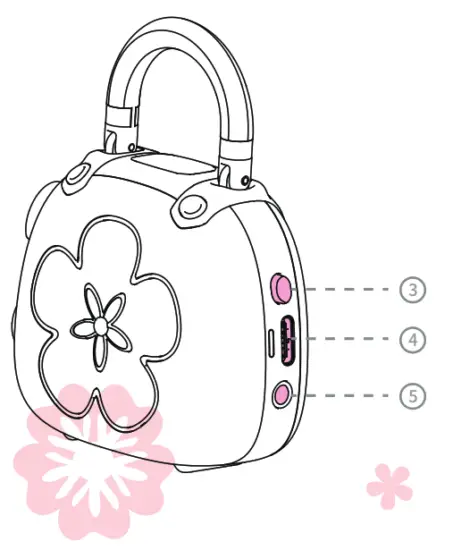
| 3 | Turn on/off | Press and hold |
| Play/pause | Press | |
| Reconnect with the last device | Press | |
| Factory reset | Press and hold for 15s | |
| 4 | Charge the speaker | Insert the charging cable |
| 5 | Play via line in | Insert the 3.5mm line-in cable |
Indicator
| Indicator View | Indicator State | System State |
 | Rapidly flashing blue | Bluetooth pairing |
| Solid blue | Paired/pause | |
| Slowly flashing bleu | Playing | |
| Solid red | Line in mode | |
| Flashing red | Low battery | |
 | Solid red | Charging |
| Light off | Fully charge |
Specification
- Output: 5W
- Input: 5V 1A
- Battery: 400mAh
- Unit dimension: 2.5X1.2X2.1 inches
- Play time: Up to 8 hours (varies by volume level and content)
- Warranty: One-year limited
- Bluetooth distance: 33 Feet
FCC Statement
This equipment has been tested and found to comply with the limits for a Class B digital device, pursuant to part 15 of the FCC Rules. These limits are designed to provide reasonable protection against harmful interference in a residential installation. This equipment generates, uses, and can radiate radio frequency energy and, if not installed and used in accordance with the instructions, may cause harmful interference to radio communications. However, there is no guarantee that interference will not occur in a particular installation.
If this equipment does cause harmful interference to radio or television reception, which can be determined by turning the equipment off and on, the user is encouraged to try to correct the interference by one or more of the following measures:
- Reorient or relocate the receiving antenna.
- Increase the separation between the equipment and receiver.
- Connect the equipment into an outlet on a circuit different from that to which the receiver is connected.
FCC Statement
Caution: Any changes or modifications to this device not explicitly approved by the manufacturer could void your authority to operate this equipment. This device complies with part 15 of the FCC Rules. Operation is subject to the following two conditions:
(1) This device may not cause harmful interference, and (2) this device must accept any interference received, including interference that may cause undesired operation.
RF Exposure Information
The device has been evaluated to meet general RF exposure requirements. The device can be used in portable exposure conditions without restriction.
For updates, promotions, and experience sharing, join our customer community.
 @dossav / @dossfans
 @dossdirect
 https://www.dossaudio.com
 [email protected]
EVATOST CONSULTING LTD
Suite 11, First Floor, Moy Road Business
Centre, Taffs Well, Cardiff, Wales, CF15 7QR [email protected]
eVatmaster Consulting GmbH
Bettinastr. 30
60325 Frankfurt am Main,Germany [email protected]