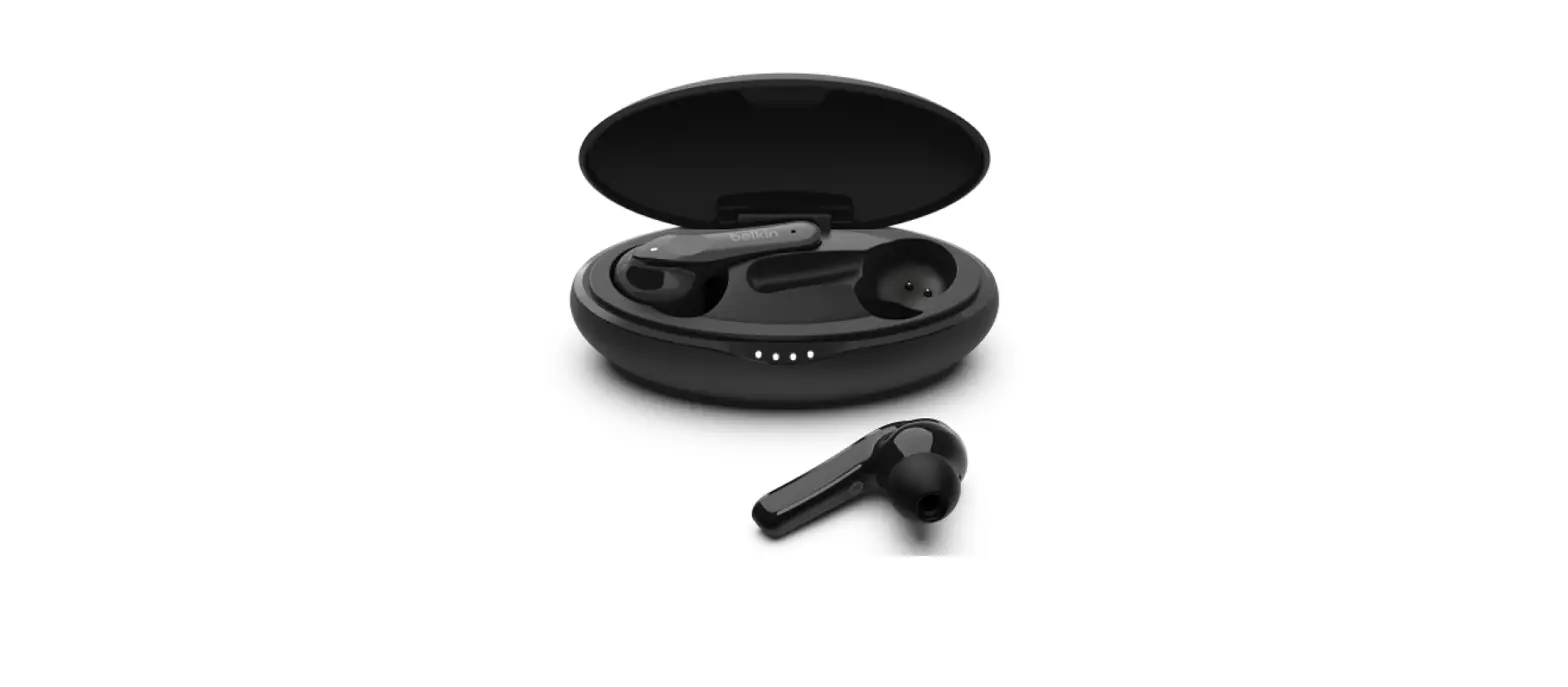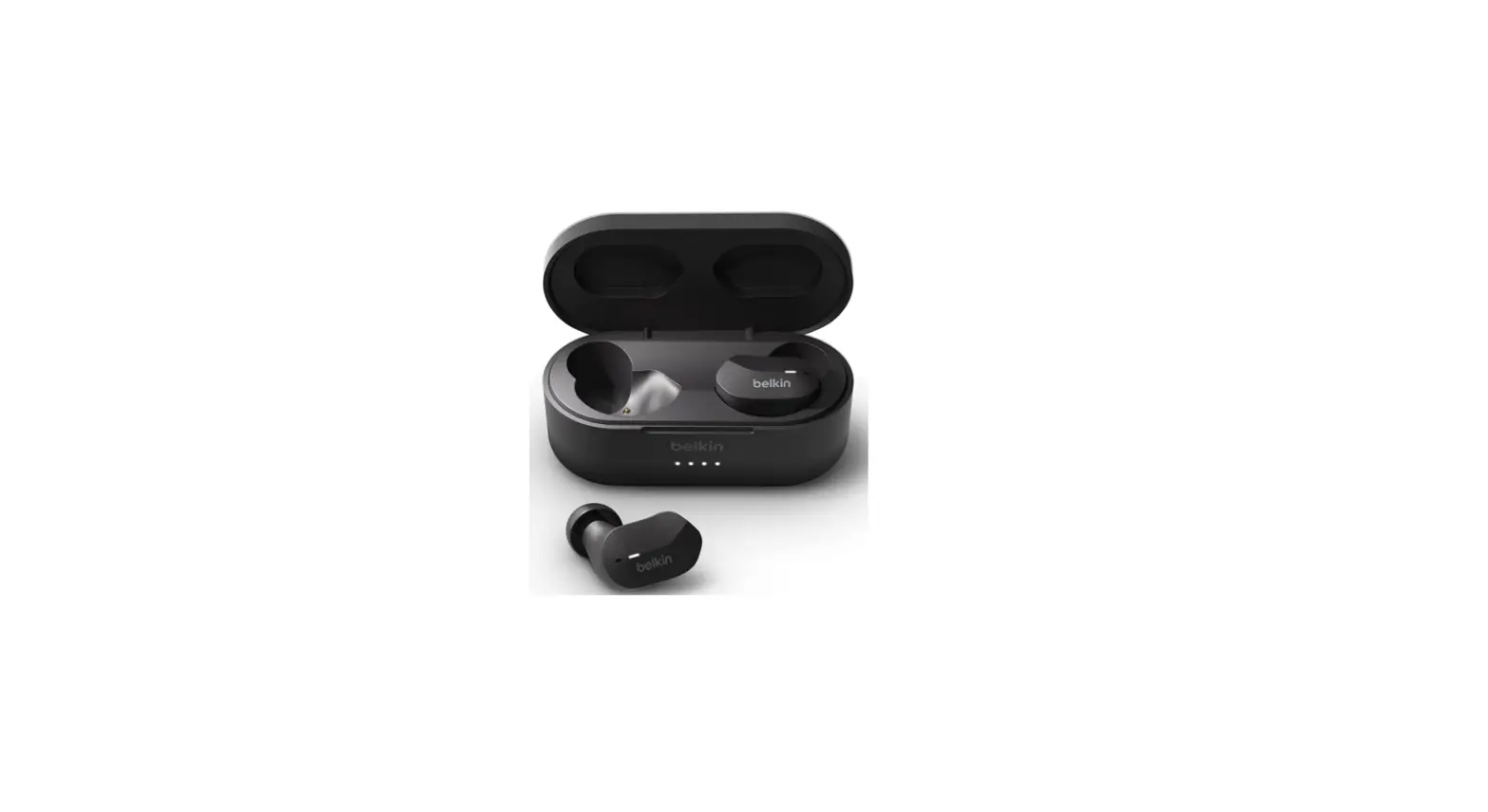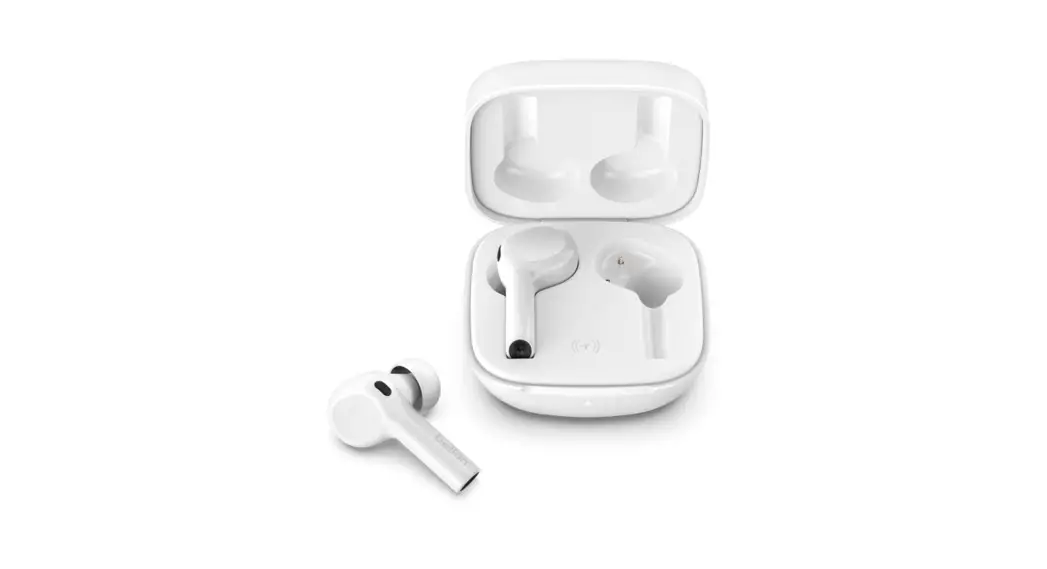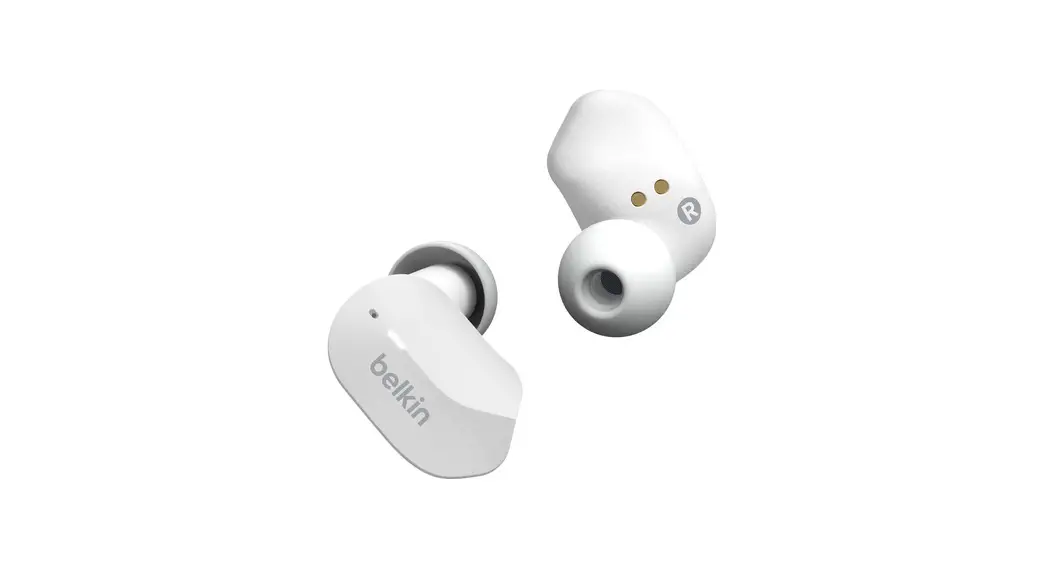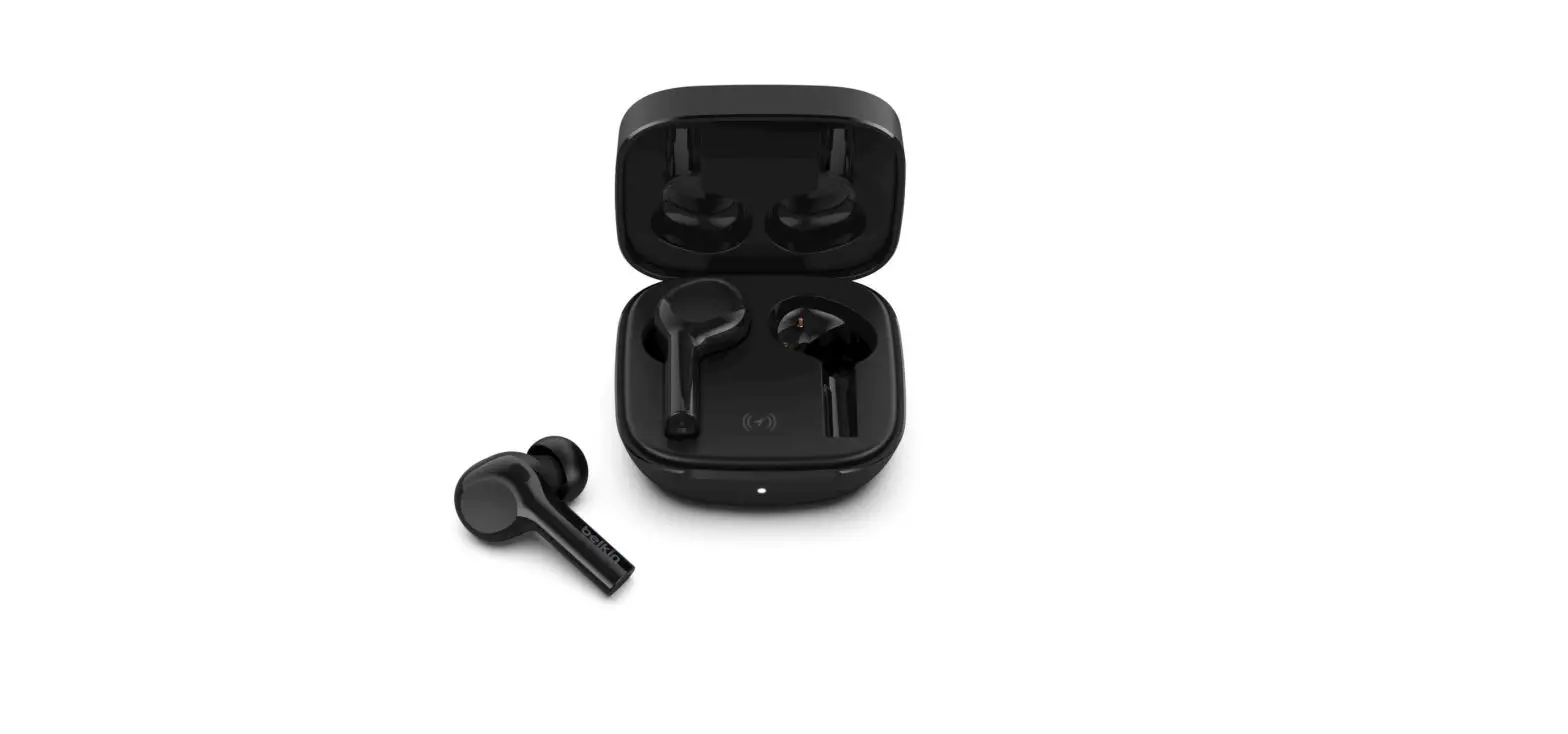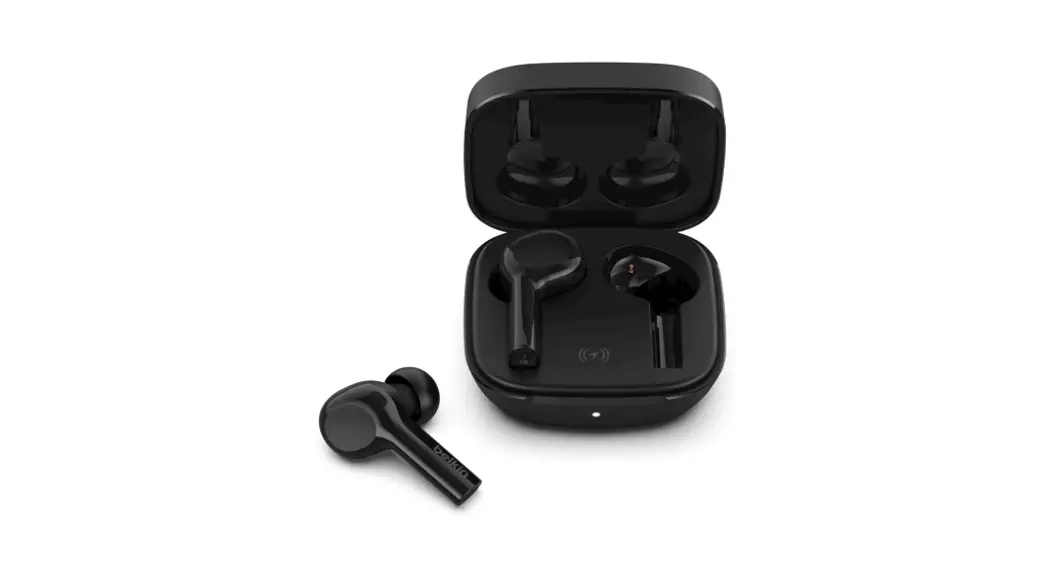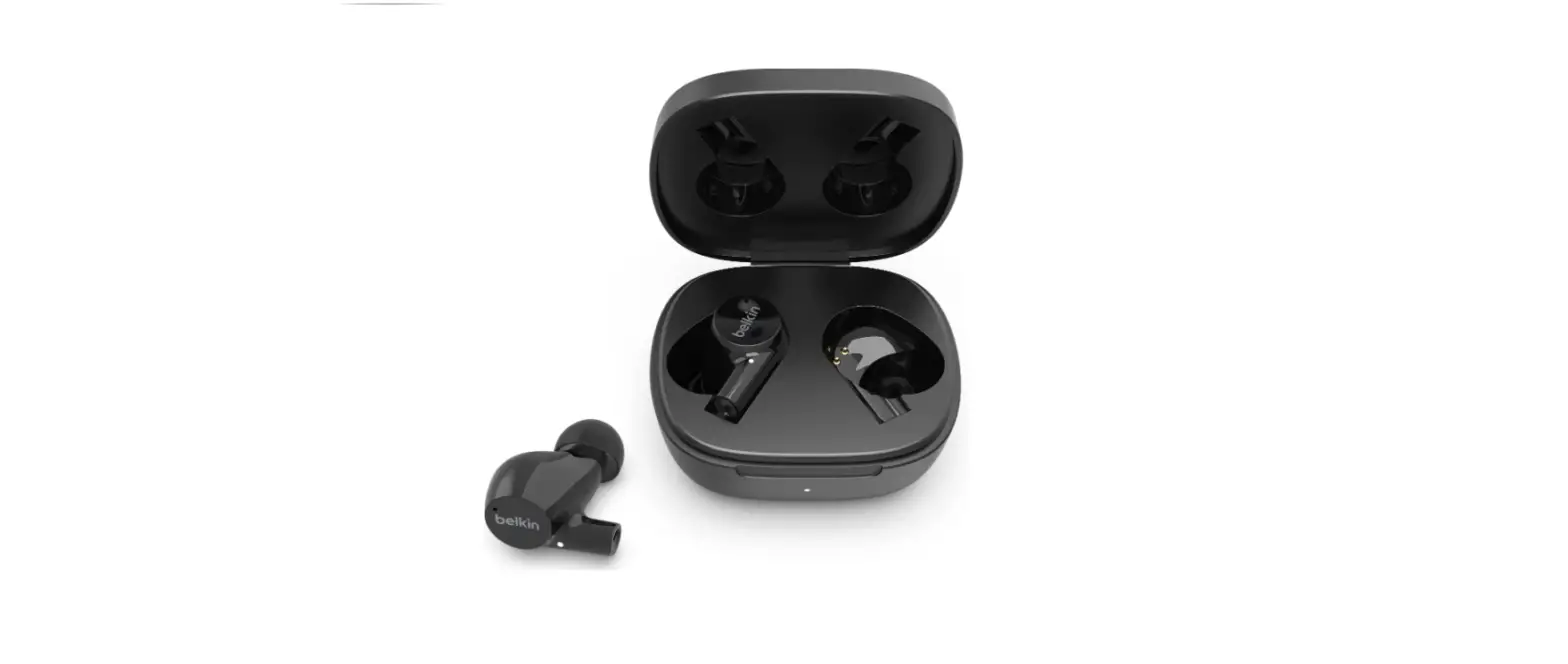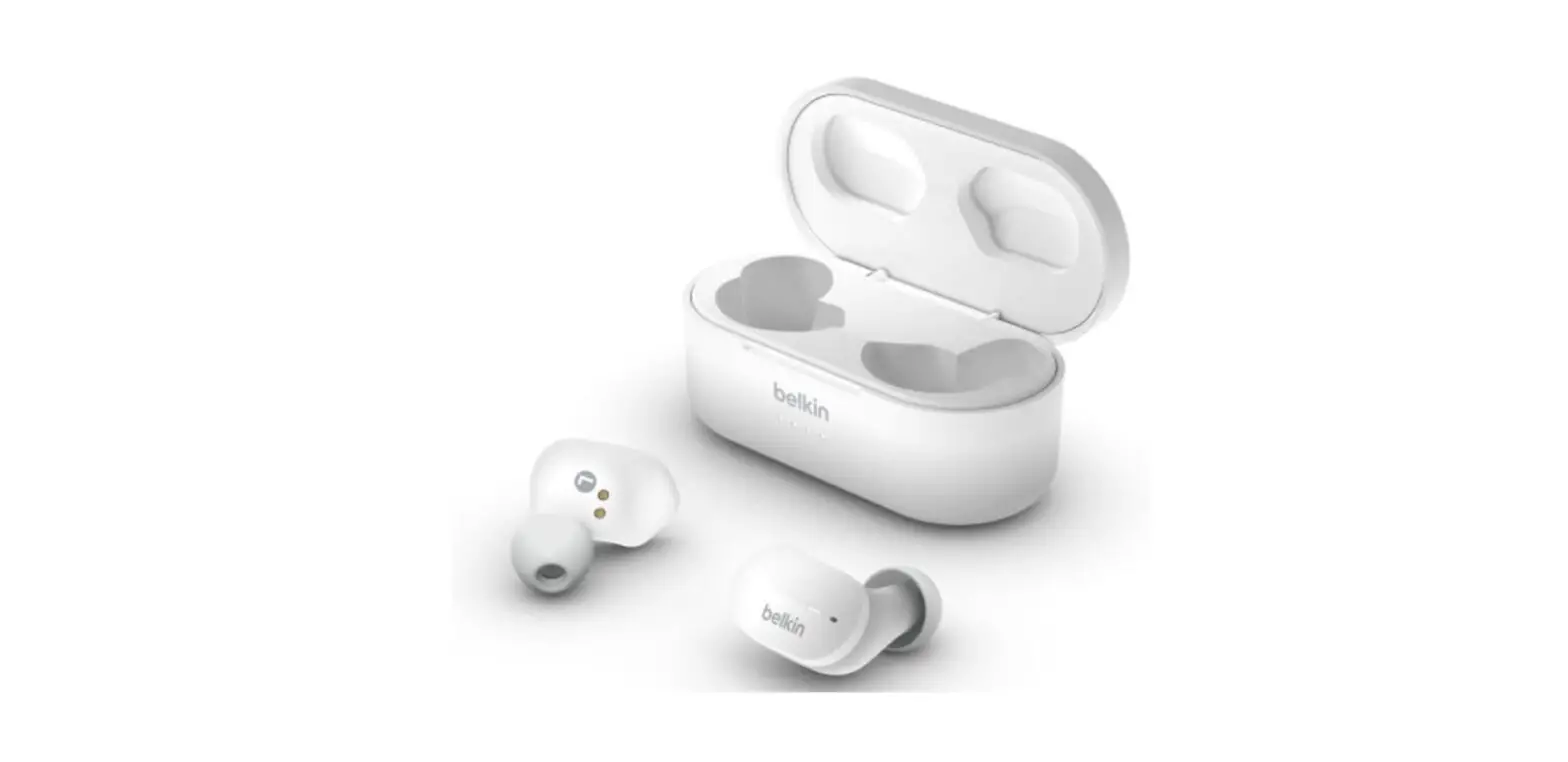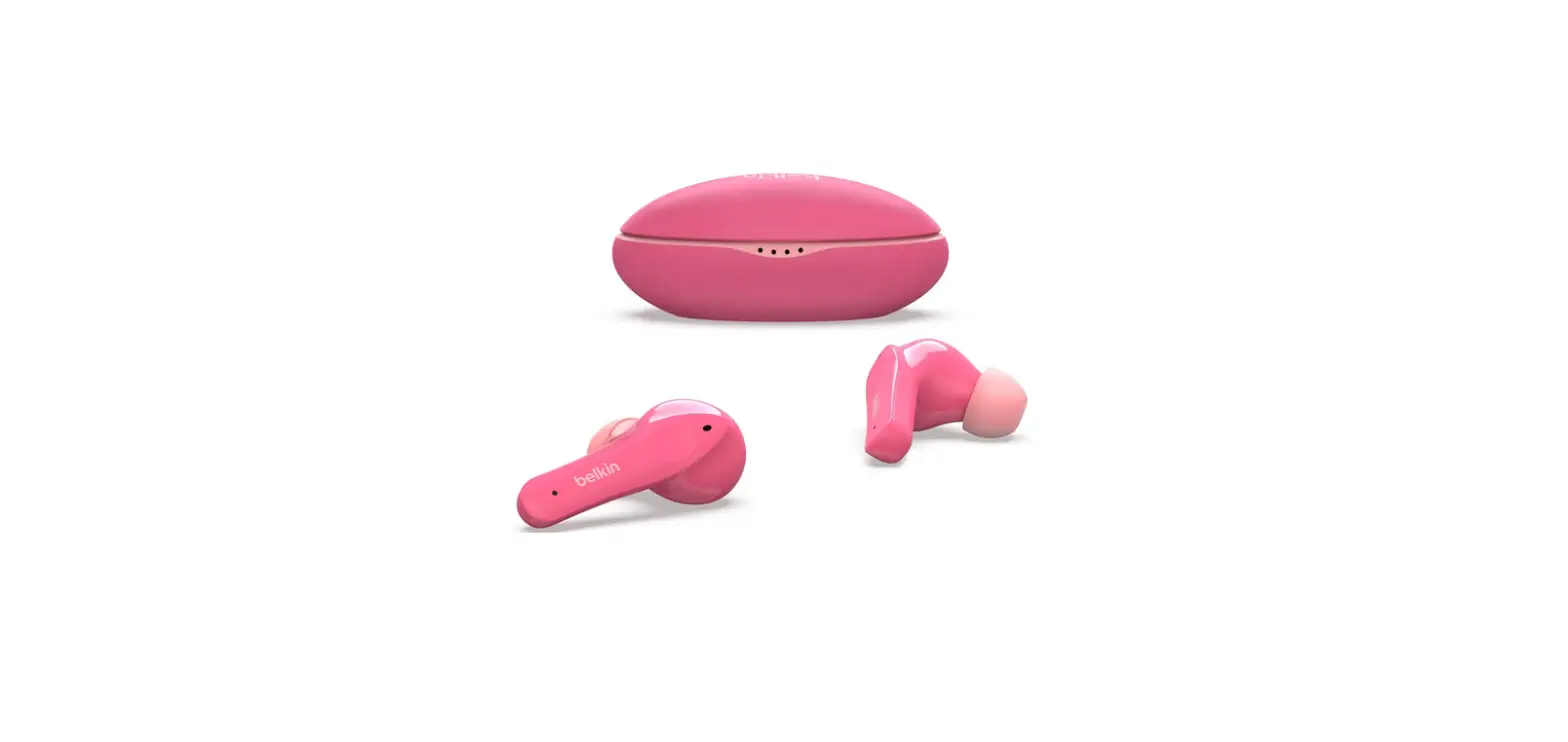

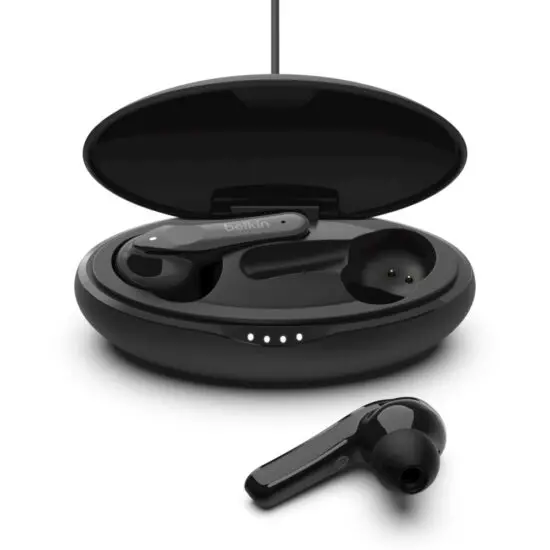
Belkin Soundform Move Plus True Wireless Earbuds
Pairing
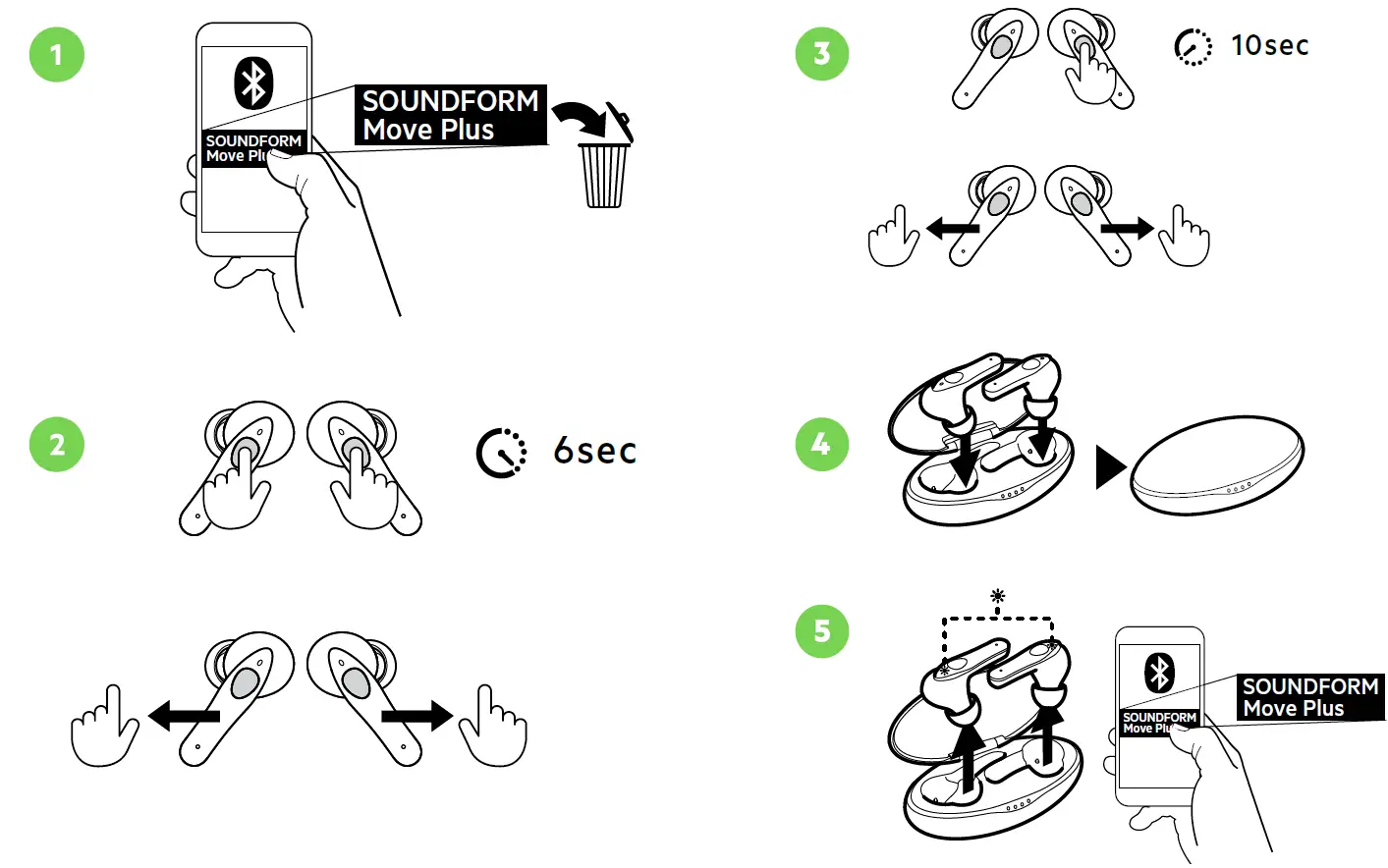
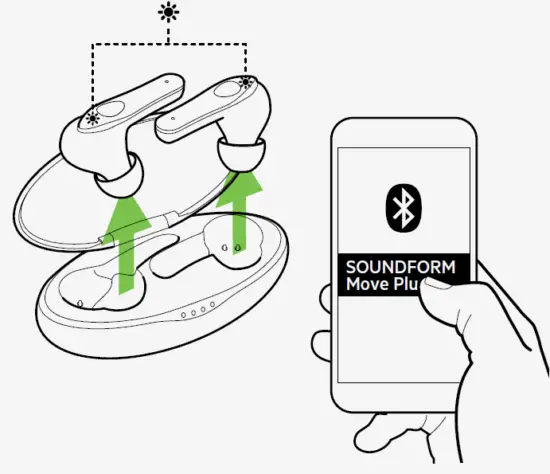
Ensure that your earbuds are removed from the charging case and are in pairing mode.
- NOTE: Your earbuds’ lights will alternately flash between blue and white to indicate that both are on pairing mode.
- Step 1: On your mobile device turn ON Bluetooth to begin searching for nearby devices.
- NOTE: Steps in enabling your Bluetooth may vary depending on your device’s operating system.
- Step 2: When your earbuds are detected, tap on its name from the list to complete pairing. You will hear a confirmation sound once your earbuds are paired. It will also show on your phone or tablet as a paired device.

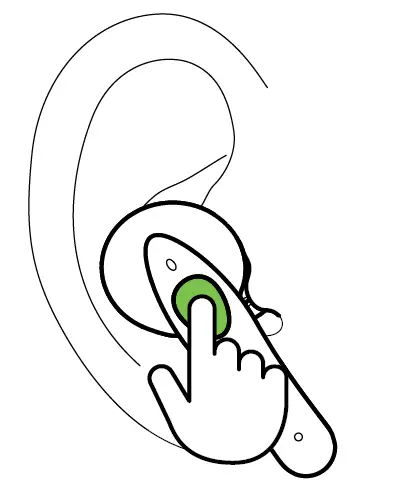
How to use the touch controls on the Belkin PAC002
| Audio Playback Control | Left Earbud | Right Earbud |
| Volume up ( + ) | Tap one time | |
| Volume down ( – ) | Tap one time | |
| Pause / Resume playback | Tap two times | Tap two times |
| Next track | Tap three times | |
| Previous track | Tap three times | |
| Call Handling Control |
Left Earbud |
Right Earbud |
| Accept / End call | Tap two times | Tap two times |
| Reject call | Hold for 2 seconds | Hold for 2 seconds |
| Virtual Assistants | ||
| Control | Left Earbud | Right Earbud |
| Activate virtual assistant | Hold for 2 seconds | Hold for 2 seconds |
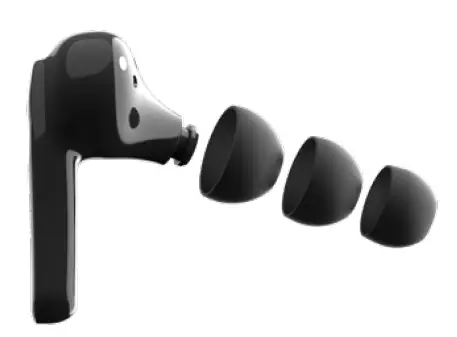
All-Day Comfort
Our True Wireless Earbuds come with three sizes (S/M/L) of silicone ear tips, providing all-day comfort and noise isolation with its sealed in-ear fit.
How to charge the case and the earbuds
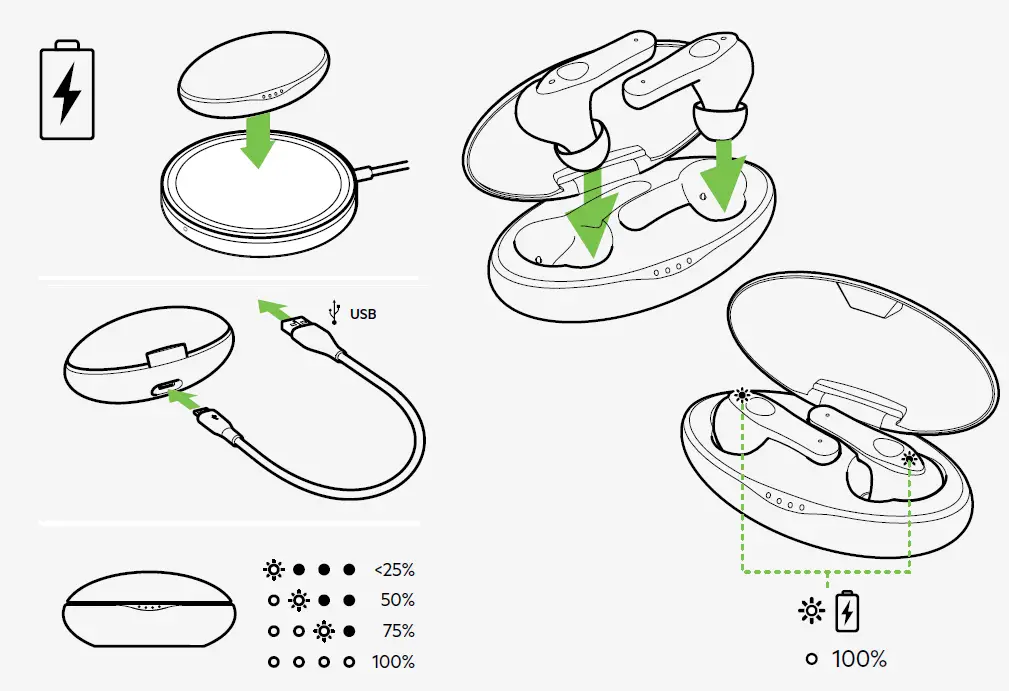
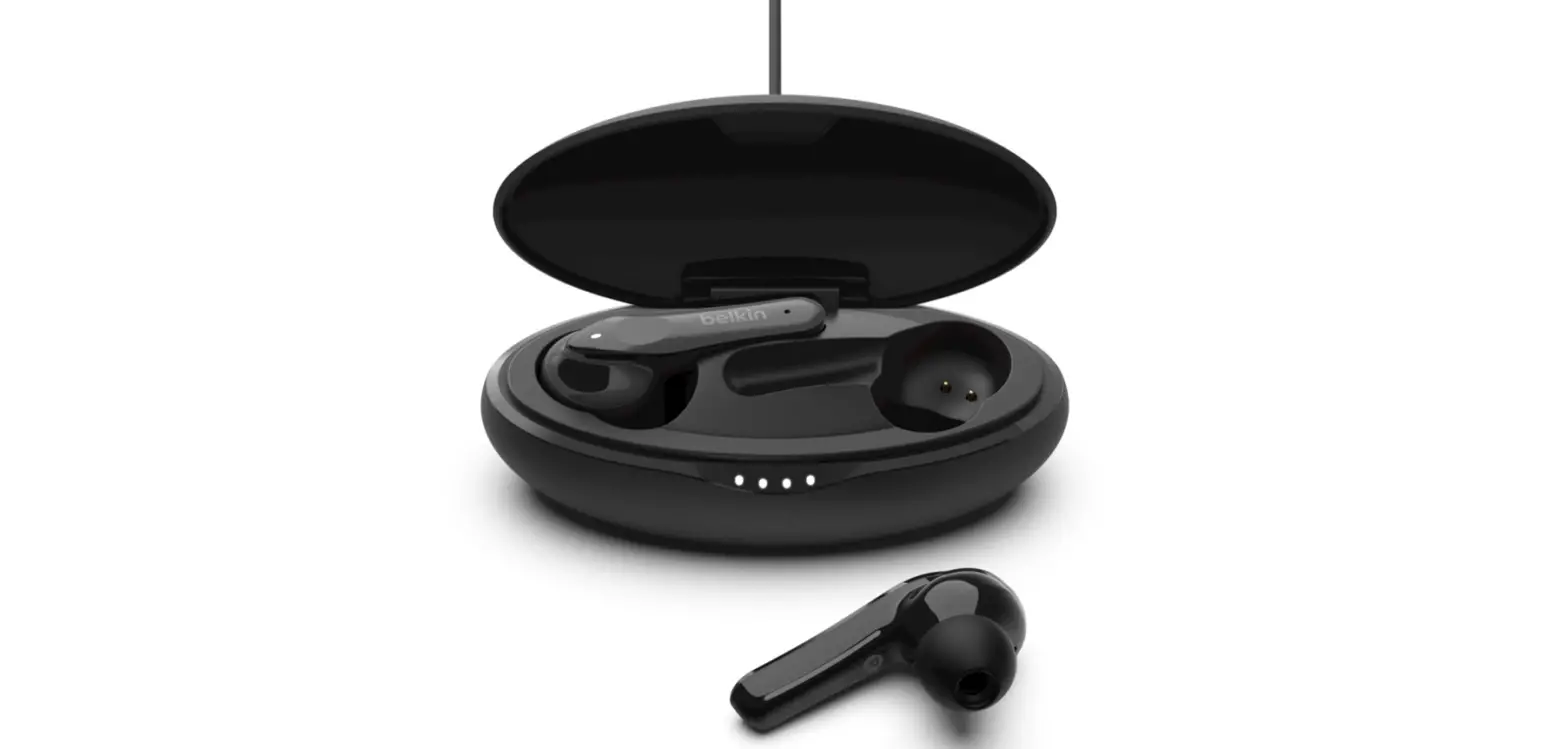
- Case: The Belkin PAC002 case can be charged wirelessly using a standard Qi wireless charging pad, or via the USB-C port on the back of the case.
- Earbuds: The Belkin PAC002 earbuds can be charged by placing them in the charging case. They can either charge directly from the battery in the case or can be charged while also charging the case.