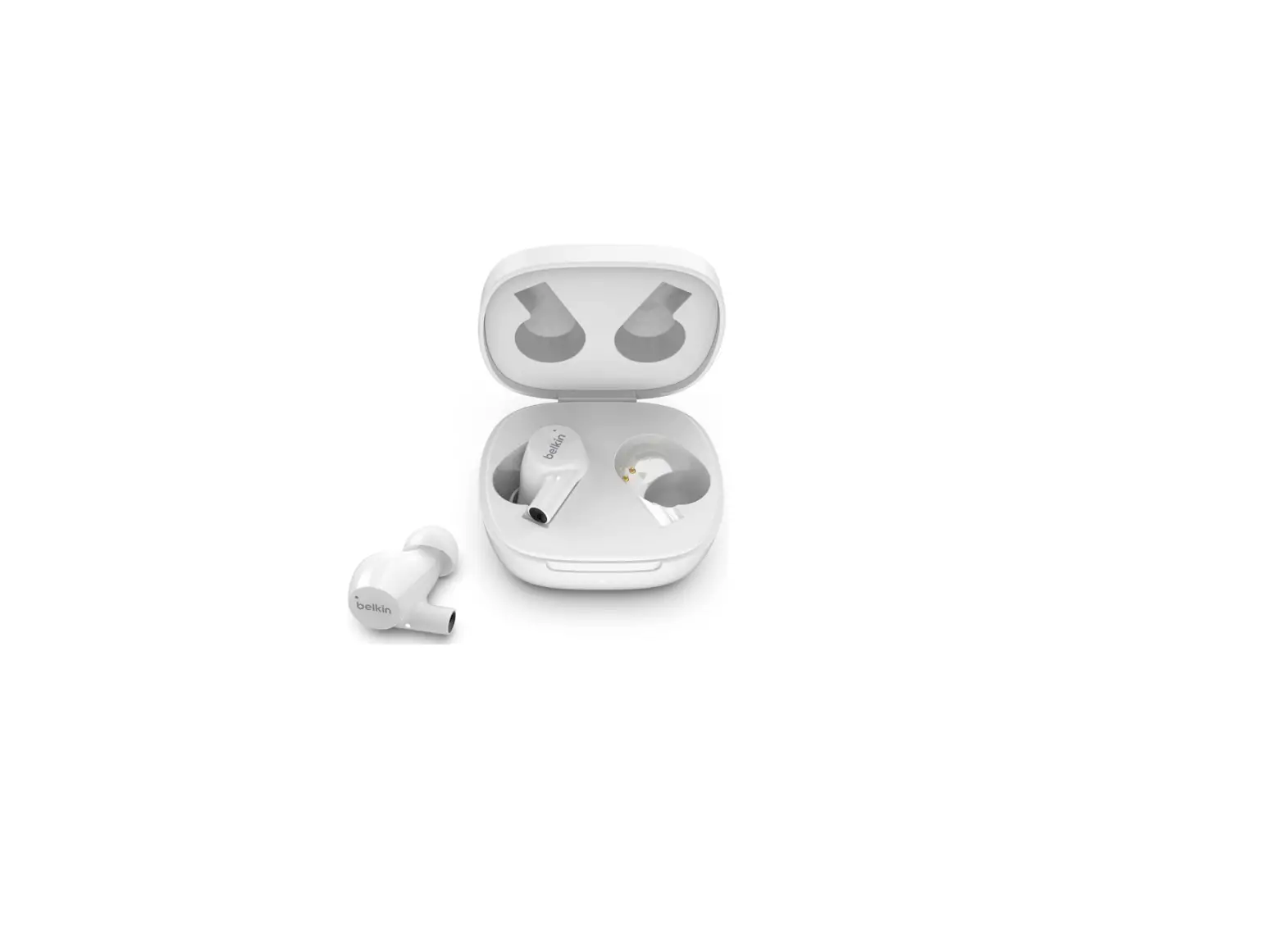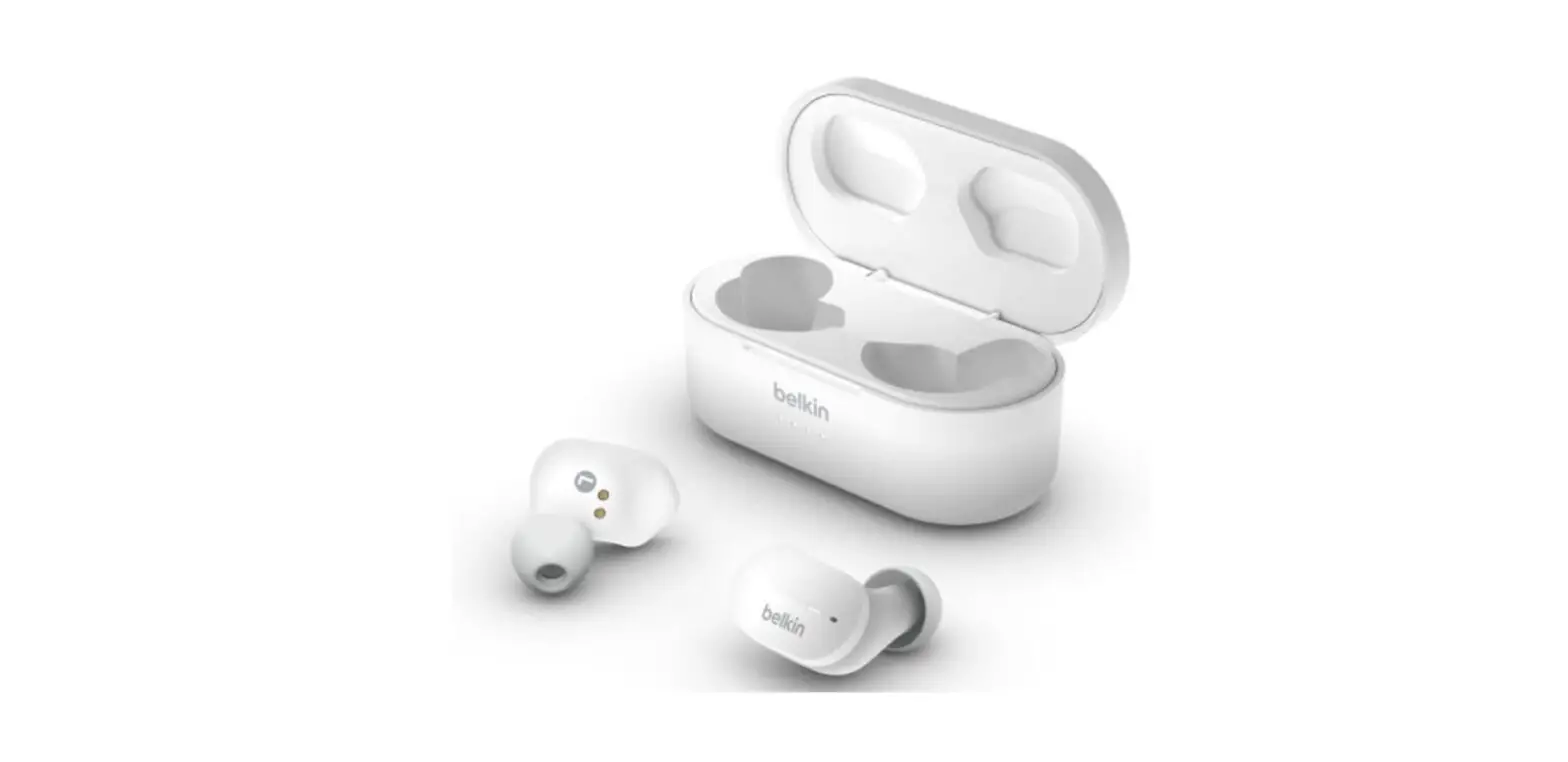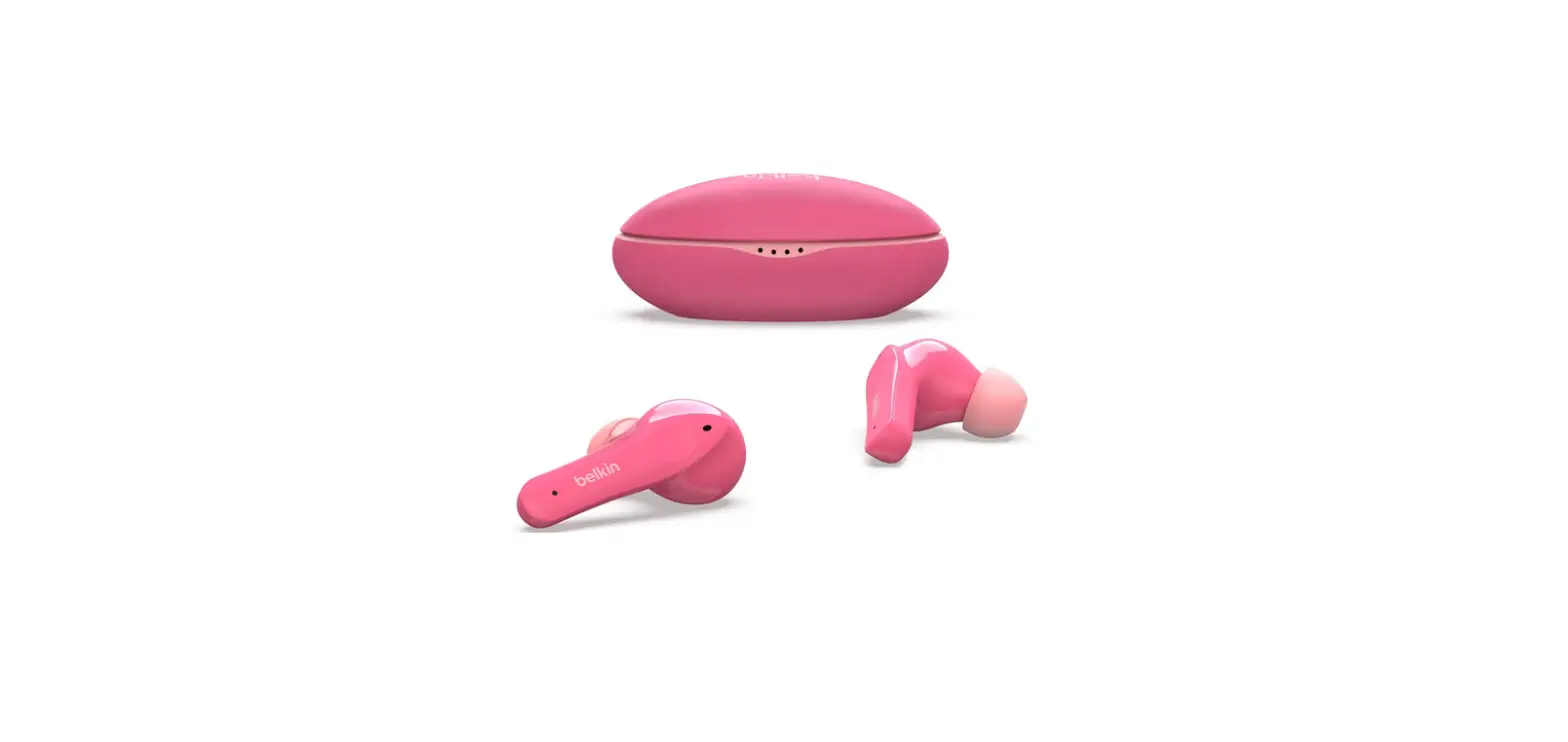

Belkin PAC003 True Wireless Earbuds for Kids
INTRODUCTION
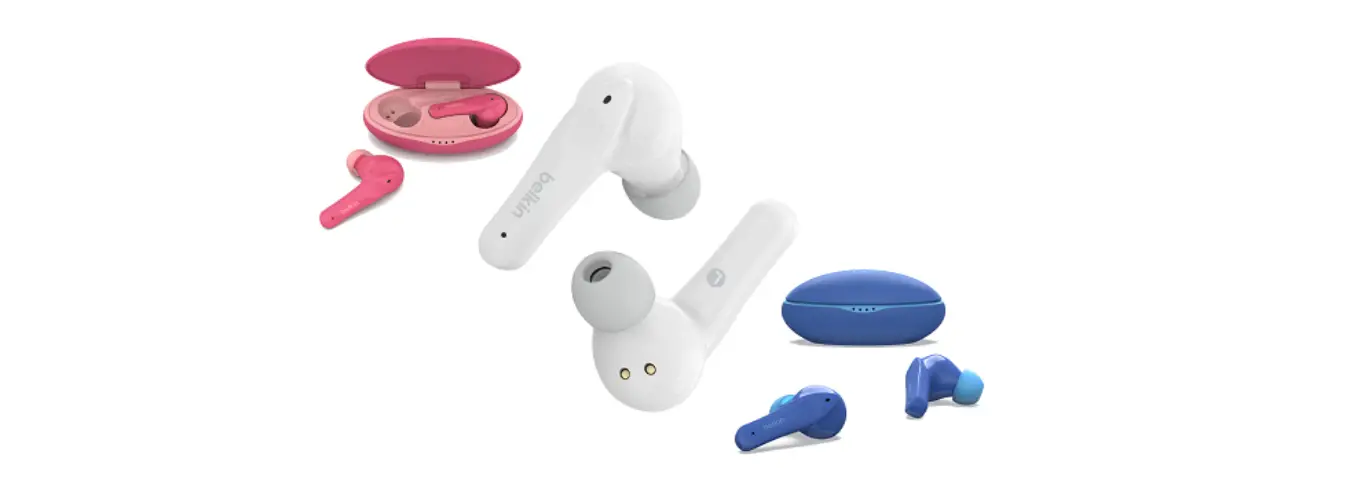
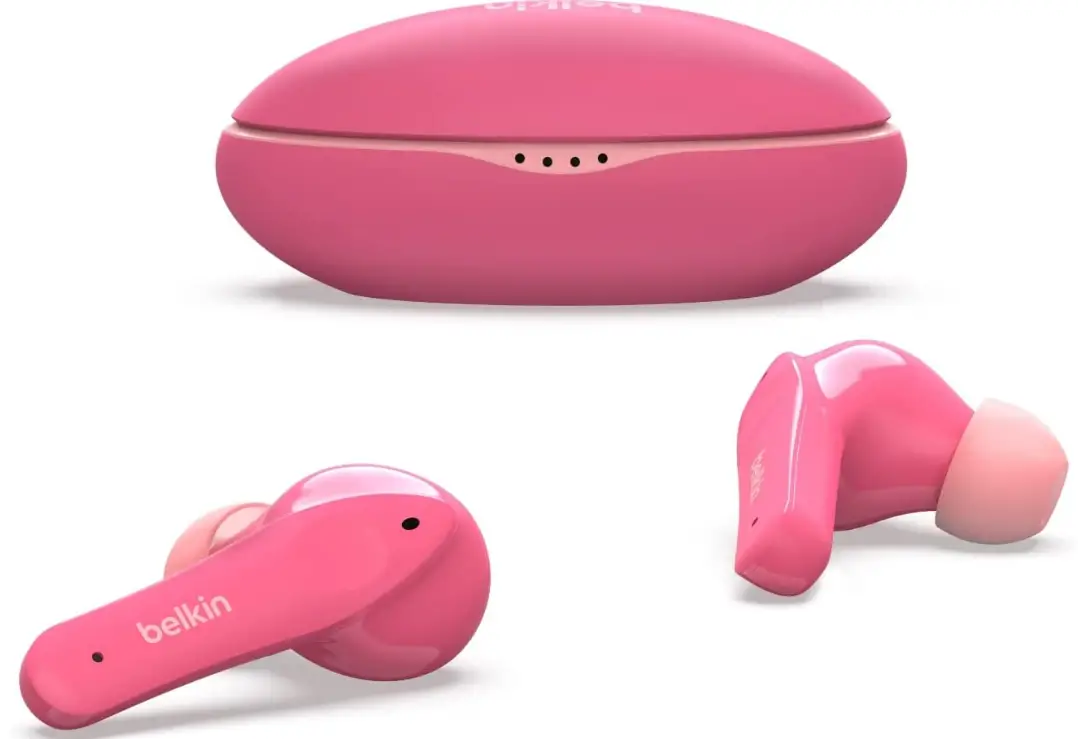
The Belkin SOUNDFORM™ Nano Wireless Earbuds for Kids, PAC003 is designed to keep your kids’ ears comfortable and protected with premium wireless earbuds designed just for them. The earbuds feature touch sensitive pads that can perform different functions for you by tapping or holding on each earbud.
HOW TO PAIR
Step 1
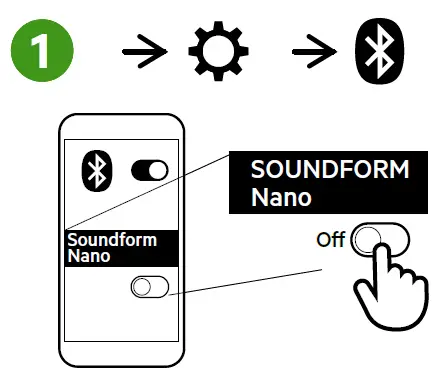
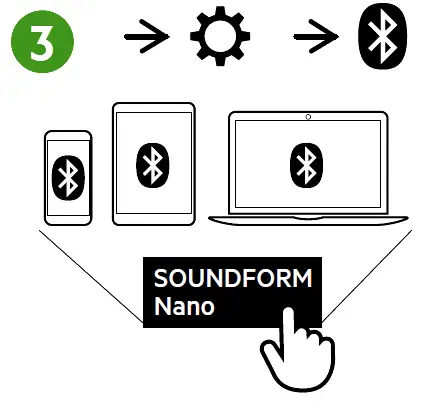
On your mobile device, go to Settings and turn ON Bluetooth to begin searching for nearby devices.
NOTE: Steps in enabling your Bluetooth may vary depending on your device’s operating system.
Step 2
When your earbuds are detected, tap on the name from the list.
Step 3
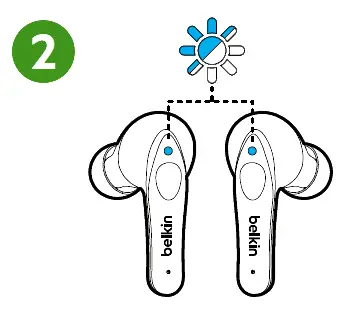
Your earbuds’ lights will alternately flash between blue and white to indicate that both are on pairing mode.
Step 4
Your earbuds will show on your phone or tablet as a paired device once the pairing is complete.
CHARGING YOUR EARBUDS
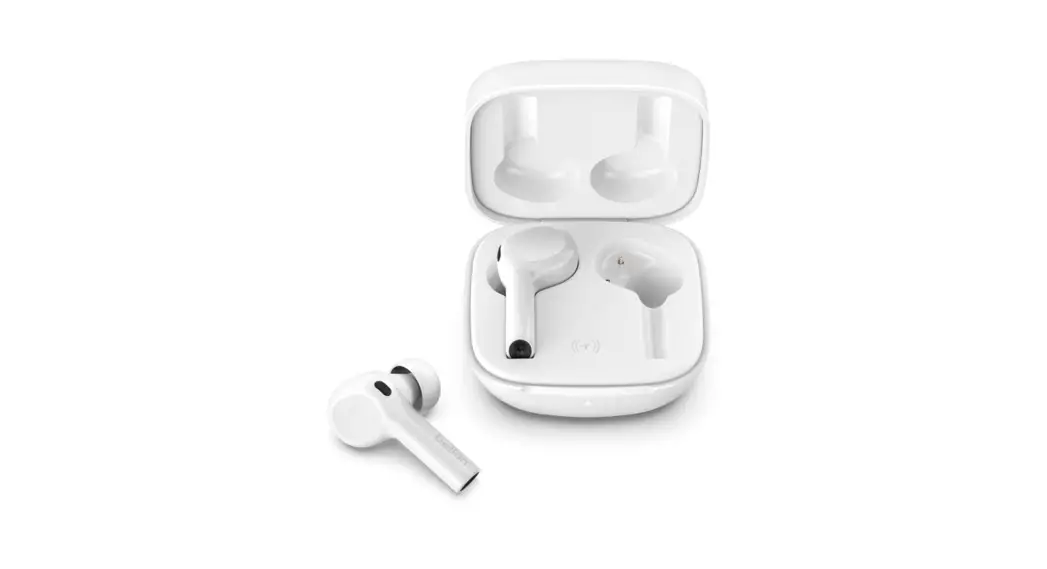
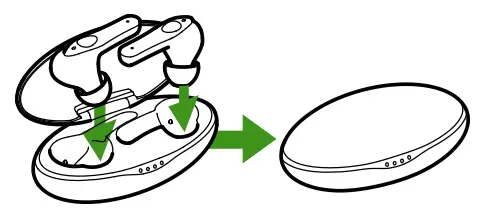
To charge your earbuds, open the case and place each earbud in its designated slot then close the lid. If the case has battery power remaining, you do not need to plug it in while charging your earbuds.
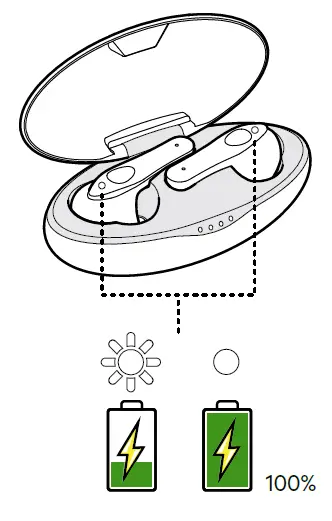
While charging is taking place, each earbud’s indicator light will blink. When the light indicators stop blinking, this means that the earbuds are now fully charged.
Charging the case
Step 1
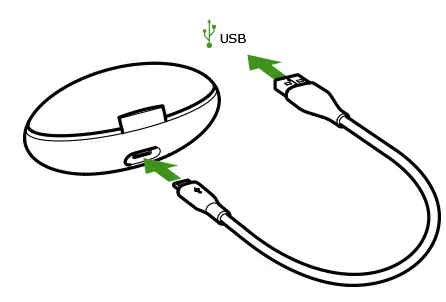
Connect the micro-USB end of the connector to the back of the charging case, below the lid hinge.
Step 2
Connect the USB end of the connector to a power adapter or into the USB port of your computer.
Step 3
When all lights on the charging case are lit, this indicates that the Belkin PAC003 is fully charged. The number of lights lit corresponds to the following:
- Four lights – 100% charged
- Three lights – 75% charged
- Two lights – 50% charged
- One light – less than 25% charged
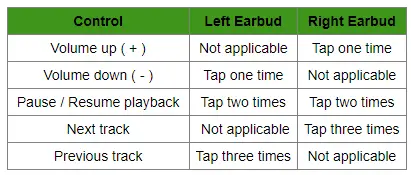
AUDIO PLAYBACK
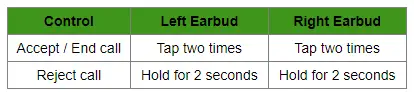
CALL HANDLING
POWER ON/OFF
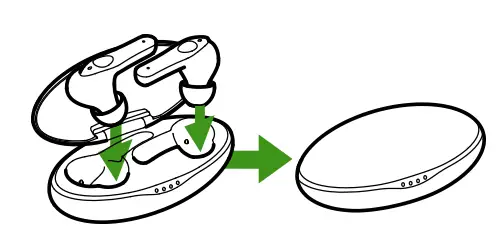
- To turn your earbuds ON, remove one or both earbuds from the case.
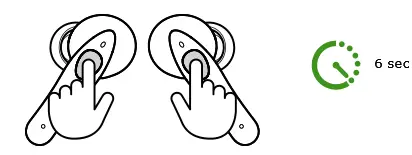
- To turn OFF your earbuds for a brief period, remove the earbuds from your ears and press on the touch-sensitive control area of the earbuds. Continue doing so for 6 seconds and then release.
If you intend to turn OFF your earbuds for an extended period, it is recommended to place each earbud into its designated slot in the charging case and then close the lid. This will safely keep, recharge, and turn OFF your earbuds as well.
TROUBLESHOOTING
It’s only playing in one ear. What should I do?
This can happen when pairing your earbuds for the first time. This can be resolved through the following:
Rebooting your earbuds
Putting both earbuds inside the charging case and closing the lid for 5 seconds will cause them to disconnect from your Bluetooth device and reboot. Once you take them out of the case, both earbuds will turn ON and reconnect to your Bluetooth device. The audio should now play from both earbuds.
Factory resetting and pairing the earbuds again
If rebooting your earbuds does not work, you can try resetting them to their factory settings and pairing them again. For instructions on how to factory restore your earbuds
Frequently Asked Questions
The micro-USB port on the back is used to charge the case.
At any moment or charge level, you can take the case out of the power adapter. The number of times you can recharge your earbuds before the case runs out of juice will decrease as the charge level drops.
When all of the lights on the charging case are on, the Belkin PAC003 is fully charged.
Touch-sensitive pads on the Belkin PAC003 are equipped with several capabilities. to discover more about these features.
The Bluetooth range of the Belkin PAC003 is up to 30 feet.
The Belkin SOUNDFORMTM Nano Wireless Earbuds for Youngsters, PAC003 are premium wireless earbuds made specifically for kids to keep their ears comfy and safe. It has a playtime of up to 5 hours continuously and an additional 19 hours of battery life when charging.
This item is made for ears that are smaller. Five sizes of silicone ear tips are included, including an extra-extra small size, allowing for all-day comfort. A 85 dB volume cap is another feature of the Belkin PAC003 that guards against hearing loss in children and protects their ears.
No
Yes
Yes
Yes
Yes. There are microphones inside the earbuds.
No, you may utilise the right earbud, which is the master earpiece by design, to take calls when using only one earbud.
The earbuds are charged using the micro-USB connector. It is ineffective for data transport.
The Bluetooth 5.0 technology is available in the Belkin PAC003. Older Bluetooth versions are backwards compatible.
Yes. The Belkin PAC003 offers dual-color status LEDs on each earphone and charging status lights on the case.
The case and earbuds of the Belkin PAC003 have a playback time of up to 24 hours. The earbuds feature a speaking duration of up to three hours, a listening time of up to five hours, and a case battery life of up to nineteen hours.
It contains an 85 dB volume cap to safeguard your children’s ears and lessen the likelihood of hearing damage.