
Retrotouch 02832 Smart Button Plate Instructions

Retrotouch 02832 Smart Button Plate Instructions

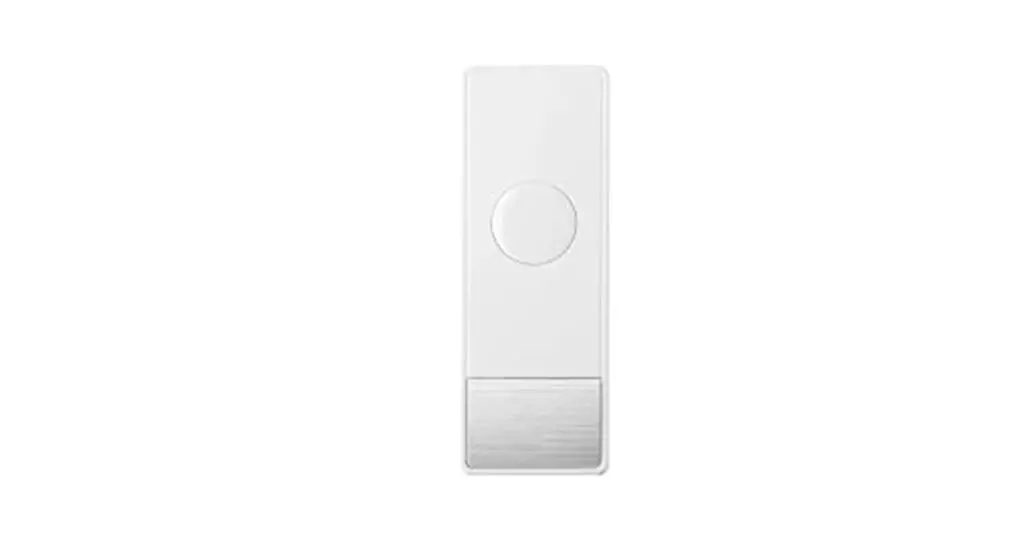
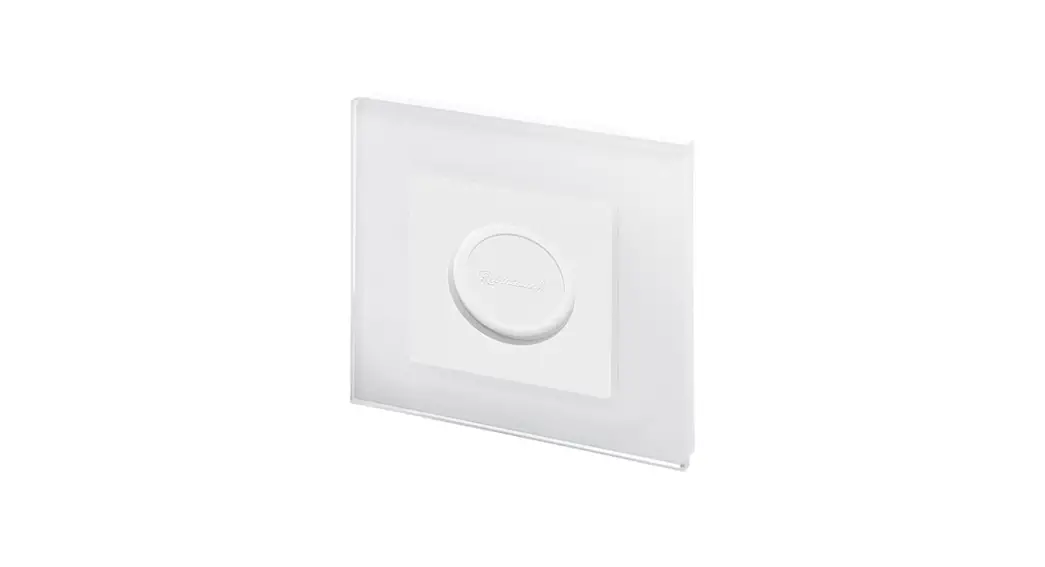
Retrotouch Logo02832 Smart Button Plate
Instructions

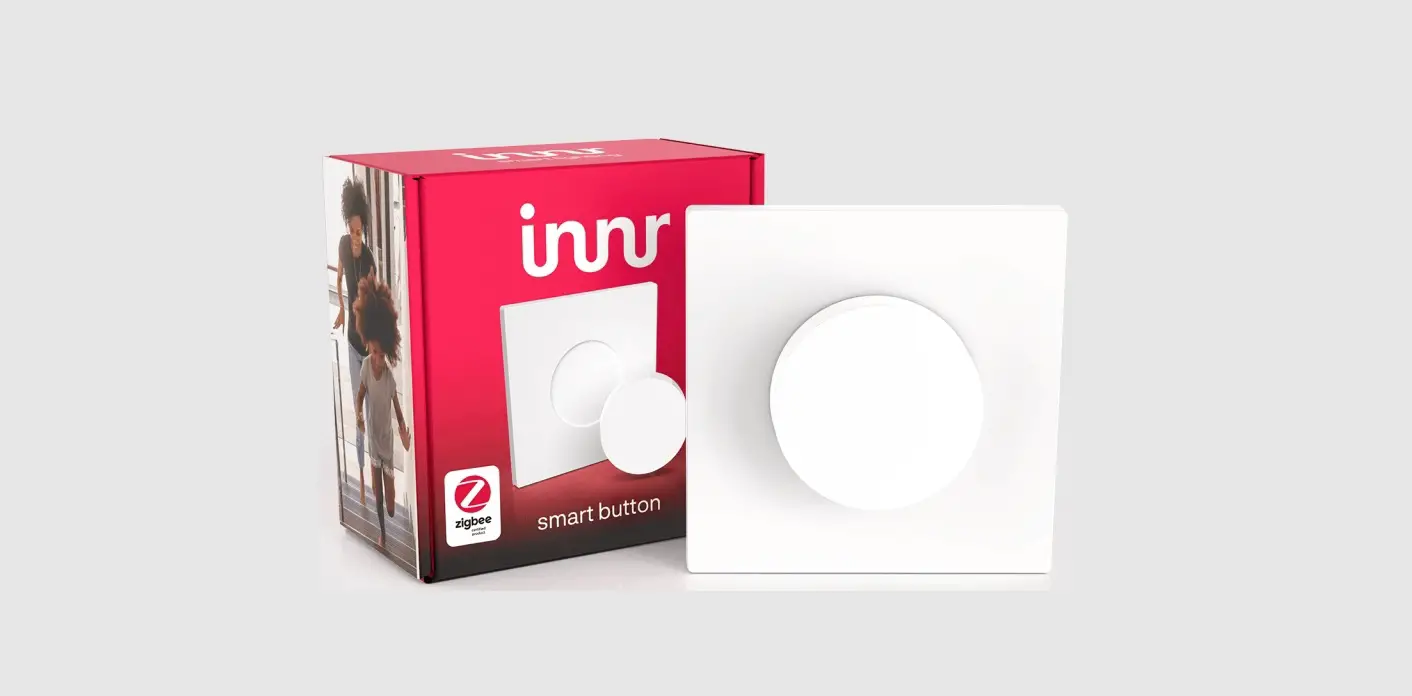
SMART BUTTON SOLD SEPARATELY
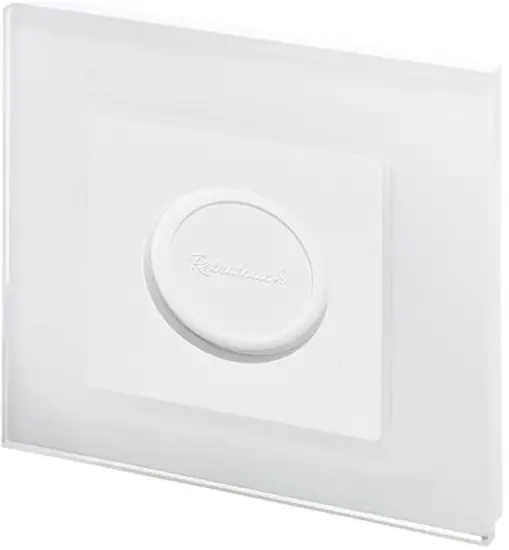
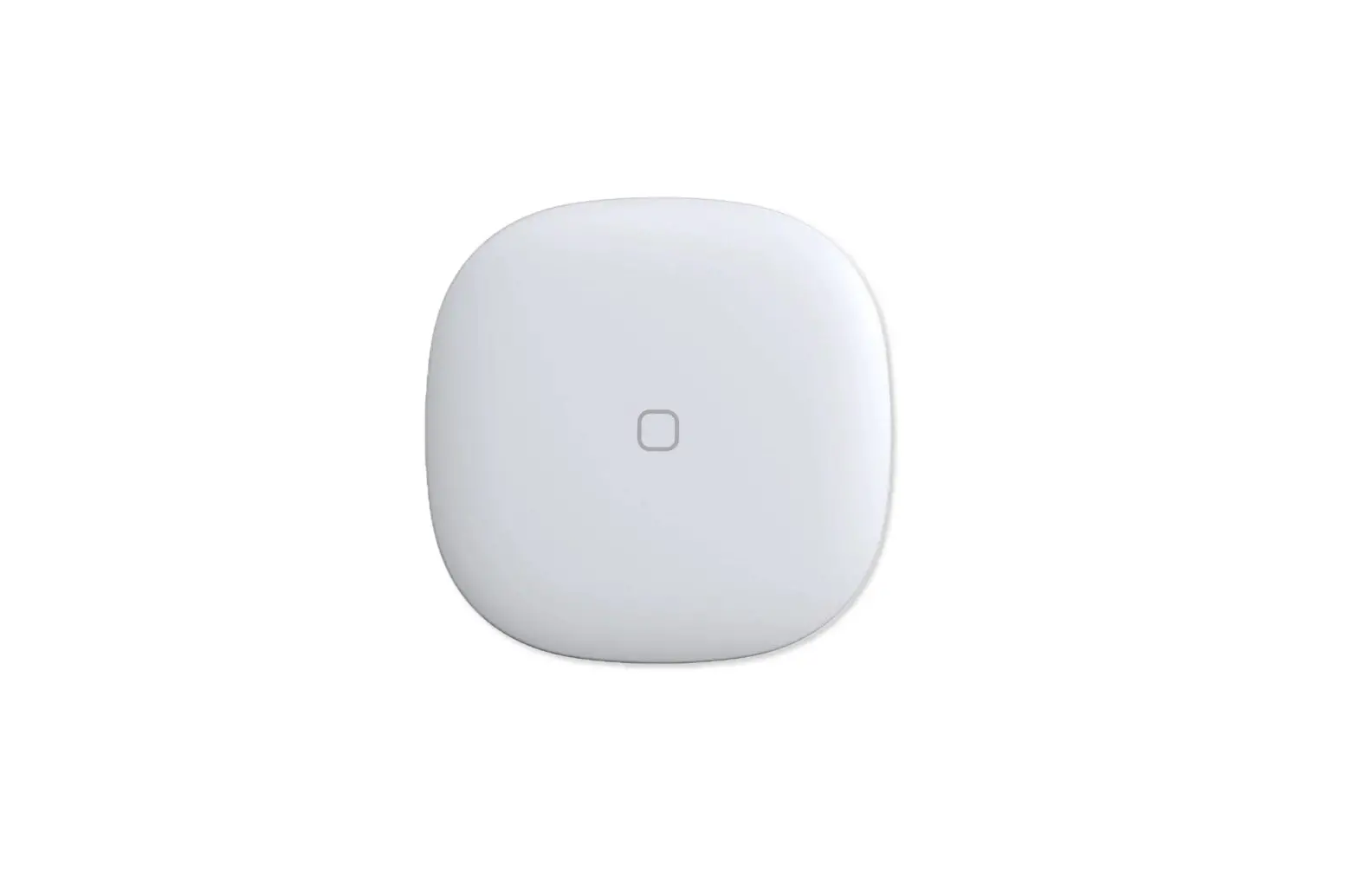
Retrotouch 02832 Smart Button Plate

02832 Smart Button Plate

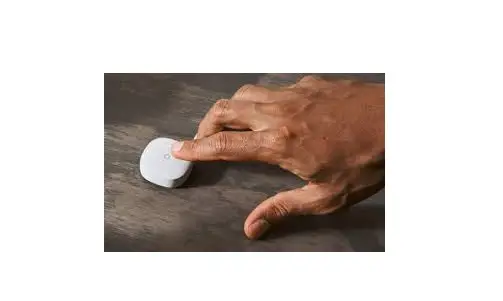
Stick anywhere

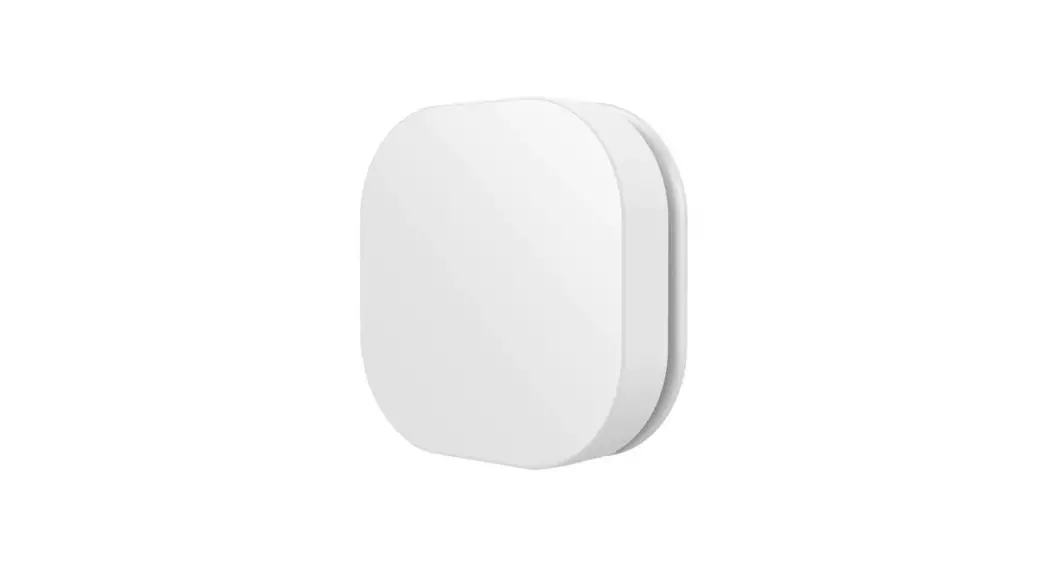
Retrotouch 02832 Smart Button Plate - Fig

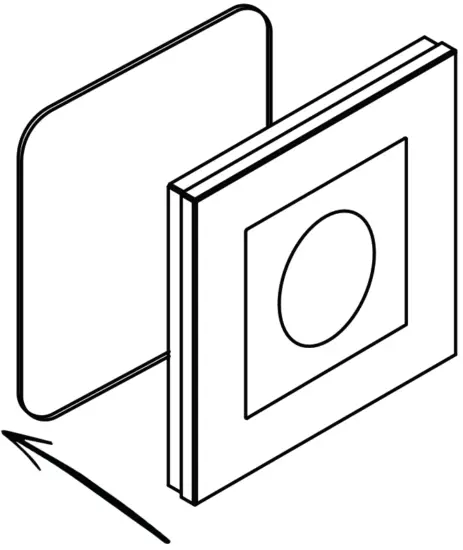
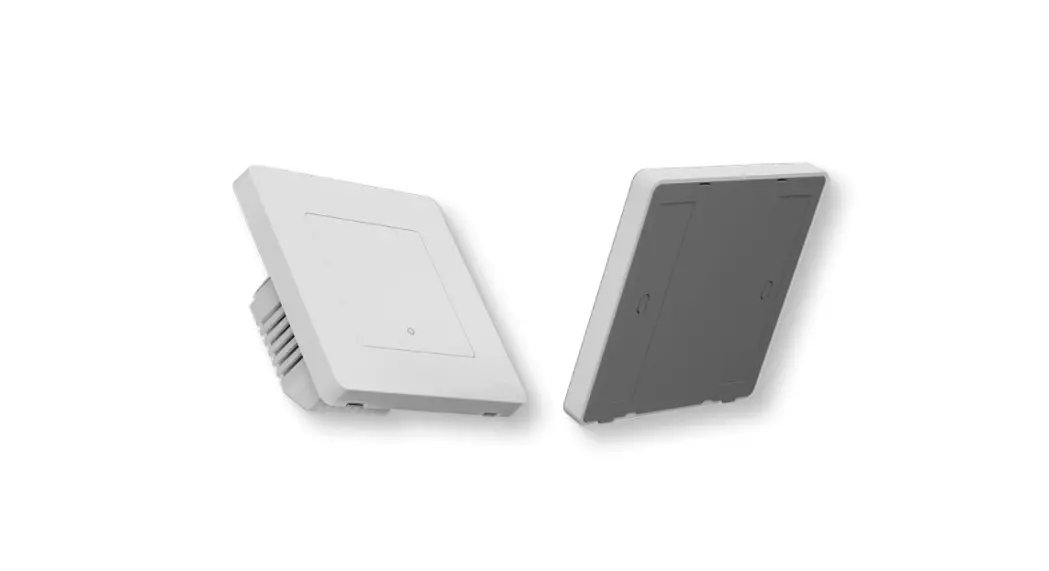
Clean & dry the surface you wish to stick the switch to. Use the 3M sticky pads and locate them on the back of the switch. Peel and Stick. Apply pressure for 10 seconds to get a firm fix.

Retrotouch LogoRETROTOUCH.CO.UK/BUTTON-PLATE

Documents / Resouces

Download manual
Here you can download full pdf version of manual, it may contain additional safety instructions, warranty information, FCC rules, etc.


Related Manuals