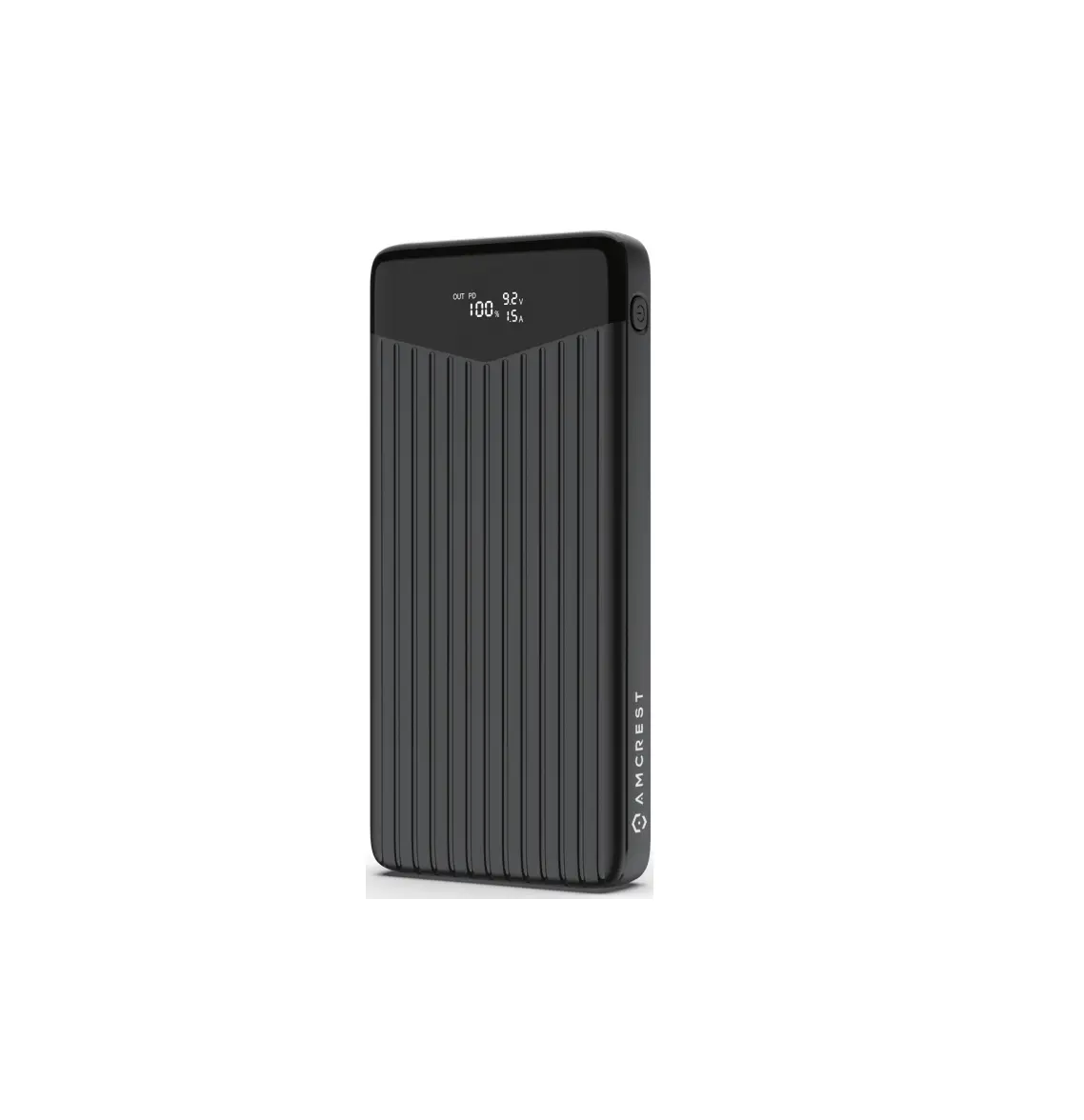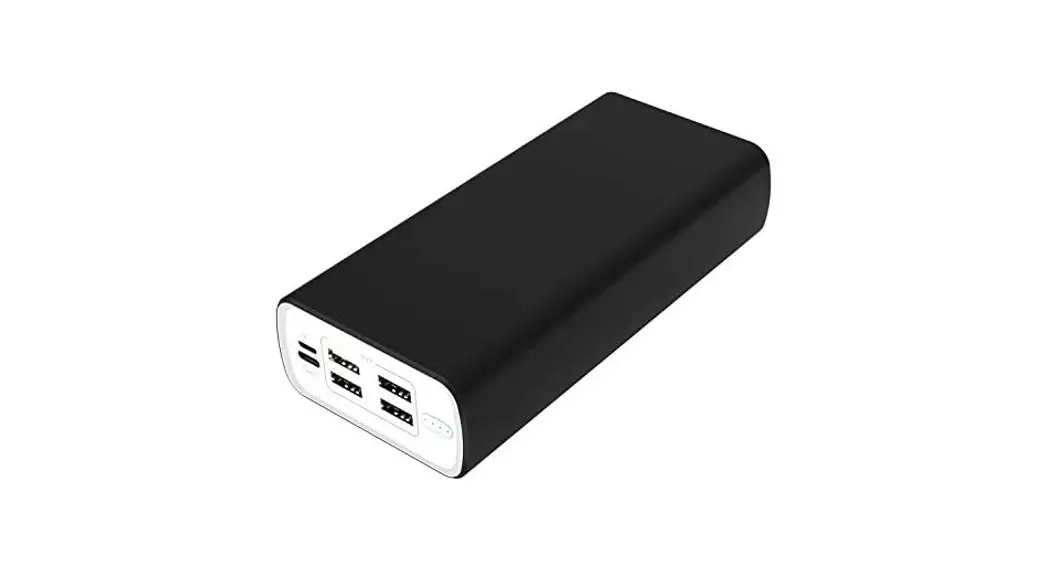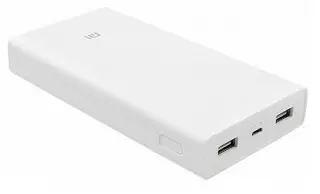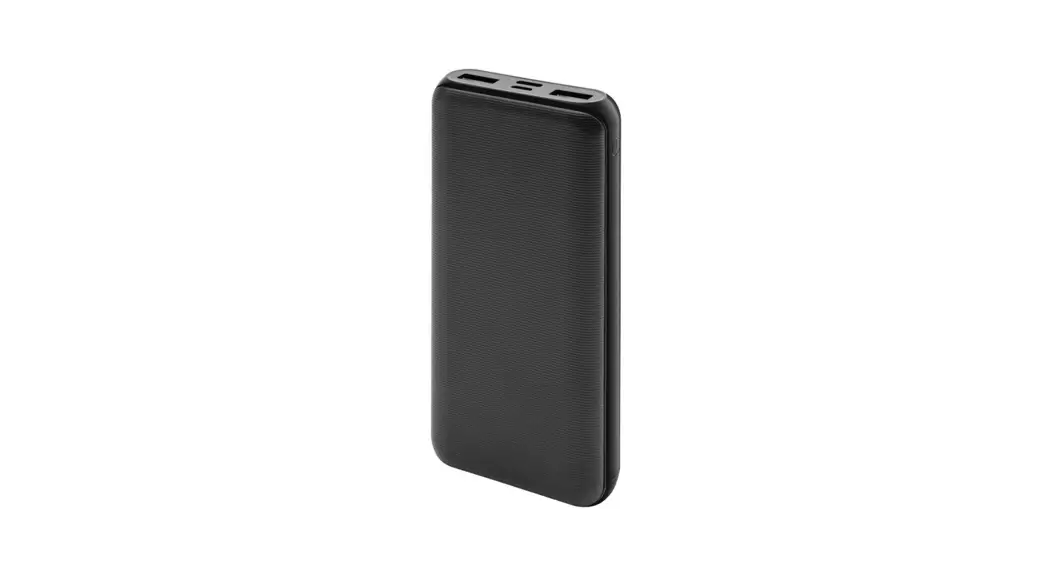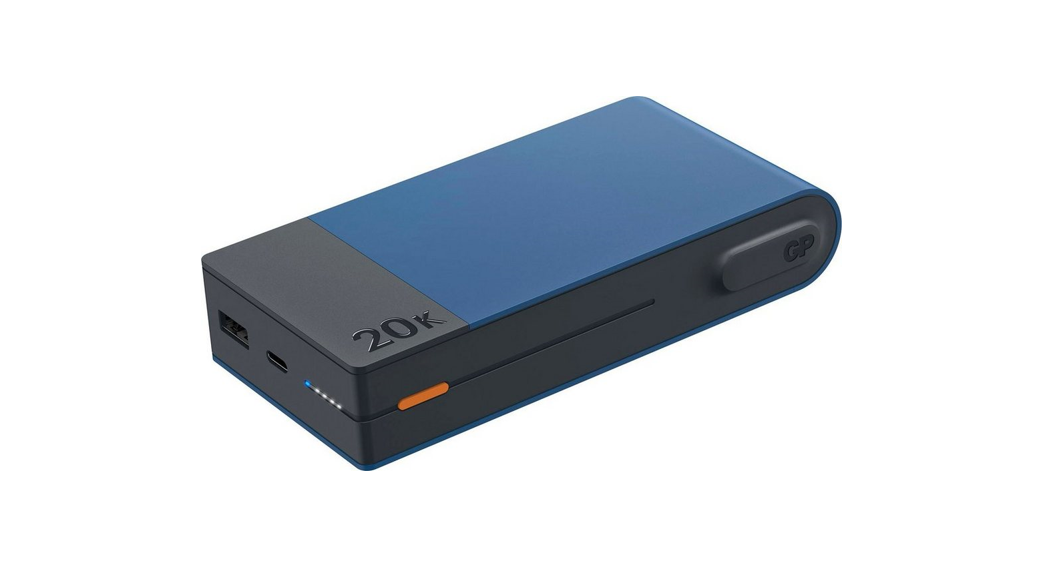
 M20B 20000 mAh Power Bank
Instruction Manual
M20B 20000 mAh Power Bank
 |  |
Read the instruction manual thoroughly before use. Keep the manual for future reference.
Using Your Product
Recharging the Power Bank
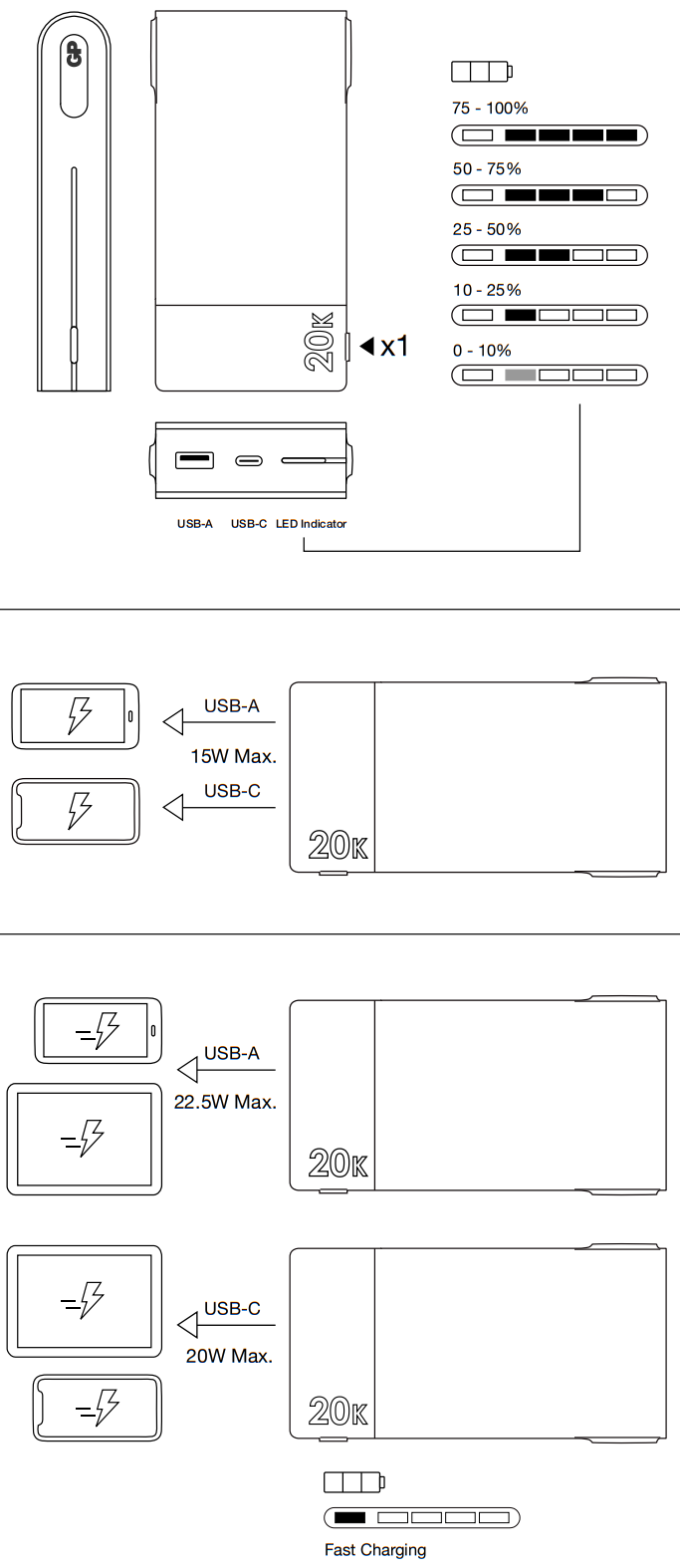
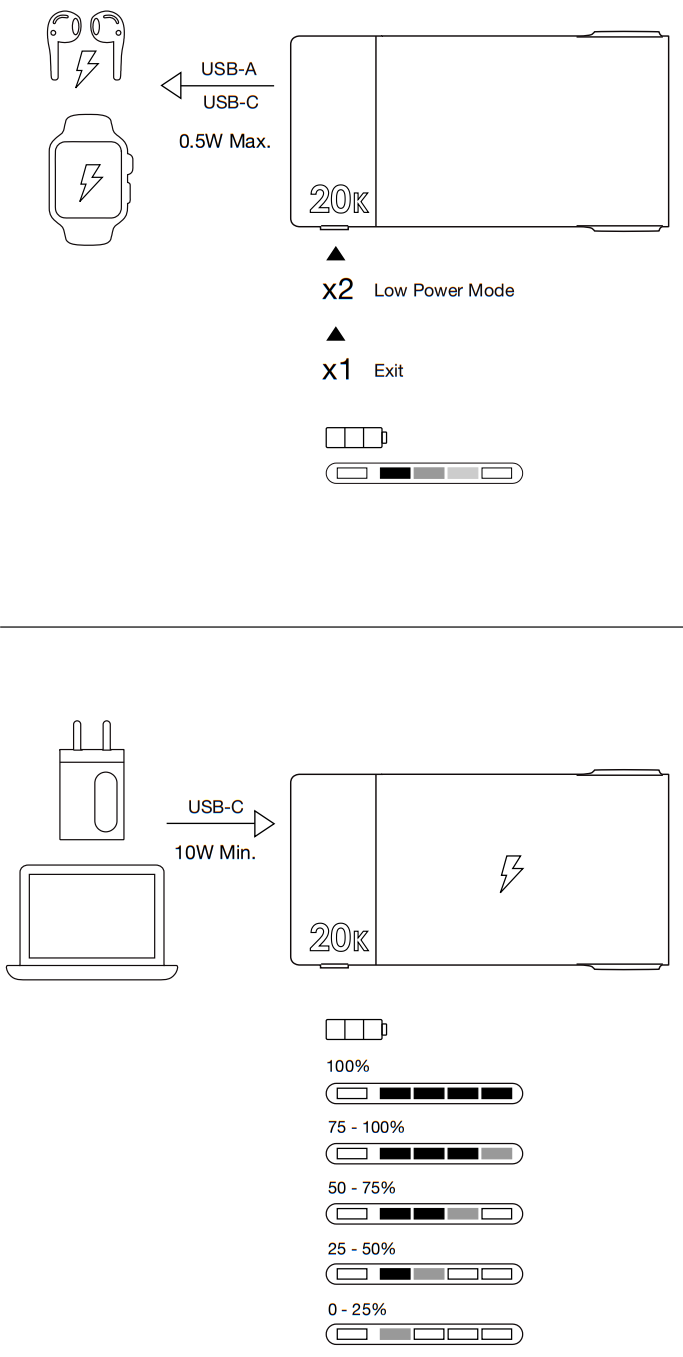
- Connect the Power Bank to the USB charger or computer with the provided USB charging cable. The LED indicators will start flashing during charging.
- Unplug the charging cable when charging has completed.
Charging your devices
- Connect your devices to the USB ports of the Power Bank with a certified USB charging cables. The Power Bank can charge two devices at the same time and will detect the optimal charging speed automatically.
- When a fast charging capable device (supporting PD, QC, SCP, FCP charging protocols) is connected, the blue LED indicator will turn on. Fast charging mode is disabled when two devices are charged simultaneously.
- Unplug the charging cable when charging has completed.
Note: Charging mode may vary based on various factors including devices charged and charging cables used.
Low Power Mode
- Low Power Mode optimizes charging for low power devices such as true wireless earphones and smart watches.
- Double press the button to activate the Low Power Mode. Once activated the LED indicator segments will turn on one by one in succession.
- Low Power Mode is not supported if the Power Bank itself is charged while in use.
- To exit Low Power Mode, press the button once.
User Tips:
- Power Bank will shut down automatically when it’s depleted. A connected phone may charge the Power Bank if the battery level of Power Bank is zero.
- It is normal that the Power Bank gets warm during charge or discharge. It will gradually cool down to room temperature after use.
- Unplug the charging cable when charging has completed.
- Low Power Mode is not supported while the Power Bank is charging.
- To preserve battery lifespan, use and recharge at least once every 4 months.
Specifications
| Input | USB-C PD – DC 5V/3.0A, 9V/2.0 A, 12V/1.5A, 18.0 W Max. |
| Output | USB-C PD – DC 5V/3.0A, 9V/2.22 A, 12V/1.67 A, 20.0 W Max. USB-A – DC 5V/4.5 A, 9V/2.0 A, 12V/1.5A, 22.5 W Max. USB-C+USB-A – DC 5.0V/3.0A, 15.0 W Max. |
| Total Output | 22.5 W Max. |
| Dimensions* | 138(L) x 67(W) x 27(H) mm |
| Weight | 370 g |
| Operating Temperature | 5°C to 35°C |
| Battery Rating | Lithium Polymer 3.7V 20000 mAh 74 Wh |
| Recharging Time | 6.5 hours by 9V/2A via PD USB-C to USB-C cable |
*Recharging time may vary under different operating conditions. Longer recharging time may be required when using for the first time.
Safety Information
Please read below safety notes carefully before use to avoid any personal injury and property damage caused by improper use of the product. Any warranty claims or returns caused by misuses will not be accepted.
- Keep the product away from children and infirm persons.
- Keep the product away from heat sources, combustible gas, humidity and liquids.
- Do not operate a wet or otherwise damaged product.
- Do not attempt to repair, disassemble or destroy the product in any way.
- Keep the product away from metallic or conductive objects to avoid short-circuit.
- Dispose the product as per local law and regulations.
 This device complies with Part 15 of the FCC Rules. Operation is subject to the following two conditions:
- This device may not cause harmful interference, and
- This device must accept any interference received, including interference that may cause undesired operation.
Do not dispose of electrical appliances as unsorted municipal waste, use separate collection facilities. Contact your local government for information regarding the collection systems available. If electrical appliances are disposed of in landfills or dumps, hazardous substances can leak into the groundwater and get into the food chain, damaging your health and well-being.
| Project name: NP-210157_M20_IB_V1_01 | |||
| Material | Color: | ||
| Size | 60 x 120 mm | Spot color |  |
| Scale | 100% | Effect |  |
| Date | Version | Stakeholder | Description of works | Design approve: | Marketing approve: |
| 20201123 | M20_IB_V1_01 | Morris/Odi | A/W | ||
| 20211201 | M20_IB_V1_04 | Morris/Odi | |||
| 20211206 | M20_IB_V1_06 | ||||
210157_M20_IB_V1_06