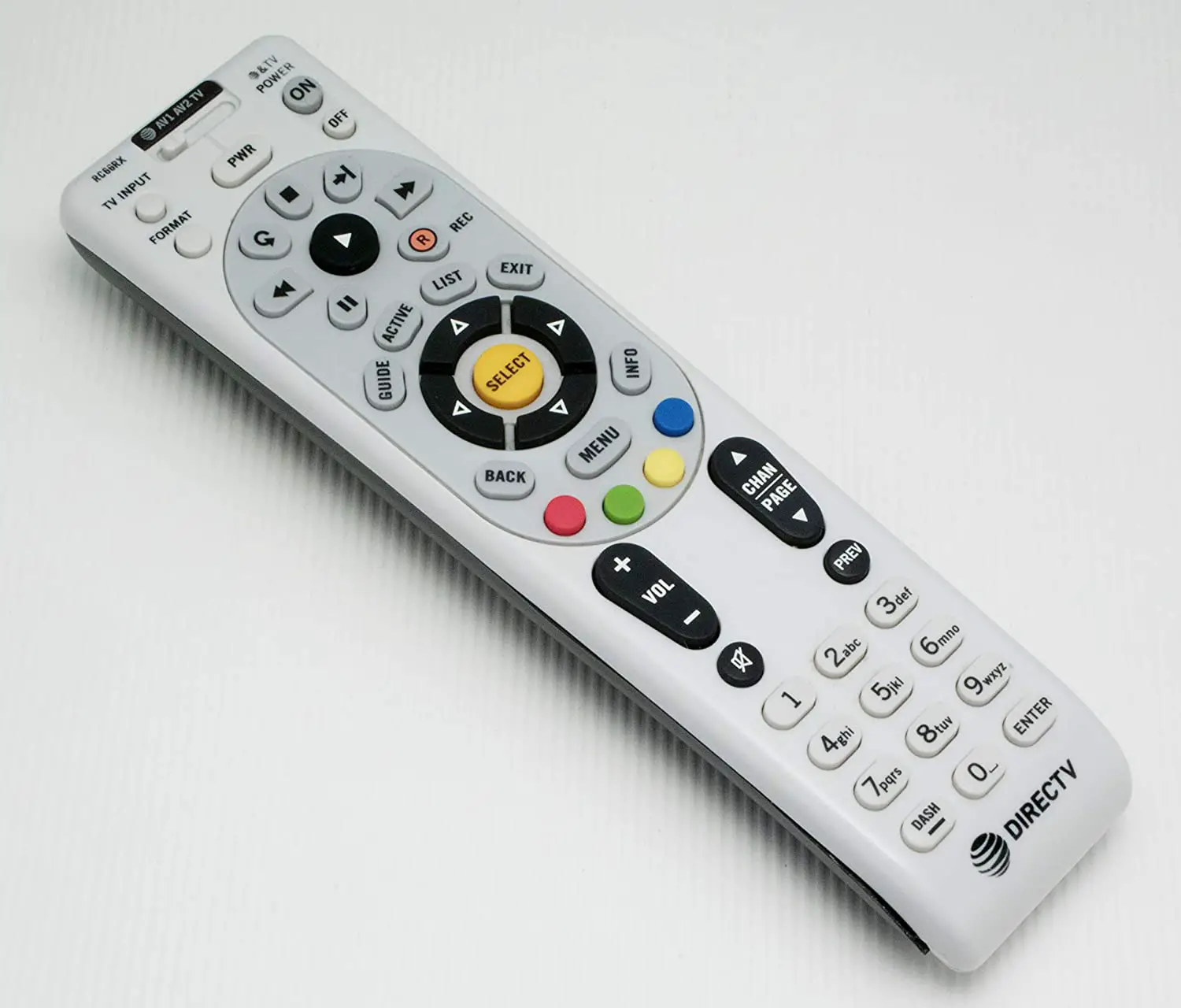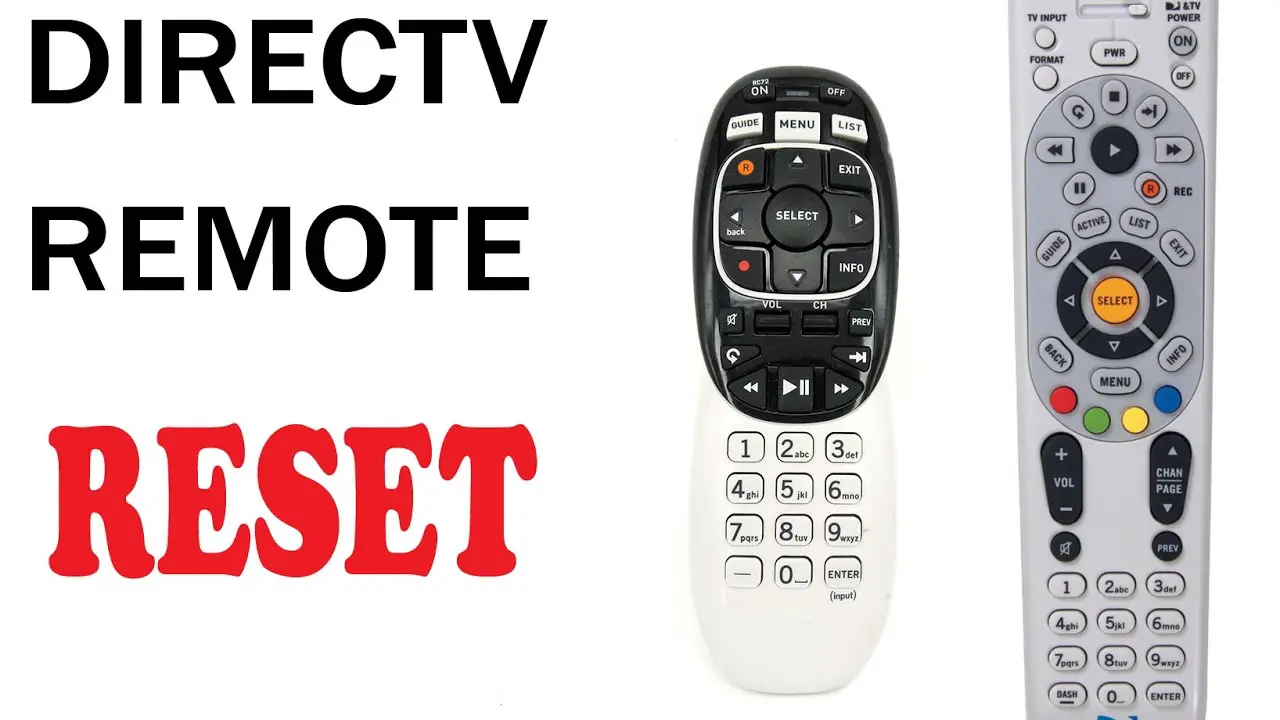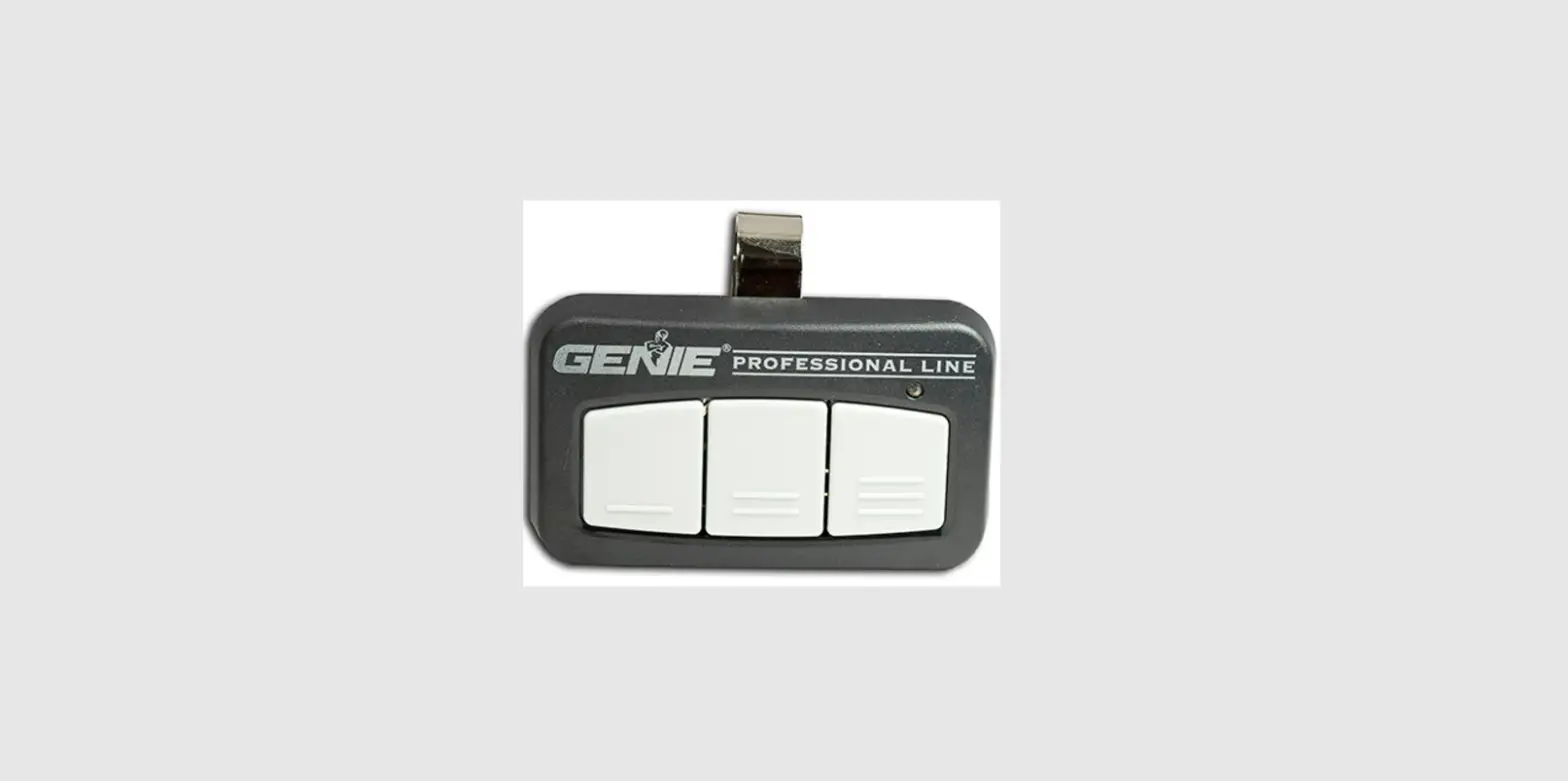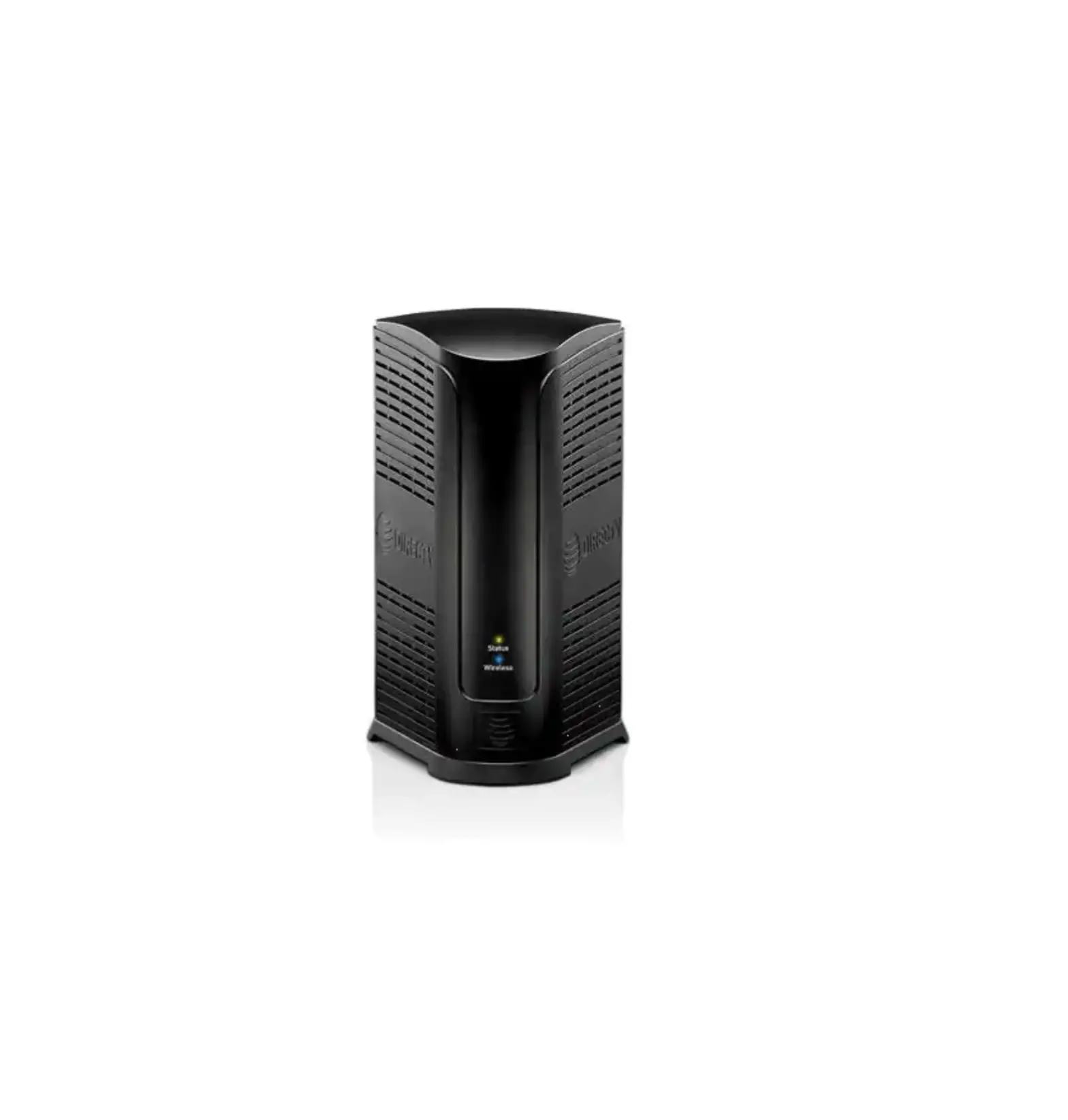
When you have DIRECTV Genie, you’ll also get the versatile Genie remote, which comes with a variety of options to customize your viewing experience. Using the Genie remote is easy – here are some of the Genie remote’s most-used buttons and their functions:
- MENU: Opens your home screen with menu options where you can browse programs, get recommendations, manage your recordings, access extra features, review system settings, and more.
- GUIDE: Launches your channel guide.
- SELECT: Allows you to choose a program or option.
- DASH: Brings you to search options.
- BACK: Returns you to the previous screen.
- R: Allows you to record a program. If you press it twice, it will record an entire series.
- LIST: Displays your DVR playlist and your scheduled programs.
To learn more about using your Genie remote, watch the video or view our Interactive Remote Guide.