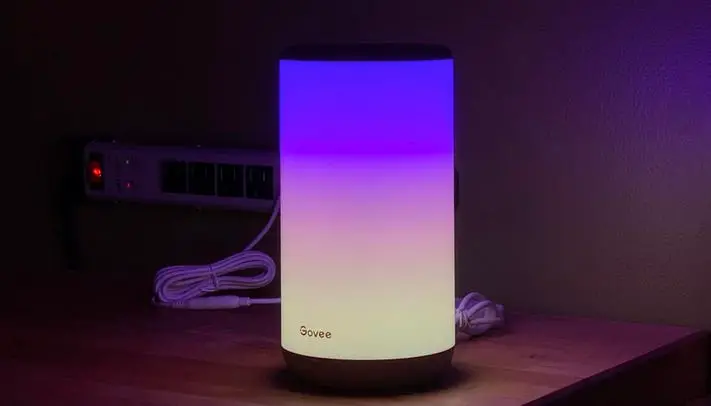
Govee Lamps FAQ
Why does the lamp fail to connect to my WiFi?
- All our Wi-Fi lamps work with 2.4Ghz internet only. Please set a different SSID for the 2.4G Wi-Fi and 5G Wi-Fi if you have a dual band router.
- Make sure the Wi-Fi signal is strong. Please take the lamp closer to the router or reboot your router.
- Delete this device from Govee app and unplug it for hours, then reconnect to your Wi-Fi.
- Please try to use phone’s hotspot to reconfirm.
- If above steps not working, please feel free to contact us via [email protected], our support team will respond to you within 24 hours.
Why can’t the video mode of Govee Flow Pro light bar be set to split screen?
1. Please update the Govee Home app to V4.3 first, then click here to upgrade its product firmware version.
2. If your split screen is still not working, please unplug the light bars, and leave it off for at least 3 minutes and then replug it. Then power off the light by clicking here, picture attached, power on 1 minute later by clicking the same button in the app.
3. Finally, click the Split screen again.
Why can’t the Govee Flow Pro light bar be calibrated?
- lf you would like to use Wi-i control or video function, please install the camera according to the instructions.Then, wait for 20s.
- Please check if the light on your control box turns blue.
- Please check if your device is successfully connected to WiFi.
How to install Govee Glide light?
- You need to pay attention to the alignment of the buckles when connecting each segment of the light, and then press down to connect the two segments. Pay attention to check the back of the light to see if the bayonet between the two segments is firmly connected.
- Connect the power supply after the connection is complete. If the light source passes through each segment of the light, the connection is correct.