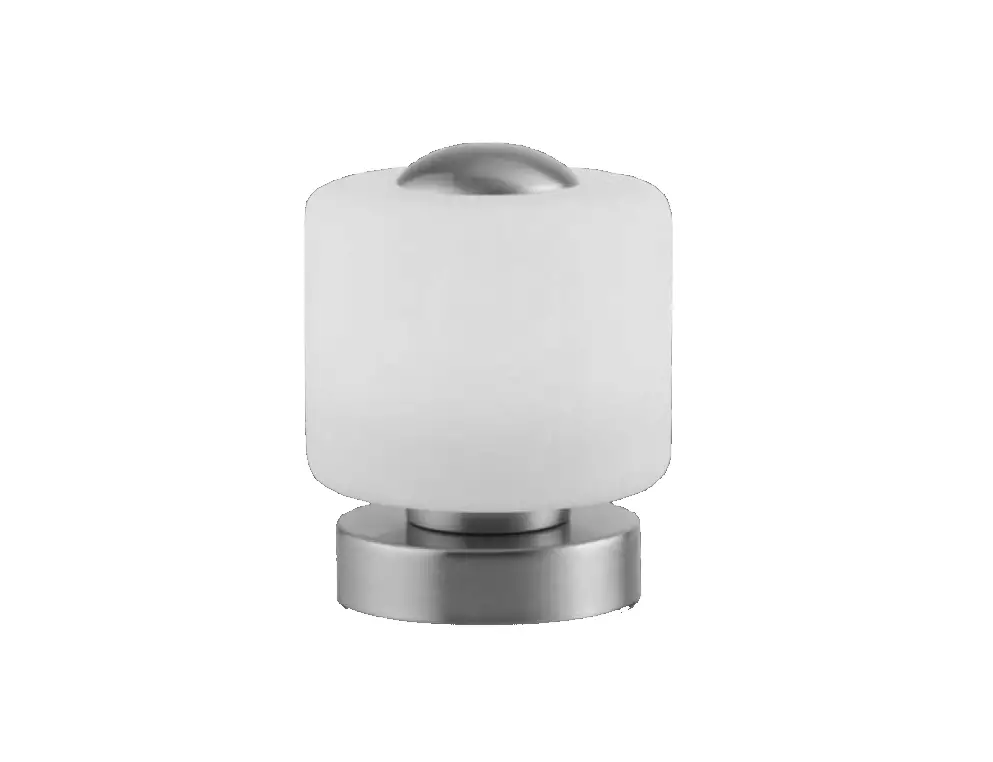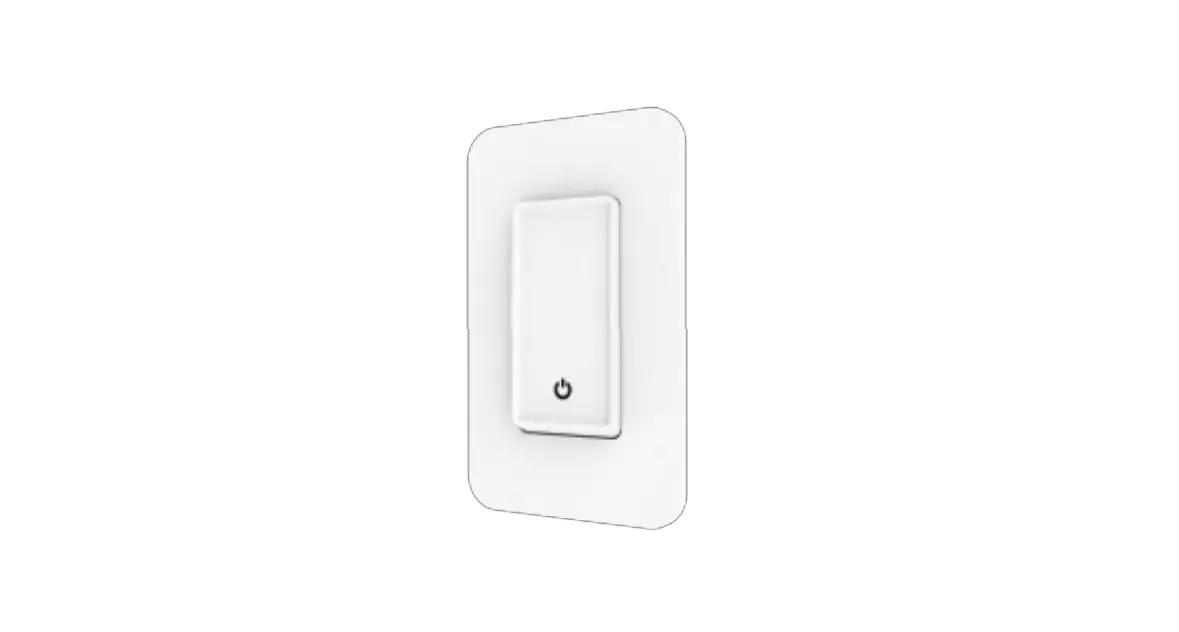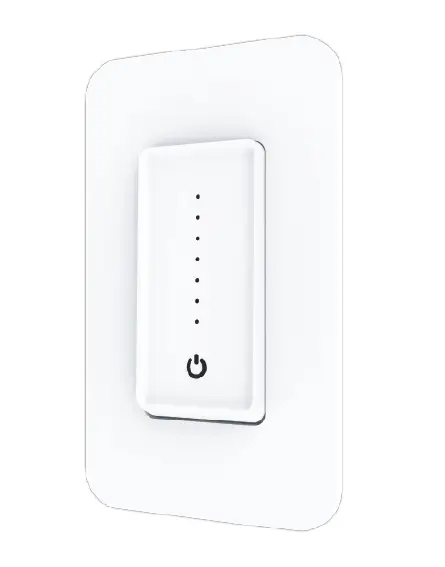

SEADOG LINE 404939-3 Built In Touch On/Dim/Off Switch User Guide
Assembly Instructions
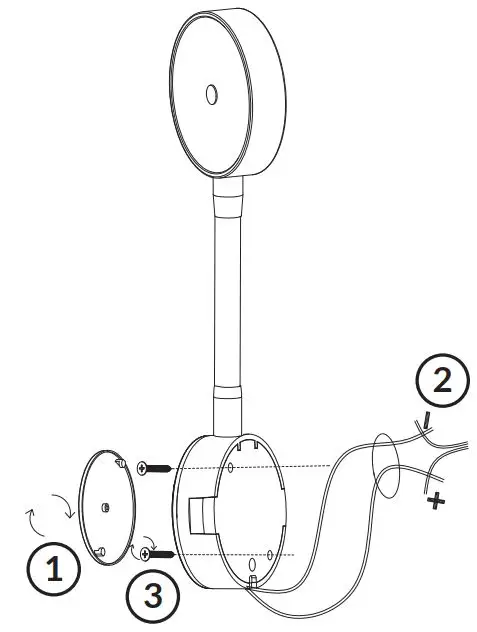
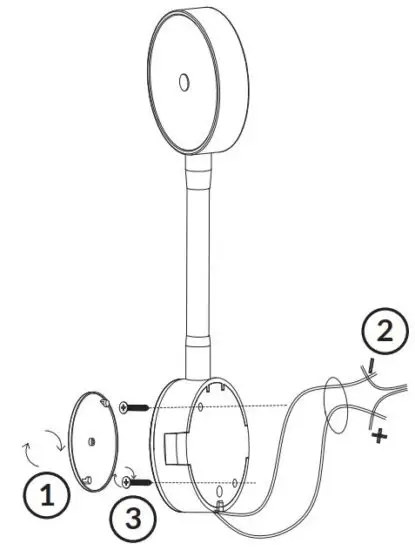
- Remove the face plate by rotating clockwise to reveal mounting holes.
- Connect the positive and negative power wires and test the light to make sure everything is working. Then thread the power wires through the hole.
- Install base to desired location with two #6 FH fasteners. Reinstall face plate by rotating counterclockwise until secure.
How To Use
Touch the center button to switch between red, white, and off. Continue to touch button to activate dimmer. When turning on and off, the light will remember the last brightness setting you selected.
Read More About This Manual & Download PDF:
 Sea-Dog : Quality Marine, Industrial and Rigging Hardware