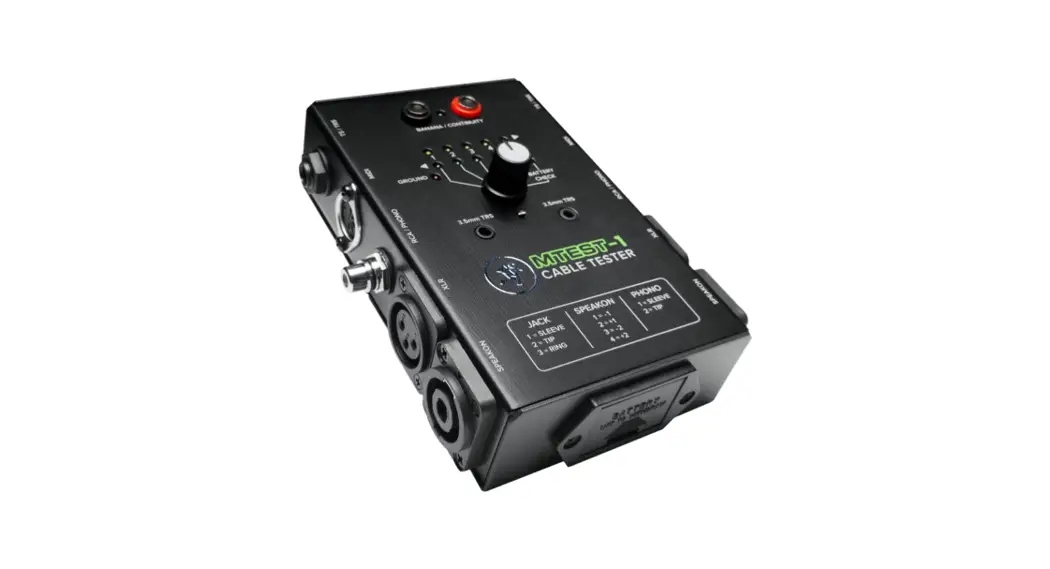
 SES-CT1 Professional Audio Cable Tester
User Manual
SES-CT1 Professional Audio Cable Tester
PROFESSIONAL AUDIO CABLE TESTER
The Sescom SES-CT1 is a 9-in-1 professional audio cable tester that allows for quick and convenient testing and diagnosis of up to 9 different cable terminations. Simply connect your cable to the appropriate port and turn the LED-equipped knob to check each pin’s connection. The 9V-powered SES-CT1’s LEDs confirm each conductor’s continuity and connection as well as its ground. Assembled in a heavy-duty metal box and includes a pair of test probes & 9V battery.
FEATURES
- 9-in-1 Audio Cable Tester
- Allows for Quick and Convenient Testing for Many Types of Cables
- 9-Way Switch for Selecting Connections and Battery Check
- Ground Connection Status Checker
- LEDs to Confirm Each Conductor’s Continuity and Connection
- Heavy Duty Metal Construction
- Includes a Pair of Test Probes & 9V Battery
INSTRUCTIONS
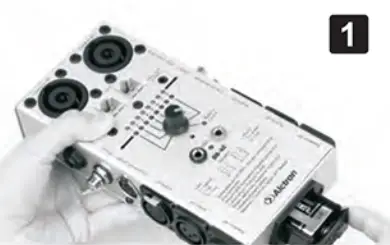
- To install the battery, °peddle battery cover and insert into the cabin under “+” “-“, push down until you hear a click which indicates the battery clocking.

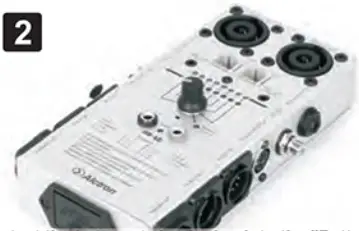
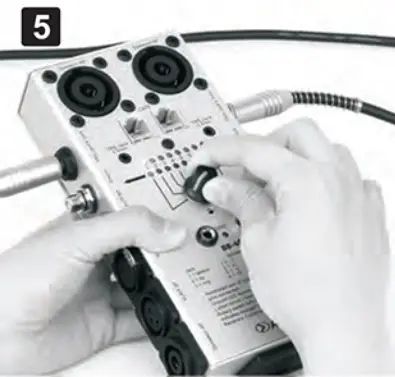
- To test the battery, twist the knob to the “Battery Check”, the green light indicates the battery is fully charged. If not, please re-open the battery cover to check if it is in the wrong position or if it has run out of energy.

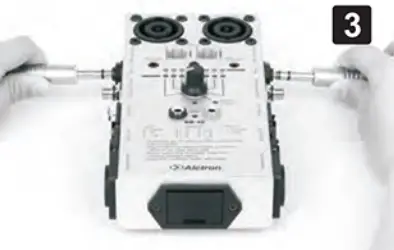
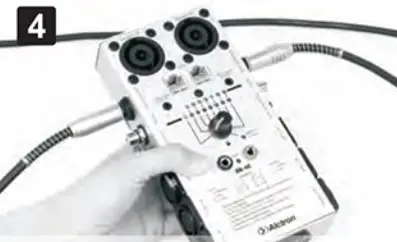
- To connect cables, insert the cables you’d like to test into the corresponding inputs.

- To test the cable’s piri “1”, twist the knob to position 1. If the indicating lights are green and yellow, your cable is testing successfully.

- To test the cable’s pin “2” and “3”, twist the knob to position “2” and “3”. If both LED lights are on, it indicates that pin 2 and pin 3 of this line is testing successfully. If one of the lights is not on, it is indicating there is a failure with this line.

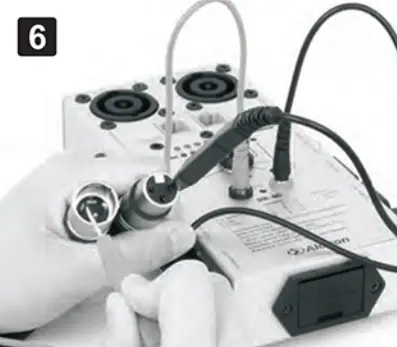
- To use probe lines, insert two probe lines into the banana jacks. If you hear buzzing and a yellow LED light is on, it indicates that the line is testing successfully. To test audio cables with differing connectors, use the probe pen to connect them, if you hear buzzing it indicates the line is testing successfully.
SPECIFICATIONS
- Tests: SpeakON: 4-Pole & 8-Pole, 1/8″: TRS Mini Stereo 3.5mm Jacks 1/4″: TRS Stereo 6.35mm Jacks, CATS, Phono/RCA DIN: 3-Pin/5-Pin/7-Pin/8-Pin, XLR Male & Female 5-Pin & 3-Pin
- Dimensions (LxWxH): 7.31 x 3.46 x 2.40″
- Weight: 1.81 lbs (823 grams)
SERVICE
If your product needs servicing, follow these instructions: Contact us if your unit is not working properly.
Reach us at [email protected] or by phone at 845-246-1915
Copyright Sescom. All rights reserved. Specifications and appearance subject to change without notice.
SESCOM
Phone: 845-246-1915
Email: [email protected]
PO Box 720
Mount Marion, NY 12456
www.sescom.com