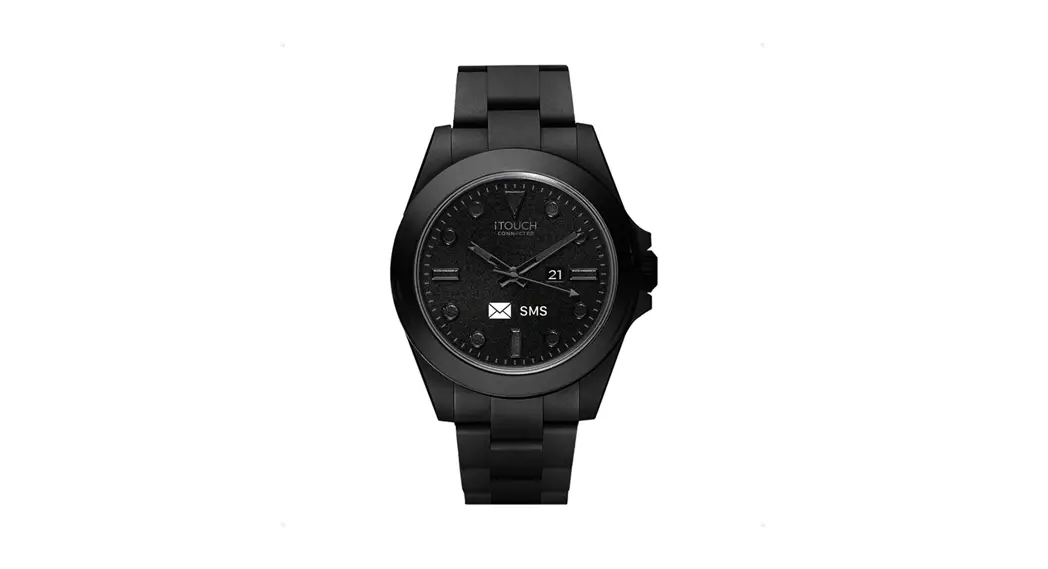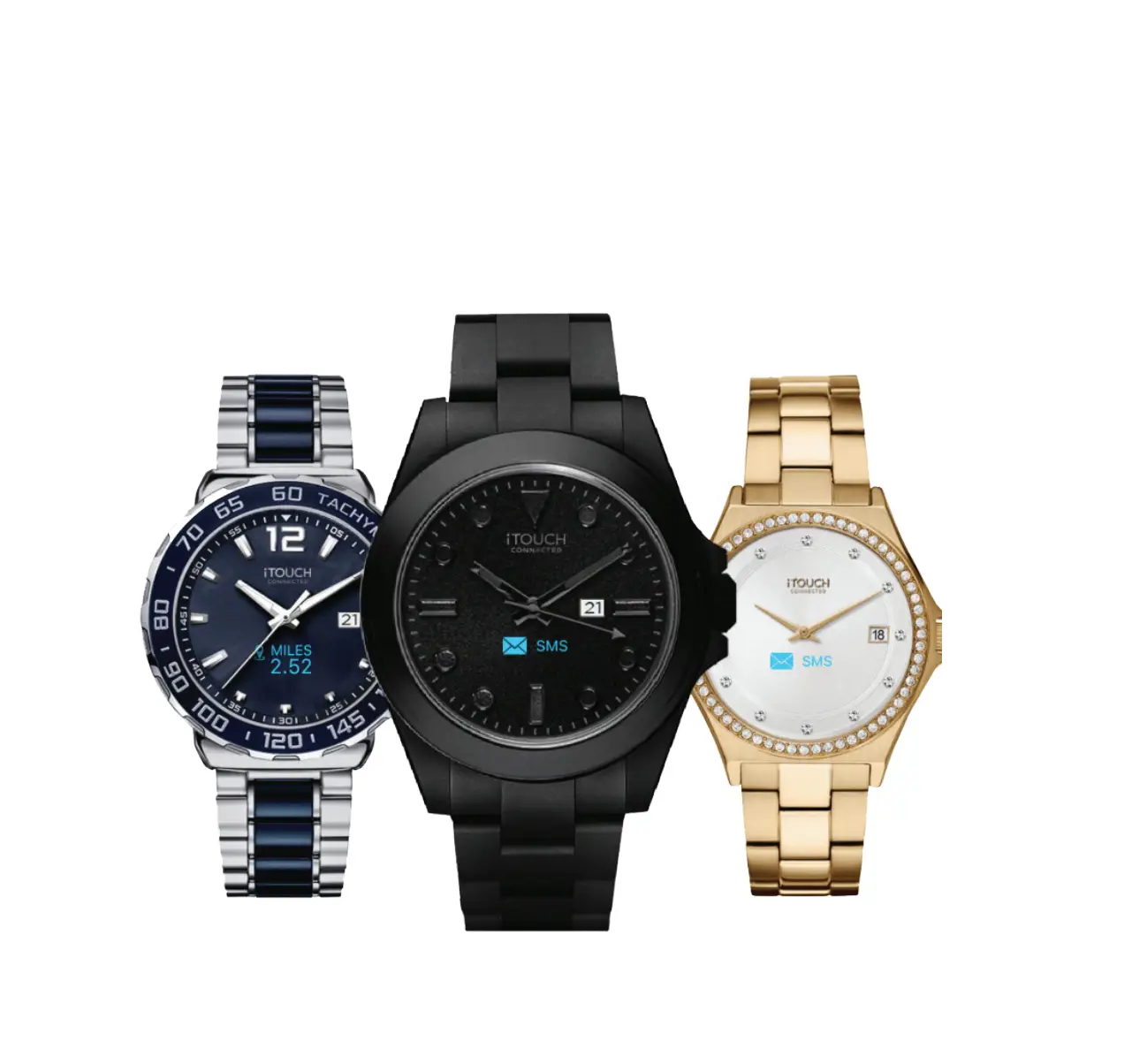
 ANALOG SMARTWATCH
QUICK START GUID
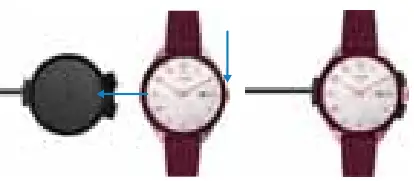
CHARGING YOUR WATCH
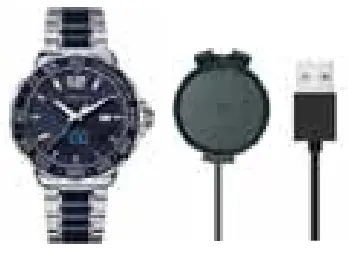
We recommend plugging the USB charger into your computer to charge your watch
CHARGING YOUR WATCH
Align the adjustment knob to fit into the opening of the charger. Click the watch into a place with the metal backing of the watch touching the metal pins on the charger
HOW TO TURN ON/OFF
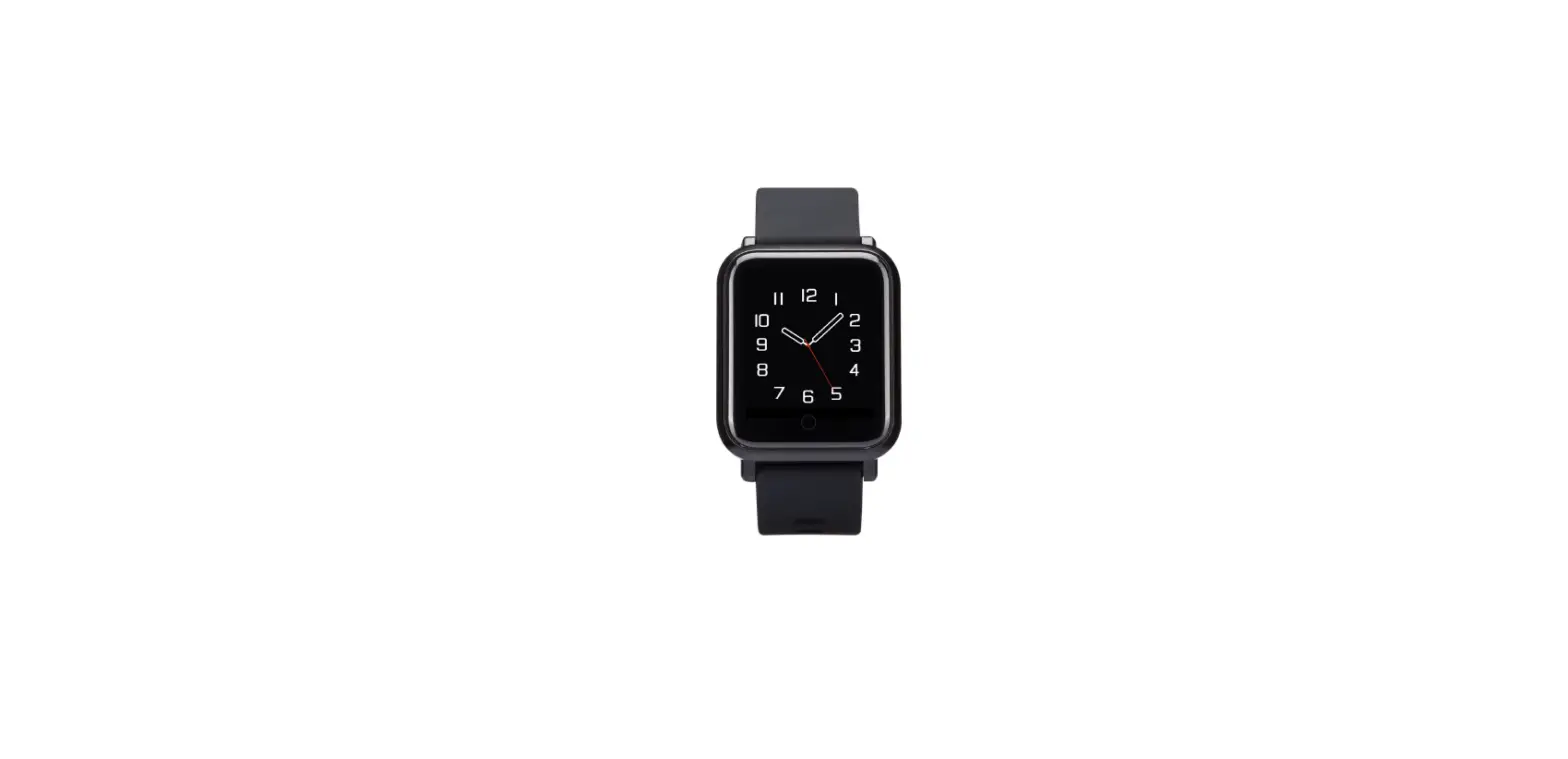
Power on: Tap and hold the screen anywhere between the 2-3 o’clock area on your watch. Power off: T ap anywhere between 2-3 o’clock on the watch to navigate to the power icon. While on this screen, simply tap and hold your watch between 2-3 o’clock to fully turn off your watch.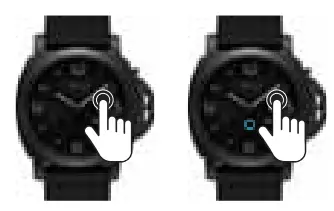
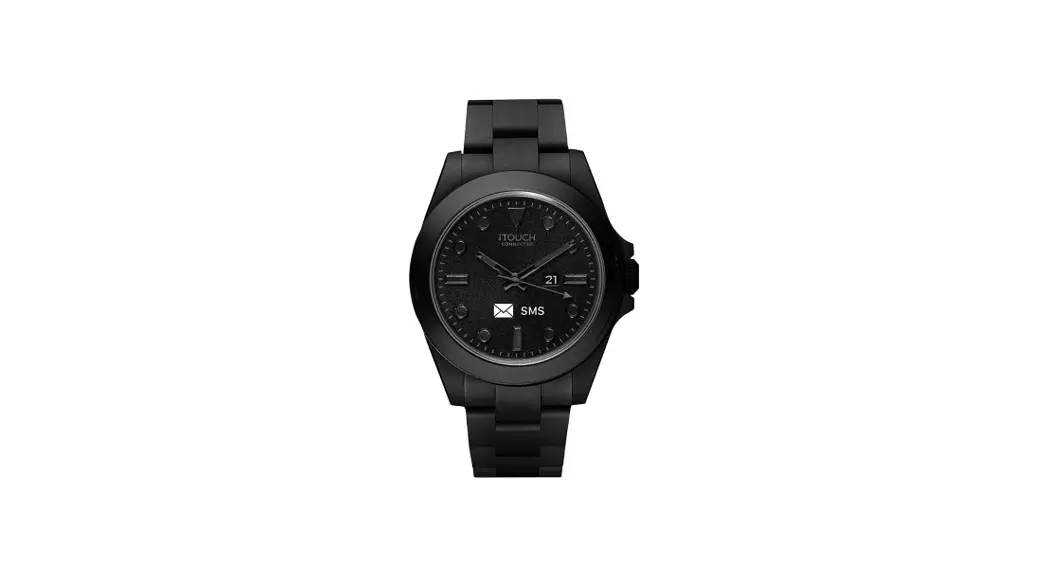
ENJOYING YOUR ITOUCH CONNECTED ANALOG SMARTWATCH
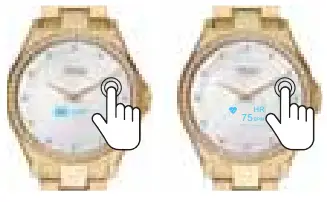
T ap anywhere between 2-3 o’clock on the watch to navigate through the features of your device. Simply tap and hold the screen anywhere between 2-3 o’clock on your watch to activate a feature.
CONNECT THE APP FOR ANDROID
- Download iTouch Wearables App
- Please make sure your Bluetooth is Turned On
- Open the app to create a profile
- Please make sure Location Services are TURNED ON
- Tap the “Add a Device” button on the top of the Home page
 Once connected, a Bluetooth icon will appear on your watch.
To manually sync your fitness data with the app, drag it down the Home page to update. 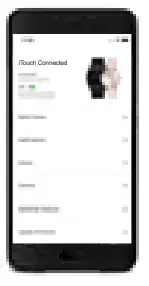
CONNECT THE APP FOR iPhone
- Download iTouch Wearables App
- Please make sure your Bluetooth is Turned On
- Open the app to create a profile
- When prompted to allow iT ouch Go access to your location, please tap ‘Allow while using App’
- Tap “Turn On All Categories”, then tap “Allow” (top right corner) for your data to sync with Apple Health
- Tap the “Add a Device” button on the top of the Home page
 Once connected, a Bluetooth icon will appear on your watch.
To manually sync your fitness data with the app, drag down the Home page to update.
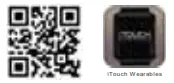 https://uqr.to/iko2
Scan the QR code to be brought to the appropriate app for your phone to download.
SYSTEM REQUIREMENTS
(Android 9.0 and up) (iOS 13.0 and up)
Make sure your phone’s Bluetooth is turned on and enabled.
For user manuals, please visit the
Help Center at www.iTouchWearables.com
 Affordable Smartwatch & Fitness Trackers – iTOUCH Wearables