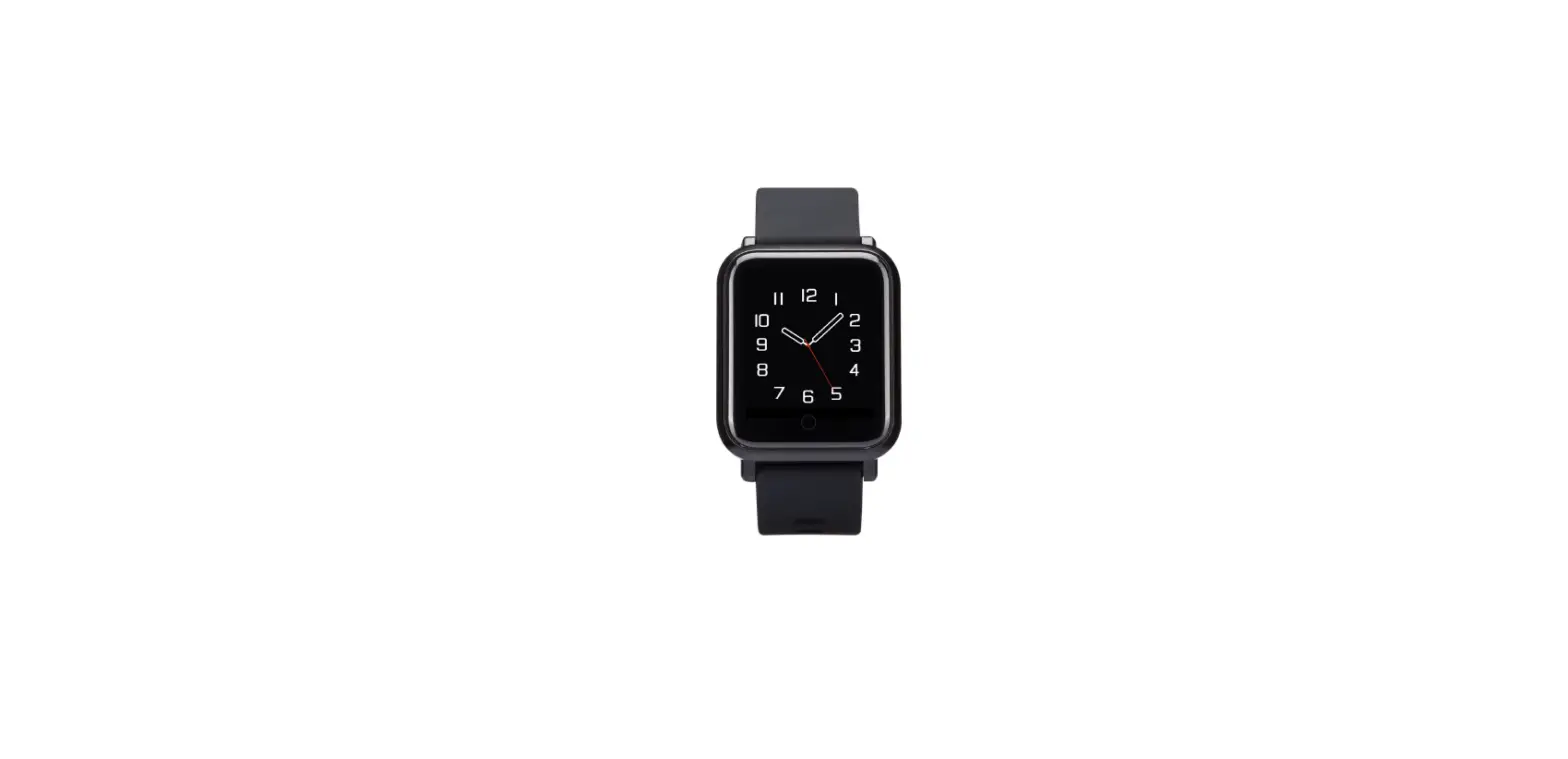
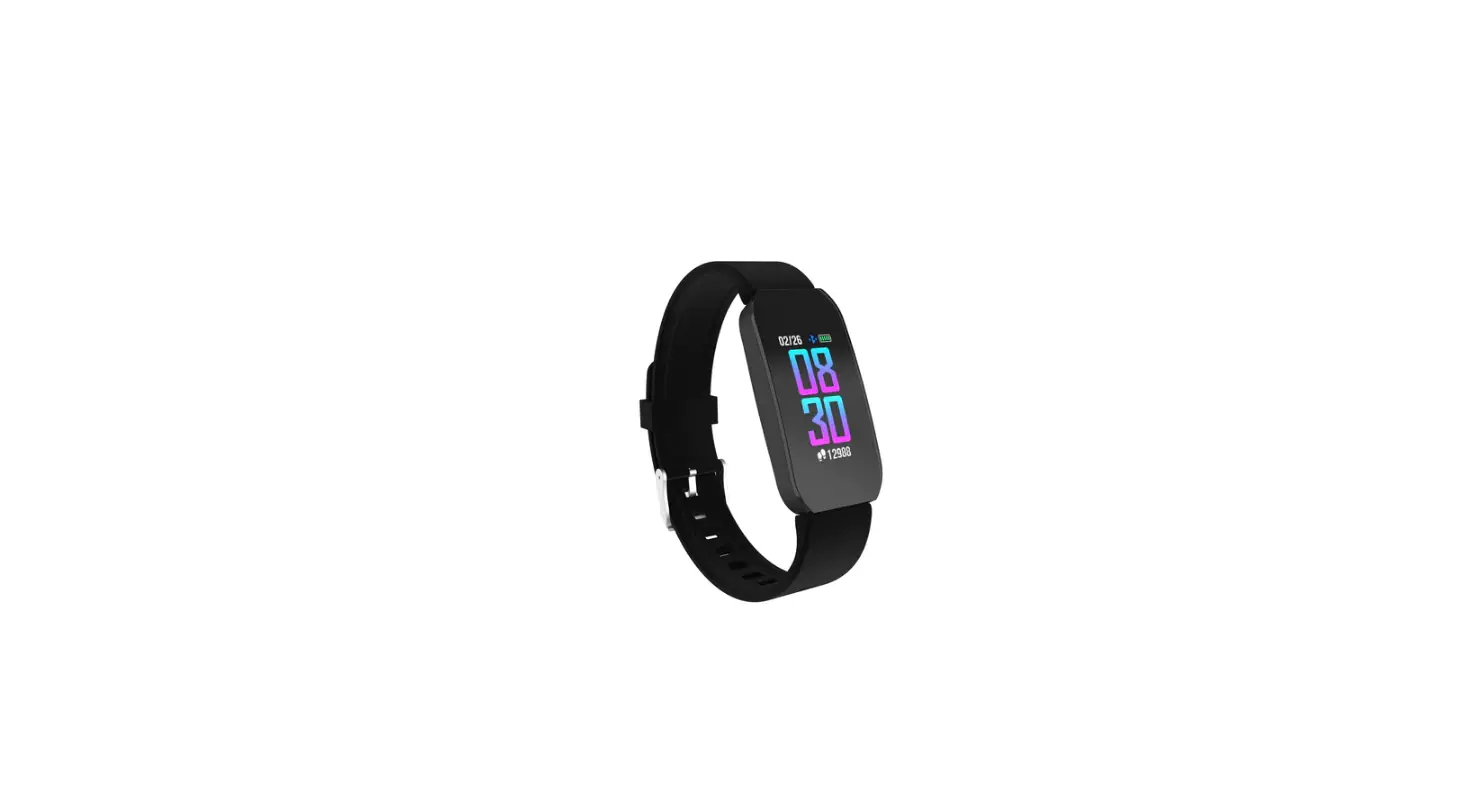
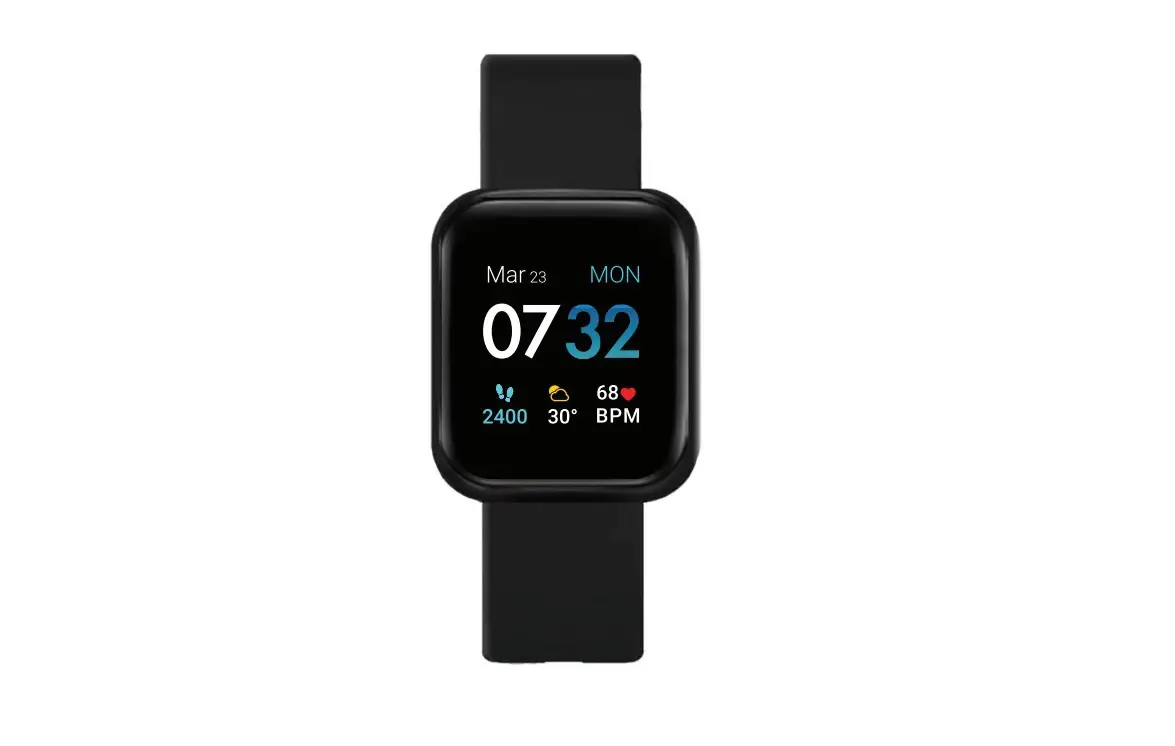
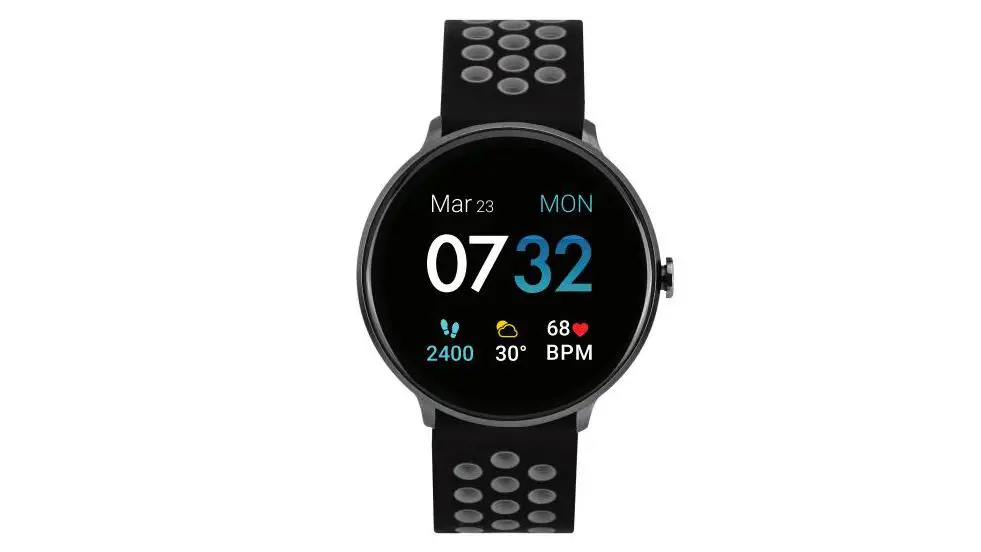
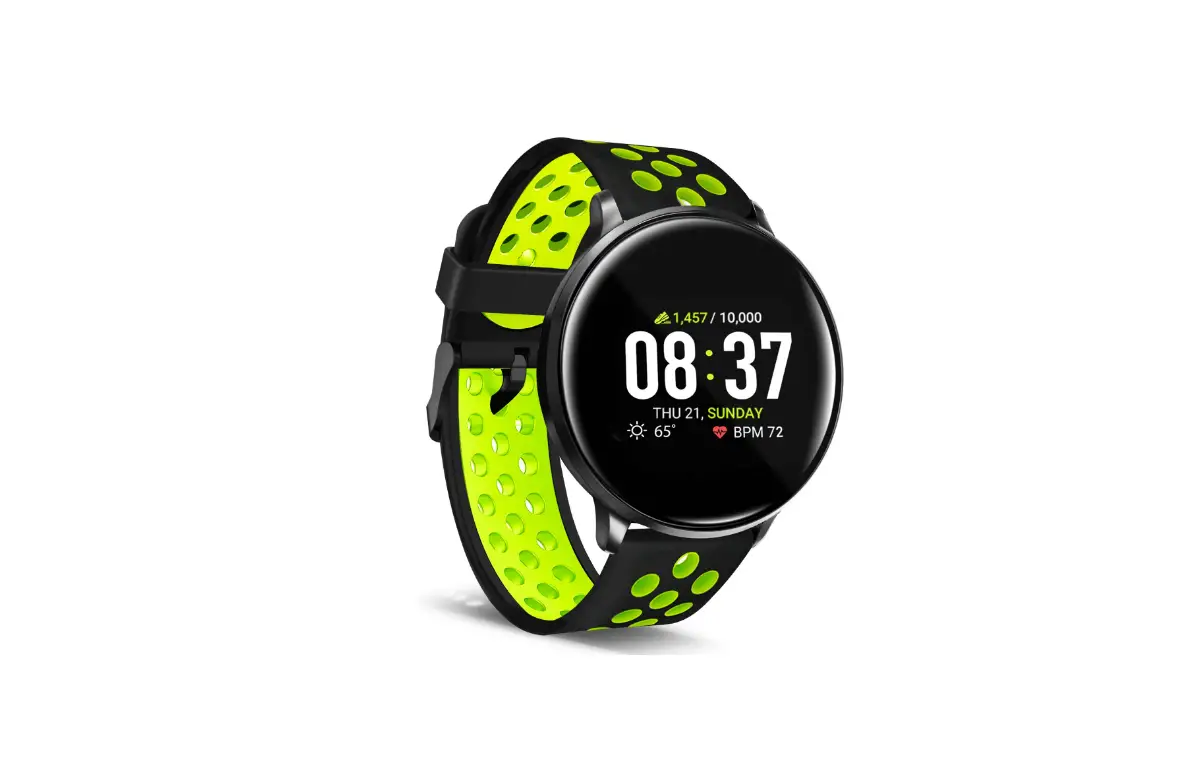
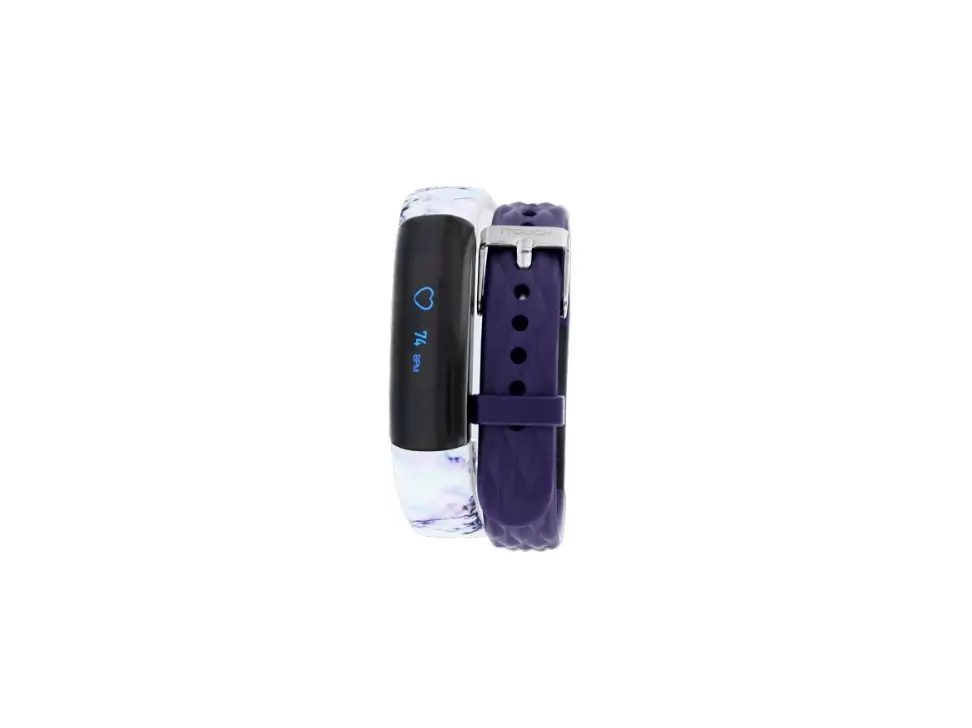
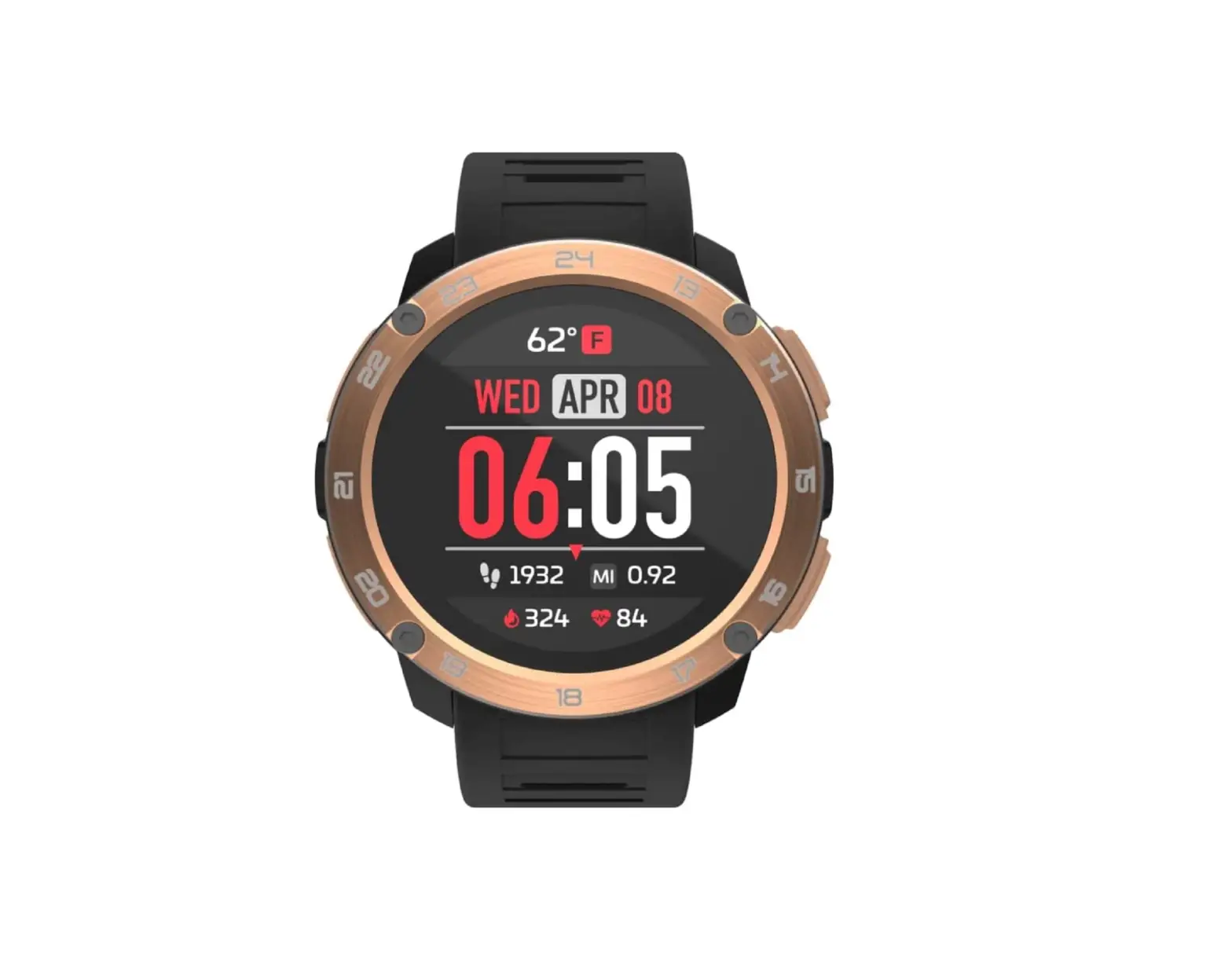
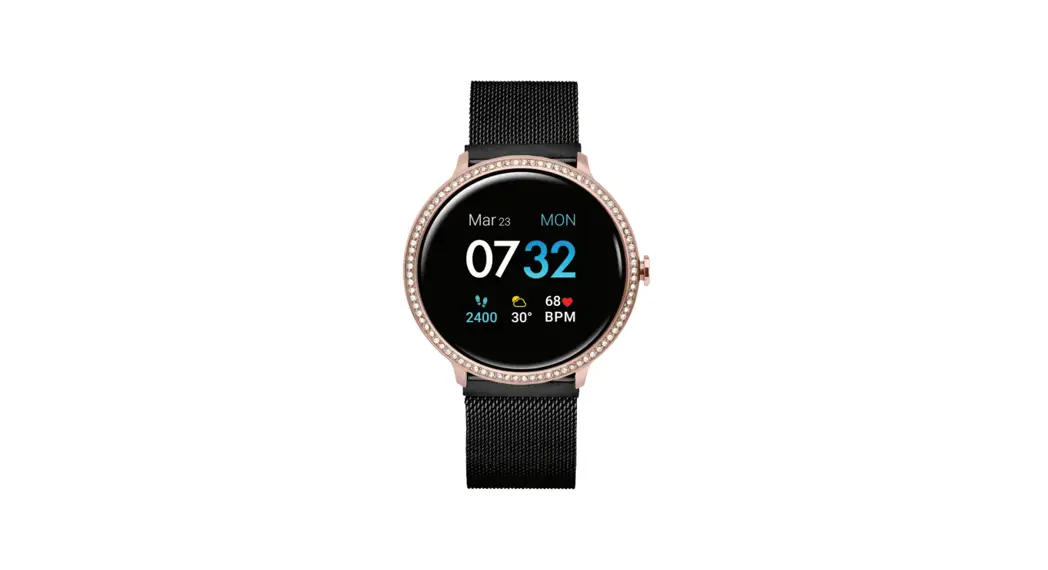
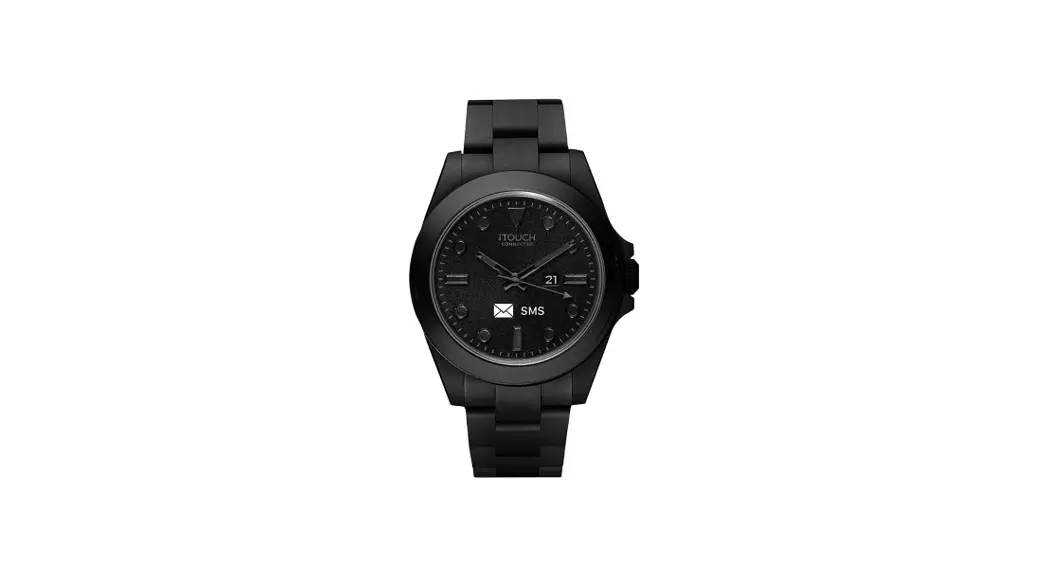
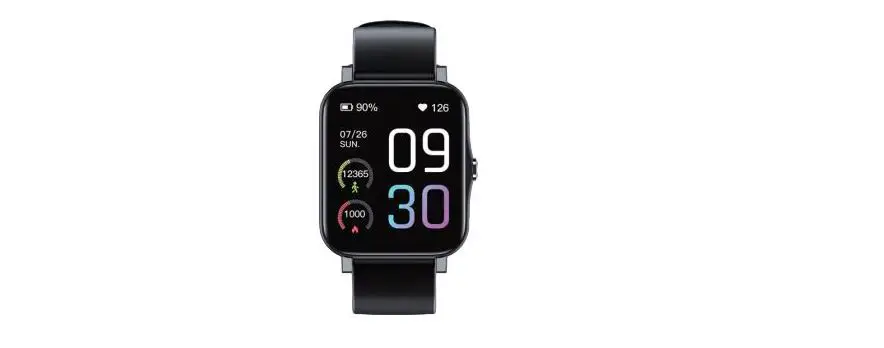
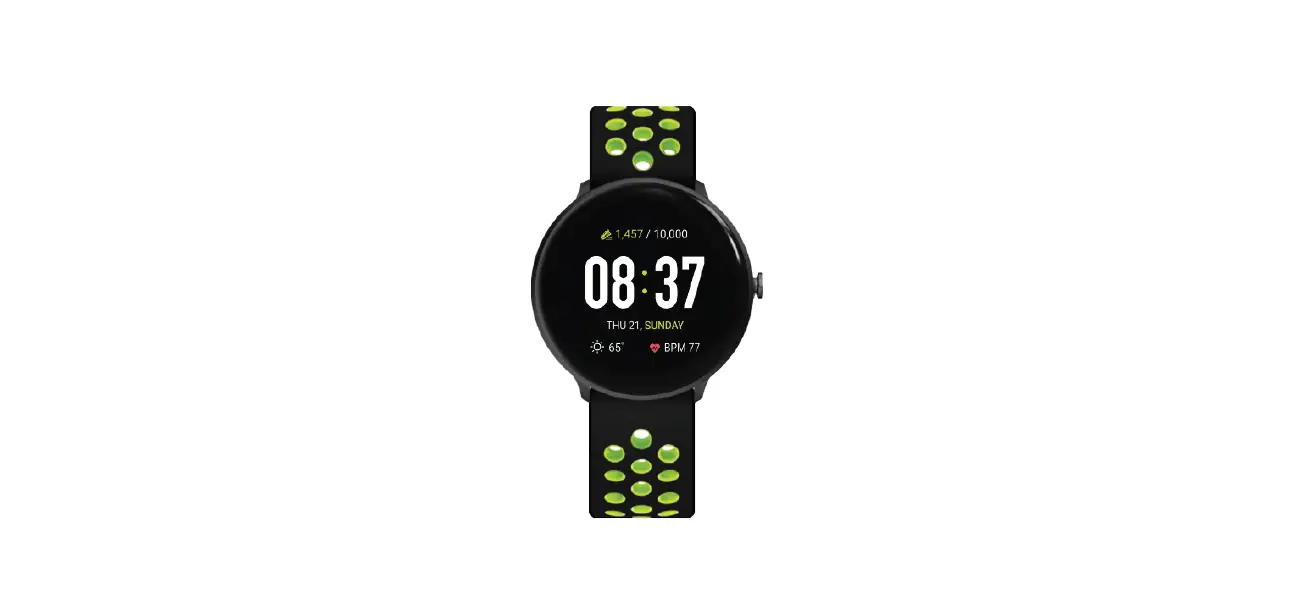
iTouch Air SE Smartwatch Setup Manual
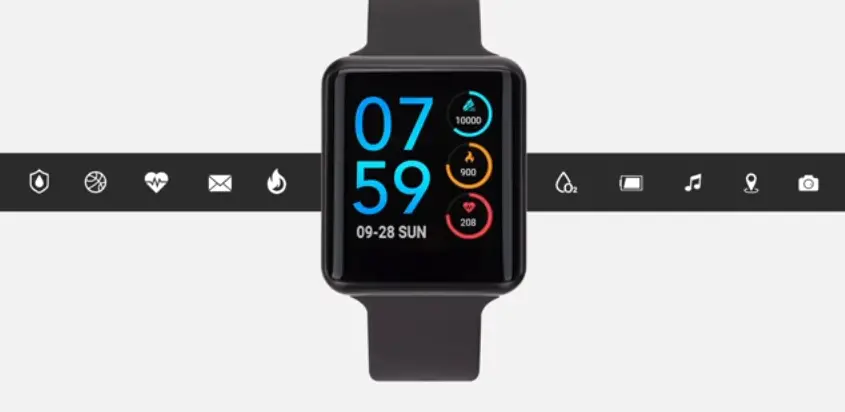
iTouch Air SE Smartwatch Setup
Setting up the I touch air special edition SmartWatch
CHARGING

- Plug the charger into the power source.
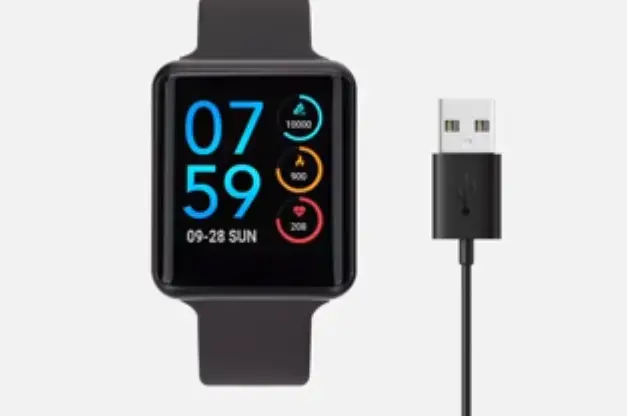
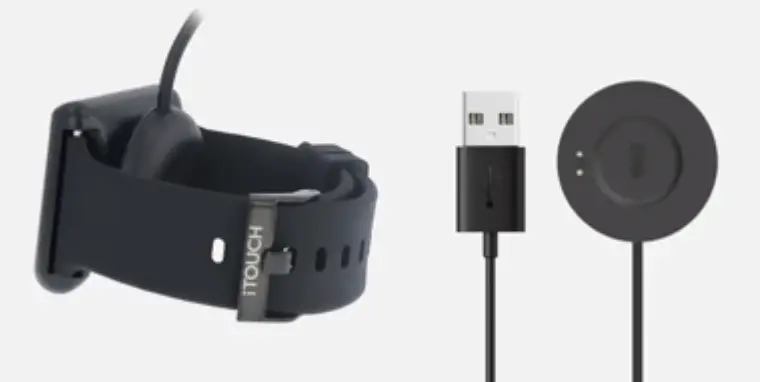
- Place your SmartWatch onto the magnetic charger included to ensure proper charging make sure to align the metal prongs of a magnetic charger to the SmartWatch
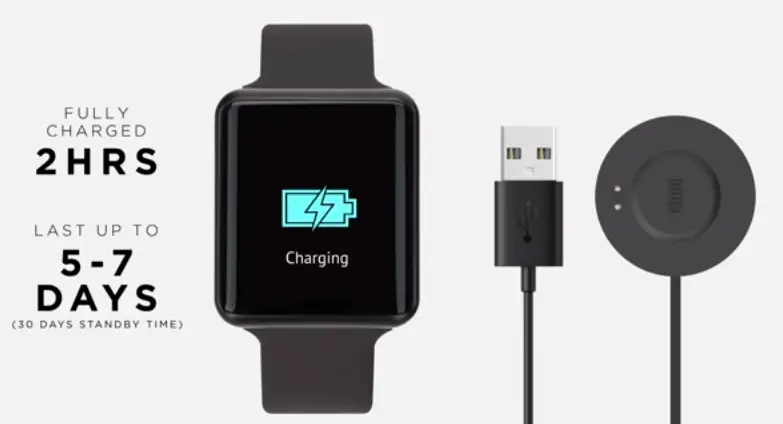
- A charging battery icon will appear on the SmartWatch base as it charges your SmartWatch is fully charged within 2 hours and should last up to 5 to 7 days based on usage.
PAIRING
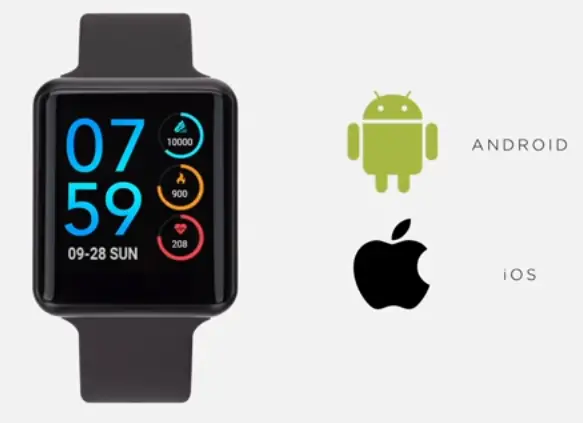
- Your eye touch air special edition SmartWatch is Android and iOS compatible download the iTouch wearables app.
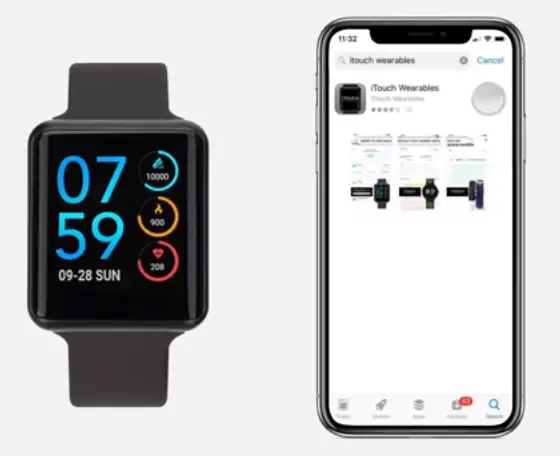
- On your phone follow the on-screen instructions to continue allow I touch wearables to send you notifications.
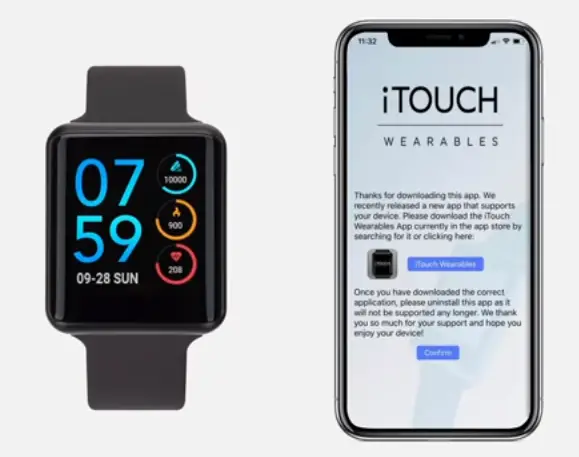
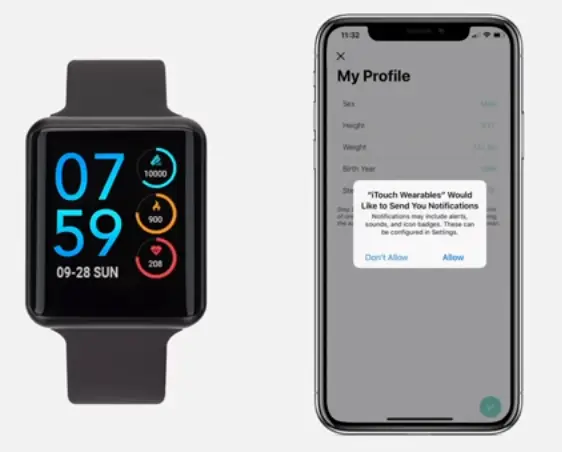
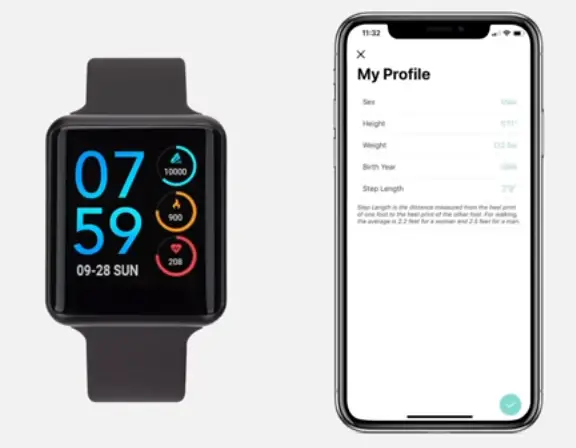
- Begin by setting up your profile.
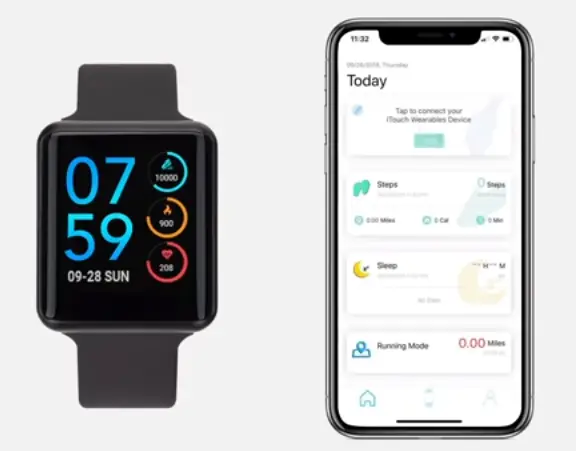
- From the I touch wearables dashboard tap Add and begin searching for your SmartWatch.
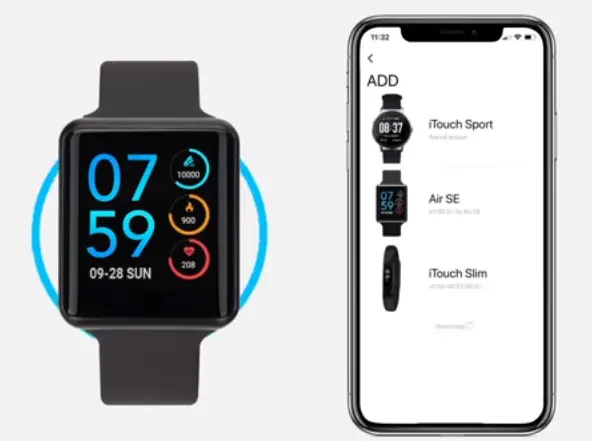
- Make sure Bluetooth is enabled on your smartphone via settings tap air s II to begin pairing pair.
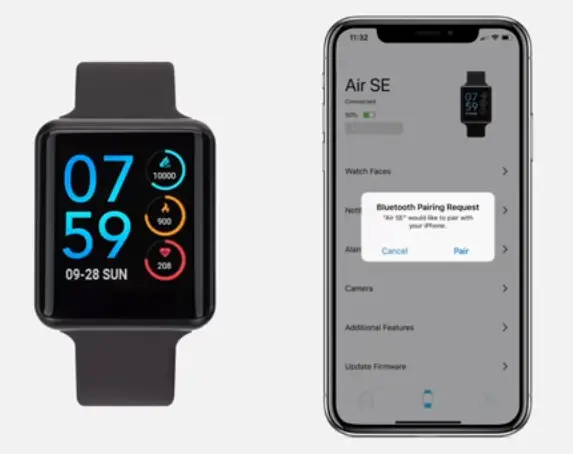
- Your I touch air special edition with the smart phone allow I touch wearables to access your location.
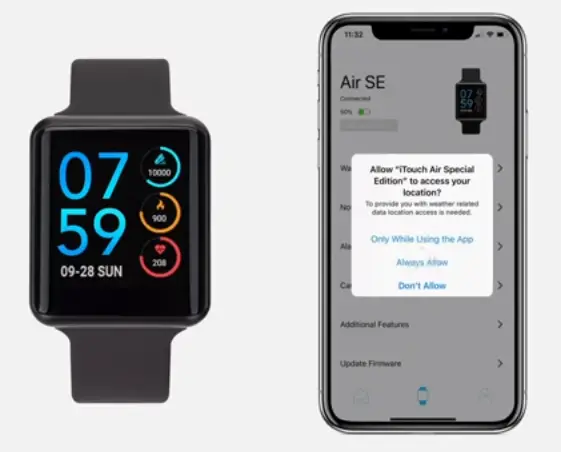
- Your I touch a or special edition is now fully connected and ready to be used.

- In order to sync your SmartWatch data be sure to leave I touch wearables app running in the background on your smart phone.

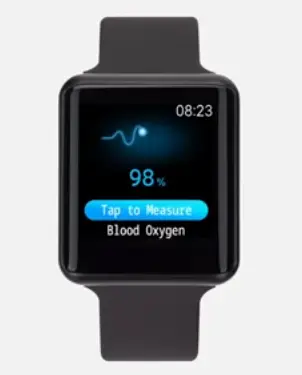
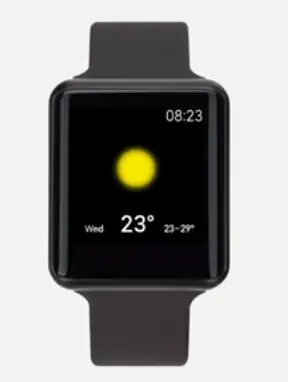
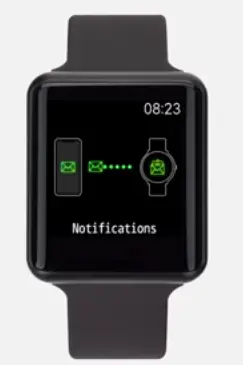
Exiting out of the app will prevent data from syncing enjoy all the features the SmartWatch has to offer.
For more information and troubleshooting tips visit us at www.itouchwearables.com or contact customer care you can reach customer care at [email protected] or call +1 (888) 200 – 6081.