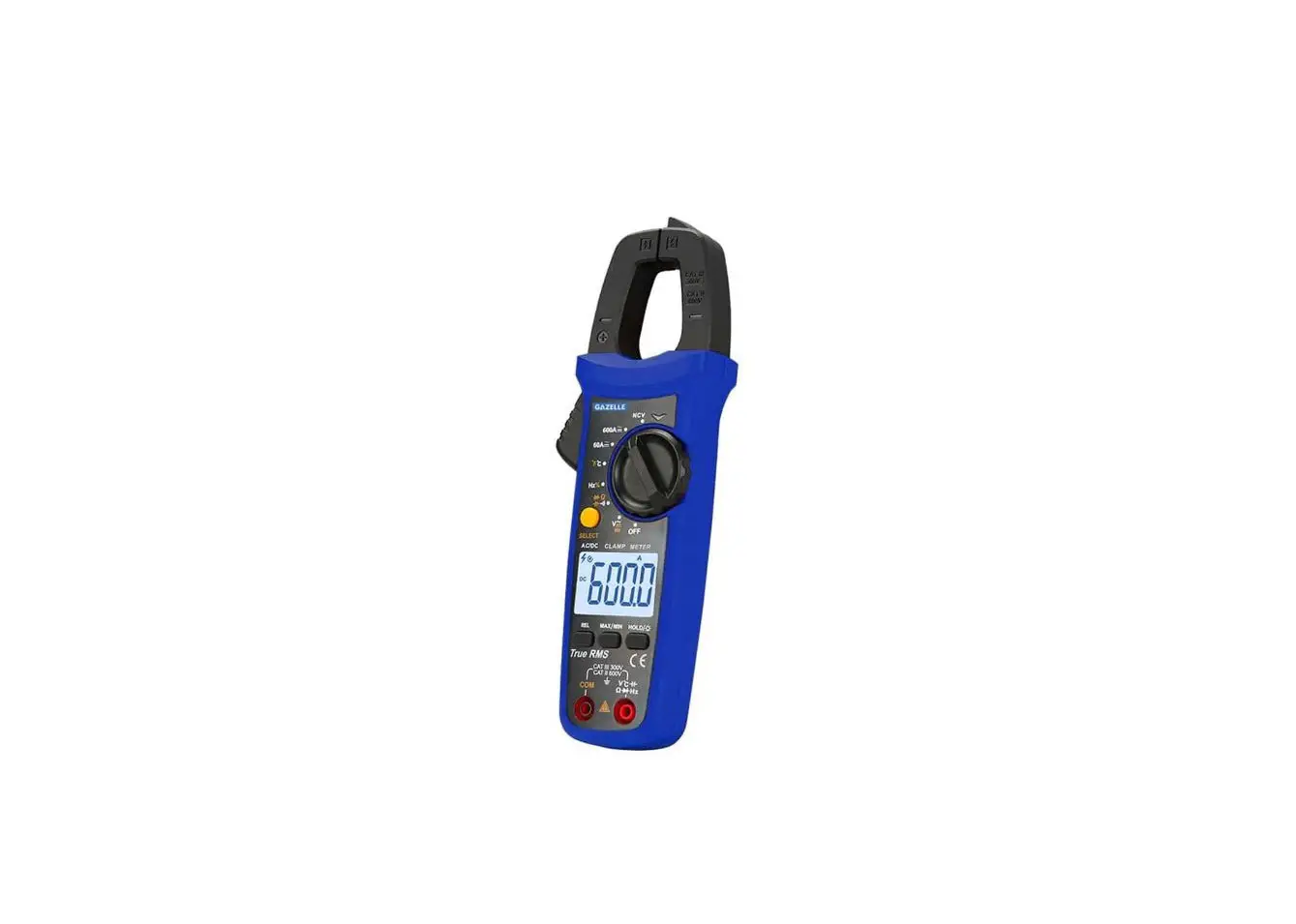
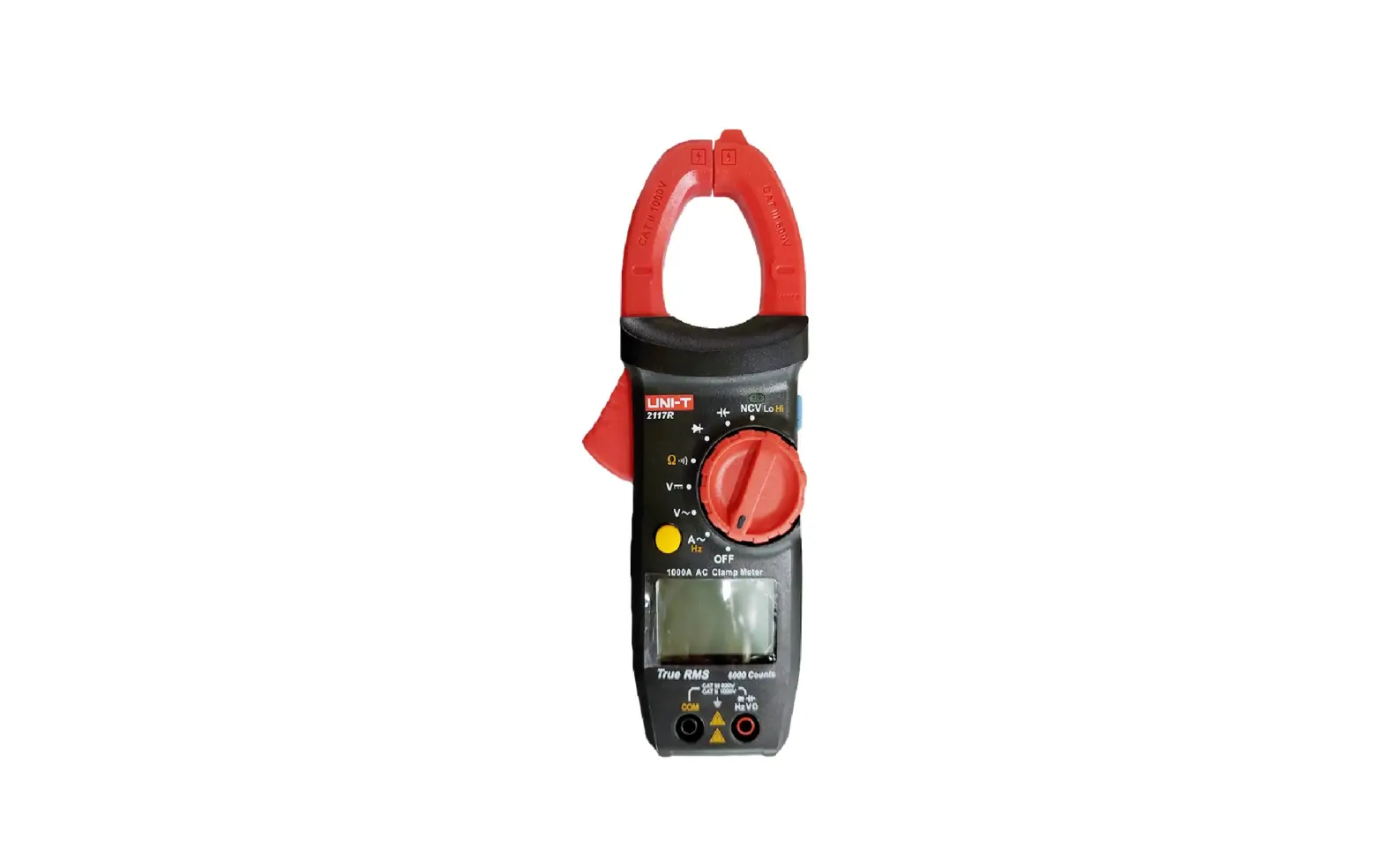
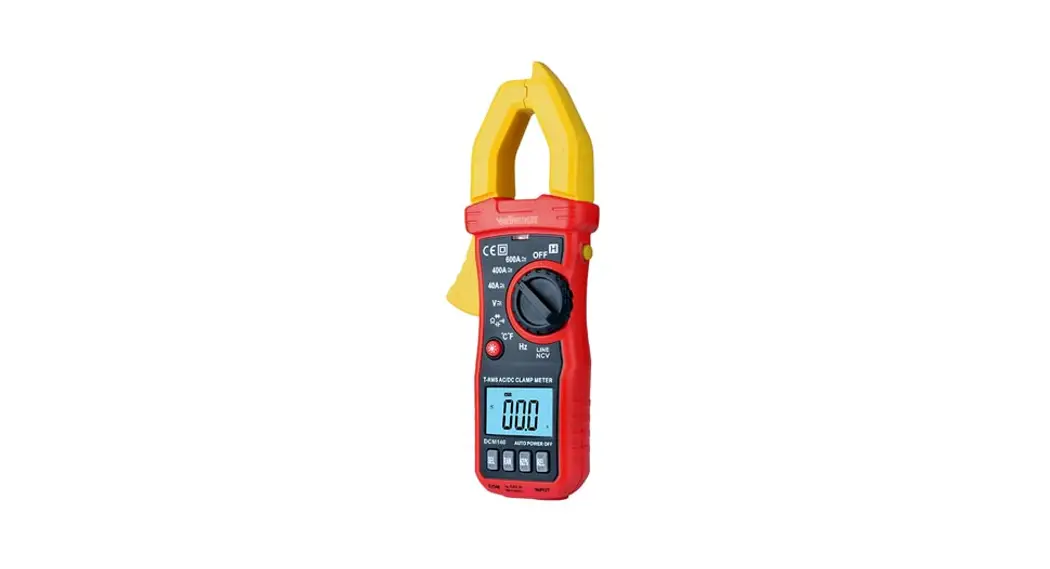
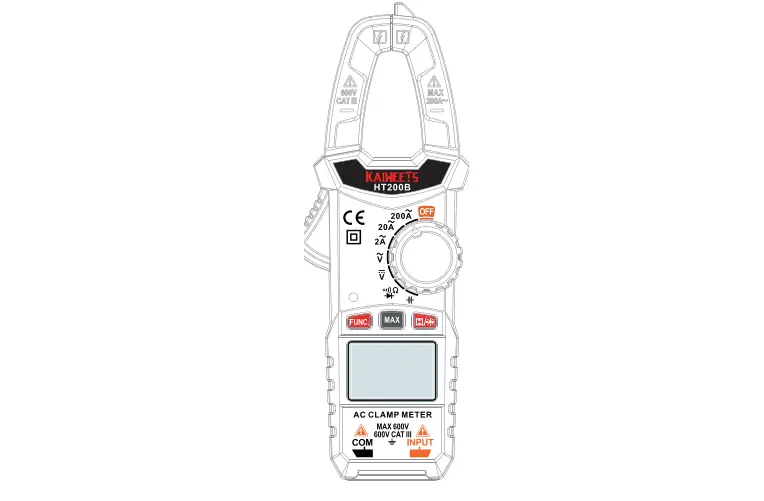
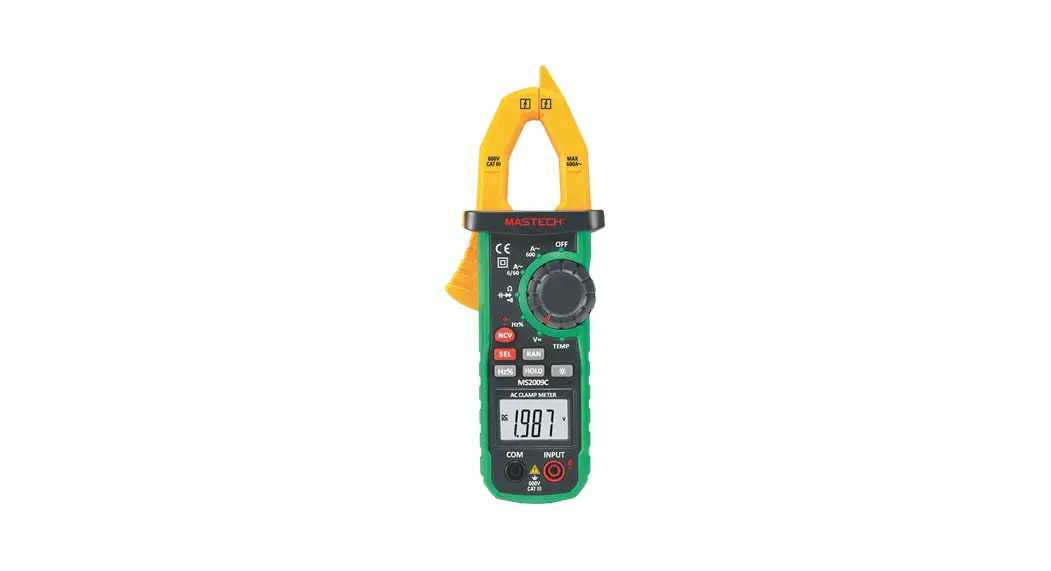
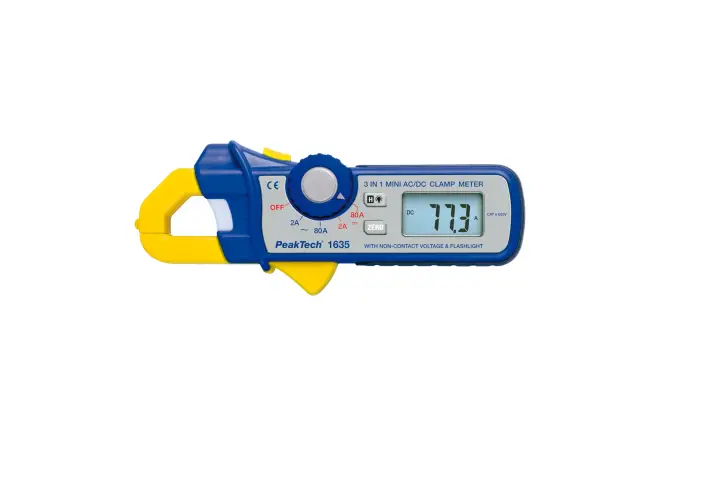
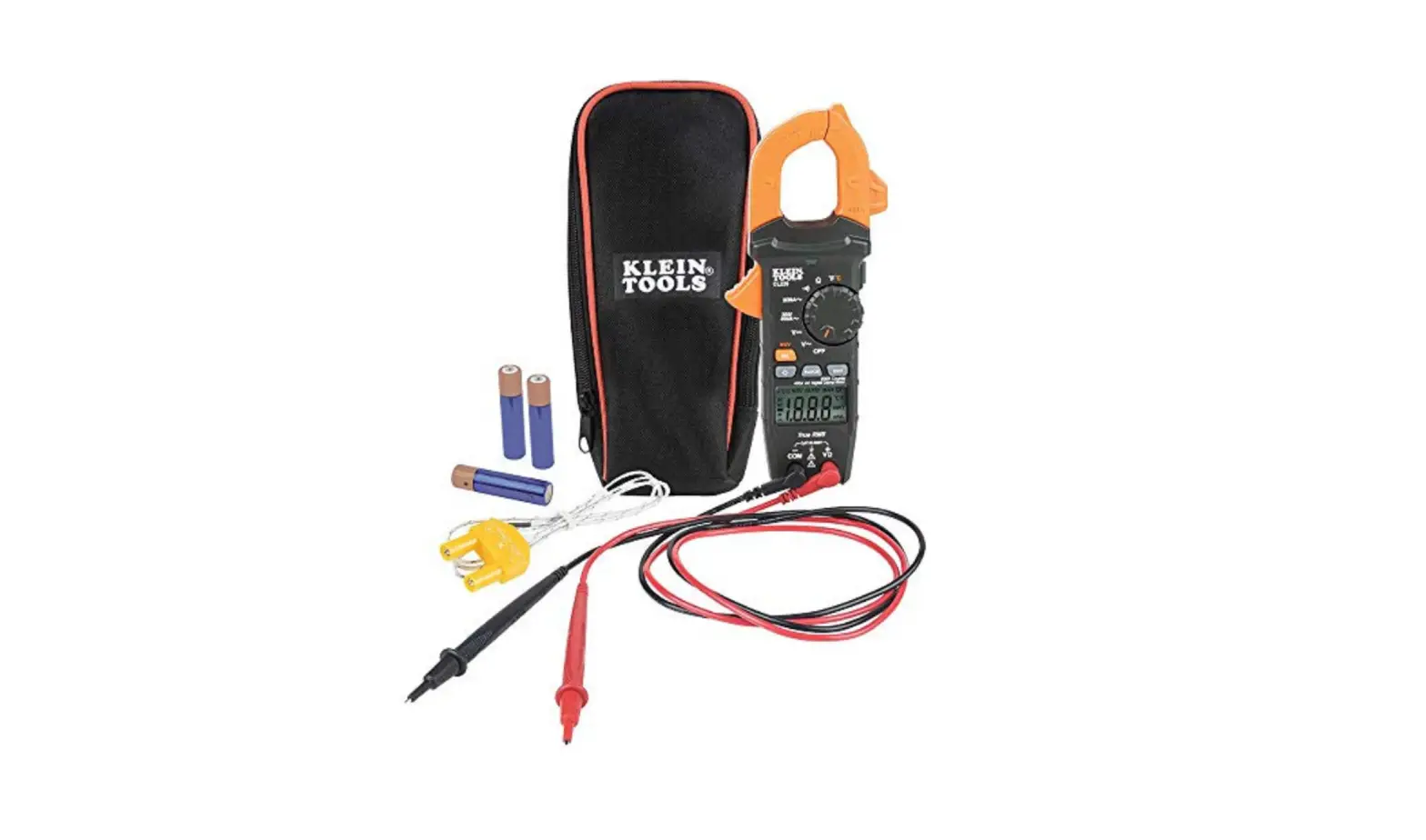
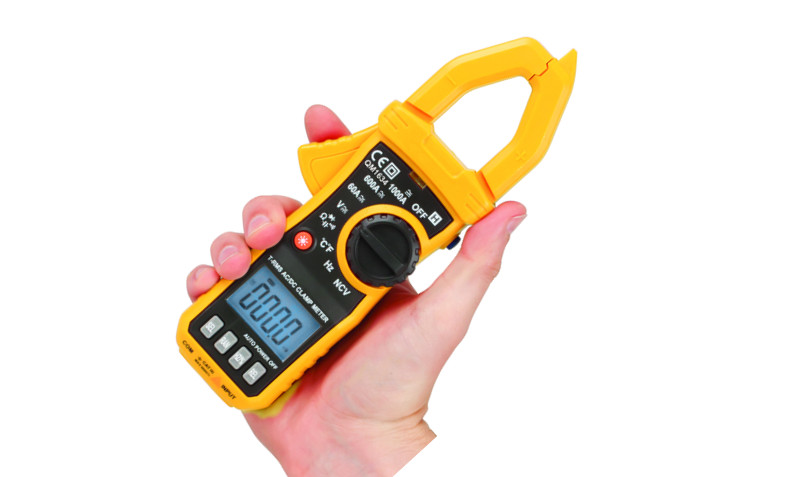
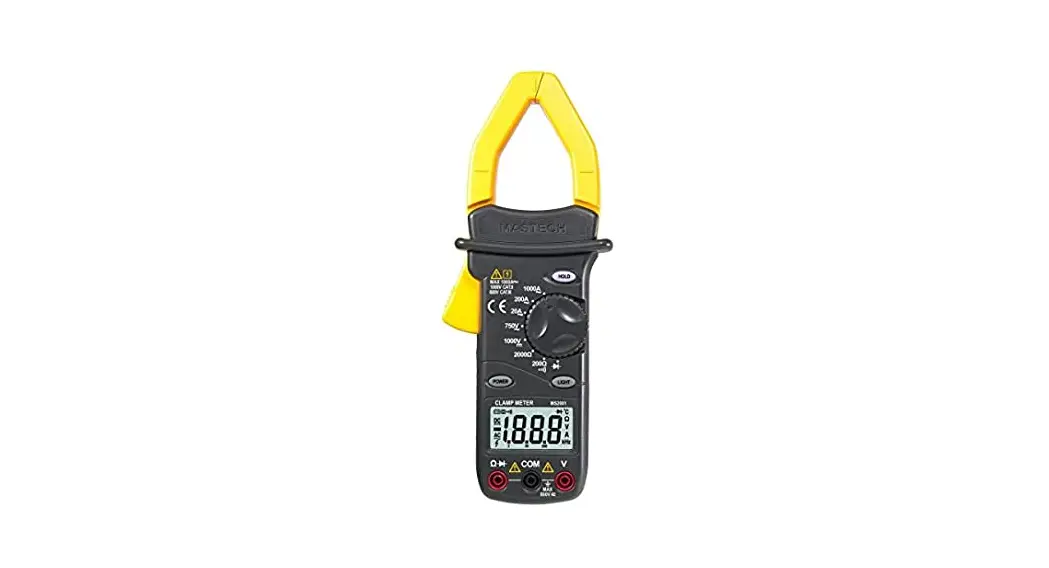
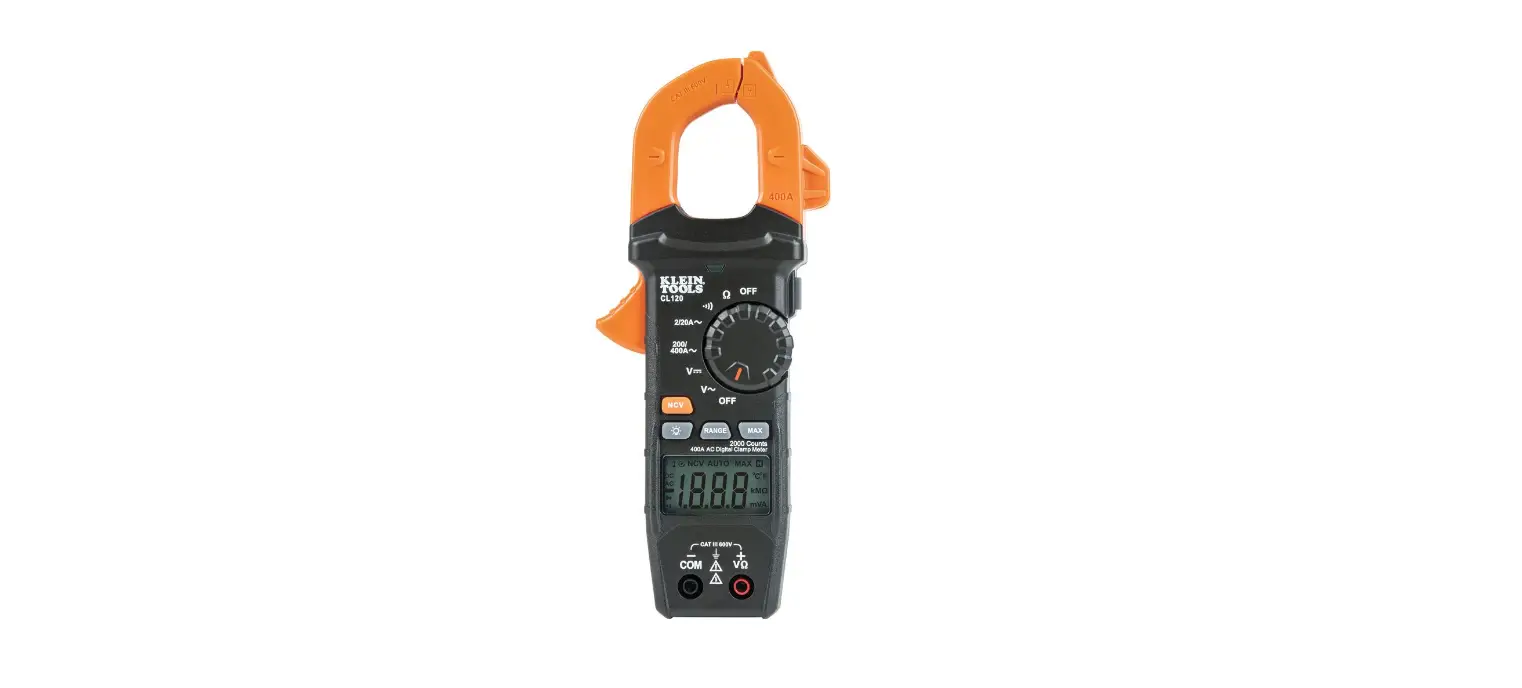
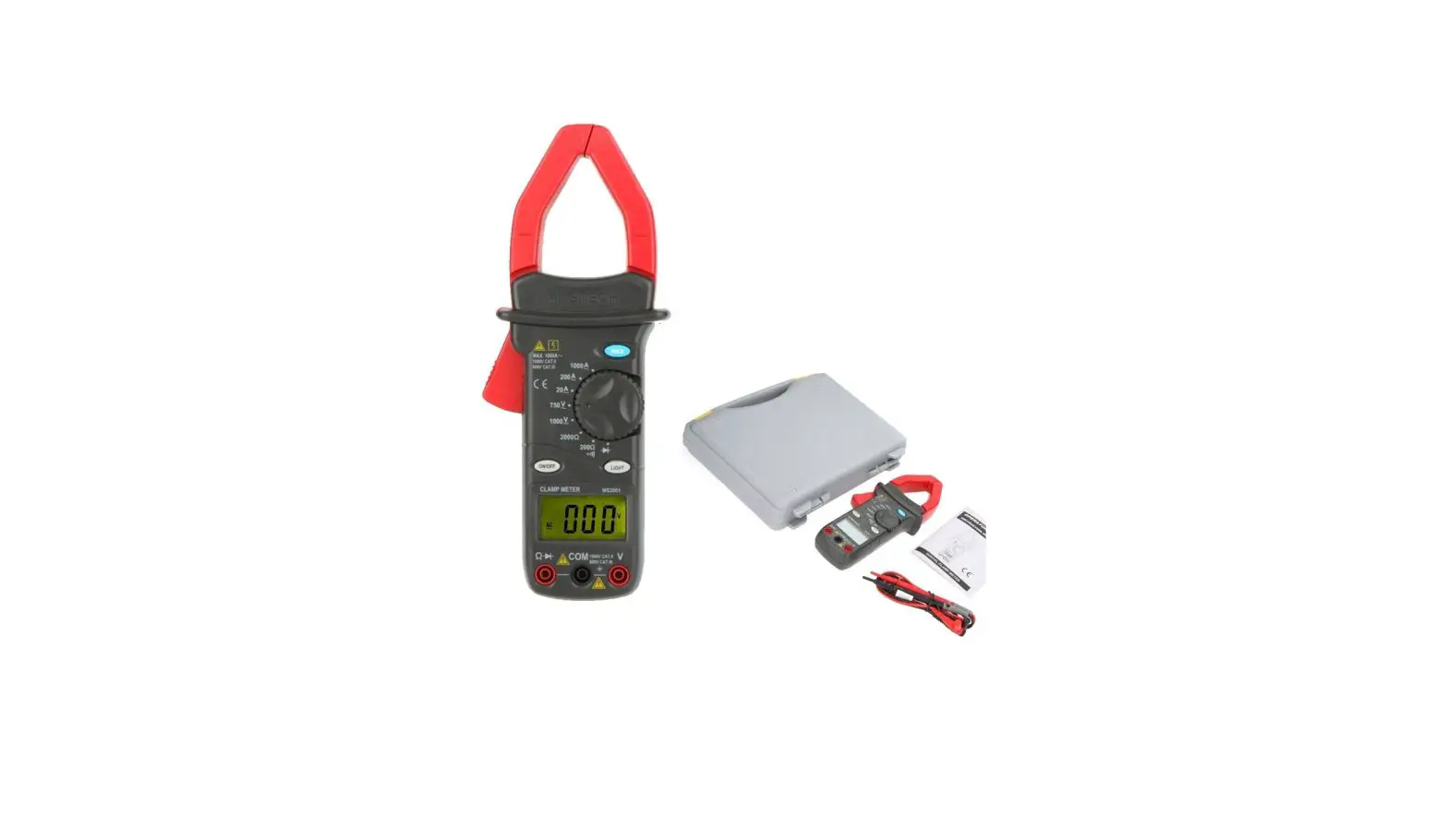
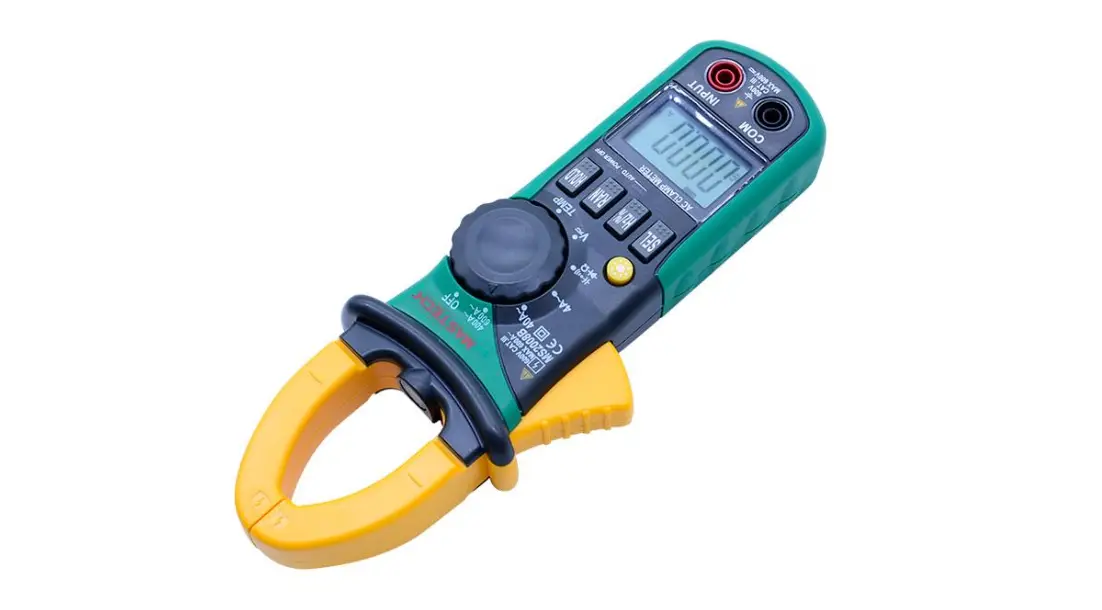
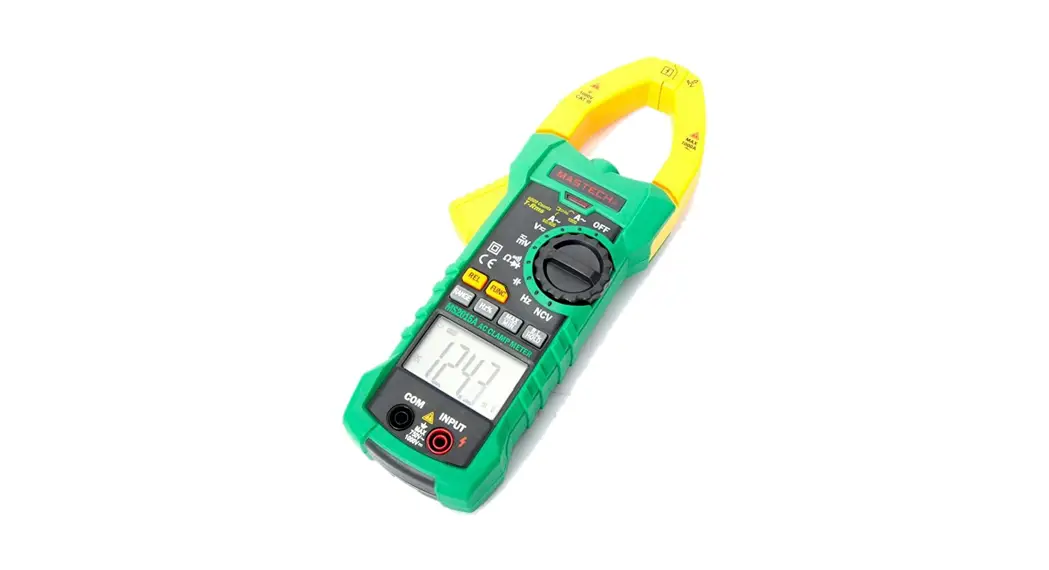
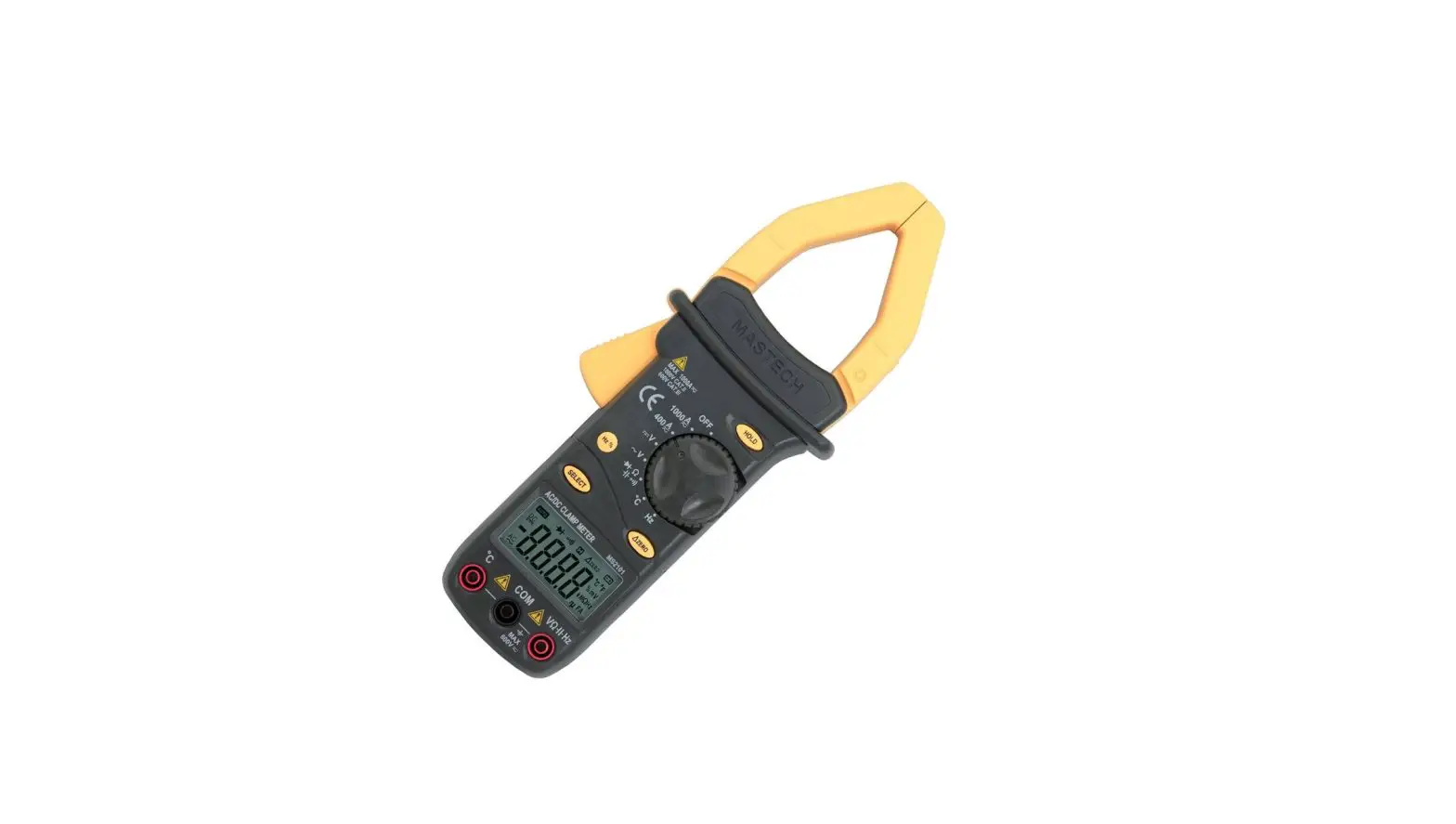
G9204-II 1000A Digital Clamp Meter
Product Information: G9204-II Digital Clamp Meter
The G9204-II is a handheld 1000A AC clamp meter designed in
accordance with EN61010-2010 and rated CAT III 600V/CAT II 1000V.
It features full-featured protection ensuring users a safe and
reliable measurement experience. The meter has multiple functions
such as basic electric measurement, inrush current measurement,
high-accuracy current measurement, etc. making it an ideal
measurement tool in electric fields. It has a lightweight and
compact design and comes with false detection protection for up to
600V (30kVA) energy surge, overvoltage and overcurrent alarm
functions. The product has auto ranges for current include 60A,
600A, 1000A, frequency response is up to 45Hz~1kHz, G9204-II has
inrush current measurement function. It also has a large
capacitance measurement (60nF~60mF) and fast ADC (3 times/s),
response time for capacitance measurement: less than 6s for 1mF;
about 8s for 60mF.
Product Usage Instructions
AC Current/Motor Inrush Current Measurement
- Select the AC current range, the meter will automatically
switch corresponding range (60.00A/600.0A/1000A) according to the
input amplitude during measurement. - Press the trigger to open the clamp jaws, and fully enclose one
conductor. - Only one conductor can be measured at a time, otherwise the
measurement method and reading will be wrong.
AC/DC Voltage and Frequency Measurement
- Insert the red test lead into the signal input terminal, and
the black test lead into COM terminal. - Turn the function switch to AC voltage position, and connect
the test leads to the circuit being measured. - The meter will automatically detect the voltage and display it
on the screen. - To measure DC voltage, turn the function switch to DC voltage
position and repeat steps 1-3. - To measure frequency, turn the function switch to Hz position
and repeat steps 1-3.
Select Button: In the composite function
position, press this button to switch between corresponding
measurement functions; in current measurement function position,
long press this button (about 2s) to enter INRUSH measurement
function, short press to refresh the current reading, long press
again to exit INRUSH measurement function.
HOLD/LIGHT Button: Short press this button to
enter or exit the data hold mode. Long press this button (about 2s)
to turn on/of the light, the light will automatically turn off
after 5 minutes.
MAX/MIN Button: Short press this button to
enter the maximum/minimum measurement mode and long press this
button to exit (only valid for AC/DC voltage, AC current). The
meter will consecutively make beep sounds twice if this button is
pressed in other inapplicable function positions.
REL/BACKLIGHT Button: In the voltage, current,
capacitance and resistance positions.
P/N:
G9204 – II
1000A Digital Clamp Meter
User Manual
I. Overview
G9204-II is handheld 1000A AC clamp meters, designed in accordance to EN61010-2010 and CAT III 600V/CAT II 1000V, with full-featured protection ensuring users a safe and reliable measurement experience. These meters have multiple functions such as basic electric measurement, inrush current measurement, high-accuracy current measurement, etc. G9204-II is ideal measurement tools in electric fields.
II. Features
1) Lightweight and compact. 2) Full-featured false detection protection for up to 600V (30kVA)
energy surge, overvoltage and overcurrent alarm functions. 3) Auto ranges for current include 60A, 600A, 1000A, frequency
response is up to 45Hz~1kHz, G9204-II has inrush current measurement function. 4) Large capacitance measurement (60nF~60mF), fast ADC (3 times/s), response time for capacitance measurement: less than 6s for 1mF; about 8s for 60mF. 5) Overvoltage and overcurrent alarm function. 6) The circuit has an automatic power saving function, the consumption in sleep state is <20uA, which effectively extends the battery life to 200 hours.
Warning: Before using the meter, please read the Safety Information carefully.
III. Accessories
Open the package box and take out the meter. Please double check whether the following items are missing or damaged.
1. User manual —————————– 1 pc 2. Test leads ——————————— 1 pair 3. K-type temperature probe ———— 1 pc 4. Carrying bag —————————– 1 pc
If any of the above is missing or damaged, please contact your supplier immediately.
IV. Safety Information
The meter is designed in accordance with IEC/EN61010-1, 61010-2-032 and electromagnetic radiation protection EN 613261 safety standards, and conforms to CAT III 600V, CAT II 1000V, double insulation and pollution grade II. In case the meter is not used according to the operating instructions, the protection provided by the meter may be compromised or lost.
1. Before use, please check if there is any item which is damaged or behaving abnormally. If any abnormal item (such as bare test lead, damaged meter casing, broken LCD, etc.) is found, or if the meter is considered to be malfunctioning, please do not use the meter.
2. Do not use the meter if the rear cover or the battery cover is not covered up, or it will pose a shock hazard!
3. When using the meter, your fingers must be placed behind the finger guard ring of the test leads. During measurement, do not touch exposed wires, connectors, unused inputs, or circuits being measured to prevent electric shock.
4. The function switch should be placed in the correct position before measurement. It is forbidden to change the position during measurement to avoid damage to the meter!
5. Do not apply voltage over 1000V between any meter terminal and earth ground to prevent electric shock or damage to the meter.
6. Be cautious when the measured voltage is higher than 60V (DC) or 30Vrms (AC) to avoid electric shock!
7. Never input voltage or current which exceeds the specified limit. If the range of the measured value is unknown, the maximum range should be selected. Before measuring the resistance, diode and continuity online, switch off the power supply of the circuit, and fully discharge all capacitors to avoid inaccurate measurement.
8. When the ” ” symbol appears on the LCD, please replace the batteries in time to ensure measurement accuracy. If the meter is not in use for a long time, please remove the batteries.
9. Do not change the internal circuit of the meter to avoid damage to the meter and user!
10. Do not use or store the meter in high temperature, high humidity, flammable, explosive and strong magnetic field environments.
11. Clean the meter casing with a soft cloth and mild detergent. Do not use abrasives or solvents!
V.Electrical Symbols
Symbol Description
Symbol Description
High voltage hazard
Double insulated
AC
Grounding
DC
Warning
VI. General Specifications
1. Max display: 6099 2. Polarity display: Auto 3. Overload display: “OL” or “-OL” 4. Low battery indication: The ” ” symbol is displayed. 5. Low battery shutdown prompt: The “Lo.bt” interface appears on
the LCD and lasts for about 10s, the buzzer beeps three times, and the meter automatically shuts down. 6. Test position error: If the source under test is not placed at the center of the clamp jaws when measuring current, ±2.0% additional error in reading will be produced. 7. Drop protection: 1m 8. The maximum size of jaw opening: 48mm in diameter 9. The maximum size of conductor to be measured: 45mm in diameter 10. Battery: AAA battery 1.5V×2 11. Auto power off: If there is no operation of the function switch or
any button for 15 minutes, the meter will automatically power off. This function can be turned off as needed. 12. Dimension: 242mm×76.5mm×52mm 13. Weight: About 235g (including batteries) 14. Altitude: 2000m 15. Operating temperature and humidity: 0°C~30°C (80%RH), 30°C~40°C (75%RH), 40°C~50°C (45%RH) 16. Storage temperature and humidity: -20°C~60°C (80%RH) 17. Electromagnetic compatibility: RF=1V/m, overall accuracy=specified accuracy+5% of range RF>1V/m, no specified calculation
VII.External Structure
1
1. NCV sensing end
2. Clamp jaws
2
3. Hand guard
3
4. Jaw opening trigger
5. Function switch
4 5
6. LCD display
7
7. Function buttons
6
8. Positive (+) input jack
9. COM (negative -) input jack
9
8
VIII.Button Description
1. SELECT Button
Figure 1
In the composite function position, press this button to switch between
the corresponding measurement functions; in current measurement
function position, long press this button (about 2s) to enter INRUSH
measurement function, short press to refresh the current reading,
long press again to exit INRUSH measurement function.
2. HOLD/LIGHT Button
a). Short press this button to enter or exit the data hold mode. b). Long press this button (about 2s) to turn on/of the light, the light
will automatically turn off after 5 minutes.
3. MAX/MIN Button Short press this button to enter the maximum/minimum measurement mode and long press this button to exit (only valid for AC/DC voltage, AC current). The meter will consecutively make beep sounds twice if this button is pressed in other inapplicable function positions.
4. REL/BACKLIGHT Button 1) In the voltage, current, capacitance and resistance positions,
press this button to store the current reading as a reference for future readings. When the LCD display value is reset to zero, the stored reading will be substracted from the future readings. Press this button again to exit the relative value mode. The meter will consecutively make beep sounds twice if this button is pressed in other inapplicable function positions.2) Long press for about 1~2 seconds to turn on/off the backlight, the backlight will automatically turn off after the backlight is on for about 1 minute.3) Long press for about 3 seconds to enable the backlight to enter always-on mode, long press for 3 seconds to exit the mode.
IX.Operating Instructions
1. AC Current/Motor Inrush Current Measurement (Figure 2 & 3) 1) Select the AC current range, the meter will automatically switch
corresponding range (60.00A/600.0A/1000A) according to the input amplitude during measurement. 2) Press the trigger to open the clamp jaws, and fully enclose one conductor. 3) Only one conductor can be measured at a time, otherwise the measurement method and reading will be wrong.
A area
PEAK
Figure 2
RMS (INRUSH) AC current
Cycle
Figure 3
Inrush current is the true RMS of current within 100ms from the start of triggering point, the triggering value of inrush current in 600A range is about 6A, used to detect the cranking current of motor.
Warning: Short circuit is not easy to occur between the clamp jaw and the measured object, but when measuring uninsulated conductor, please be careful not to cause short circuit between the uninsulated conductor and the clamp jaws. The measurement is sensitive to mechanical stress to some extent, so please do not release the trigger suddenly when it is pressed, otherwise the impact will affect the reading in a short time. To ensure measurement accuracy, the measured conductor must be centered in the clamp jaws (A area), if is deviated from center area (in B or C areas), ±2.0% additional error in reading will be produced. When the measured current is >1000A, the meter will automatically sound an alarm.
2. AC/DC Voltage and Frequency Measurement 1) Insert the red test lead into the signal input terminal, and the
black test lead into “COM” terminal. 2) Turn the function switch to AC voltage position, and connect
the test leads with the measured load or power supply in parallel.
Red
Black
Figure 4
Warning: Do not input voltage above 1000V (AC). Although it is possible to measure higher voltage, it may damage the meter. Be cautious to avoid electric shock when measuring high voltage. When the measured voltage is >30V/AC, the LCD will display the high voltage alarm prompt ” “.
3. Resistance, Continuity, Capacitance and Diode Measurement
1) Insert the red test lead into the signal input terminal, and the black test lead into “COM” terminal.
2) Turn the function switch to the “” position, press the SELECT button to select resistance measurement, and connect the test leads with both ends of the measured resistance in parallel.
Capacitance Continuity Diode Resistance
Red
Black
Figure 5
If the measured resistor is open or the resistance exceeds the maximum range, the LCD will display “OL”. Before measuring the resistance online, switch off the power supply of the circuit, and fully discharge all capacitors to avoid inaccurate measurement. If the resistance is not less than 0.5 when the test leads are short-circuited, please check the test leads for looseness or other abnormalities. For continuity measurement, if measured resistance is <30, the circuit is in good conduction status and the buzzer beeps continuously; if measured resistance is 30~50, the buzzer may make sounds or make no sound; if measured resistance is >51, the buzzer makes no sound certainly. For diode measurement, ” ” polarity is needed to be distinguished, read the approximate forward PN junction voltage of measured diode directly from the display . For the silicon PN junction, the normal value is generally about 500~800mV. Before measuring capacitance ” “, it is recommended to use “REL” measurement mode for capacitance 100nF. For capacitance above uF, short-circuit the electrode of the capacitor and fully discharge all capacitors (especially for capacitors with high voltage) to avoid damage to the meter and user. Do not input voltage over AC/DC 30V to avoid personal injury.
4. Temperature Measurement
1) Insert the positive pole of the temperature probe into the signal input terminal and negative pole into “COM” terminal.
2) Turn the function switch to “°C/°F” position and the LCD will display room temperature.
3) Fix the temperature probe on the object to be tested, and read the temperature value of the tested object directly from the display after a few seconds.
4) Press the SELECT button to switch between °C and °F.
Warning:
Figure
The ambient temperature of the meter should be in the range of 18-28°C, otherwise it will cause measurement error. The positive and negative poles of the temperature probe
should be properly connected. Do not measure non-insulated live objects to avoid incorrect readings. Do not input voltage higher than 30V to avoid personal injury.
5. Non-contact AC Electric Field Sensing (NCV)
The electric field sensing sensitivity is divided into two levels. According to the local power-frequency voltage, press SELECT to choose 110V or 220V measurement mode, bring the NCV sensing end of the clamp jaws to power-frequency electric field, when the intensity of measured electric field reaches to a certain level, the LCD will display segment “—-” and the buzzer will make beep sound. As the intensity of the measured electric field increases, the buzzer will beep at a higher frequency.
HFLo measurement condition (110V), when electric field is not sensed, HFLo will be displayed; when electric field is sensed, “– — –L” will be displayed, the higher the frequency at which the buzzer beeps, the stronger the electric field. HFHi measurement condition (220V), when electric field is not sensed, HFHi will be displayed; when electric field is sensed, “– — –H” will be displayed, the higher the frequency at which the buzzer beeps, the stronger the electric field.
Figure 7
Warning: Use the NCV sensing end of the clamp jaws to approach the measured electric field, otherwise the measurement sensitivity will be affected. When the measured electric field voltage is 100V (AC), observe whether the conductor of the measured electric field is insulated to avoid personal injury.
6. Others Auto power off: During measurement, if there is no operation of the function switch or any button for 15 minutes, the meter will automatically shut down to save power. You can wake it up by pressing any button or restart it after turning the function switch to the OFF position To disable the auto power off function, press and hold the SELECT button in the off state, and then turn on the meter. To resume the auto power off function, restart the meter after shutdown Buzzer: When any button is pressed or the function switch is turned, if it is valid, the buzzer will make one beep (about 0.25s). When measuring voltage or current, the buzzer will beep intermittently to indicate the over range Low battery detection: The internal VDD will be automatically detected as long as the meter is on. If it is lower than 2.5V, the LCD will display the ” ” symbol. Low battery shutdown function: When the battery voltage is lower than about 2.4V, the LCD displays the ” ” symbol, the “Lo.bt” interface appears and lasts for a few seconds, the buzzer makes consecutive beeps three times, and then the meter automatically shuts down.
X. Technical Specifications
Accuracy: ± (a% of reading + b digits), 1 year calibration period Ambient temperature and humidity: 23 °C±5 °C; 80%RH Temperature coefficient: To ensure measurement accuracy, operating temperature should be within 18°C~28°C and the fluctuation range should be within ±1°C. When the temperature is <18 °C or >28 °C, add temperature coefficient error 0.1 x (specified accuracy)/ °C.
(1) AC Current
Range G9204-II 60.00A 600.0A
1000A 600.0A (INRUSH)
Resolution
0.01A 0.1A 1A
Accuracy 4565Hz 651kHz
±(1.5%+5) ±(2.5%+5)
0.1A
±(5.0%+10)
Frequency response: 45Hz~1kHz For 60A range, open circuit allows least significant digit <3. Accuracy guarantee range: 1%~100% of range The triggering value of inrush current at 600A range is 6A, the triggering time is within 100ms approximately.
(2) AC Voltage
Range G9204-II
Resolution
6.000V
0.001V
60.00V
0.01V
600.0V
0.1V
1000V
1V
Voltage frequency
monitoring: 10Hz~10kHz
/
Accuracy ±(1%+2) ±(1%+5)
Overload Protection
1000Vrms
Input impedance: 10M. Frequency response: 45~400Hz Accuracy guarantee range: 5~100% of range The input voltage amplitude of voltage frequency should be >5V.
(3) DC Voltage Range
G9204-II 600.0mV 6.000V 60.00V 600.0V
1000V
Resolution
Accuracy
Overload Protection
0.1mV
±(0.7%+3)
0.001V
0.01V 0.1V
1000Vrms ±(0.8%+2)
1V
Input impedance: 10M For mV range, short circuit allows least significant digit 5; for
other ranges, reset to zero at short circuit.
Accuracy guarantee range: 1%~100% of range.
(4) Frequency/Duty Ratio
Range Resolution Accuracy
Overload Protection
10Hz 0.01Hz
10MHz 0.01MHz
±(0.1%+4)
600Vrms
0.1%
99.9%
0.1%
±(3.0%+5)
1) Measuring sensitivity: 100kHz:200mVrms input amplitude 20Vrms >100kHz~1MHz: 600mVrms input amplitude 20Vrms >1MHz~10MHz: 1.8Vrms input amplitude 20Vrms
2) Duty ratio is only applicable to the measurement of square wave 10kHz; amplitude:1Vp-p Frequency 1kHz, duty ratio: 10.0%-95.0% Frequency >1kHz, duty ratio: 30.0%-70.0%
(5) Resistance Range
G9204-II 600.0 6.000k 60.00k 600.0k 6.000 M 60.00 M
(6) Continuity Range
G9204-II
600.0
Resolution Accuracy
Overload Protection
0.1 ±(1.0%+5
0.001k
0.01k 0.1k
±(0.8%+2
600Vrms
0.001M 0.01M ±(2.5%+5
Resolution
Accuracy
Overload Protection
0.1
30: The buzzer beeps 50: No beep
Open-circuit voltage: About 1.0V
600Vrms
(7) Diode Range
G9204-II
6.000V
Resolution
Accuracy
Overload Protection
0.001V
Open-circuit voltage: About 3.2V Measurable PN junction: Forward voltage drop 3V For the silicon PN junction, the normal value is generally about 0.5~0.8V.
600Vrms
(8) Capacitance
Range G9204-II 60.00nF 600.0nF 6.000uF 60.00uF 600.0uF 6.000mF 60.00mF
Resolution Accuracy
Overload Protection
0.01nF 0.1nF
±(4.0%+10)
0.001uF
0.01uF ±(4.0%+5)
0.1uF
0.001mF 0.01mF
±(10%)
600Vrms
Measured value = displayed value – open circuit value of the test leads, open circuit allows least significant digit >0. (For capacitance 100nF, it is recommended to use “REL” measurement mode). Accuracy guarantee range: 5%~100% of range.
(9) Temperature
Range
Resolution
-4040
40400
1
4001000
-40104
104752
1
7521832
Accuracy
±4 ±(1.5%+4) ±(2.0%+4)
±5 ±(2.0%+4) ±(2.5%+4)
Overload Protection
600Vrms
(10) NCV Range Sensing condition
Accuracy
Take insulated conductor as
sensing condition: Select HFLo
or HFHi with SELECT button.
1) When electric field is not
sensed, HFLo will be displayed;
Power frequency
when electric field is sensed, “——L” will be displayed, the
voltage
higher the frequency at which the
NCV (50Hz/60Hz):
buzzer beeps, the stronger the
100V (EFLo)
electric field.
220V (EFHi)
2) When electric field is not
sensed, HFHi will be displayed;
when electric field is sensed,
“——H” will be displayed, the
higher the frequency at which the
buzzer beeps, the stronger the
electric field.
XI. Maintenance
Warning: Before opening the rear cover of the meter, remove the test leads to avoid electric shock. 1.General Maintenance 1) When the meter is not in use, place the function switch in the
OFF position to avoid continuous consumption of battery energy. 2) Clean the meter casing with a soft cloth and mild detergent.
Do not use abrasives or solvents! 3) The maintenance and service must be implemented by
qualified professionals or designated departments. 2.Battery Replacement 1) Turn off the meter and remove the test leads from the input
terminals. 2) Unscrew the screw of the battery compartment, remove the
battery cover, and replace the 2 standard AAA batteries according to the polarity indication. 3) Secure the battery cover and tighten the screw.
Figure 8