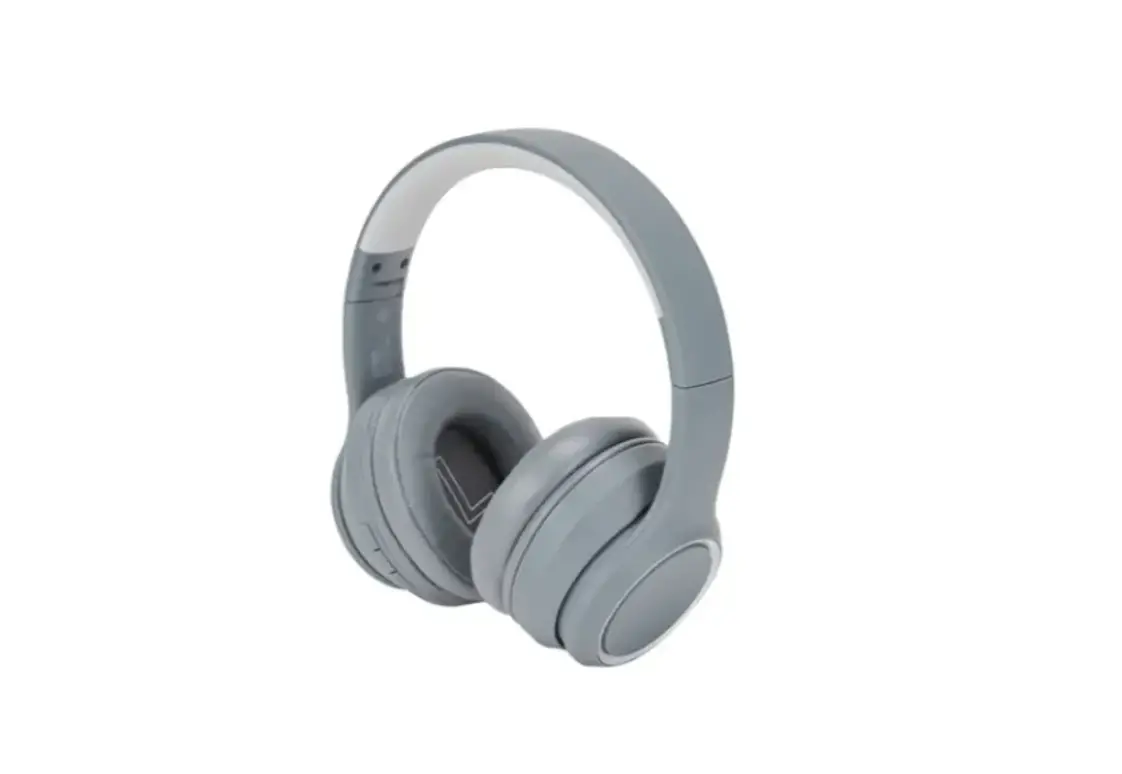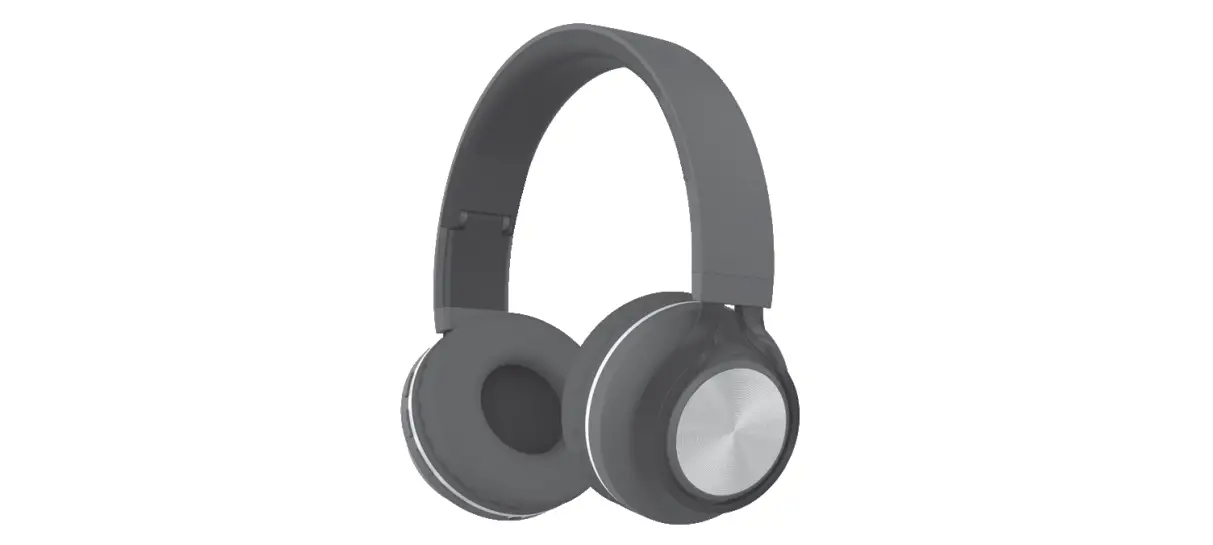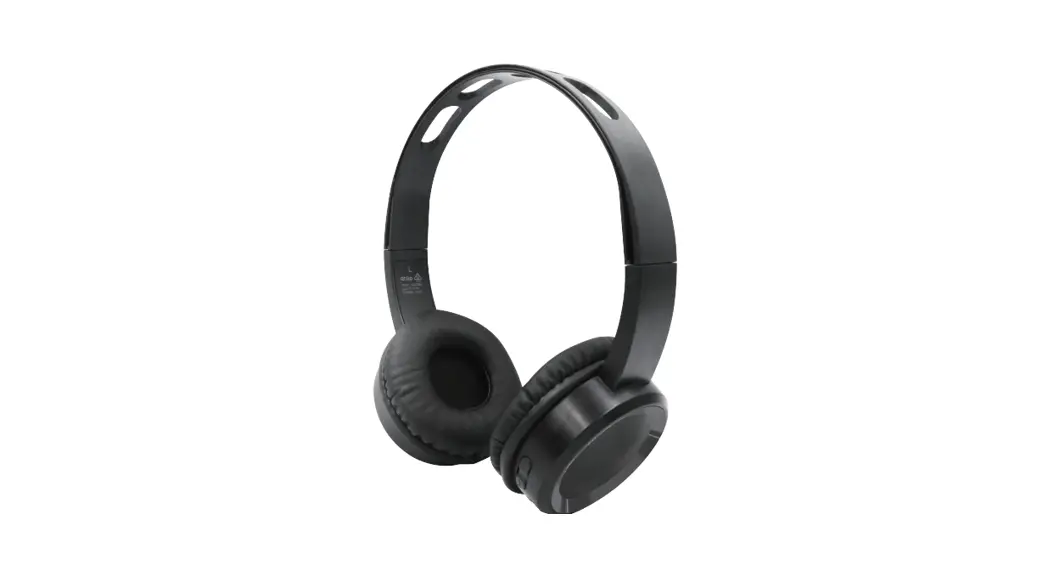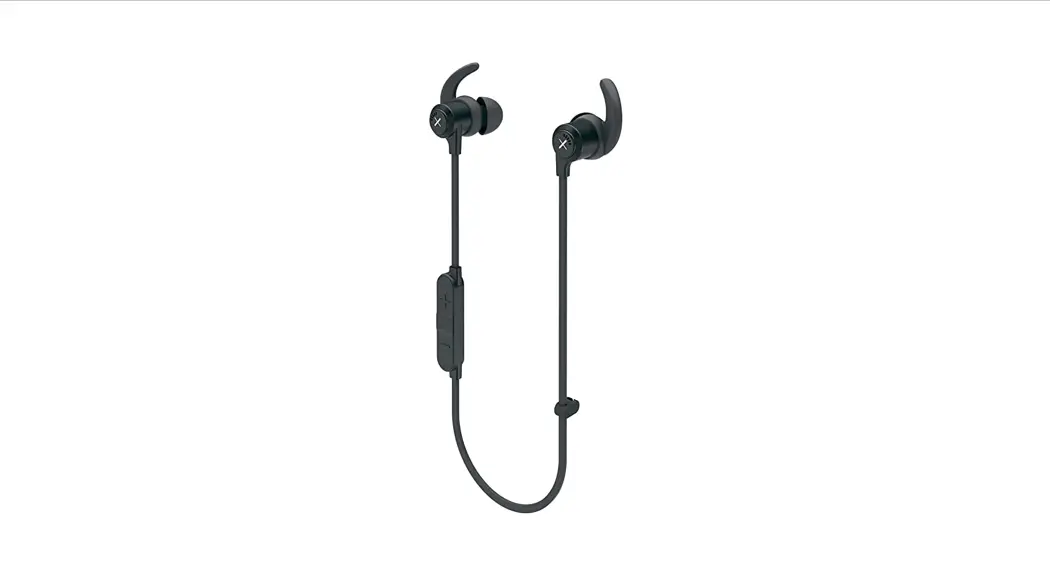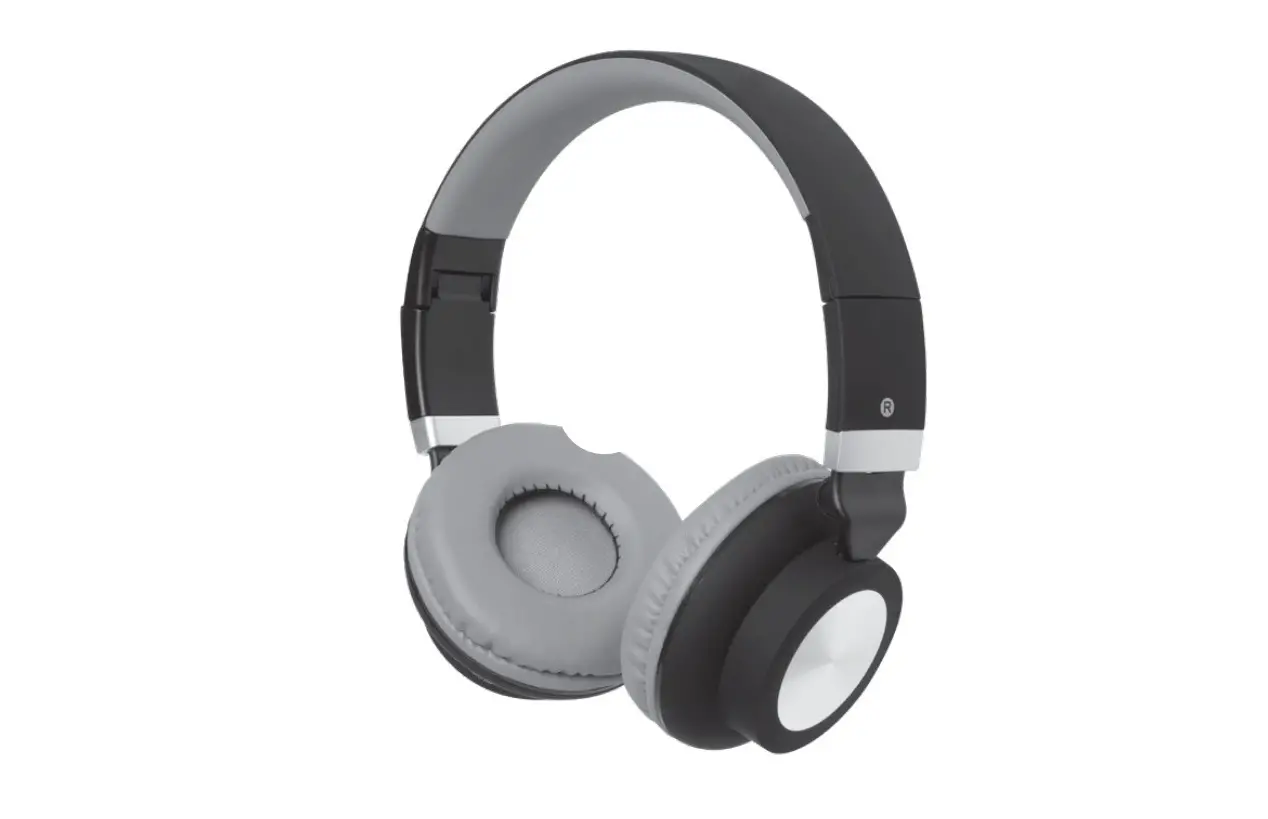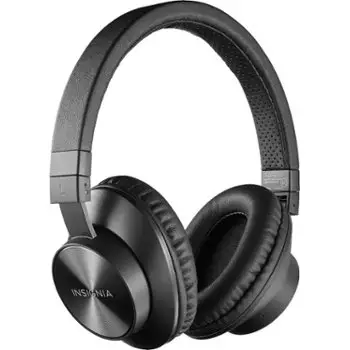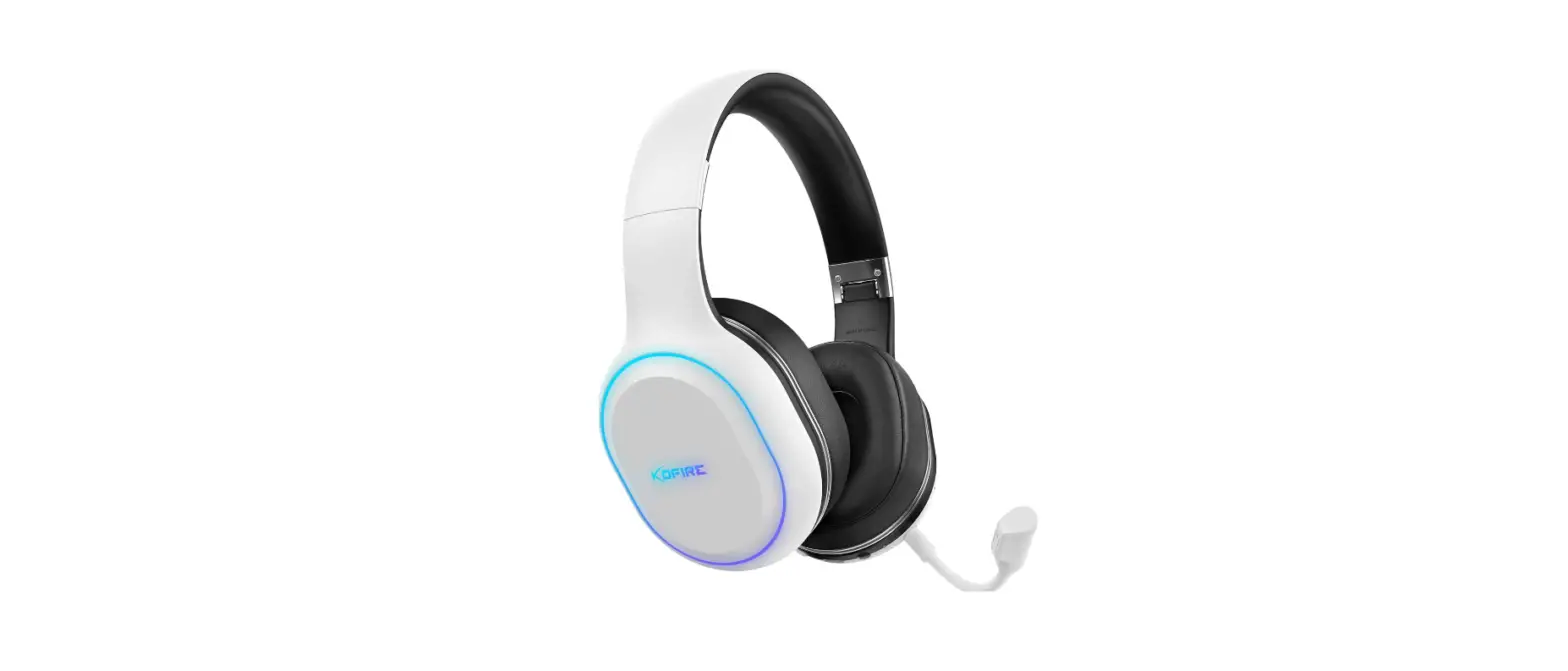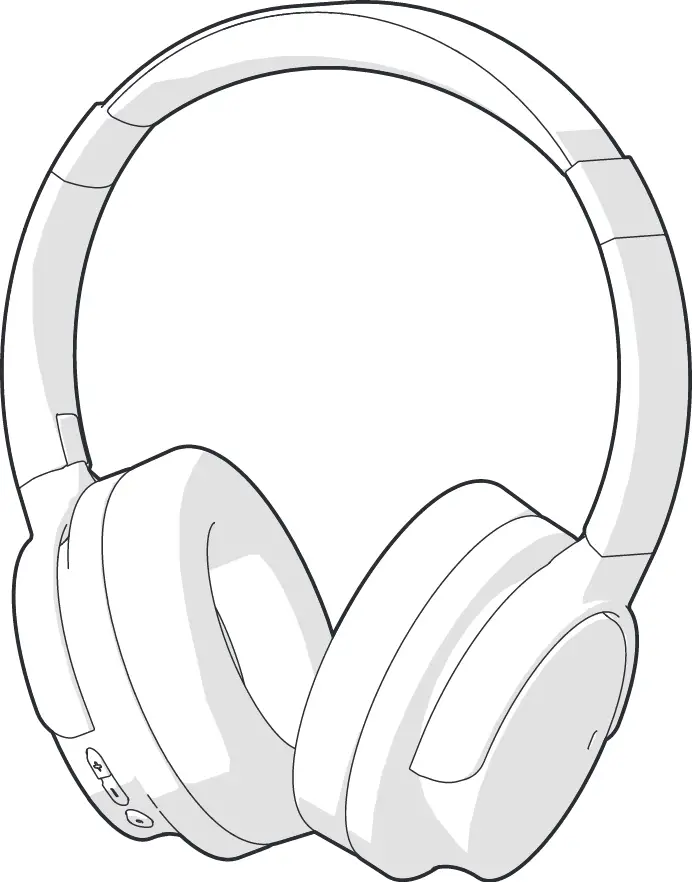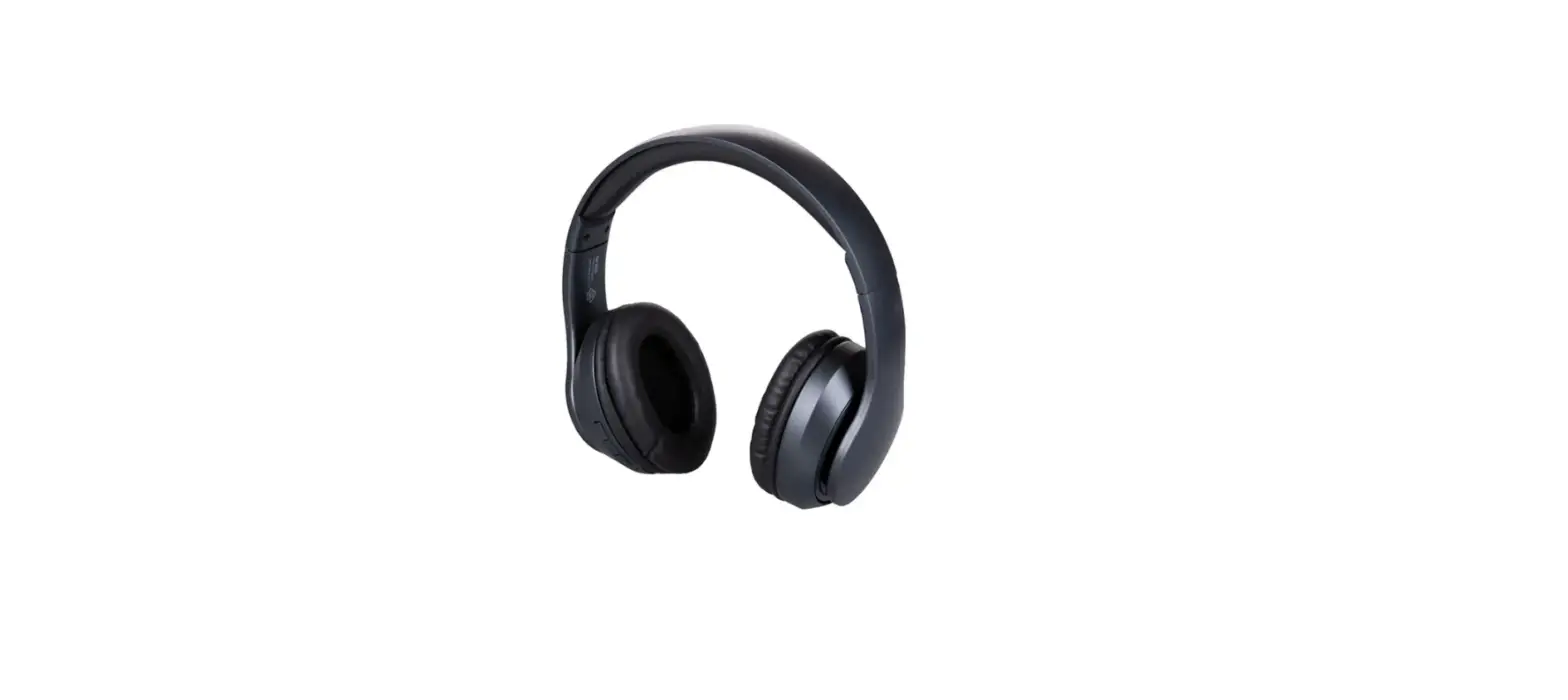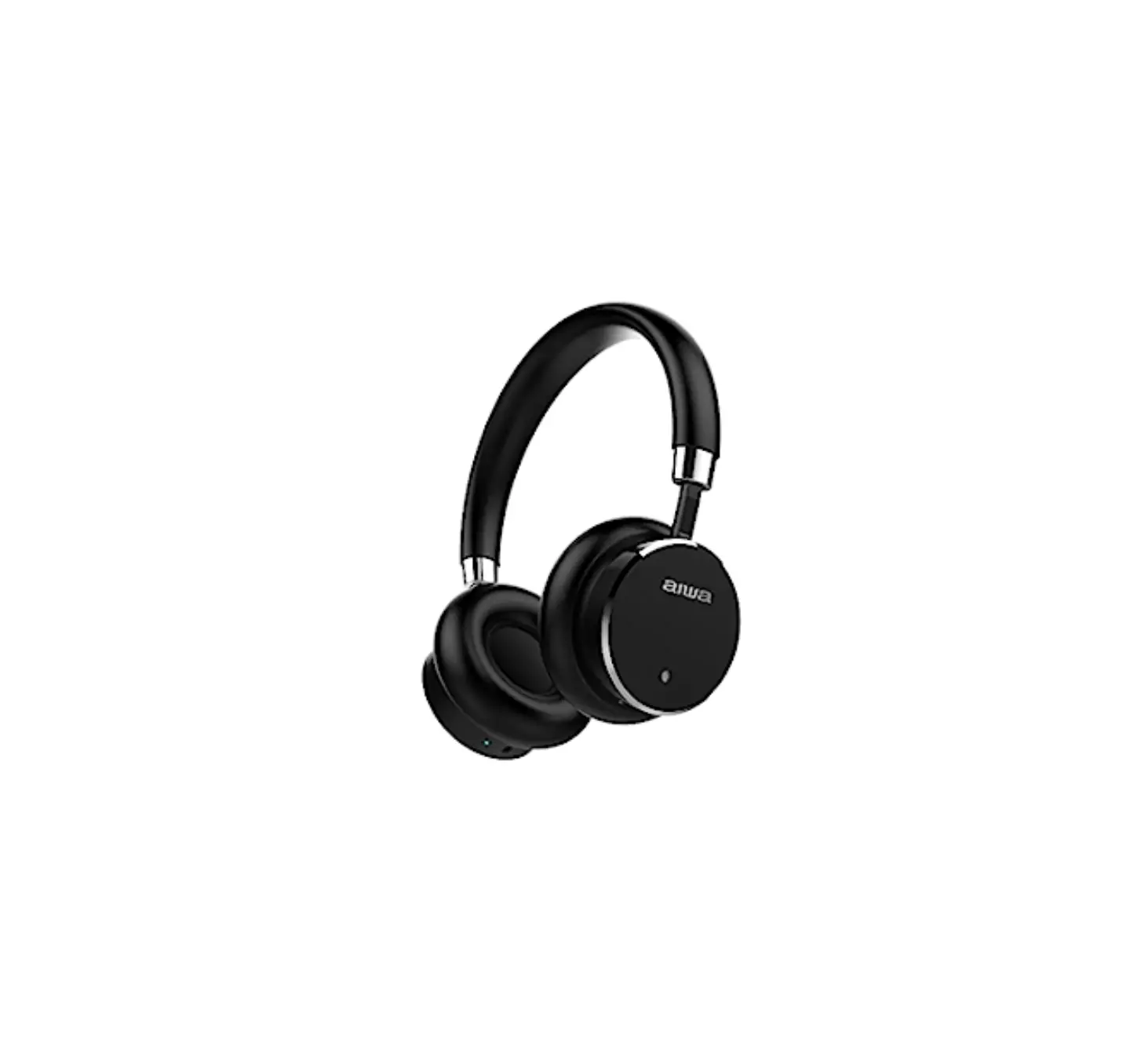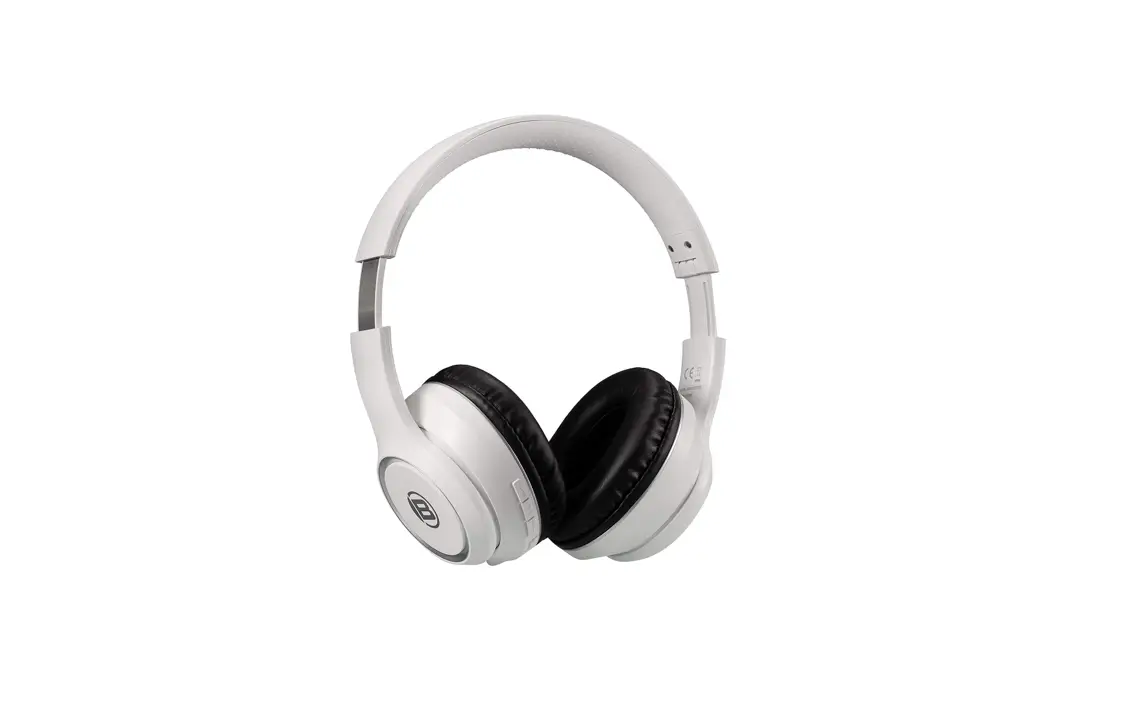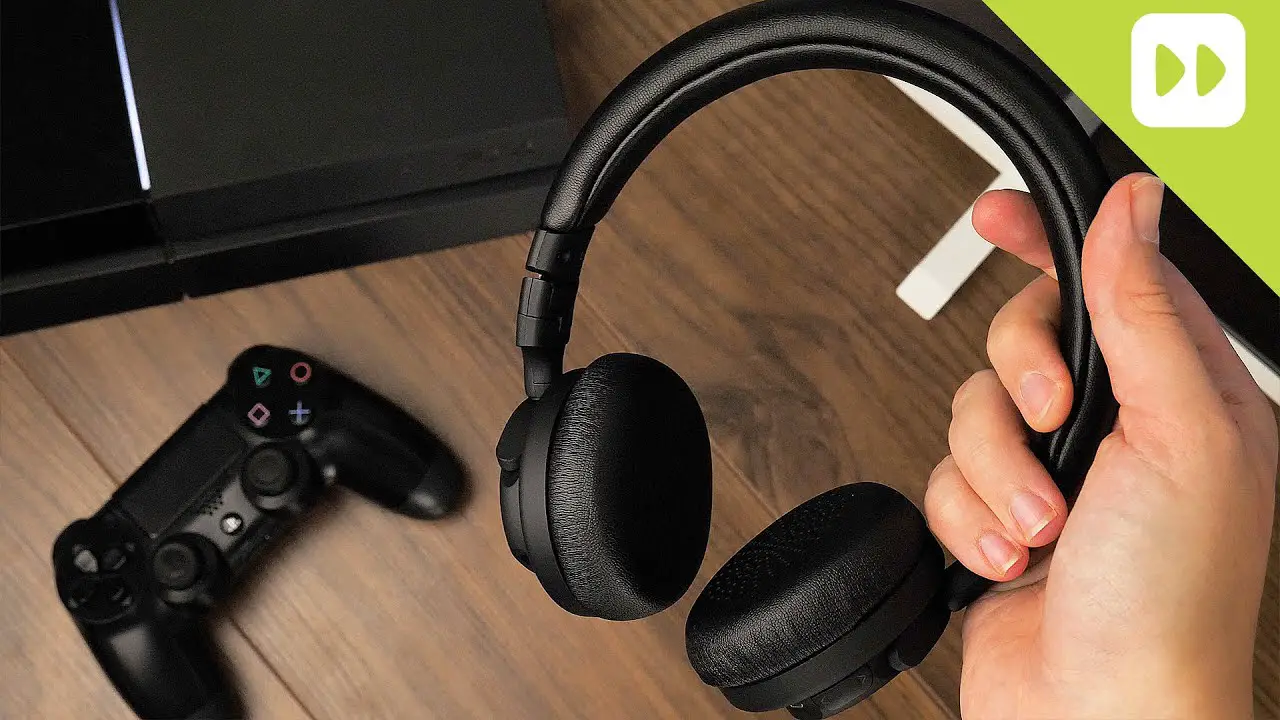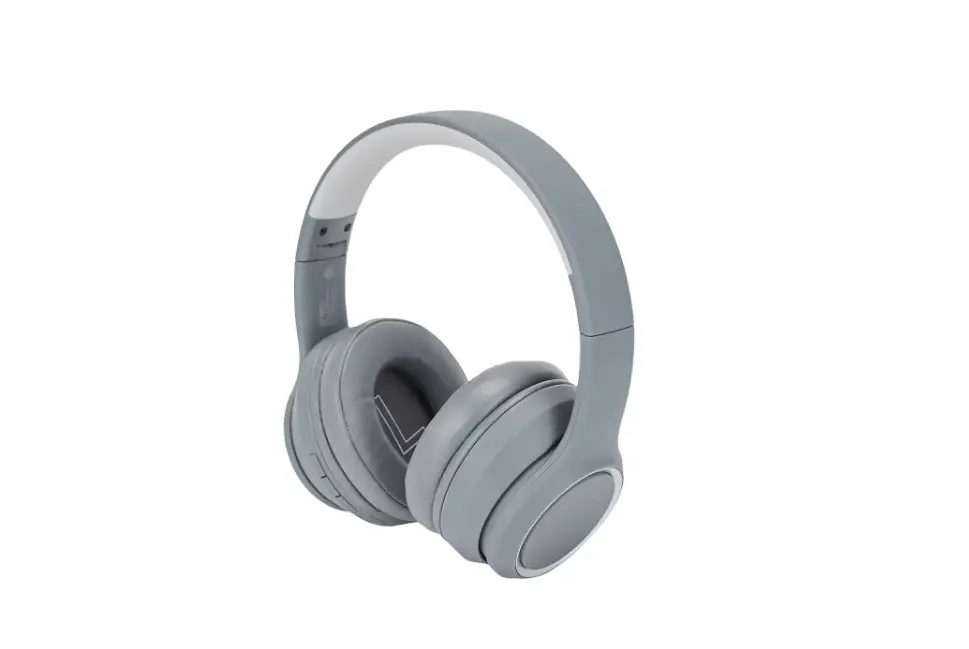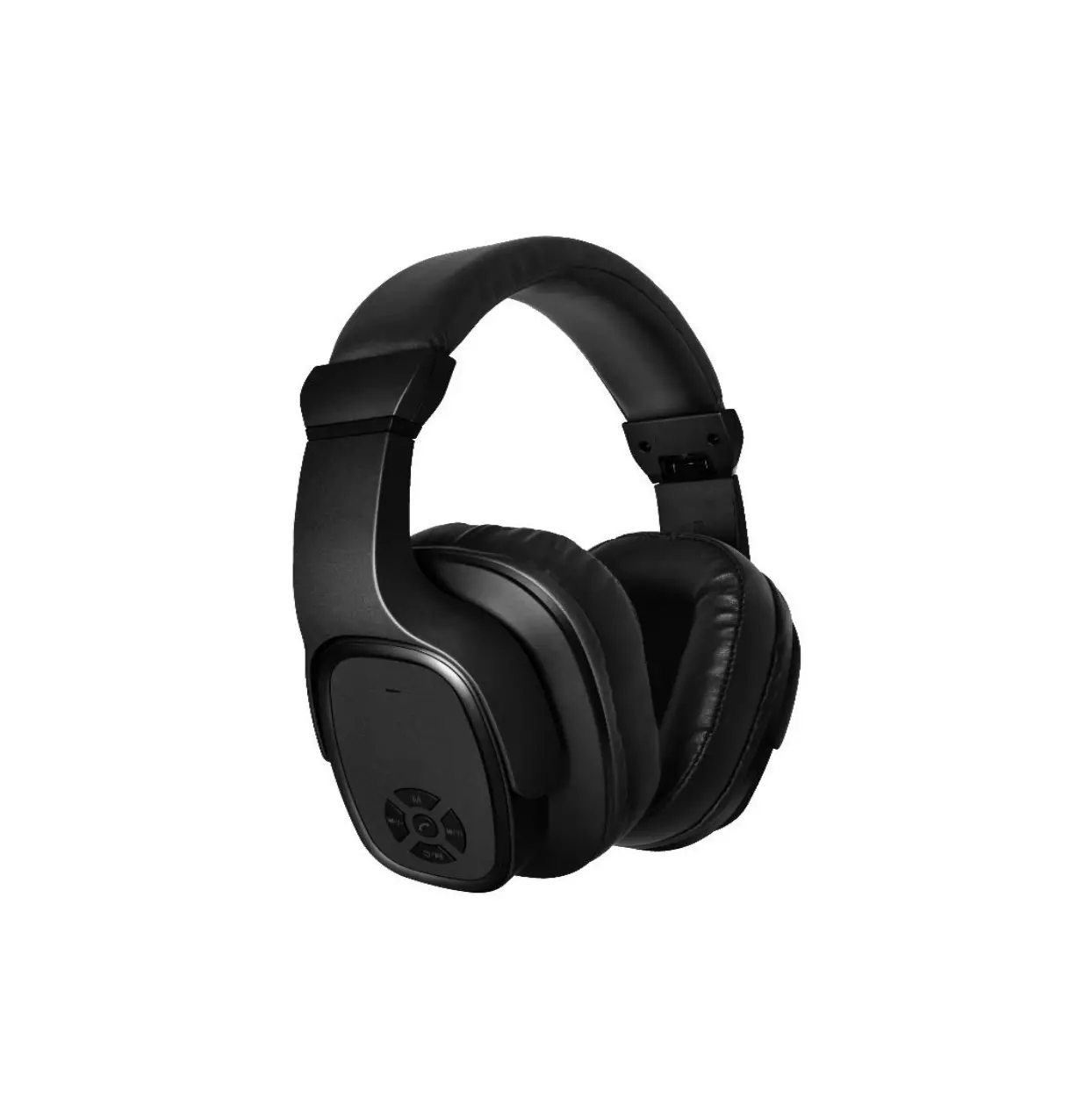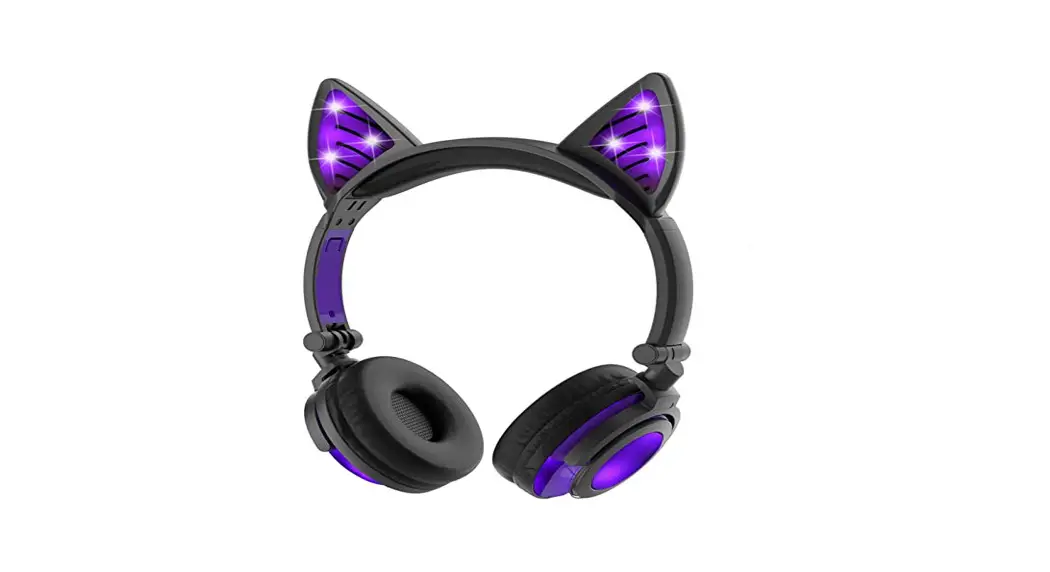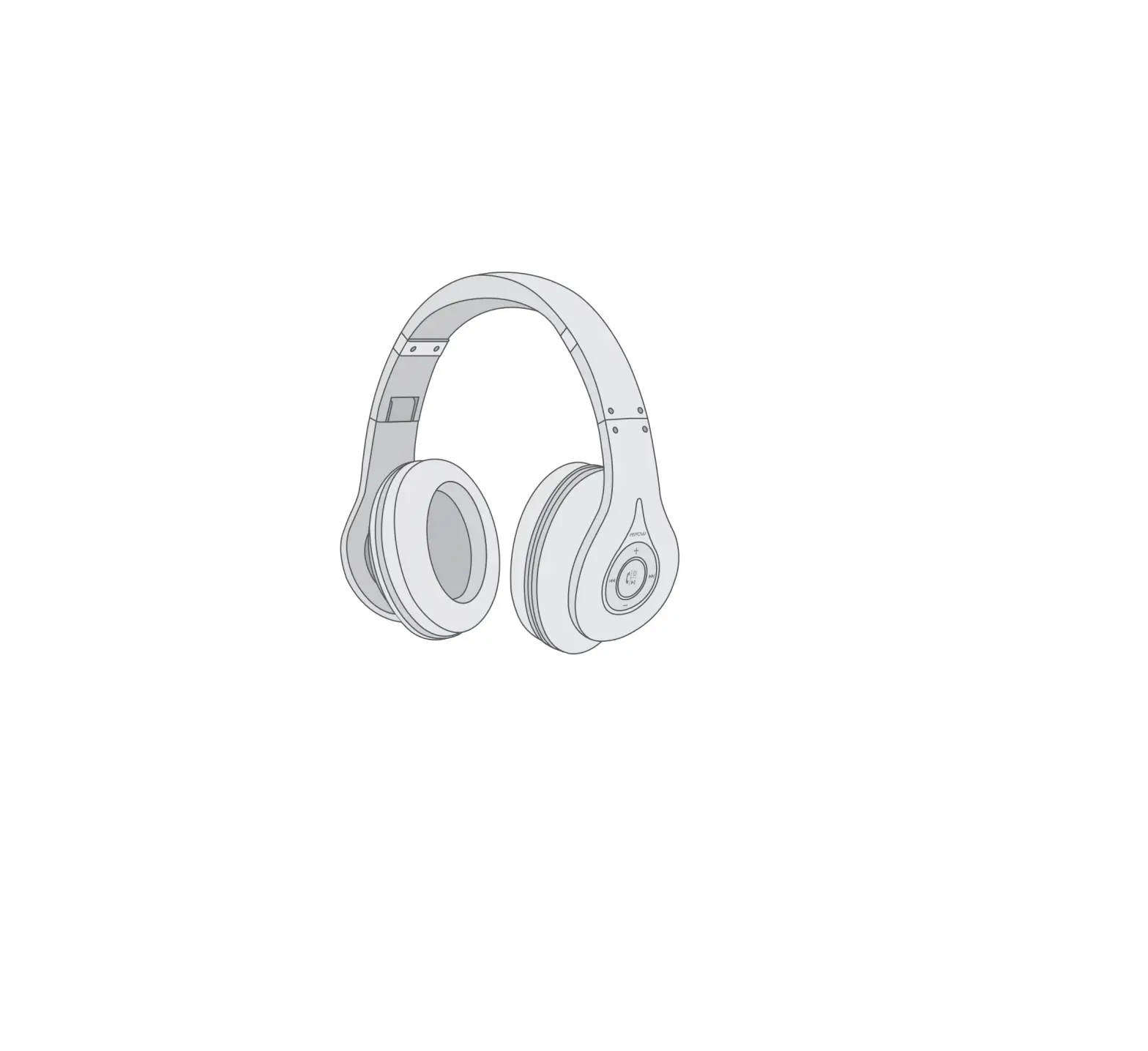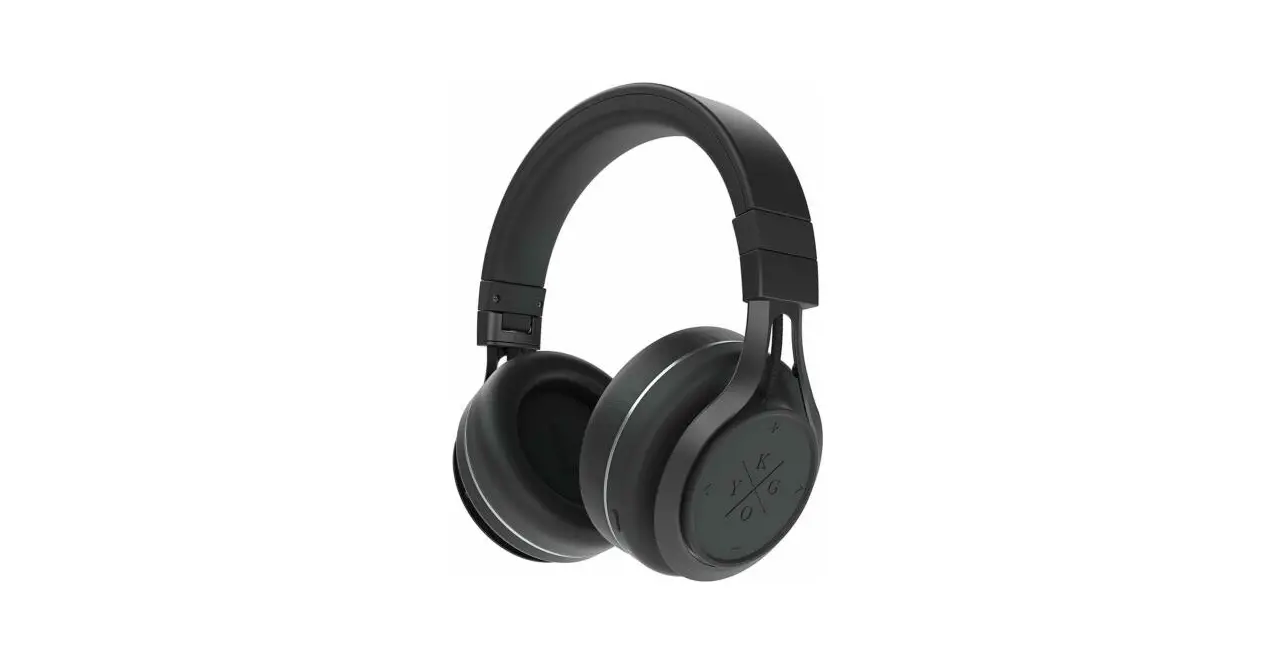

Kygo Life A9/600-BLK Over-Ear Bluetooth Headphones
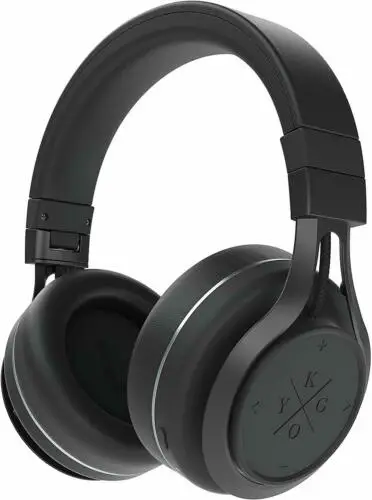
Specification
- Product Dimensions
6.89 x 3.54 x 7.8 inches - Item Weight
2 pounds - Batteries
1 Lithium Polymer batteries required. (included) - Color
Black - Form Factor
Over Ear
Product Description
These headphones offer you the highest Bluetooth sound quality thanks to a fit that shields you from the outside world and the use of aptX and AAC codecs. Extremely plush ear cushions and lightweight guarantee comfortable use, even over extended durations. Never worry about low battery again – these Bluetooth headphones give you 23 hours of uninterrupted music! They are simple to control through a touchpad, and if you use iOS, the battery level is displayed on your phone.
What’s in the Box
- Charging Micro USB Cable
- AUX 3.5mm audio cable
- Carry Bag
- User Manual
Sound
The flagship Kygo headphones appear to be reliable all-around. The stage is delightfully big and the sound is open. Despite being aimed at a very young, bass-related audience, the bass is accurate, forceful, and not overwhelmed. The performance has its great points and fits well with many types of music. However, bass-driven music is the key, such as Kendrick Lamar’s “Loyalty,” in which the A9/600s convincingly demonstrate their proficiency with bass lines and bass drumming. However, they also do well with jazz, pop, and rock. When Love Breaks Down by Prefab Sprouts has hazy choral synth surfaces that are silky smooth and a circular bass basis that provides a distinct yet unobtrusive structure. The headphones provide an essential amount of intimacy and detail in acoustic compositions.
Regarding this item
- Kygo uses it on all DJ shows
- Earplugs with memory foam for increased comfort.
- Excellent ear fit results in effective passive noise canceling.
- Utilizing the Kygo Sound App, change the sound picture to match your music and mood.
- Simple NFC pairing
- Touch screen
- Foldable with a carrying case, 3.5mm Jack, and micro-USB charging cord included with a microphone
Important Note
The use of products with electrical plugs is limited to the United States. This device might need an adapter or converter to be used in your destination due to the different outlets and voltage around the world. Before making a purchase, please verify compatibility.
FAQ’s
The headset (R) will signal “pairing” and blink red and blue. Then choose “KYGO E7/900 – R” in the device’s Bluetooth options. The right headset indicates “attached” after the headset has been properly paired using methods 1 or 2.
Verdict. The Kygo A11/800 headphones deliver a powerful, booming sound that is packed with excitement. Furthermore, they are comfortable to wear and have a respectable ANC performance. However, the quality of features like proximity sensors varies, and for the price, these over-ears don’t deliver the most subtle or skilled performances.
Turn on: Hold down the MFB for roughly 3 seconds, or until the LED begins to flash blue. To turn OFF, hold down the MFB button for roughly 3 seconds or until the LED begins to flash RED.
China, The A9/600 BT wireless headphones, the flagship model in the Kygo Sound series and priced at $200, are the product of their efforts and display remarkable execution on almost all fronts. Note that China, not Scandinavia, is where the A9/600 headphones are manufactured.
On phone “A,” go to Bluetooth settings and choose Kygo Xenon to connect. the USB-C cable to connect headphones to a computer. The pairing records are cleared when the BLUE and RED LED to start blinking when the “+” and “-” buttons are pressed simultaneously.
Phone or device pairing:
Ensure that the headphones are unplugged. The multifunction button should be pressed and held for 5 seconds. headphones are in pairing mode. To connect, use the Kygo A9 600 BLK.
I just removed the item from my iPhone’s Bluetooth list before adding it again.
Yes! These headphones can be used to make phone calls.
When the battery is fully charged, the RED LED is off. Turn on: Hold down the MFB for roughly 3 seconds, or until the LED begins to flash blue. To turn OFF, hold down the MFB button for roughly 3 seconds or until the LED begins to flash RED
Because we use headphones so frequently and abuse them, they break very easily. They are exposed to the bottom of your backpack, the sun, the rain, and the backs of airplane seats. Therefore, don’t throw away your beloved pair because they malfunction. First, see if you can remedy them.
5 typical headphones issues and fixes for them
•No sound. Almost all of us have undoubtedly had this problem at some point, and the initial reaction was definitely to throw away the headphones. These issues include:
•Bad Sound Quality
• Poor Connectivity
• Device Not Pairing
• Static Sound
Seven Tips for Properly Storing Your Earbuds to Extend Their Life.
Your first line of defense is to store your earbuds properly.
Use the cleaning tool to keep the cable and earphones clean.
Examine Connections
Dry Them Off
Switch out the sleeves
Purchase long-lasting listening products.
If your Bluetooth devices aren’t connecting, they probably aren’t in pairing mode or are out of range. Try rebooting your devices or letting your phone or tablet “forget” the connection if you’re experiencing persistent Bluetooth connection issues.
Understand battery hygiene
1. A partial charge is preferable to a complete charge.
2. If you can, try to keep the level at 80% or less. Charge nothing overnight.
3. Avoid overheating the battery.
4. Avoid using your headphones while they are charging.
5. When not in use, turn off your headphones.
In this case, keep your headphones. When you’re finished using them, place your earbuds in a case for protection. Before storing the earbuds, coil them loosely.