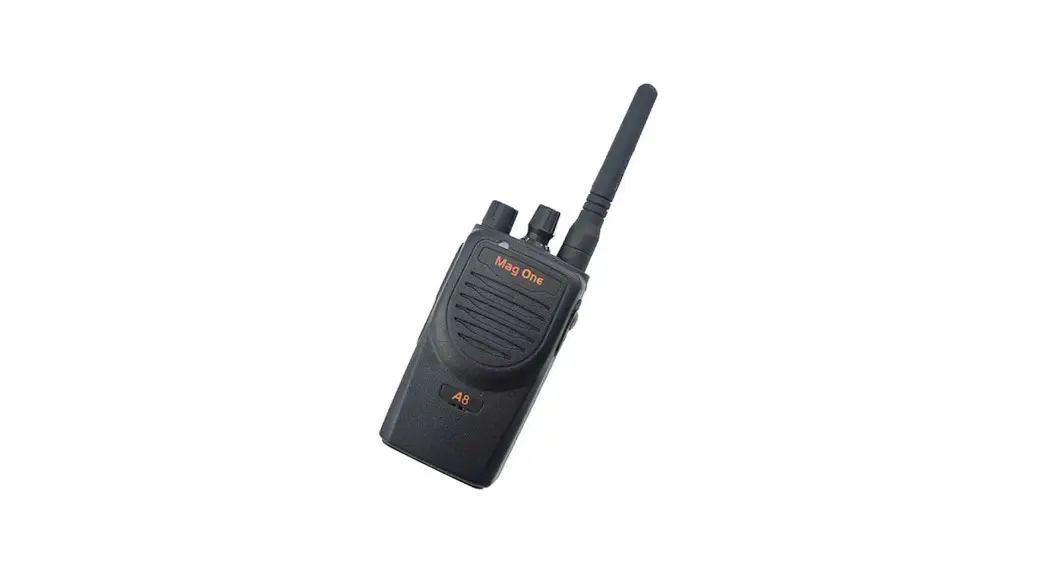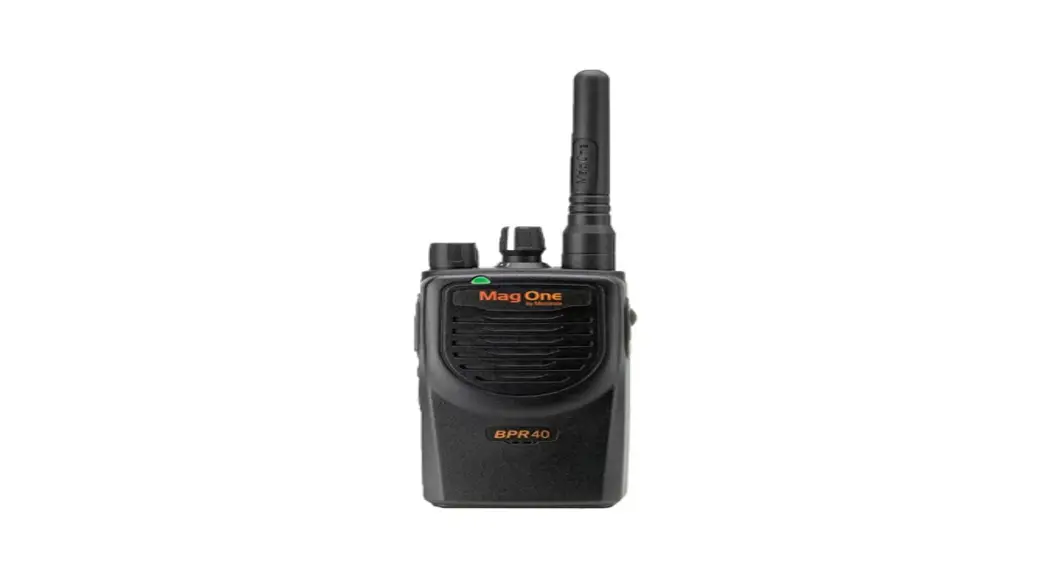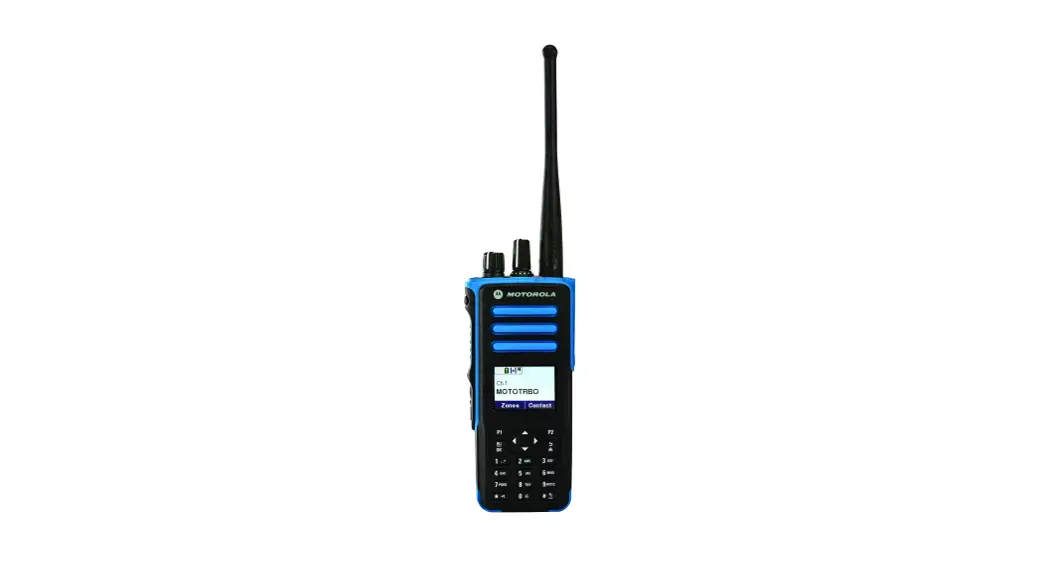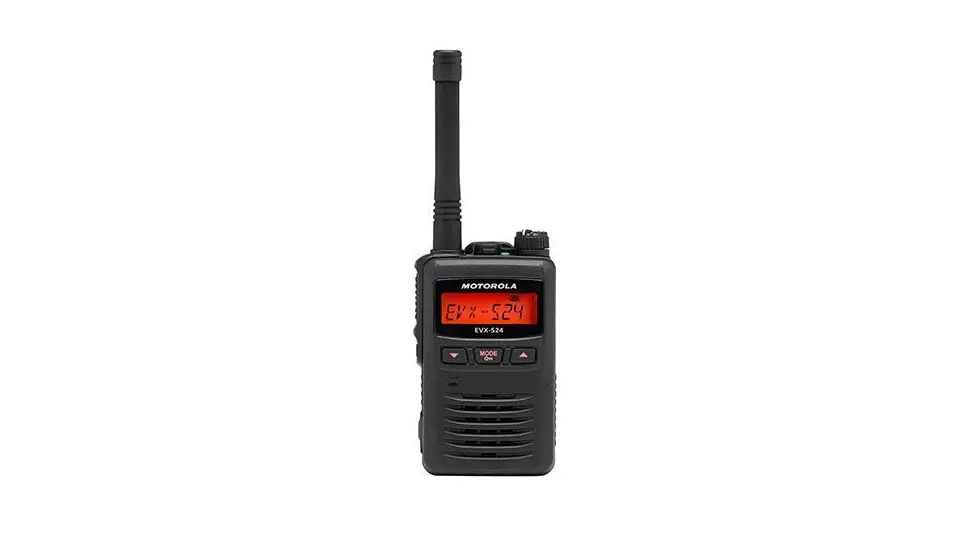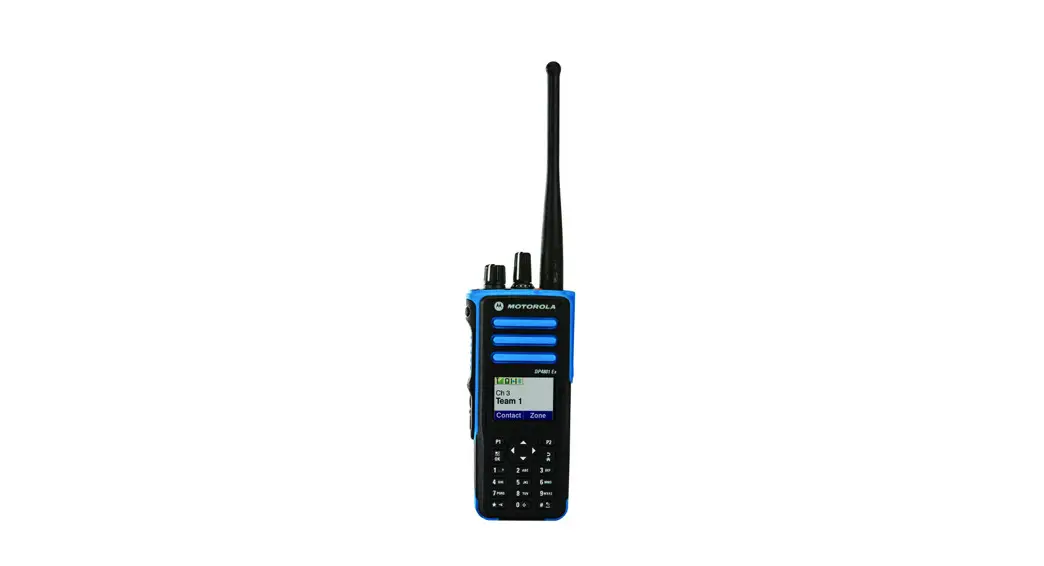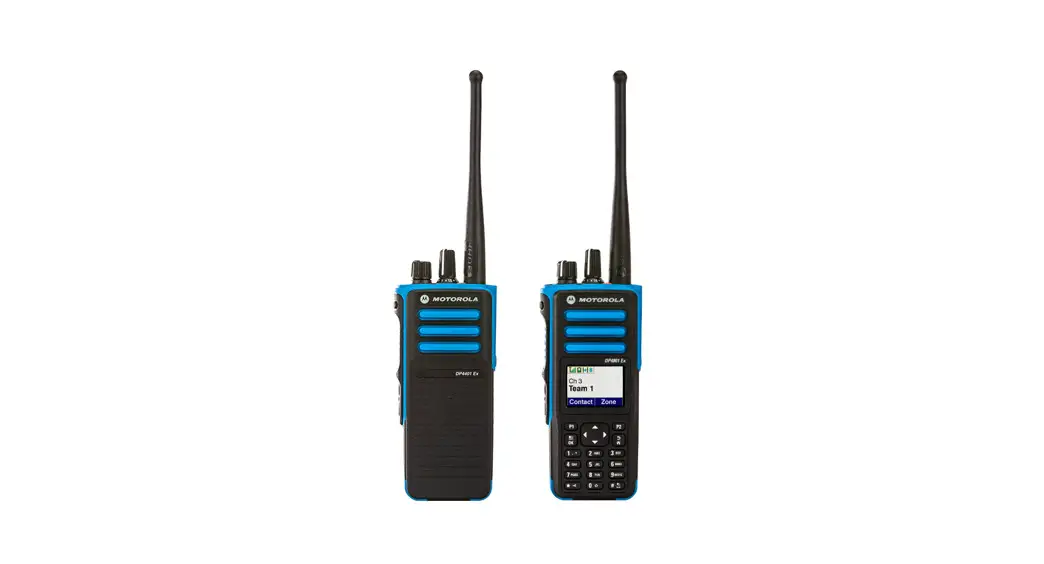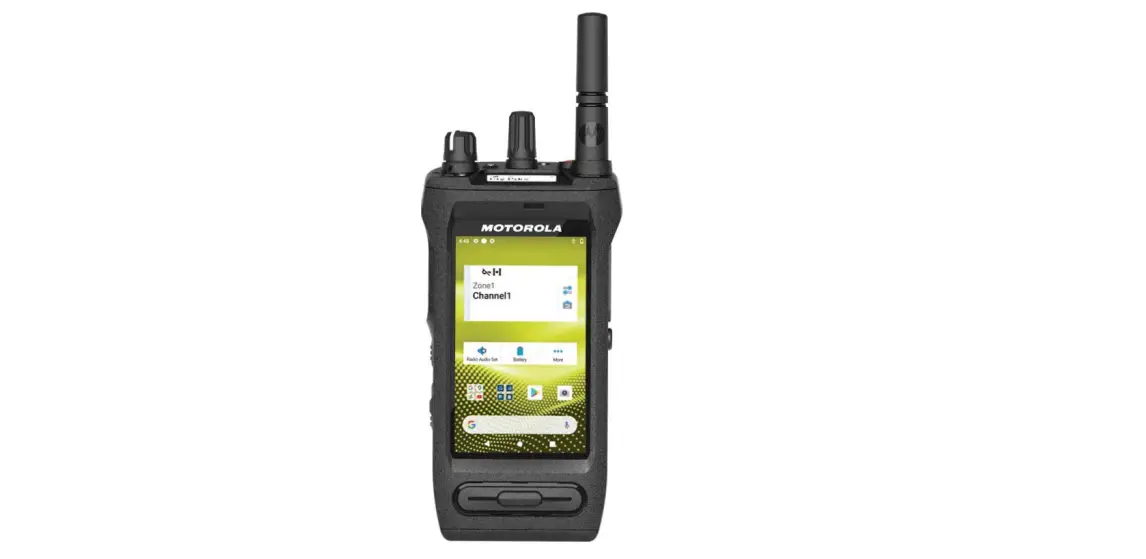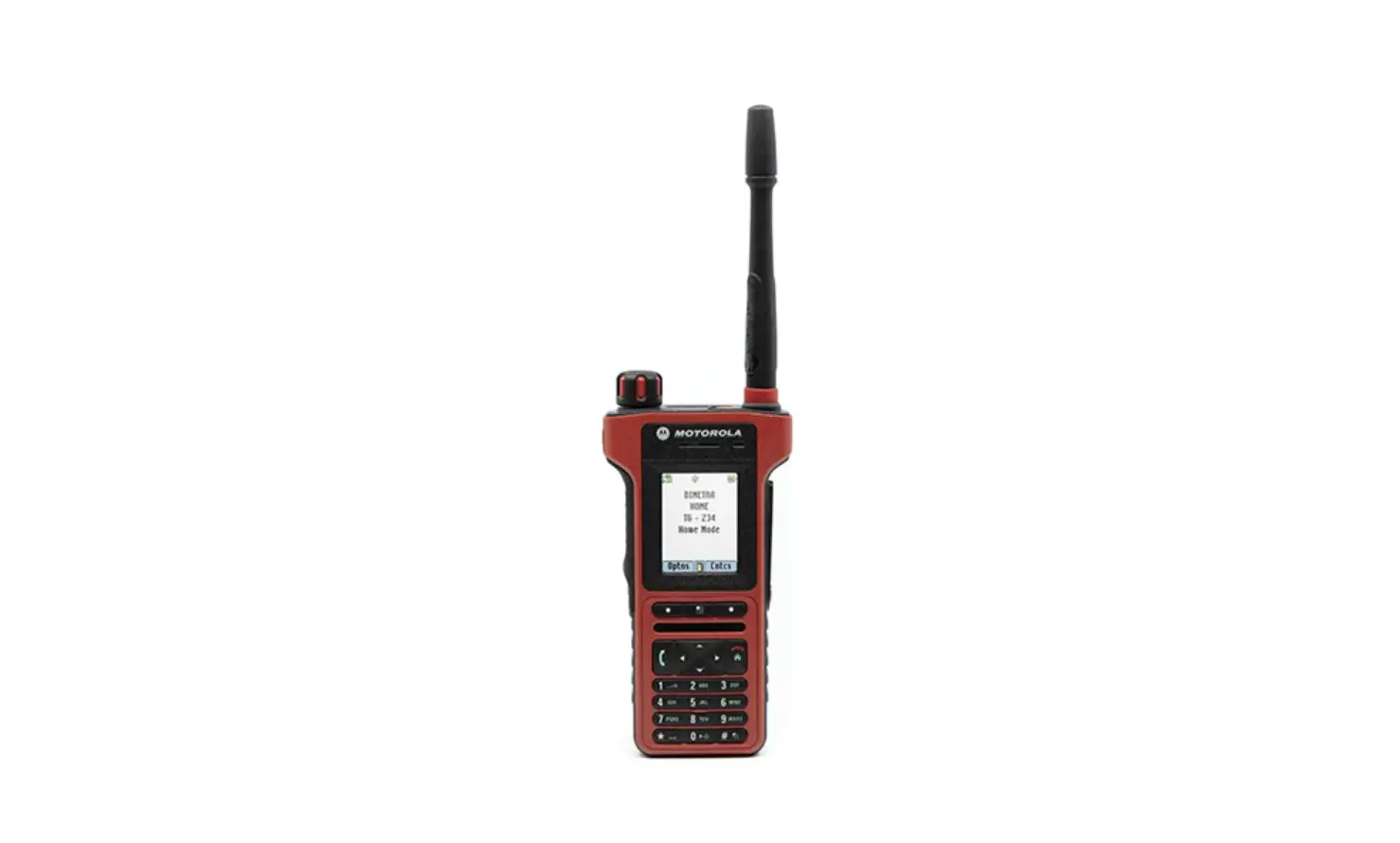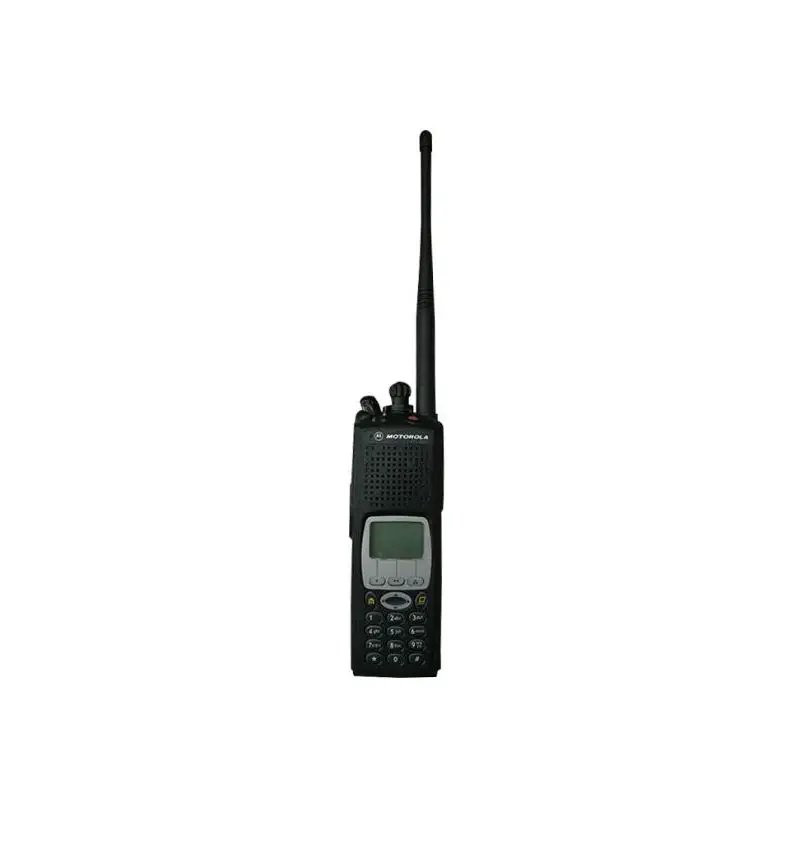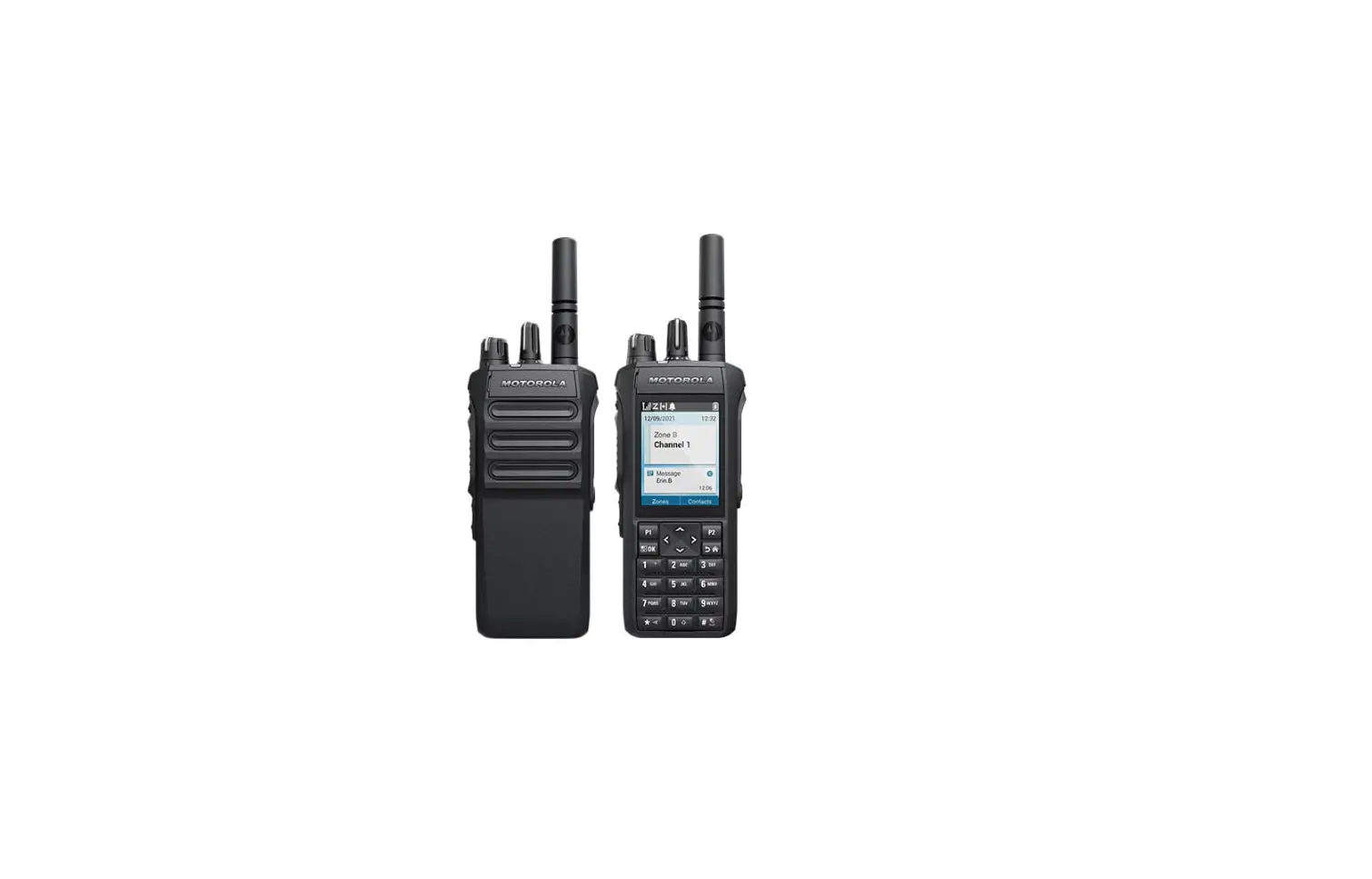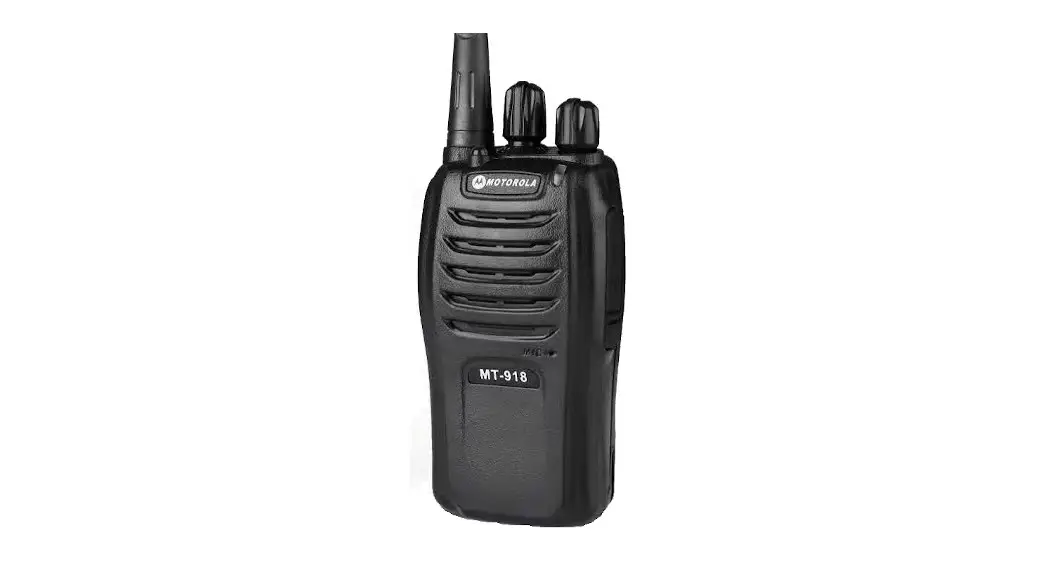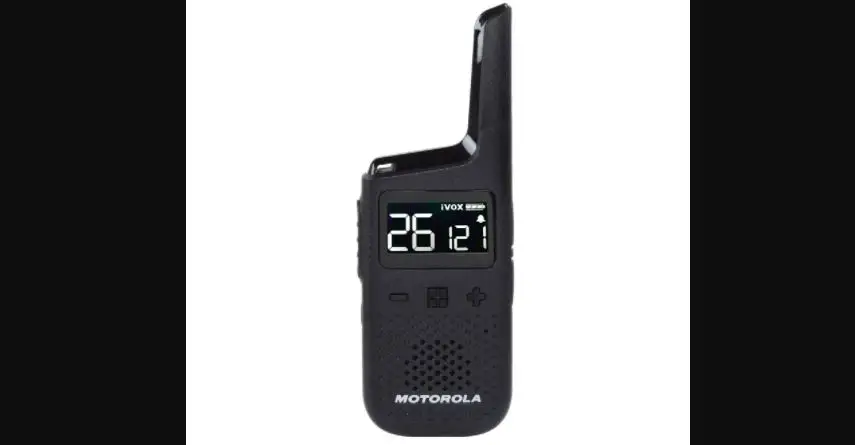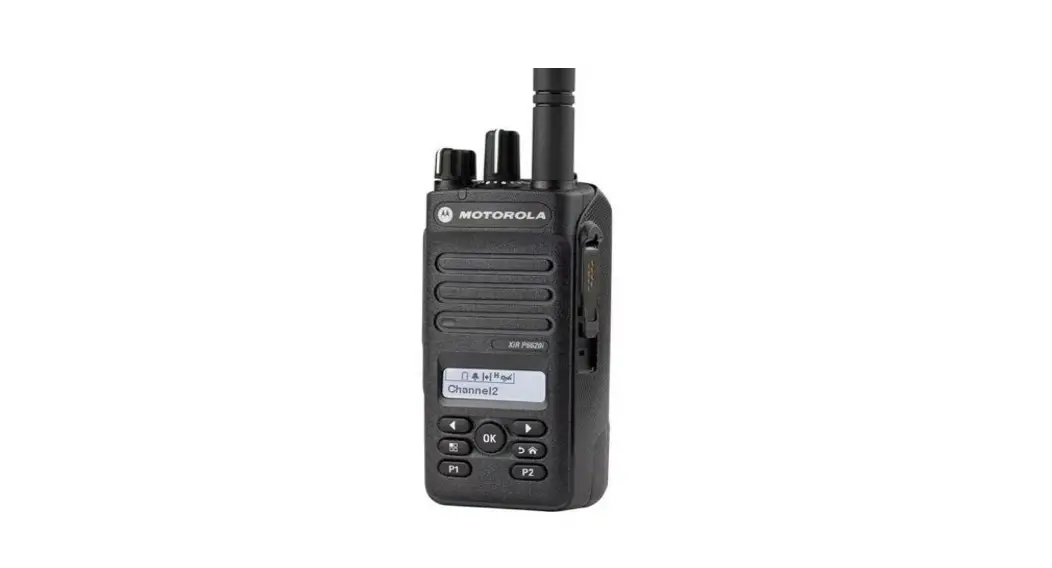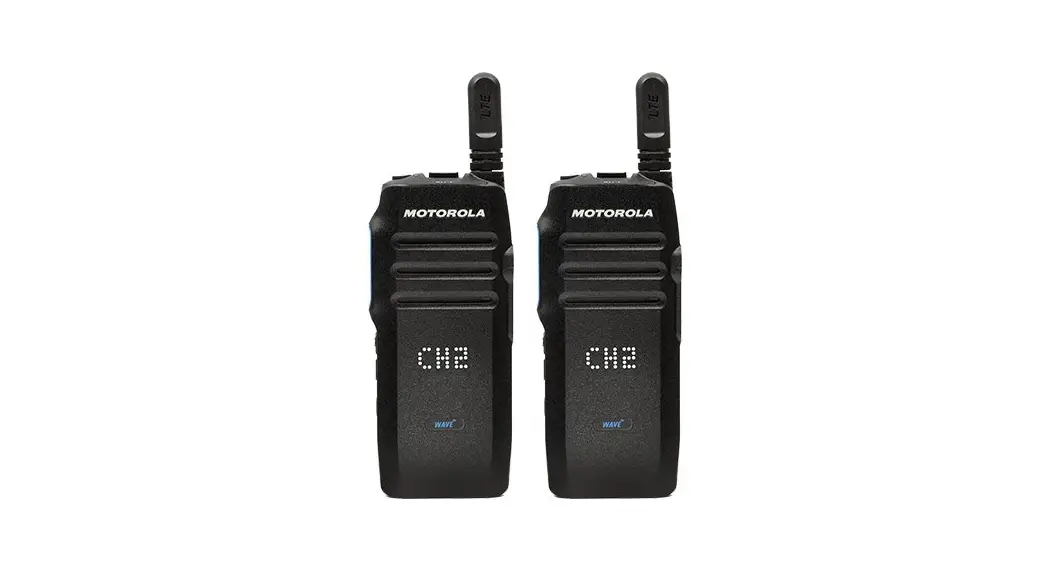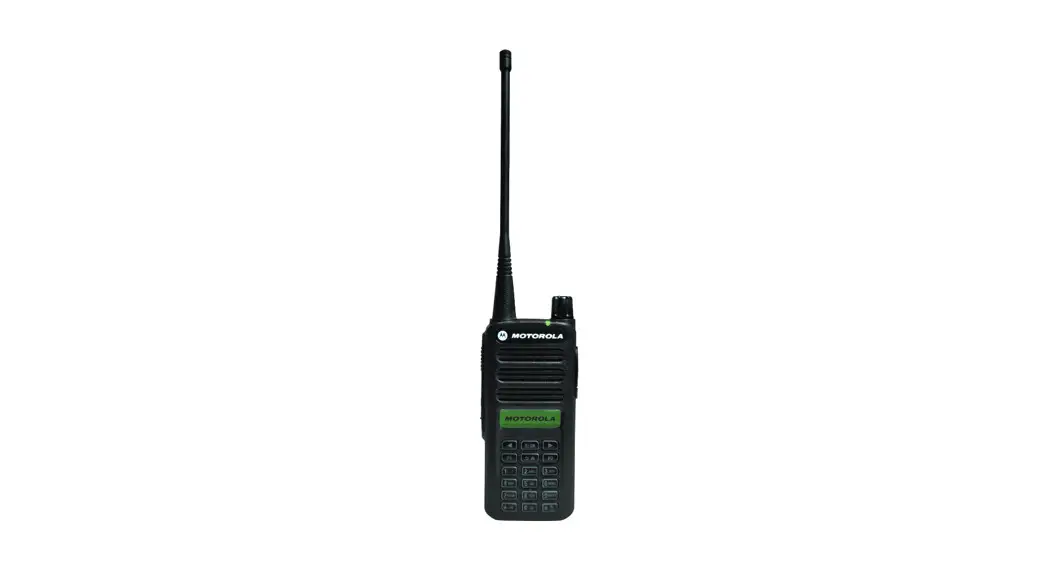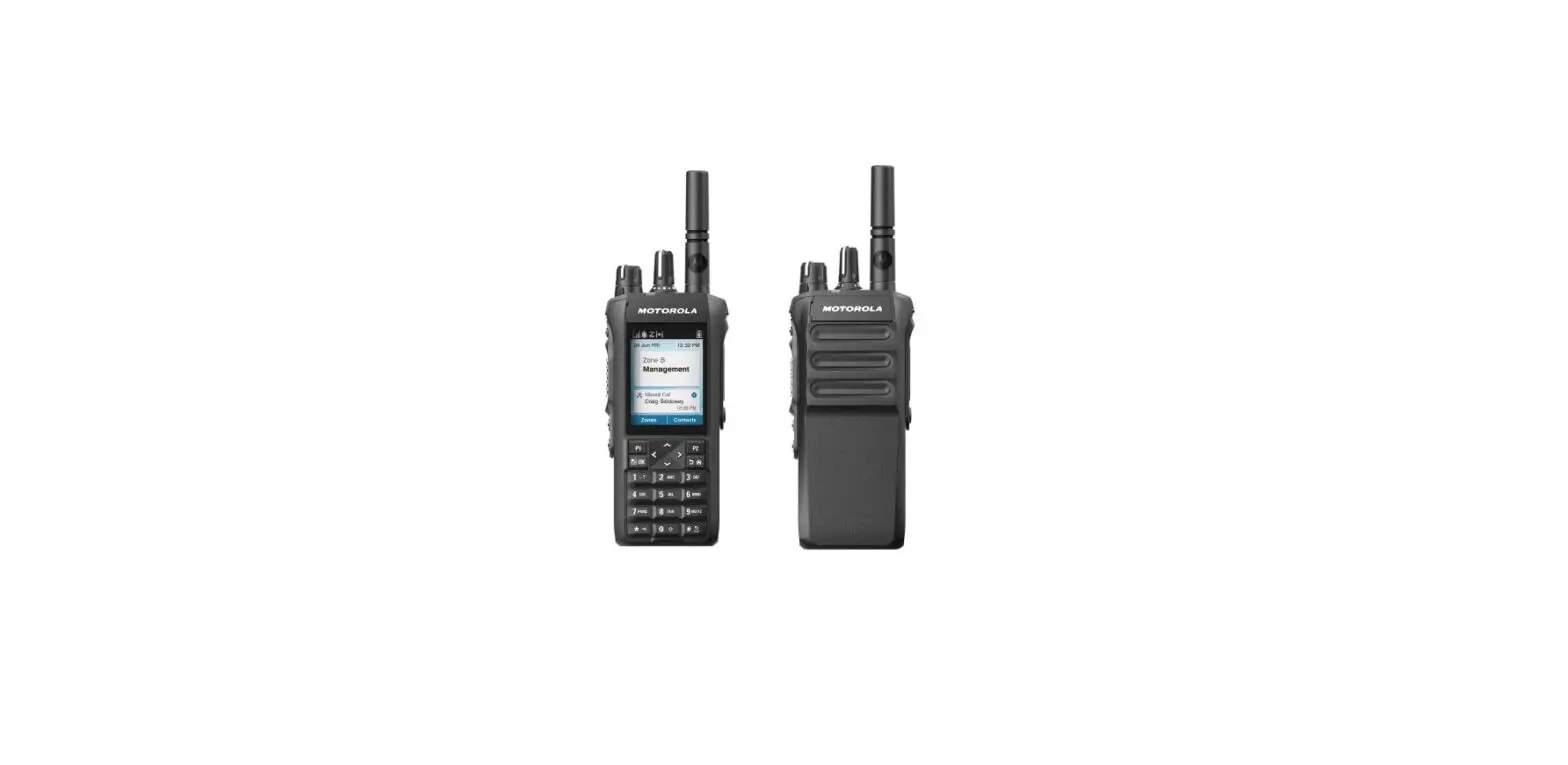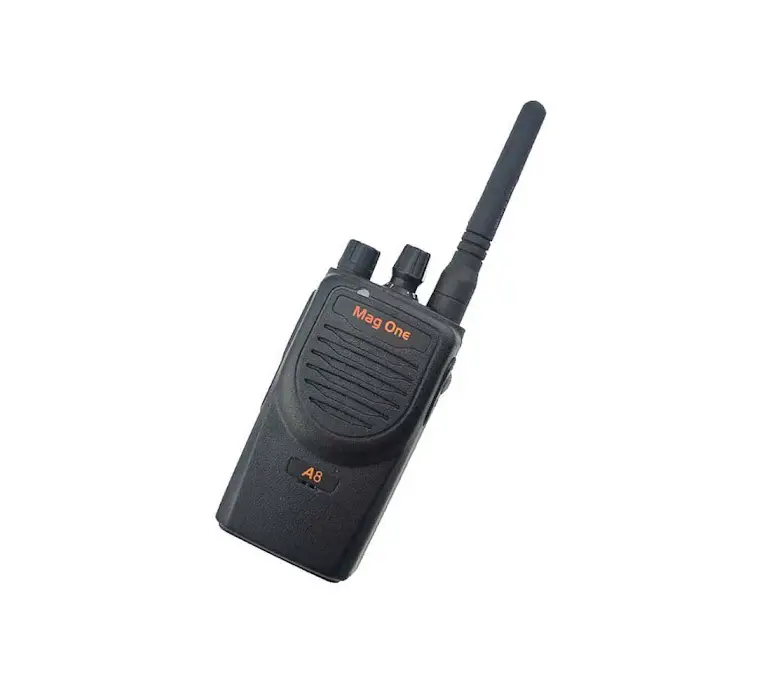
motorola Mag One A8 DMR Portable Radio
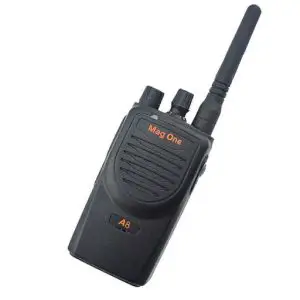
A8 DMR Portable Radio Quick Reference Guide
This Quick Reference Guide covers the basic operation of the radio. Check with your dealer or system administrator because your radio may have been customized for your specific needs.
For more operational details and information on warnings and safety, refer to the MN007472A01 Mag One A8 DMR Portable Radio User Guide.
Radio Overview
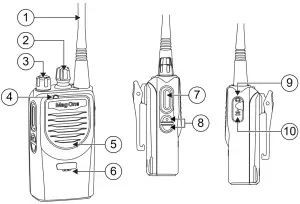
Table 1: Radio View Callouts
| No | Description |
| 1 | Antenna |
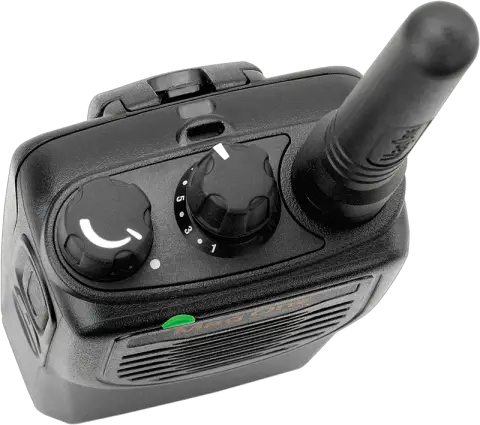
| 2 | Channel Selector Knob |
| 3 | On/Off/Volume Control Knob |
| 4 | LED Indicator |
| 5 | Speaker |
| 6 | Microphone |
| 7 | PTT Button |
| 8 | Programmable Button |
| 9 | Audio Connector |
| 10 | Programming Port |
LED Indications
The LED Indicator shows the operational status of your radio. A qualified technician can permanently disable the LED indication by preprogramming it
Table 2: LED Indications
| Indication | Status |
| Solid Red | The radio is transmitting. |
| Solid Yellow | The radio is receiving wanted signal. |
| Solid Green | The radio is receiving unwanted signal |
| Blinking Red | The battery capacity is low. |
| Blinking Yellow | The radio is receiving alert signal. |
| Blinking Green | The radio is scanning. |
You can program the programmable buttons as shortcuts to radio functions such as High/Low Power, Remote Monitor and so forth. For more detailed radio functions, refer to the MN007472A01 Mag One A8 DMR Portable Radio User Guide.
Getting Started
Attaching the Battery
For optimal performance, charge a new battery 14 to 16 hours before initial use.
- Slide the battery into the battery compartment.
- Flip the battery latch close and press it onto the battery until it locks in place.
Attaching the Antenna
- Turn off the radio.
- Set the antenna in the receptacle and turn clockwise.
Turning the Radio On and Off
Rotate the On/Off/Volume Control Knob clockwise or counterclockwise until a click sounds.
Trademarks
MOTOROLA, MOTO, MOTOROLA SOLUTIONS and the Stylized M logo are trademarks or registered trademarks of Motorola Trademark Holdings, LLC and are used under license. All other trademarks are the property of their respective owners. © 2020 Motorola Solutions, Inc. All rights reserved.

MN007539A01-AA
Printed in