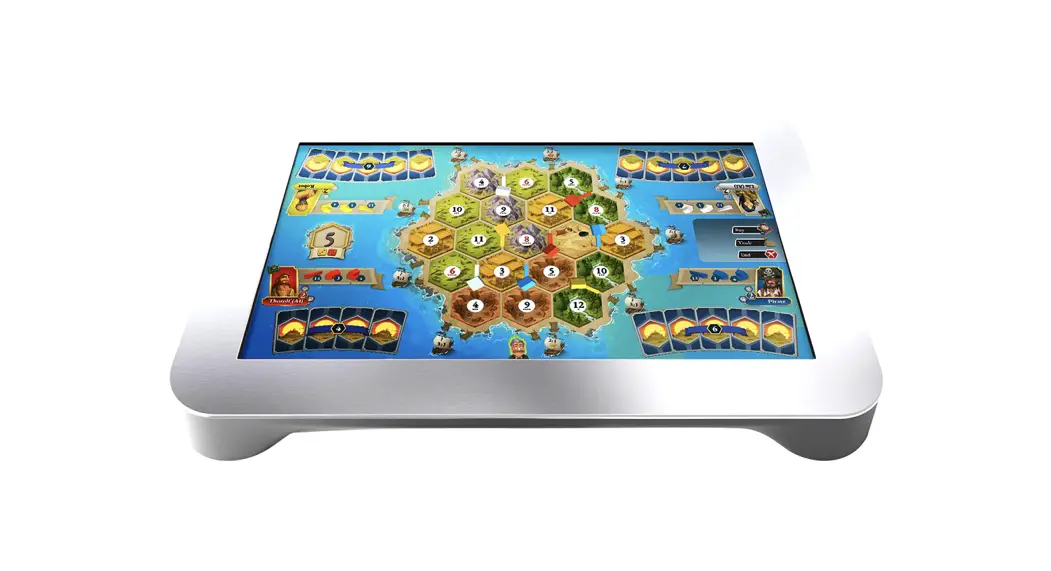

 gaming console
User Guide
Toptop gaming console
Plug In
Plug one end of the provided power adaptor into a power outlet and the power port of your laptop.
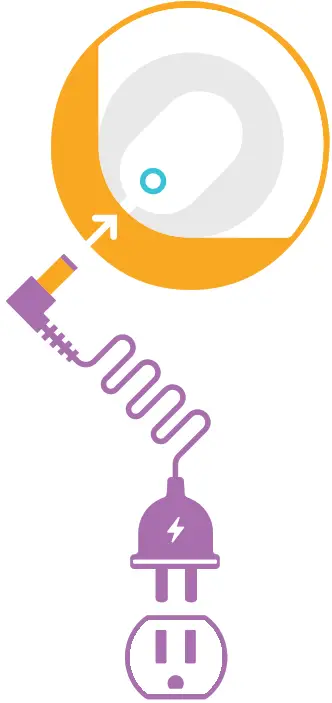 The power port is located on the bottom side of your laptop.
* Power needs to be always provided to your laptop for it to turn on and operate.
On the corner of your TapTop, above the power port, is a button giving you a quick way to control the device.
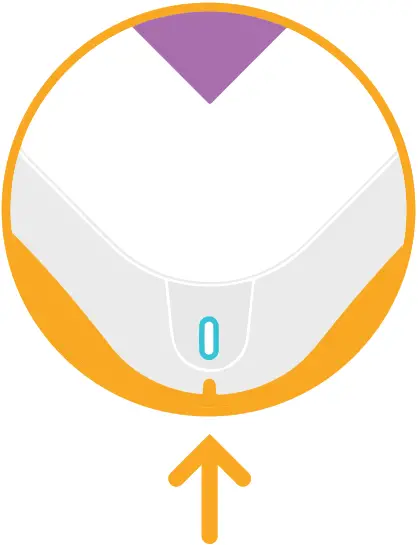
 Single-click:
Open an on-screen menu for access to quick settings. Short Hold:
Put your TapTop on Standby Medium Hold:
Restart your TapTopLong Hold:
Cancel the Control Button hold actions
USB Ports
There are four USB-A ports on your TapTop two on each opposing side.
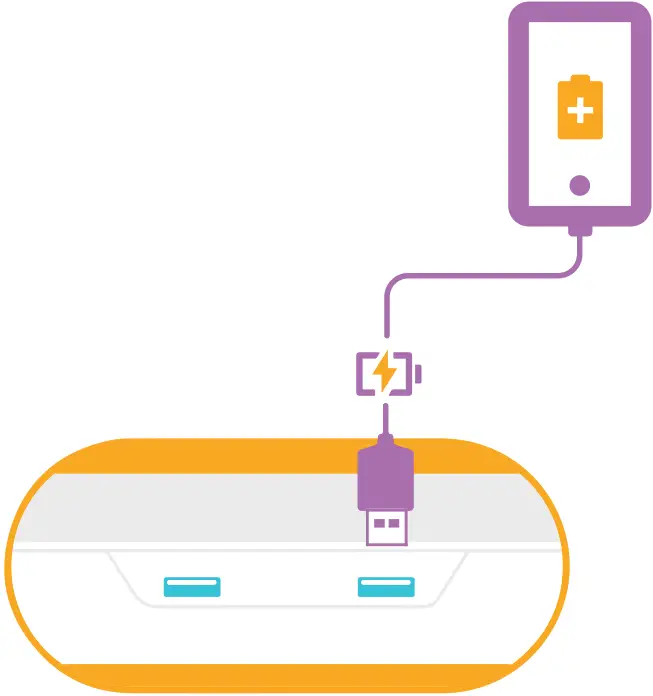 These USB ports provide power to keep your mobile devices charged while you play. They are not intended for data or information transfer.
Connectivity
During the device setup, you’ll have a chance to set up your WiFi.
 If you ever need to change it, tap on your profile avatar, select “Device” from the menu, and then WiFi to access the settings.
You’ll also find the Bluetooth options under the Device menu as well.
* For Gameplay that utilizes handheld devices, they should be on the same WiFi as the TapTop.
Create an Account
Create a TapTop user account to access our library of games, join our community, and much more!
 Tap on the profile avatar in the top left corner of the screen. You’ll be prompted to register as a user or sign in using an existing account.
You can also register at: www.BlokParty.com/TapTop
Login with Alexa
Your TapTop includes Alexa!
 Alexa allows you to use your voice to hear the news, check the weather, control your smart home, and more.
Login with Amazon during setup, or by tapping the Alexa action button in the top right corner.
Subscription
Gain unrestricted access to our full library of games by subscribing!
 Go to your account settings to get started today!
 BlokParty | Taptop