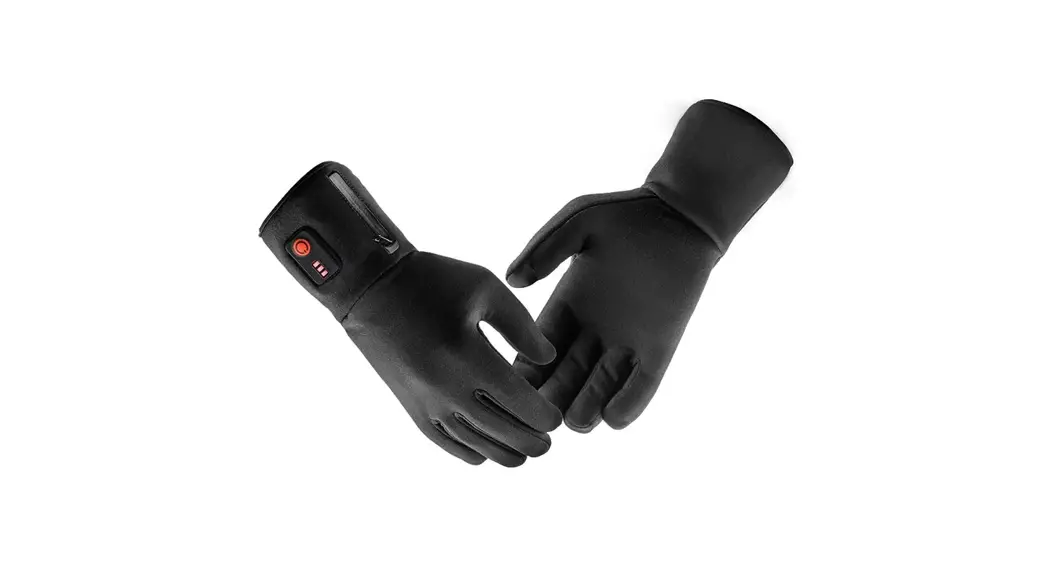
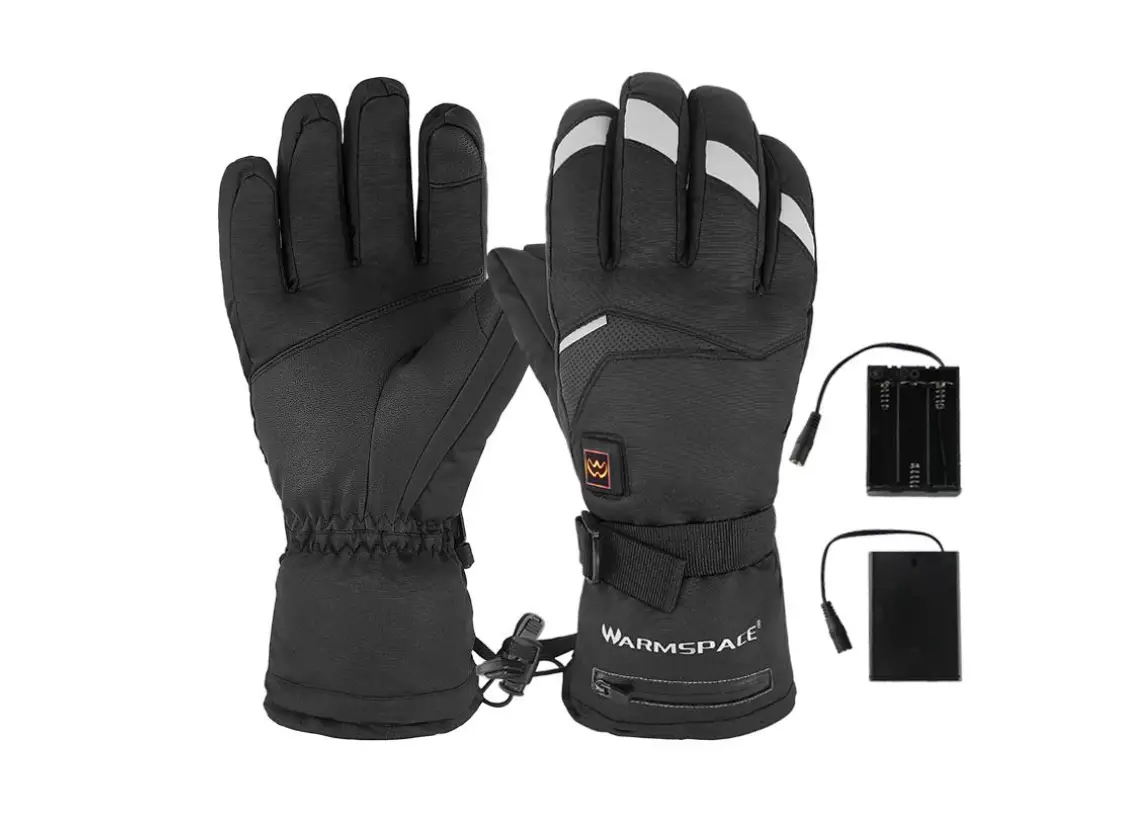
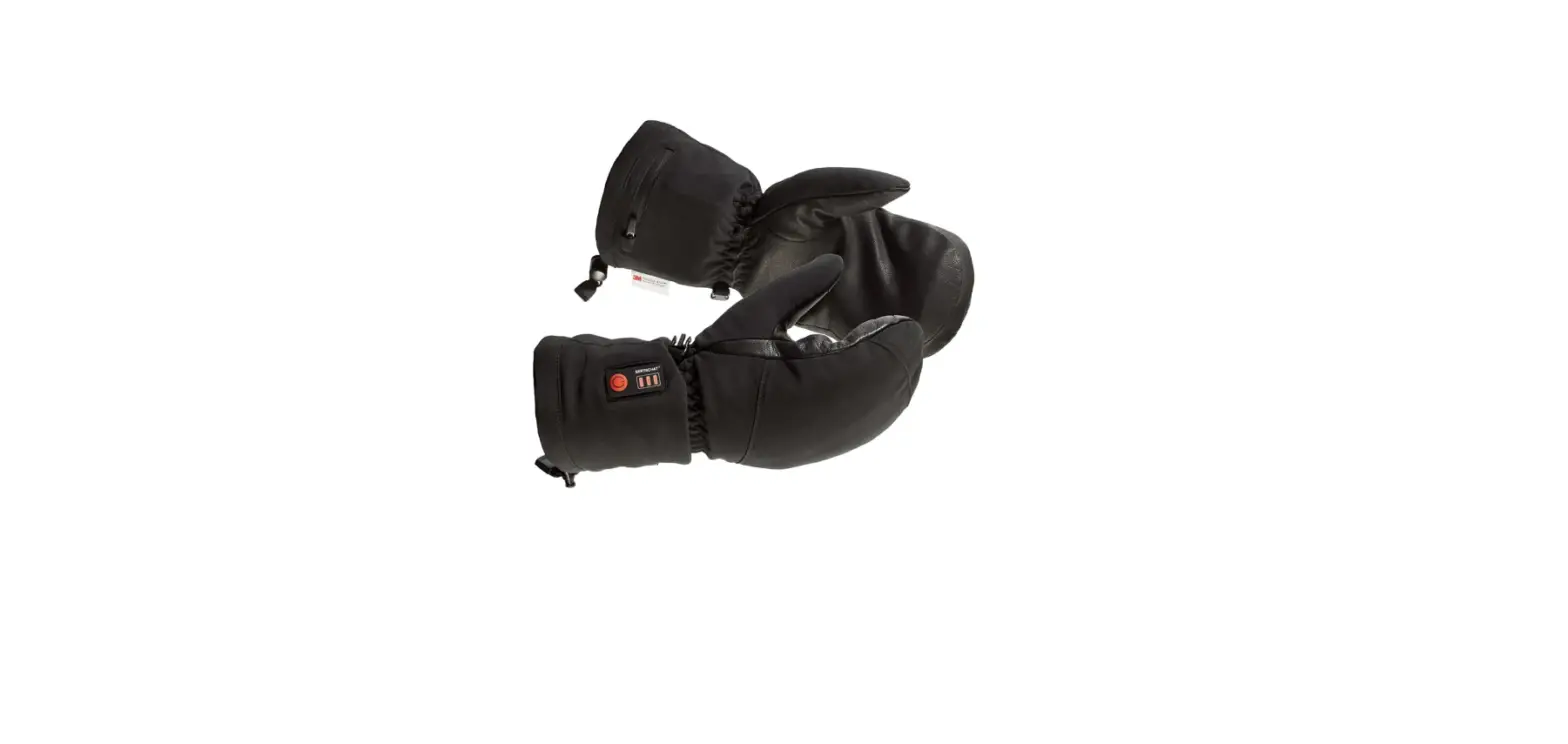
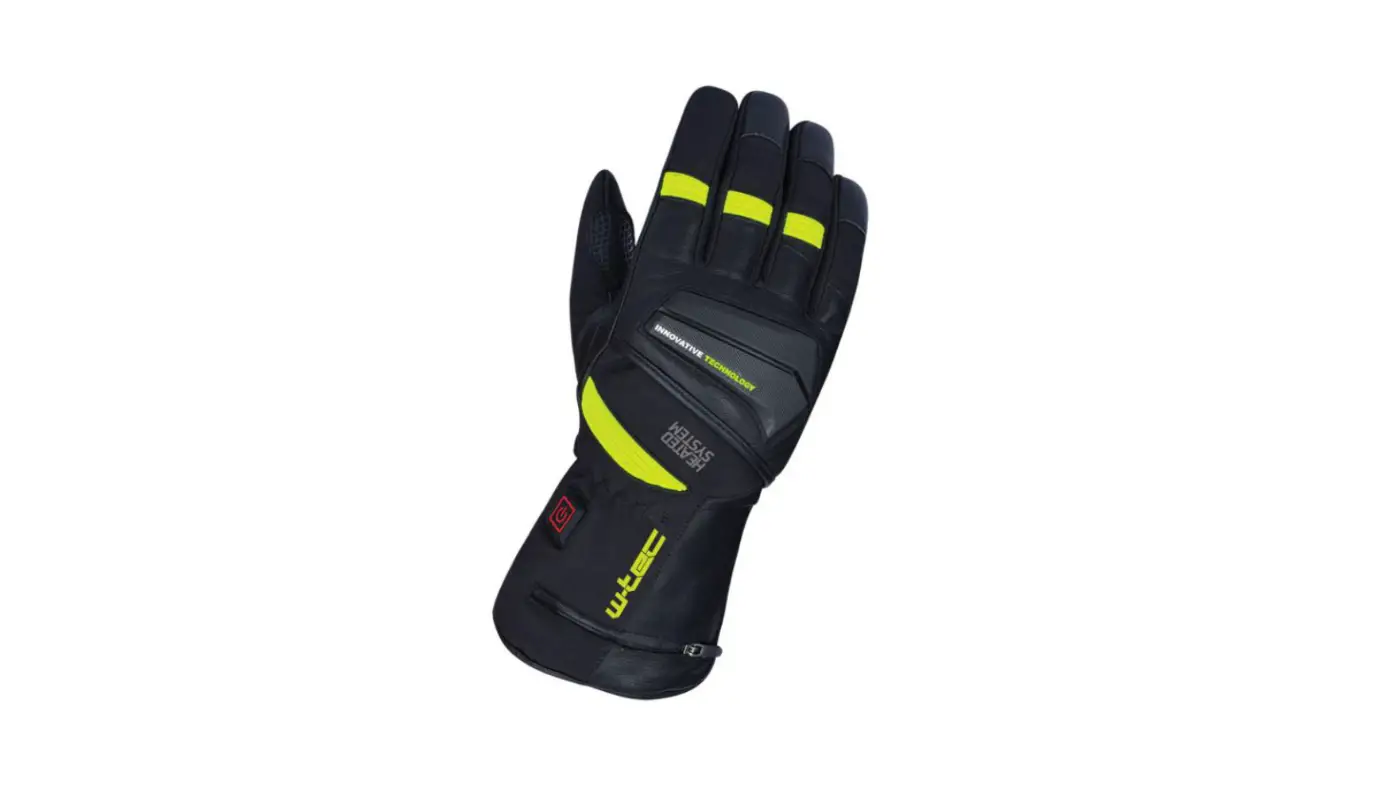
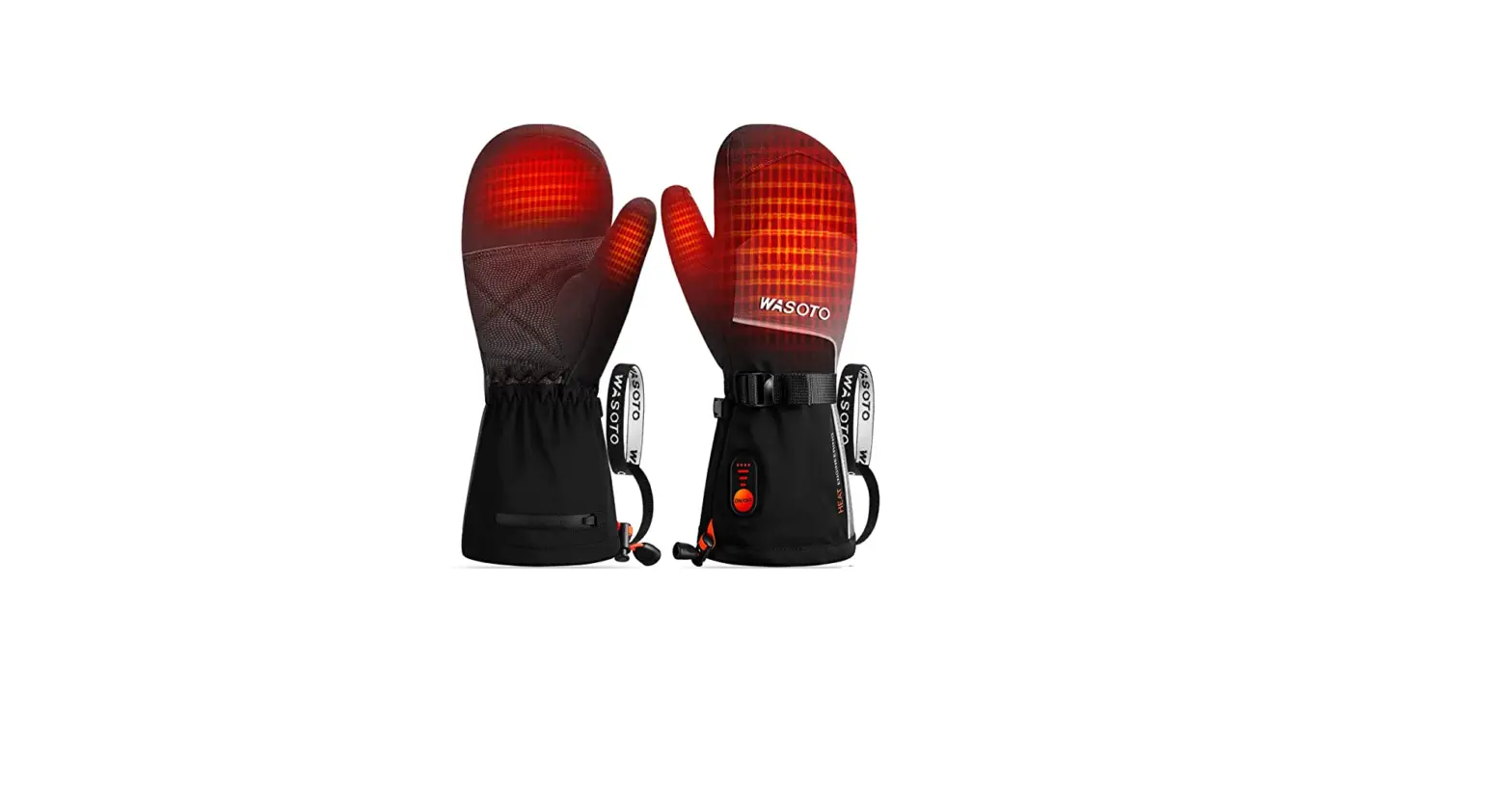
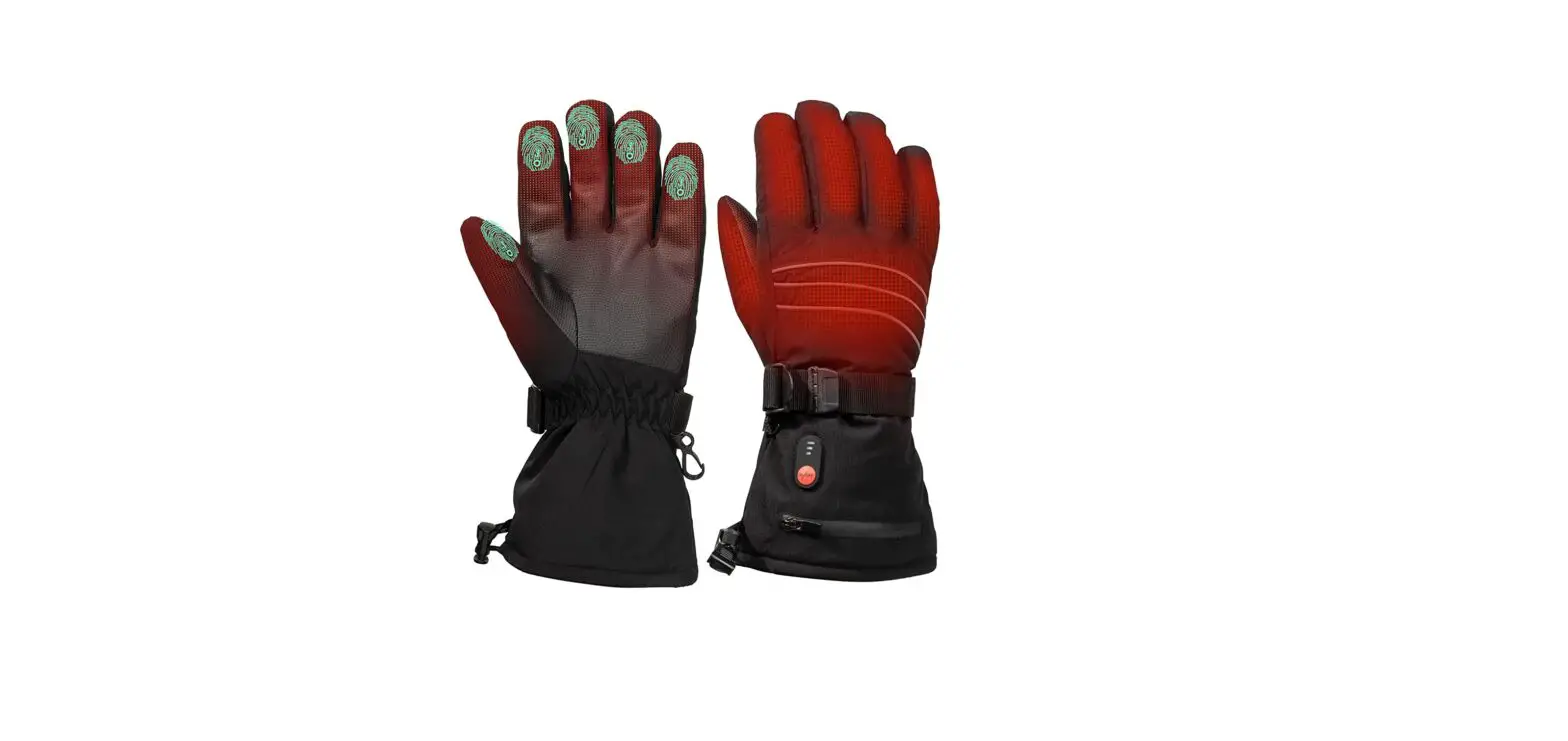
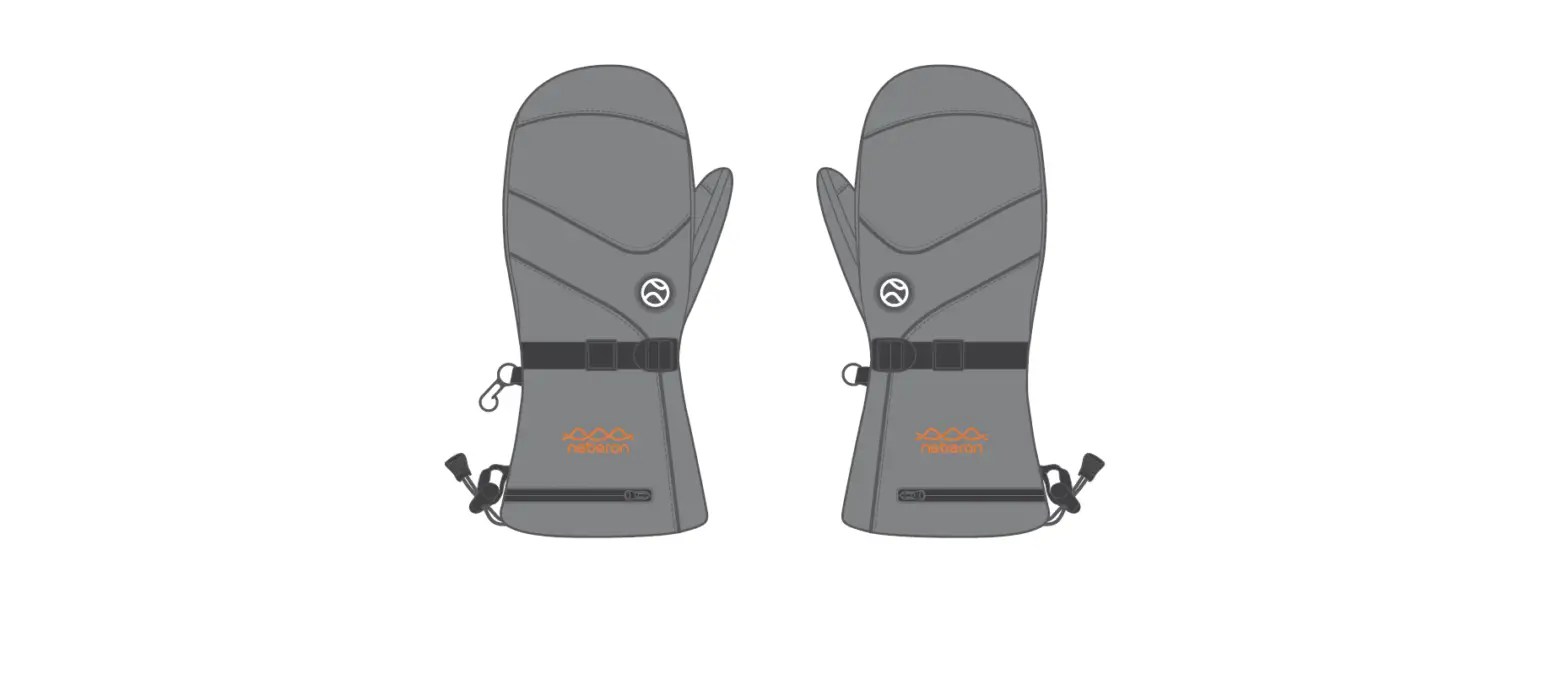
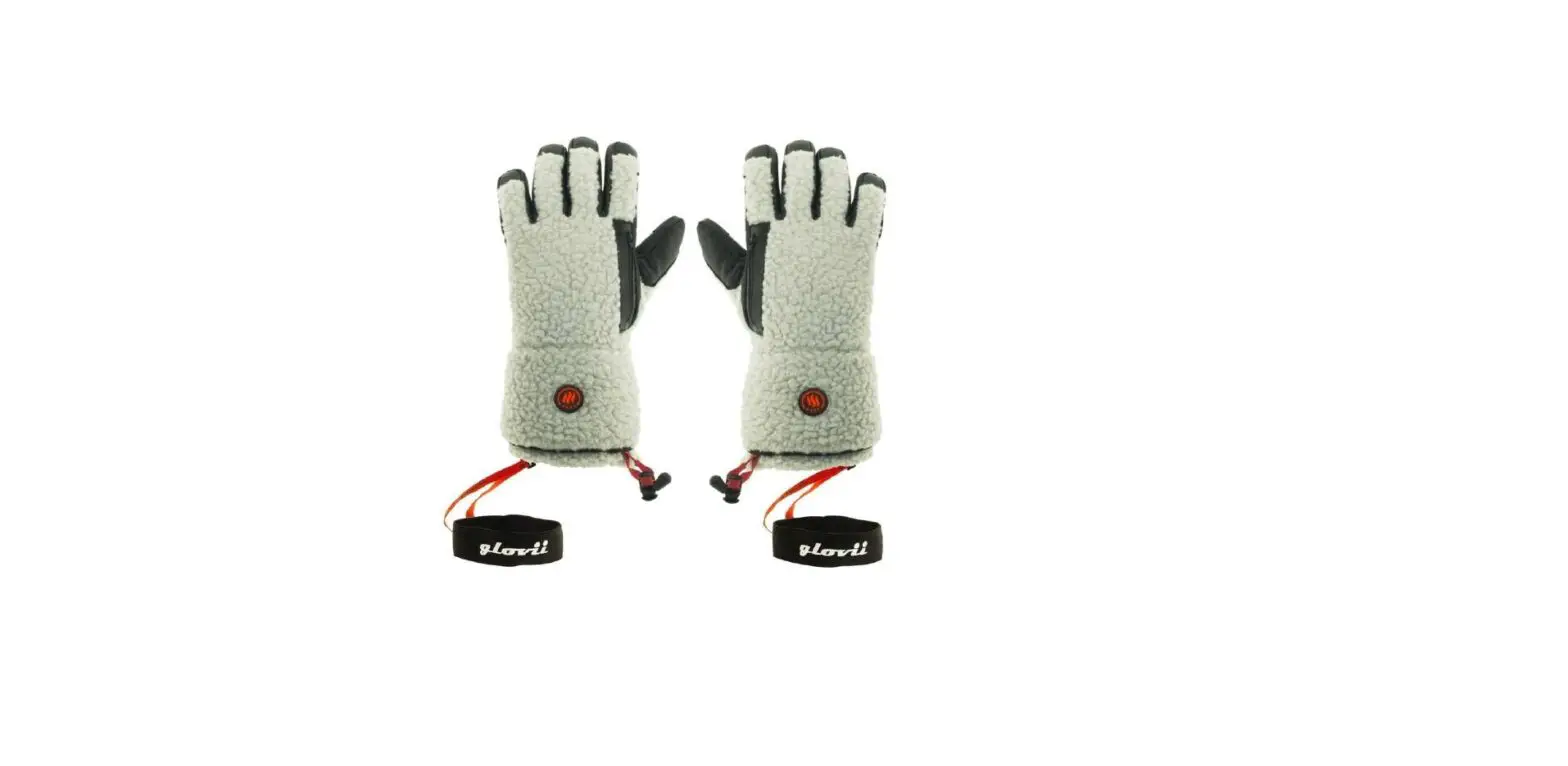
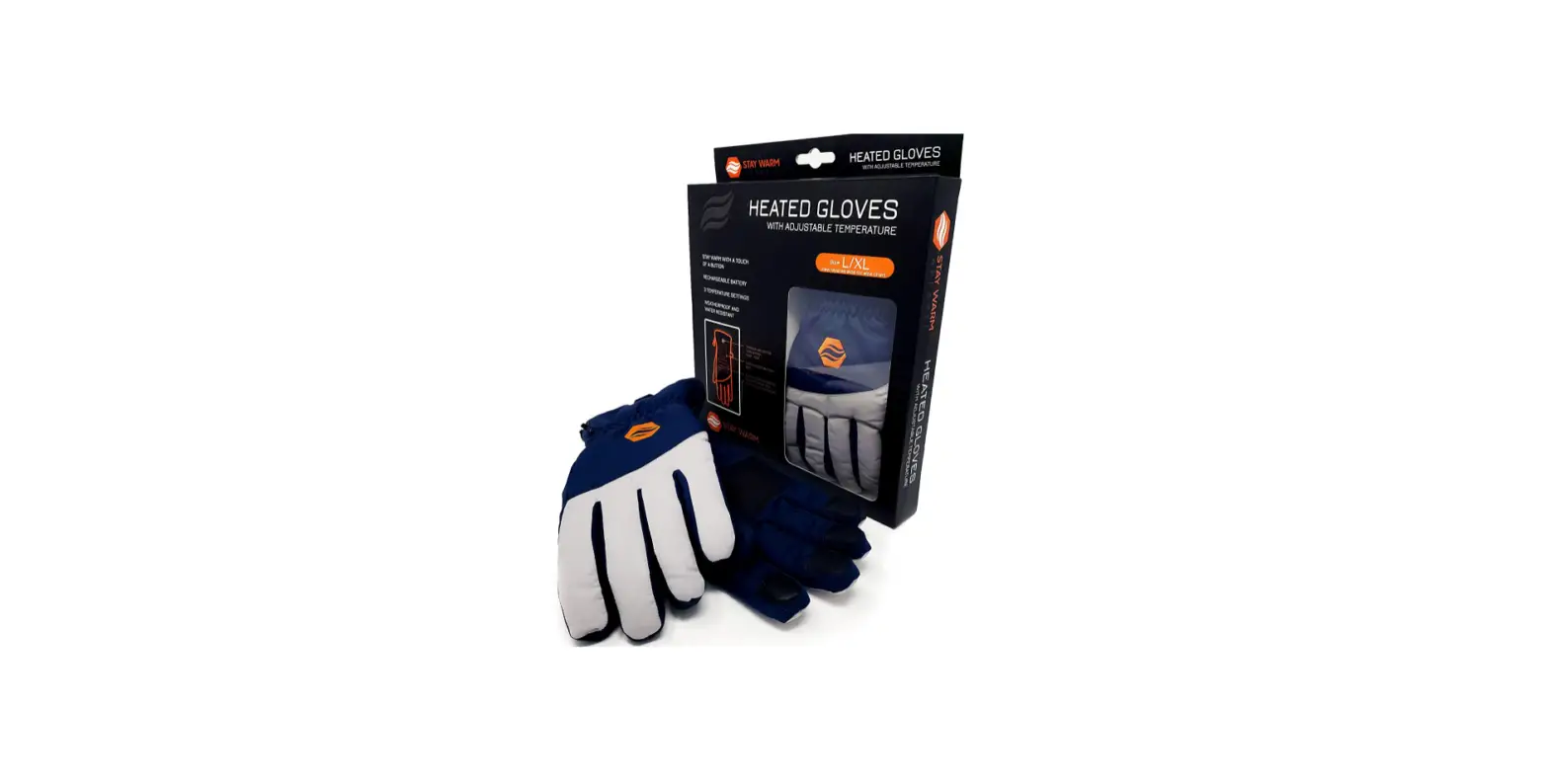
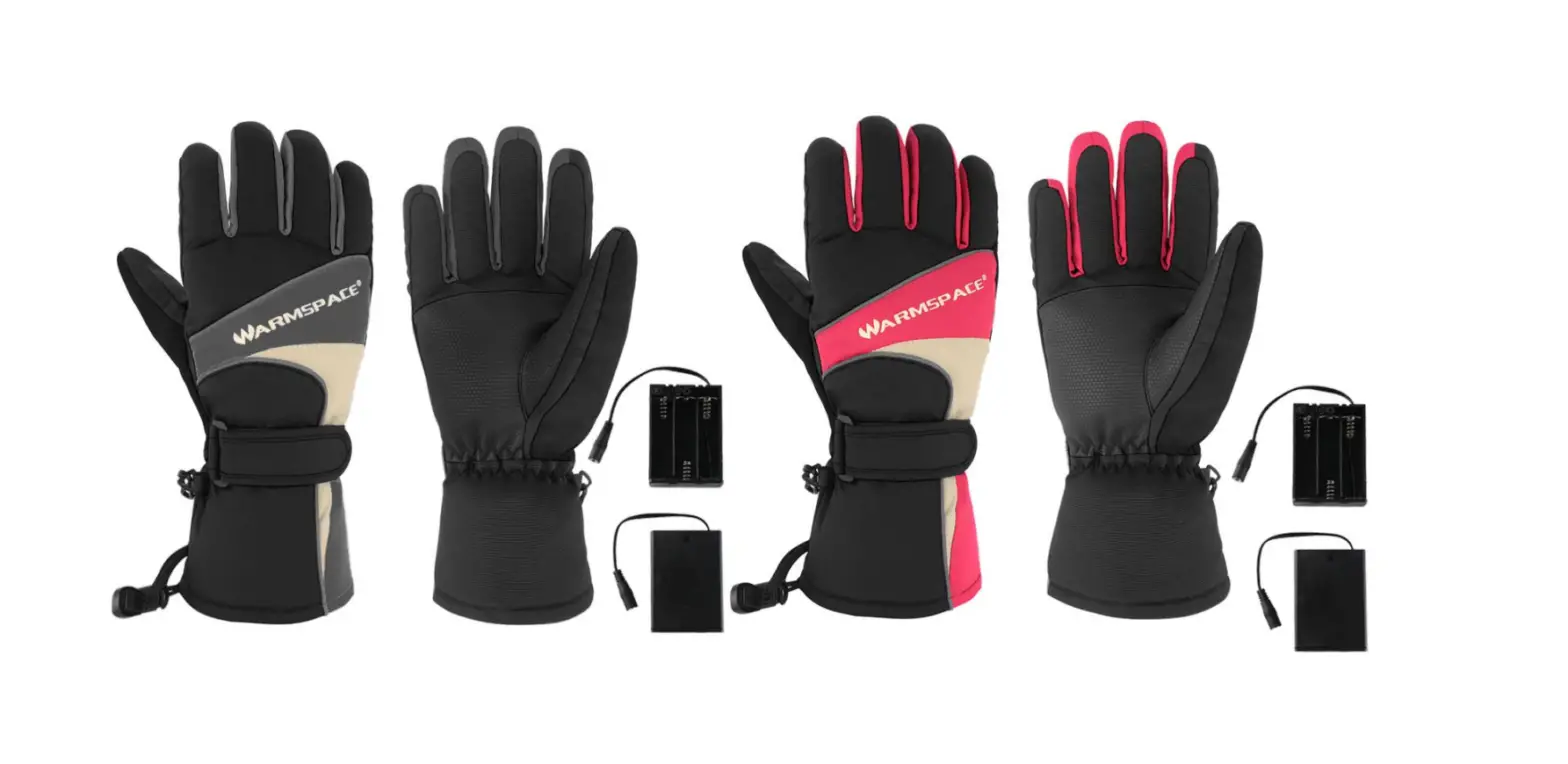
ERTSCHAT Pro Dual Heating Heated Gloves
Product Information
Product Name: Heated Gloves Pro – Dual
Heating Available Languages: English
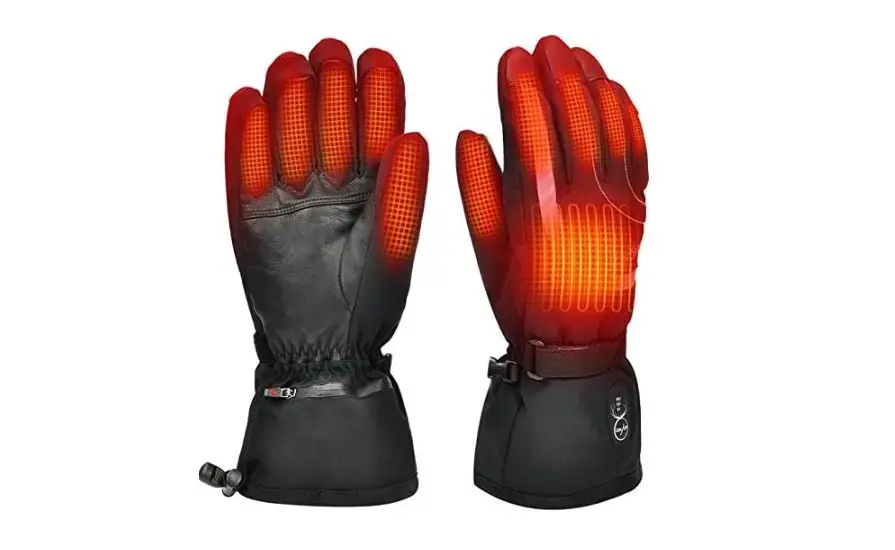
Dual heating technology for both back of the hand and palm
Independent control for each heating side
Adjustable temperature settings
LED indicators for temperature settings
Cautionary feature to prevent damage to gloves
Product Usage Instructions
Before First Use
- Ensure that the gloves are fully charged.
- Familiarize yourself with the buttons on the gloves.
Switching On the Heating
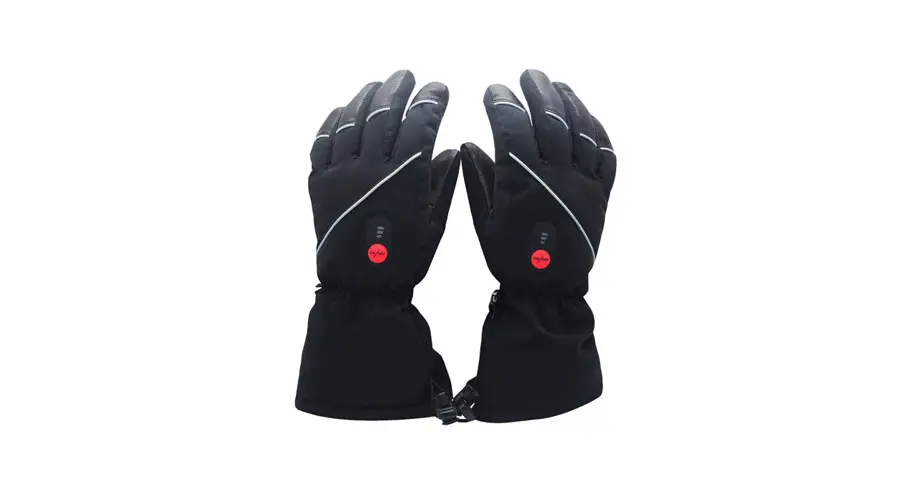
- Press the black silicon buttons on the gloves that display hands.
- The first button controls the heating on the back of the hand, while the second button controls the palm.
- This allows you to heat both sides of the hand independently or at different intensity levels.
Temperature Settings
- Press the silicon buttons to set the desired temperature.
- The buttons will light up in different colors to indicate the active setting:
- Red: Highest temperature
- Orange: Medium temperature
- White: Lowest temperature
- LED does not light up: Heating function switched off
Word of Caution
- Never activate both heated sides at maximum intensity without a hand inside the gloves.
- The dual heating elements generate intense temperatures that may damage the gloves.
Operating Time
- The heating duration depends on ambient temperature and selected heat setting.
- Higher settings deplete batteries faster.
- Consider ordering an additional battery pack for longer usage time.
Switching Off
- Press the ON/OFF buttons until the LEDs no longer light up.
- Alternatively, disconnect the batteries.
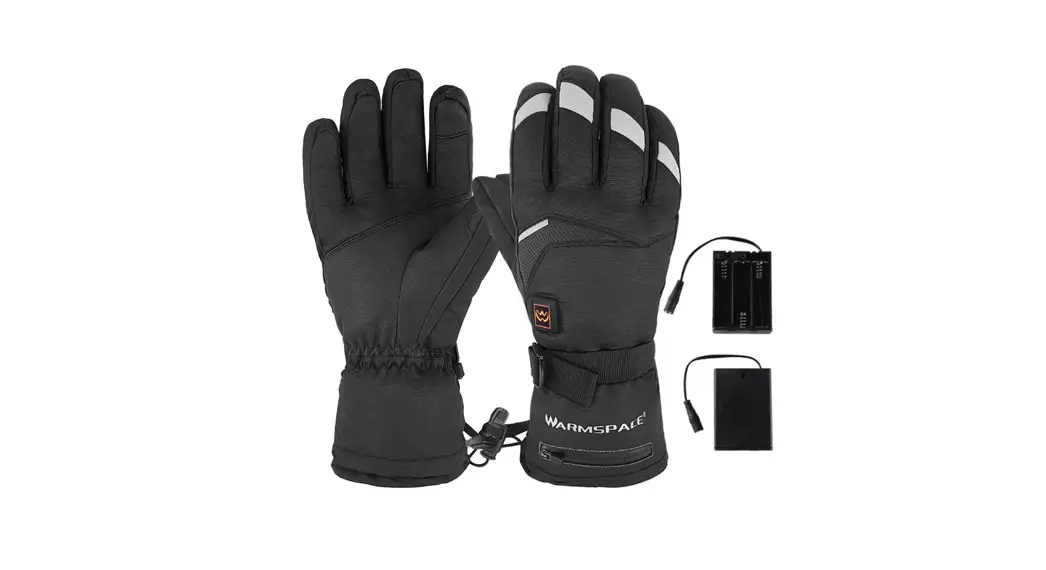
- After use, always disconnect the batteries and store them in the intended pockets.
- Store the gloves and batteries in a dry and clean environment at room temperature.
Washing Instructions
- Follow the washing instructions provided separately for cleaning the gloves.
Contact Supplier
- If you have any questions or need clarification, please contact your supplier.
 BERTSCHAT®️