 Simply Better Connections
Unizon Global AV Management Platform
ATEN Unizon™
Global AV Management Platform
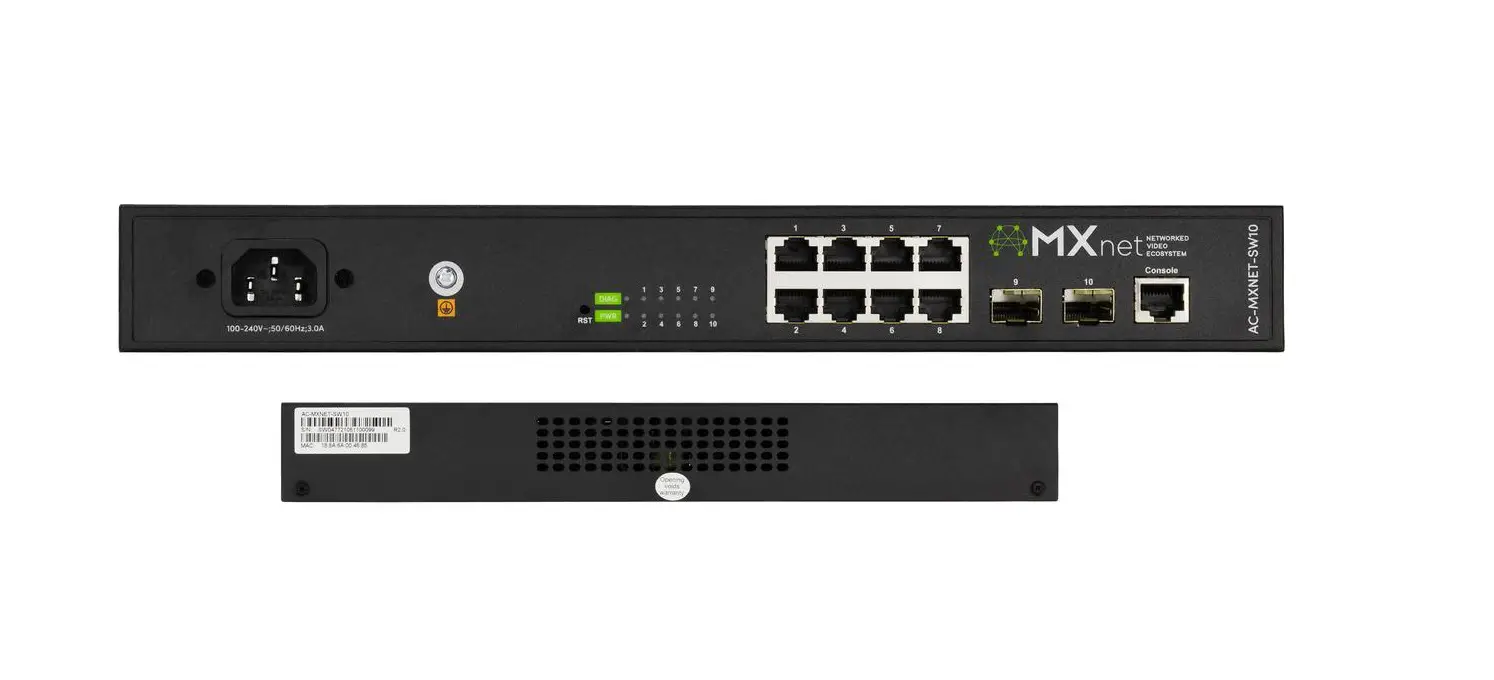
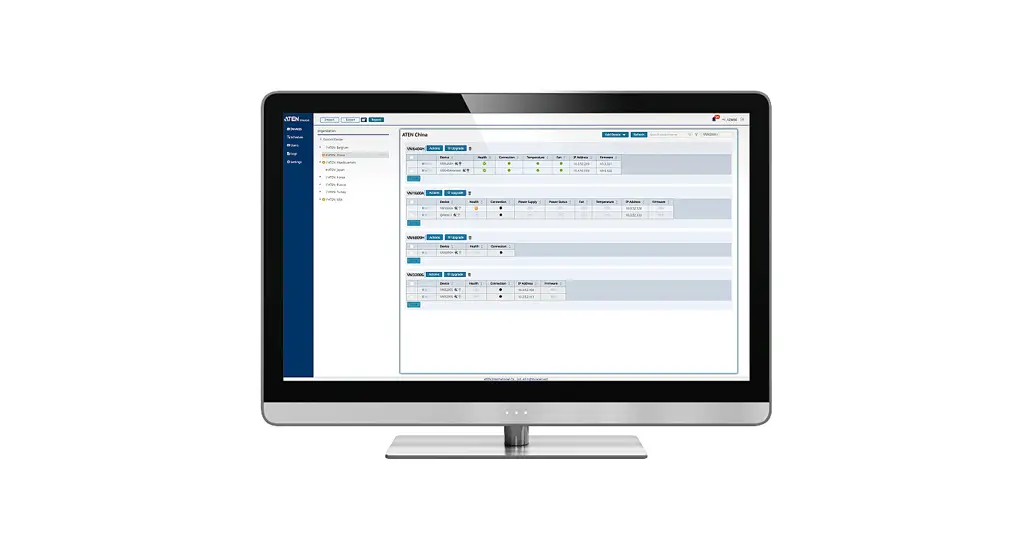
ATEN Unizon is a server-based software for remote centralized monitoring, control, and management of Ethernet-based ATEN Video Matrix Switches, ATEN Room Booking System, and 3rd party devices (such as projectors, lights, and AV devices) connected to ATEN Control System Controllers.
By providing real-time access to device status, the platform streamlines daily AV/IT management, troubleshooting, analytics, and automation, making it the perfect solution to manage mass device deployments.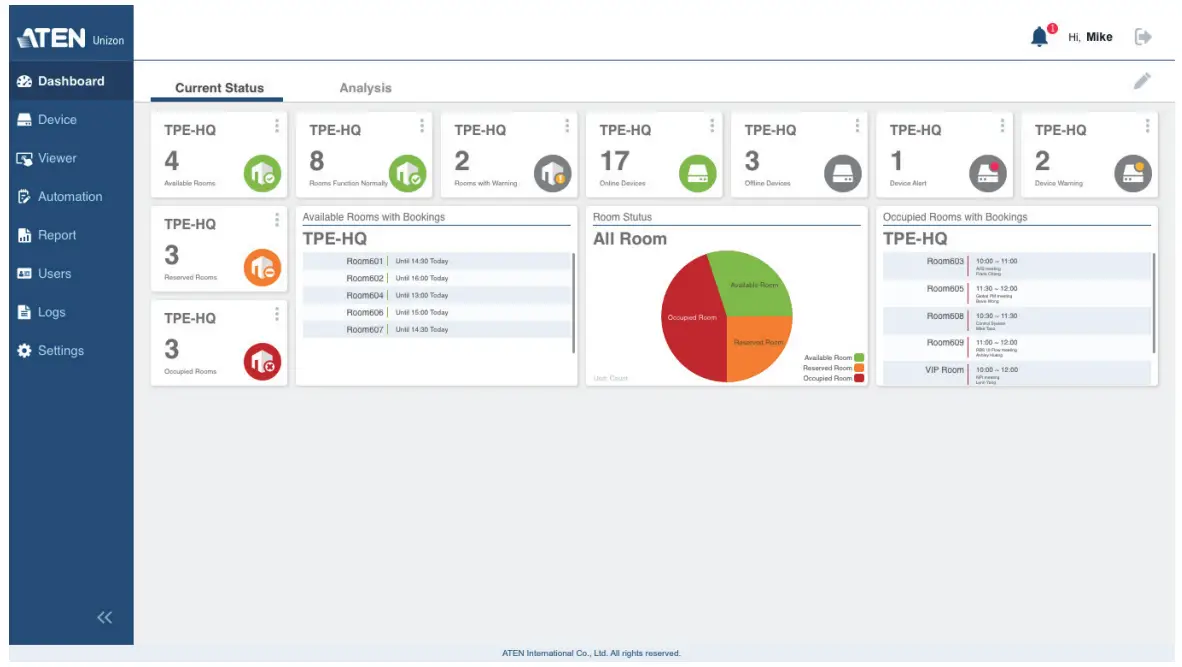
Features
- Centralized device monitoring, control, and management
– ATEN Video Matrix Switches, Room Booking System, Control System solutions, including the managed third-party devices
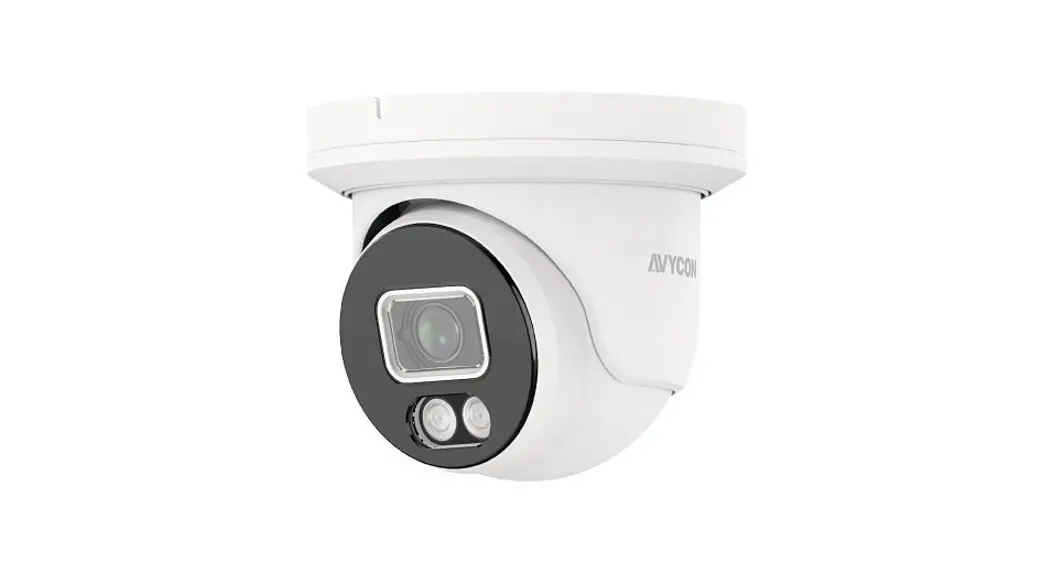
– Detection of device statuses, such as lamp hour of a projector and connection status for remote troubleshooting and maintenance
– Batch device control and firmware upgrades - Intuitive user interface for large-scale Pro AV applications, easy room monitoring and management across multiple locations
– 5-level deployment tree
– Supports room view and floor view
– Configurable users access rights - Predefined scenarios for automation and task scheduling
– Provide meeting scenarios to choose and triggers actions from controllers
– Automatically turn on / off lights, air-con, meeting room devices based on predefined actions - Dashboard for current status and analytics
– Current status info for real-time troubleshooting
– Analytics of past usage records for future optimization
– Preset rules for generating regular reports for optimizing device maintenance arrangement - Logs device usage, notifications, and emails for abnormal events for usability analysis and future optimization
- Supports mainstream web browsers
- License of different amount of controlled devices can be purchased based on users’ need. Control 50 devices at basic license and 500 devices at standard license.
Highlights
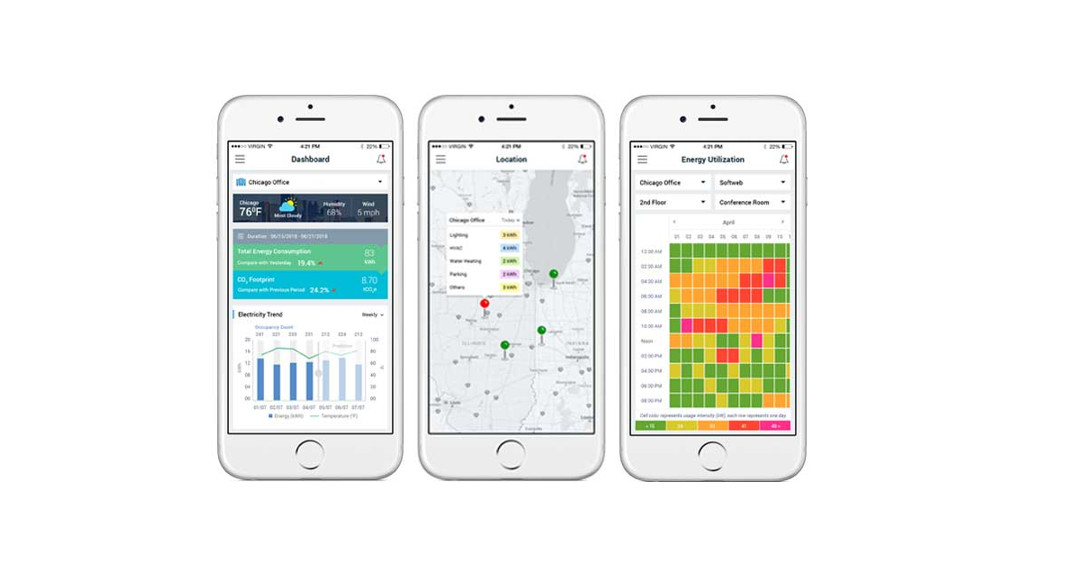
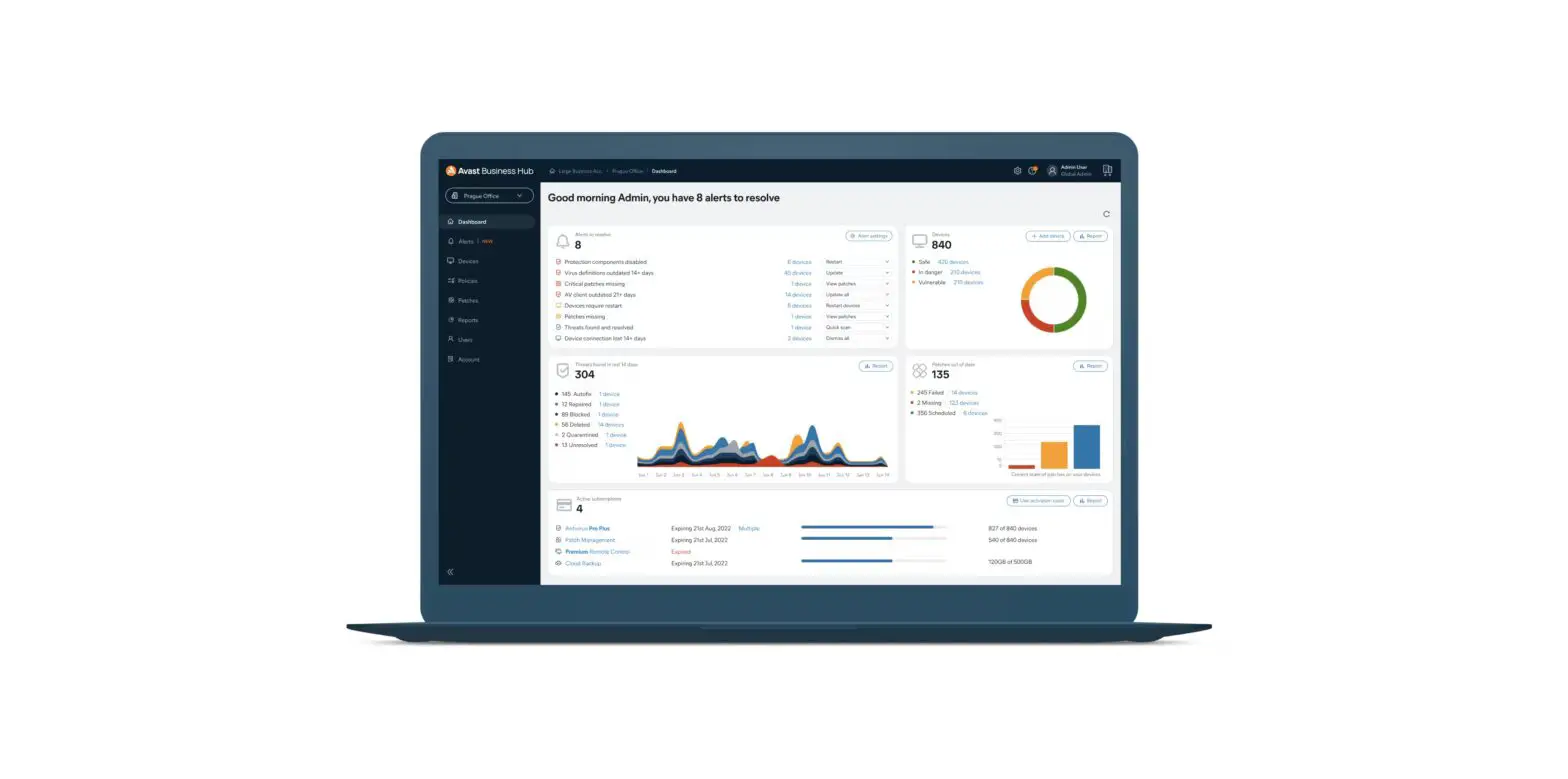
| Dashboard for Current Room and Device Status | 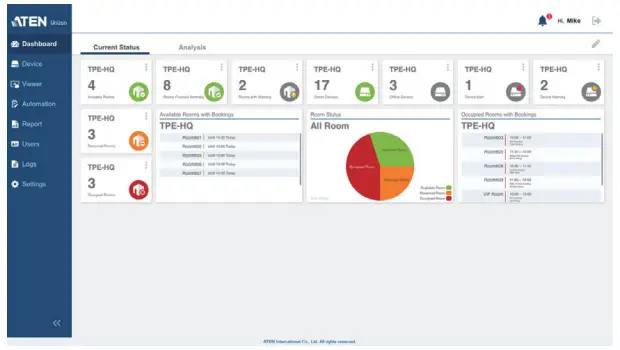 • Monitor device conditions and instantly get alerted to potential issues for immediate troubleshooting and maintenance. • Monitor device conditions and instantly get alerted to potential issues for immediate troubleshooting and maintenance.• Have real-time room status at a glance and better space arrangement from remote site. |
| Analytics and Customized Reports | 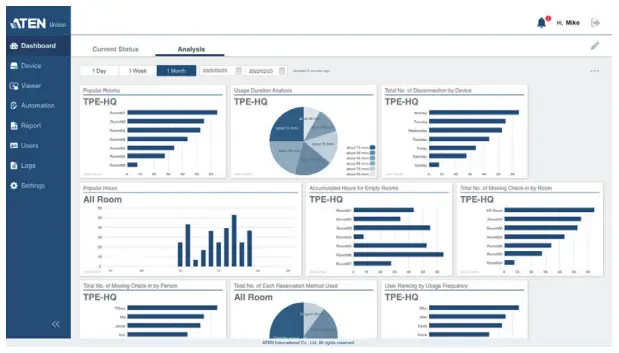 Past usability records are organized into insightful analytics for future optimization to avoid potential failures and automatically emails of reporting rules can be set to keep users informed at all times. Past usability records are organized into insightful analytics for future optimization to avoid potential failures and automatically emails of reporting rules can be set to keep users informed at all times. |
| Global Control and Automation | 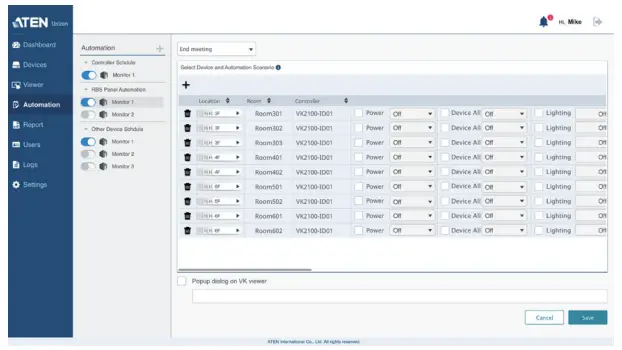 Set devices to perform routine tasks at a predefi ned time by scheduling or allow users to trigger devices connected to controllers to perform actions by different meeting scenarios. Set devices to perform routine tasks at a predefi ned time by scheduling or allow users to trigger devices connected to controllers to perform actions by different meeting scenarios. |
| Device Location Tree and User Access Permission | 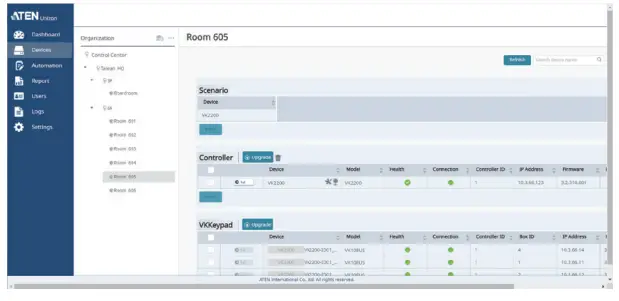 • Intuitive location of devices by 5-level organization tree from room, fl oor, building, and even by city. • Intuitive location of devices by 5-level organization tree from room, fl oor, building, and even by city.• Defi ne user roles and respective permission access levels on a room-by-room basis. |
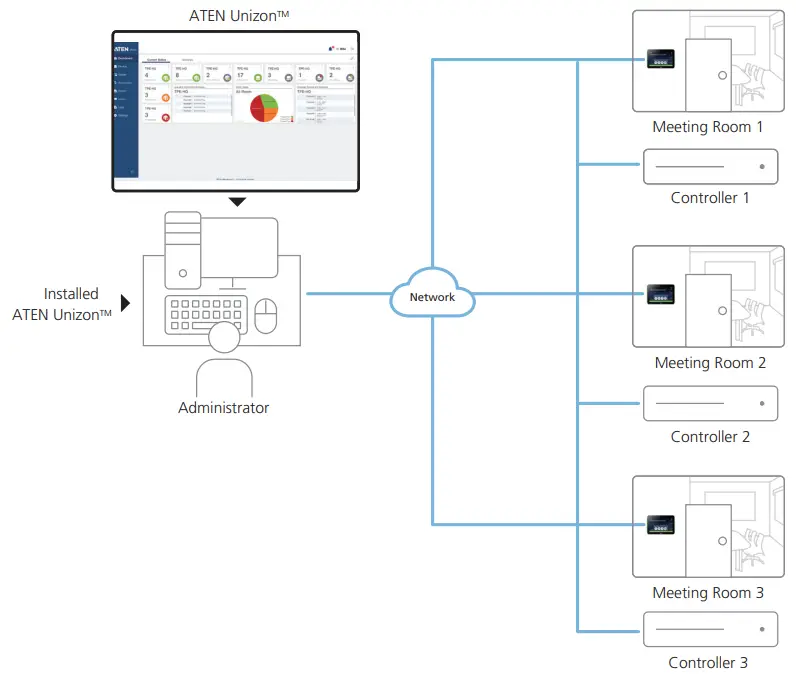
 Network
Minimum System Requirements
| ATEN Unizon | |
| Processor | 3.2 GHz |
| OS Support | Windows 7 (32 / 64 bit) and above |
| Storage Capacity | 10 GB available hard disk space |
| System Memory | 8 GB |
| Web Browser | Internet Explorer v.11 or later Microsoft Edge v.79.0.309 or later Firefox v.72.0 or later Google Chrome v.80.0 or later |
| License | |
| Basic | No. of Managed Devices: 50 Valid Period: Lifetime |
| Standard | No. of Managed Devices: 500 Valid Period: Lifetime |
Product information is subject to change without prior notice.
Released: 12/2022 V4.0
© Copyright 2022 ATEN® International Co. Ltd.
ATEN and the ATEN logo are registered trademarks of ATEN International Co., Ltd.
All rights reserved. All other trademarks are the property of their respective owners.
 ATEN International Co., Ltd.
3F., No.125, Sec. 2, Datung Rd., Sijhih District., New Taipei City 221, Taiwan
Phone: 886-2-8692-6789 Fax: 886-2-8692-6767
www.aten.com
E-mail: [email protected]
 ATEN - Simply Better Connections | ATEN U.S.A.