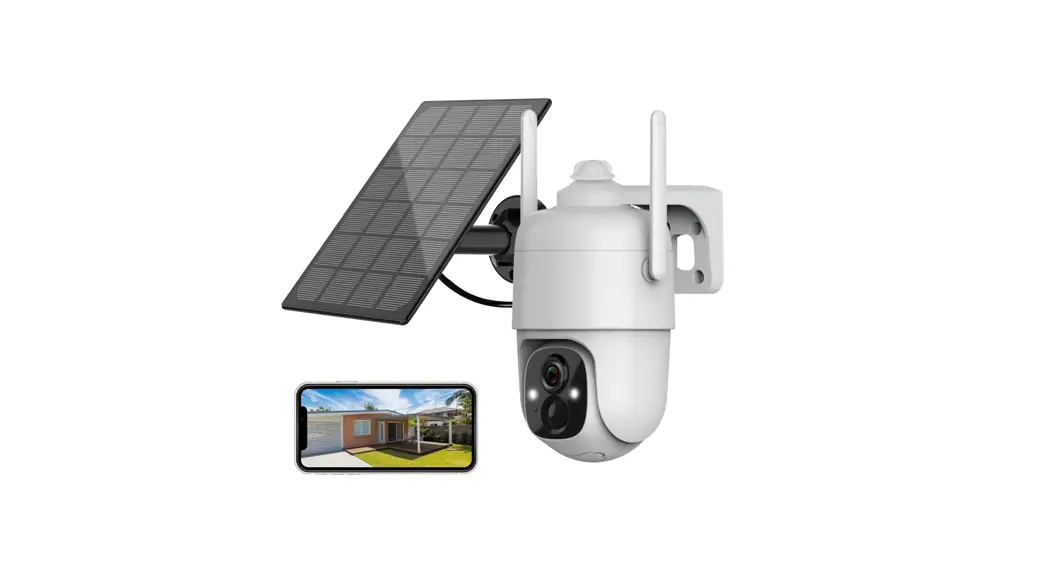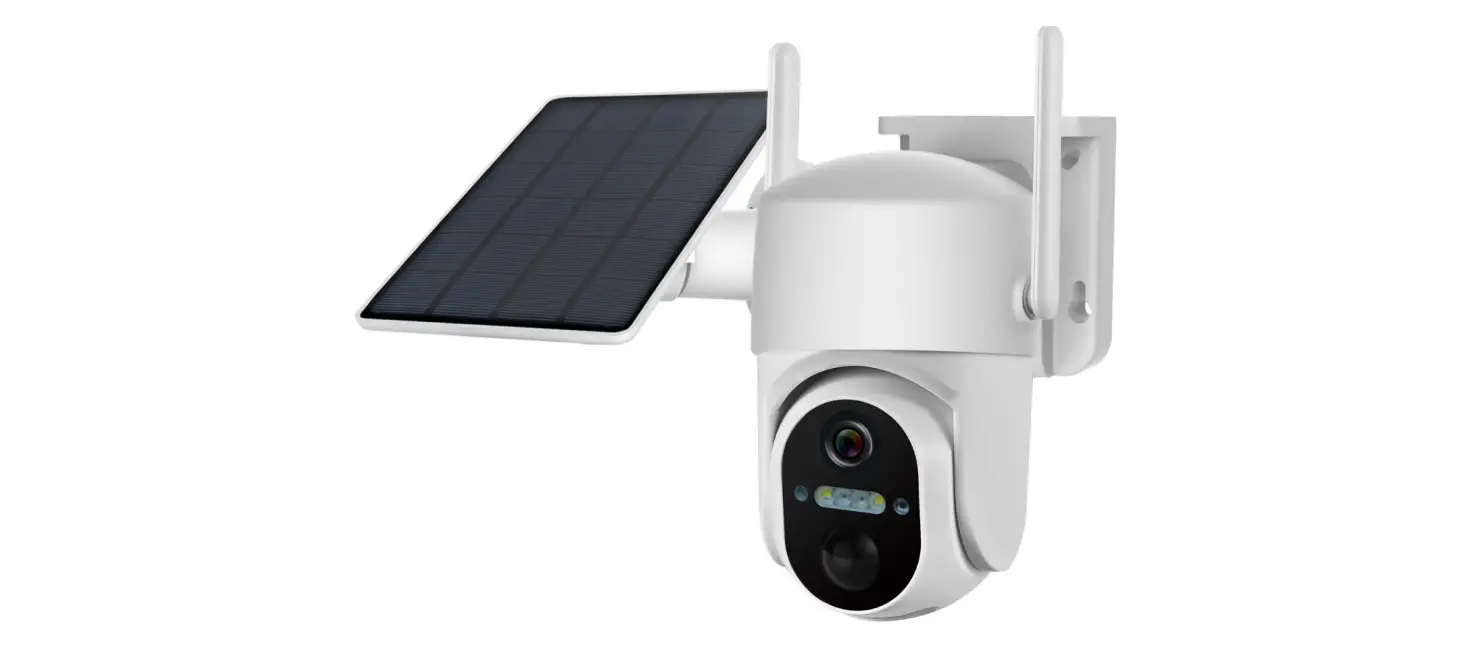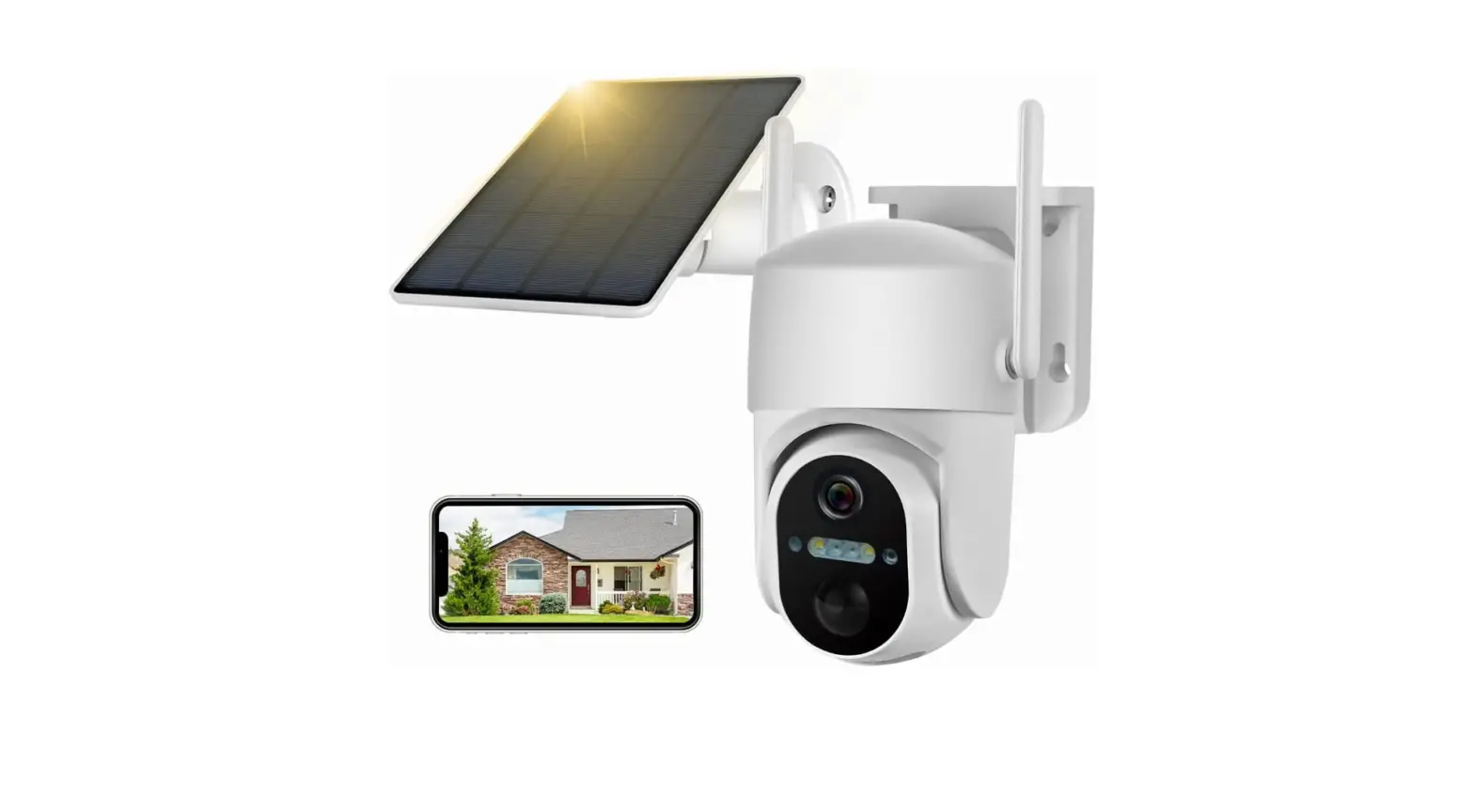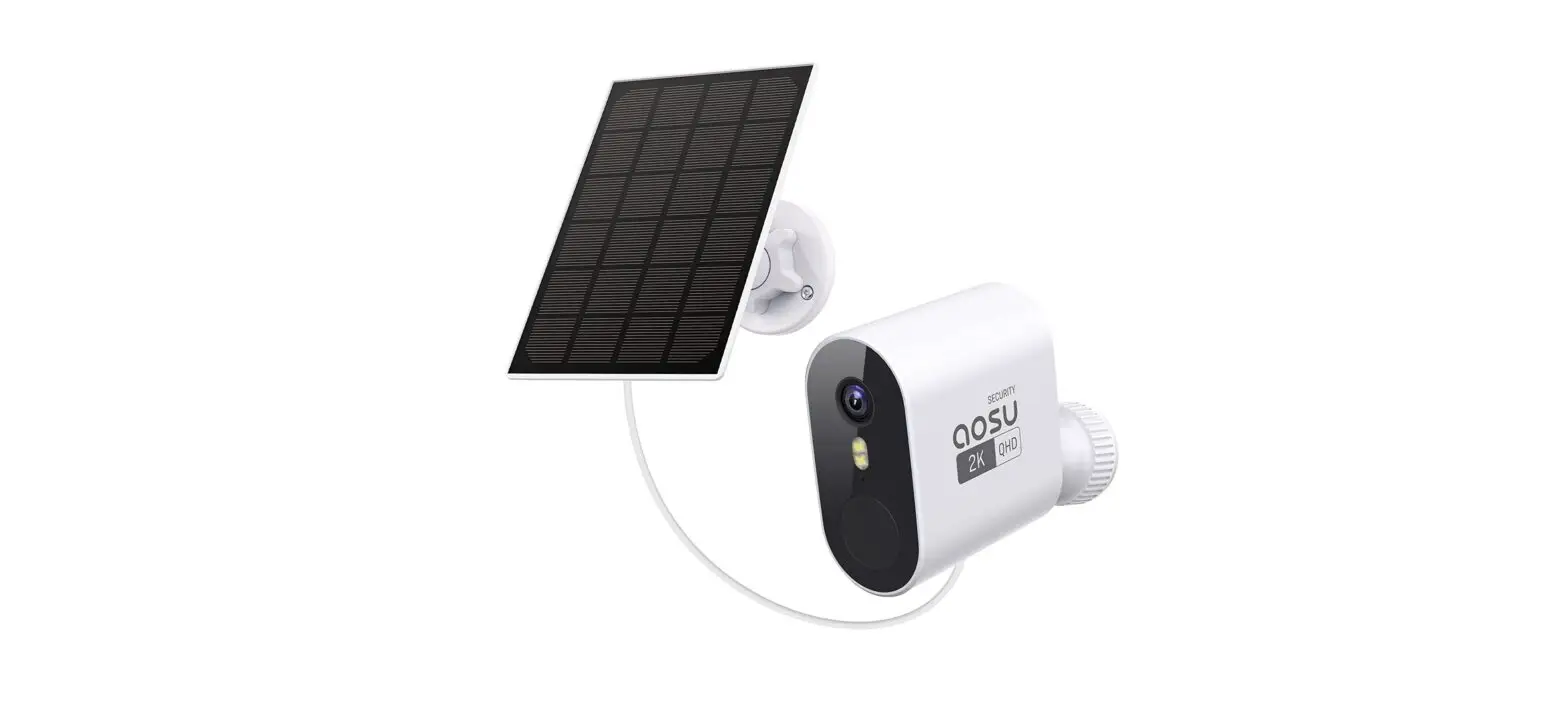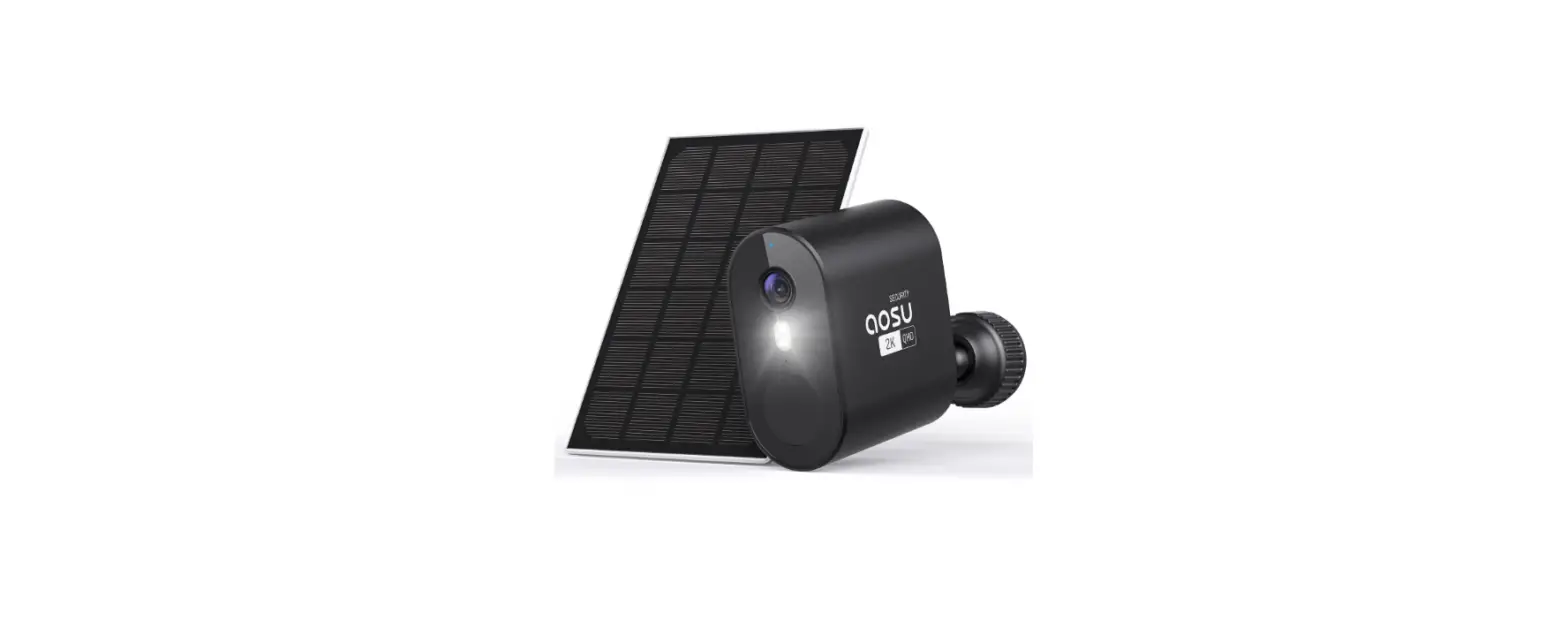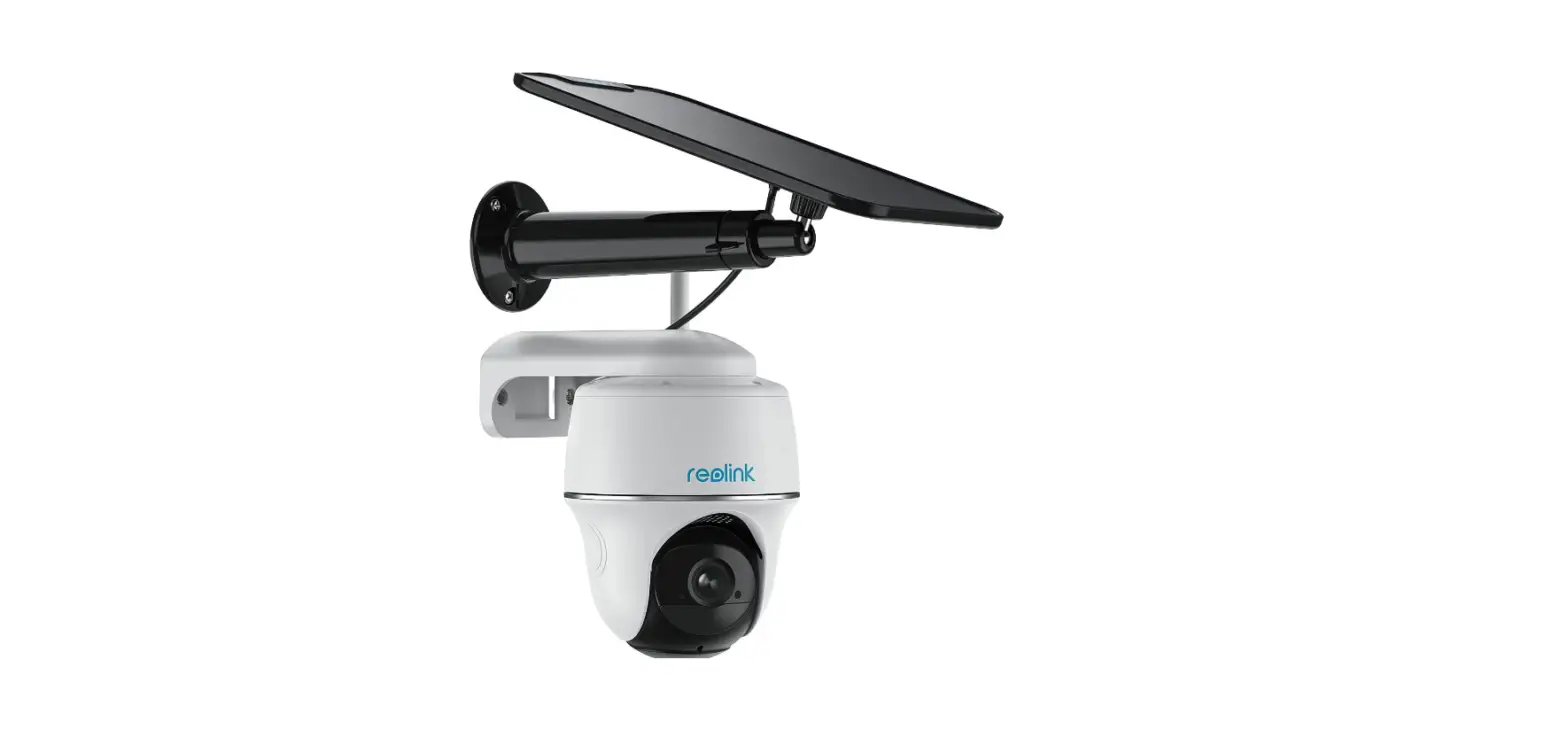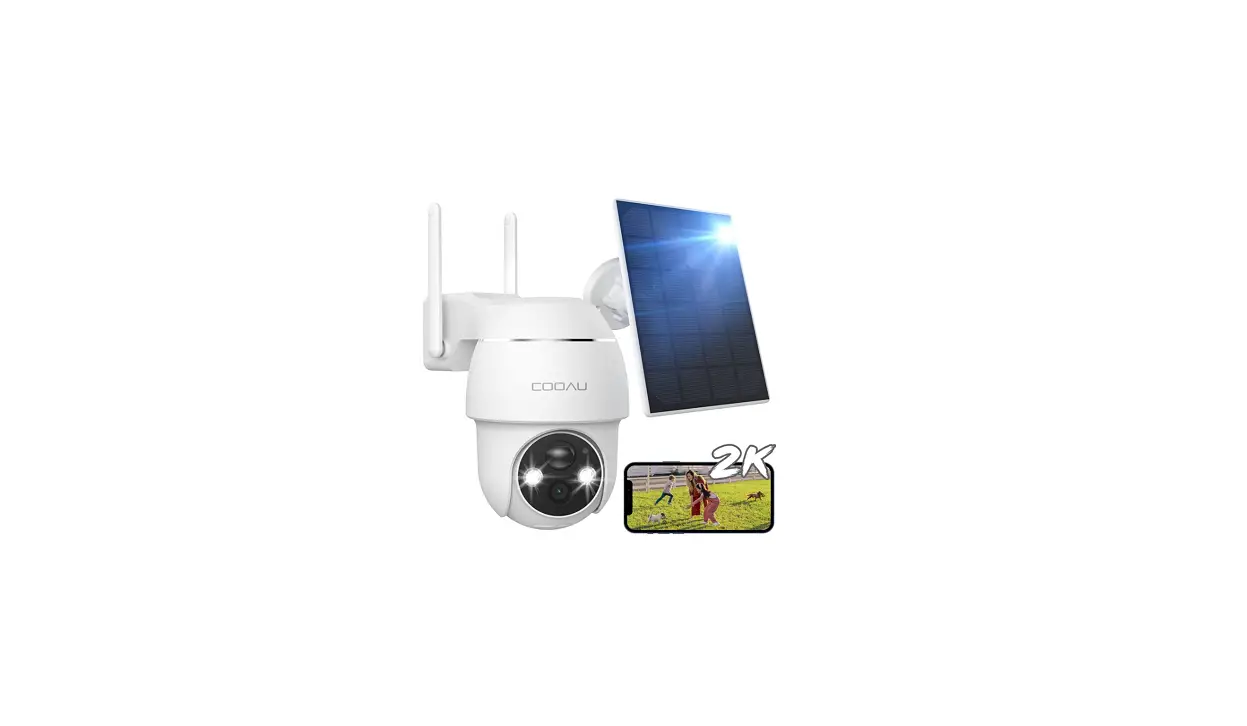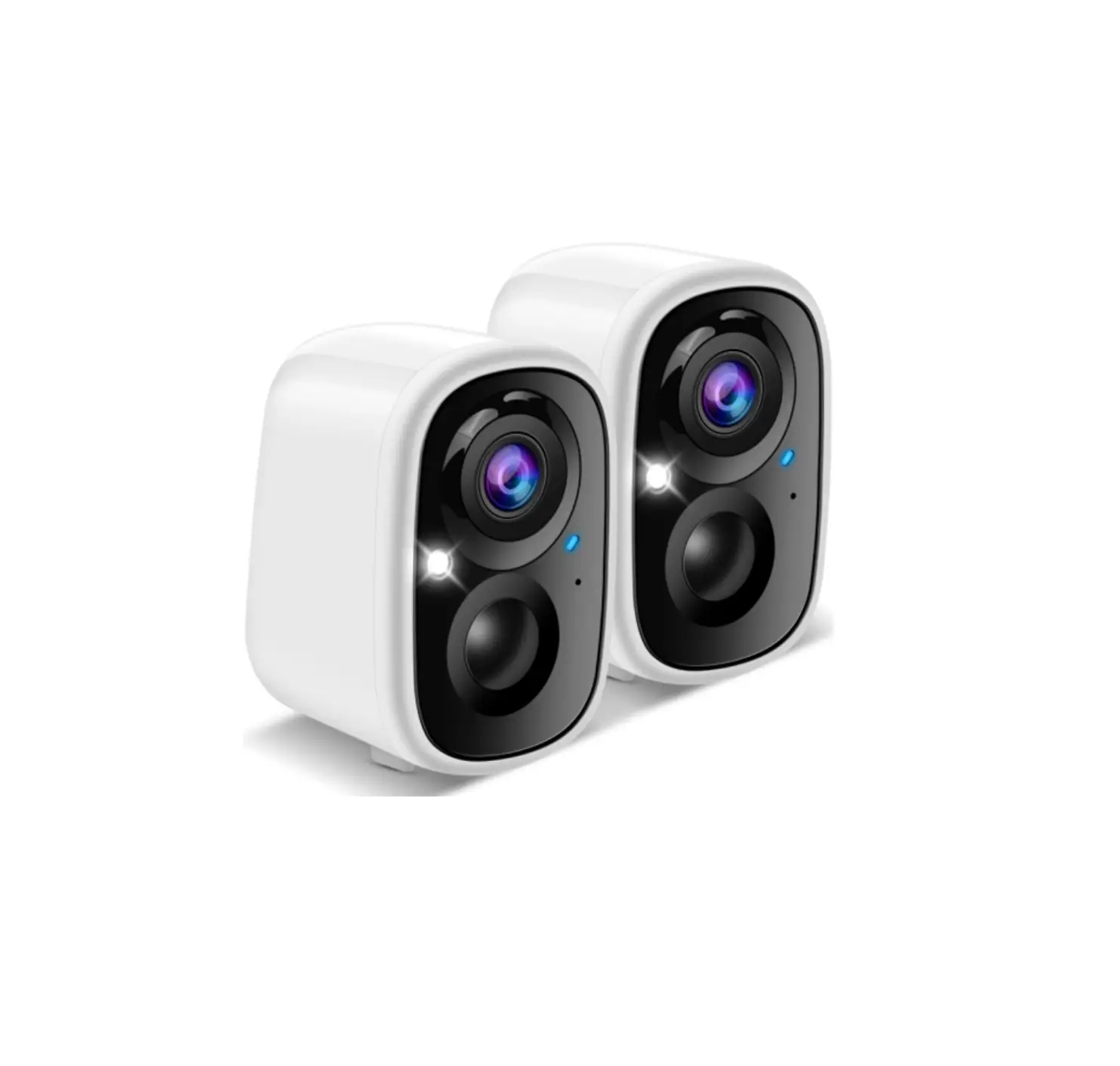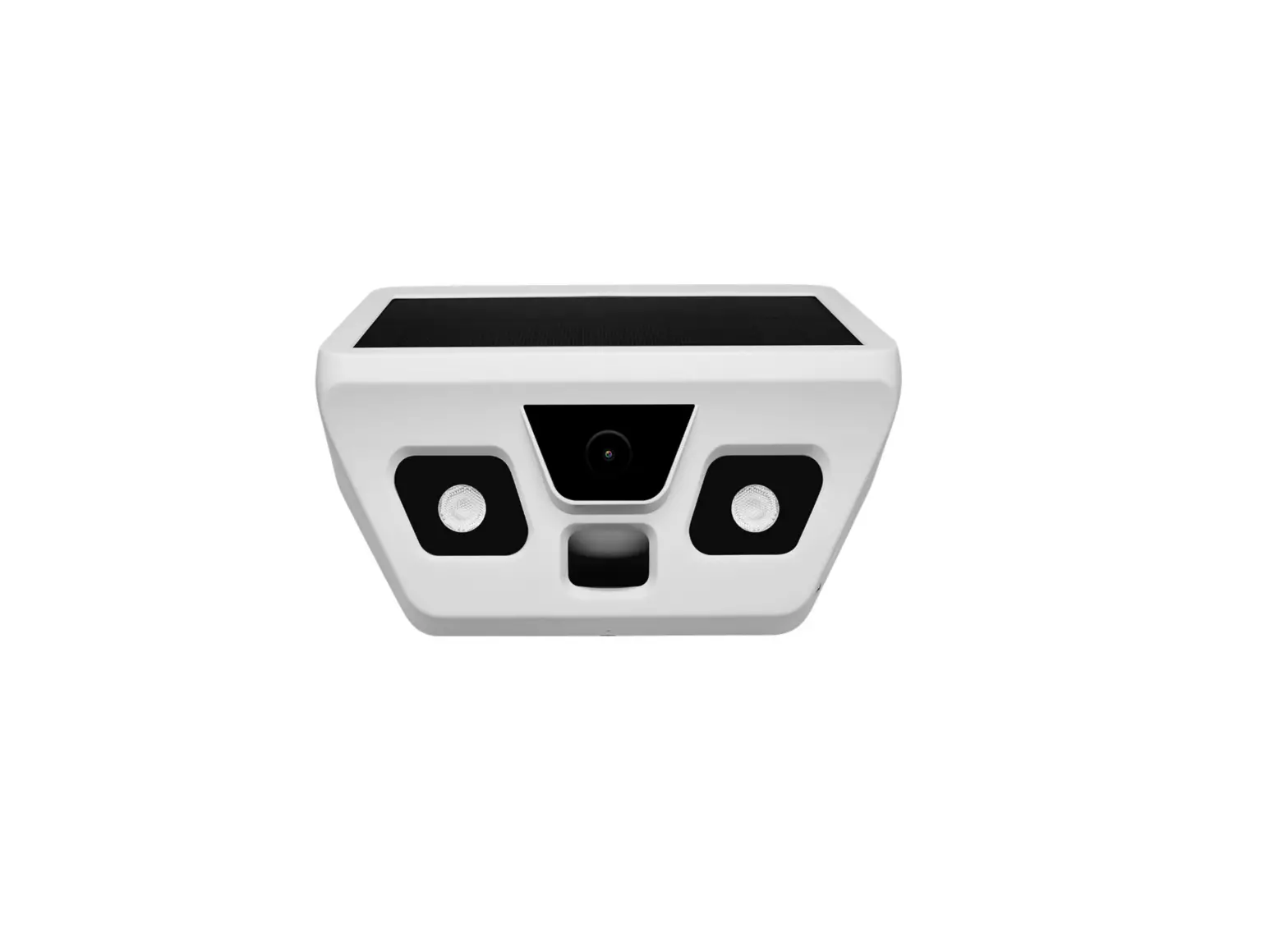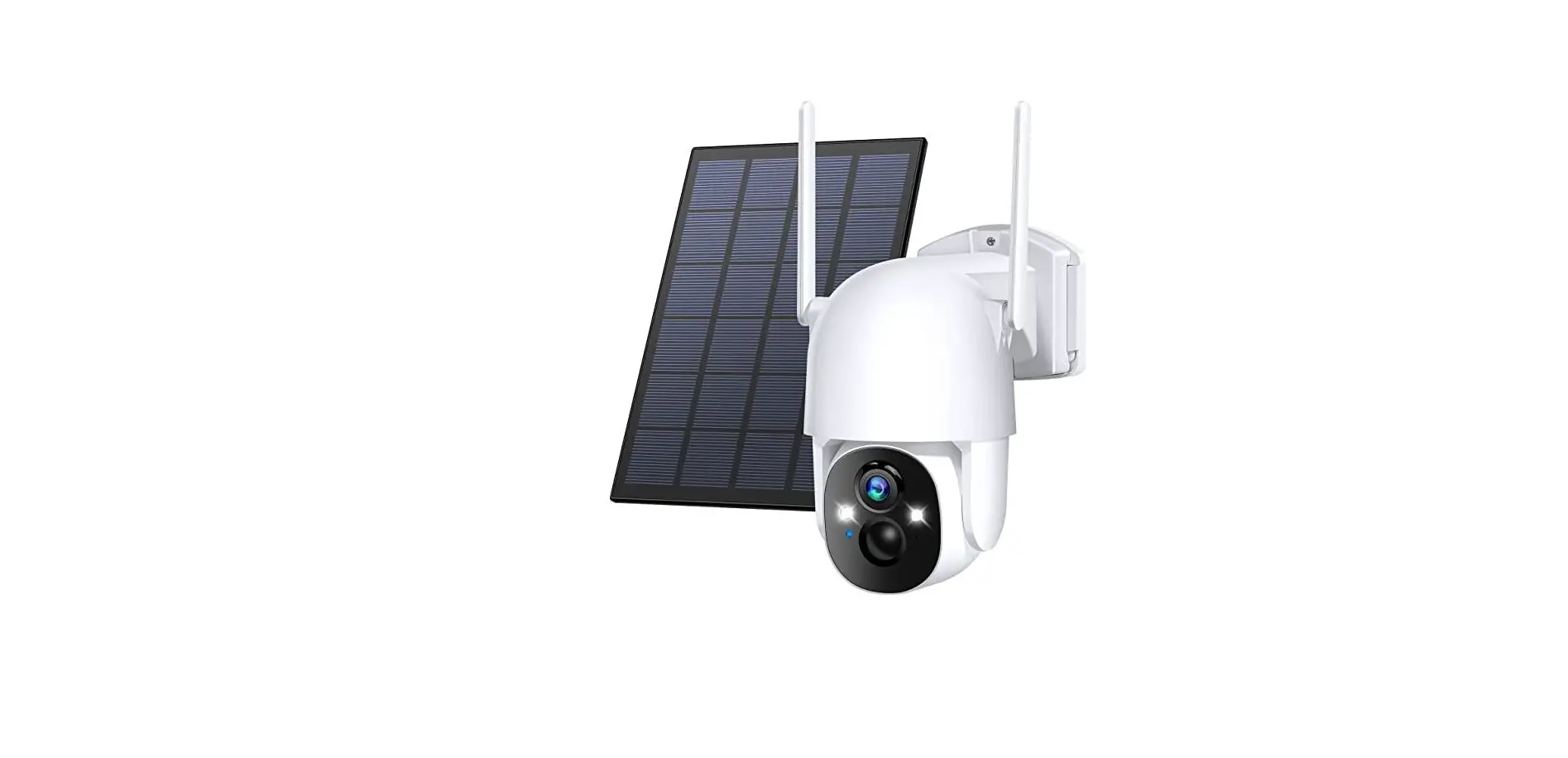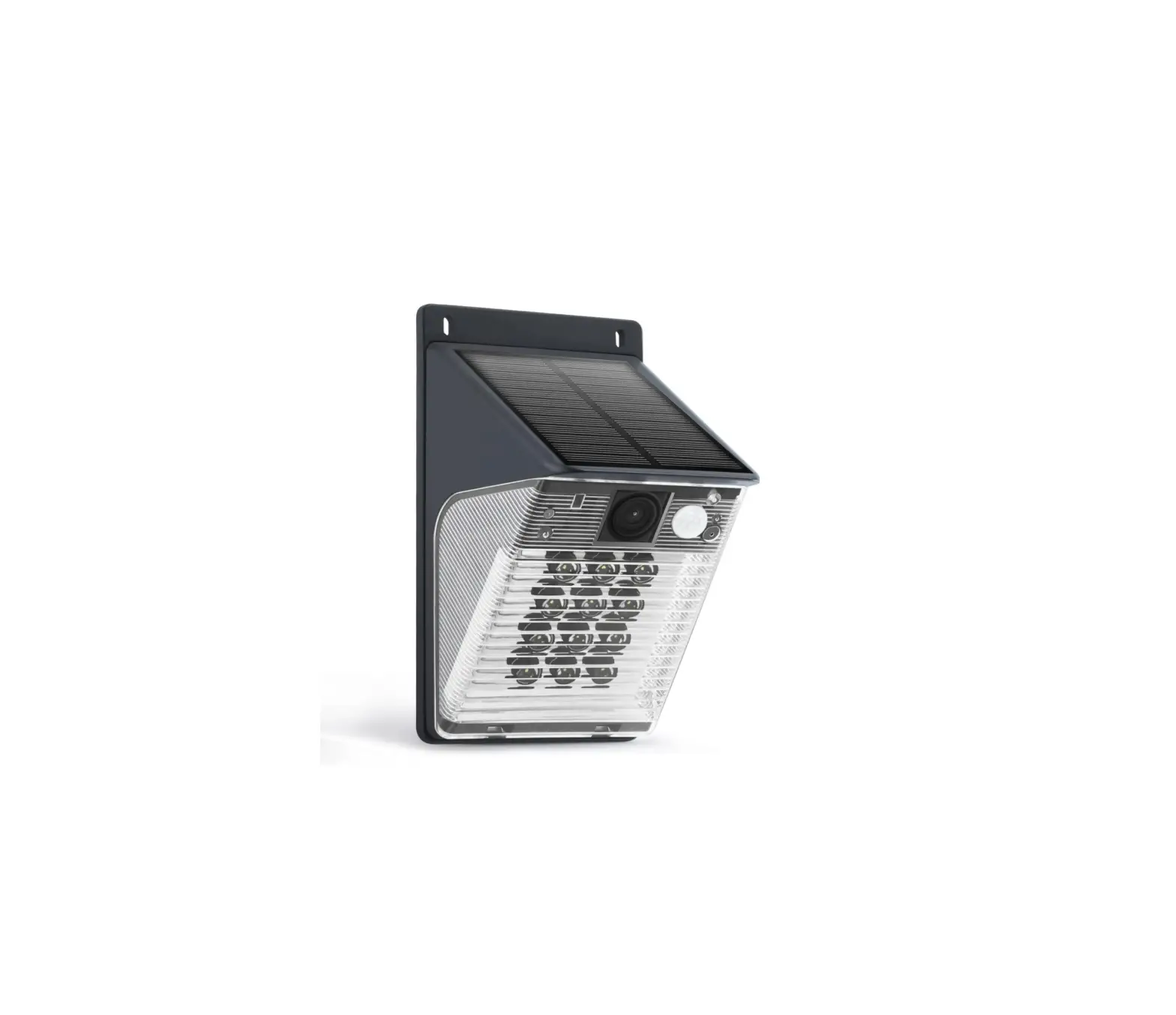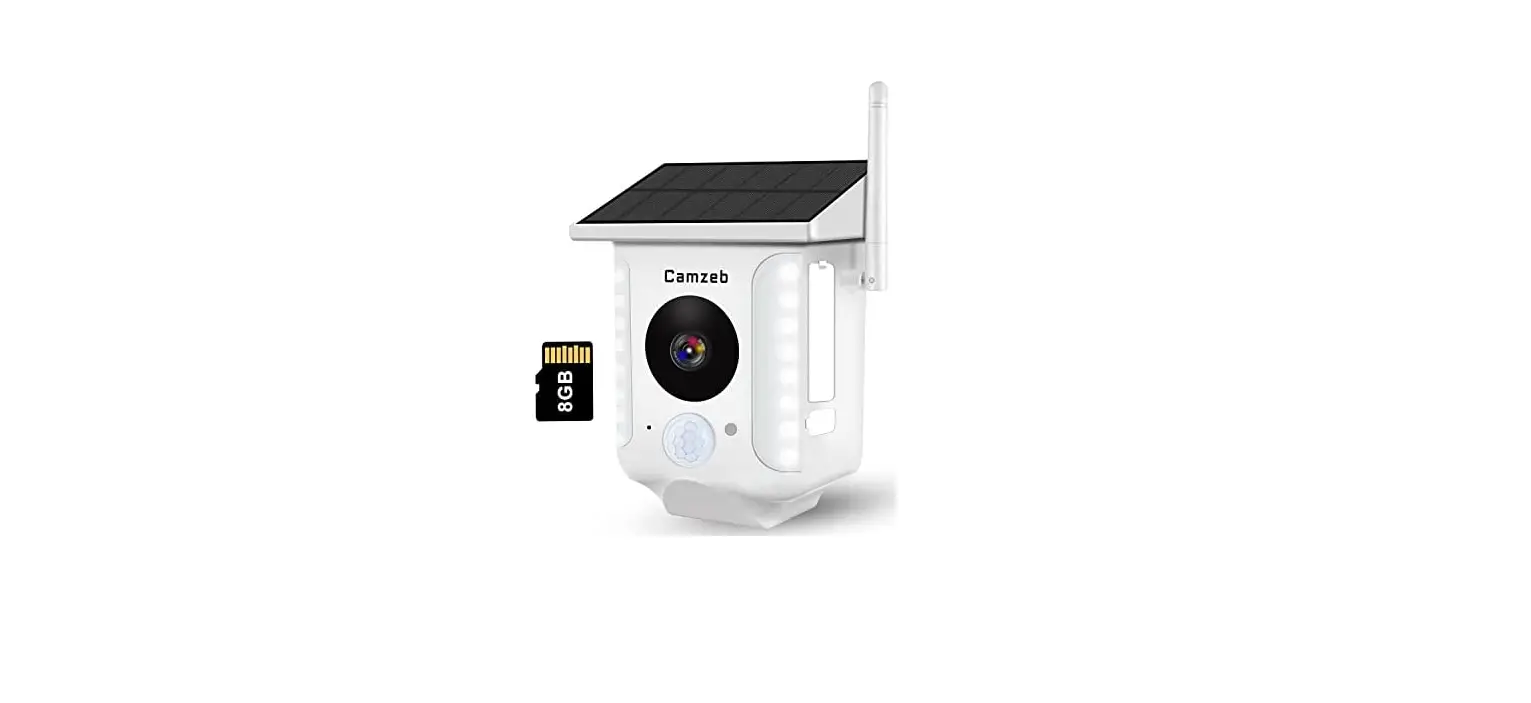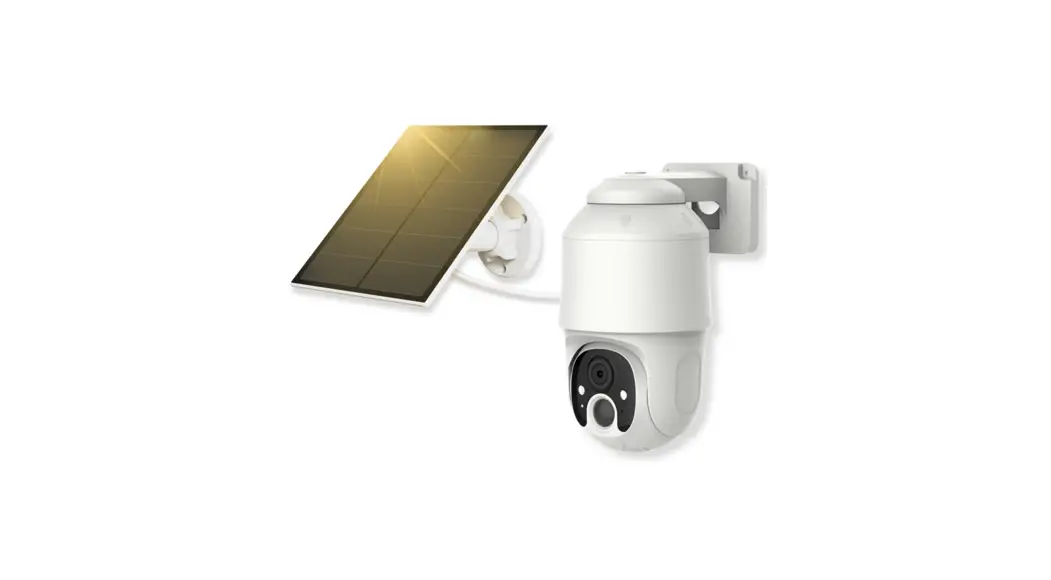
 D4 Wireless Solar Security Camera
User Guide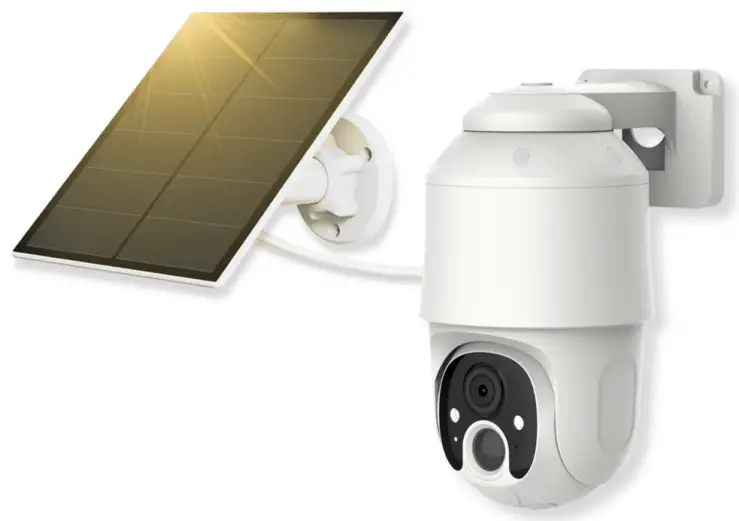
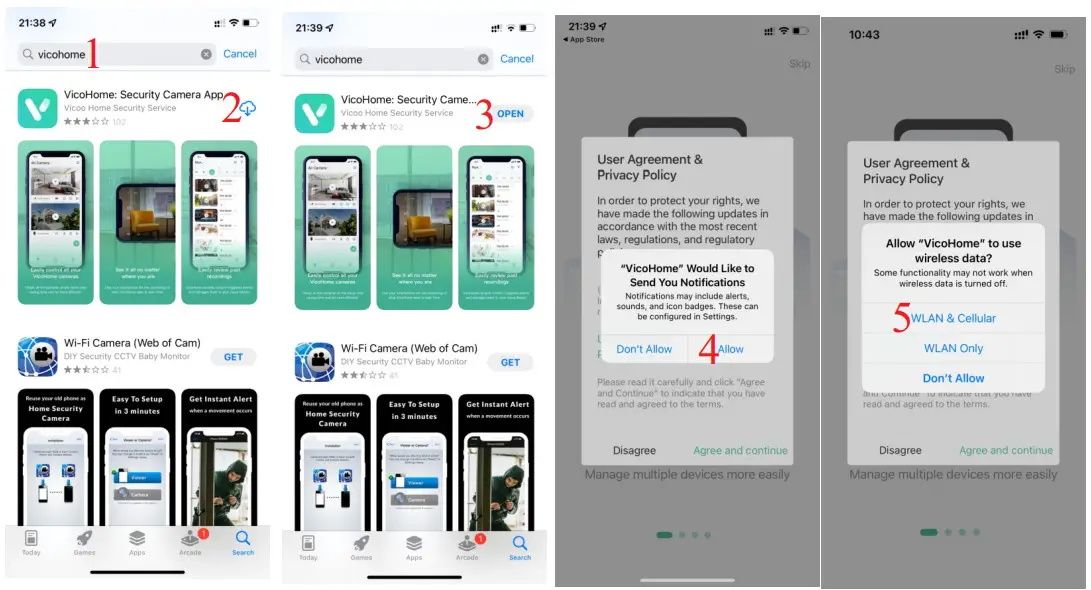
Install phone app:  VicoHome
Search “UBox” in Appstore / Google Play Store, or scan below QR code:
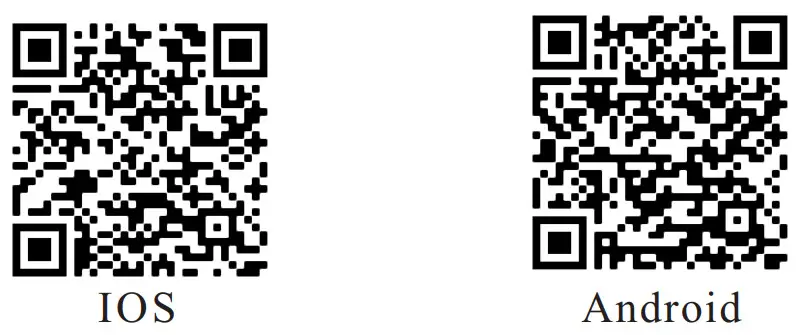 | |
| https://play.google.com/store/apps/details?id=com.smartaddx.vicohome | https://apps.apple.com/us/app/vicohome-security-camera-app/id1466734547 |
Note: Allow all permissions when open the app!!!
Register Account

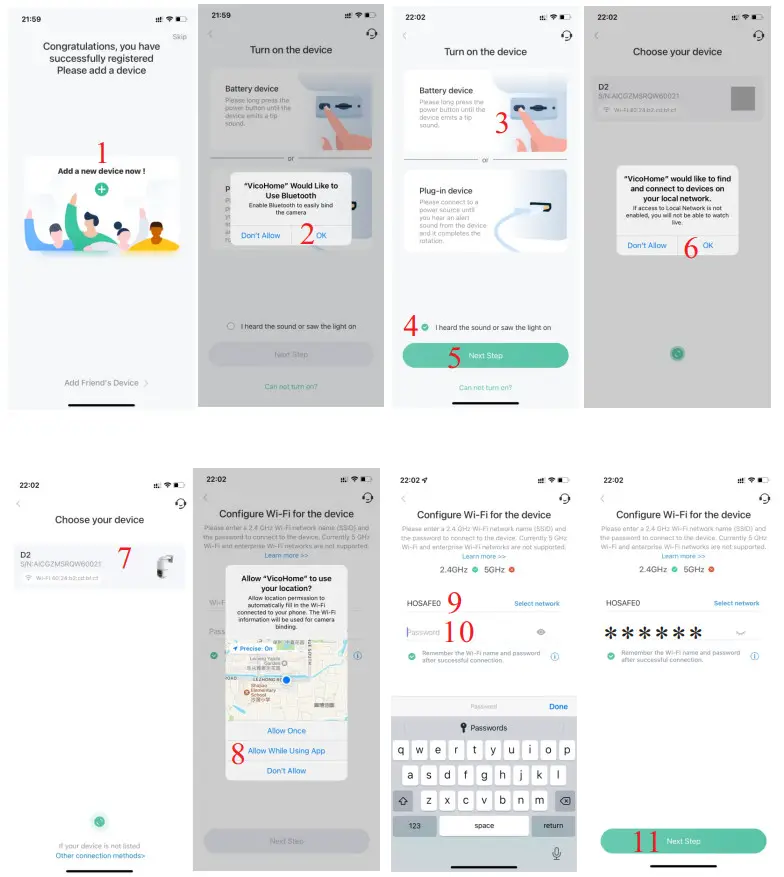
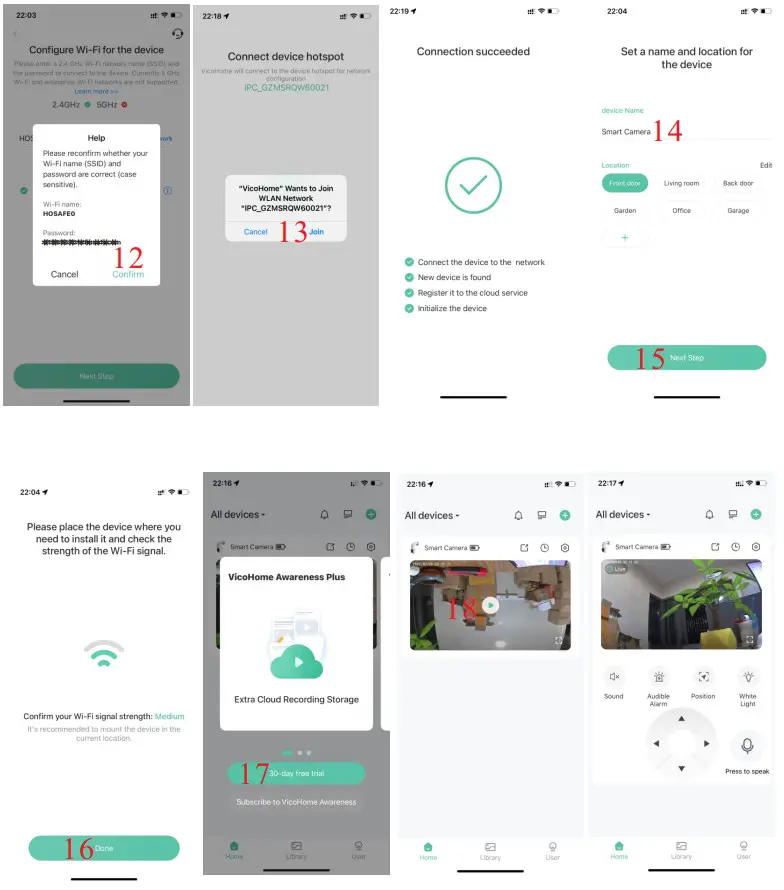
Add a new Camera
Camera Installation
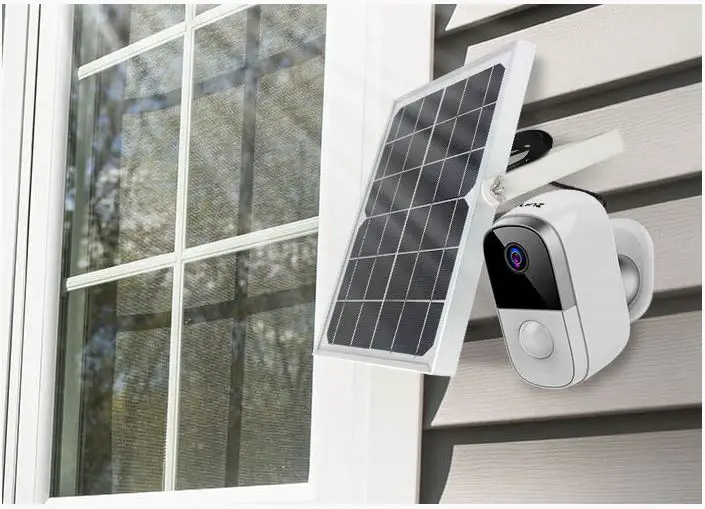
4.1, Please install the camera at an open position that can get enough sunshine
4.2, Please do not install the camera too high, because the PIR sensor working distance is only about 15-25ft, to make sure the motion sensor works well, installation height should be 7-10ft.
4.3, Please test WiFi signal strength before fix it on the installation position, it should be Medium or better, otherwise, the camera may disconnect sometimes when the WiFi is not stable.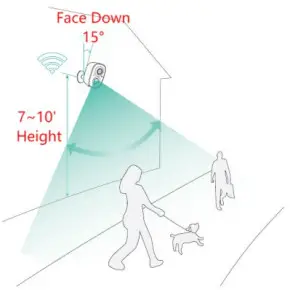
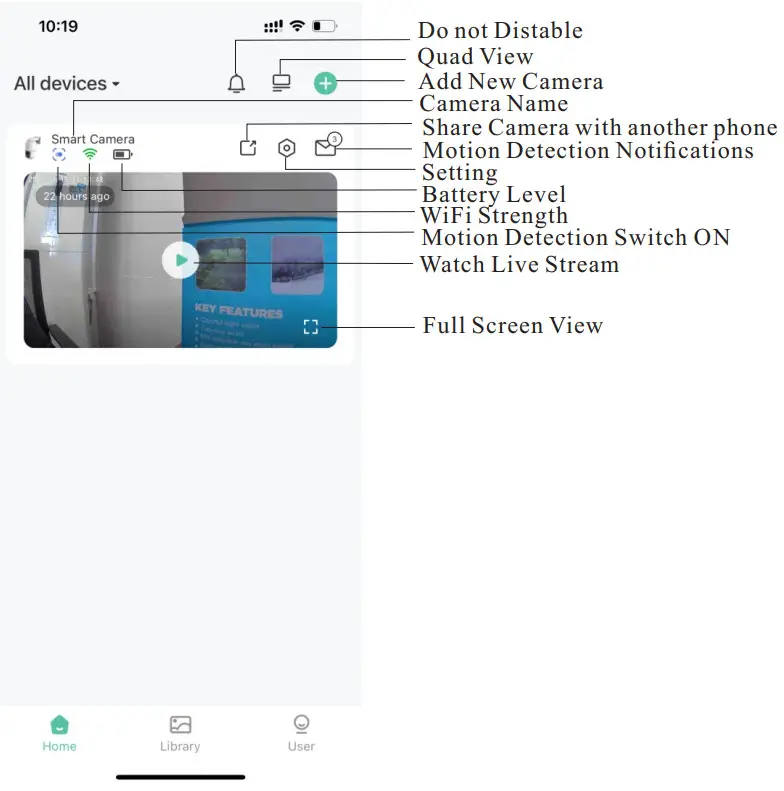
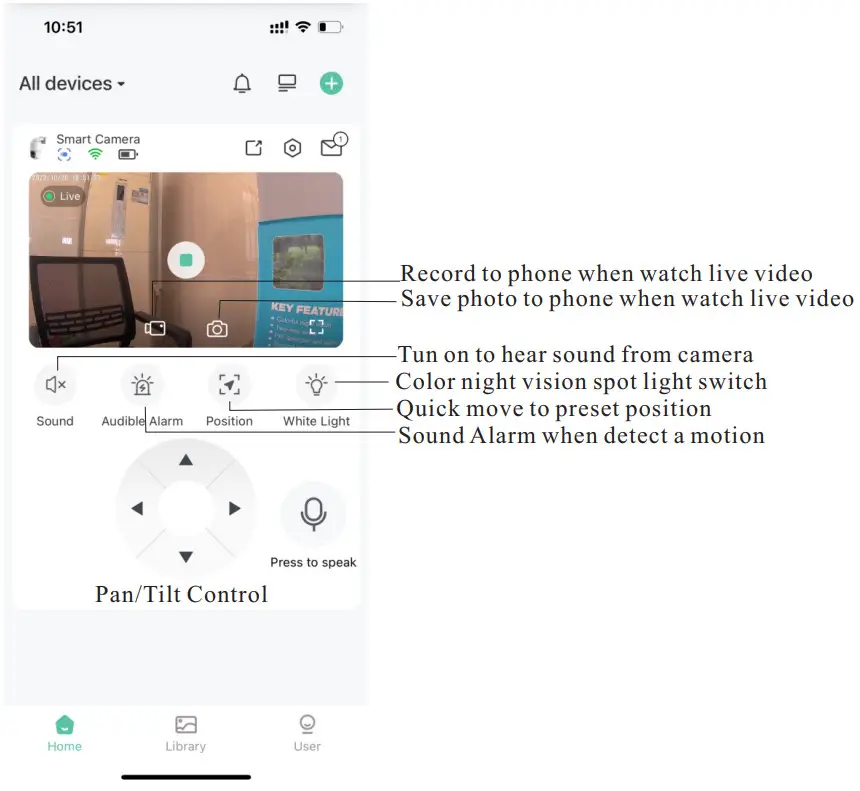
App operation interface explanation

HOME OFFICE SAFE CO., LTD
Any questions please feel free to contact us via
Email: [email protected]
Or 24/7 online chat: www.hosafe.com
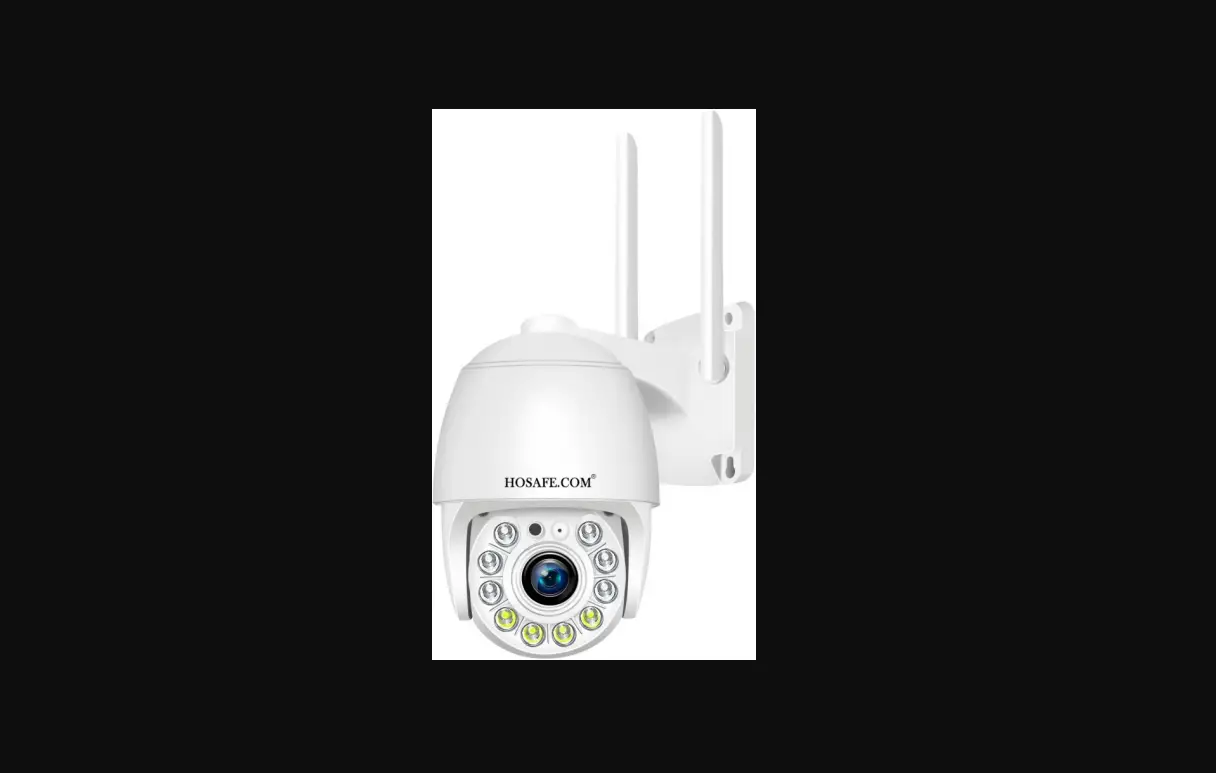
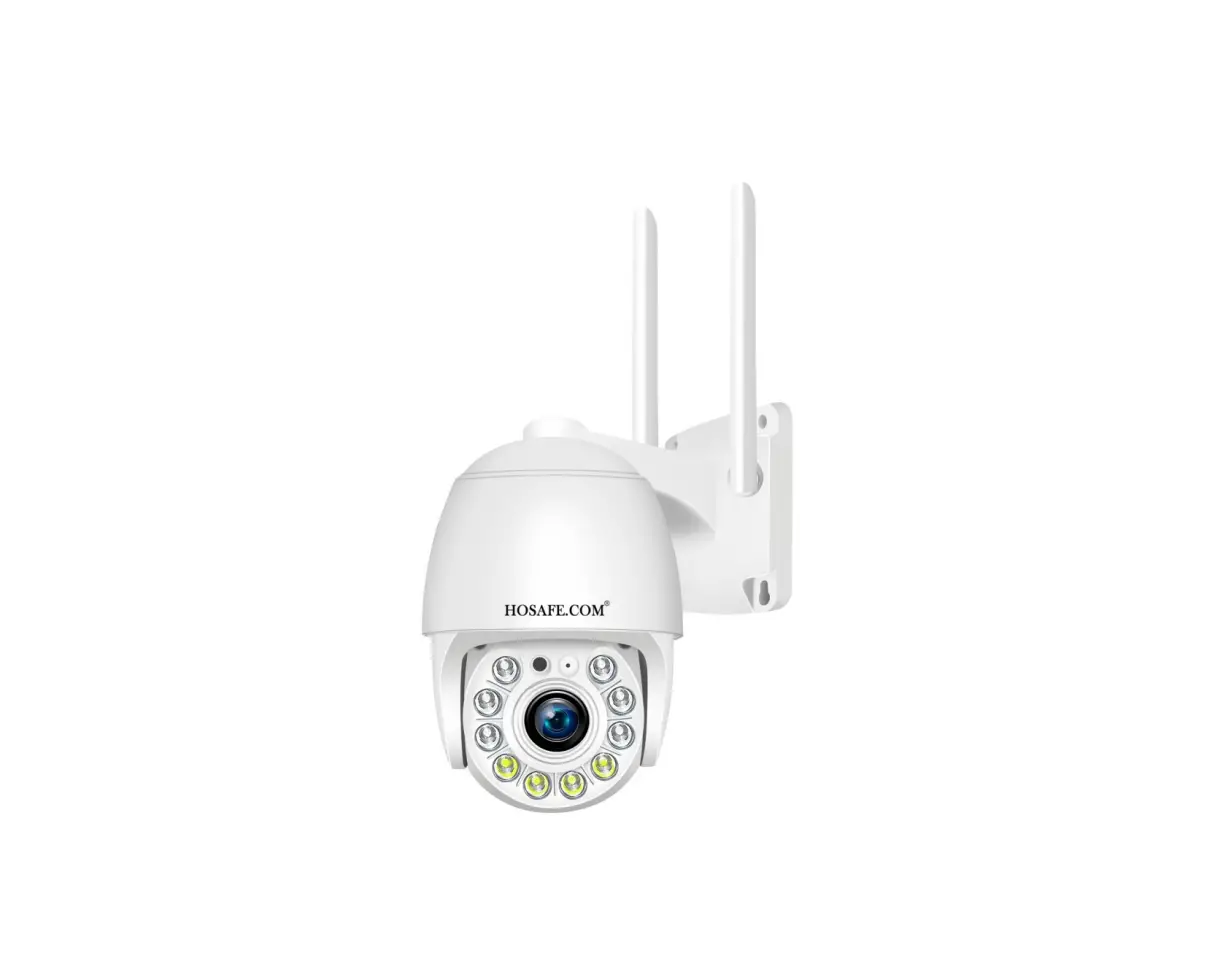
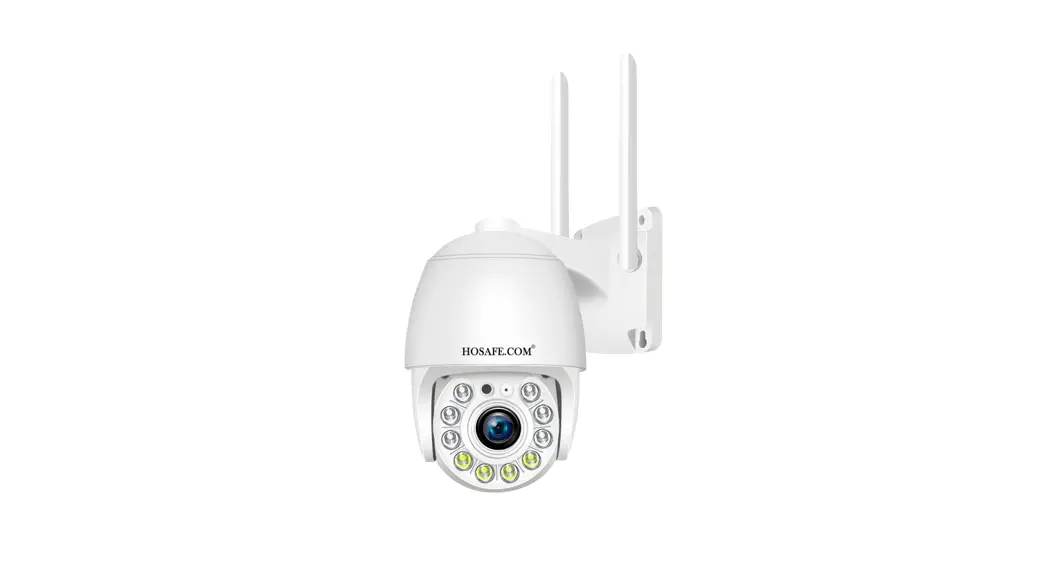
 HOSAFE Security Camera