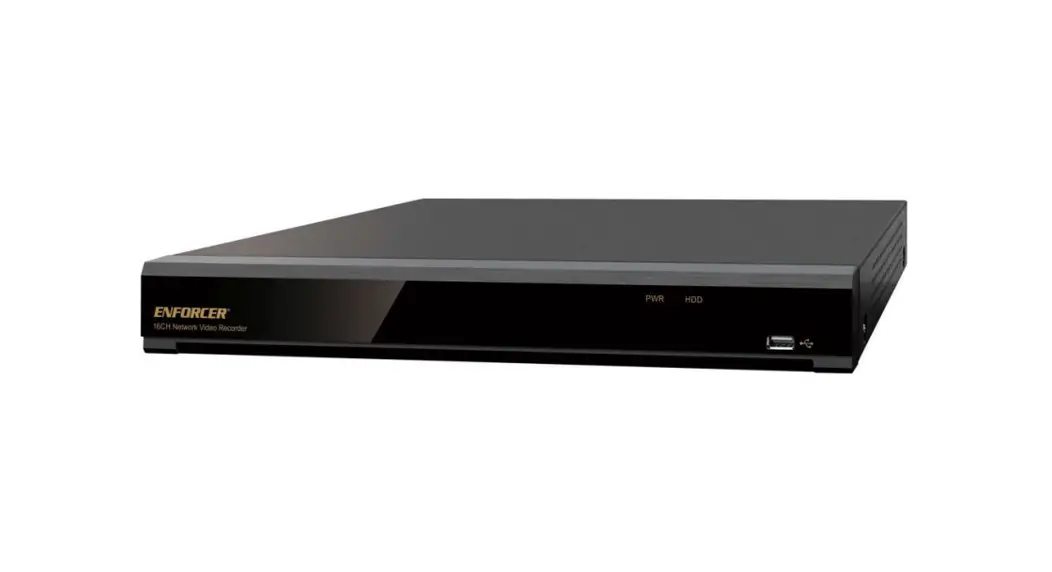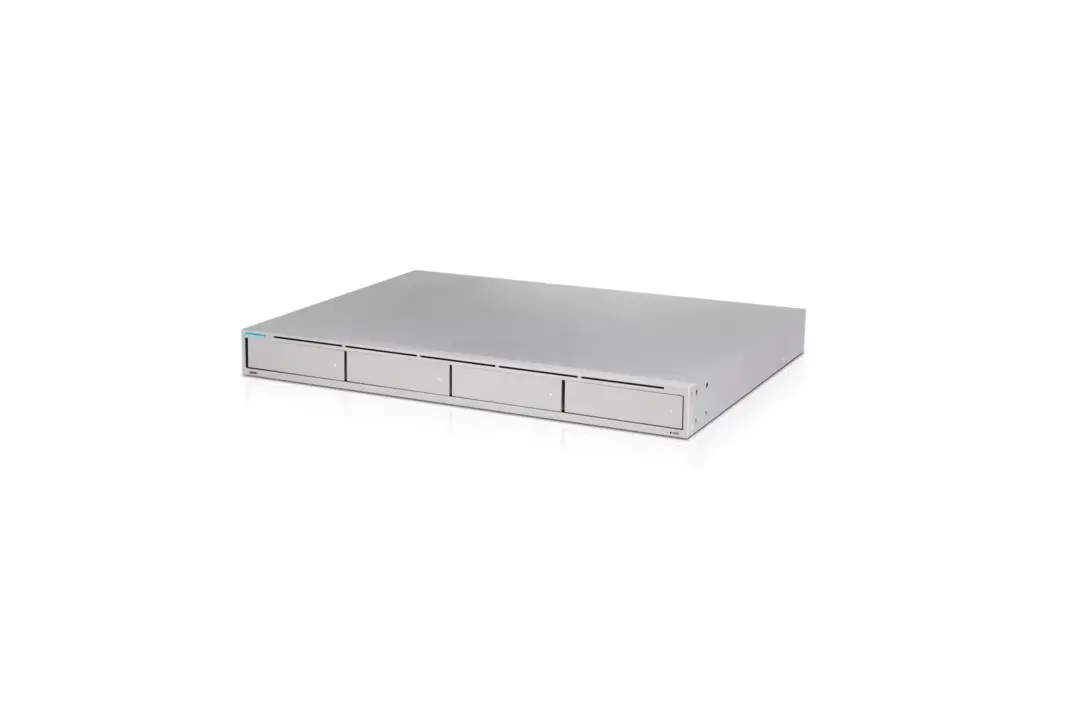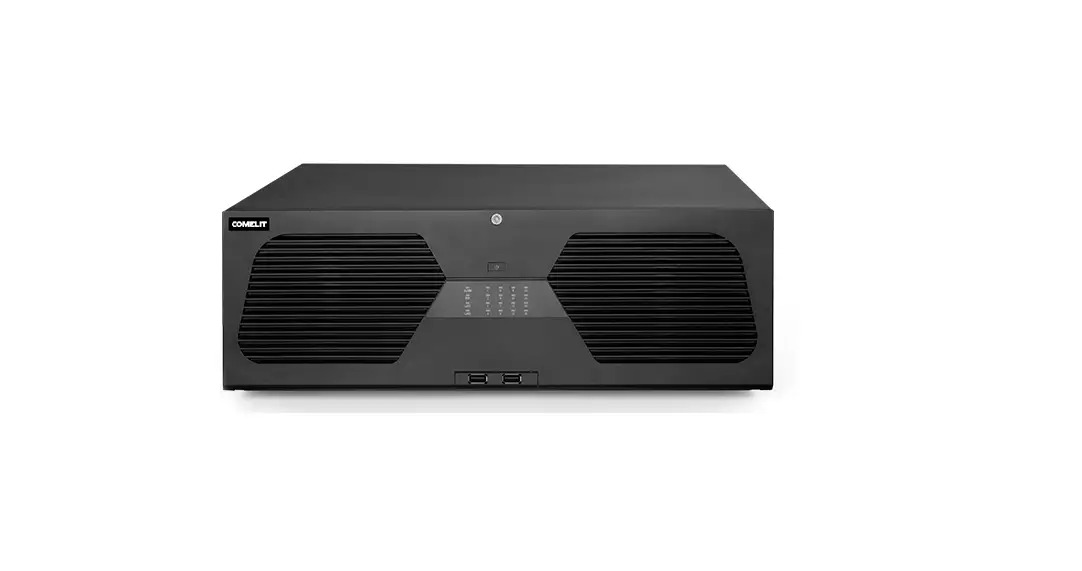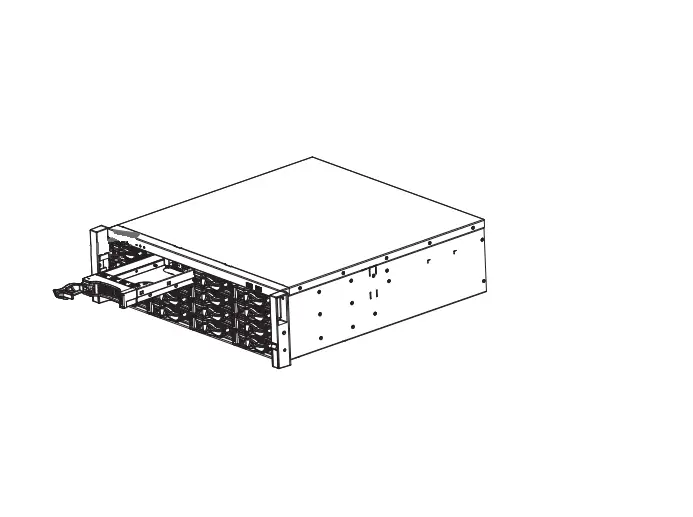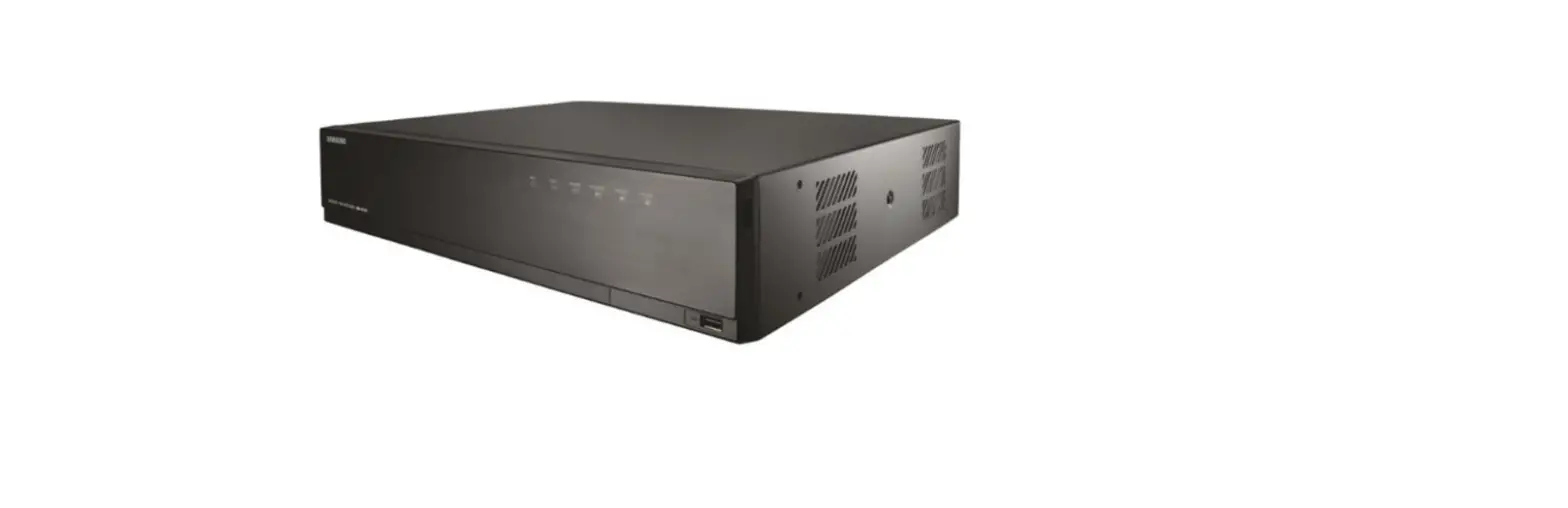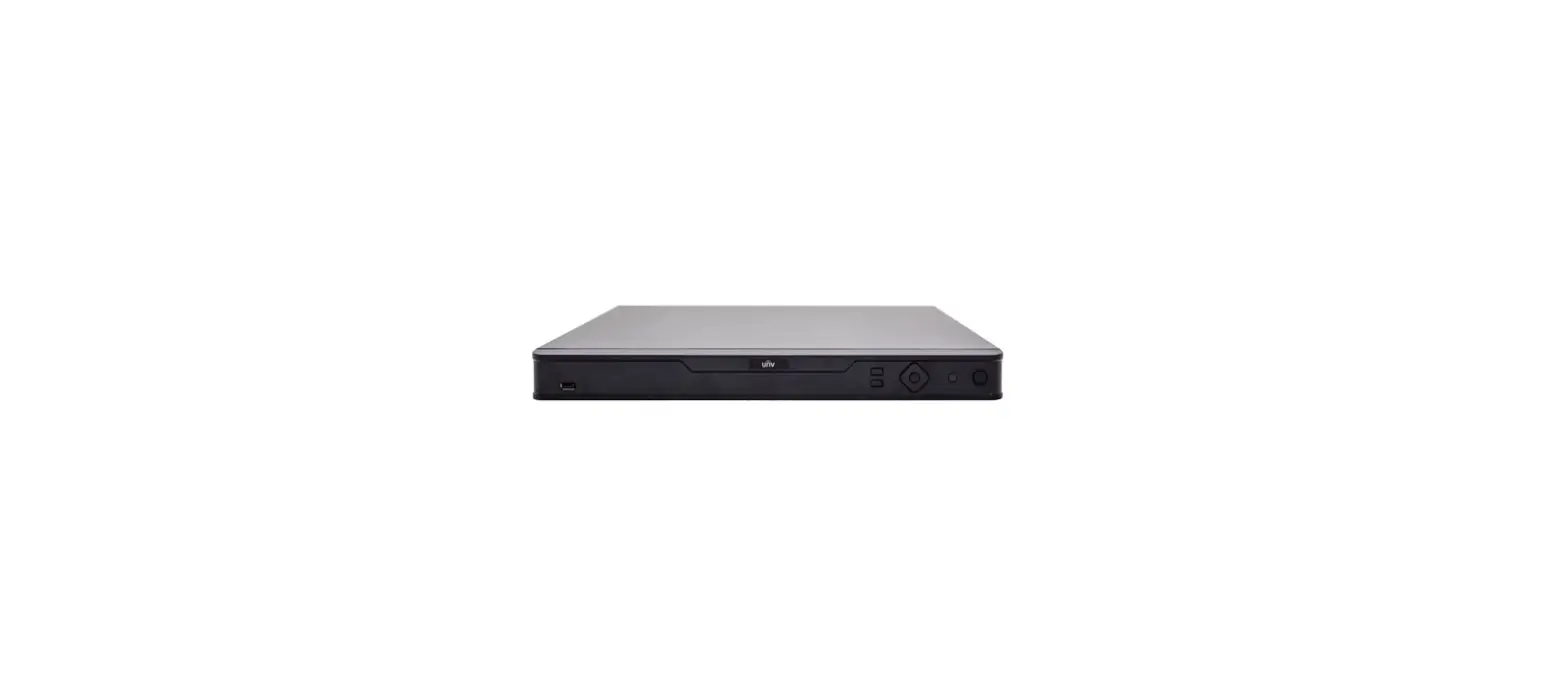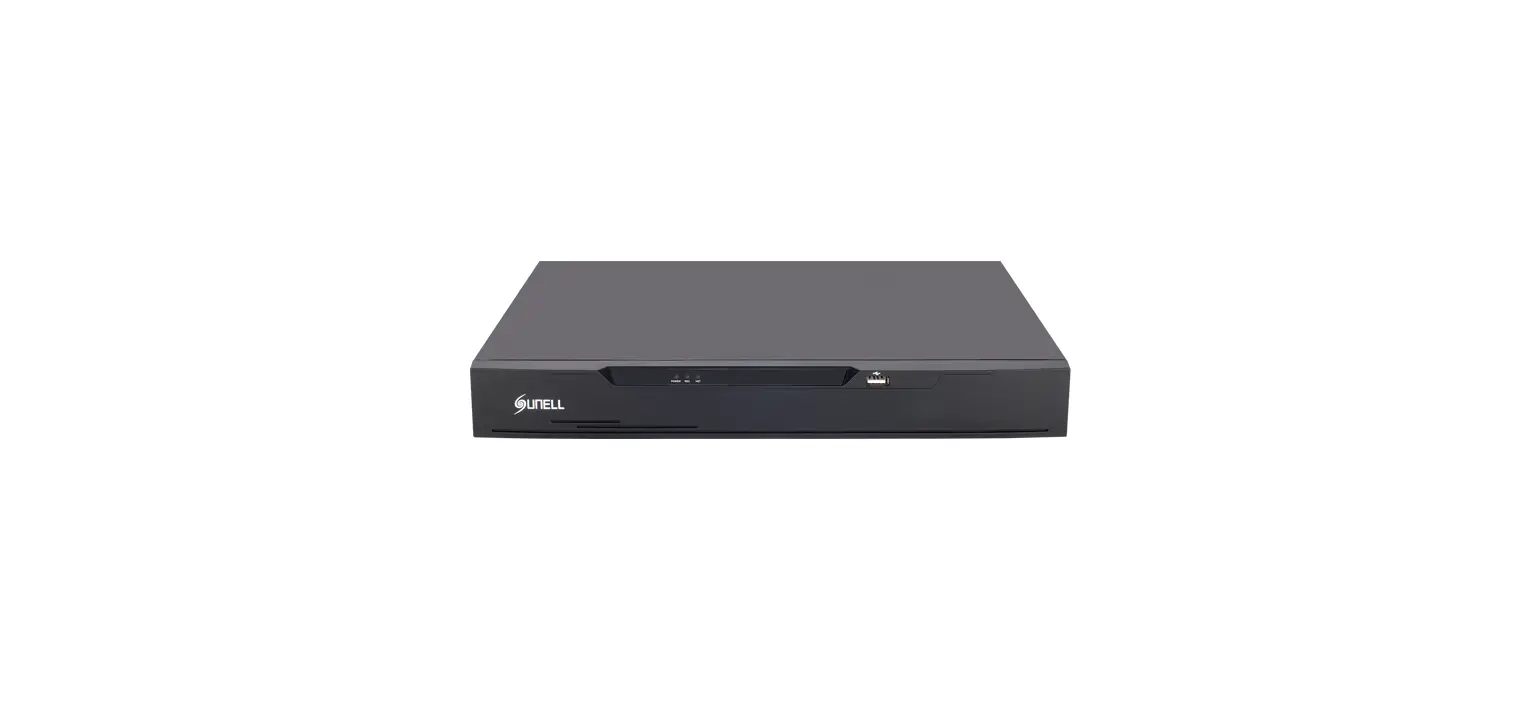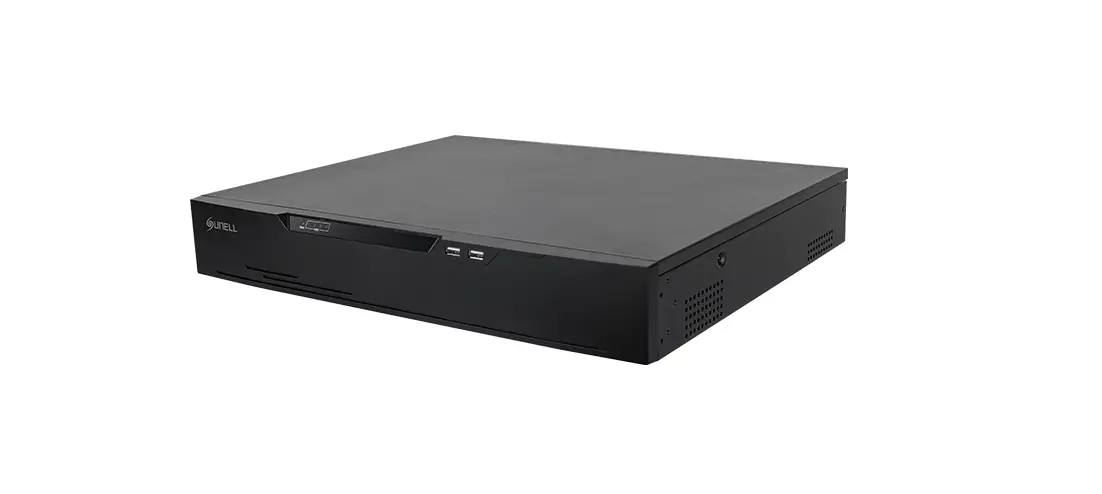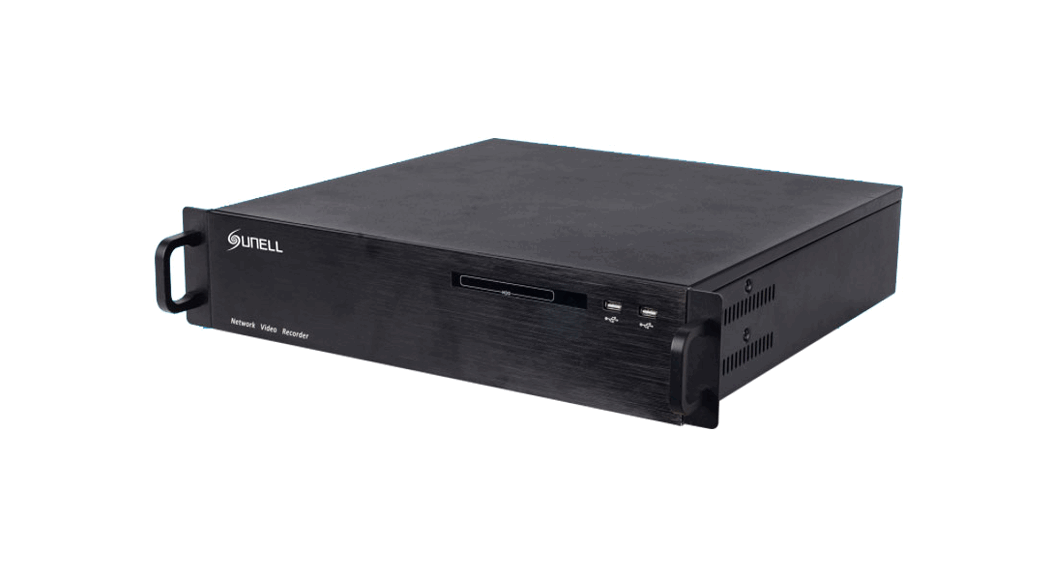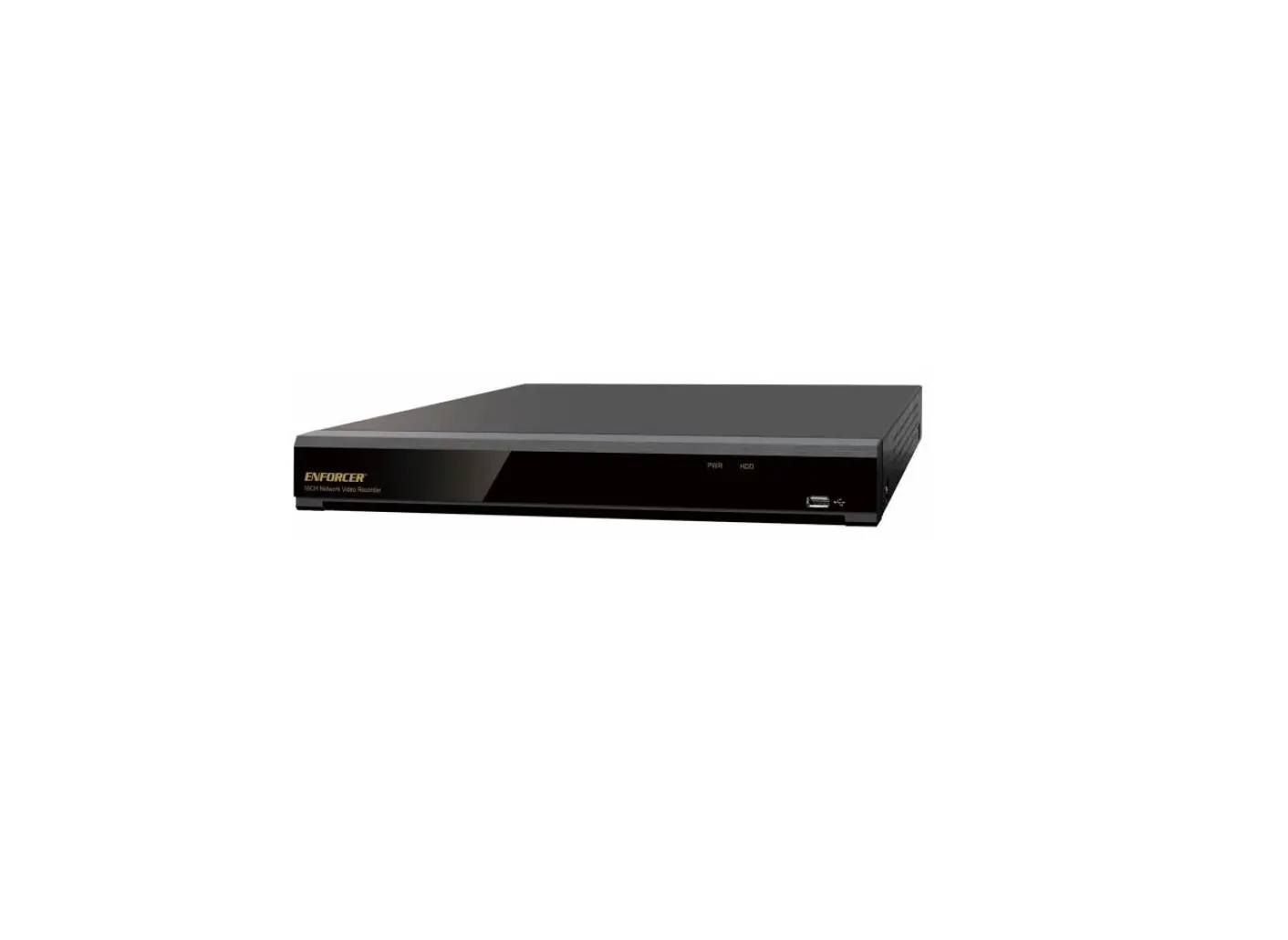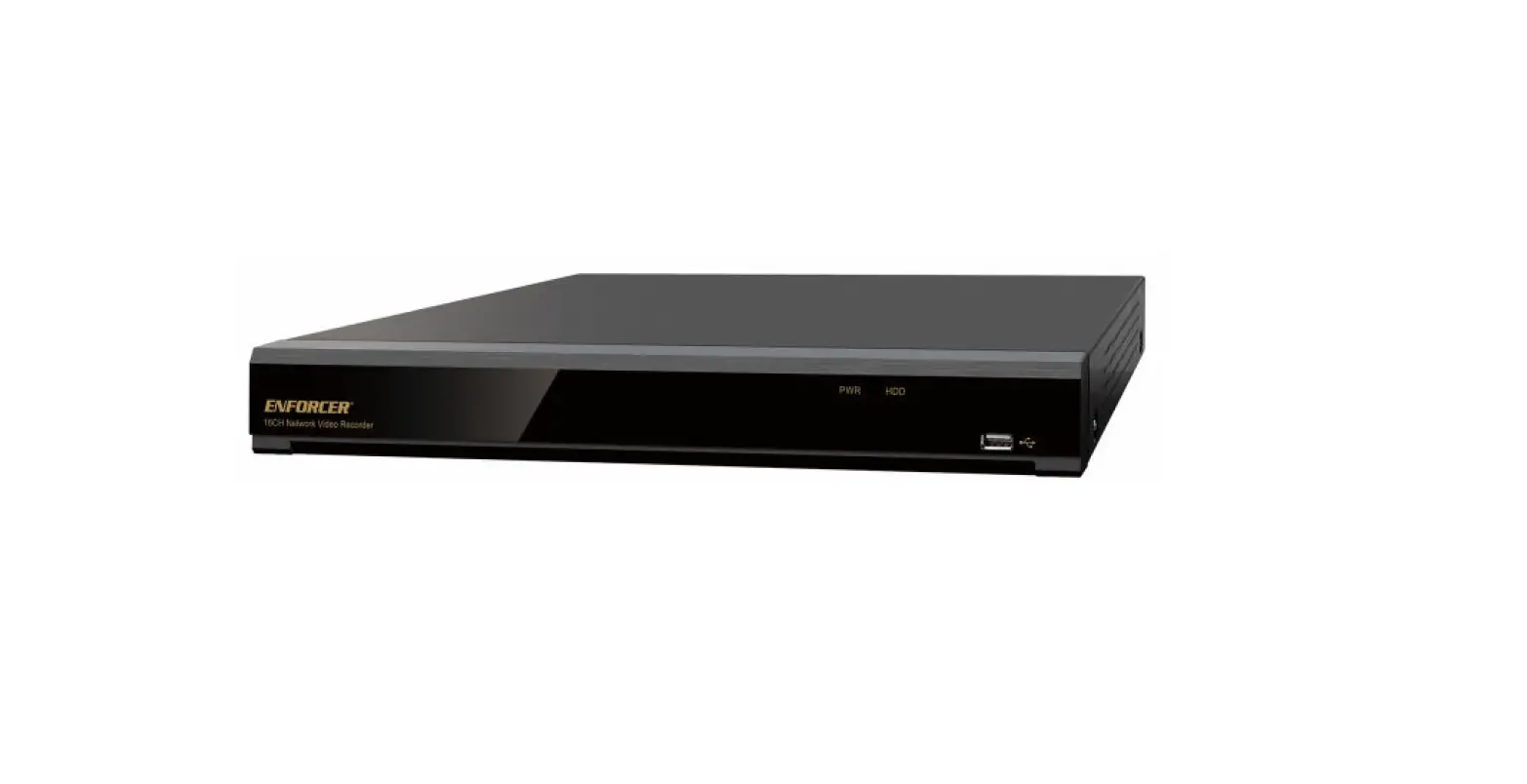

ENFORCER DRN-116-4TB 4K Network Video Recorder
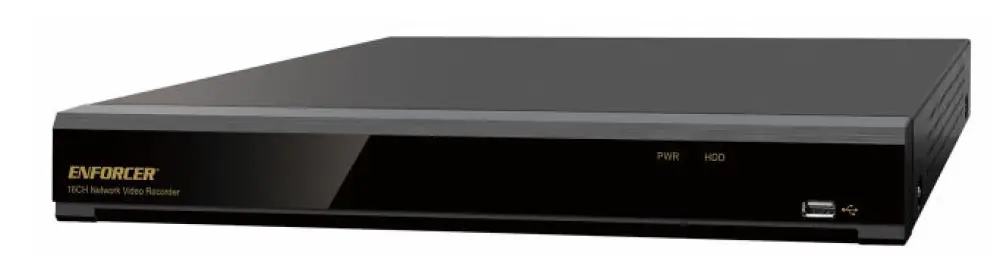
About the Product
| Model | Channels | Included HDD* | Internal storage capacity |
| DRN-104-2TB | 4 channels | 2TB SATA | 1 SATA, up to 10TB |
| DRN-108-2TB | 8 channels | 2TB SATA | 1 SATA, up to 10TB |
| DRN-116-4TB | 16 channels | 4TB SATA | 2 SATA, up to 10TB each |
*Other HDD sizes available by special order, including 1/2/4/6/8/10 TB
The ENFORCER Network Video Recorder offers 4K and H.265 High-Efficiency Video Coding, reducing bandwidth and storage requirements without giving up the video quality. These NVRs are perfect for a wide range of applications due to their cost-effectiveness and simple-to-install design.
- Compatible with 8MP (4K) IP Camera
- QR code and Wizard assistance for easier first-time setup
- Plug-and-Play
- Built-in PoE Ports (IEEE 802.3af/at)
- VGA and HDMI® output up to 4K resolution
- ONVIF® Profile S conformant
- Live view recording and playback up to 4K@30FPS
- P2P for simple remote connection using a PC or mobile device
- Supports up to 9 AI functions, up to 12 when used with EV-N2806-2W4WQ
DRN-116-4TB Additional Features
- Supports up to two (2) HDDs
- Live view recording and playback up to 4K@45FPS
- 8 Sensor inputs, 1 alarm relay output
Parts List
- 1x NVR
- 1x Power supply
- 1x Mouse
- 1x 3′ Internet cable
- 1x 3′ HDMI® Cable
- 1x Manual
- 4x Screws for 2.5″ HDD*
*DRN-116-4TB includes 8x mounting screws for 2.5″ HDD and 4x mounting screws for 4.5″ HDD.
Specifications
| Model | DRN-104-2TB | DRN-108-2TB | DRN-116-4TB |
Video
| Resolution | 8MP (4K), 5MP, 2MP (1080p), 1.3MP (960p), 1.0MP (720p) | ||
| Incoming bandwidth | 50Mbps | 76Mbps | 112Mbps |
| Outgoing bandwidth | 48Mbps | 32Mbps | 96Mbps |
| HDMI® output | 1024×768, 1280×720, 1280×1024, 1440×900, 1920×1080, 2560×1440, 3840×2160 (4K) | ||
| VGA output | 1024×768, 1280×720, 1280×1024, 1440×900, 1920×1080 | ||
| Frame rate | 4K: Up to 30FPS 4MP: Up to 60FPS 2MP: Up to 120FPS | 4K: Up to 45FPS 4MP: Up to 90FPS 2MP: Up to 180FPS | |
| Compression | H.265+/H.265/H.264+/H.264 | ||
| AI | Support | ||
| Playback function | Fast forward / backward (2x,4x, 8x, 16x) | ||
| Slow forward (1/2x, 1/4x, 1/8x, 1/16x) | |||
User Interface
| Local | UI5.0 |
|
Web | IE10/11 Safari V12.1 above Firefox V.52 above Google Chrome V.57 above Edge V.79 above |
Auxiliary Interface
| HDMI® output | 1 Output | ||
| VGA output | 1 Output | ||
| POE input | 4xRJ45 | 8xRJ45 | 16xRJ45 |
| USB | USB2.0 x 1 front & 1 rear | ||
| Alarm I/O | None | None | 8 In / 1 Out |
| Included HDD | 2TB SATA | 4TB SATA | |
| Internal storage capacity | 1 SATA HDD, up to 10TB | 2 SATA HDD, up to 10TB | |
General
| Power supply | [email protected] | [email protected] | [email protected] |
| Power consumption | 5W | 6W | 8W |
| Dimensions | 1113/16“x815/16“x21/16” (300x227x53 mm) | 147/8“x133/8“x2” (378x340x50 mm) | |
| Operating temperature | 32°~104°F (0°~40°C) | ||
| Humidity | Less than 90%RH | ||
Overview
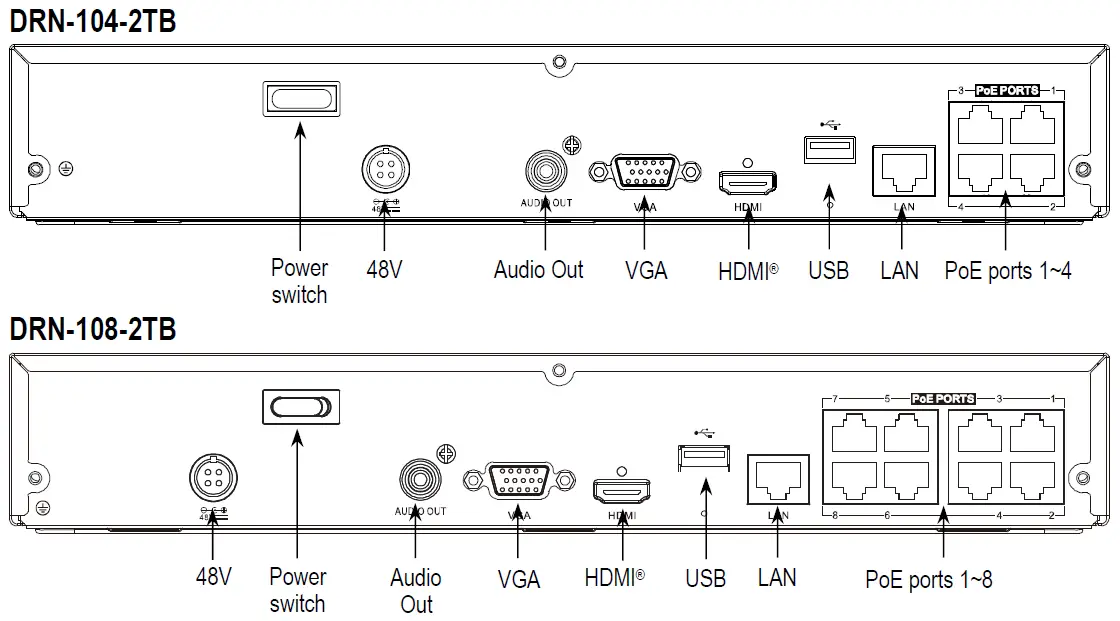
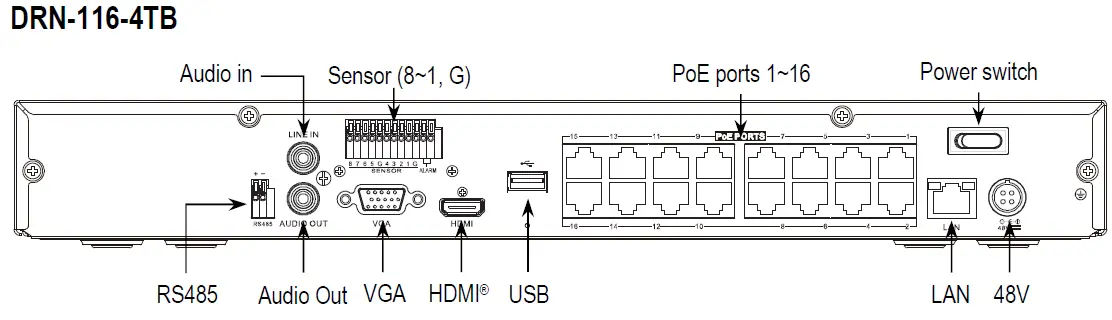
Rear Panel Feature Descriptions
- 48V – Connect the included power supply
- LAN – Connect to the internet router
- PoE Ports – Connect to the PoE IP Cameras
- USB – Connect the included mouse
- HDMI® – Connect to a monitor via an HDMI® connection
- VGA – Connect to a monitor via a VGA connection
- Alarm – Connect to an external alarm output device such as a strobe or siren
- Sensor (8~1, G) – Connect to external alarm sensors
- Audio Out – Connect to speakers
- Audio In – Connect to a microphone
- RS485 – Connect to an RS485 device
Hard Drive Installation
- Connect the data and power cables to the hard drive.

- Carefully flip the NVR and secure the hard drive with screws (4 screws for each hard drive).

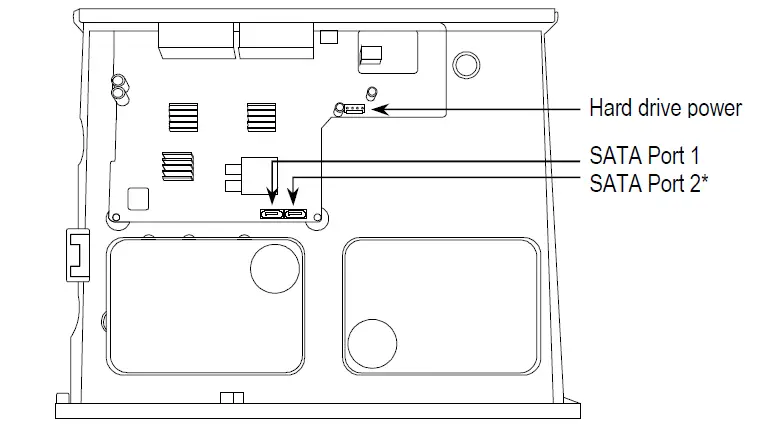
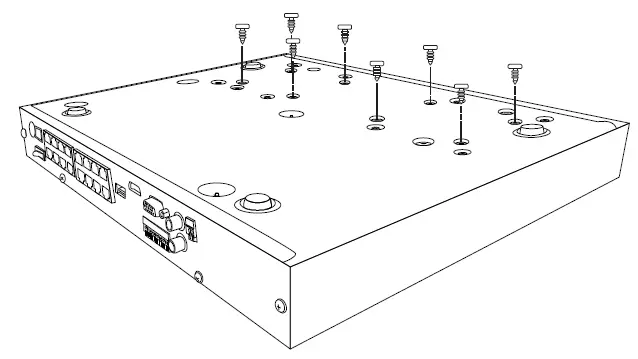
CAUTION: DO NOT install or remove the hard drive while the unit is powered on.
Startup Wizard
Click the Start Wizard to proceed to the next step.
NOTE: Screen images in this manual are simulated. 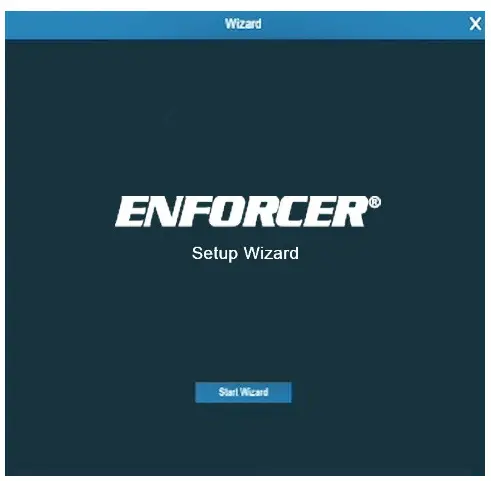
Network Configuration 
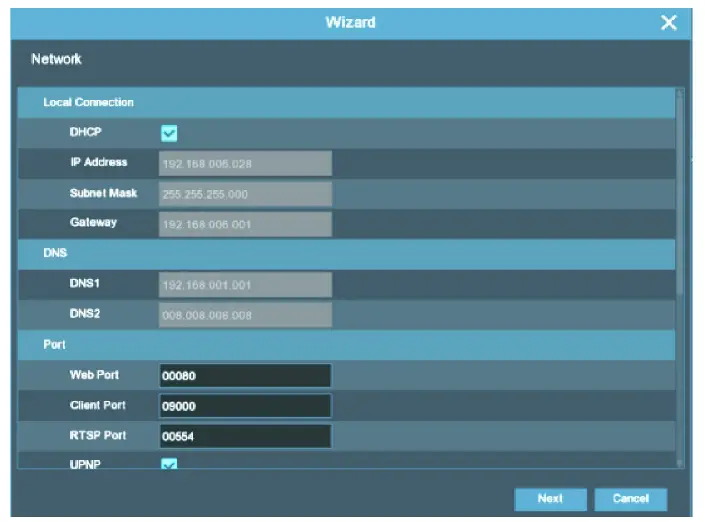
- DHCP – Recommended for first time setup. An empty IP address will be assigned to the NVR. Disable DHCP to use a static IP address and fill in the Subnet Mask, Gateway, DNS1, and DNS2.
- IP Address – Set IP address.
- Subnet Mask – Set subnet mask.
- Gateway – Set gateway.
- DNS1 – Set primary DNS server.
- DNS2 – Set secondary DNS server.
- Web Port – Default: 80
- Client Port – Default: 9000
- RTSP Port – Default: 554
- UPNP – Set On/Off.
Date/Time
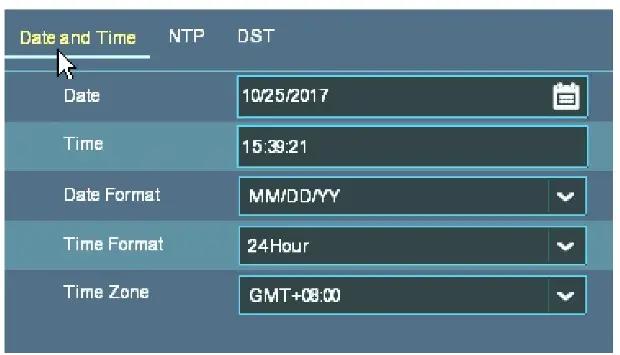
- Date – Click on the calendar icon to set the date.
- Time – Set time.
- Date Format – Choose the date format.
- Time Format – Choose the time format.
- Time Zone – Set the time zone.
NTP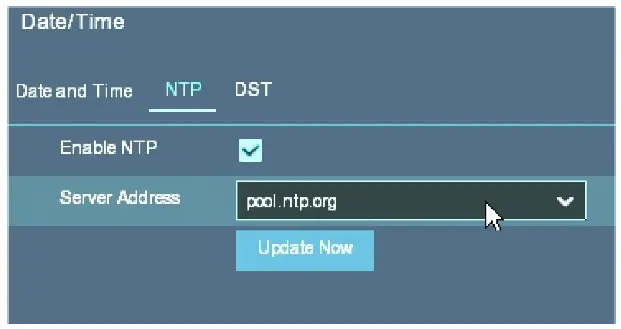
- Enable NTP – Enable synchronizing the date and time automatically over the Internet.
- Server Address – Select the server to synchronize the date and time.
DST 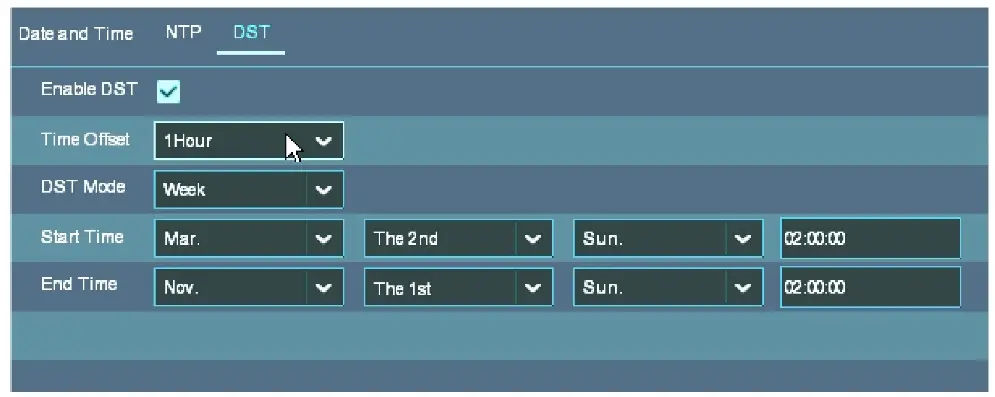
- Enable DST – Enable the Daylight Saving Time function.
- Time Offset – Select the amount of time offset.
- DST Mode – Choose to set the DST in weeks or days.
- Start Time/End Time – set the Start Time and End Time for DST.
IP Camera
This menu allows you to add an IP camera (IPC) to the NVR by searching for compatible cameras on the same network. Make sure you have the correct information from the IPC, such as the username and password, before entering them into the NVR.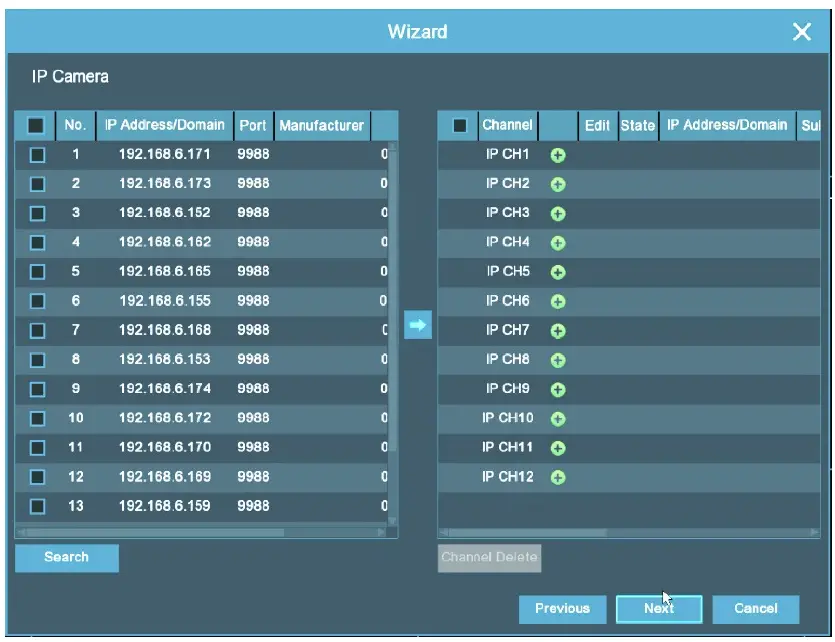
Disk
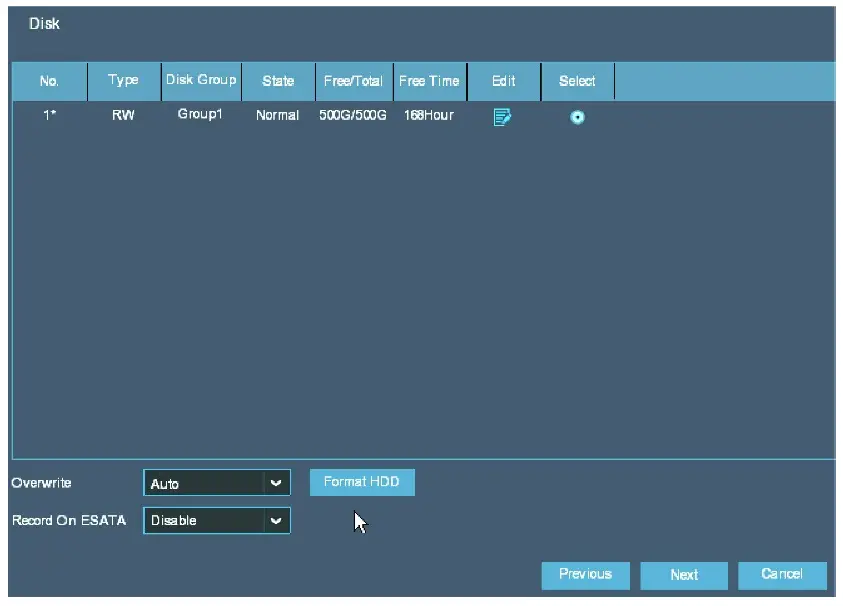
For the first-time setup, the HDD must be formatted. Select the HDD and then click Format HDD.
- Overwrite – Overwrite the oldest recordings on the HDD when HDD is full.
- Record on ESATA – Does not apply and is disabled.

Resolution
Choose the output resolution to match the monitor’s resolution.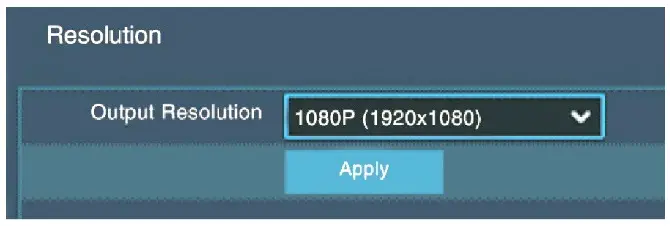
The Adopted Trademarks HDMI, HDMI High-Definition Multimedia Interface, HDMI trade dress and the HDMI Logos are trademarks or registered trademarks of HDMI Licensing Administrator, Inc. in the United States and other countries.
FCC COMPLIANCE STATEMENT
THIS DEVICE COMPLIES WITH PART 15 OF THE FCC RULES. OPERATION IS SUBJECT TO THE FOLLOWING TWO CONDITIONS: (1) THIS DEVICE MAY NOT CAUSE HARMFUL INTERFERENCE AND (2) THIS DEVICE MUST ACCEPT ANY INTERFERENCE RECEIVED, INCLUDING INTERFERENCE THAT MAY CAUSE UNDESIRED OPERATION.
Notice: The changes or modifications not expressly approved by the party responsible for compliance could void the user’s authority to operate the equipment. IMPORTANT NOTE: To comply with the FCC RF exposure compliance requirements, no change to the antenna or the device is permitted. Any change to the antenna or the device could result in the device exceeding the RF exposure requirements and void user’s authority to operate the device.
IMPORTANT: Users and installers of this product are responsible for ensuring this product complies with all national, state, and local laws and statutes related to monitoring and recording audio and video signals. SECO-LARM will not be held responsible for the use of this product in violation of any current laws or statutes.
IMPORTANT: Users and installers of this product are responsible for ensuring that the installation and configuration of this product complies with all national, state, and local laws and codes. SECO-LARM will not be held responsible for the use of this product in violation of any current laws or codes.
California Proposition 65 Warning: These products may contain chemicals that are known to the State of California to cause cancer and birth defects or other reproductive harm. For more information, go to www.P65Warnings.ca.gov.
WARRANTY: This SECO-LARM product is warranted against defects in material and workmanship while used in normal service for three (3) years from the date of sale to the original customer. SECO-LARM’s obligation is limited to the repair or replacement of any defective part if the unit is returned, transportation prepaid, to SECO-LARM. This Warranty is void if the damage is caused by or attributed to acts of God, physical or electrical misuse or abuse, neglect, repair or alteration, improper or abnormal usage, or faulty installation, or if for any other reason, SECO-LARM determines that such equipment is not operating properly as a result of causes other than defects in material and workmanship. The sole obligation of SECO-LARM and the purchaser’s exclusive remedy shall be limited to the replacement or repair only, at SECO-LARM’s option. In no event shall SECO-LARM be liable for any special, collateral, incidental, or consequential personal or property damage of any kind to the purchaser or anyone else.
The SECO-LARM policy is one of continual development and improvement. For that reason, SECO-LARM reserves the right to change specifications without notice. SECO-LARM is also not responsible for misprints. All trademarks are the property of SECO-LARM U.S.A., Inc. or their respective owners. Copyright © 2023 SECO-LARM U.S.A., Inc. All rights reserved.
SECO-LARM ® U.S.A., Inc.
16842 Millikan Avenue, Irvine, CA 92606 Website: www.seco-larm.com Phone: (949) 261-2999 | (800) 662-0800 Email: [email protected]
 La Armería de Madrid - fabricantes de armas y rifles
 P65Warnings.ca.gov
 - SECO-LARM USA Inc