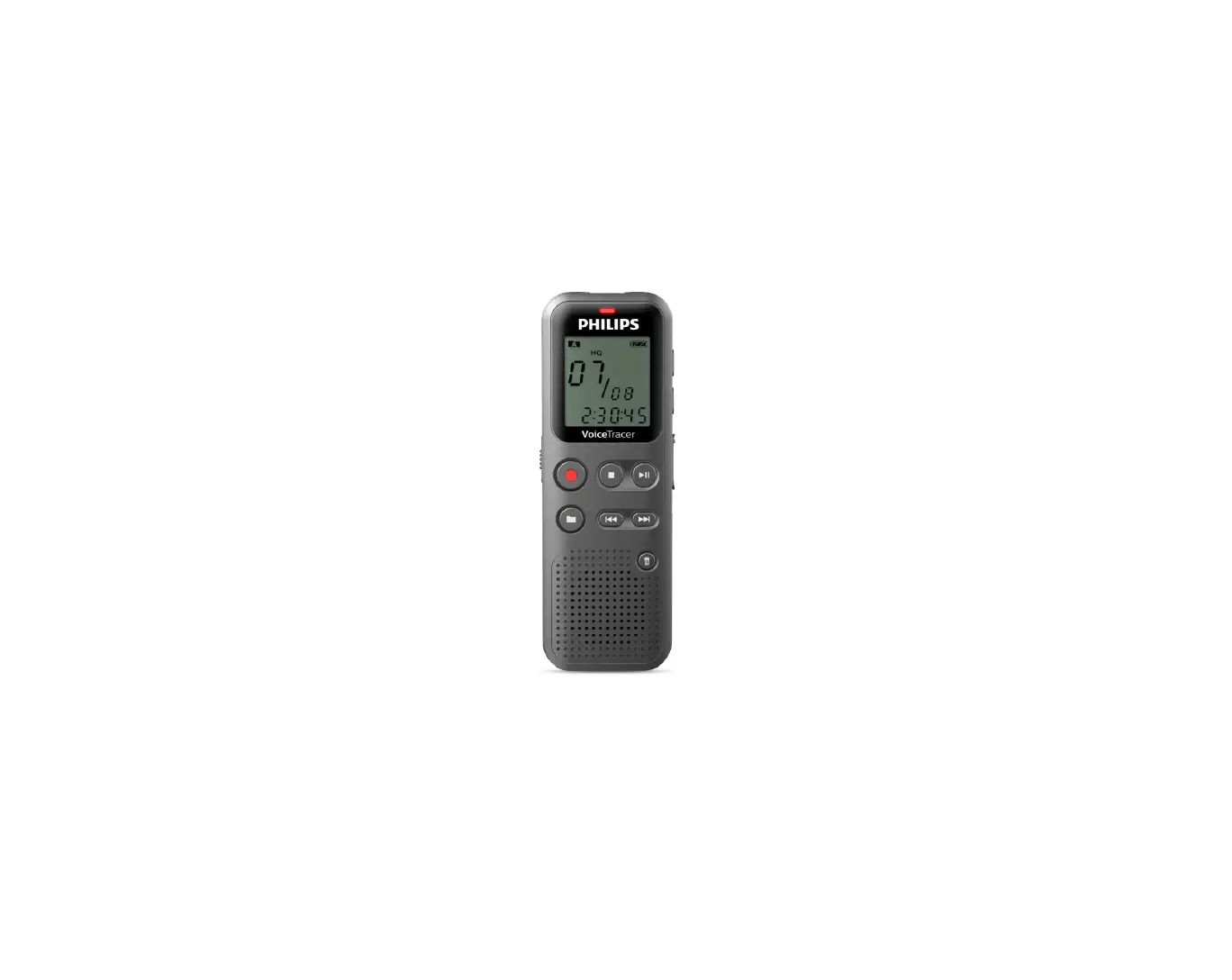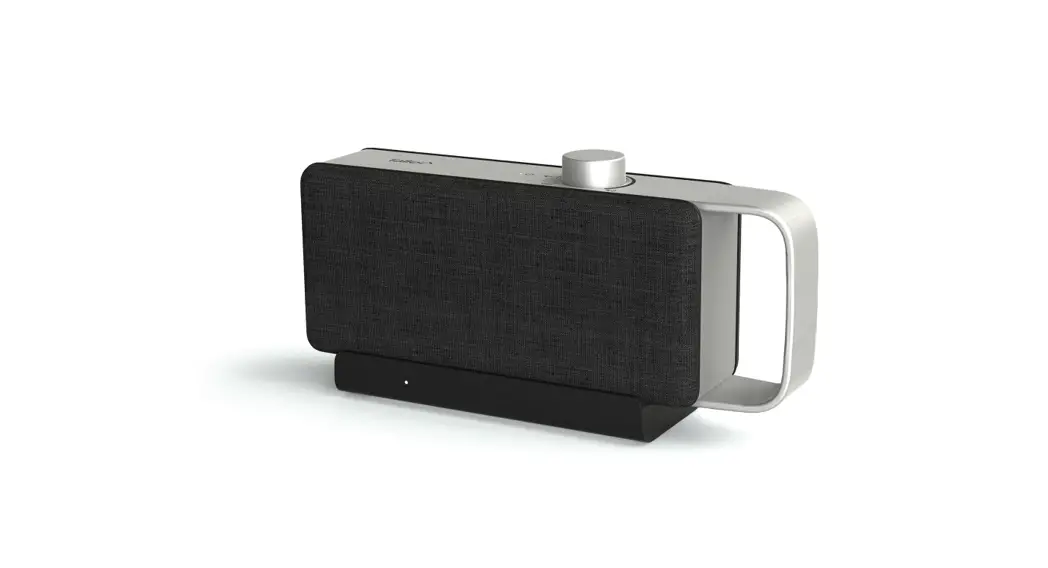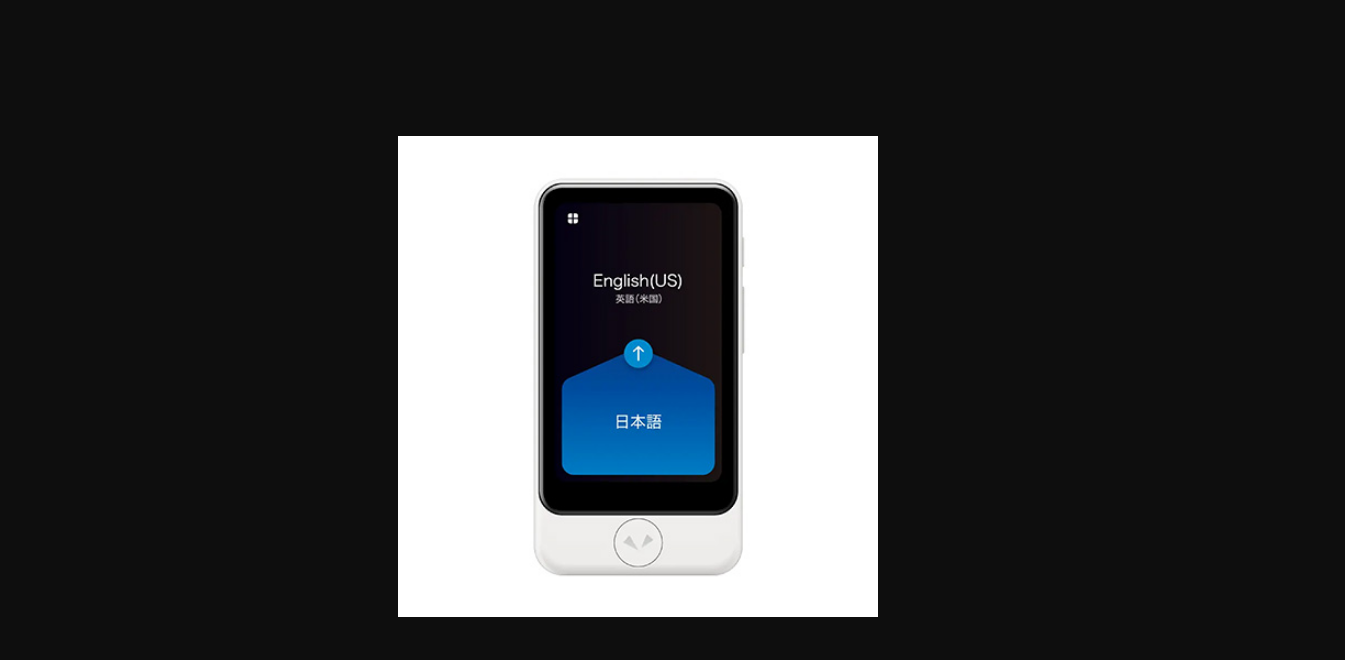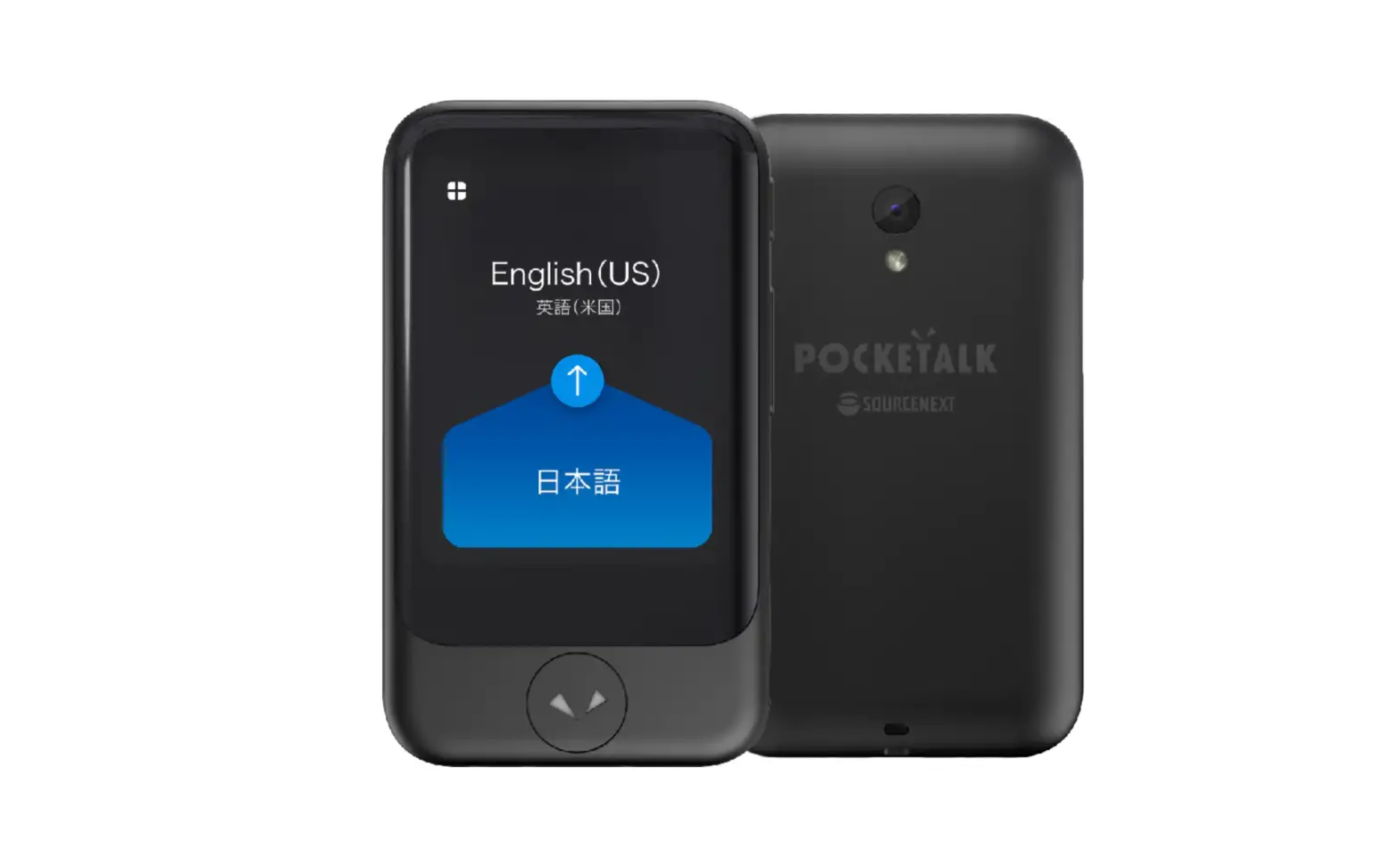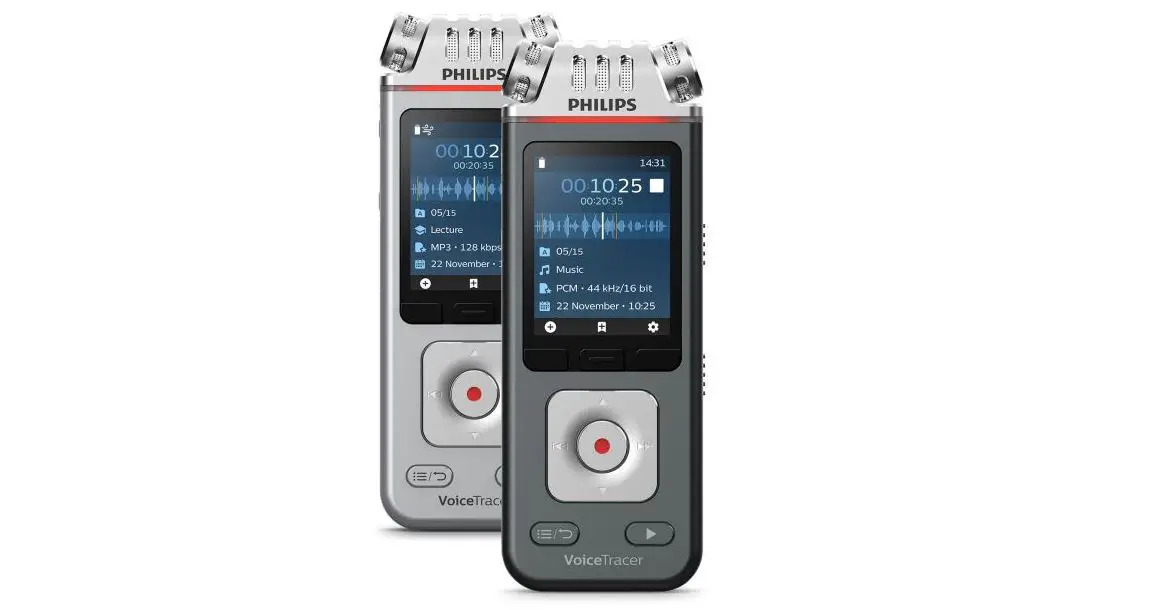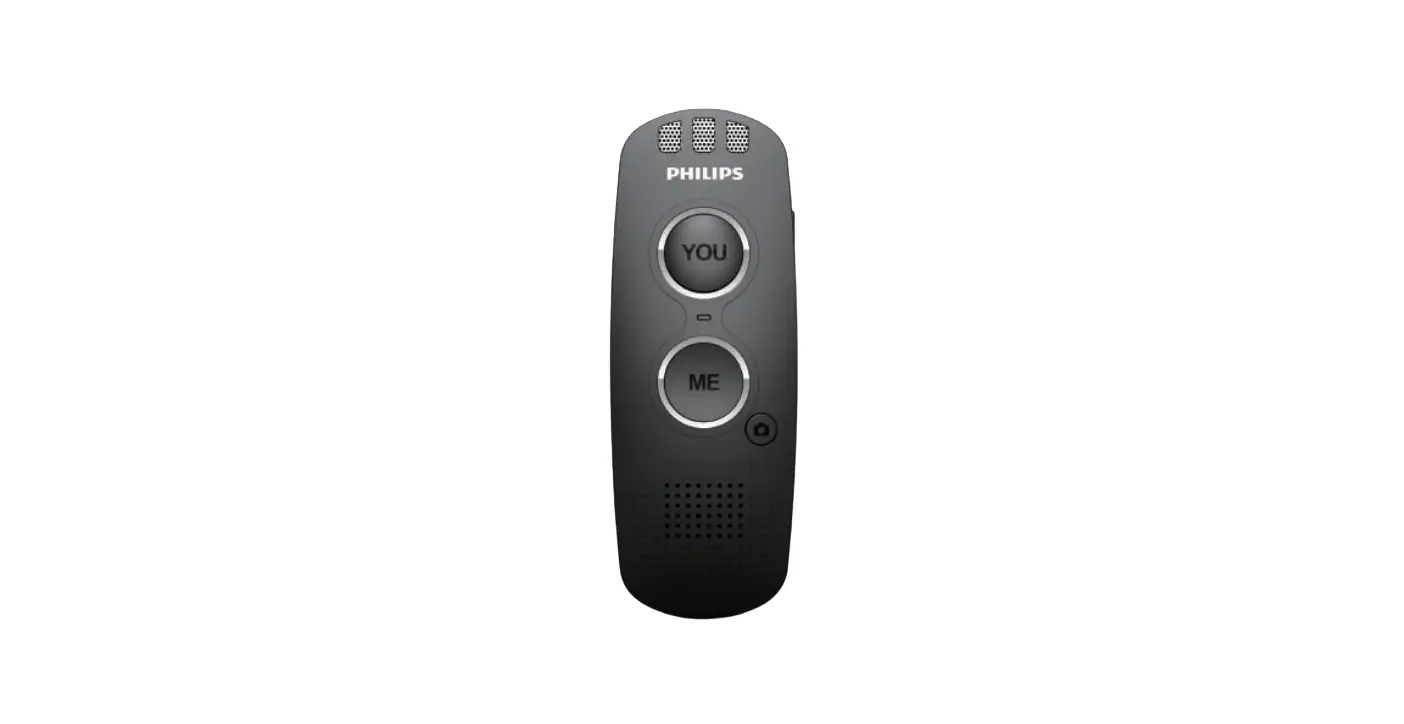
Philips Vtr5080 Translator Voice Tracer User Guide

Philips Vtr5080 Translator Voice Tracer User Guide

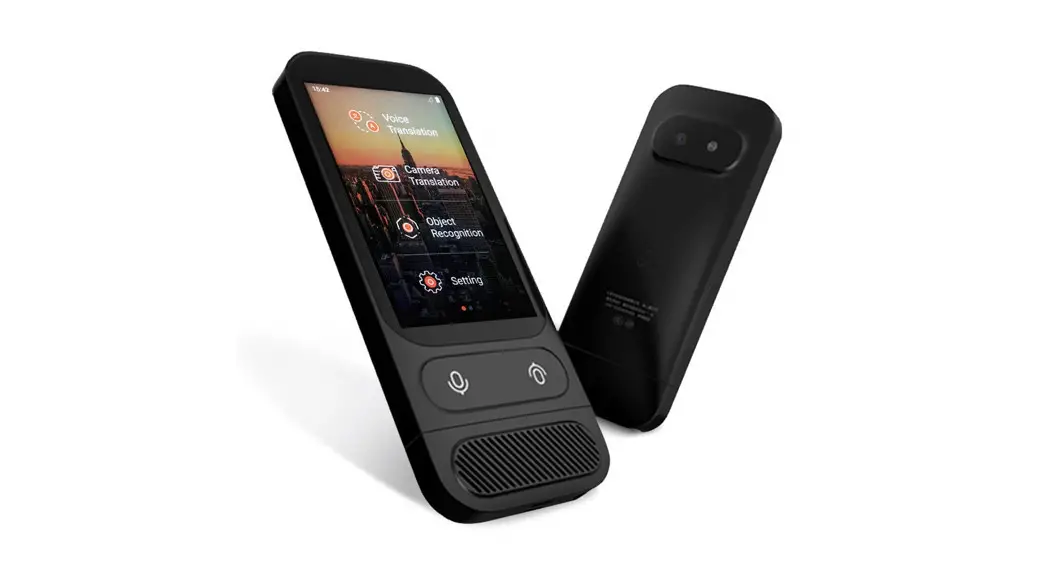
PHILIPS VTR5080 Translator Voice Tracer User Guide
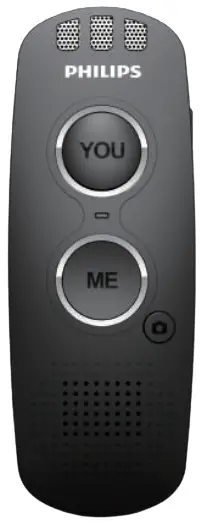
PHILIPS VTR5080 Translator Voice Tracer

User Instruction

Scan the QR code to download and install Philips Pu Translator APP

QR Code
Turn on Bluetooth and open the APP

User Instruction

Enter the device ID and click to bind the APP (The ID number is noted on the back of the translator)
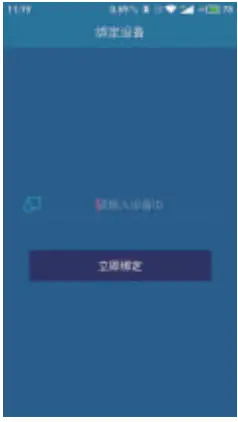
User Instruction

link complete
User Instruction
Warning Icons

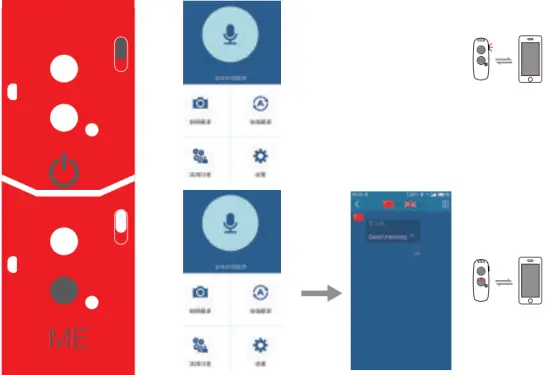
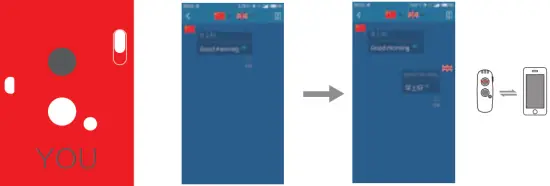
Intercom translation

Intercom translation

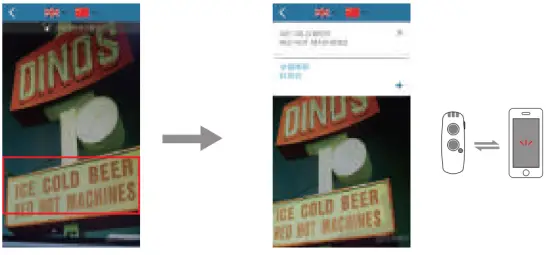
photo translation
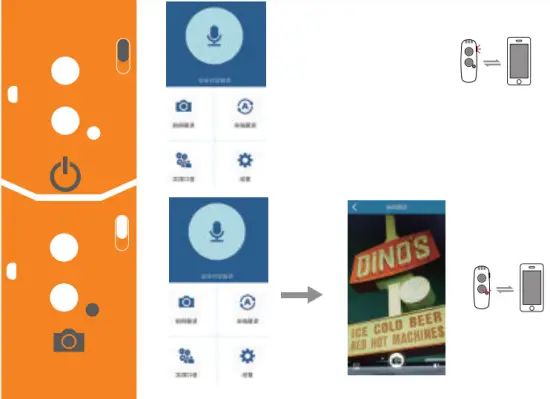
photo translation
photo translation

Power
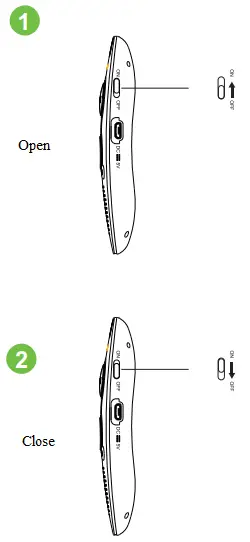
Power

Documents / Resouces

Download manual
Here you can download full pdf version of manual, it may contain additional safety instructions, warranty information, FCC rules, etc.


Related Manuals