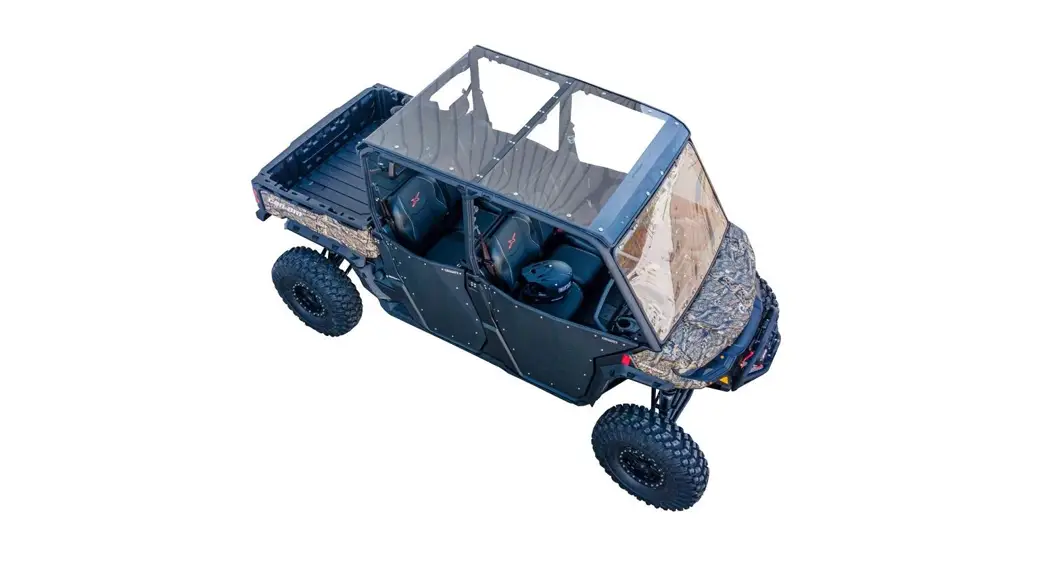
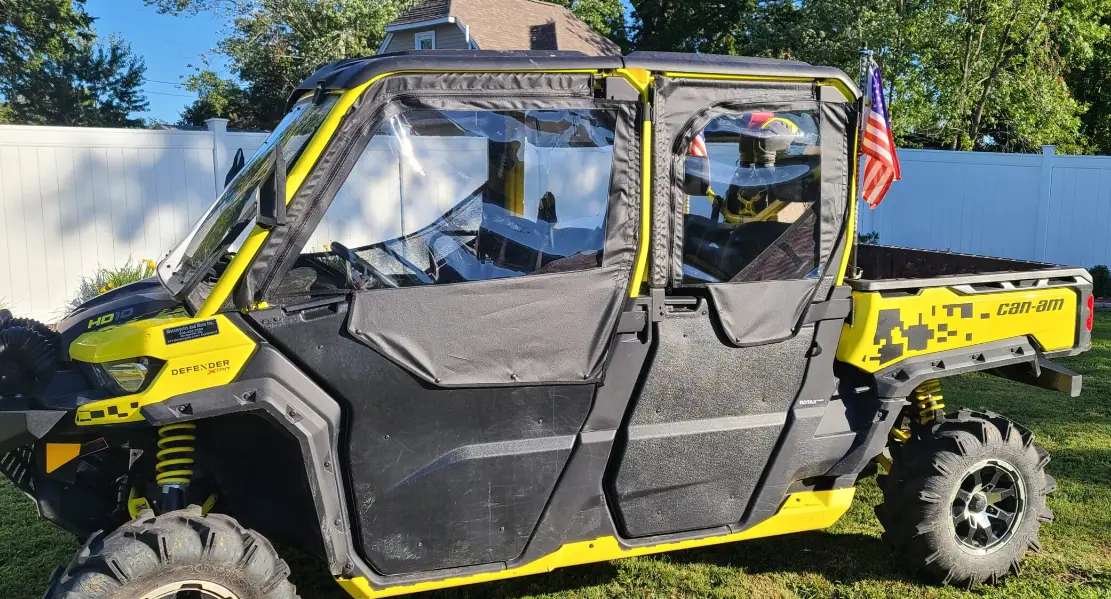
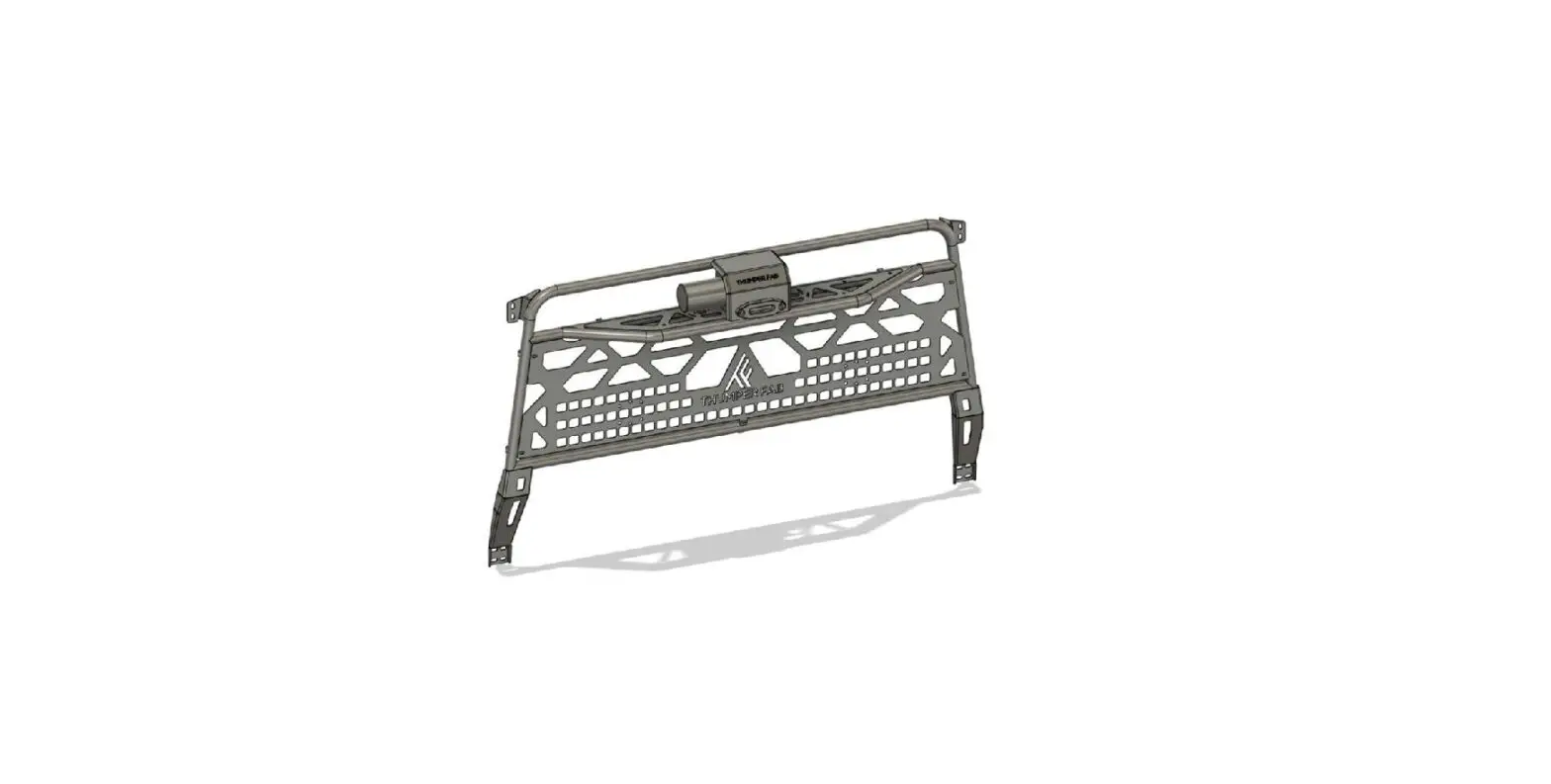
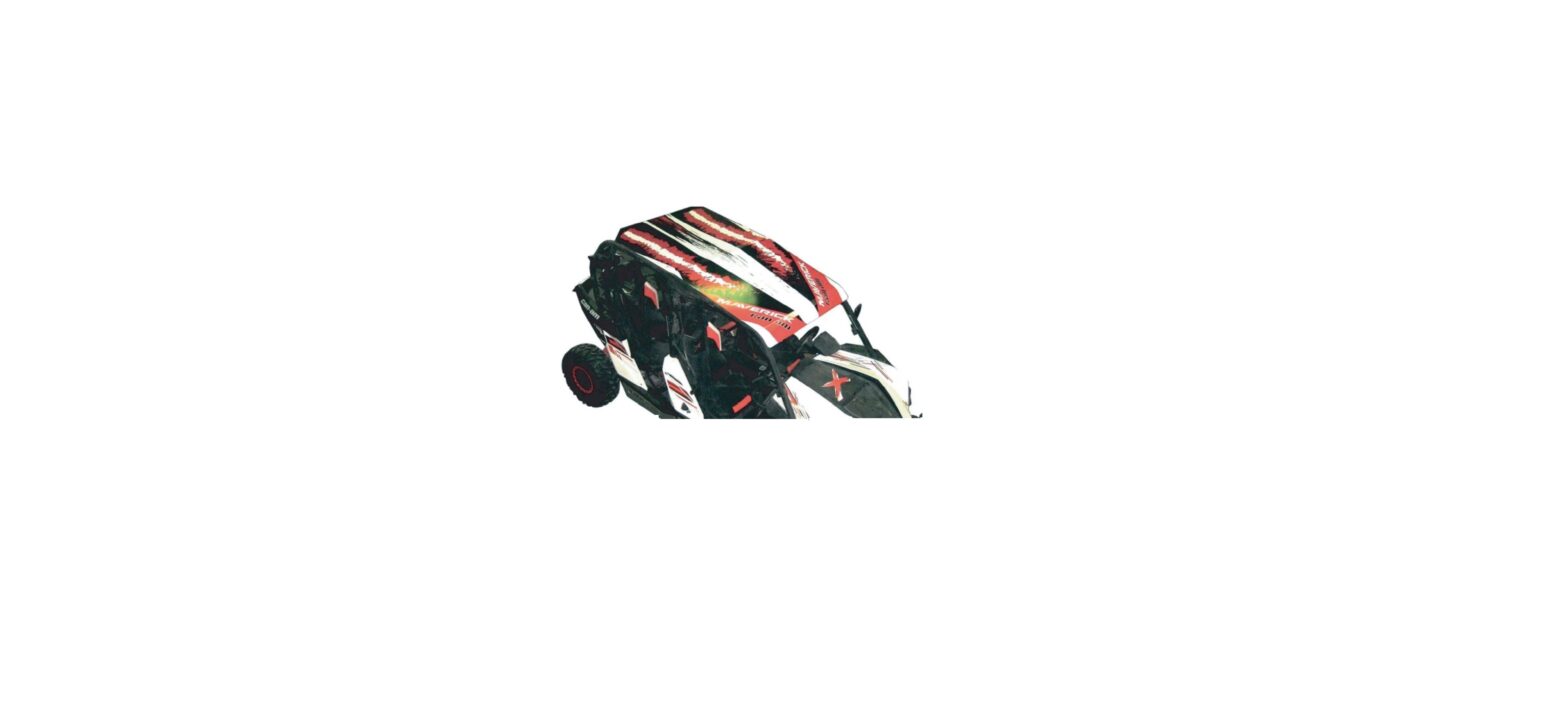
TF040301 Can-Am Defender and Defender Max Audio Roof and LED Light System
CAN-AM DEFENDER & DEFENDER MAX AUDIO ROOF & LED LIGHT
SYSTEM
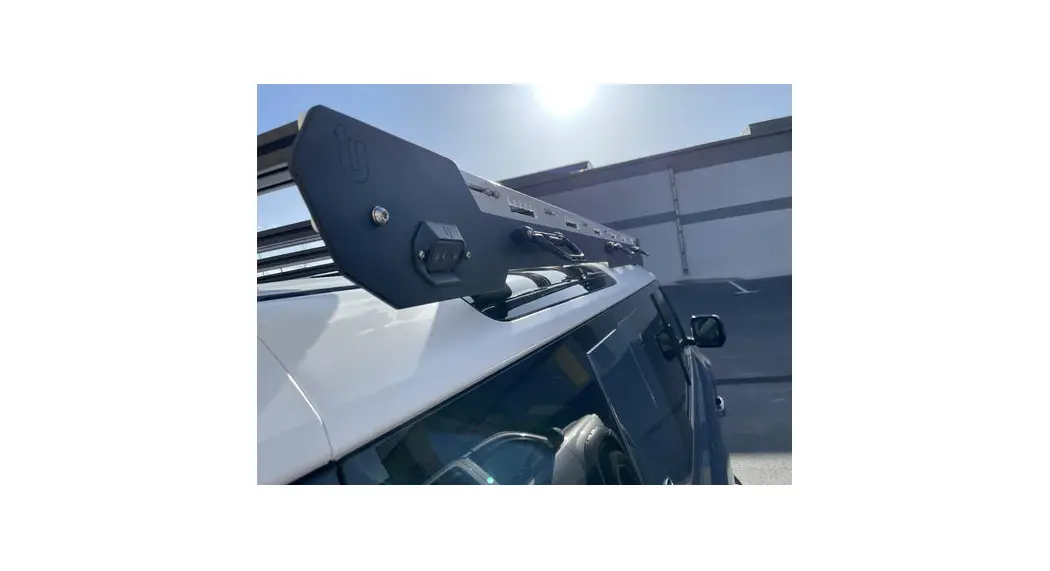
The Can-Am Defender & Defender Max Audio Roof & LED
Light System is a UTV accessory designed and manufactured by
Thumper Fab. The system includes an aluminum audio roof, LED light
system, and tube clamp kit. The product comes in different part
numbers: TF040301 – TF040310.
Parts and Tools
The following is a list of parts and tools included in the
product:
| REF | QTY | PART DESCRIPTION |
|---|---|---|
| 2 | 2 | 5/16 Bonded Washers |
| 3 | 4 (2*) | 5/16 Flat Washers |
| 4 | 4 (2*) | 5/16 Nuts |
| 5 | 2 | 5/16 x 2 Bolts |
| 6 | 1 | Tube Clamp Kit (includes 1 pair, plus hardware) |
| 7 | 1 (1*) | Power Cable (attached to roof) |
Note: *Hardware Quantities for single cab Defender.
Installation Instructions
Follow the steps below to install the Can-Am Defender &
Defender Max Audio Roof & LED Light System:
- Install FOAM MOUNTING TAPE from hardware kit on side of frame
as shown in red in the diagram below. - Remove (4) STOCK BOLTS and (4) NUTS from rear L & R sides
of vehicle frame. Retain for later use. - (Skip this step for single cab) Install TUBE CLAMPS (pictured
below in blue) from kit onto the middle bar on vehicle roll cage.
Refer to documentation in box and diagram below for assembly. - With at least one person assisting you, lift the AUDIO ROOF
into place over your Defender and slowly set it onto vehicle. - Align pre-attached STANDOFFS/THREADED BOLTS on front/underside
of AUDIO ROOF with stock holes on vehicle frame. Loosely secure
with FLAT WASHERS and NUTS on each side. - Align middle holes on AUDIO ROOF with TUBE CLAMP mounting holes
from step 3. Stack (2) STANDOFFS on each side between AUDIO ROOF
and TUBE CLAMPS. - Insert 2 BOLTS with BONDED WASHERS through AUDIO ROOF and
STANDOFF STACKS. Loosely secure with FLAT WASHERS and NUTS. - Using STOCK BOLTS / NUTS from AUDIO ROOF to vehicle frame,
secure rear of the system. - You may now TIGHTEN ALL HARDWARE. TORQUE STANDOFF HARDWARE TO
10 FT-LBS. - Run POWER CABLE from AUDIO ROOF to (+) and (-) terminals on
vehicle battery.
Product Usage
After installing the Can-Am Defender & Defender Max Audio
Roof & LED Light System, follow the steps below to use the
system:
- Turn on the power switch on the control unit.
- Turn on the radio and select your preferred station.
- Turn on the LED light system using the SRC button.
- Enjoy your ride with music and lights!
Installation Video
To watch the installation video, go to www.thumperfab.com.
CAN-AM DEFENDER & DEFENDER MAX AUDIO ROOF & LED LIGHT SYSTEM
P/N: TF040301 – TF040310
Aluminum Audio Roofs Bumpers & Roll Cages UTV Accessories
Thumper Fab 5103 Elysian Fields Rd, Marshall, Tx 75672
Customer Service: 903-472-0928 www.thumperfab.com
CAN-AM DEFENDER & DEFENDER MAX AUDIO ROOF & LED LIGHT SYSTEM
P/N: TF040301 – TF040310
PARTS
TOOLS
REF QTY
PART DESCRIPTION
· 5/16″ Drill Bit & Drill
2
2
5/16″ Bonded Washers
3
4 (2*)
5/16″ Flat Washers
· 1/2″, 5/16″, & 3/8″ Socket · 8/32″ Hex Wrench
4
4 (2*)
5/16″ Nuts
5
2
5/16″ x 2″ Bolts
6
1
Tube Clamp Kit (includes 1 pair, plus hardware)
7
1 (1*)
Power Cable (attached to roof)
*Hardware Quantities for single cab Defender)
INSTALLATION INSTRUCTIONS
1. Install FOAM MOUNTING TAPE from harware kit on side of frame as shown in red in the diagram below.
2. Remove (4) STOCK BOLTS and (4) NUTS from rear L & R sides of vehicle frame. Retain for later use.
3. (Skip this step for single cab) Install TUBE CLAMPS (pictured below in blue) from kit onto the middle bar on vehicle roll cage. Refer to documentation in box and diagram below for assembly.
4. With at least one person assisting you, lift the AUDIO ROOF into place over your Defender and slowly set it onto vehicle.
5. Align pre-attached STANDOFFS/THREADED BOLTS on front/underside of AUDIO ROOF with stock holes on vehicle frame. Loosely secure with FLAT WASHERS and NUTS on each side.
(
6. Align middle holes on AUDIO ROOF with TUBE CLAMP
mounting holes from
3. Stack (2) STANDOFFS on
each side between AUDIO ROOF and TUBE CLAMPS.
7. Insert 2″ BOLTS with BONDED WASHERS through AUDIO ROOF and STANDOFF STACKS. Loosely secure with FLAT WASHERS and NUTS.
( 2-
8. Using STOCK BOLTS / NUTS from AUDIO ROOF to vehicle frame.
2, secure rear of
9. You may now TIGHTEN ALL HARDWARE.
TORQUE STANDOFF
HARDWARE TO 10 FT-LBS
10. Run POWER CABLE from AUDIO ROOF to (+) and (-) terminals on vehicle battery.
STOCK BOLTS & NUTS
MIDDLE ROLL CAGE BAR
To watch installation video, go to www.thumperfab.com
Page 2 P/N: TF040301 – TF040310
Can-Am Defender Audio Roof & LED Light System
INSTALLATION INSTRUCTIONS
L2 & L3 Roofs use PMX – O L4 Roofs use PMX-2 L5 Roofs = PMX-3
RADIO
FRONT
SIDE
LIGHT CUBES
ROCK
REAR
SRC BUTTON
4. Turn on lights & music and…
FIG. 11
CONTROL UNIT POWER SWITCH
LET THE THUMPIN’ BEGIN
Thumper Fab 5103 Elysian Fields Rd, Marshall, Tx 75672
Customer Service: 903-472-0928
To watch installation video, go to www.thumperfab.com
P/N: TF040301-TF040310
Can-Am Defender Audio Roof & LED Light System
Page 3
Aluminum Audio Roofs Bumpers & Roll Cages UTV Accessories
Thumper Fab 5103 Elysian Fields Rd, Marshall, Tx 75672
Customer Service: 903-472-0928 www.thumperfab.com
 Thumper Fab - UTV Accessories