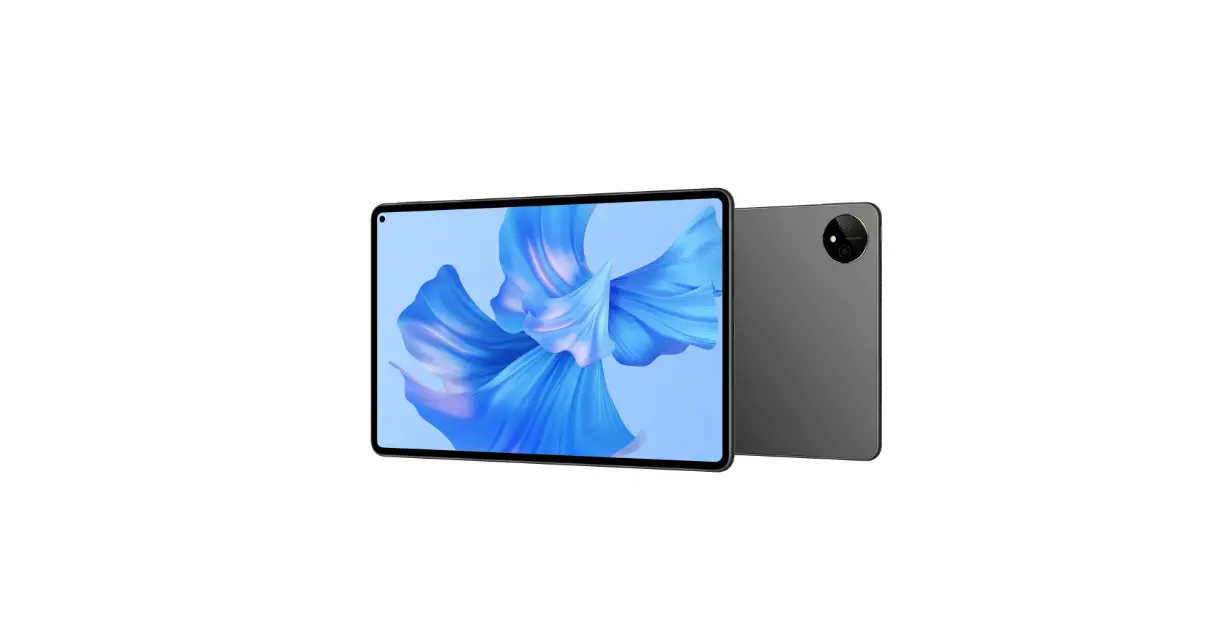
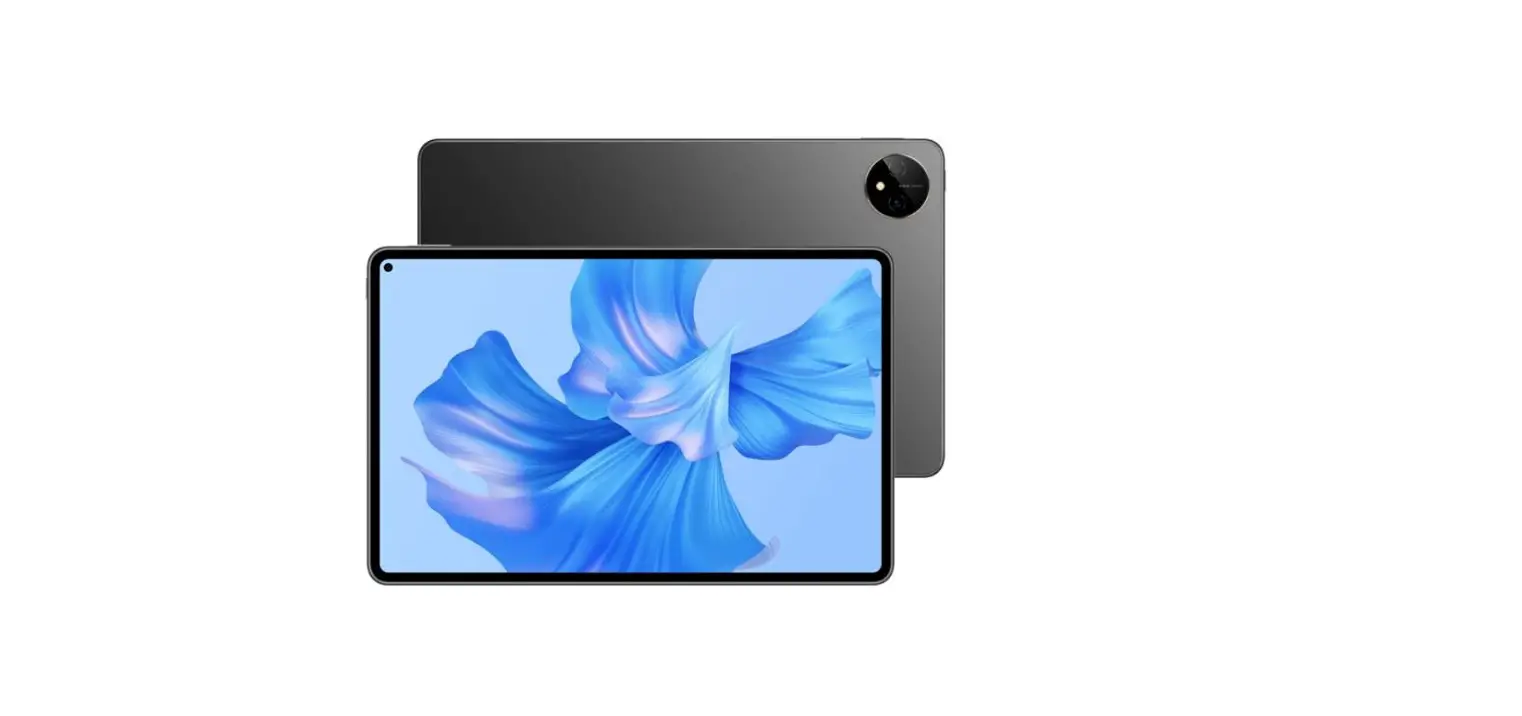
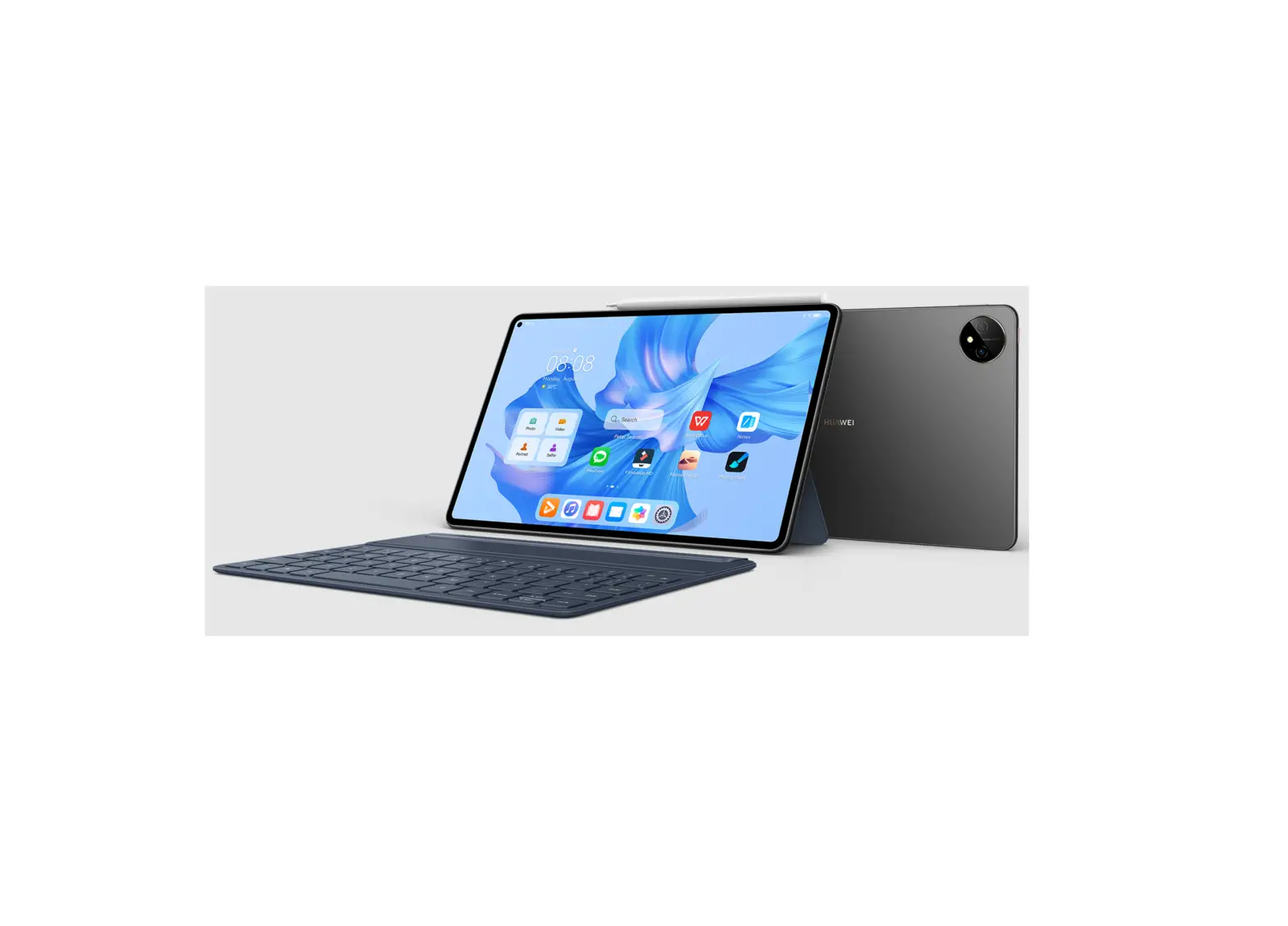
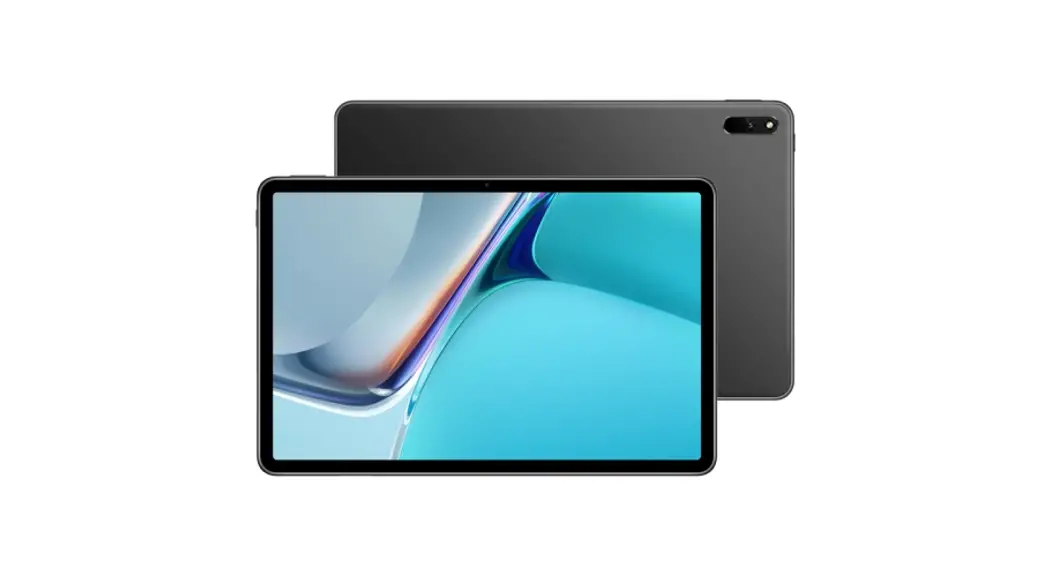
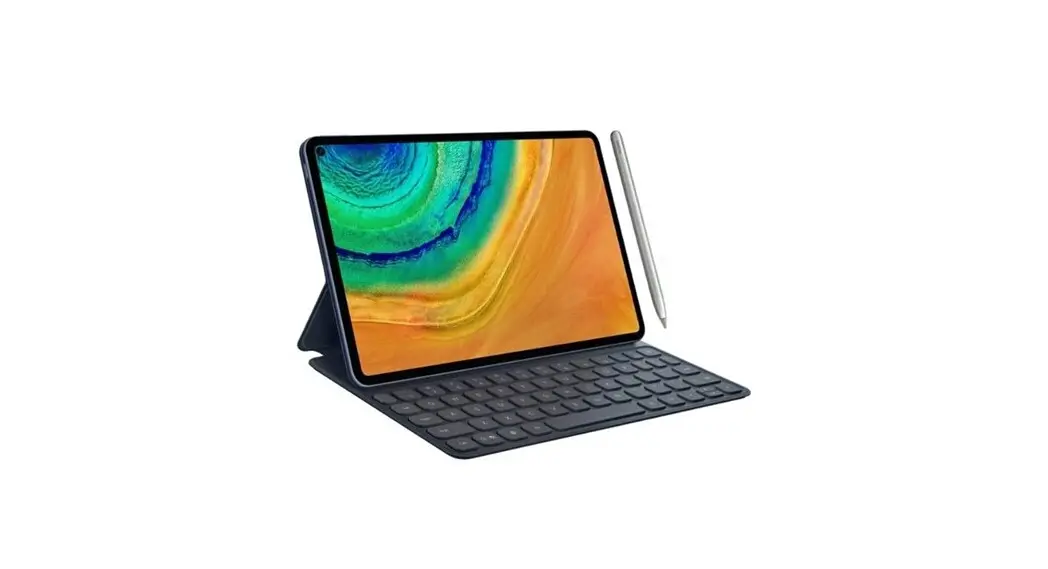
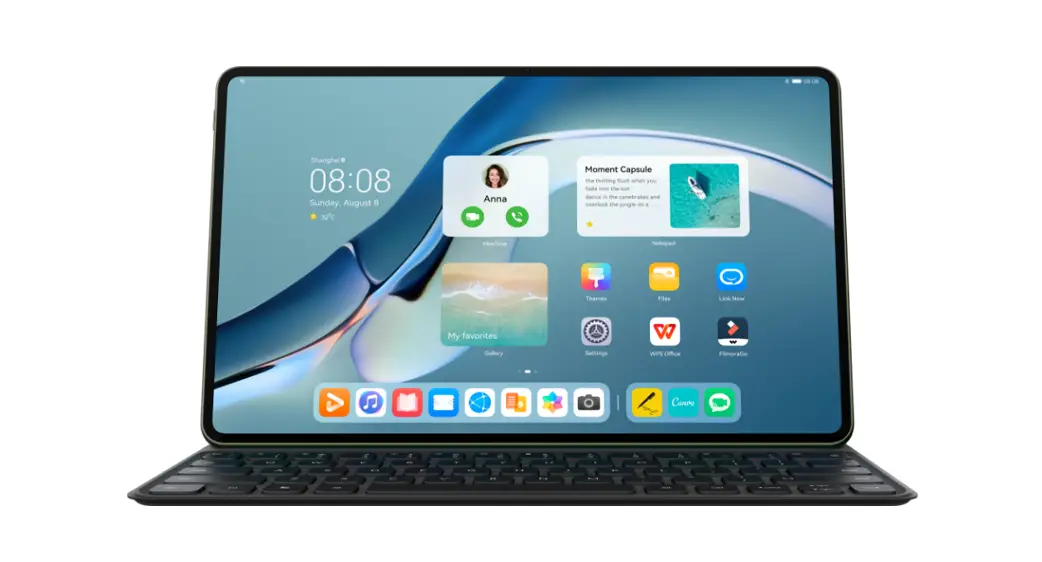
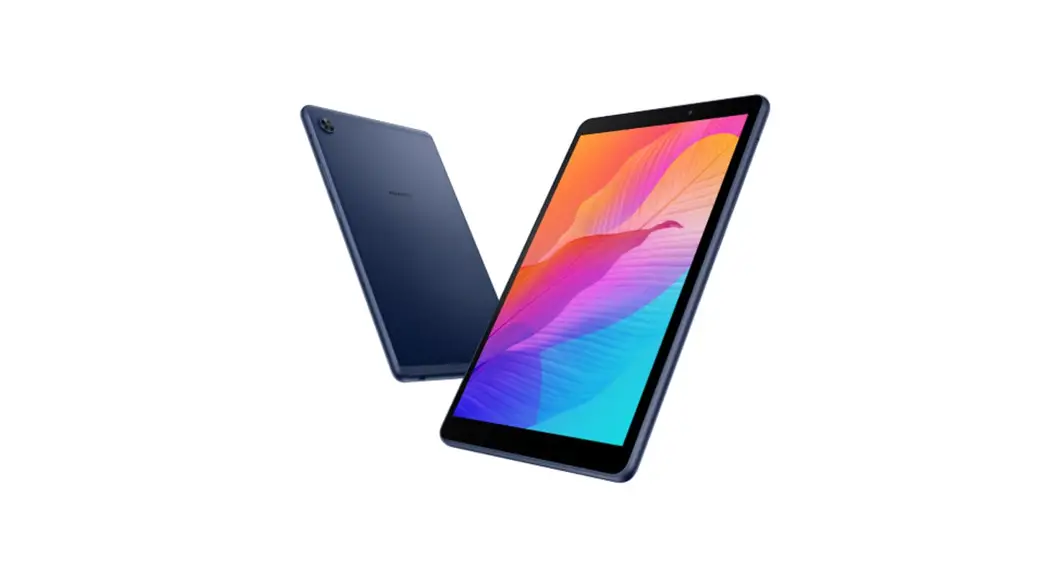
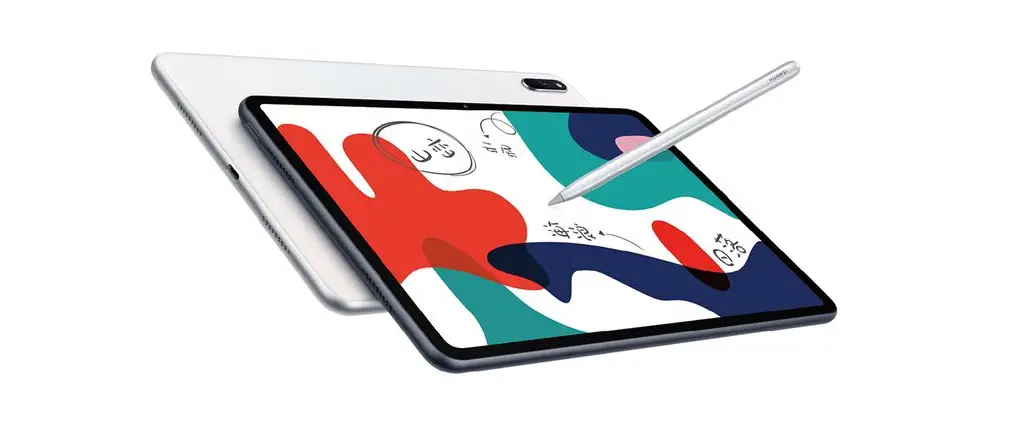
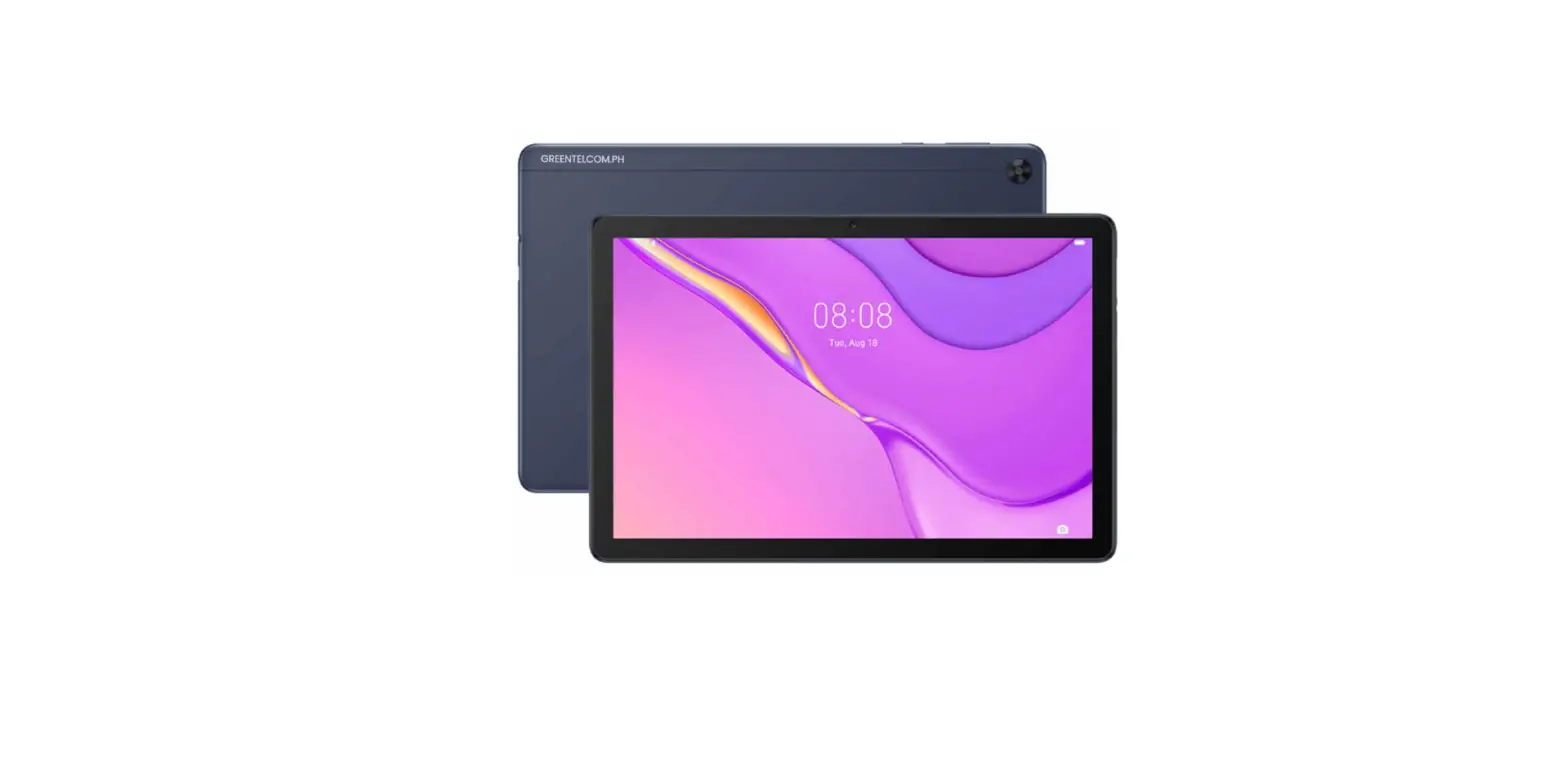
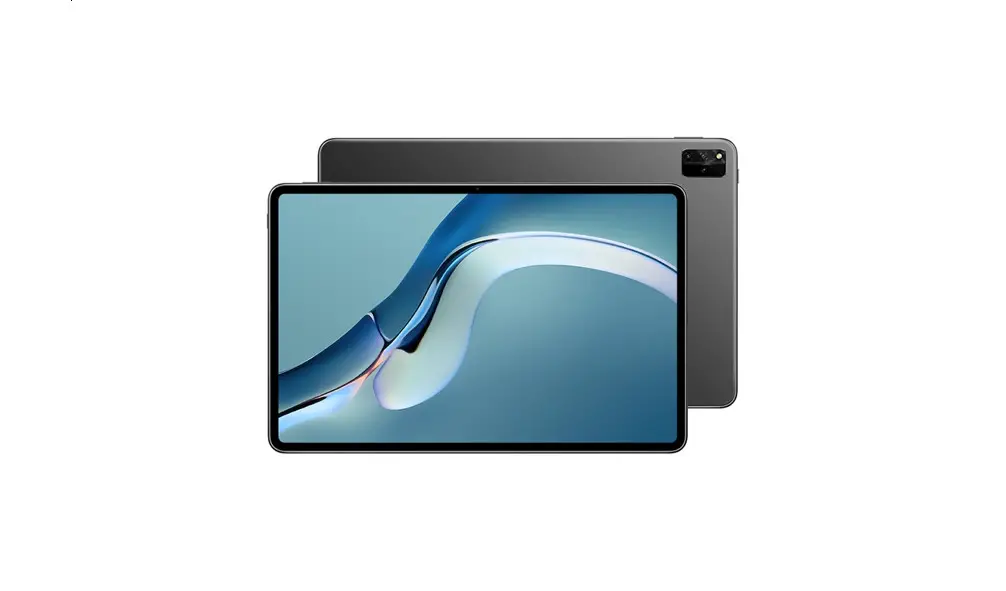
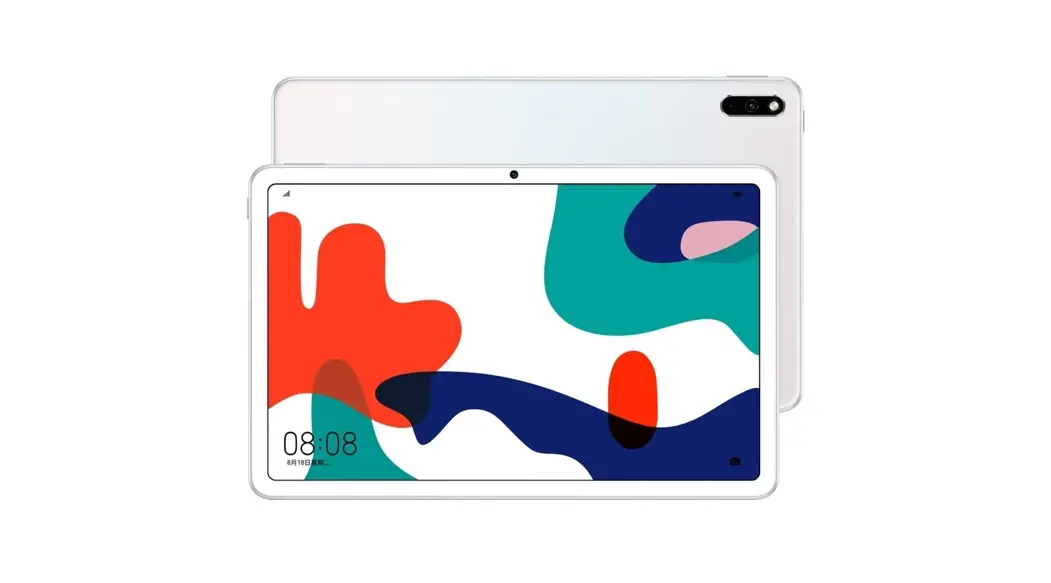
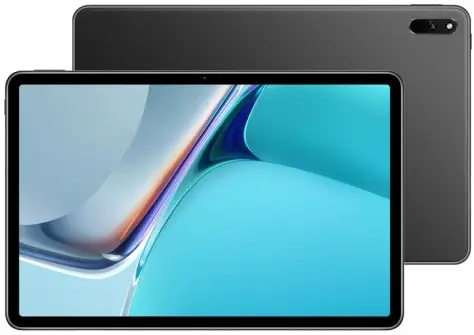
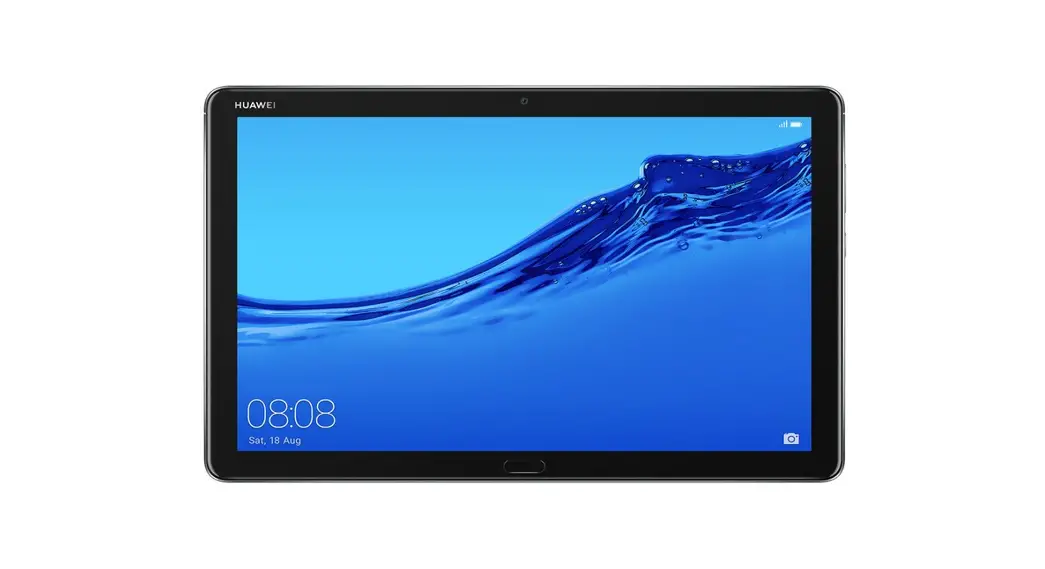
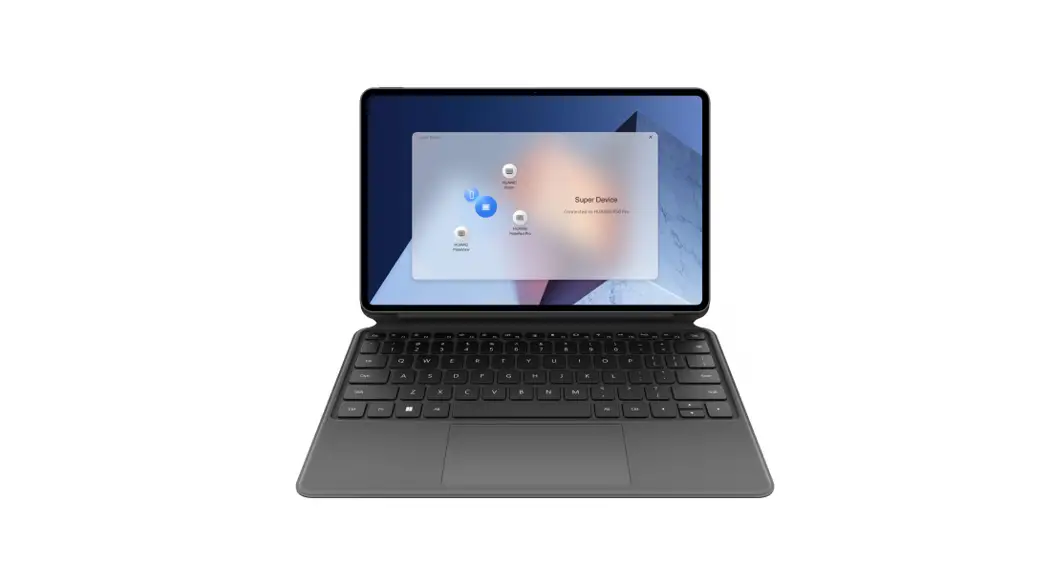
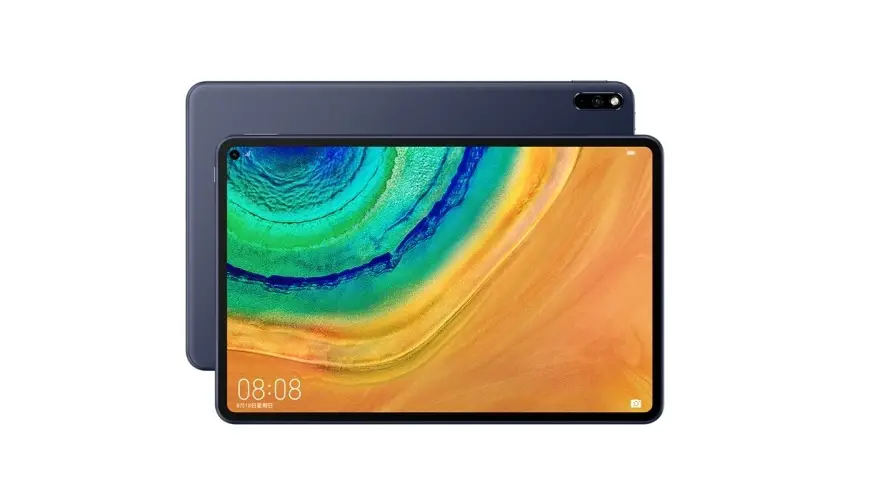
GOT-W29 MatePad Pro Tablet
Product Information
The product is GOT-W29. It has a touch screen, volume button,
USB Type-C port/Headset jack, and power button. Safety information
is provided in the user manual to ensure safe and proper operation
of the device. The device complies with local applicable rules on
the restricted use of certain hazardous substances in electrical
and electronic devices.
Product Usage Instructions
1. To turn on the device, press and hold the power button until
the device vibrates.
2. Adjust the volume using the volume button.
3. Connect headphones or a USB device to the USB Type-C
port/Headset jack.
4. To prevent possible hearing damage, do not listen at high
volume levels for long periods.
5. Avoid exposing the device to direct sunlight or placing it on
or in heating devices, such as microwave ovens, stoves, or
radiators as it may damage your device, shorten its lifespan, or
cause fire, explosion, or other hazards.
6. Maintain a distance of at least 15 cm between the device and
a pacemaker to prevent potential interference with the pacemaker if
using a pacemaker.
7. Dispose of the device properly by taking it to separate waste
collection points designated by local authorities at the end of its
lifespan to ensure that EEE waste is recycled and treated in a
manner that conserves valuable materials and protects human health
and the environment.
8. For more information, contact your local authorities,
retailer, or household waste disposal service or visit the website
https://consumer.huawei.com/en/.
9. For RF Exposure Information, refer to the EU Declaration of
Conformity at https://consumer.huawei.com/certification.
Quick Start Guide Guide de démarrage rapide
Guia de Início Rápido
GOT-W29
Contents
English………………………………………………………………………………….. 1 Français………………………………………………………………………………….7 Português……………………………………………………………………………..13 ……………………………………………………………………………….. 19 ………………………………………………………………………………………24
i
English
Know Your Device
Before using the device, familiarize yourself with its basic operations. · To power on your device, press and hold the power button until the
screen turns on. · To power off your device, press and hold the power button, and
then touch . · To restart your device, press and hold the power button, and then
touch .
Volume button
USB Type-C port/Headset jack
Power button
1
For More Information
If you encounter any problems while using your device, you can obtain help from the following resources:
· Visit https://consumer.huawei.com/en to view device information, frequently asked questions and other information.
· Visit https://consumer.huawei.com/en/support for the most up-todate contact information for your country or region.
· Go to Settings and enter the following keywords in the search box to view the corresponding information. E.g. Legal, Safety information, Certification logos.
Safety Information
Please read all of the safety information carefully before using your device to ensure its safe and proper operation and to learn how to dispose of your device properly.
Operation and safety
·
To prevent possible hearing damage, do not listen at high
volume levels for long periods.
· Using an unapproved or incompatible power adapter, charger, or
battery may damage your device, shorten its lifespan, or cause a
fire, explosion, or other hazards.
· Ideal operating temperatures are 0°C to 35°C. Ideal storage
temperatures are 20°C to +45°C.
· Pacemaker manufacturers recommend that a minimum distance of
15 cm be maintained between a device and a pacemaker to
prevent potential interference with the pacemaker. If using a
pacemaker, hold the device on the side opposite the pacemaker
and do not carry the device in your front pocket.
· Keep the device and the battery away from excessive heat and
direct sunlight. Do not place them on or in heating devices, such
as microwave ovens, stoves, or radiators.
2
· Observe local laws and regulations while using the device. To reduce the risk of accidents, do not use your wireless device while driving.
· While flying in an aircraft or immediately before boarding, only use your device according to instructions provided. Use of a wireless device in an aircraft may disrupt wireless networks, present a hazard to aircraft operation, or be illegal.
· In order to avoid damaging the internal circuit of the device or charger, do not use the device in a dusty, damp, or dirty place, or near a magnetic field.
· When charging the device, make sure the power adapter is plugged into a socket near the devices and is easily accessible.
· Unplug the charger from electrical outlets and the device when not in use.
· Do not use, store or transport the device where flammables or explosives are stored (in a gas station, oil depot, or chemical plant, for example). Using your device in these environments increases the risk of explosion or fire.
· Keep the battery away from fire, and do not disassemble, modify, throw, or squeeze it. Do not insert foreign objects into it, submerge it in water or other liquids, or expose it to external force or pressure, as this may cause the battery to leak, overheat, catch fire, or even explode.
· Dispose of this device, the battery, and accessories according to local regulations. They should not be disposed of in normal household waste. Improper battery use may lead to fire, explosion, or other hazards.
· Please consult your doctor and the device manufacturer to determine if using your device may interfere with the operation of your medical device.
· Adhere to any rules or regulations set forth by hospitals and health care facilities.
· This device contains a built-in battery. Do not attempt to replace the battery by yourself. Otherwise, the device may not run properly or it may damage the battery. For your personal safety and to
3
ensure that your device runs properly, you are strongly advised to contact a Huawei authorized service center for a replacement. · Ensure that the power adapter meets the requirements of Annex Q of IEC/EN 62368-1 and has been tested and approved according to national or local standards.
Potentially Explosive Atmosphere Power off your device in any area with a potentially explosive atmosphere, and comply with all signs and instructions. Areas that may have potentially explosive atmospheres include the areas where you would normally be advised to turn off your vehicle engine. Triggering of sparks in such areas could cause an explosion or a fire, resulting in bodily injuries or even deaths. Do not power on your device at refueling points such as service stations. Comply with restrictions on the use of radio equipment in fuel depots, storage, and distribution areas, and chemical plants. In addition, adhere to restrictions in areas where blasting operations are in progress. Before using the device, watch out for areas that have potentially explosive atmospheres that are often, but not always, clearly marked. Such locations include areas below the deck on boats, chemical transfer or storage facilities, and areas where the air contains chemicals or particles such as grain, dust, or metal powders. Ask the manufacturers of vehicles using liquefied petroleum gas (such as propane or butane) whether this device can be safely used in their vicinity.
Disposal and recycling information
The symbol on the product, battery, literature, or packaging means that the products and batteries should be taken to separate waste collection points designated by local authorities at the end of the lifespan. This will ensure that EEE waste is recycled and treated in a manner that conserves valuable materials and protects human health and the environment.
4
For more information, please contact your local authorities, retailer, or household waste disposal service or visit the website https://consumer.huawei.com/en/.
Reduction of hazardous substances This device and its electrical accessories comply with local applicable rules on the restricted use of certain hazardous substances in electrical and electronic devices, such as the Restriction of Hazardous Substances Directive (RoHS) and Batteries Directive (where batteries are included).
RF Exposure Information
This device complies with the applicable national and international standards for exposure to radio waves. “SAR” stands for “Specific Absorption Rate”, it is a measure of rate that quantifies the user’s exposure to radio waves from the radio equipment concerned. Keep the device away from your body to meet the distance requirement. The World Health Organization has stated that exposure can be reduced by limiting your usage or simply using a hands-free kit. Ensure that the device accessories, such as a device case and device holster, are not composed of metal components. The highest reported SAR value: body SAR: 0.40 W/kg, limit of 2.0 W/kg over 10 g, at distance of 0.50 cm.
EU Regulatory Conformance Hereby, Huawei Device Co., Ltd. declares that this device is in compliance with the Radio Equipment Directive 2014/53/EU (RED). For more details, please refer to the EU Declaration of Conformity at https://consumer.huawei.com/certification.
Legal Notice
Trademarks and Permissions The Bluetooth® word mark and logos are registered trademarks owned by Bluetooth SIG, Inc. and any use of such marks by Huawei
5
Technologies Co., Ltd. is under license. Huawei Device Co., Ltd. is an affiliate of Huawei Technologies Co., Ltd. Wi-Fi®, the Wi-Fi CERTIFIED logo, and the Wi-Fi logo are trademarks of Wi-Fi Alliance. Copyright © Huawei 2022. All rights reserved. ALL PICTURES AND ILLUSTRATIONS IN THIS GUIDE, INCLUDING BUT NOT LIMITED TO THE DEVICE COLOR, SIZE, AND DISPLAY CONTENT, ARE FOR YOUR REFERENCE ONLY. THE ACTUAL DEVICE MAY VARY. NOTHING IN THIS GUIDE CONSTITUTES A WARRANTY OF ANY KIND, EXPRESS OR IMPLIED. Privacy Policy To better understand how we protect your personal information, please see the privacy policy at https://consumer.huawei.com/privacy-policy.
6
Français
Familiarisation avec l’appareil
Avant d’utiliser votre appareil, veuillez vous familiariser avec son fonctionnement de base. · Pour allumer votre appareil, appuyez et maintenez le bouton
marche/arrêt jusqu’à ce que l’écran s’allume. · Pour éteindre votre appareil, appuyez et maintenez le bouton
marche/arrêt, puis touchez . · Pour redémarrer votre appareil, appuyez et maintenez le bouton
marche/arrêt, puis touchez .
Bouton du volume
Port USB Type-C/Prise jack pour casque
Bouton marche/arrêt
7
Pour plus d’informations
Si vous rencontrez des problèmes lors de l’utilisation de votre appareil, vous pouvez :
· Visiter https://consumer.huawei.com/en pour consulter les informations sur l’appareil, les questions fréquentes et autres informations.
· Visiter https://consumer.huawei.com/en/support pour connaître les informations de contact les plus récentes pour votre pays/ région.
· Allez à Paramètres et entrez les mots clés suivants dans la zone de recherche pour voir les informations qui correspondent. Exemple : Légal, Informations de sécurité, Logos de certification.
Informations relatives à la sécurité
Prenez connaissance attentivement des consignes de sécurité avant d’utiliser votre appareil afin d’être sûr de l’utiliser correctement et afin de savoir comment le mettre correctement au rebut.
Utilisation et sécurité
·
Pour éviter des lésions auditives, n’utilisez pas de
volumes sonores élevés pendant des périodes prolongées.
· L’utilisation d’accessoires électriques (adaptateur d’alimentation,
chargeur ou batterie) non approuvés ou incompatibles risque
d’endommager votre appareil, de raccourcir sa durée de vie ou
de provoquer un incendie, une explosion ou d’autres accidents.
· Pour le fonctionnement, les températures idéales vont de 0 °C à
35 °C. Pour le stockage, elles vont de 20 °C à +45 °C.
· Les fabricants de stimulateurs cardiaques recommandent de
laisser un écart minimum de 15 cm entre un appareil et un
stimulateur cardiaque afin d’empêcher des interférences
potentielles avec le stimulateur. Si vous utilisez un stimulateur
8
cardiaque, tenez l’appareil du côté opposé au stimulateur cardiaque et ne portez pas l’appareil dans votre poche avant.
· Tenez l’appareil et la batterie à l’écart de la chaleur excessive et de la lumière directe du soleil. Ne les placez pas sur ou dans des appareils générant de la chaleur (fours micro-ondes, réchauds ou radiateurs).
· Respectez les lois et règlementations locales en vigueur lorsque vous utilisez l’appareil. Afin de réduire les risques d’accidents, n’utilisez pas votre appareil sans fil en conduisant.
· En avion ou immédiatement avant d’embarquer, n’utilisez votre appareil qu’en respectant les consignes qui vous sont données. L’utilisation en avion d’un appareil sans fil peut perturber les réseaux sans fil et le fonctionnement de l’avion ou même être illégale.
· Pour éviter d’endommager les circuits internes de l’appareil ou du chargeur, n’utilisez pas l’appareil dans un environnement poussiéreux, humide ou sale ; ou à proximité d’un champ magnétique.
· Lorsque vous rechargez l’appareil, assurez-vous que l’adaptateur d’alimentation est branché sur une prise à proximité de l’appareil et qu’il est facilement accessible.
· Débranchez le chargeur de la prise électrique et de l’appareil lorsque vous ne l’utilisez pas.
· N’utilisez pas l’appareil dans des endroits où sont stockées des matières inflammables ou explosives (station-service, dépôt de pétrole ou usine chimique, par exemple). L’utilisation de votre appareil dans ces environnements augmente le risque d’explosion ou d’incendie.
· Veillez à garder la batterie à distance du feu et ne pas la désassembler, modifier, jeter, ni la compresser. N’insérez pas de corps étrangers dans la batterie, ne l’immergez pas dans l’eau ou d’autres liquides, et ne l’exposez pas à une force extérieure ou à de la pression, car cela pourrait amener la batterie à fuir, surchauffer, prendre feu, voire exploser.
· Pour mettre au rebut cet appareil, la batterie et les accessoires, conformez-vous aux réglementations locales. Ne les mettez pas
9
au rebut avec les ordures ménagères. L’utilisation d’une batterie inappropriée risque de provoquer un incendie, une explosion ou d’autres accidents. · Cet appareil contient une batterie intégrée. N’essayez pas de remplacer la batterie vous-même. L’appareil risquerait de ne pas fonctionner correctement ou la batterie risquerait d’être endommagée. Pour votre sécurité personnelle et pour être sûr que votre appareil fonctionnera correctement, il est fortement conseillé de s’adresser à un centre technique agréé Huawei pour le remplacement de la batterie. · Assurez-vous que l’adaptateur électrique répond aux exigences de l’annexe Q de la norme CEI/EN 62368-1 et qu’il a été testé et approuvé conformément aux normes nationales ou locales.
Consignes de traitement et de recyclage
La présence de ce symbole sur le produit, sur la batterie, dans la documentation ou sur l’emballage vous rappelle que tous les produits et les piles/batteries arrivés à la fin de leur cycle de vie doivent être déposés dans des points de collecte spéciaux désignés par les autorités locales. Cela contribue à garantir que les équipements électriques et électroniques (EEE) sont recyclés et traités de façon à récupérer les matériaux précieux et à protéger la santé humaine et l’environnement. Pour plus d’informations, veuillez contacter les autorités locales, votre revendeur ou le service de traitement des ordures ménagères, ou vous rendre sur le site Internet https://consumer.huawei.com/en/.
Réduction des substances dangereuses Cet appareil et ses accessoires électriques respectent la réglementation locale en vigueur sur la restriction de l’utilisation de certaines substances dangereuses contenues dans les équipements électriques et électroniques, entre autres la directive RoHS (Restriction of Hazardous Substances Directive) et la
10
directive relatives aux piles et accumulateurs (où les batteries sont incluses).
Exposition aux radiofréquences
Cet appareil est conforme aux normes nationales et internationales applicables en matière d’exposition aux ondes radio. « DAS » est l’acronyme de « débit d’absorption spécifique », mesure de taux qui quantifie l’exposition de l’utilisateur à des ondes radio émanant de l’équipement radio concerné. Tenez l’appareil éloigné du corps pour respecter les exigences en matière de distance. L’Organisation mondiale de la Santé a indiqué qu’il est possible de réduire l’exposition en limitant votre utilisation ou en utilisant un kit mains libres. Assurez-vous que les accessoires de l’appareil (coque ou étui) ne contiennent pas de composants métalliques. Valeur DAS la plus élevée déclarée : DAS au corps : 0,40 W/kg, limite de 2,0 W/kg sur 10 g à une distance de 0,50 cm.
Conformité réglementaire UE Par la présente, Huawei Device Co., Ltd. déclare que cet appareil est conforme à la directive sur les équipements radio 2014/53/UE (RED). Pour plus de détails, reportez-vous à la déclaration de conformité UE https://consumer.huawei.com/certification.
Mention légale
Marques de commerce et autorisations Le nom et les logos Bluetooth® sont des marques déposées de Bluetooth SIG, Inc. Ils sont utilisés sous licence par Huawei Technologies Co., Ltd. Huawei Device Co., Ltd. est une société affiliée à Huawei Technologies Co., Ltd. Wi-Fi®, le logo Wi-Fi CERTIFIED et le logo Wi-Fi sont des marques commerciales de la Wi-Fi Alliance.
Copyright © Huawei 2022. Tous droits réservés.
TOUTES LES IMAGES ET ILLUSTRATIONS FIGURANT DANS CE GUIDE, NOTAMMENT LA COULEUR ET LA TAILLE DU TÉLÉPHONE,
11
AINSI QUE LE CONTENU DE L’AFFICHAGE, SONT FOURNIES À TITRE DE RÉFÉRENCE UNIQUEMENT. L’APPAREIL RÉEL PEUT VARIER. CE GUIDE NE CONTIENT AUCUN ÉLÉMENT CONSTITUANT UNE GARANTIE, QUELLE QU’ELLE SOIT, EXPLICITE OU IMPLICITE. Politique de confidentialité Pour mieux comprendre comment nous protégeons vos informations personnelles, consultez la politique de confidentialité sur https://consumer.huawei.com/privacy-policy.
12
Português
Conheça o seu dispositivo
Antes de utilizar o dispositivo, familiarize-se com as suas funcionalidades básicas. · Para ligar o dispositivo, prima sem soltar o botão Ligar até que o
ecrã acenda. · Para desligar o dispositivo, prima continuamente o botão Ligar, e
depois toque em . · Para reiniciar o dispositivo, prima continuamente o botão Ligar,
e depois toque em .
Botão do volume
Porta USB Tipo-C/Entrada para auricular
Botão ligar/desligar
13
Para mais informações
Se tiver algum problema durante a utilização do dispositivo, poder obter ajuda nos seguintes recursos:
· Visite https://consumer.huawei.com/en para ver informações do dispositivo, perguntas frequentes e outras informações.
· Visite https://consumer.huawei.com/en/support para obter as informações de contacto mais atualizadas para o seu país ou região.
· Aceda a Definições e introduza as seguintes palavras-chave na caixa de pesquisa para ver as informações correspondentes. Por exemplo, Informações legais, Informações de segurança, Logótipos de certificação.
Informações de segurança
Leia toda a informação de segurança atentamente antes de utilizar o seu dispositivo para assegurar o seu funcionamento seguro e adequado e para aprender como se desfazer do seu dispositivo corretamente.
Operação e segurança
·
Para prevenir possíveis danos de audição, não coloque o
volume em níveis demasiado altos durante longos períodos.
· A utilização de adaptadores de energia, carregadores ou baterias
incompatíveis ou não aprovadas podem danificar o seu
dispositivo, diminuir a sua duração ou causar fogos, explosão ou
outros perigos.
· A temperatura ideal de operação é de 0 °C a 35 °C. A
temperatura ideal de armazenamento é de 20 °C a +45 °C.
· Os fabricantes de pacemakers recomendam que se mantenha
uma distância mínima de 15 cm entre um dispositivo e um
pacemaker a fim de prevenir uma potencial interferência com o
pacemaker. Se utilizar um pacemaker, mantenha o dispositivo no
14
lado oposto ao do pacemaker e não transporte o dispositivo no bolso da frente. · Mantenha o dispositivo e a bateria longe de calor excessivo ou luz direta do sol. Não os coloque sobre ou dentro de dispositivos de aquecimento, tais como micro-ondas, fogões ou radiadores. · Respeite as leis e os regulamentos locais durante a utilização do dispositivo. Para reduzir o risco de acidentes, não utilize o dispositivo sem fios enquanto conduz. · Ao andar de avião ou imediatamente antes de embarcar, utilize apenas o seu dispositivo de acordo com as instruções fornecidas. O uso de um dispositivo sem fios num avião pode interromper as redes sem fios, representar perigo para o funcionamento do avião ou ser ilegal. · De modo a evitar danificar o circuito interno do dispositivo ou do carregador, não utilize o dispositivo numa área poeirenta, húmida ou suja, nem junto a um campo magnético. · Ao carregar o dispositivo, certifique-se de que o adaptador de energia está ligado à tomada perto do dispositivo e de fácil acesso. · Desligue o carregador da tomada eléctrica e do dispositivo quando não estiver a utilizá-lo. · Não utilize, armazene ou transporte o dispositivo em locais de armazenamento de materiais explosivos ou inflamáveis (posto de gasolina, depósito de óleo ou fábricas de produtos químicos). Utilizar o seu dispositivo nestes ambientes aumenta o risco de explosão ou fogo. · Mantenha a bateria afastada do fogo nem não a desmonte, modifique, atire ou aperte. Não insira objetos estranhos na bateria, não a mergulhe em água ou outros líquidos nem a exponha a força ou pressão externa, pois poderá causar fugas na bateria, sobreaquecimento, incêndio ou explosão da mesma. · Elimine este dispositivo, a bateria e acessórios de acordo com as regulamentações locais. Estes não devem ser eliminados como lixo doméstico normal. A utilização imprópria das baterias pode causar incêndios, explosão ou outros perigos.
15
· Este dispositivo contém uma bateria integrada. Não tente substituir a bateria por si mesmo. Caso contrário, o dispositivo poderá não funcionar corretamente ou poderá danificar a bateria. Para a sua segurança e para assegurar que o dispositivo funciona corretamente, recomendamos vivamente a que entre em contacto com um centro de reparações Huawei autorizado para executar a substituição.
· Certifique-se de que o transformador cumpre os requisitos do Anexo Q da IEC/EN 62368-1 e de que foi testado e aprovado de acordo com normas nacionais ou locais.
Informações sobre eliminação e reciclagem
O símbolo no produto, na bateria, na literatura ou na embalagem significa que os produtos ou as baterias devem ser colocados/as em pontos de recolha separados designados pelas autoridades locais no fim de vida. Isto irá garantir que o lixo EEE é reciclado e tratado de uma forma que conserva os materiais valiosos e protege a saúde pública e o ambiente. Para mais informações, contacte as autoridades locais, um distribuidor local ou um serviço de eliminação de lixo doméstico ou visite o site https://consumer.huawei.com/en/.
Redução de substâncias perigosas Este dispositivo e os respetivos acessórios elétricos cumprem as normas locais aplicáveis relativas à restrição da utilização de determinadas substâncias perigosas em dispositivos elétricos e eletrónicos como, por exemplo, a diretiva de restrição de substâncias perigosas (RoHS) e a diretiva relativa a baterias (onde incluídas).
Informações sobre exposição a RF
Este dispositivo cumpre as normas nacionais e internacionais aplicáveis relativas a exposição a ondas de rádio. “SAR” significa “Specific Absorption Rate” (taxa de absorção específica) e é uma unidade de medida que quantifica a exposição
16
do utilizador a ondas de rádio provenientes do equipamento de rádio em questão. Mantenha o dispositivo afastado do corpo para respeitar a distância exigida. A Organização Mundial de Saúde declarou que a exposição pode ser reduzida limitando a sua utilização ou, simplesmente, utilizando um kit mãos-livres. Certifique-se de que os acessórios do dispositivo, tais como a caixa e o estojo do mesmo, não contêm componentes de metal. O valor SAR mais elevado registado: SAR no corpo: 0,40 W/kg, limite de 2,0 W/kg por 10 g, a uma distância de 0,50 cm.
Conformidade regulamentar da UE A Huawei Device Co., Ltd. declara, deste modo, que este dispositivo está em conformidade com a Diretiva para o Equipamento de Radiocomunicações 2014/53/UE. Para obter mais detalhes, consulte a Declaração de Conformidade da UE em https://consumer.huawei.com/certification.
Aviso legal
Marcas comerciais e autorizações A palavra e logótipos da marca Bluetooth® são marcas registadas da Bluetooth SIG, Inc. e qualquer uso de tais marcas pela Huawei Technologies Co., Ltd. é realizado sob licença. Huawei Device Co., Ltd. é uma afiliada da Huawei Technologies Co., Ltd. Wi-Fi®, o logótipo Wi-Fi CERTIFIED e o logótipo Wi-Fi são marcas comerciais da Wi-Fi Alliance.
Direitos de autor © da Huawei 2022. Todos os direitos reservados.
TODAS AS IMAGENS E ILUSTRAÇÕES NESTE GUIA, INCLUINDO MAS NÃO LIMITADO À COR DO DISPOSITIVO, TAMANHO E APRESENTAÇÃO DE CONTEÚDOS, SERVEM MERAMENTE COMO REFERÊNCIA. O DISPOSITIVO REAL PODE VARIAR. NADA PRESENTE NESTE GUIA CONSTITUI QUALQUER GARANTIA, EXPRESSA OU IMPLÍCITA.
17
Política de Privacidade Para melhor compreender como protegemos a sua informação pessoal, consulte a política de privacidade em https://consumer.huawei.com/privacy-policy.
18
. . · ·
. . ·
/C USB
19
:
https://consumer.huawei.com/en · .
https://consumer.huawei.com/en/support · .
· . . .
.
·
.
· .
. 35 0 ·
. +45 20
· 15 .
.
20
. ·
.
. · .
· .
. ·
.
· .
. ·
· )
.( .
· .
.
. · .
.
. . · .
.
21
IEC/EN Q · . 62368-1
. (EEE)
.
.https://consumer.huawei.com/en/
) (RoHS)
.(
(RF)
.
” ” “SAR” . .
.
.
22
: : . 0.50 10 / 2.0 / 0.40
Huawei Device Co., Ltd.
.2014/53/EU (RED) .https://consumer.huawei.com/certification
Bluetooth®
Bluetooth SIG, Inc. . Huawei Technologies Co., Ltd.
Huawei Device Co., Ltd. .Huawei Technologies Co., Ltd.
Wi-Fi Wi-Fi CERTIFIED Wi-Fi® .Wi-Fi Alliance
. .Huawei 2022 ©
. .
.
.https://consumer.huawei.com/privacy-policy
23
.
«/» · .
«/» · .
«/» · .
Power
/C USB
24
:
· . https://consumer.huawei.com/en
· . https://consumer.huawei.com/en/support · .
.
.
·
.
·
.
35 0 ·
. +45 20
·
15
. 25
.
. · .
. · .
· .
.
·
.
· .
· .
) · (
. .
· .
.
. · .
.
26
. · .
. . Huawei IEC/EN 62368-1 Q ·
.
. « »
.
. https://consumer.huawei.com/en/
« » (RoHS) « »
. ( )
.
27
«Specific Absorption Rate» (SAR) « »
.
. « »
.
.
0.40 : « » :« » 0.50 10 2.0
.
Huawei Device Co., Ltd.
. (RED) 2014/53/EU « » « »
. https://consumer.huawei.com/certification
Bluetooth®
Bluetooth SIG, Inc. Huawei Technologies Co., Ltd.
Huawei Device Co., Ltd. . . Huawei Technologies Co., Ltd.
Wi-Fi Wi-Fi CERTIFIED Wi-Fi® . Wi-Fi Alliance
28
. .Huawei 2022 © ( ) .
. .
https://consumer.huawei.com/privacy-policy
.
29
 Certification | Legal | HUAWEI Global