
YAPA ELECTRONICS
Earbuds
User Manual
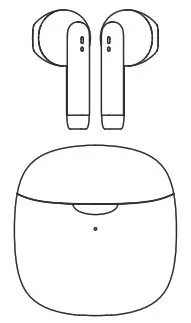
Specification
| Brand: Model: Manufacturer: Communication Range: Frequency Response: Earbuds Weight: Earbuds Battery Capacity: Playing Time: Calling Time: Earbuds Charging Time: Charging Case Weight: Charging Case Battery Capacity: Charging Time for the Case: Stand-by Time: Charging Case Size: Compatibility: Material: BT Version: Speaker Diameter: Impedance: Sensitivity: | Yapa Electronics Yapa Pro Yapa Electronics ≤ 12m 20Hz ~ 20KHZ About 3g x 2 25mAh About 4h (80% Volume) About 3h (dual earbuds work) About 1h About 35g 320mAh About 1h About 25h 46.5 x 48.8 x 25mm For Apple/Android devices ABS+PC 5.0 13mm 32Ω 112 ± 3db |
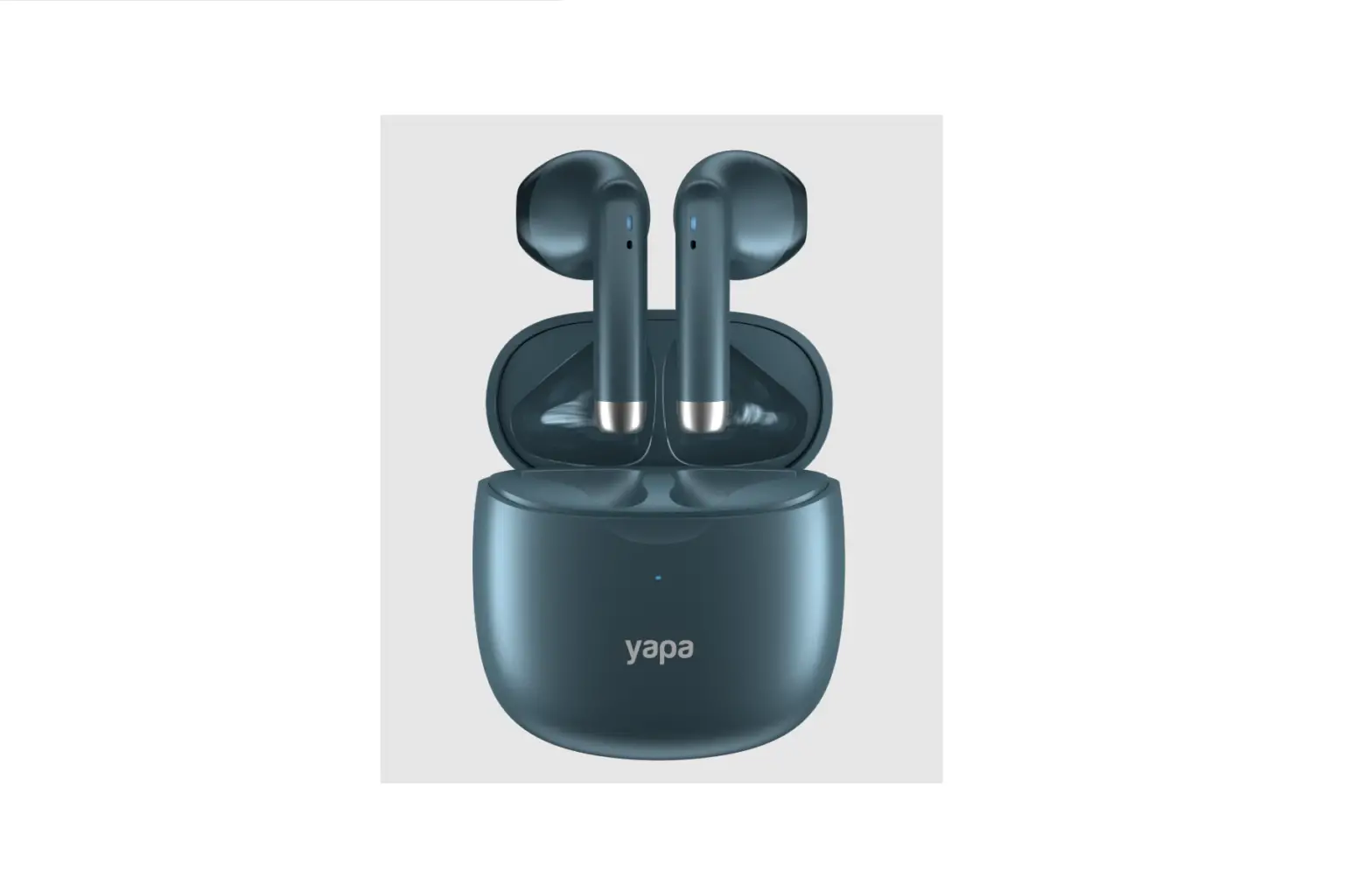
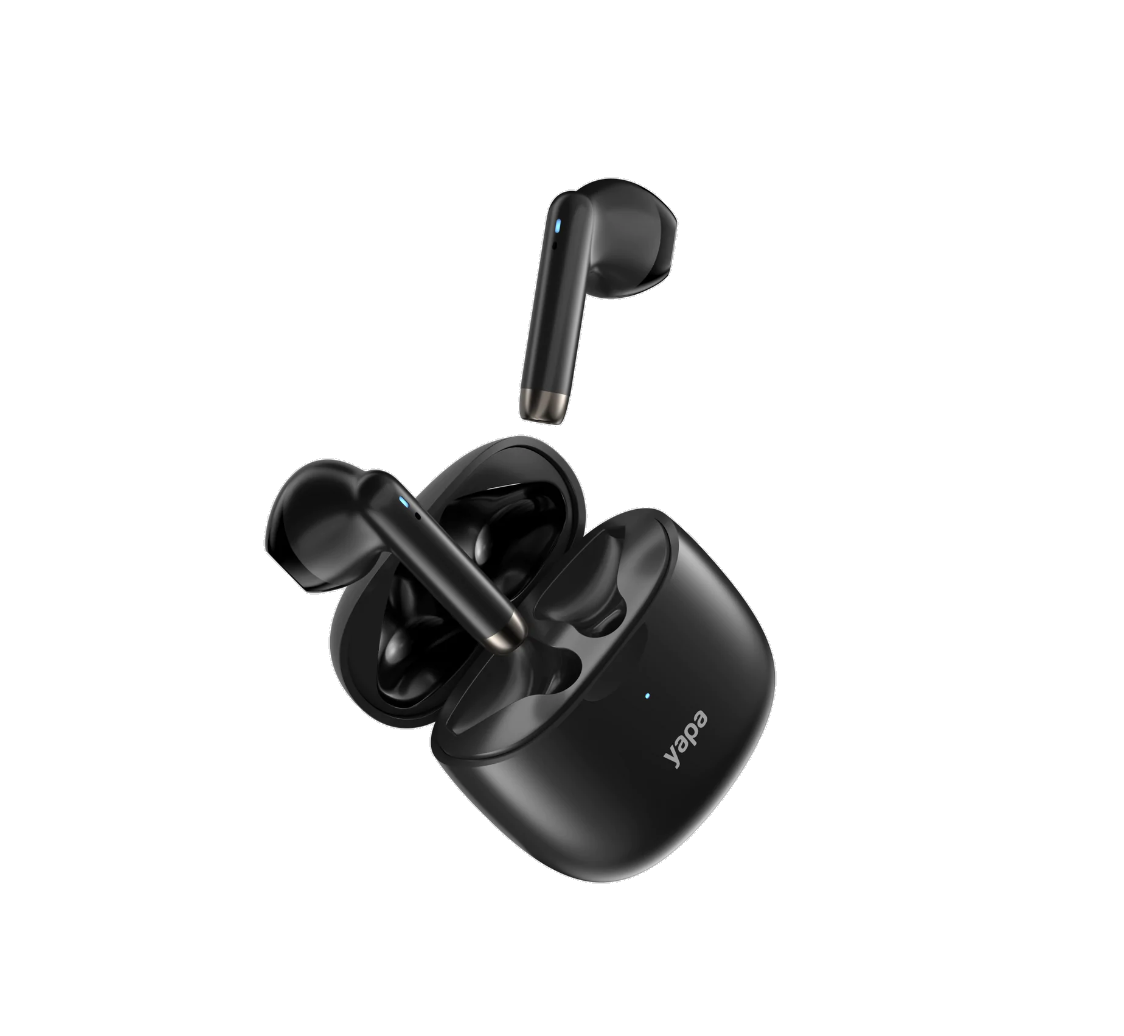
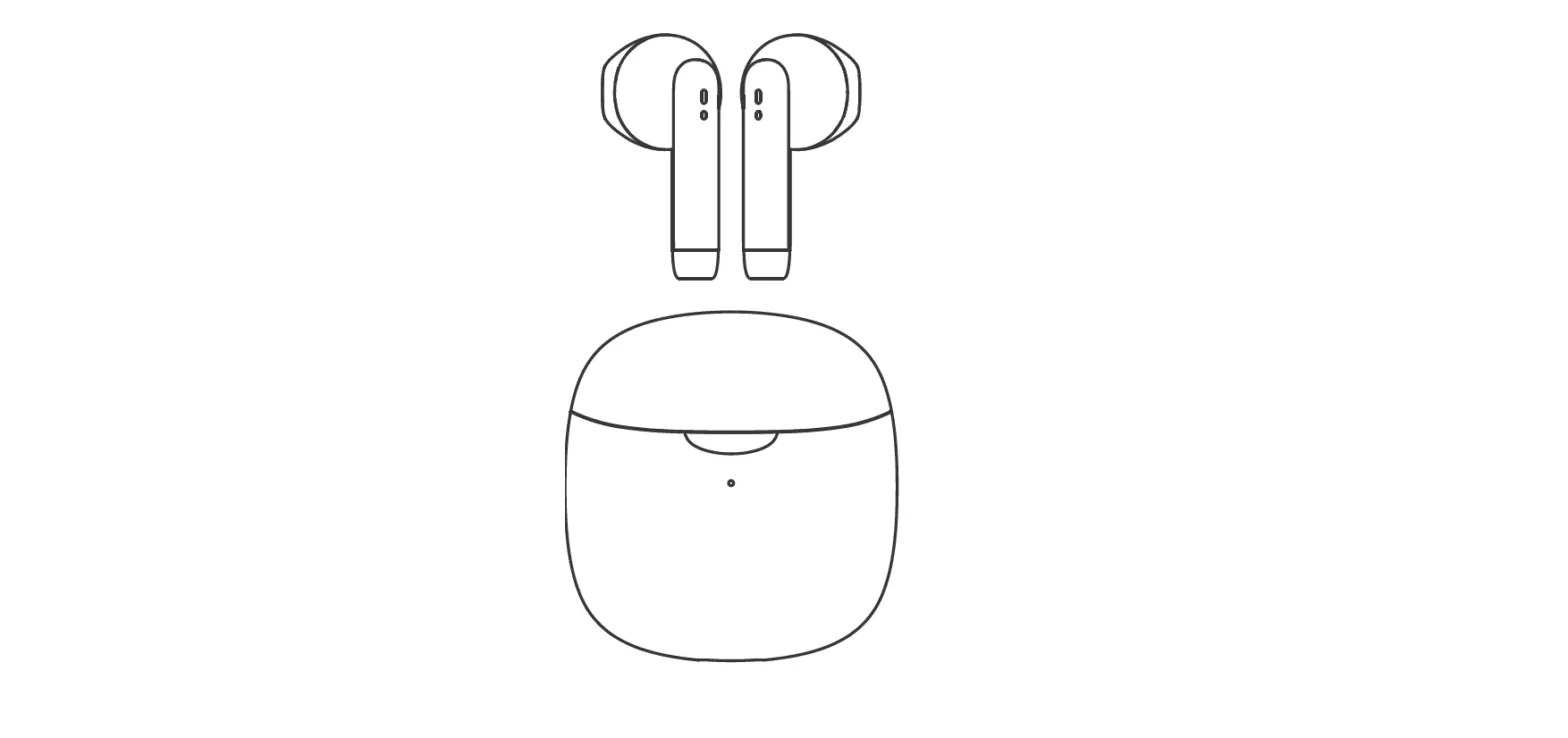
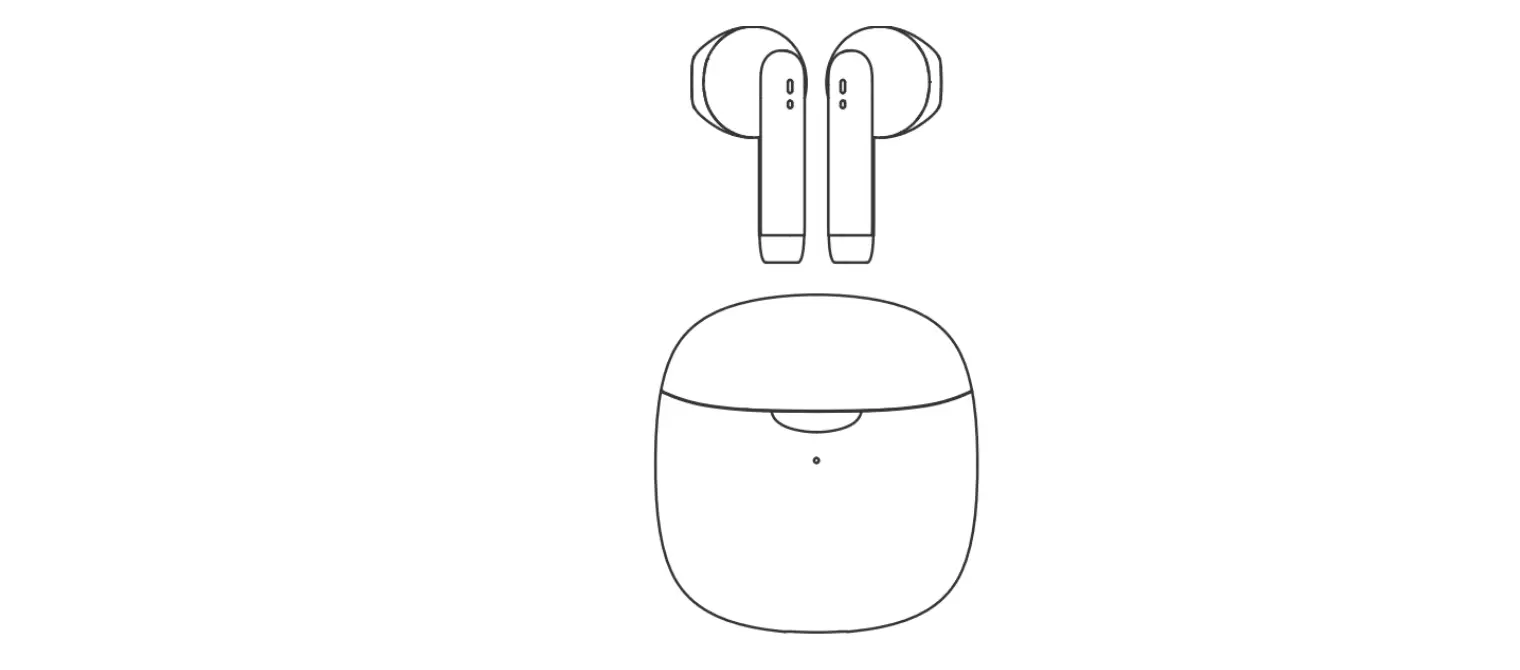
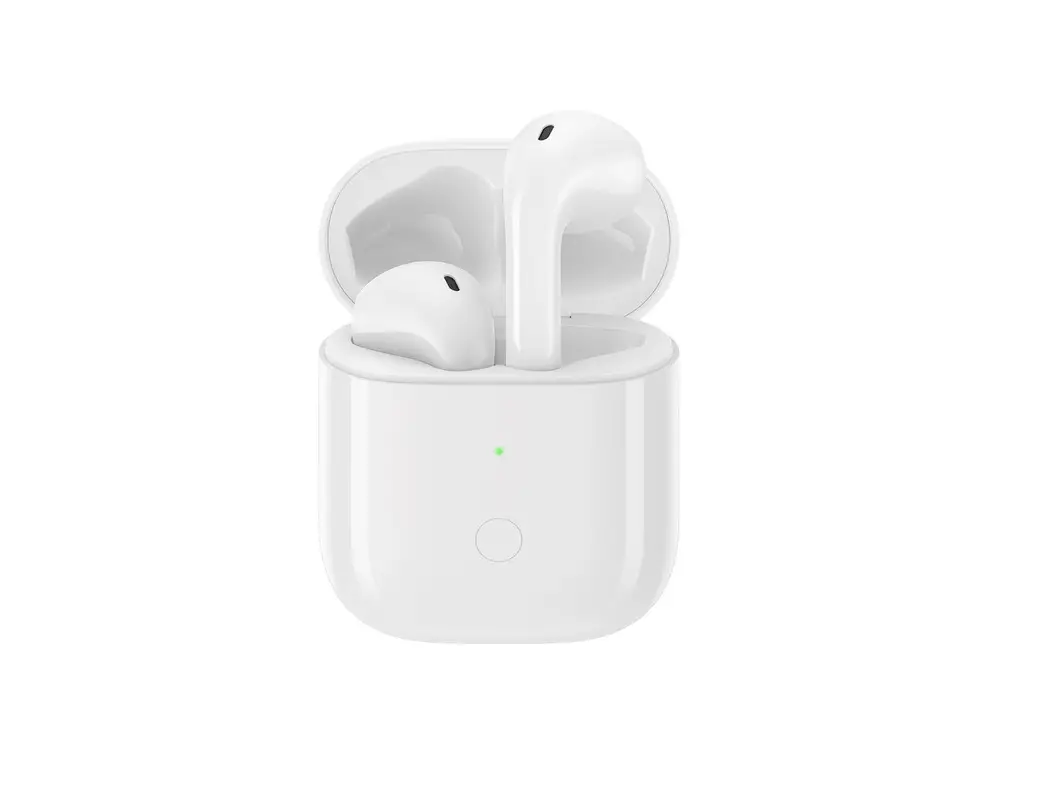
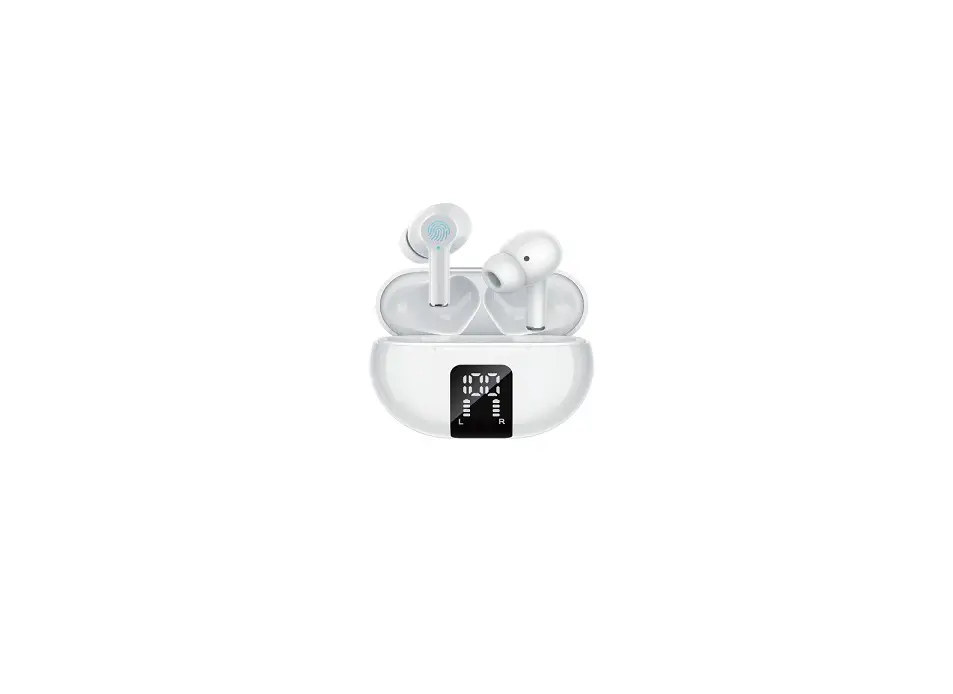
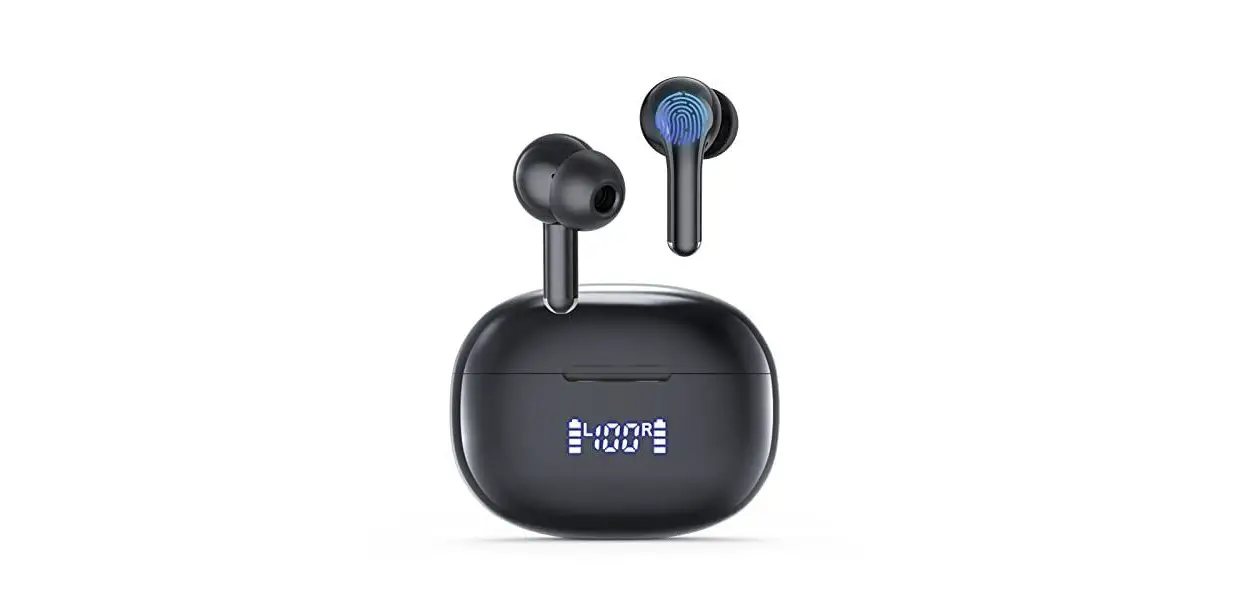
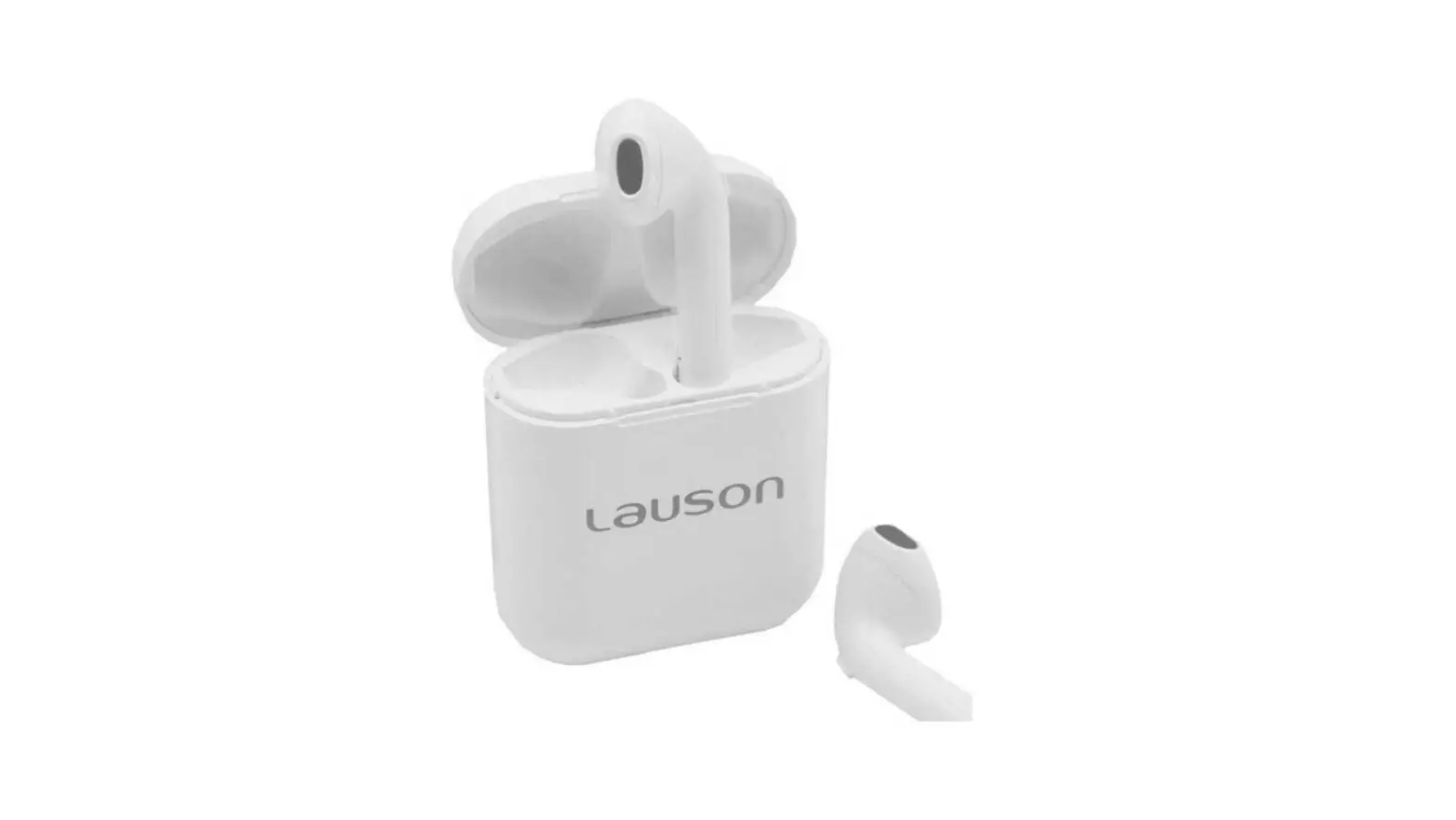
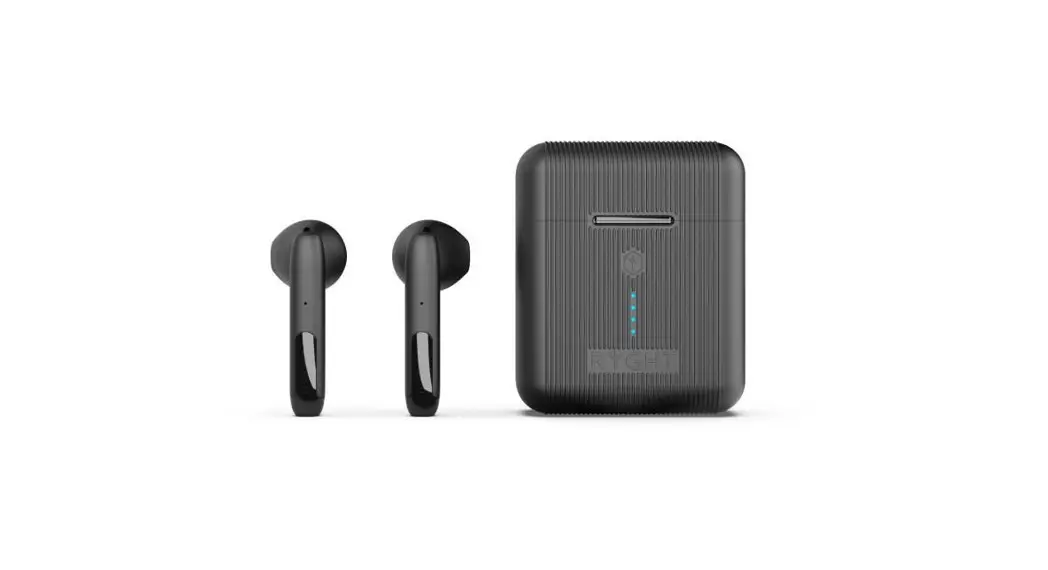
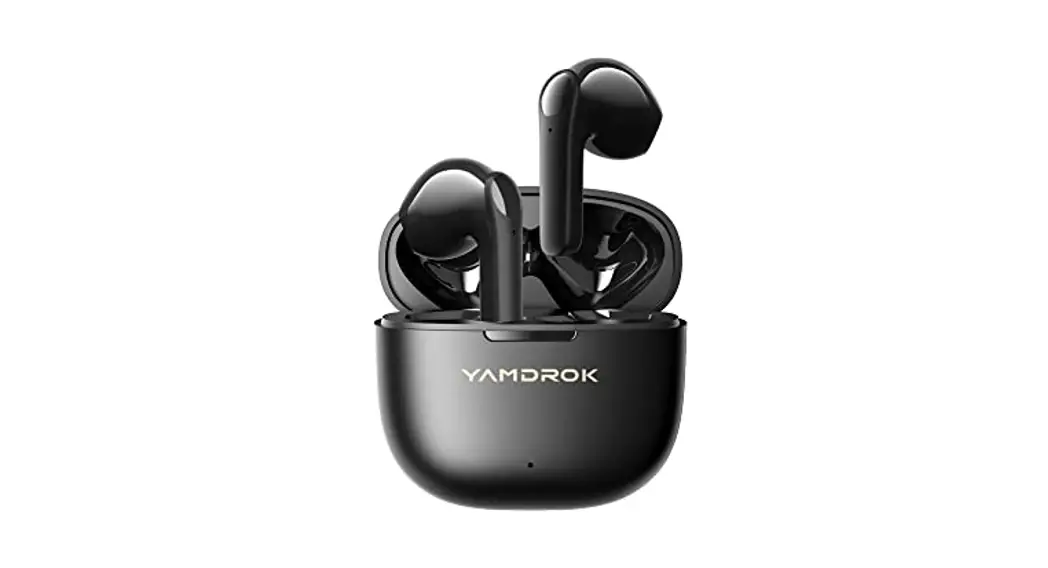
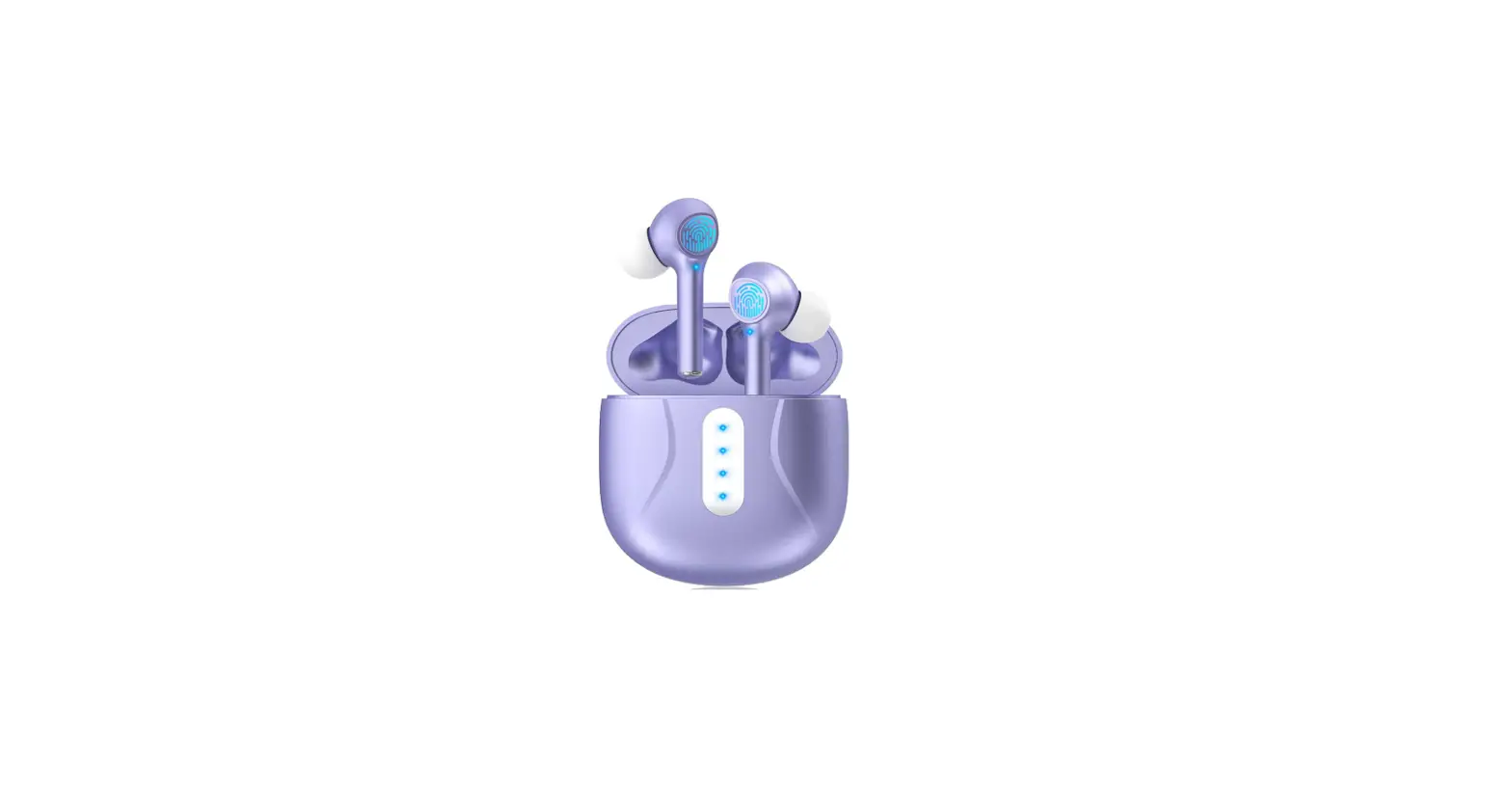
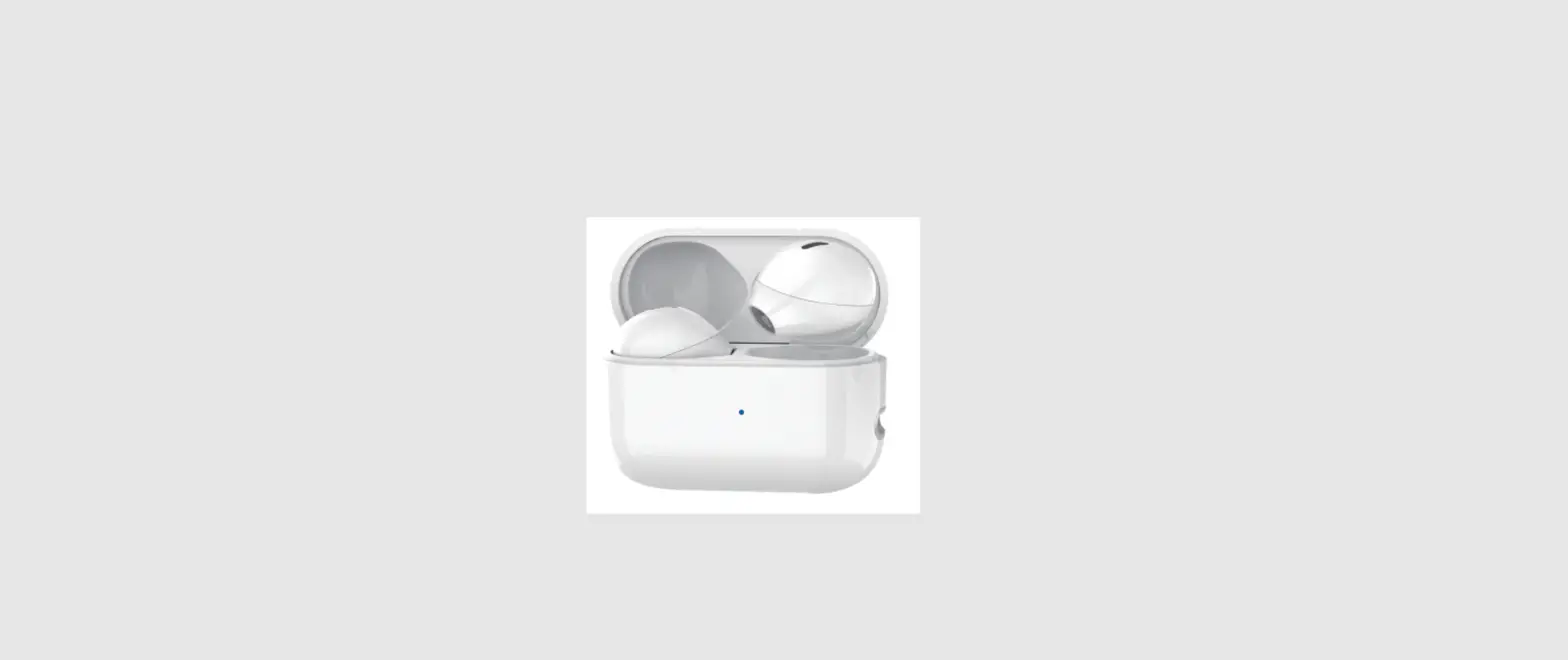
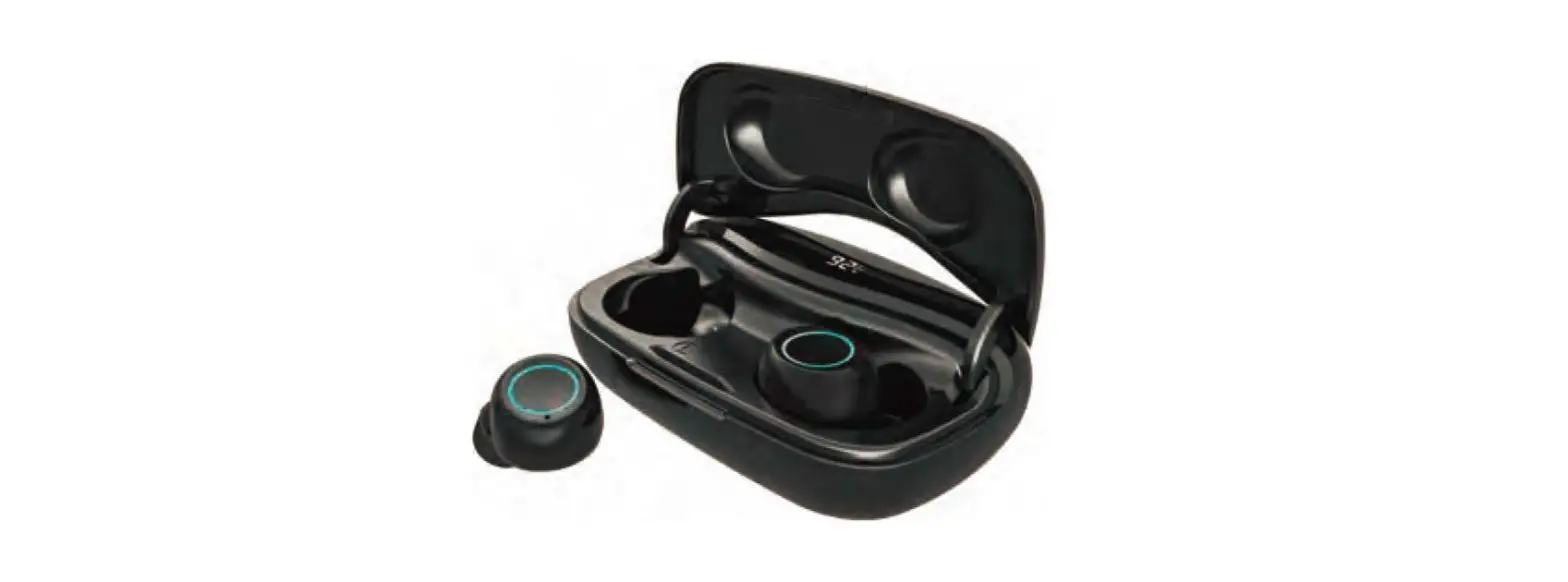
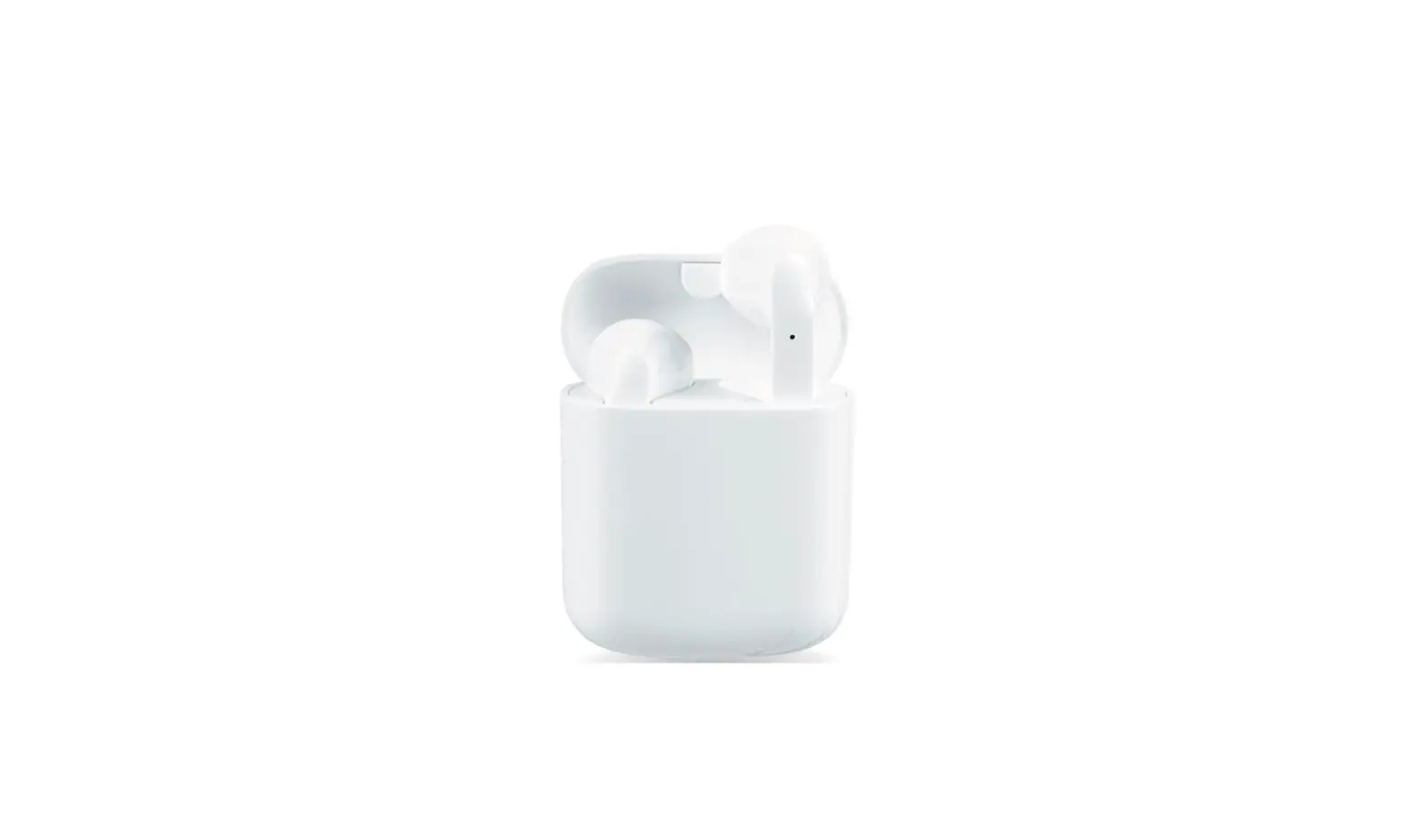
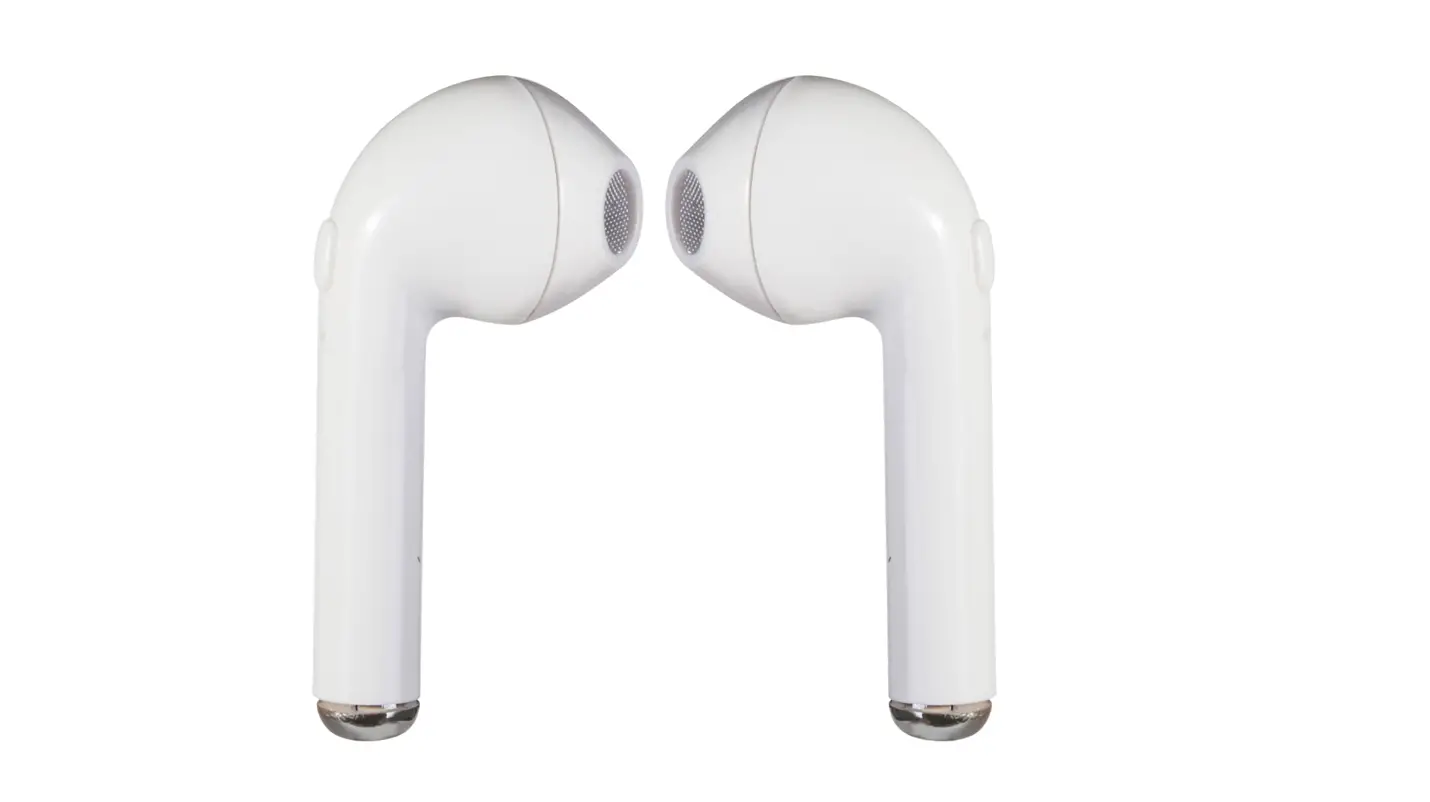
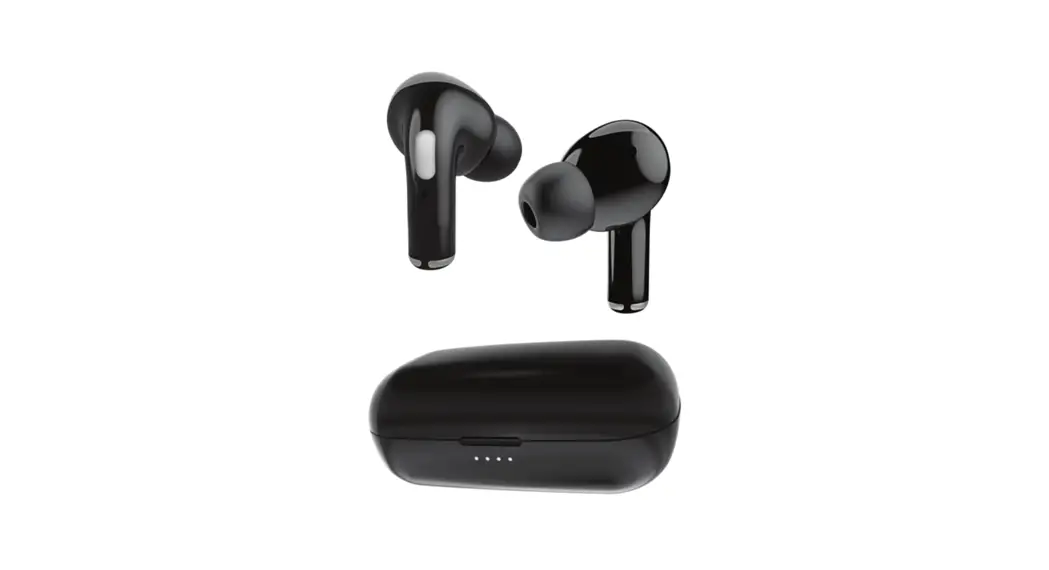
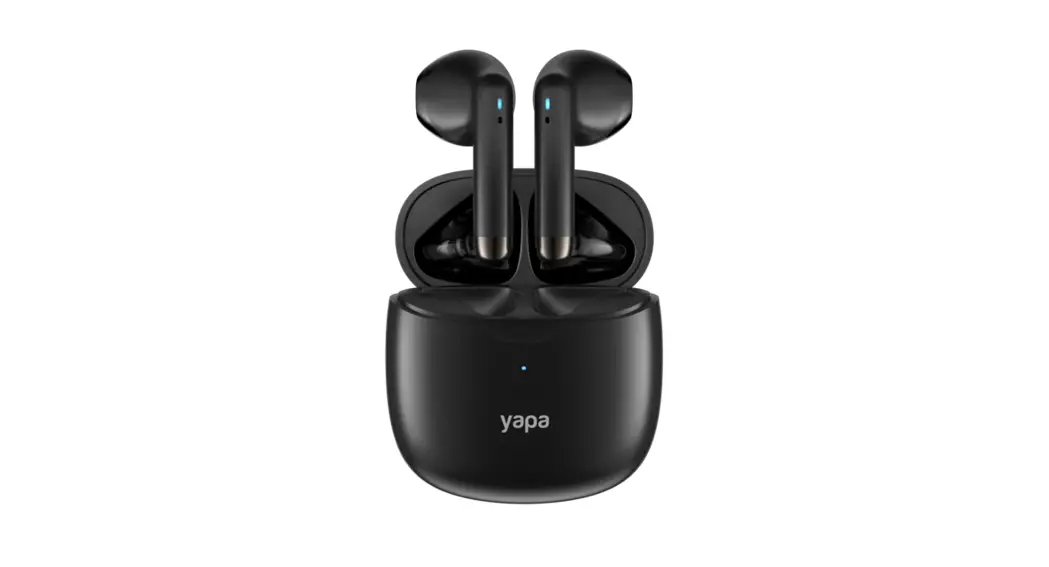
Product Structure
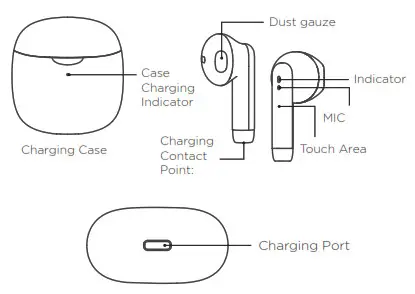
Notes: Pictures for reference only, product please in kind prevail.
Including Earbud 1x pair, Charging case 1x, Type-C Charging Cable 1x, User Manual 1x
How to Use
| Function | Present Status | How to Operate |
| Power – on | When earbuds in charging case | Open charging case |
| Pairing (connect devices) | When earbuds power on | Turn on the device’s Bluetooth and search for Yapa Pro |
| Power-off | Connected | If more than 3mins without connection, earbuds will auto power off. |
| Connected | Put Earbuds into charging case and close lid |
| Function | Present Status | How to Operate |
| Next song | When playing music | Touch R Earbud 2 times |
| Prey song | When playing music | Touch L Earbud 2 times |
| Play/Pause | Connected / playing music | Touch L/R Earbud once |
| Wake-up Siri/ voice assistant | Connected | Long press L/R touch area for 2s until hear “di” and release |
| Answer call | Connected | Touch L/R Earbud once |
| Hang up call | Connected | Touch L/R Earbud once |
| Reject call | Connected | Touch L/R Earbud for 2s |
- When earbuds are working, if turn off one earbud, the other one will work normally.
- When earbuds are out of the case and powered off, if turn on one earbud manually, the other will not power on together.
- After the first connection, earbuds will automatically reconnect to the recently paired mobile phone.
- If automatic – connection fails, please connect manually on the phone’s Bluetooth interface.
Charging
| Status | Case Charging Indicator | Earbuds Charging Indicator | Earbuds Prompt Voice |
| Charging case low battery | Greenlight flashes | ||
| Charging for the case | Orange light flashes | ||
| The charging case is fully charged | The orange light is always on | ||
| Earbuds low battery | Make a “du’ at regular intervals | ||
| Earbuds are being charged | Greenlight is always on | The red light is on for Los then goes out | |
| Earbuds are fully charged | Light off |
Safety information
- The Earbuds have left and right parts. To make them stable in the ears, please adjust the angle after wearing them
- Only a 5V adapter can be used to charge the case and Earbuds. Do not use the adapter with a voltage higher than 5V.
- When the case fails to charge the Earbuds, please clean the Earbuds’ charging contact point and put it back in the case.
- Do not use heavy objects to squeeze or impact the product. Keep it away from extremely hot or humid environments.
- In order to avoid signal interference and discontinuous sound, please stay away from Wi-Fi routers and other high-frequency transmitting devices when using the product.
Customer service
We consider customer service and customer-friendliness to be of paramount importance. We strive for 100% customer service.
You still cannot find a solution or do you have another question? We can be reached on all working days via WhatsApp on +31611218468 for all your questions about our products. Scan the QR code below to order directly via WhatsApp to get in touch with us.
 Would you prefer to get in touch with us in another way? Please use the information below.
Yapa Electronics
Koperhoek 10A
3162LA Rhoon
The Netherlands
[email protected]
www.yapaelectronics.com