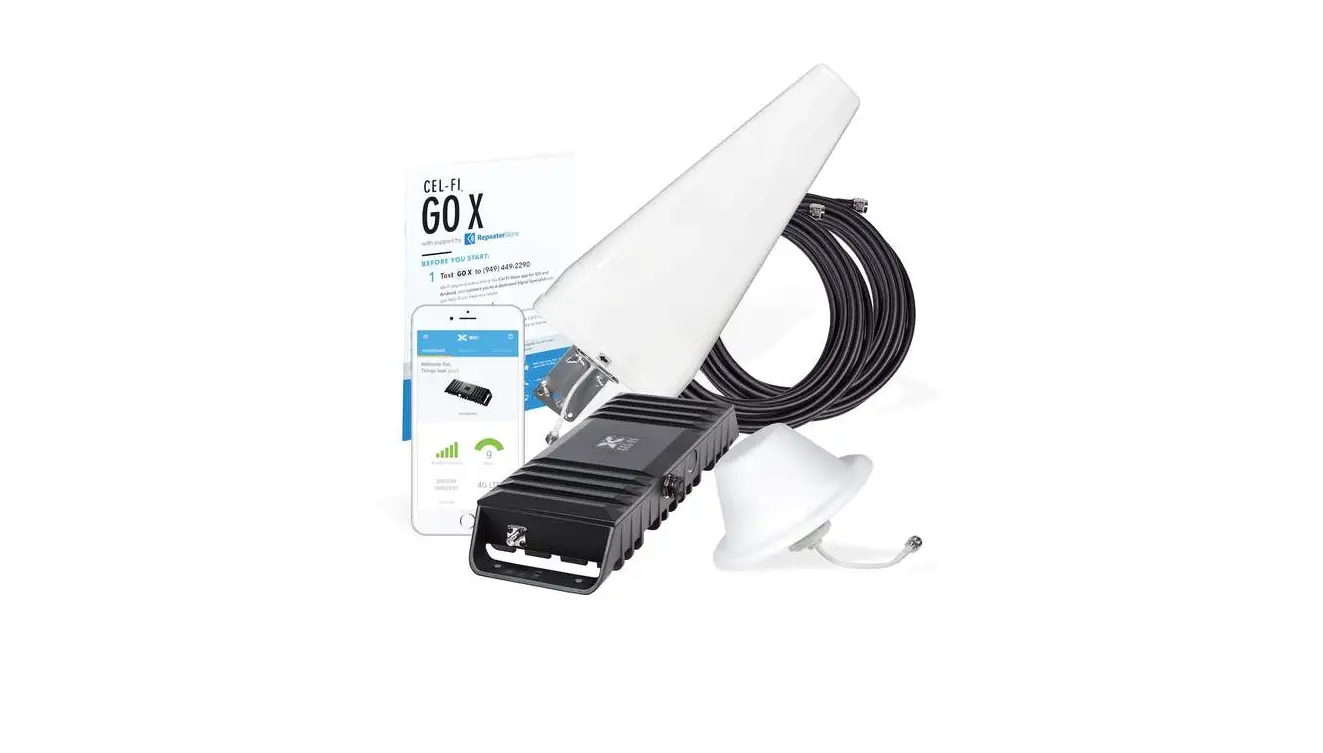
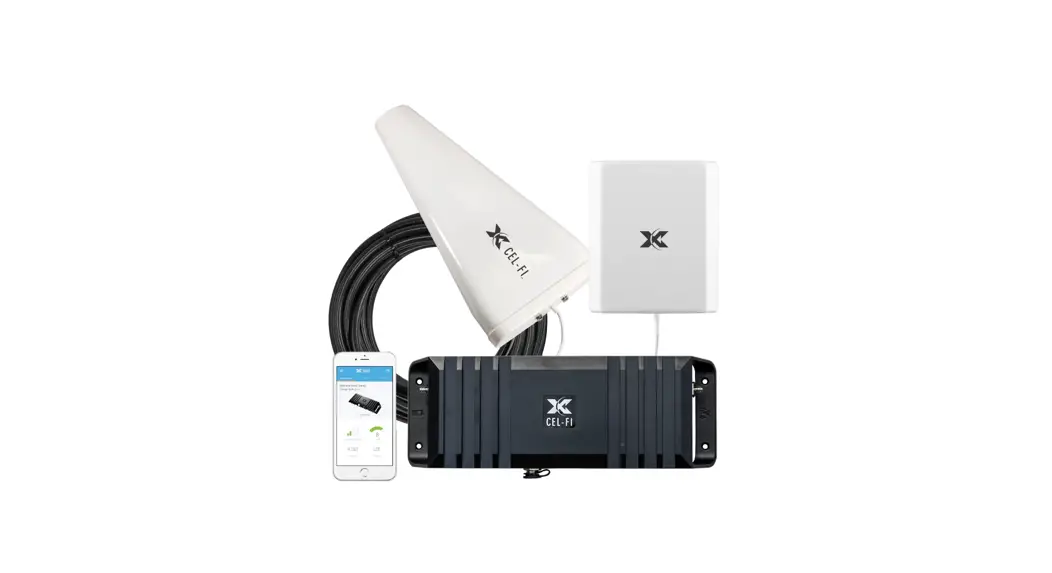
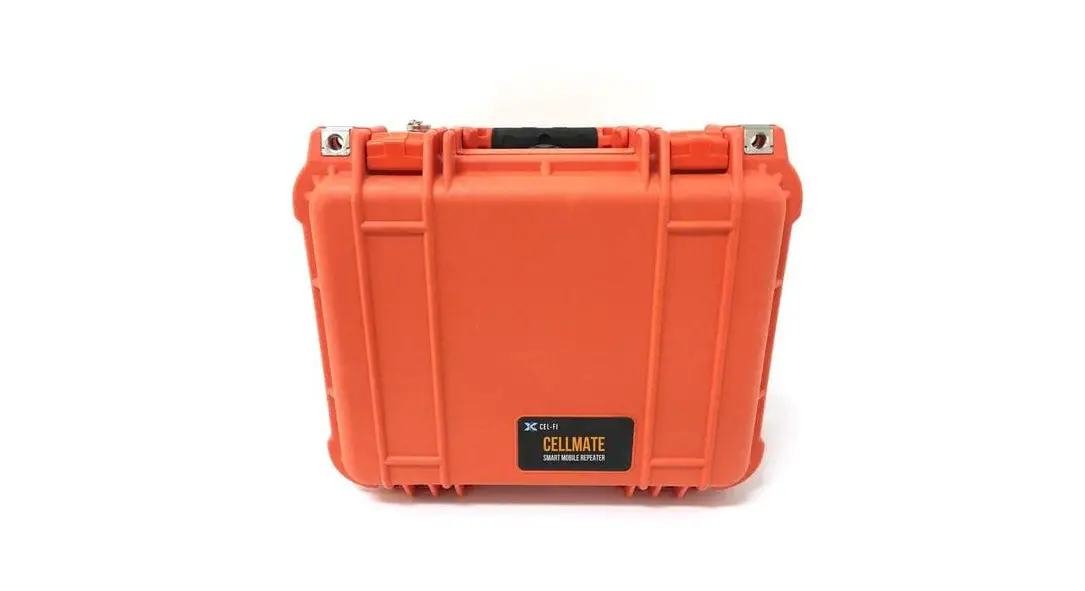
GO plus RV, Trucker Kit Smart Signal Booster
Product Information:
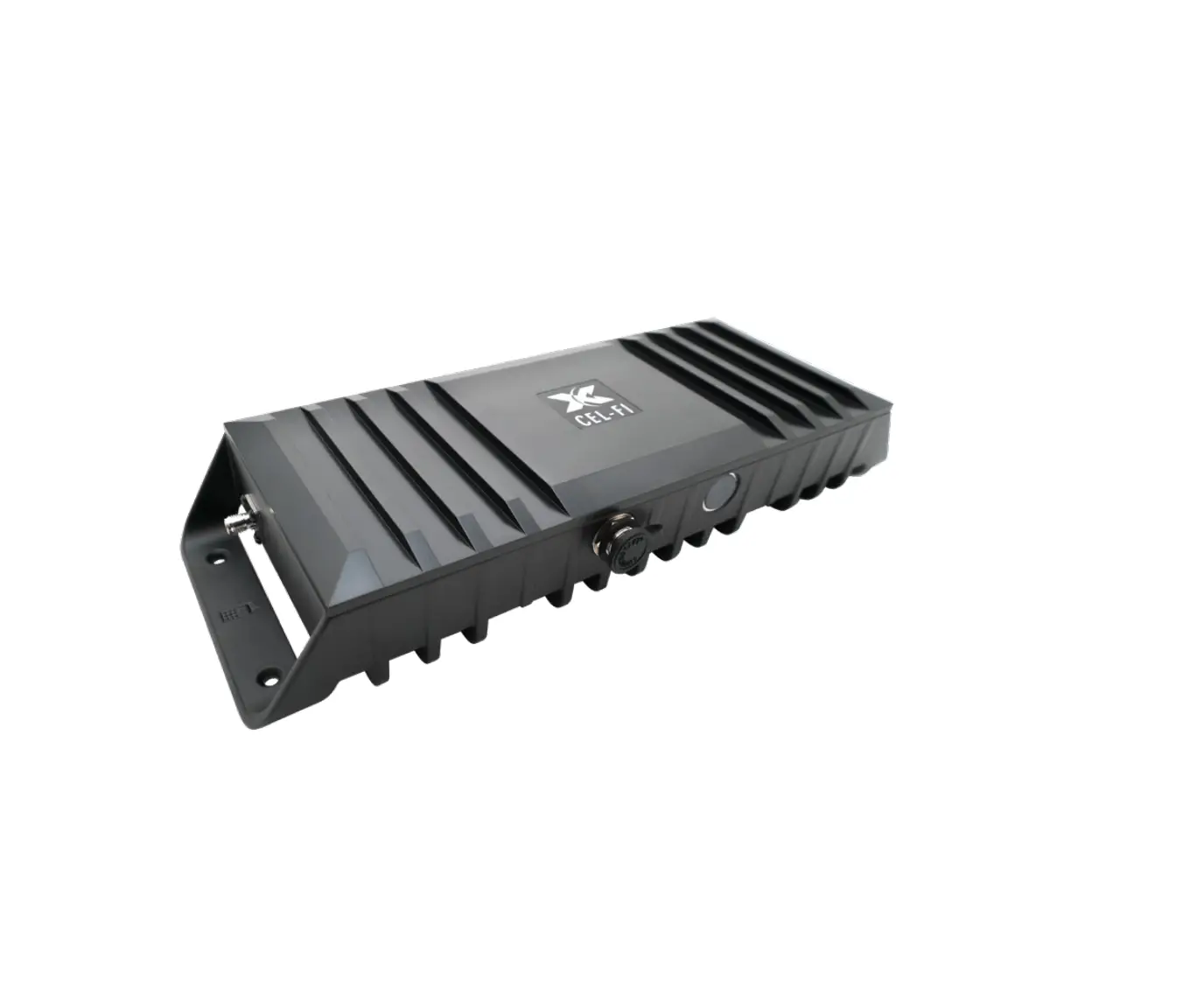
- The Cel-Fi GO+ Smart Signal Booster is a device designed to
improve cellular coverage in buildings, remote areas, or
vehicles. - The device supports multiple frequency variations, which are
available with different frequency support. - The device has a model number of G32-2/4/5/12/13 and BAND
NAME. - The device has a system gain of up to 100 dB.
- The device has dimensions of 272.5 mm (length) x 96.5 mm
(width) x 43.5 mm (height) and weighs 850 g. - The device has a maximum power of 10 dBm/5 MHz (16 dBm per
band) for DOWNLINK TX and 24 dBm per band for UPLINK TX. - The device has Bluetooth (LE Ver 4.2) with a frequency of 0 dBm
and relative humidity of 95%. - The device has SMA-Female antenna connectors and is compliant
with various regulations including RoHS 2, NEMA-4, UL, CSA, IEC,
and EN.
Product Usage:
- Connect the Cel-Fi GO+ Smart Signal Booster to an external
Donor Antenna to draw in a cellular signal from the macro
network. - Redistribute the signal via the Server Antenna to improve
cellular coverage in the building, remote area, or vehicle. - Use the Cel-Fi WAVE app as the registration and management
application to set up antenna, modes, and carriers. - Check the LED on the top face of the device to determine the
unit’s state, which can be solid green (working properly and
boosting), blinking green (scanning for networks to boost),
blinking red (in an error condition), or solid red (hardware
error). - If the Cel-Fi GO+ Smart Signal Booster is fluctuating between
scanning and boosting, it is normal as the device automatically
adjusts its boost behavior based on available signal. - If the device is continually blinking green, check if
frequencies to boost are appropriate for the desired location using
the Cel-Fi WAVE app. If the service is not available, it cannot be
boosted. - If the LED is solid red, there is a hardware error and the
device is not booting up normally. Refer to the Cel-Fi WAVE app for
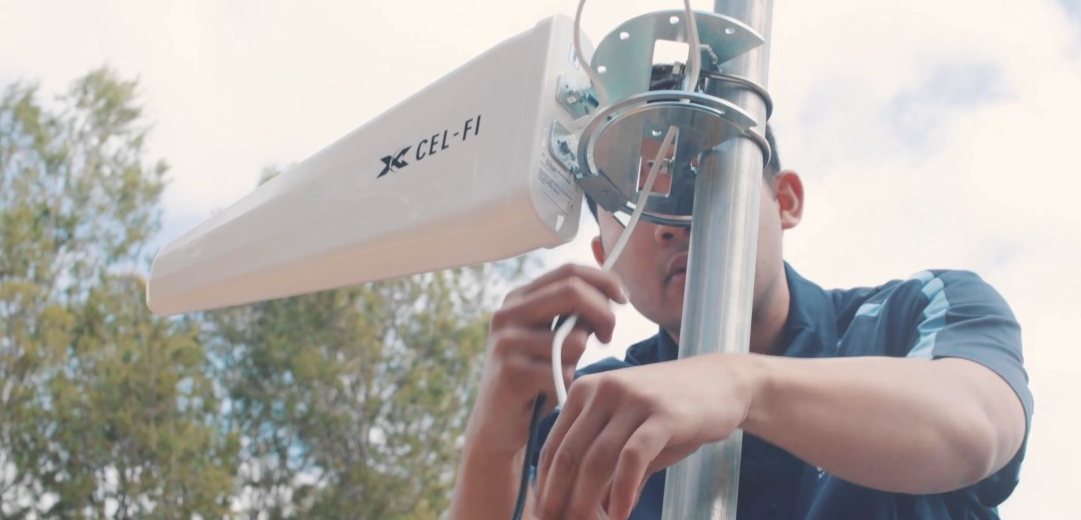
remedy. - Review authorized antenna and mount options, which include
Cel-Fi Trucker Antenna A21-V31-100, Cel-Fi Mobile Server Antenna
A41-V30-100, Cel-Fi GO+ Smart Signal Booster, and Cel-Fi GO+
RV/Trucker Kit.
Specifications:
Frequency Support Multiple variations of the product are available with different frequency support.
Model: G32-2/4/5/12/13
BAND
2 4
NAME
1900 PCS AWS1
DOWNLINK
1930 1990 2110 2155
UPLINK
1850 1910 1710 1755
5
850 869 894 824 849
12 700 a 729 746 699 716
13 700 c 746 756
Gain Up to 100 dB system gain
Model: BAND NAME
DOWNLINK
G32-1/3/5/7/8/20 1 2100 2110 2170
777 787
UPLINK
1920 1980
3 1800+ 1805 1880 1710 1785
5 850 869 894 824 849
7 2600 2620 2690 2500 2570
8 900 925 960 880 915
20 800 DD 791 821 832 862
Gain Up to 100 dB system gain
Dimensions LENGTH
WIDTH
HEIGHT
272.5 mm 96.5 mm 43.5 mm
WEIGHT
850 g
Power (max)
DOWNLINK TX
10 dBm/5 MHz (16 dBm per band)
UPLINK TX
24 dBm per band
Bluetooth (LE Ver 4.2)
FREQUENCY
2042 2480 MHz
Environmental Operating Temp: 0 – 65°C
POWER
0 dBm
Relative Humidity: 95%
Antenna Connectors SMA-Female
3GPP TS 25.143 Rel.10 (All variants) 3GPP TS 36.143 Rel.10
RoHS 2
BQB (Bluetooth) NEMA-4
(G32-2/4/5/12/13 FCC variants only) ISED
UL 62368-1:2014
CSA C22.2#62368-1 UL 50E, UL 60950-22 CSA C22.2#60950-22
(G32-1/3/5/7/8/20 IEC 62368-1:2014 variants only) EN 301 489-1 v2.1.1
EN 301 908-1 v11.1.1 EN 301 908 v11.1.2
EN 301 489-17 v3.1.1
EN 301 908 v11.1.2
EN 301 489-50 v2.2.0
EN 300 328 v2.1.1
EN 62311 (2008)
Regulation (EC) 1275/2008 (Standby and Off mode)
Regulation (EC) 278/2009 (External Power Supply)
User Interface
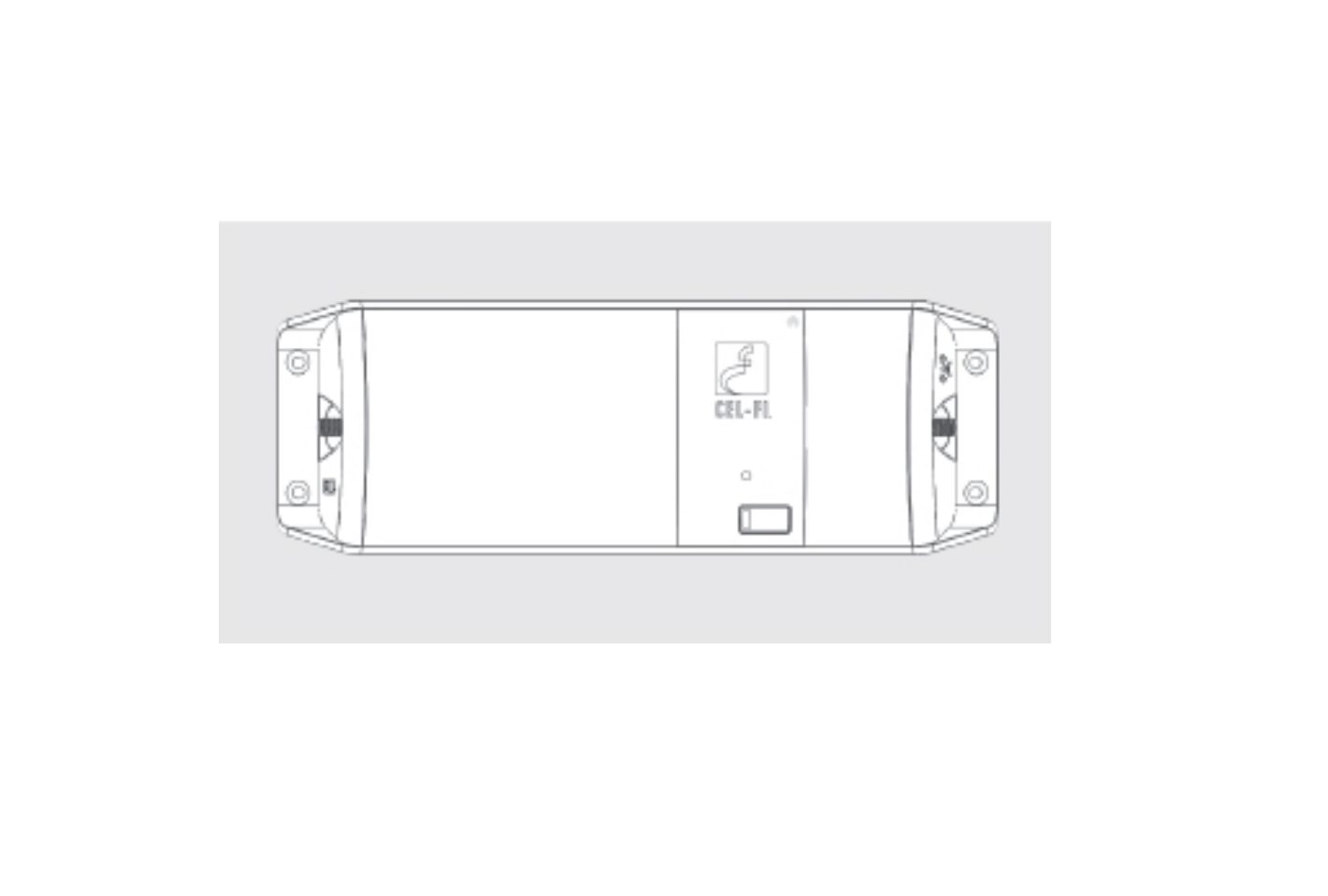
Cel-Fi GO+ Smart Signal Booster features an LED on the top face to indicate the unit’s state:
LED
MEANING
Solid GREEN The unit is working properly and boosting properly.
Blinking GREEN Unit is scanning for networks to boost.
Blinking RED The unit is in an error condition. Use the Cel-Fi WAVE app to check the error code meaning and remedy.
Solid RED
The unit has a hardware error and is not booting up normally.
NOTE: In mobile usage, it is normal for the Cel-Fi GO+ Smart Signal Booster to fluctuate between scanning and boosting. The Cel-Fi GO+ Smart Signal Booster automatically adjusts its boost behavior based on available signal.
Troubleshooting
ISSUE
MEANING
ACTION
Continual Blinking GREEN
Unit is
· Make sure both antennas are connected
operational, but properly and are appropriate for the desired
not attaching to a frequencies to boost.
network to boost. · Make sure the selected operator to relay is
available at your location. This can be checked
with the Cel-Fi WAVE application. If the service
is not available, it cannot be boosted.
Solid
Unit is not
RED LED operational.
· Unplug and reinsert power. · If restart has no effect, contact vendor for
remedy.
Antenna and Mount Options:
Review the latest authorized antennas at
Cel-Fi Trucker Antenna A21-V31-100
Cel-Fi Mobile Server Antenna A41-V30-100
Cel-Fi GO+ Smart Signal Booster
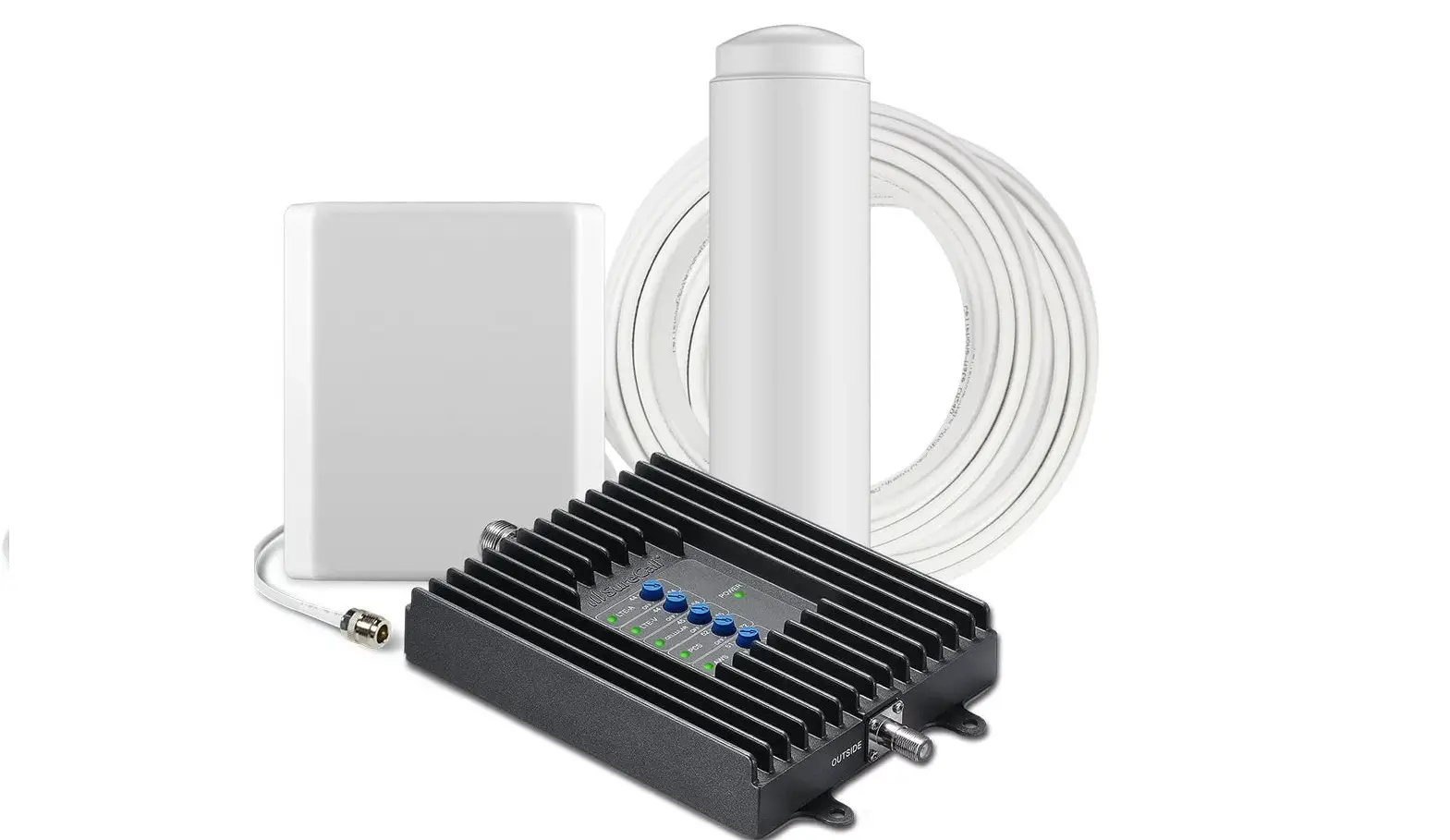
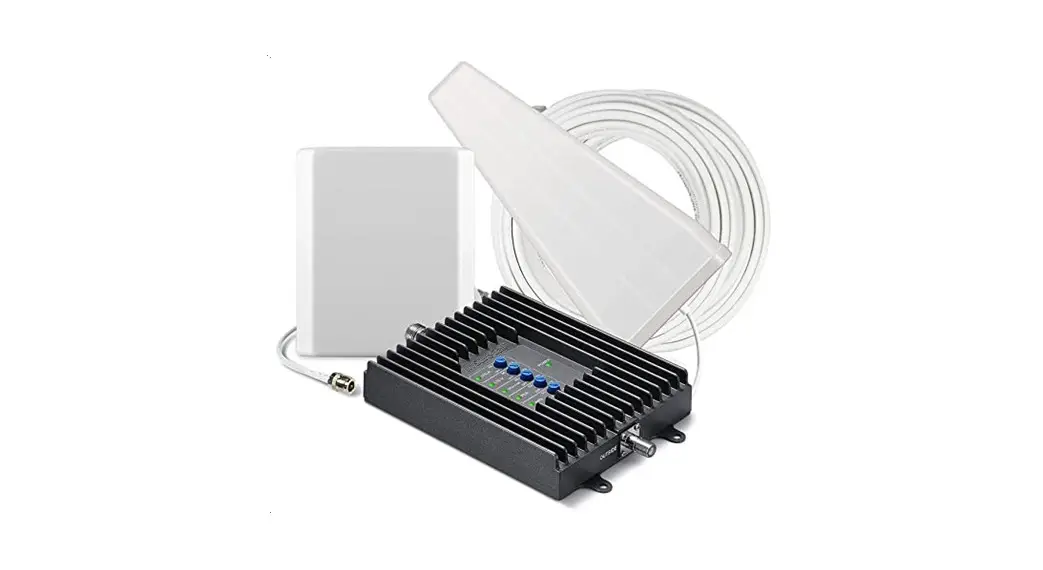
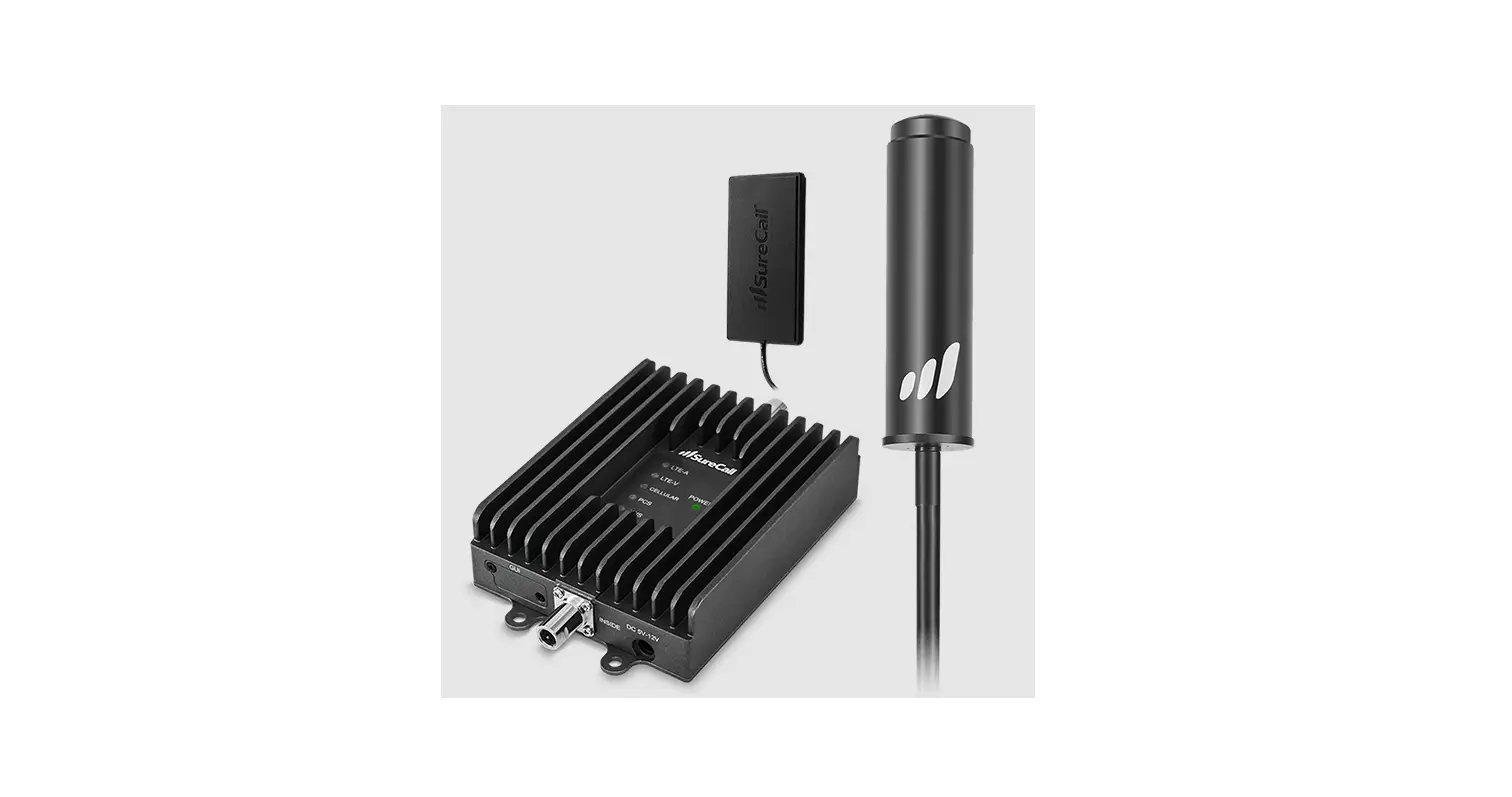
Cel-Fi GO+ RV/Trucker Kit
Quick Start Guide
Smart Signal Booster TM
Basic Functionality
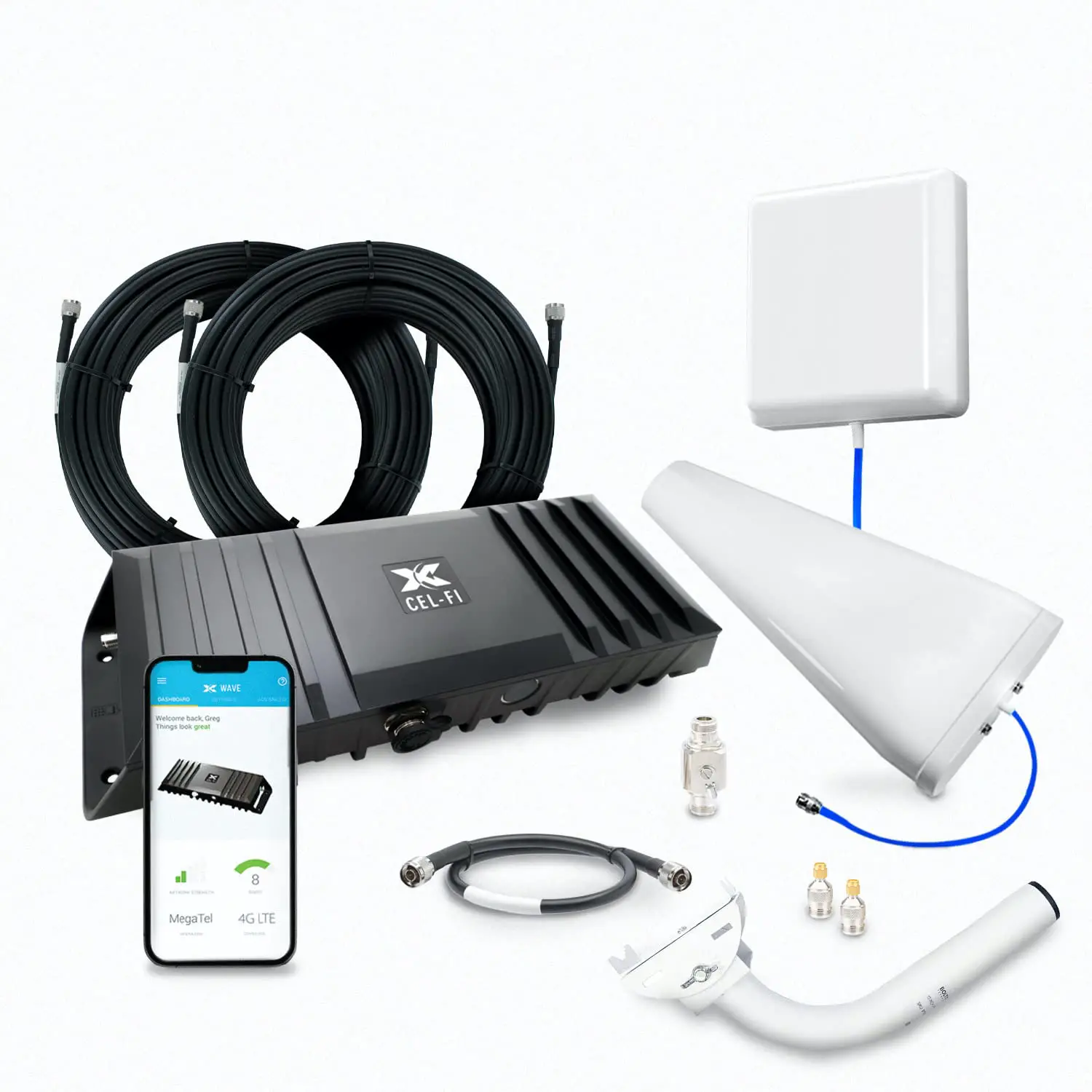
The Cel-Fi GO+ Smart Signal Booster Smart Signal Booster is designed to improve cellular coverage in a building, remote area, or vehicle. Cel-Fi GO+ connects to an external Donor Antenna to draw in a cellular signal from the macro network, and redistribute signal via the Server Antenna.
Cel-Fi WAVE App
The Cel-Fi WAVE app provides a User Interface to Cel-Fi systems. The app’s dashboard shows the system “Boost” value that is a numeric representation mapped to the amount of signal gain the system is providing. Higher is better, with nine (9) being the highest value. Cel-Fi WAVE functions as the registration and management application that allows users to setup antenna, modes, and carriers, and is available through either the Google Play Store or Apple App Store.
band to boost.
· Cel-Fi WAVE app.
· Change carrier · Change mode (Stationary or Mobile)
NEMA 4 Rating
The Cel-Fi GO+ is NEMA 4 rated, and can be used both indoors and outdoors. The NEMA 4 rating provides the following advantages:
· A degree of protection against ingress of solid foreign objects (falling dirt and windblown dust)
· A degree of protection from the ingress of water (rain, sleet, snow, splashing water, and hose directed water)
· Equipment will be undamaged by the external formation of ice on the enclosure
For more information, visit:
Cel-Fi GO+ Smart
Signal Booster Installation
Before You Begin
Cel-Fi GO+ Smart Signal Booster has a Donor Antenna Port and a Server Antenna Port. They are marked on the device with icons (see illustration). It is critical that the Donor and Server antennas are connected to the correct port. IMPORTANT: Best to make sure all cable lengths support the intended mounting location BEFORE permanent mounting.
SERVER
DONOR
1
Install Donor
Antenna
2
Install Server Antenna
3
Mount Cel-Fi GO+
4
Connect Donor & Server Antennas
5
An AC or 12V Power
to the Cel-Fi GO+
Source
1 2
35
4
6
Activate & Setup with
Cel-Fi WAVE
Point & Optimize Antenna
For mobile (non-stationary) applications, Mobile Mode should be selected in the Cel-Fi WAVE A p p .
Install Tips for Donor Antenna
· Install antenna at least 12 inches from any other antennas for best performance
· Antenna should be free of obstructions · Antenna should be away from windows (including
sunroof or other openings) · Install 8 inches away from any people · For best performance make sure there is 50 cm of metal
around the base of the antenna
Install Tips for Server Antenna
· For best results, install Donor and Server Antennas such that there is substantial material between the antennas. This will create isolation and allow the system to perform at higher gain without oscillation or feedback
· Keep Donor and Service Antennas separated/isolated from each other for best performance
· Do not use cable splitters for Donor Antennas · If using directional antennas, do not point them at each other ·
possible · Follow the installation instructions for your chosen antennas · The power supply is not NEMA 4 rated
Tips for Mobile Mounting:
· Location should have airflow (for cooling) and be secure from contact with external objects
· Make sure the unit is within cable range of the 12V power supply on your vehicle
Change Between Modes and Carriers
IMPORTANT: Cel-Fi GO+ Smart Signal Booster ships with a mode and operator selected, but some versions can be changed via Cel-Fi WAVE. It is critical that the booster’s mode match the application, for both regulatory andperformance reasons. If the booster is in motion, it should be set to Mobile mode. If the booster is stationary, it should be set to Stationary mode.
Change Modes Between Mobile (65/70 dB) or Stationary (100 dB)
1. Open Cel-Fi WAVE application 2. Go to settings tab 3. Select Booster Setting 4. Switch between mobile and stationary
Change Carrier /Operator
1. Open Cel-Fi WAVE application 2. Go to settings tab 3. Select Operator 4. Switch between mobile
network operators
Cel-Fi GO+ Smart Signal Booster
This guide has been modified from its original form to better align with the Cel-Fi GO+ RV/Trucker Kit.