ESPADA 2 Plus Eliminate Recurring Acne
Product Information:
The ESPADATM 2 plus is a concentrated blue LED light spot
treatment device designed for acne care. It uses ultra-concentrated
blue LED therapy to clear recurring acne blemishes and inflammation
by treating each individual spot. The blue LED light with a
wavelength of 415 nm penetrates the epidermis to kill spot-causing
bacteria at the source. The device also features a precision light
guide for targeting each spot with ultimate precision. It has a
universal button for turning the device on/off and activating the
blue LED. The T-SONICTM pulsations massage the skin, stimulating
circulation and accelerating skin renewal. The built-in timer
pulses to indicate when a blemish has been treated, allowing you to
move to the next spot. The device is made of antibacterial silicone
to reduce bacteria spreading from one area of the skin to another.
It has a charging port and can be used up to 210 times per full USB
charge. The device is 100% waterproof and has an indicator light
that turns white when the blue LED light is active and red when the
battery is low.
Product Usage Instructions:
- Before first use, download the FOREO For You app on your mobile
phone and follow the instructions to register your device and
activate the warranty. - Cleanse and dry your face and neck. For optimal results, it is
recommended to use a FOREO LUNATM Facial Cleansing Massager. - If desired, apply FOREO ESPADATM BHA+PHA Blemish Solution to
each spot you wish to treat. - Press the universal button on the ESPADATM 2 plus to turn it
on. Position the light guide onto the spot you wish to treat. - Press the universal button again to activate the blue LED light
and hold it on the skin for 30 seconds, until the timer pulses. You
can treat the same spot up to 2 times in one treatment. - After use, clean the ESPADATM 2 plus thoroughly with soap and
warm water. Dry it with a soft, lint-free cloth. For optimal
results, spray the device with FOREO’s Silicone Cleaning Spray and
rinse it with warm water. Avoid using cleaning products containing
alcohol, petrol, or acetone as they may irritate the skin and
damage the silicone.
For optimum safety, please read all instructions before use and
utilize the product only for its intended use as described in the
manual. Do not modify the equipment.
ESPADATM 2 plus
CONCENTRATED BLUE LED LIGHT SPOT TREATMENT
ONLINE MANUAL
FULL USER MANUAL
GETTING STARTED
Congratulations on taking the first step toward smarter skincare by acquiring ESPADATM 2 plus. Before you begin to enjoy all the benefits of sophisticated acne care in the comfort of your home, please take a few moments to look through this manual. Please READ ALL INSTRUCTIONS BEFORE USE and utilize this product only for its intended use as described in this manual.
WARNING: NO MODIFICATION OF THIS EQUIPMENT IS ALLOWED.
ESPADATM 2 plus OVERVIEW
Get clear, smooth & healthy skin with ESPADATM 2 plus – specifically designed to clear recurring acne blemishes and inflammation by treating each individual spot with ultra-concentrated blue LED therapy. Working quickly and effectively to regulate sebum production, ESPADATM 2 plus also prevents future breakouts.
GETTING TO KNOW YOUR ESPADATM 2 plus
FEATURES
BLUE LED LIGHT 415 nm wavelength penetrates the epidermis to kill spot-causing bacteria at the source. PRECISION LIGHT GUIDE Targets each individual spot, and aims concentrated blue LED at it with ultimate precision. UNIVERSAL BUTTON Turns the device on and off, and activates blue LED. T-SONICTM PULSATIONS Massages the skin, stimulating circulation and helping to accelerate skin renewal. BUILT-IN TIMER Pulses to indicate when blemish has been treated, so you can move to the next spot.
ANTIBACTERIAL SILICONE Ultra-hygienic to reduce bacteria spreading from one area of skin to another. CHARGING PORT Up to 210 uses per full USB charge. 100% waterproof closure. INDICATOR LIGHT White indicates that blue LED light is active. Red indicates low battery.
2
HOW TO USE YOUR ESPADATM 2 plus
REGISTER YOUR WARRANTY
Before first use, download the FOREO For You app to register your device and activate the warranty by following these simple steps:
1. Download the FOREO app on your mobile phone by scanning the QR code. 2. Log in to your existing account, or sign up for a new one. 3. Add device (on the top of your screen). 4. Choose device series 5. Follow the instructions on the app and fill in the purchase information.
And your device is ready to use!
HOW TO USE
1
2
3
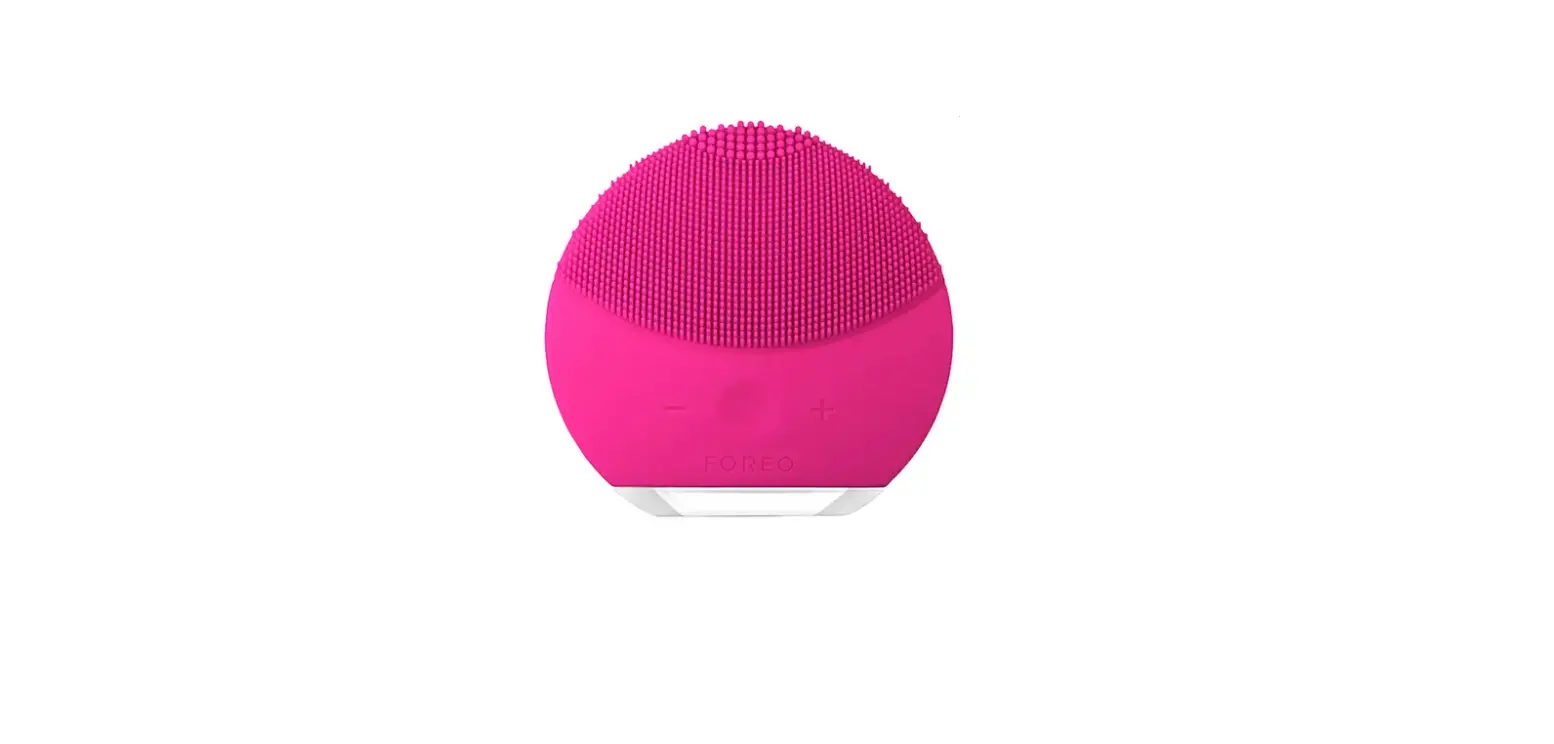
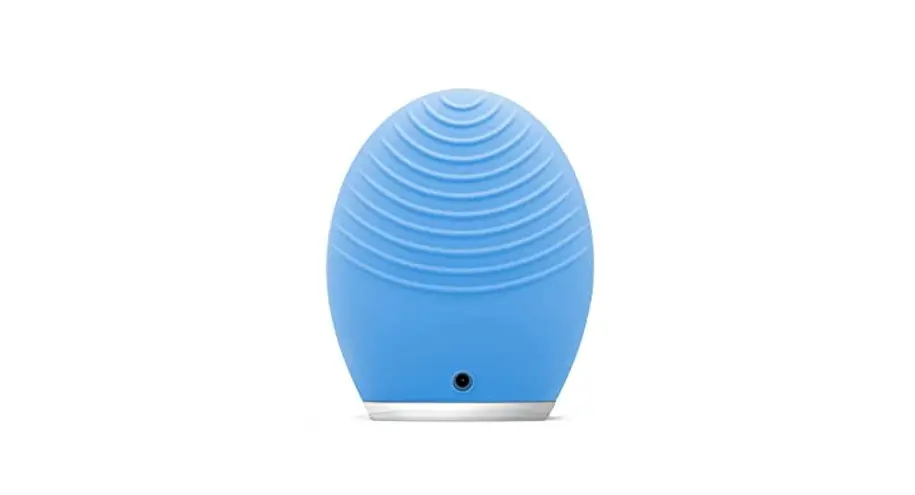
CLEANSE Cleanse and dry your face and neck. For optimal results, we recommend using a FOREO LUNATM Facial Cleansing Massager.
APPLY Apply FOREO ESPADATM BHA+PHA Blemish Solution to each spot you wish to treat, if desired.
TREAT Press the universal button to turn on ESPADATM 2 plus. Position the light guide onto the spot you wish to treat. Press the universal button to activate blue LED and hold on skin for 30 secs, until the timer pulses. You can treat the same spot up to 2 times in one treatment.
CLEANING YOUR ESPADATM 2 plus
Always clean ESPADATM 2 plus thoroughly after use. Clean the device with soap, rinse with warm water, and dry
with a soft, lint-free cloth. After use, we recommend spraying the device with FOREO’s Silicone Cleaning Spray and
rinsing it with warm water for optimal results.
NOTE: Never use cleaning products containing alcohol, petrol, or acetone, as they may irritate the skin and damage
the silicone.
IMPORTANT
FOR OPTIMUM SAFETY:
If you have a severe skin condition or any medical concerns, please consult a dermatologist before use. Using ESPADATM 2 plus should be comfortable if you experience discomfort, discontinue use immediately and consult a physician. Exercise particular care when using ESPADATM 2 plus around the eye area. Do not bring the device into contact with the eyelids or eyes themselves. For reasons of hygiene, we do not recommend sharing your ESPADATM 2 plus with anyone else. Avoid leaving your ESPADATM 2 plus in direct sunlight, and never expose it to extreme heat or boiling water. Close supervision is necessary when this device is used by, on, or near children, as well as those with reduced physical and mental abilities. Discontinue use if this product appears damaged in any way. This product contains no serviceable parts. Use this device only for its intended use as described in this manual. If you do not find the answer to your specific question, or if you have any other questions regarding the device’s operation, please visit www.foreo.com
3
TROUBLESHOOTING
Precautions to be taken in the event of changes in the performance of ESPADATM 2 plus. If ESPADATM 2 plus is not activated when pressing the universal button:
Battery is empty. Charge your ESPADATM 2 plus via the provided USB charging cable for 1.5 hrs until fully charged. A full charge will last up to 210 thirty-second treatments.
If ESPADATM 2 plus cannot be switched off and/or interface buttons do not respond: Microprocessor is temporarily malfunctioning. Press and hold the universal button to restart the device.
If ESPADATM 2 plus’ indicator light does not blink when the USB charging cable is connected: Battery is fully charged and ready for up to 210 treatments. Battery is drained and will require several minutes to acknowledge USB charging cable. USB charging cable is not properly connected. Check electrical outlet / USB socket and charging port.
WARRANTY TERMS & CONDITIONS
REGISTER WARRANTY To activate your 2-Year Limited Warranty, register through the FOREO For You app, or visit foreo.com/productregistration for more information. 2-YEAR LIMITED WARRANTY FOREO warrants this device for a period of TWO (2) YEARS (except in countries where national law requires a longer minimum guarantee) after the original date of purchase against defects due to faulty workmanship or materials arising from Normal Use of the device. The warranty covers working parts that affect the function of the device. It does NOT cover cosmetic deterioration caused by fair wear and tear, or damage caused by accident, misuse or neglect. Any attempt to open or take apart the device (or its accessories) will void the warranty.
If you discover a defect and notify FOREO during the warranty period, FOREO will, at its discretion, replace the device free of charge. Claims under warranty must be supported by reasonable evidence that the date of the claim is within the warranty period. To validate your warranty, please keep your original purchase receipt together with these warranty conditions for the duration of the warranty period.
To claim your warranty, you must log in to your account at www.foreo.com and then select the option to make a warranty claim. Shipping costs are non-refundable. This undertaking is in addition to your statutory rights as a consumer and does not affect those rights in any way.
DISPOSAL INFORMATION
Disposal of old electronic equipment (applicable in the EU and other European countries with separate waste collection systems).
The crossed-out dust bin symbol indicates that this device should not be treated as household waste, but rather be brought to the appropriate collection point for recycling of electrical and electronic equipment. By ensuring this device is disposed of correctly, you will help prevent the potential negative consequences for the environment and human health which could be caused by inappropriate waste handling of the product. The recycling of materials will also help conserve natural resources. For more information about the recycling of your device, please contact your local household waste disposal service or your place of purchase.
4
BATTERY REMOVAL
NOTE: This process is not reversible. Opening the device will void its warranty. This action must only be undertaken when
the device is ready to be disposed of. Because this device contains a lithium-ion battery, the battery must be removed before disposal and should not be thrown away with household waste. To remove the battery, open the inner plastic shell after removing silicone outer layer and remove the battery to be disposed of in accordance with your local environmental regulations. Wear gloves during this process for your safety. Detailed visual instructions are provided below:
SPECIFICATIONS
MATERIALS:
COLOR: SIZE: WEIGHT: BATTERY: TEMPERATURE:
Body-safe silicone, PC + ABS, Stainless steel Lavender / Pistachio H191 x W36 x D31 mm 97 g 420 mAh 5 – 45 degrees celsius
USAGE: STANDBY: FREQUENCY: MAX NOISE LEVEL: INTERFACE:
Up to 210 uses per charge 180 days 103 Hz <50 dB 1-button
DISCLAIMER: Users of this device do so at their own risk. Neither FOREO nor its retailers assume any responsibility or liability for any injuries or damages, physical or otherwise, resulting directly or indirectly from the use of this device. Furthermore, FOREO reserves the right to revise this publication and to make changes from time to time in the contents thereof without obligation to notify any person of such revision or changes.
CAUTION: Changes or modifications to this unit not expressly approved by the party responsible for compliance could void the user’s authority to operate the equipment.
Model may be changed for improvements without notice.
©2023 FOREO AB. ALL RIGHTS RESERVED. EU DISTR.: FOREO AB, KARLAVÄGEN 41, 114 31 STOCKHOLM, SWEDEN. US DISTR.: FOREO INC., 1525 E PAMA LANE, LAS VEGAS, NV 89119, USA. AUS DISTR.: 6 PROHASKY STREET, PORT MELBOURNE, VIC, 3207 AUSTRALIA. DESIGNED AND DEVELOPED BY FOREO SWEDEN. MANUFACTURED FOR FOREO AB.
EN-P1-2023060
5
www.foreo.com
 FOREO Sweden l Pro-level Skincare and Oral Care