Coding Set
Product Information: KUBO Coding Set
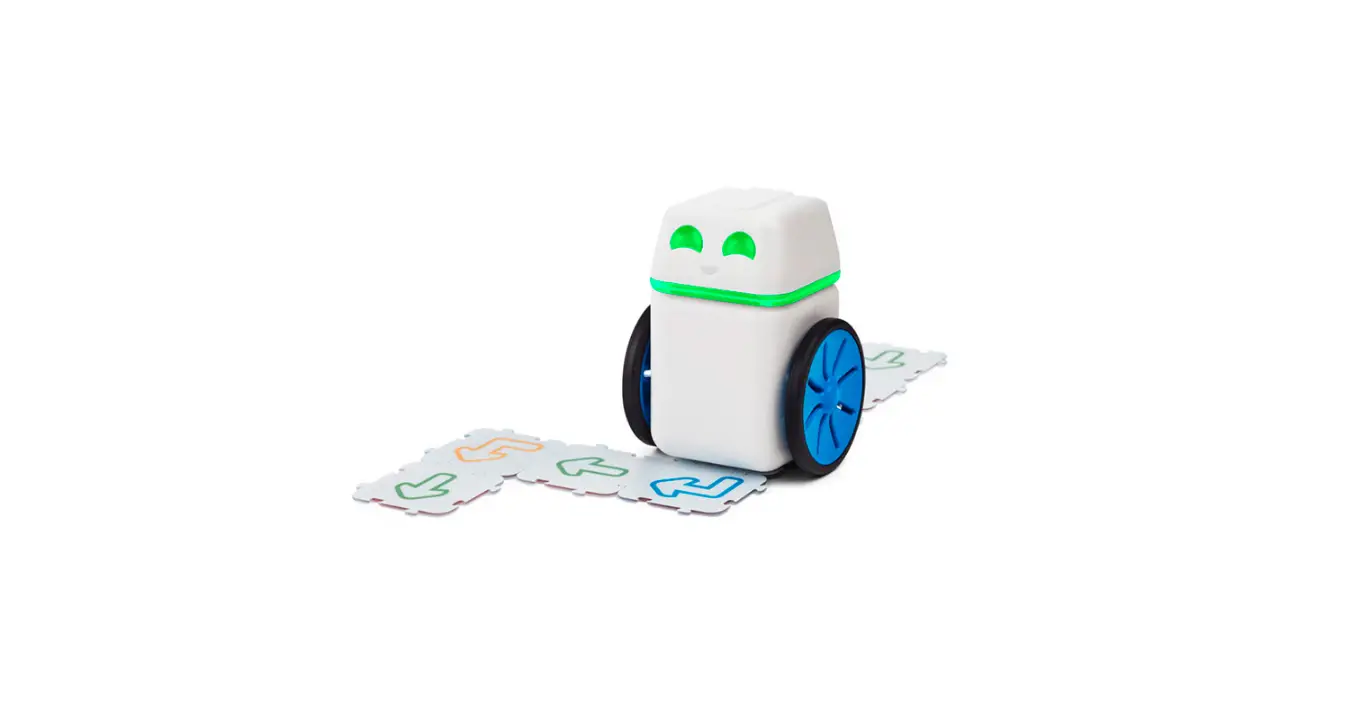
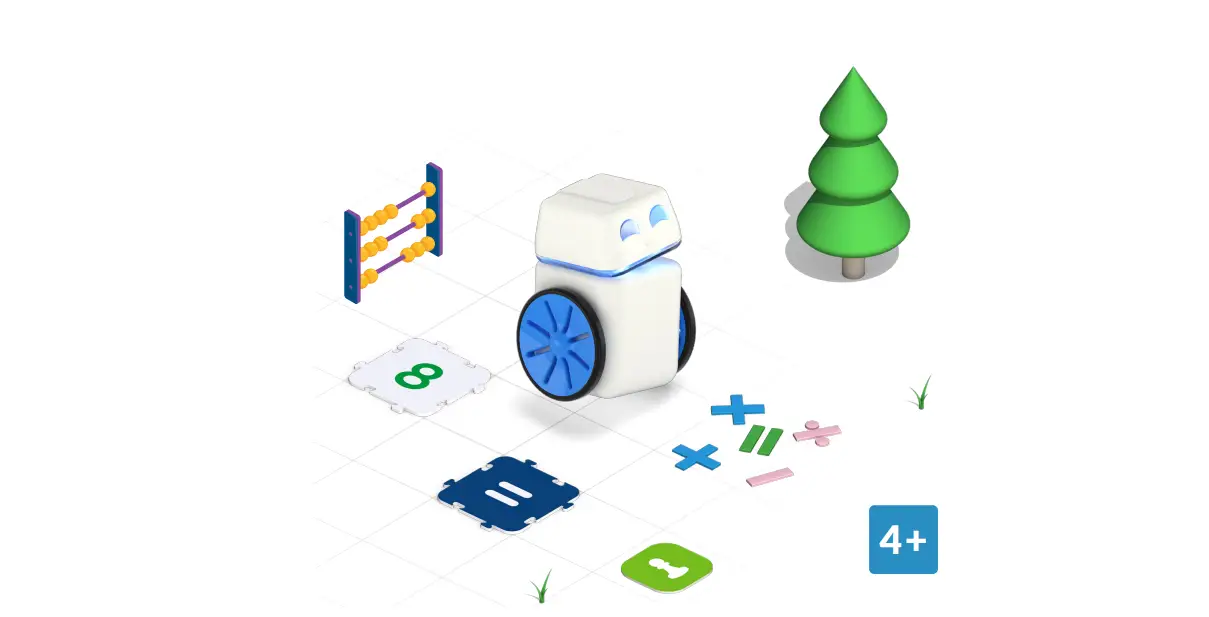
KUBO is the world’s first puzzle-based educational robot
designed for children aged between 4-10 years old. This coding set
is built to teach children how to code even before they can read
and write. KUBO simplifies complex concepts through hands-on
experiences, empowering students to become creators instead of
passive consumers of technology.
The KUBO Coding Set includes a robot with detachable head and
body, a charging cable, and a quick start guide.
Basic Coding Techniques Covered:
- Charging the robot
- Turning the robot on/off
- Understanding the robot’s lights and behaviors
- Recording a function
Product Usage Instructions
- Charge Your Robot
- Connect the charging cable to the robot’s body and plug it into
a power source. - The first full charge will take about two hours.
- When fully charged, KUBO will run for about four hours.
- To turn KUBO on, attach the head to the body.
- To turn KUBO off, pull the head and body apart.
- When powered on and waiting for commands, KUBO’s light will be
blue. - If KUBO has detected an error or is low on battery, the light
will turn green. - When KUBO is executing a sequence, the light will turn
purple. - KUBO records a function when the light is red.
coding!
Quick start guide
TO CODING WITH KUBO
KUBO is the world’s first puzzle-based educational robot, designed to take students from passive consumers of technology to empowered creators. By simplifying complex concepts through hands-on experiences, KUBO teaches children to code even before they can read and write.
KUBO and the unique TagTile® programming language lay the foundations for computational literacy for children aged four to 10.
4-10 years
Getting Started
This Quick Start Guide explains what is included in your coding solution and introduces you to each of the basic coding techniques that your KUBO Coding Set covers.
WHAT’S IN THE BOX Your KUBO Coding Starter Set includes a robot body and head, a set of coding TagTiles®, an illustrated map in 4 parts and a USB charging cable.
2
CHARGE YOUR ROBOT
It will take about two hours for the first full charge of your KUBO robot. When fully charged KUBO will run
for about four hours.
TURN KUBO ON
Attach the head to the body to turn KUBO on. To turn KUBO off, pull the
head and body apart.
KUBO’s Lights
When you begin programming with KUBO, the robot will light up showing four different colors. Each color signifies a different behavior:
BLUE
RED
KUBO is powered on and waiting for commands.
GREEN
KUBO has detected an error, or is low on battery.
PURPLE
KUBO is executing a sequence. 3
KUBO is recording a Function.
Want to see more?
Click here and get started with KUBO:
portal.kubo.education