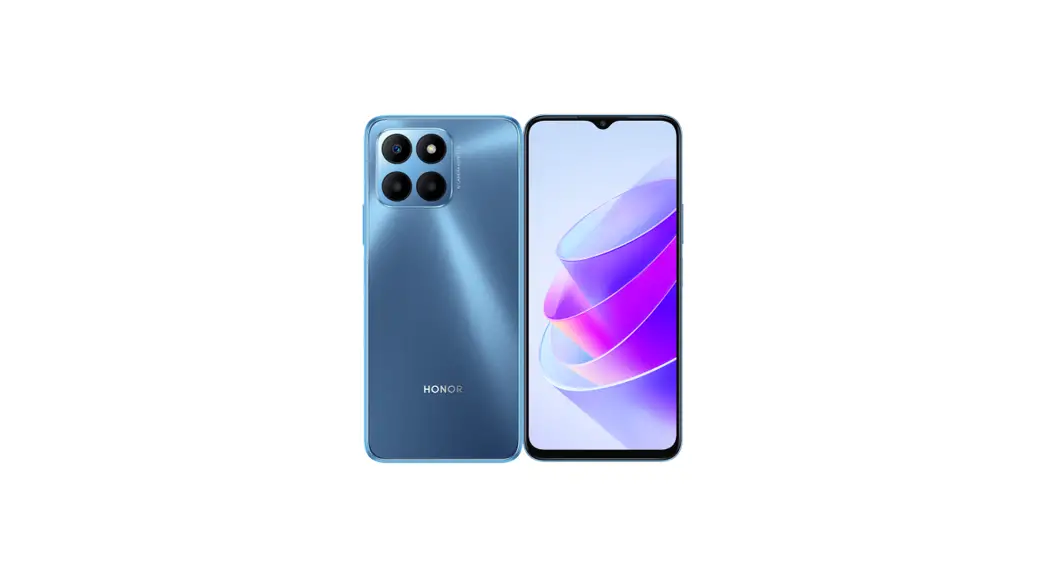
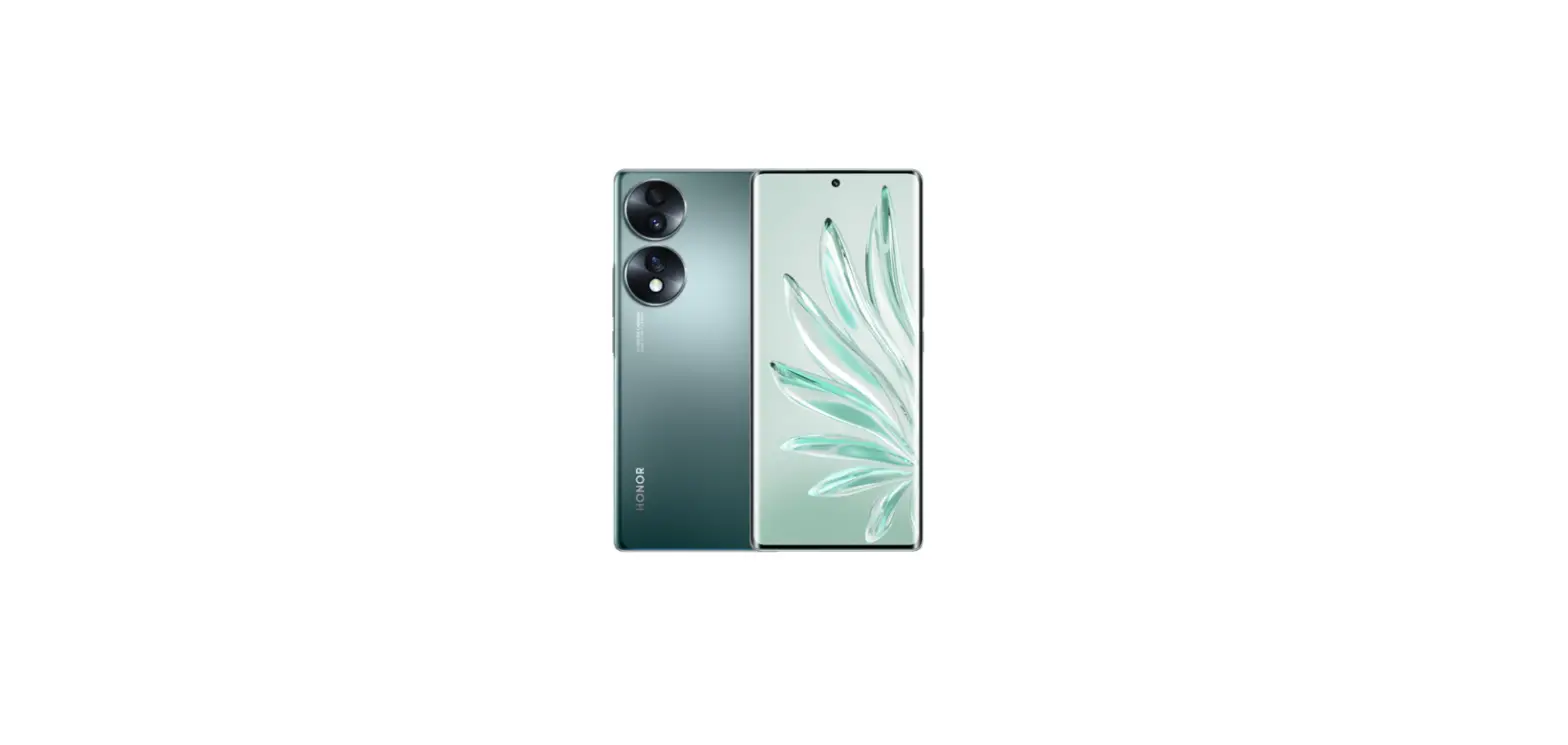
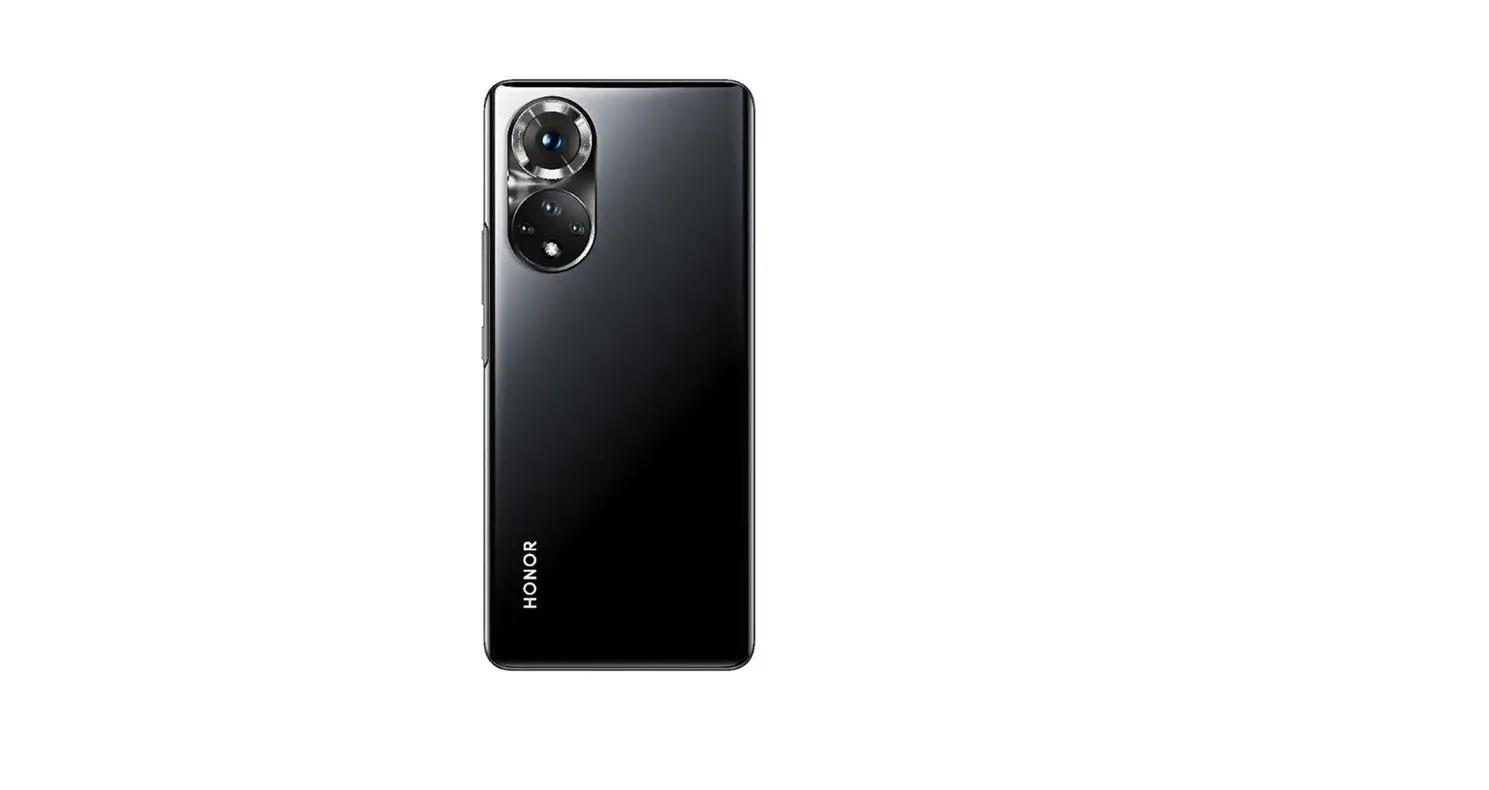
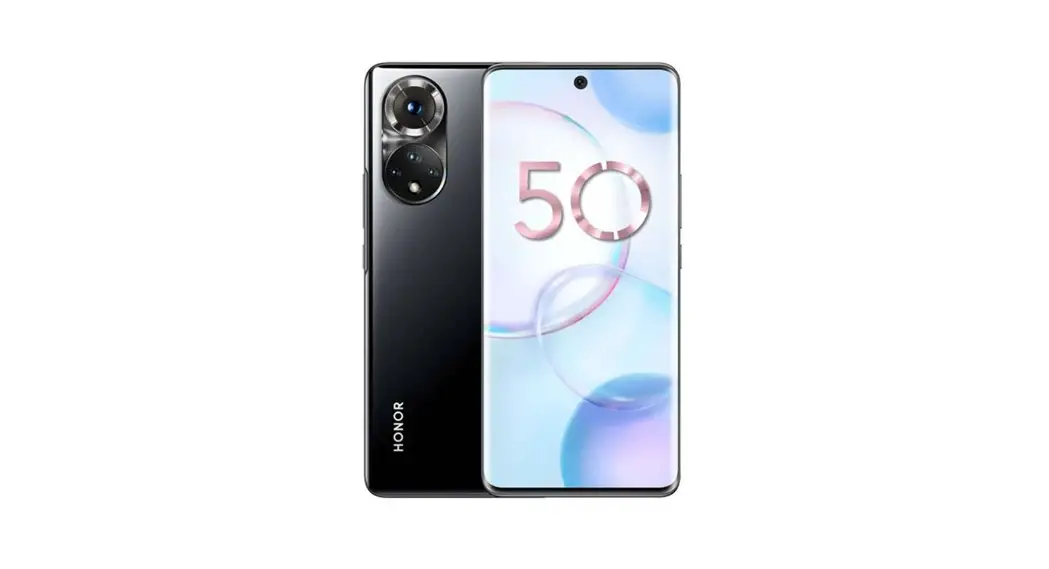
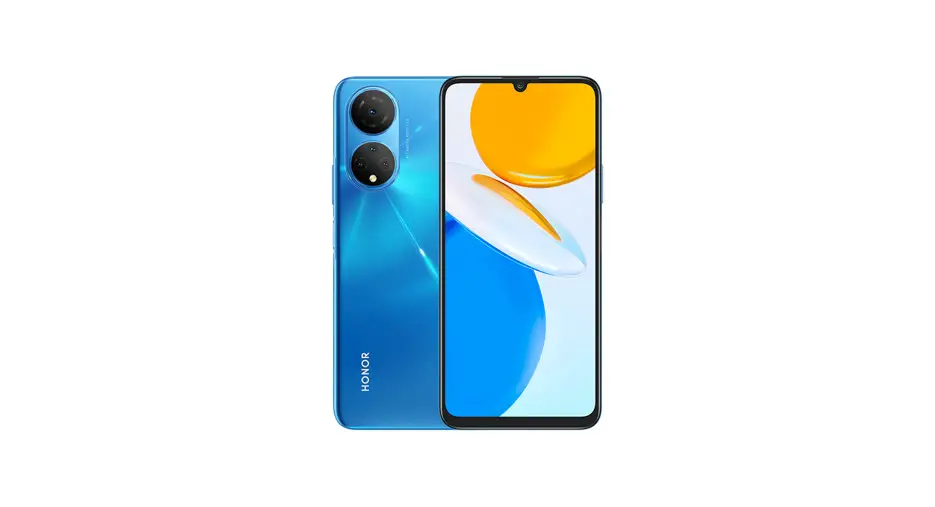
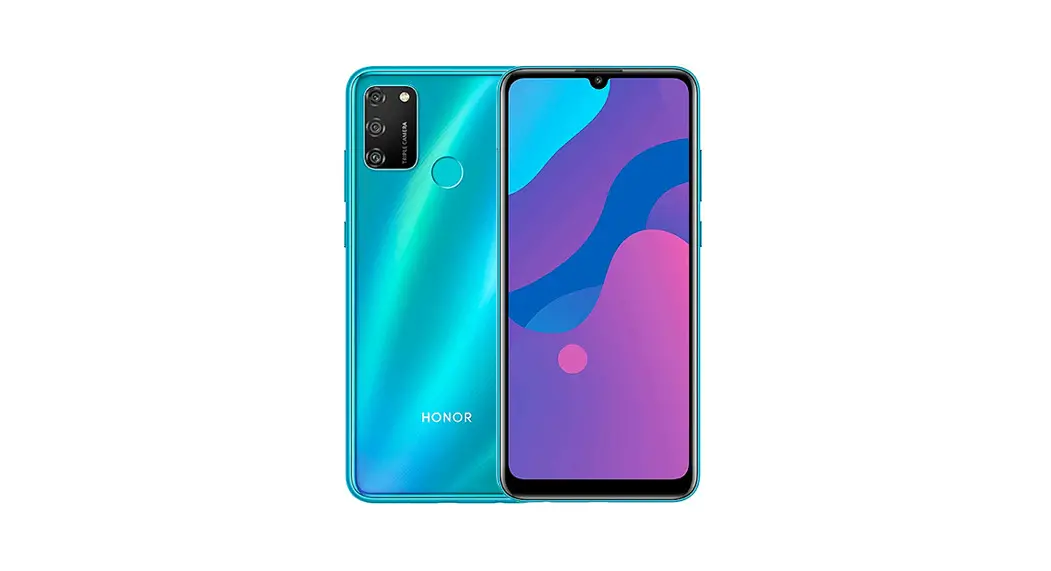
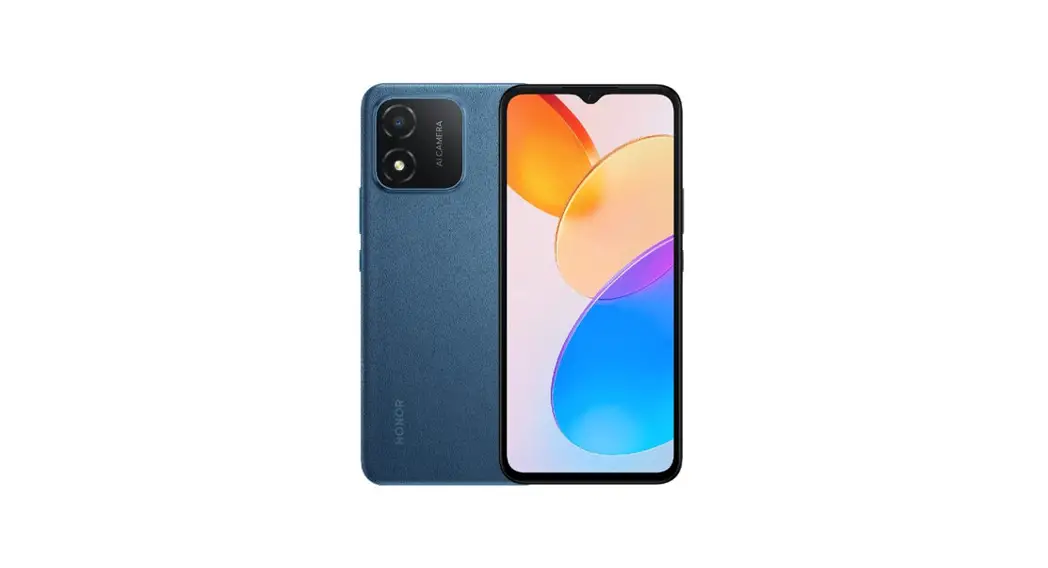
RBN-NX3 Smart Phone
Product Information
- Product Name: RBN-NX3
- Ports: USB Type-C port, headset jack and card slot
- Number of SIM card slots: 2
Product Usage Instructions
- Know Your Device:
- The device has a USB Type-C port, headset jack, and card
slot. - The power button also serves as a fingerprint sensor.
- The volume button is located on the side of the device.
- The device has a USB Type-C port, headset jack, and card
- Getting Started:
- Use the eject pin included to insert the SIM card tray
correctly. - Ensure that the card is correctly aligned and that the card
tray is level when you insert it into your device. - If you have a single-SIM card, insert it in the designated
slot. For dual-SIM cards, follow the instructions in the figure
provided.
- Use the eject pin included to insert the SIM card tray
- SIM Card Management:
- Select the default mobile data card and calling card as needed
using the pre-installed Tips app.
- Select the default mobile data card and calling card as needed
- Safety Information:
- To prevent possible hearing damage, do not listen at high
volume levels for long periods. - Avoid exposing the device to excessive heat and direct
sunlight. - Do not use your wireless device while driving.
- Keep a minimum distance of 15 cm between a device and a
pacemaker to prevent potential interference with the pacemaker. If
you are using a pacemaker, hold the device on the side opposite the
pacemaker and do not carry the device in your front pocket.
- To prevent possible hearing damage, do not listen at high
- Disposal and Recycling Information:
- Dispose of the device and batteries at separate waste
collection points designated by local authorities at the end of the
lifespan. - This will ensure that EEE waste is recycled and treated in a
manner that conserves valuable materials and protects human health
and the environment. - For more information, please contact your local authorities,
retailer, or household waste disposal service or visit the website
https://www.hihonor.com/.
- Dispose of the device and batteries at separate waste
- RF Exposure Information:
- The World Health Organization has stated that exposure can be
reduced by limiting your usage or simply using a hands-free kit to
keep the device away from the head and body. - Ensure that the device accessories, such as a device case and
device holster, are not composed of metal components. - Keep the device away from your body to meet the distance
requirement.
- The World Health Organization has stated that exposure can be
Guía de inicio rápido Quick Start Guide
RBN-NX3
Contenido / Contents
Español (Latinoamérica)………………………………………..1 English………………………………………………………………..8
i
Español (Latinoamérica)
Conozca el dispositivo
Antes de usar el dispositivo, deberá familiarizarse con las operaciones básicas.
· Para encender el dispositivo, mantenga presionado el botón de encendido/apagado hasta que la pantalla se encienda.
· Para apagarlo, mantenga presionado el botón de encendido/apagado y, a continuación, presione .
· Para reiniciar el dispositivo, mantenga presionado el botón de encendido/apagado y después presione .
· Mantenga presionados los botones de encendido y disminución de volumen durante más de 10 segundos para forzar el reinicio del dispositivo.
Botón de volumen
Botón de encendido/ apagado/Sensor de huella digital
Puerto USB tipo C
Entrada para auriculares
Ranura para tarjetas
· Consulte la aplicación preinstalada Sugerencias y domine todas las excelentes funciones del dispositivo.
1
Pasos iniciales
· Utilice la herramienta para extraer la tarjeta con precaución para no lastimarse ni rayar el dispositivo.
· Guarde dicha herramienta fuera del alcance de los niños para evitar que se lastimen o la ingieran.
· No coloque tarjetas SIM ni microSD recortadas ni modificadas en el dispositivo, ya que es posible que no las reconozca y que dañen la bandeja (ranura).
· Si la tarjeta SIM no coincide con su dispositivo, comuníquese con su operador.
Siga las instrucciones que se muestran en las figuras para configurar el dispositivo. Utilice la herramienta de extracción incluida. Asegúrese de que la tarjeta esté correctamente alineada y de que la bandeja para tarjetas esté nivelada cuando la inserte en el dispositivo. Una tarjeta SIM:
Dos tarjetas SIM:
2
Gestión de tarjetas SIM
Seleccione la tarjeta predeterminada para datos móviles y para llamadas según sus necesidades. Para obtener información detallada, consulte la aplicación preinstalada Sugerencias.
· Los servicios 4G y 5G dependen de la disponibilidad de cada operador y del despliegue de los mismos. Por favor contacta a tu operadora para la activación de servicios 4G y 5G.
· Si esta guía no coincide con la descripción que figura en el sitio web oficial, esta última prevalecerá.
Más información
Si experimenta algún problema cuando utiliza el dispositivo, puede obtener ayuda de las siguientes formas: · Visite https://www.hihonor.com para ver la
información del dispositivo y demás información. · Acceda a https://www.hihonor.com/global/support/
para obtener la información de contacto más actualizada correspondiente a su país o región. · Acceda a Ajustes e ingrese las siguientes palabras clave en el cuadro de búsqueda para ver la información correspondiente. Por ejemplo, Información legal, Información de seguridad, Información de certificación, Información reglamentaria. · Según la región o el modelo, algunos dispositivos deben recibir la aprobación de la Comisión Federal de Comunicaciones (FCC). Si el dispositivo está aprobado por la FCC, puede ir a Ajustes y tocar Sistema y actualizaciones > Información reglamentaria para ver el ID de la FCC. Si su dispositivo no tiene un ID de la FCC, no se encuentra autorizado para la venta en EE. UU. o sus territorios y solo se puede llevar a EE. UU. para uso personal del propietario.
3
Información de seguridad
Lea cuidadosamente toda la información de seguridad antes de utilizar el dispositivo a fin de garantizar un funcionamiento seguro y adecuado, y saber cómo desechar correctamente el dispositivo.
Operación y seguridad
·
Para evitar daños al oído, no escuche música
a un volumen muy elevado por períodos
prolongados.
· El uso de baterías, cargadores o adaptadores de
alimentación no autorizados o incompatibles puede
dañar el dispositivo, reducir la vida útil y generar
incendios, explosiones u otras situaciones peligrosas.
· Las temperaturas de operación ideales oscilan entre
los 0 °C y los 35 °C. Las temperaturas de
almacenamiento ideales oscilan entre los -20 °C y los
+45 °C.
· Los fabricantes de marcapasos recomiendan
mantener una distancia mínima de 15 cm entre el
dispositivo y un marcapasos para evitar posibles
interferencias. En caso de tener un marcapasos, use
el dispositivo en el lado opuesto y no lo lleve en el
bolsillo delantero.
· Mantenga el dispositivo y la batería alejados del calor
excesivo y la luz directa del sol. No coloque el
dispositivo sobre equipos generadores de calor,
como por ejemplo, hornos microondas, cocinas o
radiadores.
· Cumpla con las normas y leyes locales cuando utilice
el dispositivo. A fin de evitar accidentes, no utilice su
dispositivo inalámbrico mientras conduce.
· Mientras se encuentre a bordo de un avión o
inmediatamente antes de abordar, solo utilice el
dispositivo de conformidad con las instrucciones
proporcionadas. El uso de dispositivos inalámbricos
en un avión puede interferir con las redes
inalámbricas y resultar peligroso para la operación de
este. Además, puede ser ilegal.
· Con el fin de evitar dañar el circuito interno del
dispositivo o el cargador, no utilice el dispositivo en
4
entornos con polvo, humedad o suciedad, ni en las proximidades de un campo magnético. · Cuando cargue el dispositivo, asegúrese de que el adaptador de alimentación esté enchufado cerca de los dispositivos y que sea de fácil acceso. · Desenchufe el cargador de la toma de energía y del dispositivo cuando no esté siendo utilizado. · No utilice, guarde ni transporte el dispositivo en áreas donde se almacenen elementos inflamables o explosivos (por ejemplo, gasolineras, depósitos de aceite o plantas químicas). El uso del dispositivo en este tipo de entornos aumenta el riesgo de explosión o incendio. · Mantenga la batería alejada del fuego y no la desarme, modifique, arroje ni presione. No inserte elementos extraños en ella, no la sumerja en agua u otros líquidos y no la exponga a una fuerza o presión externa, ya que esto podría provocar que la batería sufra pérdidas, se sobrecaliente, se incendie o incluso explote. · Deseche este dispositivo, la batería y los accesorios de conformidad con las reglamentaciones locales. No deben desecharse con los residuos domésticos comunes. El uso no adecuado de la batería puede generar incendios, explosiones u otras situaciones peligrosas. · Este dispositivo posee una batería integrada. No intente extraerla. De hacerlo, es posible que la dañe o que el dispositivo deje de funcionar correctamente. Por su seguridad y para garantizar el buen funcionamiento del dispositivo, recomendamos ponerse en contacto con un centro de servicios autorizado para cambiarla.
Información sobre la eliminación y el reciclaje de residuos
El símbolo en el producto, la batería, los textos o el embalaje indica que, al finalizar su vida útil, los productos y las baterías deben ser llevados a puntos de recolección de residuos especiales designados por las autoridades locales. Esto garantiza que los residuos
5
EEE se reciclarán y serán tratados de manera tal que conserven los materiales valiosos y se proteja la salud de las personas y el medioambiente. Para obtener más información, comuníquese con las autoridades locales, la tienda minorista o el servicio de eliminación de residuos domésticos, o visite el sitio web https://www.hihonor.com/.
Información sobre exposición a la
radiofrecuencia
La Organización Mundial de la Salud declaró que la exposición puede reducirse limitando el uso del equipo o simplemente usando un kit de manos libres para mantener el dispositivo lejos de la cabeza y del cuerpo. Asegúrese de que los accesorios del dispositivo, como la funda o el soporte, no tengan componentes de metal. Mantenga el dispositivo alejado de su cuerpo para cumplir con el requisito de distancia.
Para los países que adoptaron el límite SAR de 1,6 W/kg en 1 gramo de tejido. El dispositivo cumple con las especificaciones de radiofrecuencia cuando se lo usa cerca del oído o a una distancia de 1,50 cm del cuerpo. Valor SAR más alto informado: SAR en la cabeza: 0,94 W/kg; SAR en el cuerpo: 0,45 W/kg; SAR de zonas Wi-Fi: 0,76 W/kg.
Declaración sobre cumplimiento de las
normas de la FCC Este dispositivo ha sido sometido a prueba y se ha comprobado que cumple con los límites establecidos para equipos digitales de clase B, de conformidad con la sección 15 de las normas de la FCC. Dichos límites se han establecido para garantizar una protección razonable contra las interferencias nocivas en instalaciones residenciales. Este dispositivo genera, utiliza y puede irradiar energía de radiofrecuencia. De no ser instalado o utilizado de acuerdo con las instrucciones pertinentes, puede causar interferencias nocivas para las radiocomunicaciones. Sin embargo, no hay garantías de que no se producirán interferencias en una instalación en particular. Si este equipo causa interferencias nocivas para la recepción de señales de televisión o radio, lo cual puede detectarse al apagar y encender el equipo, se recomienda al usuario tratar de
6
corregir las interferencias por medio de una o más de las siguientes medidas: –Reoriente o reubique la antena receptora. –Aumente la distancia entre el equipo y el receptor. –Conecte el dispositivo al tomacorriente de un circuito que no sea aquel donde está conectado el receptor. –Consulte al distribuidor o solicite la asistencia de un técnico con experiencia en el funcionamiento de equipos de radio y televisión. Este dispositivo cumple con la sección 15 de las normas de la FCC. El funcionamiento se encuentra sujeto a las siguientes dos condiciones: (1) este dispositivo no debe ocasionar interferencias nocivas y (2) debe aceptar todas las interferencias recibidas, incluso aquellas que puedan ocasionar un funcionamiento no deseado. Precaución: Las modificaciones o los cambios realizados en el dispositivo que no hayan sido aprobados expresamente por Honor Device Co., Ltd. en cuanto al cumplimiento de normas podrían invalidar el permiso del usuario para utilizar el dispositivo.
Cumplimiento México:(Esta sección solo aplica para México.)
La operación de este equipo está sujeta a las siguientes dos condiciones: (1) es posible que este equipo o dispositivo no cause interferencia perjudicial y (2) este equipo o dispositivo debe aceptar cualquier interferencia, incluyendo la que pueda causar su operación no deseada. Se puede obtener el IMEI del equipo a través de la marcación electrónica *#06#. Para usar la función de radio FM, es necesario el uso de los audífonos alámbricos. Para información de la certificación de IFT, visite https://www.hihonor.com/global/legal/certification/.
Aviso legal
Marcas comerciales y permisos Android es una marca comercial de Google LLC. LTE es una marca comercial de ETSI. La marca y el logotipo Bluetooth® son marcas registradas propiedad de Bluetooth SIG, Inc., y el uso de dichas marcas por parte de Honor Device Co., Ltd. está regido por la licencia correspondiente.
7
Wi-Fi®, los logotipos de Wi-Fi CERTIFIED y Wi-Fi son marcas comerciales Wi-Fi Alliance. Copyright © Honor Device Co., Ltd. 2023. Todos los derechos reservados. TODAS LAS IMÁGENES E ILUSTRACIONES DE ESTA GUÍA, LO QUE INCLUYE, A TÍTULO MERAMENTE ENUNCIATIVO, EL COLOR Y EL TAMAÑO DEL DISPOSITIVO, ASÍ COMO EL CONTENIDO QUE APARECE EN LA PANTALLA, SON SOLO PARA REFERENCIA. ES POSIBLE QUE EL DISPOSITIVO REAL SEA DISTINTO. EL CONTENIDO DE ESTA GUÍA NO CONSTITUYE GARANTÍA DE NINGÚN TIPO, NI EXPRESA NI IMPLÍCITA. Política de privacidad Para comprender cómo protegemos su información personal, consulte la política de privacidad en https:// www.hihonor.com/privacy-policy/worldwide/.
English
Know Your Device
Before using the device, familiarize yourself with its basic operations. · To power on your device, press and hold the power
button until the screen turns on. · To power off your device, press and hold the power
button, and then touch . · To restart your device, press and hold the power
button, and then touch . · Press and hold the Power and Volume down buttons
for more than 10 seconds to force restart your device.
8
Volume button
Power button/ Fingerprint sensor
USB Type-C port Card slot
Headset jack
· Check out the pre-installed Tips app and master all the great features on your device.
Getting Started
· Be careful not to scratch your device or hurt yourself when using the eject pin.
· Store the eject pin out of the reach of children to prevent accidental swallowing or injury.
· Do not use cut or modified SIM or microSD cards with your device as these may not be recognized and could damage the card tray (slot).
· If your SIM card does not match your device, please contact your carrier.
Follow the instructions in the following figures to set up your device. Please use the eject pin included. Ensure that the card is correctly aligned and that the card tray is level when you insert it into your device.
Single-SIM card:
9
Dual-SIM card:
SIM Card Management
Select the default mobile data card and calling card as needed. For details, check out the pre-installed Tips app.
· 5G and 4G service depends on the support of your network carrier and its deployment of relevant services. Please contact your carrier to activate 5G or 4G service.
· If this guide is inconsistent with the description on the official website, the latter prevails.
For More Information
If you encounter any problems while using your device, you can obtain help from the following resources: · Visit https://www.hihonor.com to view device
information and other information. · Visit https://www.hihonor.com/global/support/ for
the most up-to-date contact information for your country or region. · Go to Settings and enter the following keywords in the search box to view the corresponding information. E.g. Legal information, Safety
10
information, Authentication info, Regulatory information. · Depending on the region or model, some devices are required to receive approval from the Federal Communications Commission (FCC). If your device is approved by the FCC, you can go to Settings and touch System & updates > Regulatory information to view FCC ID. If your device does not have an FCC ID, the device has not been authorized for sale in the U.S. or its territories and may only be brought to the U.S. for the owner’s personal use.
Safety Information
Please read all of the safety information carefully before using your device to ensure its safe and proper operation and to learn how to dispose of your device properly.
Operation and safety
·
To prevent possible hearing damage, do not
listen at high volume levels for long periods.
· Using an unapproved or incompatible power adapter,
charger, or battery may damage your device, shorten
its lifespan, or cause a fire, explosion, or other
hazards.
· Ideal operating temperatures are 0 °C to 35 °C. Ideal
storage temperatures are -20 °C to +45 °C.
· Pacemaker manufacturers recommend that a
minimum distance of 15 cm be maintained between
a device and a pacemaker to prevent potential
interference with the pacemaker. If using a
pacemaker, hold the device on the side opposite the
pacemaker and do not carry the device in your front
pocket.
· Keep the device and the battery away from excessive
heat and direct sunlight. Do not place them on or in
heating devices, such as microwave ovens, stoves, or
radiators.
· Observe local laws and regulations while using the
device. To reduce the risk of accidents, do not use
your wireless device while driving.
11
· While flying in an aircraft or immediately before boarding, only use your device according to instructions provided. Use of a wireless device in an aircraft may disrupt wireless networks, present a hazard to aircraft operation, or be illegal.
· In order to avoid damaging the internal circuit of the device or charger, do not use the device in a dusty, damp, or dirty place, or near a magnetic field.
· When charging the device, make sure the power adapter is plugged into a socket near the devices and is easily accessible.
· Unplug the charger from electrical outlets and the device when not in use.
· Do not use, store or transport the device where flammables or explosives are stored (in a gas station, oil depot, or chemical plant, for example). Using your device in these environments increases the risk of explosion or fire.
· Keep the battery away from fire, and do not disassemble, modify, throw, or squeeze it. Do not insert foreign objects into it, submerge it in water or other liquids, or expose it to external force or pressure, as this may cause the battery to leak, overheat, catch fire, or even explode.
· Dispose of this device, the battery, and accessories according to local regulations. They should not be disposed of in normal household waste. Improper battery use may lead to fire, explosion, or other hazards.
· This device contains a built-in battery. Do not attempt to replace the battery by yourself. Otherwise, the device may not run properly or it may damage the battery. For your personal safety and to ensure that your device runs properly, you are strongly advised to contact an authorized service center for a replacement.
Disposal and Recycling Information
The symbol on the product, battery, literature, or packaging means that the products and batteries should be taken to separate waste collection points
12
designated by local authorities at the end of the lifespan. This will ensure that EEE waste is recycled and treated in a manner that conserves valuable materials and protects human health and the environment. For more information, please contact your local authorities, retailer, or household waste disposal service or visit the website https://www.hihonor.com/.
RF Exposure Information
The World Health Organization has stated that exposure can be reduced by limiting your usage or simply using a hands-free kit to keep the device away from the head and body. Ensure that the device accessories, such as a device case and device holster, are not composed of metal components. Keep the device away from your body to meet the distance requirement.
For the countries that adopted the SAR limit 1.6 W/kg over 1 gram of tissue. The device complies with RF specifications when used near your ear or at a distance of 1.50 cm from your body. The highest reported SAR value: head SAR: 0.94 W/kg; body SAR: 0.45 W/kg; hotspot SAR: 0.76 W/kg.
FCC statement This equipment has been tested and found to comply with the limits for a Class B digital device, pursuant to Part 15 of the FCC Rules. These limits are designed to provide reasonable protection against harmful interference in a residential installation. This equipment generates, uses and can radiate radio frequency energy and, if not installed and used in accordance with the instructions, may cause harmful interference to radio communications. However, there is no guarantee that interference will not occur in a particular installation. If this equipment does cause harmful interference to radio or television reception, which can be determined by turning the equipment off and on, the user is encouraged to try to correct the interference by one or more of the following measures: –Reorient or relocate the receiving antenna. –Increase the separation between the equipment and receiver. –Connect the equipment into an outlet on a circuit different from that to which the receiver is connected.
13
–Consult the dealer or an experienced radio/TV technician for help. This device complies with Part 15 of the FCC Rules. Operation is subject to the following two conditions: (1) this device may not cause harmful interference, and (2) this device must accept any interference received, including interference that may cause undesired operation. Caution: Any changes or modifications to this device not expressly approved by Honor Device Co., Ltd. for compliance could void the user’s authority to operate the equipment.
Mexico Compliance:(This section is only applicable for Mexico.)
The operation of this device is subjected to the following two conditions: (1) This device may not cause harmful interferences; and (2) this device must accept any interferences, including those that may cause an undesired operation. The device IMEI can be obtained by dialing *#06#. To use the FM radio function, please connect wired earphones firstly. For information about the IFT certification, visit https:// www.hihonor.com/global/legal/certification/.
Legal Notice
Trademarks and Permissions Android is a trademark of Google LLC. LTE is a trademark of ETSI. The Bluetooth® word mark and logos are registered trademarks owned by Bluetooth SIG, Inc. and any use of such marks by Honor Device Co., Ltd. is under license. Wi-Fi®, the Wi-Fi CERTIFIED logo, and the Wi-Fi logo are trademarks of Wi-Fi Alliance.
Copyright © Honor Device Co., Ltd. 2023. All rights reserved.
ALL PICTURES AND ILLUSTRATIONS IN THIS GUIDE, INCLUDING BUT NOT LIMITED TO THE DEVICE COLOR, SIZE, AND DISPLAY CONTENT, ARE FOR YOUR REFERENCE ONLY. THE ACTUAL DEVICE MAY VARY. NOTHING IN THIS GUIDE CONSTITUTES A WARRANTY OF ANY KIND, EXPRESS OR IMPLIED.
14
Privacy Policy To better understand how we protect your personal information, please see the privacy policy at https://www.hihonor.com/privacy-policy/worldwide/.
15
 certification