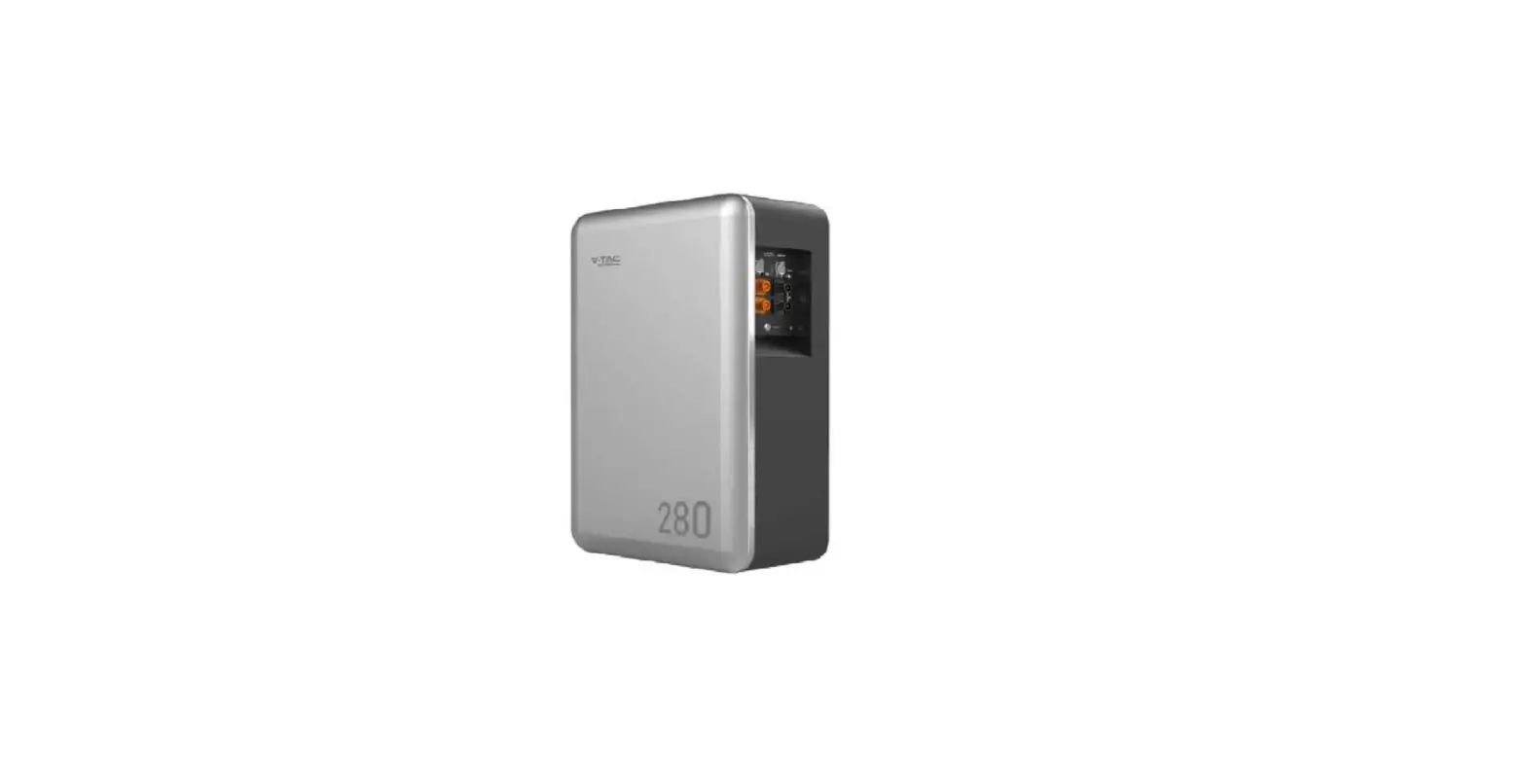
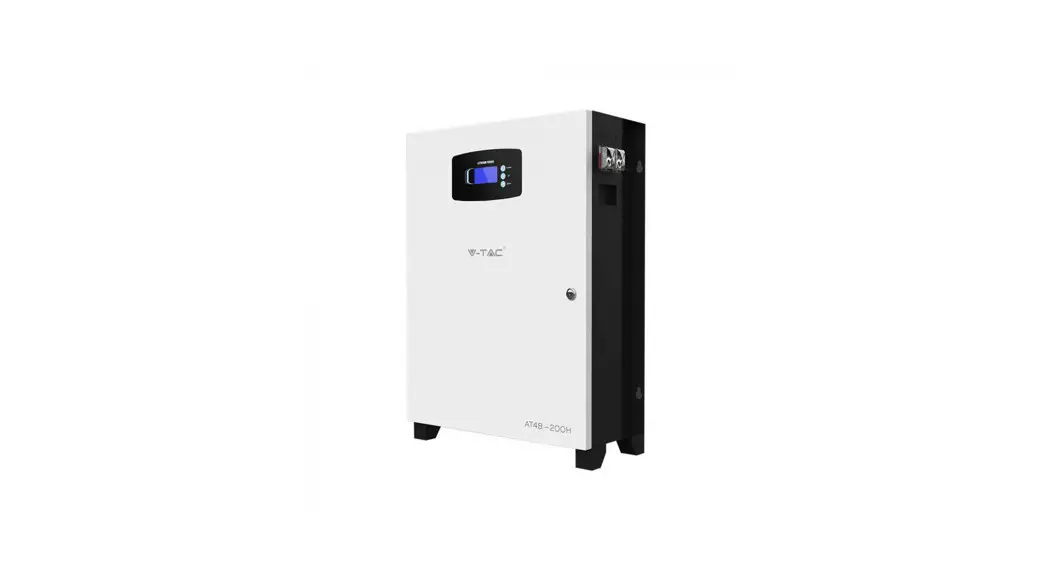
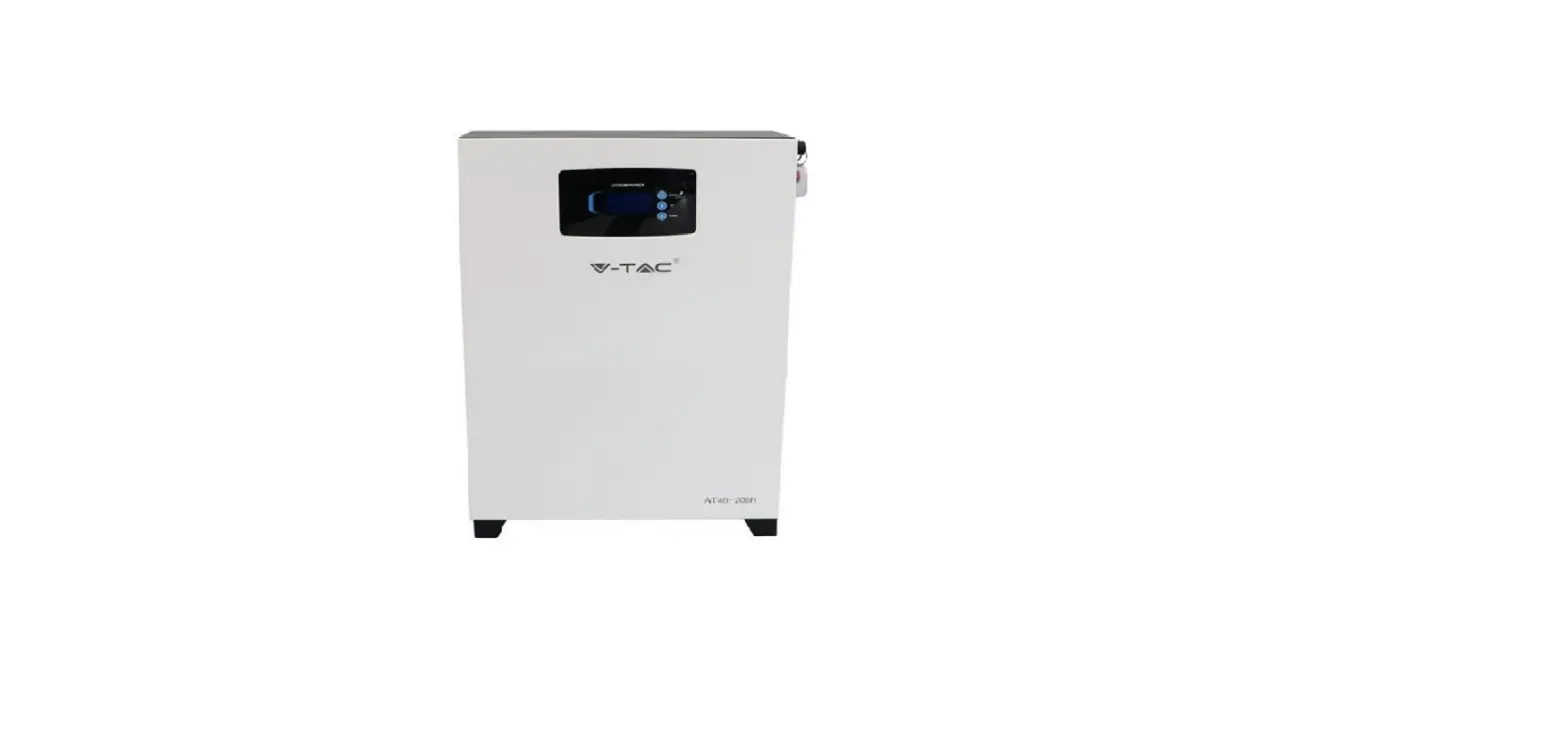
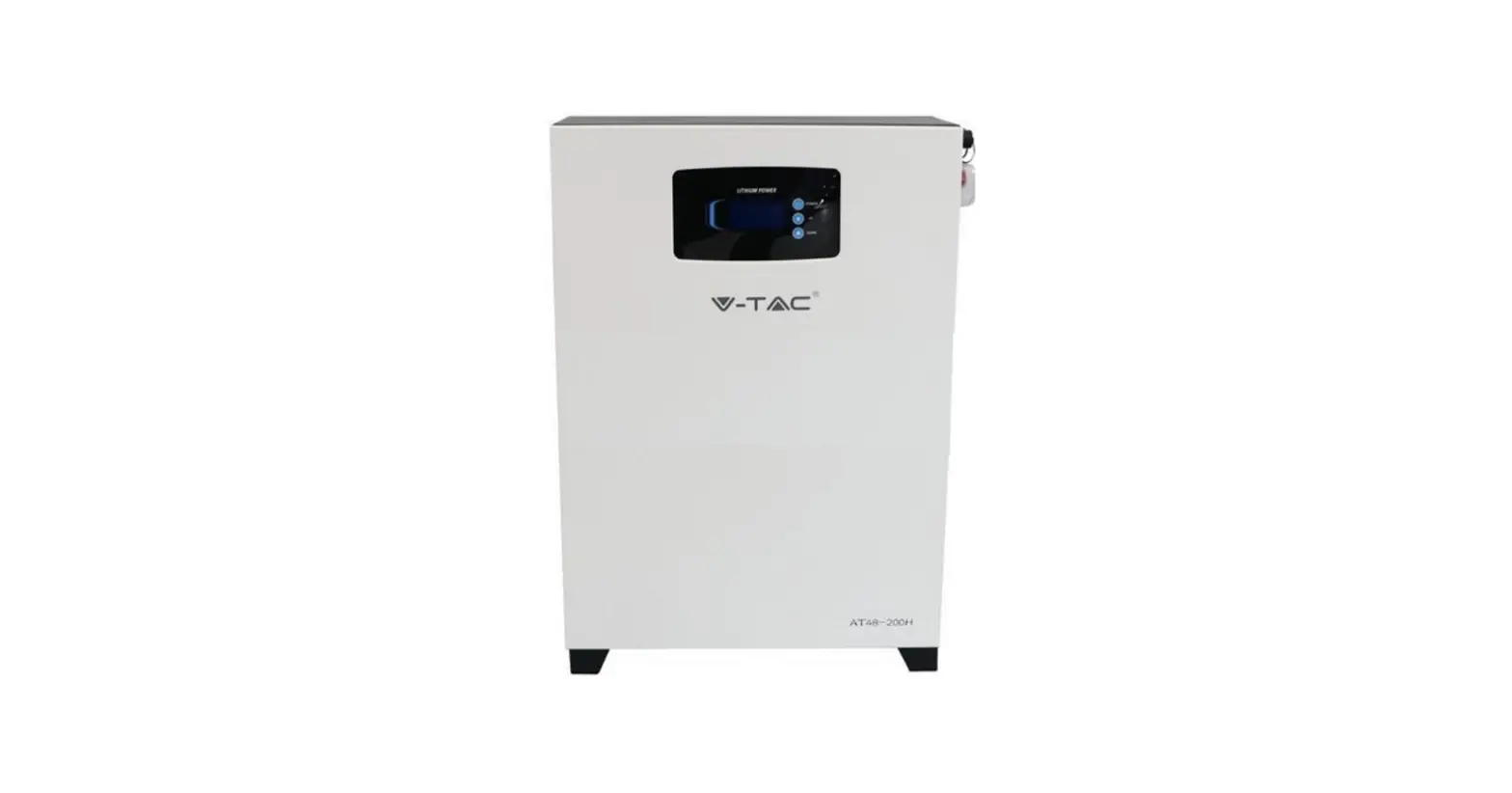
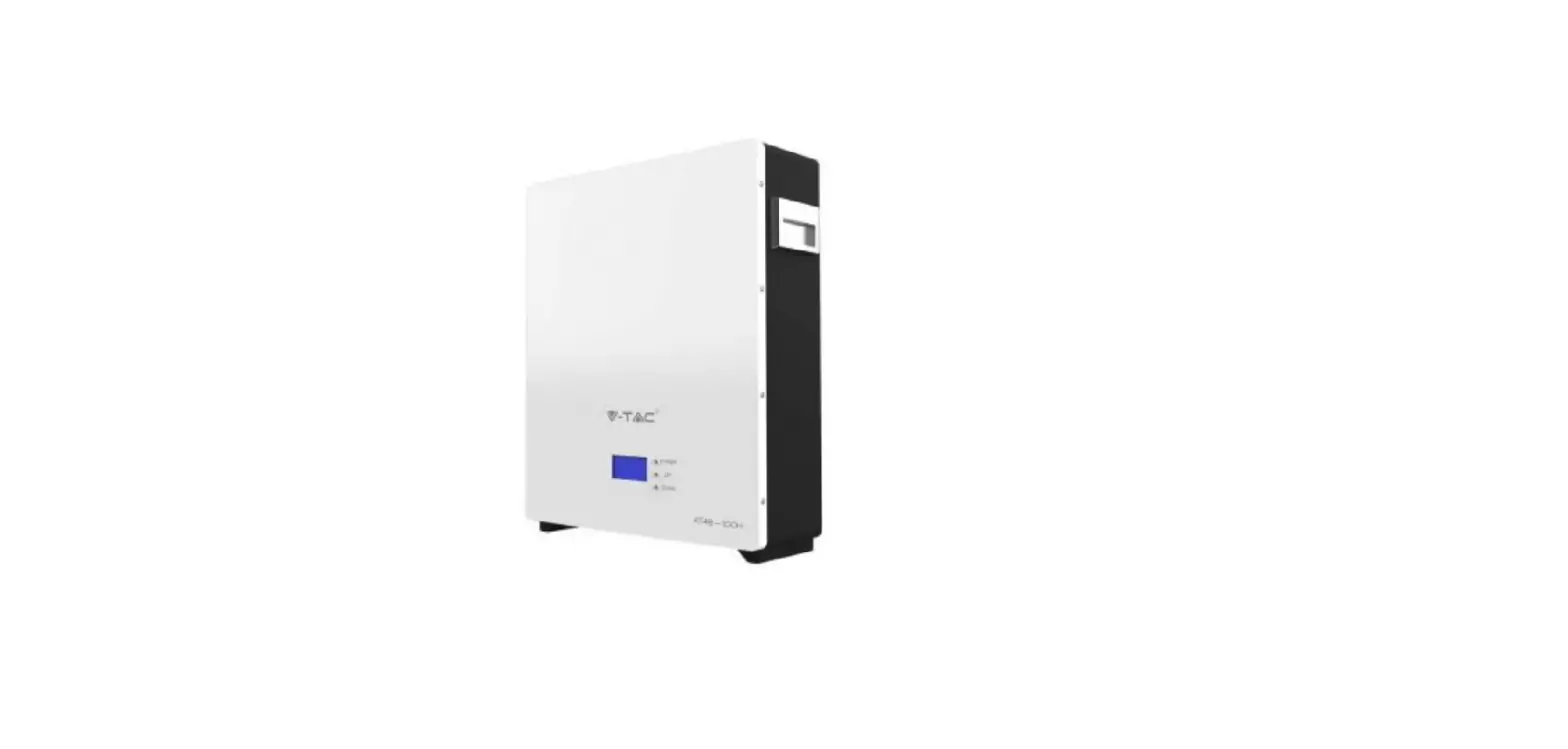
11377-vtac 48100E ESS Series LFP Battery Pack
USER MANUAL
48100E ESS Series LFP Battery Pack
Version 01.00
Notice
CONTENTS
- Foreword
- Safety
1 Foreword
Overview
This user manual provides an introduction to the 48100E ESS
series product, including its application description, installation
instructions, power-on instructions, maintenance instructions, and
technical support information for engineers and users.
Reader
This document is mainly applicable to the following
engineers:
- Technical Support Engineer
- Installation Personnel
- Maintenance Engineer
Signs
The following signs may appear in this article, and their
meanings are as follows:
<
| Sign | Meaning | Description |
|---|---|---|
| DANGER | Indicates a hazard with a high level of risk that will cause death or serious injury if not avoided | |
| WARNING | Indicates a hazard with a moderate risk that may cause death or serious injury if not avoided | |
| ATTENTION | Indicates a hazard with a low level of risk that may cause minor or moderate harm if not avoided | |
| NOTE | Supplementary explanation of key information in the main text. Explanation is not safety warning information, and does not involve personal, equipment and environmental damage information. |
2 Safety
2.1 Safety Precautions
Before carrying out any battery work, read the safety
precautions carefully and learn the correct installation and
connection methods of the battery.
2.2 Abuse Operation
The battery pack needs to avoid abuse operations under the
following (including but not limited to) conditions:
- Reverse connection of positive and negative poles
- External short circuit
- Series connection application
Protection Description
- If the positive and negative poles are connected reversely, the
battery will be directly damaged. - If the battery pack is short-circuited externally, the battery
will be directly damaged. - The battery pack does not support the application of battery
packs in series. If the battery packs are forced to be connected in
series, the batteries may be directly damaged, and may even cause
fire, explosion, and other dangers.
3 Overview
3.1 Product Description
The 48100E ESS series products use lithium iron phosphate (LFP)
as the positive electrode material. They can be widely used in
energy storage systems such as residential energy storage, backup
power, and PV self-consumption optimization.
The battery pack is composed of 15 cells/16 cells of LFP
batteries in series connection, with low self-discharge, high
energy density, and no memory effect. This type of battery also has
excellent performance in high rate, long cycle life, wide
temperature range, and high safety.
3.1.1 Features
When charging, the battery working temperature can reach 0-60°C
(recommended using temperature: +15-35°C). When discharging, the
battery working temperature can reach -20-60°C (recommended using
temperature: +15-35°C).
Product Usage Instructions
Before using the 48100E ESS Series LFP Battery Pack, please read
the safety precautions carefully to ensure proper installation and
connection methods.
When using the battery pack, please avoid the following abuse
operations:
- Reverse connection of positive and negative poles
- External short circuit
- Series connection application
If any of the above abuse operations occur, the battery may be
directly damaged and may even cause fire, explosion, and other
dangers.
The 48100E ESS series products are suitable for use in energy
storage systems such as residential energy storage, backup power,
and PV self-consumption optimization. When charging, the battery
working temperature can reach 0-60°C (recommended using
temperature: +15-35°C). When discharging, the battery working
temperature can reach -20-60°C (recommended using temperature:
+15-35°C).
Please note that the battery pack does not support the
application of battery packs in series. Attempting to connect
battery packs in series may directly damage the batteries and may
cause fire, explosion, and other dangers.
For any technical support or maintenance issues, please refer to
the user manual or contact a technical support engineer or
maintenance engineer.
USER MANUAL
48100E ESS Series LFP Battery Pack
Version01.00
Notice
The products, services or features you purchase shall be bound by the commercial contract and terms. All or part of the products, services or features described in this document may not be in your purchase or within the scope of use. Unless otherwise agreed in the contract, we makes no express or implied statement or guarantee for the content of this document. Due to product version upgrades or other reasons, the content of this document will be updated from time to time. Unless otherwise agreed, this document is only used as a guide, and all statements, information, and suggestions in this document do not constitute any express or implied warranty.
CONTENTS
1 Foreword………………………………………………………………………………………………………………………………. 1 2 Safety…………………………………………………………………………………………………………………………………….. 2
2.1 Safety Precautions………………………………………………………………………………………………………. 2 2.2 Abuse Operation…………………………………………………………………………………………………………. 2 3 Overview……………………………………………………………………………………………………………………………….. 3 3.1 Product Description……………………………………………………………………………………………………. 3
3.1.1 Features………………………………………………………………………………………………………………. 3 3.1.2 Basic Functions………………………………………………………………………………………………….. 3 3.2 Application Scenario………………………………………………………………………………………………….. 4 4 Application Description……………………………………………………………………………………………………… 5 4.1 Parallel Connection Application……………………………………………………………………………….. 5 4.2 Low-temperature Application…………………………………………………………………………………… 5 4.3 Low battery-capacity Storage (SOC5%)………………………………………………………………… 5 4.4 Application of Nearing the Ocean……………………………………………………………………………..6 5 Product Introduction………………………………………………………………………………………………………….. 7 5.1 Module Specification Parameter Introduction……………………………………………………….. 7 5.2 Panel Introduction………………………………………………………………………………………………………. 8 5.2.1 Panel Function……………………………………………………………………………………………………. 8 5.2.2 Indicator Description………………………………………………………………………………………… 9 5.2.3 DIP Address………………………………………………………………………………………………………… 10 5.2.4 Communication Port Definition………………………………………………………………………. 12 5.2.5 Dry Contact Alarm Definition……………………………………………………………………………12 6 Installation……………………………………………………………………………………………………………………………. 13 6.1 Tools Preparation………………………………………………………………………………………………………… 13 6.2 Unpacking and Inspection…………………………………………………………………………………………. 14 6.3 Preparing for Installation…………………………………………………………………………………………… 14 6.4 Installation…………………………………………………………………………………………………………………… 14 6.5 Cable Connection……………………………………………………………………………………………………….. 15 7 Power On………………………………………………………………………………………………………………………………. 17 7.1 Power-on Operation…………………………………………………………………………………………………….17 7.2 Power System Parameter Setting……………………………………………………………………………….18 8 Shipment & Maintenance & Storage………………………………………………………………………………. 19 8.1 Shipment……………………………………………………………………………………………………………………… 19 8.2 Maintenance……………………………………………………………………………………………………………….. 19 8.2.1 Battery Maintenance Considerations…………………………………………………………….. 19 8.2.2 Routine Maintenance……………………………………………………………………………………….. 20 8.3 Battery Storage…………………………………………………………………………………………………………… 21 9 Trouble Shooting………………………………………………………………………………………………………………… 22 10 Warranty…………………………………………………………………………………………………………………………….. 23 11 Abbreviations……………………………………………………………………………………………………………………. 24
1 Foreword
Overview
This user manual mainly introduces the 48100E ESS series product introduction, application description, installation instructions, power-on instructions, maintenance instructions and provides instructions for technical support engineers, maintenance engineers and users.
Reader
This document is mainly applicable to the following engineers Technical Support Engineer Installation Personnel
Maintenance Engineer
Signs
The following signs may appear in this article, and their meanings are as follows.
Sign
DANGER
WARNING ATTENTION
NOTE
Meaning
Description
Danger
Indicates a hazard with a high level of risk that will cause death or serious injury if not avoided
Warning
Indicates a hazard with a moderate risk that may cause death or serious injury if not avoided
Notice
Indicates a hazard with a low level of risk that may cause minor or moderate harm if not avoided
Explanation
Supplementary explanation of key information in the main text.”Explanation” is not safety warning information,
and does not involve personal, equipment and environmental damage information.
1
2 Safety
2.1 Safety Precautions
Before carrying out battery work, you must read carefully the safety precautions and master the correct installation and connection methods of the battery.
Prohibit to turn it upside down, tilt, or collide. Prohibit to short-circuit the positive and negative poles of the battery, otherwise it will cause the battery to be damaged. Prohibit to throw the battery pack into a fire source. Prohibit to modify the battery, and it is strictly prohibited to immerse the battery in water or other liquids. DO NOT place installation tools on the battery during battery installation. DO NOT disassemble, squeeze, bend, deform, puncture, or shred the battery without the authorization of authorized dealers. DO NOT exceed the temperature range, otherwise it will affect the battery performance and safety. The battery circuit must be kept disconnecting status during installation and maintenance operations. Check the battery connection end bolts regularly to confirm that the bolts are tight.
2.2 Abuse Operation
The battery pack needs to avoid abuse operations under the following (including but not limited to) conditions:
Abuse Operation Reverse connection of positive
and negative poles External short circuit
Series connection application
Protection Description
If the positive and negative poles are connected reversely, the battery will be directly damaged.
If the battery pack is short circuited externally, the battery will be directly damaged.
The battery pack does not support the application of battery packs in series. If the battery packs are forcedto be connected in series, the batteries may be directly damaged,
and may even cause fire, explosion and other dangers.
2
3 Overview
3.1 Product Description
The 48100E ESS series products use lithium iron phosphate (LFP) as the positive electrode material. It can be widely used in energy storage systems such as residential energy storage, back-up power, and PV self-consumption optimization.
The battery pack is composed of 15 cells/16 cells of LFP batteries in series connection, with low self-discharge, high energy density, and no memory effect. This type of battery also has excellent performanc e in high rate, long cycle life, wide temperature range, and high safety.
3.1.1 Features
· High energy density Higher volume ratio energy and weight ratio energy.
· Maintenance-free The battery pack is maintenance-free in the process of using, which can save
customers’ battery operation, maintenance testing costs and reduce the frequency of on-site replacement. · Long cycle life
The battery pack life is 3 times long than the ordinary lead-acid batteries. · Excellent temperature characteristics
When charging, the battery working temperature can reach 060(recommended using temperature: +1535). When discharging, the battery working temperature can reach -2060(recommended using temperature: +15 35).
3.1.2 Basic Functions
· Monitor The battery system uses a high-performance BMS, it has protection functions
such as current, voltage. · Alarm
Support abnormal alarms such as overvoltage, under-voltage, overcurrent, short circuit, high and low temperature, battery failure, hardware failure, etc. · Communication
Provide dual RS485 interfaces, upload alarming and status data through the RS485/CAN communication protocol.
3
3 Overview
· Parallel connection application Support multiple battery packs in parallel, RS485/CAN communication supports
up to 6 groups without control unitor max supports 15 groups with control unit. · Balance function
Support the cells balance function. · Extended function
Extended SNMP V2, SNMP V3, LCD, anti-theft and the mixed use of lithium battery and lead-acid battery.
3.2 Application Scenario
The battery pack is used to provide backup power, load shifting, peaking shaving and can be used for residential energy storage, solar energy storage and other application scenarios.
The normal working operation diagram of the battery pack can be as shown in the figure below.
Figure 3-1 Normal Working Operation Diagram of the Battery Pack
4
4 Application Description
4.1 Parallel Connection Application
The battery packs support parallel connection, and synchronously increases the backup time or backup power.
Confirm the consistency between the battery packs, check the SOC and voltage and turn off the batteries before connecting them in parallel.
Multiple battery packs of parallel connection need to use RS485/CAN to communicate, pay attention to the DIP switch settings.
4.2 Low-temperature Application
· Low-temperature Charging The battery pack does not support direct charging of the battery below 0°C.
When the minimum temperature of the battery is below 0°C, the BMS will cut-off the charging circuit and cannot be charged. · Low-temperature Discharging
The battery pack does not support discharge below -20°C. When the minimum temperature of battery is below -20°C, the BMS will cut-off the discharge circuit and cannot discharge.
4.3 Low battery-capacity Storage (SOC5%)
After the battery pack is power off, there will be BMS static power consumption and self-discharge loss. In actual scenarios, it is necessary to avoid low-battery-power stateSOC5%storage. If it is unavoidable, the longest storage period is 30
5
4 Application Description
days@25°C, 15 days@45°C. The battery needs to be recharged in time after storage, otherwise the battery may be damaged due to over-discharge, and the entire battery pack needs to be replaced.
The following conditions may cause the battery pack to be stored in a discharged state:
After the utility power failure, the line/fault cannot be eliminated in time, and the power supply cannot be restored for a long time.
After the installation and commissioning work is completed, the utility power is turned off directly, but the battery pack is not powered off, which will cause the battery to enter the low power consumption mode.
Other reasons cause the battery pack to fail to enter low power consumption normally.
4.4 Application of Nearing the Ocean
The atmospheric corrosion environment is defined and classified according to the natural environment state, and the A/B environment is defined as follows:
A: environment refers to the ocean or the land near the pollution source, or the environment with simple shelter (such as awning). “Near the ocean” refers to the area 0.53.7km away from the ocean; “Near the pollution source” refers to the area within the following radius: 3.7km from the saltwater lake, 3km from heavy pollution sources such as smelters, coal mines, and thermal power plants, chemical industry, rubber, electroplating, etc. 2km from medium pollution sources such as chemical industry, rubber and electroplating, etc. And 1km from light pollution sources such as food, leather and heating boilers, etc.
B: environment. Refers to the environment on land or outside with simple shelter (such as awning) within 500m from the coast, or the environment on the sea.
NOTE
The battery pack can be used under other environmental conditions and cannot be used alone under A/B environment. If it is to be used in the A/B environment, it needs to be equipped with a high-protection air-conditioning cabinet, which is recommended to be IP55 or higher.
6
5 Product Introduction
5.1 Module Specification Parameter Introduction
Dimension are defined as follows:
Figure 5-1 Definition Diagram of Dimension
Table 5-1 Product Specification Parameter List
Model 48100E
Cell Qty
15 16
Nominal Voltage(V)
Nominal Capacity
(Ah)
48
100
51.2
100
Dimension(mm) Charge Current(A) Reference Weight(kg) W D H Recommend Max
42
445 450 132.5
20
100
45
445 450 132.5
20
100
NOTE
The battery packs show in the table are standard modules. Other non-standard products of us are not shown in this document.
With process improvements and product upgrades, the product characteristics and parameters described are subject to change without notice.
Terminal Torque: 7 N·m. For the above parameters of specific products, please refer to the corresponding product datasheet. The width size doesn’t contain hangers and the depth size doesn’t contain handles.
7
5 Product Introduction
5.2 Panel Introduction 5.2.1 Panel Function
Figure 5-2 VT48100E Front Panel
NOTE
48100E ESS series panel functions take 48100E as an example. The interface definition as below table
Table 5-2 Operation Panel Interface Definition
No.
Name
1
SOC
2
ALM
3
RUN
4
ADD
5
RJ-11
Description State of charge
Alarm light Run state of battery
Dip switch RJ-11 interface for
firmware update
Remark Details shows in table 5-4 Details shows in table 5-5 Details shows in table 5-5
Address range 1~15
Used for debugging
6~7
RJ-45
2*RJ-45 interface for
Details shows in table 5-7
RS485/CAN communication
8
RESET
Reset switch
–
9
Dry Contact
NC. / NO. dry contact
Default NC. dry contact; Dry contact definition shows
in tableB5-8
10
Switch
Power switch
–
11
Battery Output
Power terminal
–
12
GND
Module ground connection
–
13
LCD Optional
LCD display screen
–
8
5 Product Introduction
NOTE
The position of terminal block of the above-mentioned panel interfaces is different for different 48100E ESS series products. Please refer to the corresponding product datasheet.
5.2.2 Indicator Description There are 6 Indicators on the operation panel, divided into three categories: 4
green SOC Indicators, 1 red alarm Indicator and 1 green run indicator.
Table 5-3 Indicators Flash Mode
Flash Mode Flash 1 Flash 2 Flash 3 Flash 4
ON 0.25 s 0.5 s 0.5 s 0.25 s
OFF 3.75 s 0.5 s 1.5 s 0.25 s
Common Name /
Slow Flash /
Strobe
The power indicator is used to identify the current capacity status of the battery. The number of flashing indicators corresponds to different remaining capacity. The specific meaning is shown in the following table.
Table 5-4 SOC Indicator Definition
Number of Indicator 1 indicator on 2 indicators on 3 indicators on 4 indicators on
Remaining Capacity Range 0%SOC25% 25%SOC50% 50%SOC75%
75%SOC100%
9
5 Product Introduction
The corresponding relationship between battery operation status and indicator operation status is shown in the following table.
Table 5-5 Battery Status and Indicator Operation Mode
Battery Normal/ status Abnormal
–
–
Power off/ –
Sleep
RUN Green OFF
Standby
Normal
Flash 1
ALM
SOC Indicators
Description
Red Green Green Green Green
–
OFF OFF OFF OFF OFF
–
Flash mode
OFF
According to SOC
shown in Table 2
Charge
Normal
Flash 2
OFF
According to SOC
–
Discharge
Normal
ON
OFF
Alarm
Abnormal
According to the state of charge and discharge
Flash 2
Error
Abnormal
OFF
ON
According to SOC According to SOC
OFF
Recoverable
–
5.2.3 DIP Address
To communicate with the battery, you need to assign an address to the battery BMS through the DIP switch.
Figure 5-3 DIP Switch
10
5 Product Introduction
The relationship between DIP address and BMS address as below Table 5-6 Correspondence between BMS and DIP Switch
DIP 1 OFF ON OFF ON OFF ON OFF ON OFF ON OFF ON OFF ON OFF ON
DIP 2 OFF OFF ON ON OFF OFF ON ON OFF OFF ON ON OFF OFF ON ON
DIP 3 OFF OFF OFF OFF ON ON ON ON OFF OFF OFF OFF ON ON ON ON
DIP 4 OFF OFF OFF OFF OFF OFF OFF OFF ON ON ON ON ON ON ON ON
BMS Address NC 1 2 3 4 5 6 7 8 9 10 11 12 13 14 15
11
5 Product Introduction
5.2.4 Communication Port Definition RJ 45 definition as below Table 5-7 RJ 45 Definition
RJ 45Photo 12345678
Pin 1/2/3
4 5 6 7 8
Description NC
RS485_A CAN _L CAN_H RS485_B GND
NOTE
The above is the definition of conventional communicationif you have special needsplease contact the authorized dealer.
5.2.5 Dry Contact Alarm Definition The module uses the default NC. dry contact to provide alarm signals. The
alarm definition of the dry contact is defined as follows.
Table 5-8 Dry Contact Alarm Definition
Dry Contact No. Dry Contact 1
Dry Contact 2
Alarm Definition
Single cell voltage is lower than 1V; Voltage difference between cells is more than 800mV.
940 fault; NTC disconnection; Charging and discharging MOS fault.
12
6 Installation
6.1 Tools Preparation
ATTENTION
Use insulated tools to avoid electric shock. If you use tools without insulation protection, you need to wrap the exposed metal parts with insulation tape for insulation treatment.
The following table describes the tools and meters that may be used before installation.
Table 6-1 Installation
Manual forklift
Electric forklift
Electric screw driver
Adjustable wrench
Phillips screwdriver
Slotted screwdriver
Torque wrench
Claw Hammer
Socket wrench
Multimeter
Protective gloves
Helmet
Insulated shoes
Anti-static gloves
Goggles
Insulating tape
13
6 Installation
6.2 Unpacking and Inspection
Study this manual carefully before any installation of the batteries. The batteries must only be installed and operated by trained personnel. Check the quantity of battery and accessories with delivery list. Check the appearance whether there is damaged or leakage, if any damage is detected, please do not proceed to the next installation.
6.3 Preparing for Installation
Make sure to disconnect and isolate the battery from any electrical source, and then turn on the MCB (switch). Verify that the red ALM LED does not stay on for more than 30 seconds.
Turn off the switch and continue with the installation.
6.4 Installation
1 Make sure the battery is in off status. 2 Put the battery into cabinet or rack. 3 Use 4 M6 bolts to fix the battery pack on the cabinet. 4 Take out the grounding wires and connect one end to the ground point of the battery pack and other end to the ground point of the cabinet.
ATTENTION
The battery pack should be installed by professionally trained personnel and it is strictly forbidden to install it without permission.
Use insulated tools to avoid electric shock. If you use tools without insulation protection, you need to wrap the exposed metal parts with insulation tape for insulation treatment.
The battery pack is heavy and at least 4 manpower must be prepared during the transportation and installation p16rocess. If possible please use tools to assist in handling.
14
6 Installation
Figure 6-1Install the Battery Pack
Figure 6-2 Battery Pack Grounding
6.5 Cable Connection 6.5.1 Cable Connection
Use the negative power cable to connect the negative bus bar with the battery negative (`-‘) terminal, and use the positive power cable to connect the positive bus bar with the battery positive (`+’) terminal.
A. The last power cable connected to the charger or inverter needs to be configured according to the actual current that may exceed 100A.
Figure 6-3 Connect the Battery Pack Power Cable
15
6 Installation
B. If the battery total input/output current more than 100A in parallel, the wiring method should configure bus-bars to connect the power cables.
Figure 6-4 Connect the Battery Pack Power Cable to Bus-bars
6.5.2 Communication Cable Connection
A. Use the communication cable to connect the battery packs in series through the RS485/CAN communication port, and connect the battery packs at the end to the user’s RS485/CAN communication port.
Figure 6-5 Connect RS485/CAN Communication Cable
16
7 Power On
B. Assign addresses to battery packs by dialing the dialing keys of the dialing switch. Please refer to the corresponding relationship between the DIP switch and the battery pack address.
ATTENTION
Wear safety protection equipment to prevent electric shock from causing electric shock injuries.
Use insulated tools to avoid electric shock. Communication cables and power cables must be laid separately. Before connecting cables, make sure that the bus-bars at the user end are in disconnected state. Pay attention to the polarity of the battery pack.
NOTE
Please assign the battery pack with CAN communication protocol directly connected to the user’s CAN port to 0, or with RS485 communication protocol directly connected to the user’s RS485 port to 1. The addresses of the remaining battery packs increase sequentially.
The battery communication cable pins refer to “Table 5-7 RJ 45 Definition”.
7.1 Power-on Operation
1 Power on the charger at the user terminal. 2 Set the lithium battery MCB/Switch to ON (if available). 3 Observe Run/Alarm indicator and judge the battery operating status. If the RUN indicator of the battery is on and the ALARM indicator is off, indicating that the battery is working normally. Otherwise indicating the battery is not work, you need to reconfirm whether the cable is connected well.
17
7 Power On
7.2 Power System Parameter Setting
Table 7-1 Parameter Setting
No.
1 2 3 4 5 6 7 8 9
Parameters
Rated voltage Float charge voltage Standard charge current Charge current limitation Max charge/discharge current Condition to float charge Charging operation temp Discharging operation temp
RH
Units
V V A A A A /
Standard Value
15S
16S
48.0
51.2
54.0
56.4
0.2C
0.2C
0.5C
0.5C
1C
1C
0.05C
0.05C
0~60
0~60
-20~60
-20~60
10~95%
10~95%
NOTE
The content in the table is just our suggestion, and actually need to refer to the customer’s design requirements.
The setting items of different chargers will be different. Follow strictly the power-on procedure to power on the battery pack, otherwise it will cause damage to the device or human body. Make sure the charger is powered on before turning on the Battery MCB/Switch. Must not change the parameters optionally in the site. Batteries will continue charge/discharge until BMS protection if there is communication fail or Lead-acid mode between battery and charger / Inverter. After 48100E ESS series batteries goes into the sleeping status, please turn on the Battery MCB/Switch against or press the reset button.
18
8 Shipment & Maintenance & Storage
8.1 Shipment
It is suitable for the transportation of vehicles, ships and airplanes. During transportation, shading, sun protection and civilized loading and unloading should be performed. The box containing the product is allowed to be transported by any means of transportation. In the process of loading and unloading, the battery should be handled with care to prevent falling, rolling, and heavy pressure. Avoid direct rain and snow and mechanical impact during transportation.
And here is the suggestion for the initial SOC before shipment by different transportation:
Airplane:30% Sea:50% Vehicle:50%
NOTE
Whether the loading SOC status of the battery is allowed, you need to consult the relevant government transportation department.
8.2 Maintenance 8.2.1 Battery Maintenance Considerations
When maintaining the battery, it is required to use insulated tools or wrap the tools in insulation.
DO NOT place any debris on the top of the battery. DO NOT use any organic solvents to clean the battery. DO NOT smoke or use naked flames near the battery. After the battery is discharged, the battery should be charged in time to avoid affecting the battery life. When not using the battery for a long time, please charge the battery to 40%~50% charged state. Long-term storage with low battery may damage the battery. All maintenance work must be carried out by professionals.
19
8 Shipment & Maintenance & Storage
8.2.2 Routine Maintenance
The staff should perform visual inspection on 48100E ESS series battery according to the inspection plan, please refer to the following table for maintenance.
Table 8-1 Routine MaintenanceEvery three-month
Items
Battery Appearance
Alarm
Standard
The surface is neat and clean without stains. The terminals are in good condition. The battery pack shell is intact, and there is no bumps, breaks, or leakage. The appearance of the battery pack does not leak. No deformation or swelling of the shell
No Alarm.
Dealing
If the surface is dirty, clea n the appearance of the battery pack with a cotton cloth. The battery pack terminal is damaged, replace the cable. If the appearance is damaged, leaking or deformed, take a photo and replace the defective battery pack Please contact Vestwoods in time for other abnormal situations.
Find the solution as per alarm information.
NOTE
Suggested routine maintenance for every three-month.
20
8 Shipment & Maintenance & Storage
Table 8-2 Routine MaintenanceEvery six-month
Items
Standard
Suggested Complete Cycle
Have a complete charge & discharge cycleunder the equipment no lack of power.
Cables
There is no aging of the connecting wire and no cracking of the insulation layer.
The bolts at the cable connection are not loose.
Action Check whether happens alarm action, and please check with the alarm list. Please contact with Vestwoods if the alarm still exists.
Replace the faulty connection. Fastening bolts.
8.3 Battery Storage
The recommended storage temperature is 15~35. Battery performance degradation after long-term storage, please shorten shelf time as possible as you can. Recharge charge before using to recover capacity loss of self-discharge during storage and transport. Storage battery should be at 40%-50% SOC when the battery is not used for a long time. Storage battery over 40°C or under 0°C will reduce battery life. Storage battery in dry and low temperature, well ventilated place.
If the battery is not used for a long time, the battery must be charged at regular intervals. The charging requirements are as follows
Table 8-3 Battery Charge Requirement in Storage Status
Storage Temp. 20~30
0~20 or 30~40
Charge Period Each 6 months Each 3 months
Charge Process 1.Charge by 0.2C to 100% SOC 2.Discharge by 0.2C to 0% SOC 3.Charge by 0.2C to 40%~50% SOC
21
9 Trouble Shooting
Please refer to the table below to deal with common faults Table 9-1 FAQ
Phenomenon
Possible Cause
The indicator does not flash
Unable to discharge
The power cable of the battery pack is not properly connected.
The power switch is off. The BMS is in a sleep state.
BMS is damaged. The terminal of the battery pack is
damaged.
BMS communication failure.
Unable to charge
The power switch is off. The charger is malfunctioning. The terminal of the battery pack is
damaged.
BMS communication failure.
Communication fail
Inaccurate voltage display
Low capacity
Low cell voltage
The power switch is off. The power switch is off. The BMS is in a sleep status. The communication cable is damage. The voltage sampling line is damaged.
BMS is damaged. The battery pack has not been maintained
for a long time. The single battery is damaged.
Inaccurate voltage sampling.
The battery pack has not been maintained for a long time.
The single battery is damaged.
Inaccurate voltage sampling.
Solution
Reconnect the power cable of the battery pack
Turn on the power switch. Charge the battery pack
Replace BMS.
Replace the battery pack wiring terminals.
Reconnect the communication line between the BMS and the battery pack. If the communication cable is
damaged, replace the communication cable. Turn on the power switch. Replace the charger.
Replace the battery pack wiring terminals.
Reconnect the communication line between the BMS and the battery pack. If the communication cable is
damaged, replace the communication cable. Turn on the power switch. Turn on the power switch. Charge the battery pack Replace the network cable.
Replace the voltage sampling cable. Replace BMS.
Use an equalizer to maintain the battery pack. Replace the damaged single battery.
Replace the electrical sampling line or replace the BMS.
Use an equalizer to maintain the battery pack
Replace the damaged single battery. Replace the electrical sampling line or replace the BMS.
22
10 Warranty
Except for the following and the conditions specified in the contract, you can go to the authorized dealers for reasonable warranty and maintenance.
1 Failure of equipment caused by unauthorized disassembly and maintenance operations without the authorization of authorized dealers is not within the scope of the warranty.
2 Equipment damage caused by negligence during storage and transportation is not covered by the warranty.
3 The damage to the equipment caused by continuous overload work outside the electrical parameters of the equipment is not covered by the warranty.
4 Unauthorized testing of the equipment without the authorization of authorized dealers will not be covered by the warranty.
5 Non-equipment problems, adverse consequences caused by operation and matching problems are not covered by the warranty.
6 Equipment damage caused by natural forces, force majeure, and uncontrollable factors, such as earthquakes, typhoons, tornadoes, volcanic eruptions, floods, lightning, heavy snow, and wars, is not covered by the warranty.
7 If the product serial number is changed, blurred, or torn, it is not covered by the warranty.
23
11 Abbreviations
BMS D H W LCD LFP MOSFET
NTC PC PCB PCS RTU SOC
Battery Management System Depth Height Width Liquid Crystal Display LiFePO4 Metal-Oxide-Semiconductor Field-Effect Transistor Negative Temperature Coefficient Personal Computer Printed Circuit Board Power Conversion System Remote Terminal Unit State of Charge
24