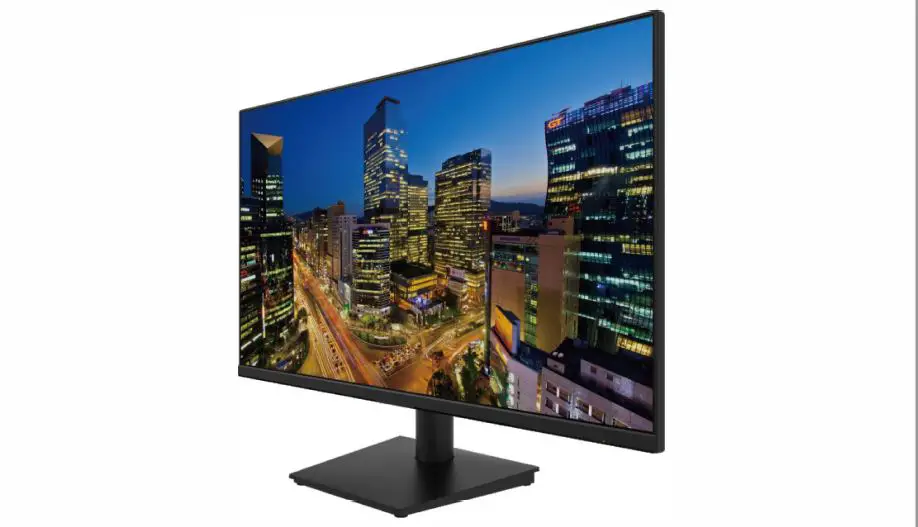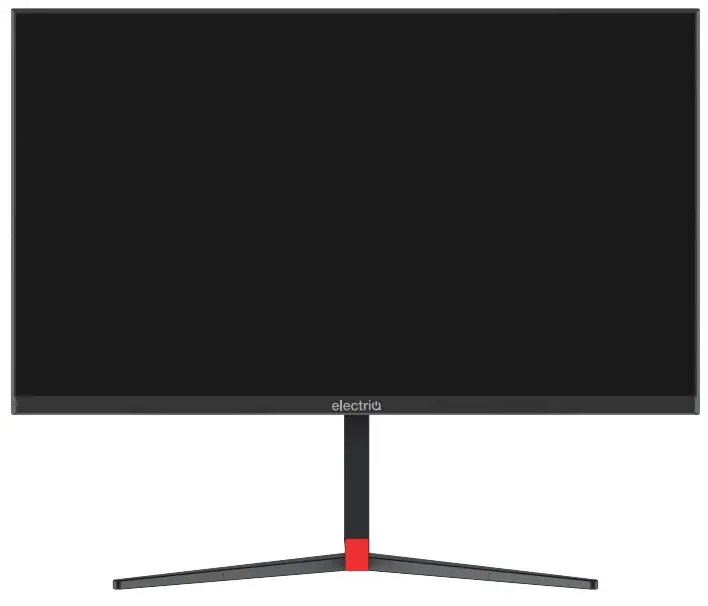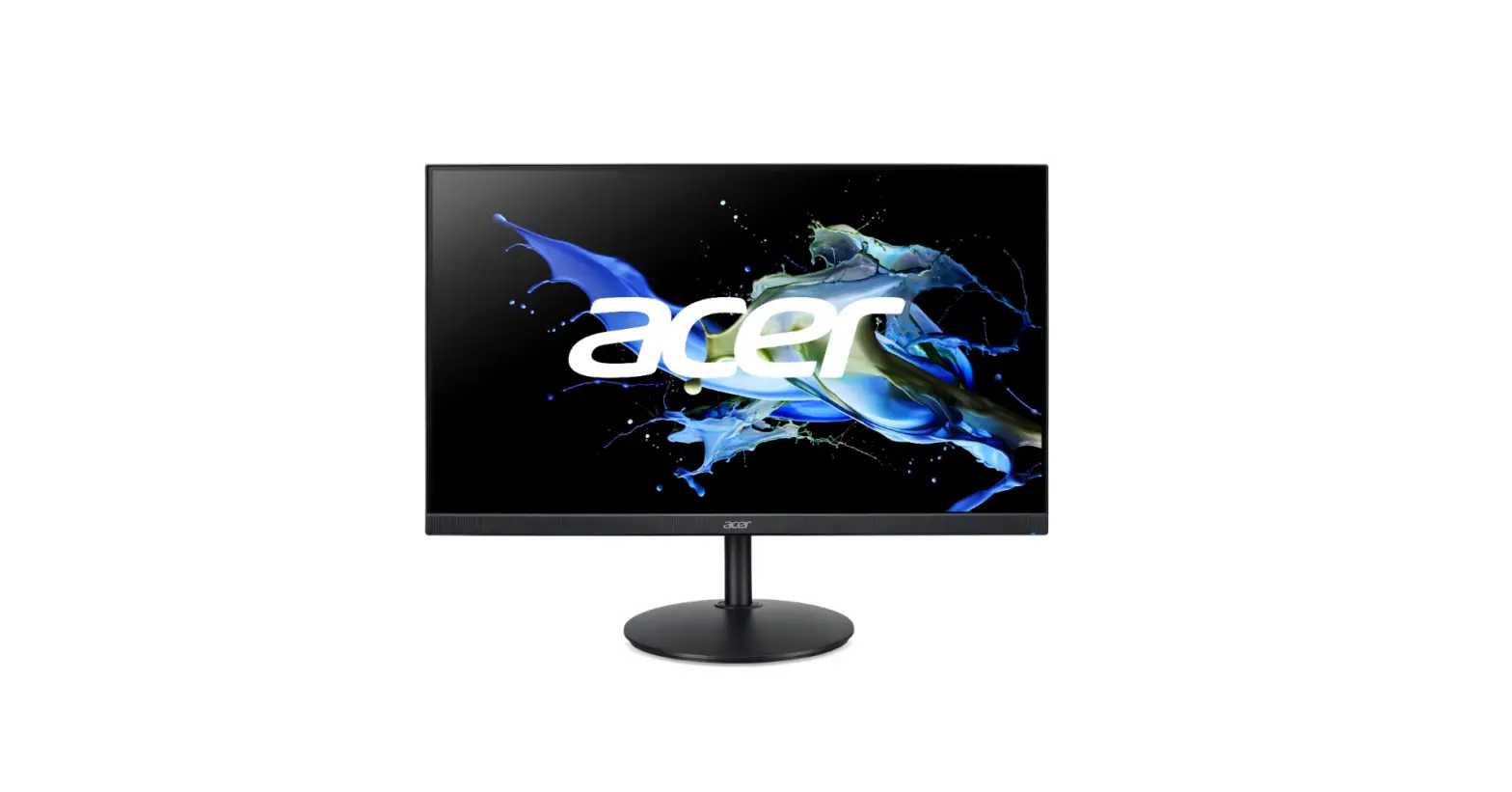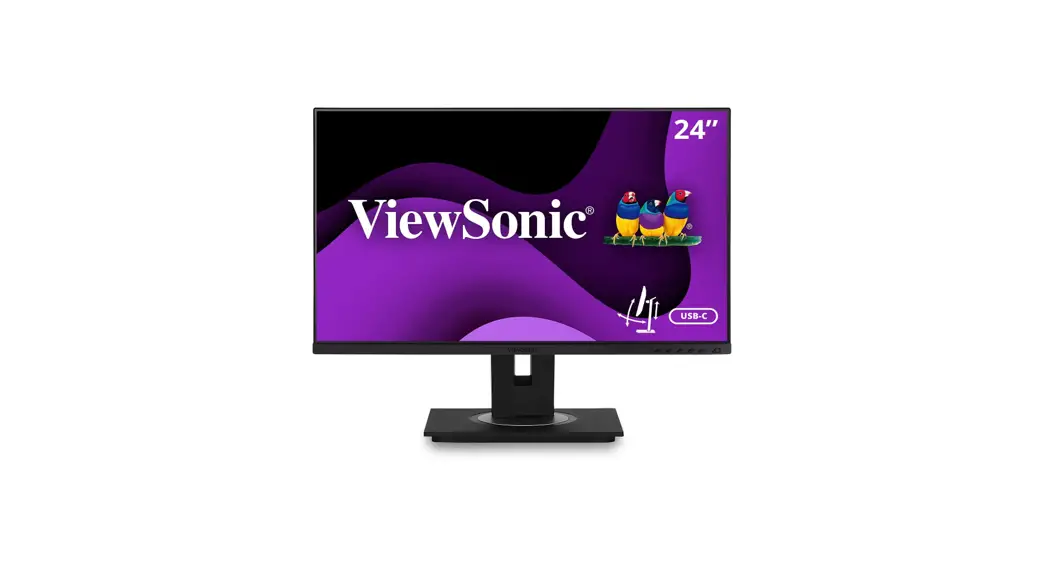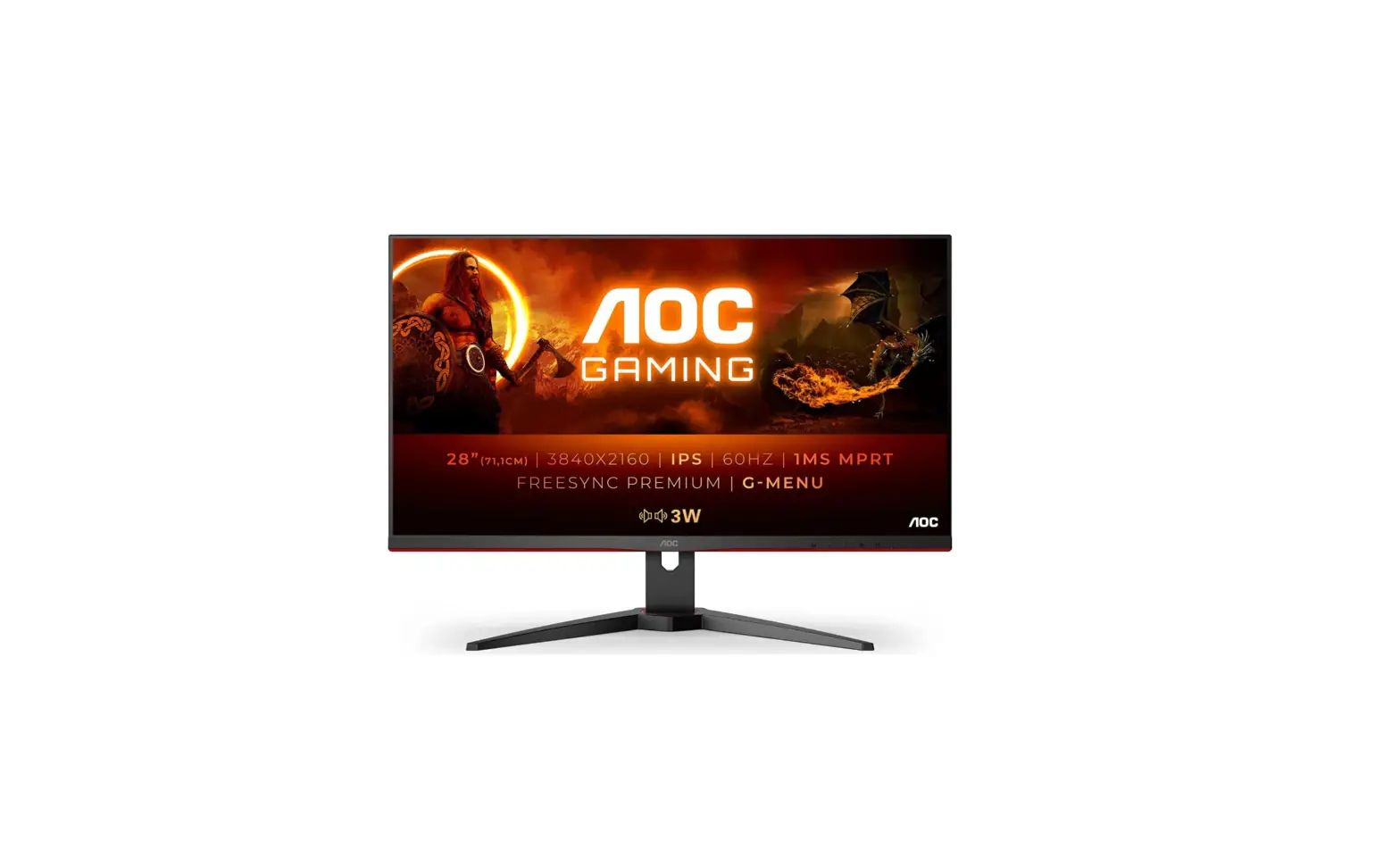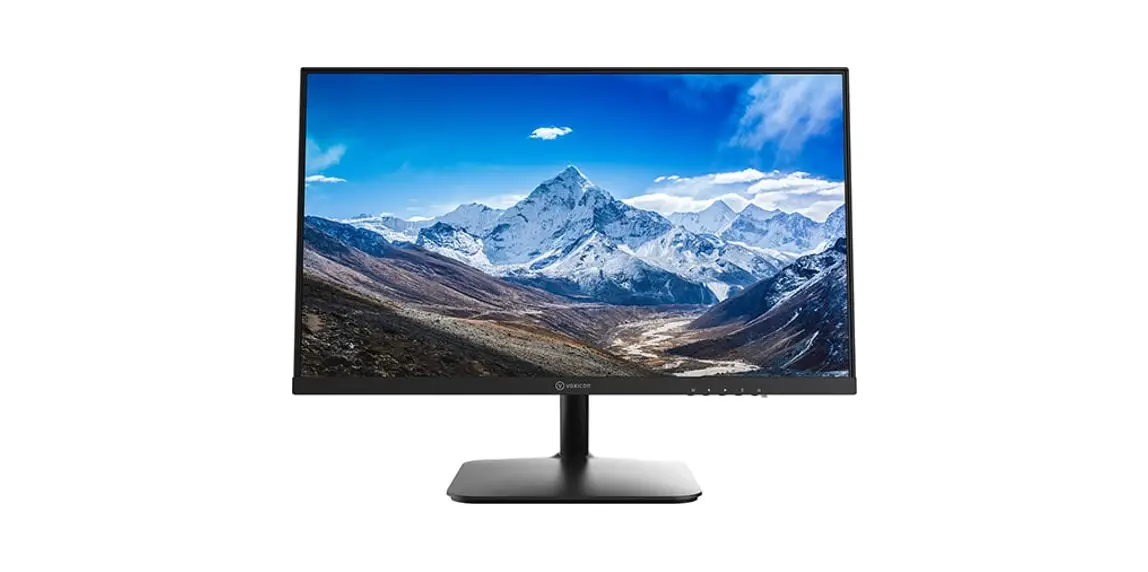
 O27UHDP 27″ 4K IPS USB-C (65W) Ergonomic 3840 x 2160
User Manual
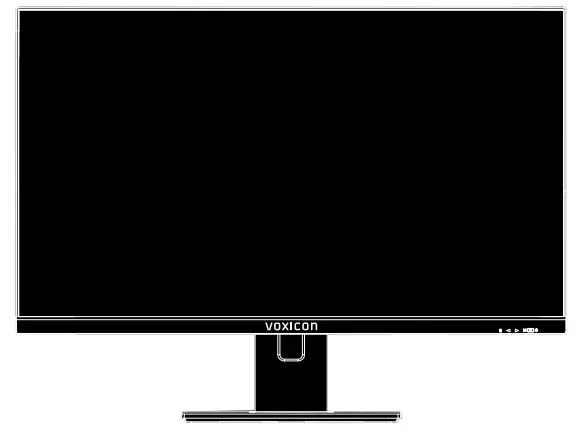
Please read this manual thoroughly before use and keep it handy for future reference.
GENERAL INFORMATION
Dear Customer,
Thank you for having purchased this product. This document describes how to install and use the LED-backlit LCD color monitor. Read this manual which contains information for correct, safe use. Keep this manual at hand so that you can refer to it when needed.
1.1 PRODUCT DESCRIPTION AND TYPE OF USE
The LED-backlit LCD color monitor presents a very rugged structure. It is designed for continuous operation and can be used in closed-circuit TV systems without the risk of excessive fatigue. The Flat Panel Display has an active matrix, thin-film transistor (TFT), and liquid crystal display (LCD).
1.1.1 GENERAL FEATURES
- DC 24V Power Input
- Display area
- Wall mounting VESA standard 100100mm (Not included bracket)
- VGA Input video input Interface
- HDMI Input video input Interface
- Audio Input Interface
Multilingual OSD menu for easy setting and optimization of the display
1.2 OPENING THE BOX
Check that the packing and the contents are not visibly damaged. Contact the reseller immediately if parts are either missing or damaged. Do not attempt to use the device in this case. Send the product back in its original packing if it is damaged.
1.2.1 CONTENTS OF THE BOX
- Monitor
- Power Adapter
- Power cable
- HDMI cable
- Type-C cable
- User’s manual
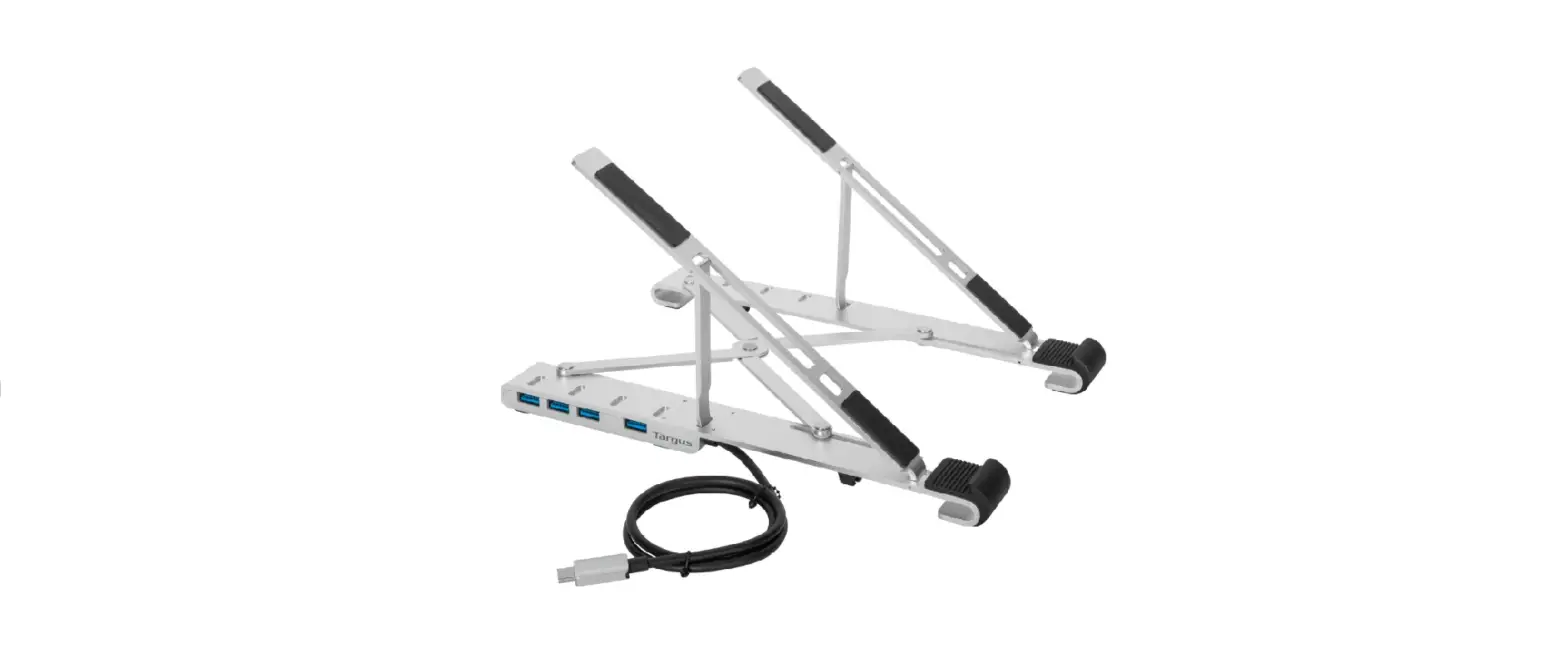
- Table stand
Important Note: Accessories may be changed without prior notice.
1.3 WARNINGS
1.3.1 POWER
- Only use the power unit provided to power the device. Check the mains rating before plugging the power unit in.
- Do not pull the cable to unplug the device.
1.3.2 SAFETY PRECAUTIONS
- Keep the device away from rain and humidity to prevent the risk of fire and electrocution. Do not introduce material (solid or liquid) inside. If this should accidentally occur, disconnect the device from the mains and have it inspected by qualified personnel.
- Never open the device. In all cases, contact the qualified personnel or authorized service center for repairs.
- Keep the device away from children, to prevent accidental damage.
- Do not touch the device with wet hands to prevent electrical shock or mechanical damage.
- Do not use the device if it should fall or the external casing is damaged. Risk of electrocution if the device is used in such conditions. Contact the reseller or your installer.
- It is advisable to disconnect the power wire if the monitor is not used for an extended period.
1.3.3 INSTALLATION PRECAUTIONS
- To prevent overheating the device, arrange it in a position allowing the flow of air through the slots in the casing. Ensure at least 5 cm of free space when installing inside a rack. For the same reason, do not install sources of heat, such as radiators or hot air ducts. Keep away from direct sunlight. Do not install in areas subject to excessive dust, mechanical vibrations, or shocks.
- Do not arrange this device on an unstable surface, such as a tottering or slanted table.
The device could fall causing injury or mechanical failures. - Do not install the device in a place where it could be exposed to humidity or water. Do not direct a jet of water onto the device: risk of fire, electrocution, or mechanical failure.
- Stop using the device if water or other material should penetrate inside: risk of fire and electrocution. Contact the retailer or authorized installer.
- Slots and openings in the cabinet are provided for ventilation. These openings must not be blocked or covered.
- Do not place heavy or heat-generating objects on top of the device: this could damage the casing and/or increase internal temperature causing faults.
- Do not cover the device with a cloth while it is running to prevent deforming the external casing and overheating the internal parts: risk of fire, electrocution, and mechanical failure.
- Keep magnets and magnetized objects away from the device to prevent faults.
- Do not use the device in the presence of smoke, vapor, humidity, dust or intense vibrations.
- Wait for a while before operating a device immediately after transporting it from a cold place to a warm place and vice versa. Wait on average for three hours: this will allow the device to adapt to the new ambient temperature and/or humidity, etc.
- The monitor is provided with a plastic base and rubber feet. It can be positioned on a horizontal surface, such as a desk or a table. Make sure that the device is fastened firmly and that it is not resting on unstable supports or surfaces. Dropping could cause severe injury and damage to the device.
- Remember to adjust the brightness and contrast to obtain a perfect image.
- The monitor can also be installed on the wall by means of a bracket (not provided).
1.3.4 CLEANING THE DEVICE
- Rub delicately with a dry cloth to remove dust and dirt.
- Dip the cloth in neutral detergent if dirt cannot be eliminated with a dry cloth alone.
- Do not use volatile liquids (such as petrol, alcohol, solvents, etc.) or chemically treated cloths to clean the device to prevent deformation, deterioration or scratches to the paint finish.
1.3.5 PRIVACY AND COPYRIGHT
- The monitor is a device for CCTV systems. Recording images is subject to the laws in force in your country. Recording images protected by copyright is forbidden.
- Product users shall be responsible for checking and respecting all local rules and regulations concerning monitoring and recording video signals. The manufacturer SHALL NOT BE LIABLE for use of this product not in compliance with the laws in force.
INTERFACES, CONTROLS &SETTINGS

| 1 | HDMI | 5 | USB-A |
| 2 | DP | 6 | USB-A |
| 3 | Type-C | 7 | AUDIO OUT |
| 4 | USB-B | 8 | DC24V |
Monitor Control Buttons
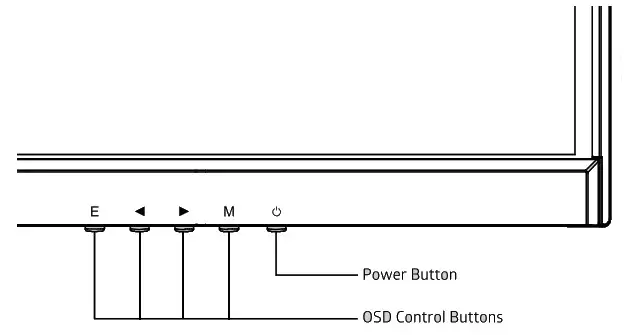
| E | Select signal source or Exit OSD |
| ◀ | Go Down on the Main OSD Menu and decrease the value of a selected item |
| ▶ | Go Up on the Main OSD Menu to increase the value of a selected item |
| M | Open the Main OSD Menu Select submenu |
 | Turn the monitor on or off |
Monitor Button Function
All picture setups can be adjusted in OSD (On Screen Display) menu.
To adjust the OSD screen:
- Press the MENU button to enter the OSD MENU.
- Press the +/- buttons to select the desired main-MENU. The selected main MENU is highlighted.
- Press the +/- buttons to select the desired sub-MENU. The selected sub-MENU is highlighted.
- Change the value you wish to adjust by using the + /- buttons.
- Press the MENU button to confirm the adjustment on the sub-MENU.
- Press the AUTO button to exit the sub-MENU and go back to the main menu.
Important Note: The OSD may be updated without prior notice.
A. BRIGHTNESS
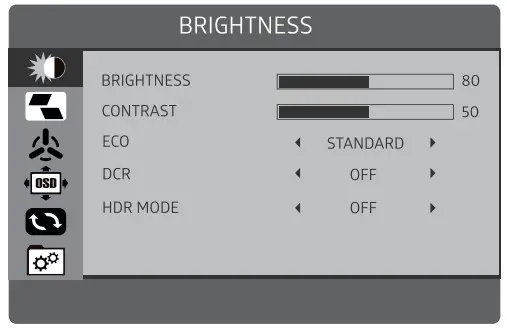
| Option | Function | Value |
| BRIGHTNESS | It allows changing of image brightness, according to ambient light. | 0-100 |
| CONTRAST | It allows changing of contrast between white and black areas of the image. | 0-100 |
| ECO MODE | Energy Saving Mode | Standard/weak/strong |
| DCR | It means Dynamic Contras Ratio, provides enhanced contrast and sharpness | ON/ OFF |
| HDR MODE | This means providing the HOR function | ON/ OFF |
B. IMAGE
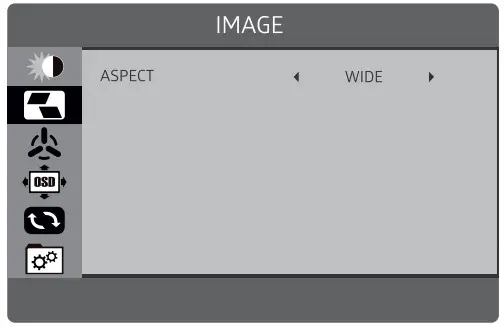
| IMAGE | ||
| ASPECT | This function has As ect | 4:3/wide |
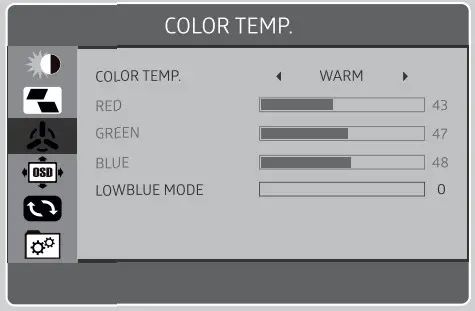
C. COLOR TEMP.
| Option | Function | Value |
| COLOR TEMP | Adjust color temperature | User /Cool/Normal/Warm |
| RED | Adjust the red color effect | 0-100 |
| GREEN | Adjust the green color effect | 0-100 |
| BLUE | Adjust the blue color effect | 0-100 |
| LOW BLUE MODE | Adjust the low blue mode fo the menu | 0-100 |
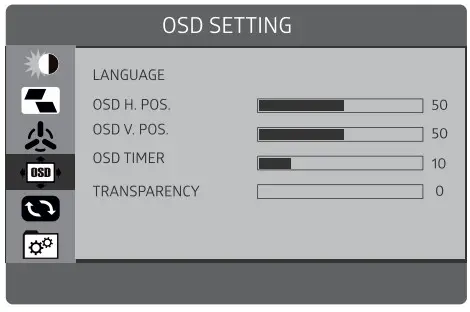
D. OSD SETTING
| Option | Function | Value |
| LANGUAGE | Set the language of the OSD menu | English, Chinese, etc. |
| OSD H.POS. | Move the menu position horizontally | 0-100 |
| OSDV.POS. | Move the menu position vertically | 0-100 |
| OLDTIMER | Adjust the standing time of the menu | 5-100 |
| TRANSPARENCE | Adjust the transparency of the menu | 0-7 |
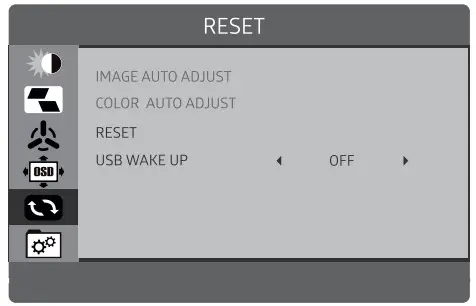
E. RESET
| Option | Function | Value |
| IMAGE AUTO ADJUST | ||
| COLOR AUTO ADJUST | ||
| RESET | Restore the factory settings | |
| USBWAKEUP | This function is a USB wakeup | ON/ OFF |
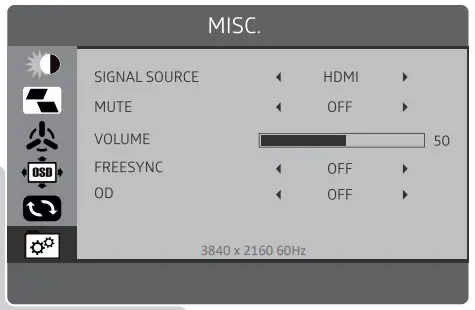
F. MISC.
| Option | Function | Value |
| SIGNAL SOURCE | Select Input HDMI,DP,Type-C | |
| MUTE | Set the MUTE | ON/ OFF |
| VOLUME | Allows adjustment of the volume of the monitor from | 0-100 |
| FREESYNC | Set the FreeSync | ON/ OFF |
| OD | Set the OD | ON/ OFF |
SPECIFICATION
| Size & Type | 27″ | ||
| LCD | Panel Type | 27″ LED Backlit Monitor | |
| Pixel Pitch | 0.1554(H) x 0.1554(V) mm | ||
| Brightness (Max) | 350cd/m2 | ||
| Contrast Ratio | 1000:1 (Typ.) | ||
| Display Color | 16.7 Million Colors | ||
| Viewing Angle | R/L: 89°/89°U/D: 89/89° | ||
| Response Time | OD 4ms | ||
| Resolution | 3840×2160 | ||
| Case Type | Black Plastic | ||
| Active Display Area | 596.736(H) x 335.664(V) mm | ||
| Aspect Ratio | 16:09 | ||
| Color Temperature | Medium | ||
| Warm | |||
| User | |||
| Cool | |||
| Operating Humidity | 5-90% RH | ||
| INTERFACE | HDMI’1.DP-1.Type-C1.USB-A’2.US13-B*1 | ||
| Electrical Ratings | DC24V • 5A | ||
| Power Consumption | <100W | ||
| Accessories | HDMI cable, Type-C cable. Power Supply & Cable, User’s Manual. Screws, table stand | ||
Important Note: The specification may be changed without prior notice.