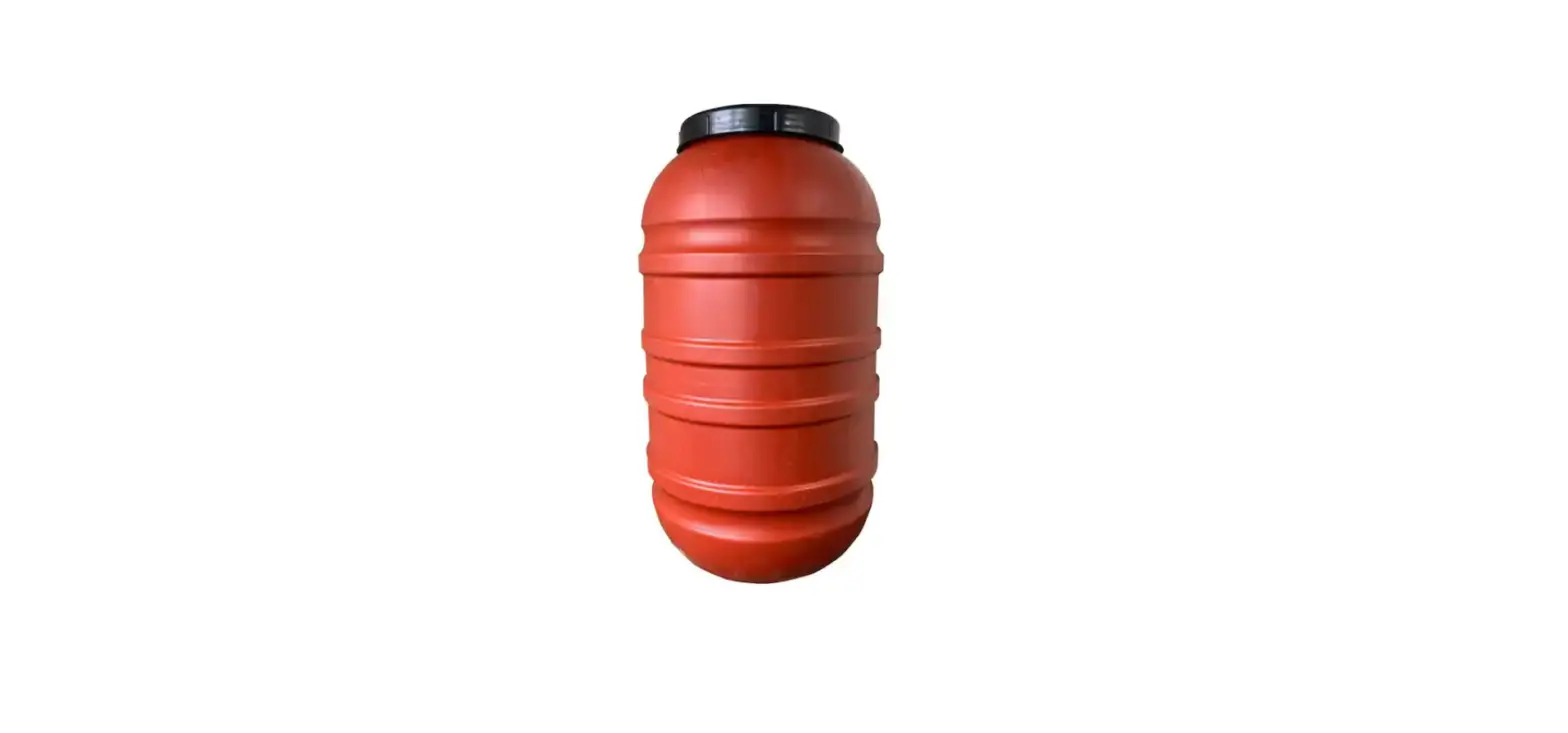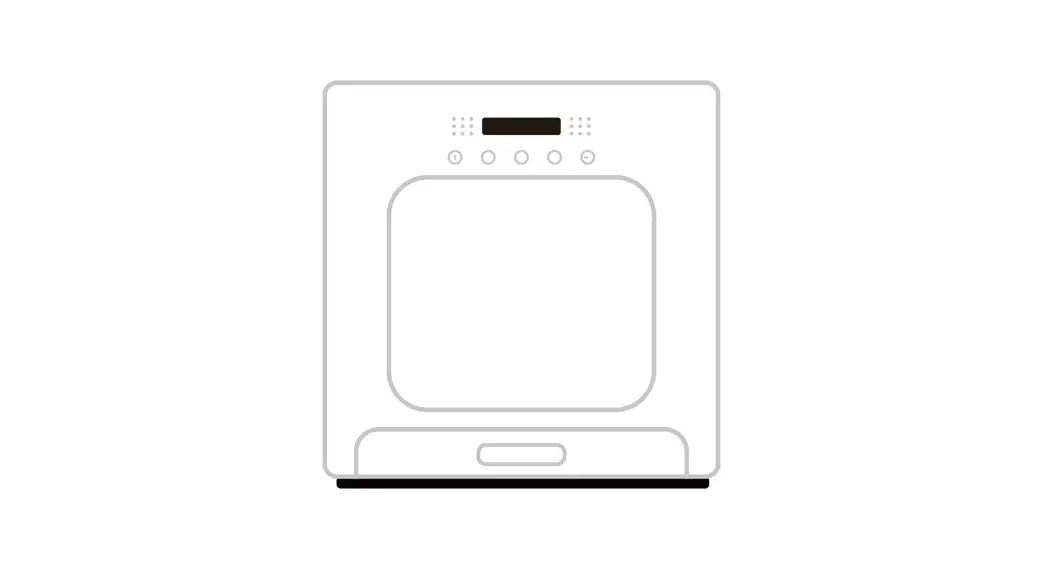
 RealTech Grain Storage Barrel
Instruction Manual
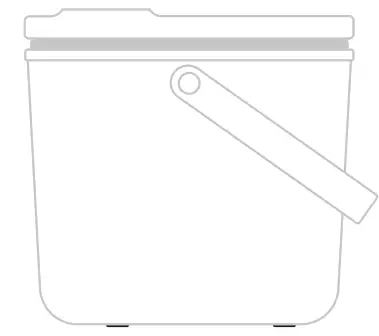
* Please read this manual thoroughly before use and keep it in a proper way.
Information For Users
Dear users, thank you for purchasing this product. Proudly, we are committed to Creating a marvelous life for you with pet. Before using this product, please read the instructions in this manual thoroughly. Thank you for your understanding and cooperation, wish you a happy life!
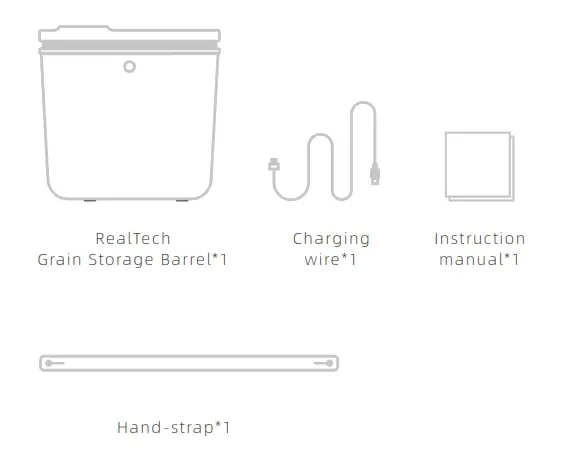
Packing List
Notes: After removing the off of the package, please make sure the product is in good condition and check the accessories against the instruction manual. Due to the product update iteration, accessories may have some adjustments or changes. Real objects be taken as final.
Product Information
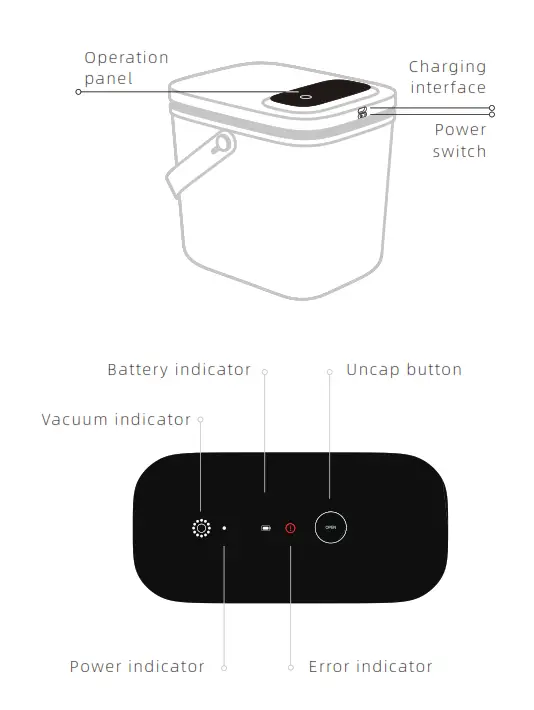
Instructions
Power On
Switch the power button to Power On and the power indicator light turns on. (When the vacuum function is not used, please switch the power button to Off.)
Vacuum
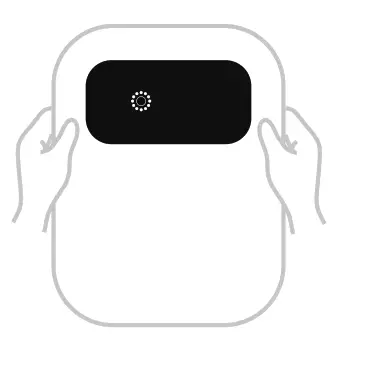
Place the barrelhead properly and the barrel will start the automatic vacuuming process after a “beep” sound. It is needed that you help press the barrelhead for 5 seconds. During this process, the keeps flashing and it indicates the barrel inside has reached a vacuum state when the flashing stops.
Uncap
Long press the button for 3 seconds to start exhaustion, which takes about 7 seconds to complete. After two “beep” sounds, the barrelhead turns to be openable.
Charging
When flashes, the barrel is running low on power and needs charging as soon as possible to keep the vacuum state. The battery indicator keeps flashing while charging and will turn to white light on after charging.
Error
When flashes, the barrel is not able to accomplish vacuuming. Please do as followed:
- Check the edge of the sealing ring and barrelhead to see if there’s any foreign matter like food residue;
- Check the sealing ring, the barrelhead, and the barrel body to see if there’s any damage.
After confirming that none of the above exists, restart the machine and proceed to vacuum again.
If is still flashing, please contact Customer Service.
PS: It is needed that you elp pressing the barrelhead for 5 seconds during the vacuuming process.
Product Specifications
Name: RealTech Grain Storage Barrel
Model: NFSST11A
Size: 315*260*300mm
Material: Melamine, ABS, Silica gel
Application: for dry pet food, freeze-dry food, and other grain that requires a dry environment for storage.
Input: 5V/1A
Capacity: 13L
Battery Capacity: 2000mAh
Points For Attention
When the vacuum function is not used, please switch the power button to Off.
- Please use this product at room temperature.
- Do NOT place it under direct sunlight.
- Do NOT use adapters that exceed the rated voltage/input.
- The barrel body is washable but the barrelhead is NOT. Use paper towels to wipe it for cleaning needs.
- This product can only be used in accordance with the instructions in this manual. Do NOT store perishables or ferments in the barrel; Do NOT store itemsabove 60℃(Celsius).
Warranty Card
Please read the following warranty terms carefully before using this product:
- The warranty period is one year, starts from the date of purchase (based on valid purchase records). We provide free maintenance for any quality problem within this duration.
- The following conditions are not covered by the warranty:
• Any malfunction or defect caused by improper conditions of use of the environment;
• Any fault or defect caused by Improper installation, misuse, unauthorized maintenance, force majeure events, or other external reasons;
• Any fault or defect caused by the use of non-original fittings or accessories;
• The product has exceeded the warranty period;
• Other failures or damages caused by none of the product design, technology, manufacturing process or quality problems;
• Normal fading, wear and tear or consumption during the use of the product;
• Not able to provide valid purchase certificate. - If the returned product does not meet the valid warranty terms, we will charge you for the corresponding maintenance costs.
| After-Sales Feedback Form | |
| Customer Name | Product Model |
| Your Phone Number | Date Of Purchase |
| Your E-Mail | Where You Purchase (Channel & Shop) |
| Your Address | Fault Feedback (Code & Name) |