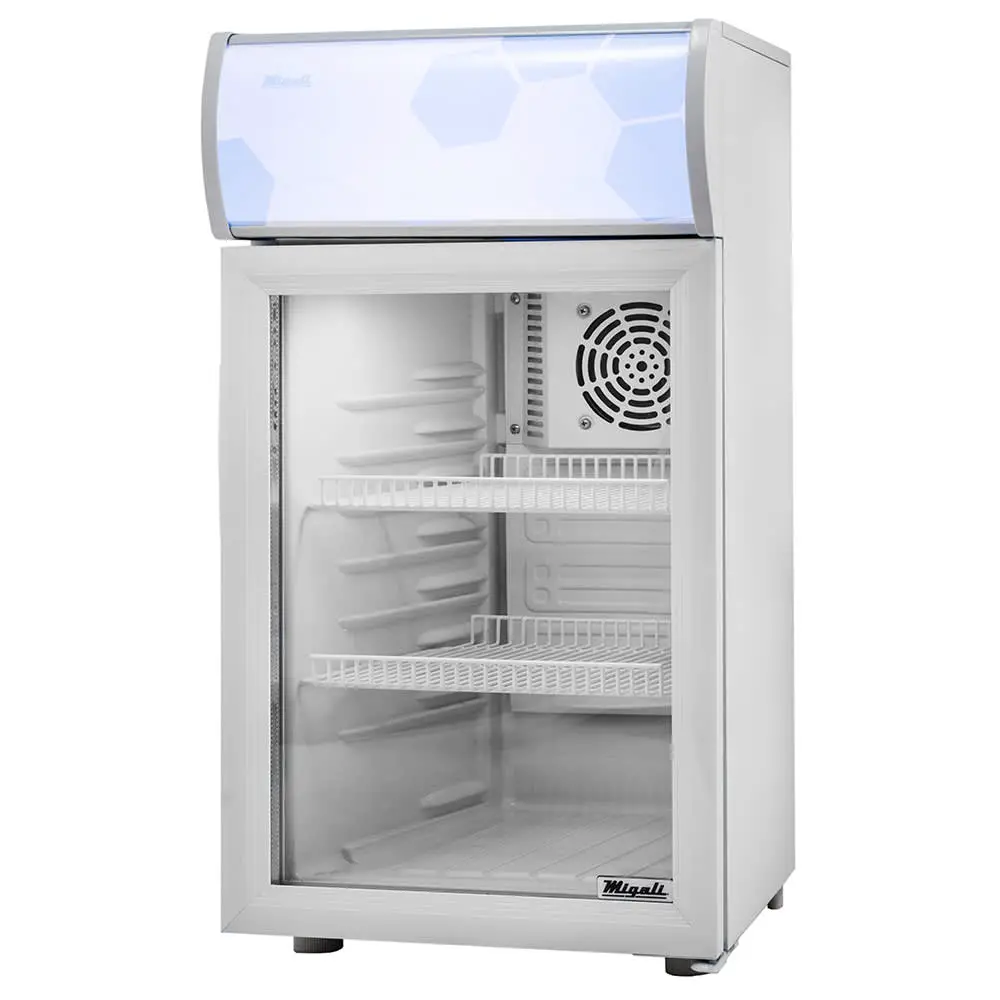
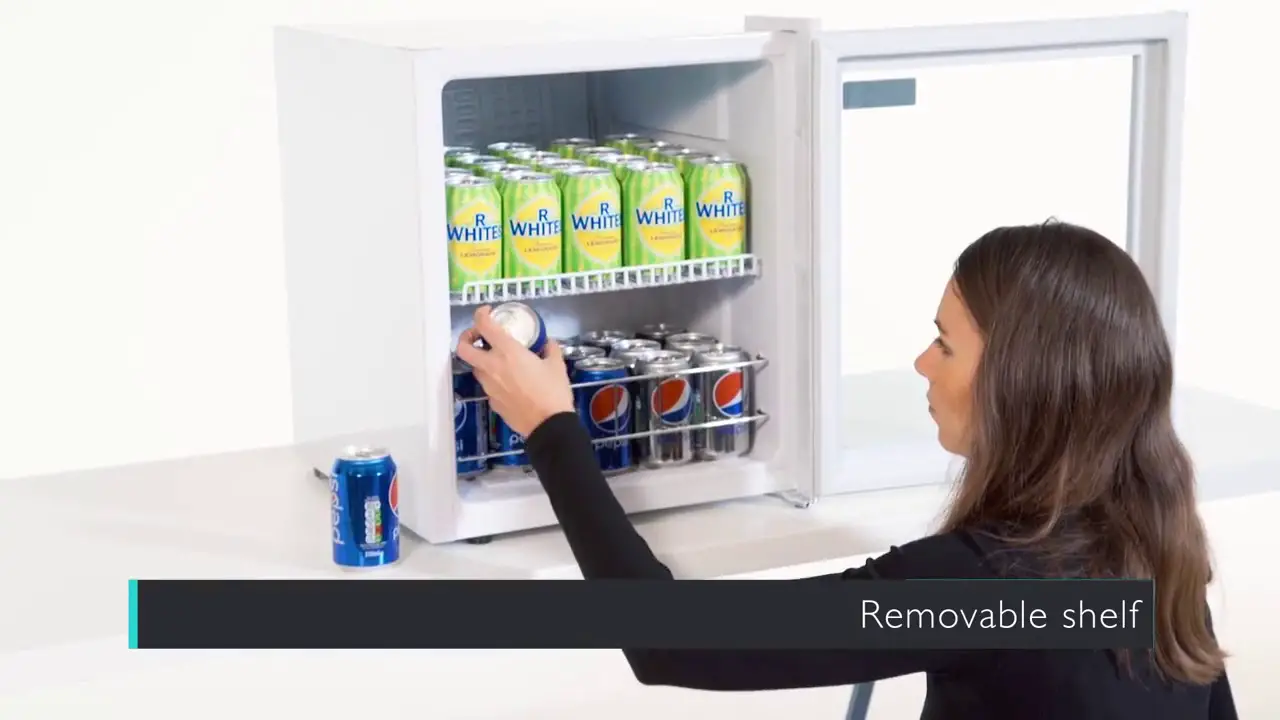
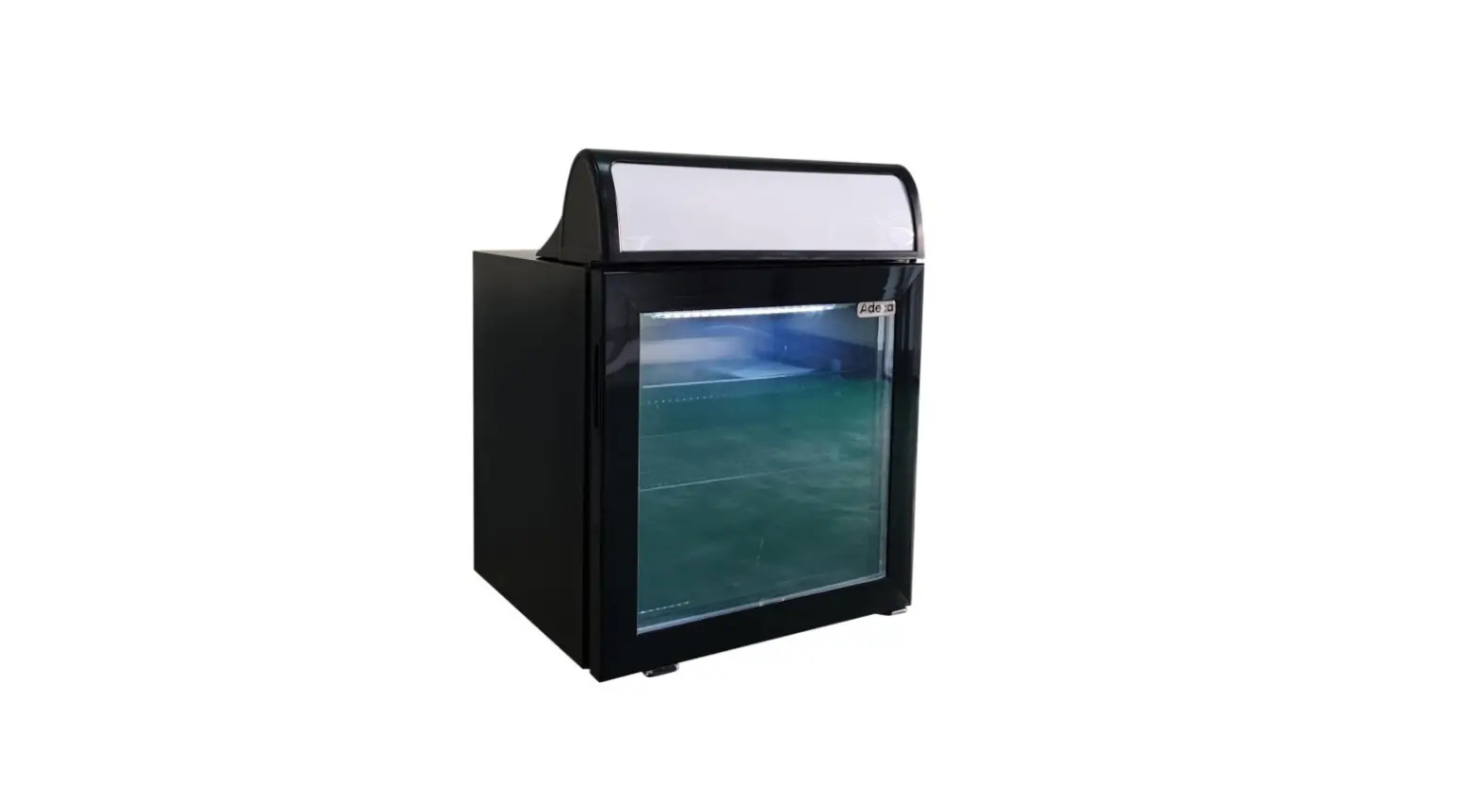
SC130 Display Cooler
Instruction Manual for Display Cooler SC130
Please read this manual carefully, and make sure to keep this
manual in the place accessible by the user at any time.
1. Structural Diagram
- Shelf
- Lamp switch
- Hinge cover
- Door seal
- Door brace
- Case
- Foot
- Basket
2. Specifications
- Model: SC130
- Climatic Class: N
- Storage Temperature (°C): 0~10
- Anti-shock Protection Class: I
- Capacity (L): 130
- Rated Voltage (V): AC220-240V
- Rated Frequency (Hz): 50Hz
- Lamp Max Power: 6W
- Refrigerant/Charging (g): R600a/45g
The above specifications are subject to
improvements.
Product Usage Instructions:
- Issue: Too high noise.
Solution: The unit is not level. Adjust the
adjustable legs. The fastener of the unit is loose. Fasten the
loose fastener. Pipes are touching the compressor. Carefully
separate the touched pipes. - Issue: Lamp is not on.
Solution: The bulb is burned out. Replace the
bulb. - Issue: Abnormal operation of the compressor or
has buzz sound. Compressor operates too long time and no frost on
the surface of the evaporator. The power voltage is out of the
rated range. Refrigeration system is at fault (leakage or
blocked).Solution: Disconnect the power supply
immediately and reconnect with it after normal voltage. It is
necessary to have a voltage stabilizer in case of poor power
supply. Send the unit to the service department for repair. - Issue: There is frost or ice on the walls of
the inner cabinet and too low internal temperature, the compressor
operates never stop. The internal temperature is too high and the
compressor operates never stop. Thermostat does not work. Bad heat
dissipation and ventilation of casing, the ambient temperature is
too high.Solution: Ask service department for repair.
Improve ventilation and lower the ambient temperature. - Issue: Too much warm food.
Solution: Take out some food that was put in at
one time. - Issue: Door open frequently and long time door
opening.Solution: Decrease number and time of door
opening.
3. Safety Cautions
- This unit uses AC220-240V/50Hz power, there should be a 500va
stabilizer if the voltage fluctuation exceeds AC98-132V. - The user should hold the plug when the power is on/off,
dragging or pulling the power cord is prohibited. - Do not remove the power cord or plug.
- Must use dependent socket and reliable ground wire. Ground wire
must not connect with the null line of the gas pipe, warm gas pipe,
water pipe, and must be single power. - Never splash water on the unit directly.
- Keep away from explosive, hazardous goods such as ether, gas,
alcohol, bonding agents, gunpowder, etc. - Keep away from spray of inflammables such as paints, coating
materials, etc. - After the unit is switched off, it should not be restarted
within 5 minutes. - Do not leave the power cord under any heavy objects including
the unit itself. - Do not drill holes or install other objects on the casing.
- This cooler is not suitable for storage pharmaceutical
products.
4. Portage and Storage
- Keep the unit vertical when carrying the unit, the angle to the
horizontal line should not be more than 45 degrees to reduce the
shock and noise. - Leave at least 20 cm of distance between the back of the unit
and the wall for ventilation. - Water and dirt should be wiped off in time by using a soft
cloth. - Do not place the unit in the environment cold enough to be
iced.
INSTRUCTION MANUAL FOR
DISPLAY COOLER
SC130
Please read this manual carefully, and make sure to keep this manual in the place accessible by the user
at any time
MADE IN CHINA
1Structural diagram
Shelf
Lamp switch Hinge cover Door seal Door
Brace
Case
Foot
2Specifications
Model Climatic class Storage Temperature ( ) Anti-shock protection calss Capacity (L) Rated Voltage (V) Rated Frequency (Hz) LAMP max power Refrigerant/Charging (g)
Basket
SC130 N
0~10 I
130 AC220-240V
50Hz 6W R600a/45g
The above specifications are subject to improvements.
Too high noise
The unit is not level
Adjust the adjustable legs
The fastener of the unit Fasten the loose
is loose
fastener
Pipes are touching the Careful separate the
compressor
touched pipes
Lamp is not on The bulb is burned out Replace the bulb
Caution: Dismantling the unit by non-professional staff is prohibited, it will cause hazard.
Abnormal operation of the compressor or has buzz sound
Compressor operates too long time and no frost on the surface of the evaporator
The power voltage is out of the rated range.
Refrigeration system is at fault (leakage or blocked)
Disconnect the power supply immediately and reconnect with it after normal voltage. It is necessary to have a voltage stabilizer in case of poor power supply.
Send the unit to service department for repair
There is frost or ice on the walls of the inner cabinet and too low internal temperature, the compressor operates never stop
The internal temperature is too high and the compressor operates never stop
Thermostat does not work
Bad heat dissipation and ventilation of casing, the ambient temperature is too high
Ask service department for repair
Improve ventilation and lower the ambient temperature.
Too much warm food Take out some food was put in at one time
Door open frequently and long time door opening
Decrease number and time of door opening.
3. Safety Cautions 1. This unit uses AC110-120V/60Hz power, there should be a 500va stabilizer if the
voltage fluctuation exceed AC98-132V 2. The user should hold the plug when the power is on/off, dragging or pulling the power
cord is prohibited. 3. Do not remove the power cord or plug 4. Must use dependent socket and reliable ground wire. Ground wire must not connect with
the null line of the gas pipe, warm gas pipe, water pipe and must be single power 5. Never splash water on the unit directly. 6. Keep away from explosive, hazardous goods such as ether, gas, alcohol, bonding agents,
gunpowder etc. 7. Keep away from spray of inflammables such as paints, coating materials etc. 8. After the unit is switched off, it should not be restarted within 5 minutes. 9. Do not leave the power cord under any heavy objects including the unit itself. 10. Do not drill holes or install other objects on the casing. 11. This cooler is not suitable for storage pharmaceutical products.
4. Portage and storage 1. Keep the unit vertical when carrying the unit, the angle to the horizontal line should not be
over 50 °otherwise it will damage the compressor and affect normal operation of the unit. 2. The unit should be place on a solid and firm ground, take away the bottom pack to lower
the shock and noise. 3. Leave at least 20 cm of distance between the back of the unit and the wall for ventilation
and leave a space with an open angle of 160 ° for the door. 4. Keep the unit away from heat sources and avoiding direct sunlight. 5. Never place the unit on a location where water can reach or with high moisture. Splashed
water and dirt should be wiped off in time by using a soft cloth. 6. Do not place the unit in the environment cold enough to be iced.
5. Preparation 1. Remove the carton and packing foam (including the bottom foam) before using. 2. Clean the unit before using.
3. Adjust the foot to make the unit steady according to the ground condition to lower the
shock and noise. 4. After moving the unit, place the unit for 30 minutes before switching it on. Running: close the door and connect the power, turn on the lamp switch on the control panel, the lamp is on. Half an hour later, the temperature inside the case lower apparently, it indicates the unit on be normally used 6. After connecting the power, the unit should be kept empty for one hour.
6. Setting and adjustment of temperature
1. Adjust the storage temperature through the temperature controller located in the internal of
the case(see the picture), adjust the temperature according to the ambient temperature and the
foodstuff.
2. See the following picture about the knob scale. The temperature adjustable capacity is from
“1”-“5”, adjust the storage temperature by turning the temperature controller clockwise. The
higher of the number shows the lower of the storage temperature. The knob can turn freely
but can’t turn clockwise from “5”to “1”. Factory setting position is on “3”.
L a m p sw itch ON OFF
C on tro l p a ne l
2
50 1
4
T E M P-A D J B u tto n 3
3. Check if the scale is on an appropriate position before using, frequent adjustment is not appropriate when using. Normally in summer, the ambient temperature is high, anti clockwise turn the knob to “2”, while in winter, the ambient temperature is low, clockwise turn the knob to “4”.
4. Position “0” represent stop running.
7. Storage of articles 1. Do not put large amount of articles into the unit at one time, you should leave some
space around the foodstuff to let cold air inside the cabinet counter to flow. Keep bottled articles away from the walls of interior cabinet so as not to freeze it until broken. 2. Do not put warm food into the unit directly until they are cooled under normal temperature, it will facilitate to lower its energy consumption and prolong service life of the compressor.
8. Maintenance
Disconnect the power supply before maintenance for the machine! 1. Keep the door gasket clean, remove it from the door and wash it. Dry and seal it as before.
Putting some talcum powder on the magnetic surface would prolong its service life. 2. Bule replacement remove the lamp shade, take out the bulb, replace with a new bulb,
then mount it again.. 3. If there is heavy frost on the evaporator after long usage, take out the stuff inside the case, disconnect the power, the frost will melt automatically, clean up the water and connect the power again. 4. Use a soft cloth and dip some water or soap (Non-caustic, neutral detergent is also
available) to clean the unit. Dry the unit after cleaning to avoid rust. 5. Do not use organic liquid, boiled water, washing powder or acid stuff to clean the unit. Rinsing the case by water is not allowed, don’t use hard brush, steel brush to clean the case. 6. If the unit will not be used for a long time, disconnect the power, clean it by following the above steps, wipe off the water inside the case with a soft cloth.
9 Caution 1. The unit is not suitable for storage of blood, pharmaceutical products and biological products 2. Do not place heavy articles on the top of the unit. 3. In case of trouble, please ask professional person for service, do not dismantle the unit
without prior authority to avoid hazard.
10Normal Phenomena 1. Sometime hear light sound of water flowing in the unit, this is the sound of refrigerant
flowing inside the pipe. 2. the top ,and the two sides of the casing will be warm, even too hot. 3. In a humidity place, there is dew on the casing or the door, it can dry by dry cloth.
11Troubleshooting guide
Problems
The unit does not work
Possible cause
Bad connection of plug or fuse burn out
Ways to solve problems
Unplug the plug and re-connect the plug to power supply or replace with a new fuse