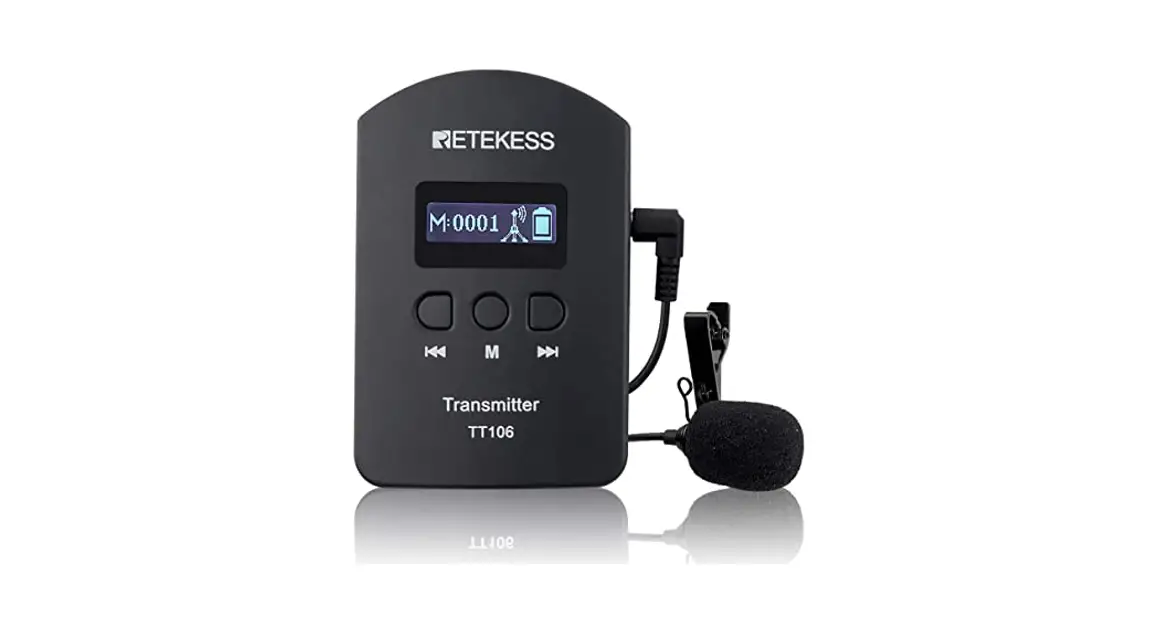
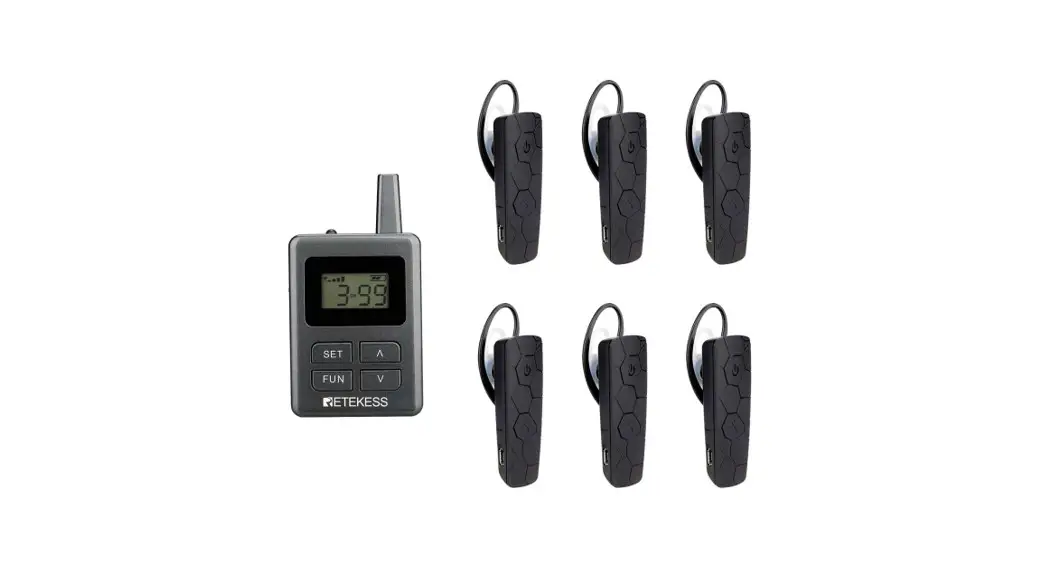
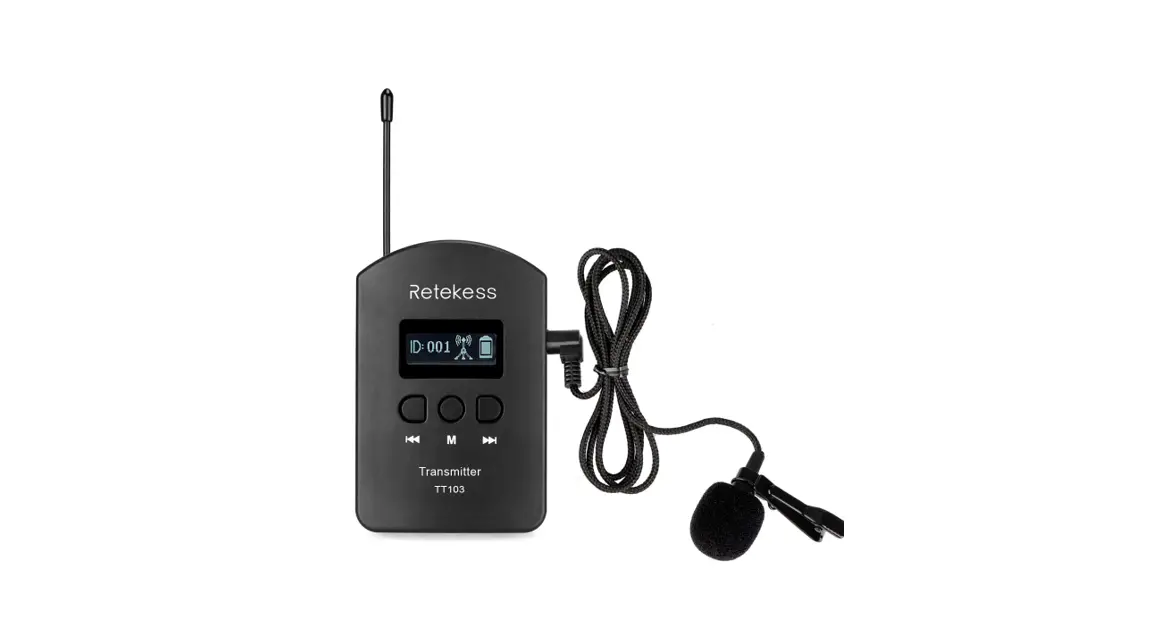
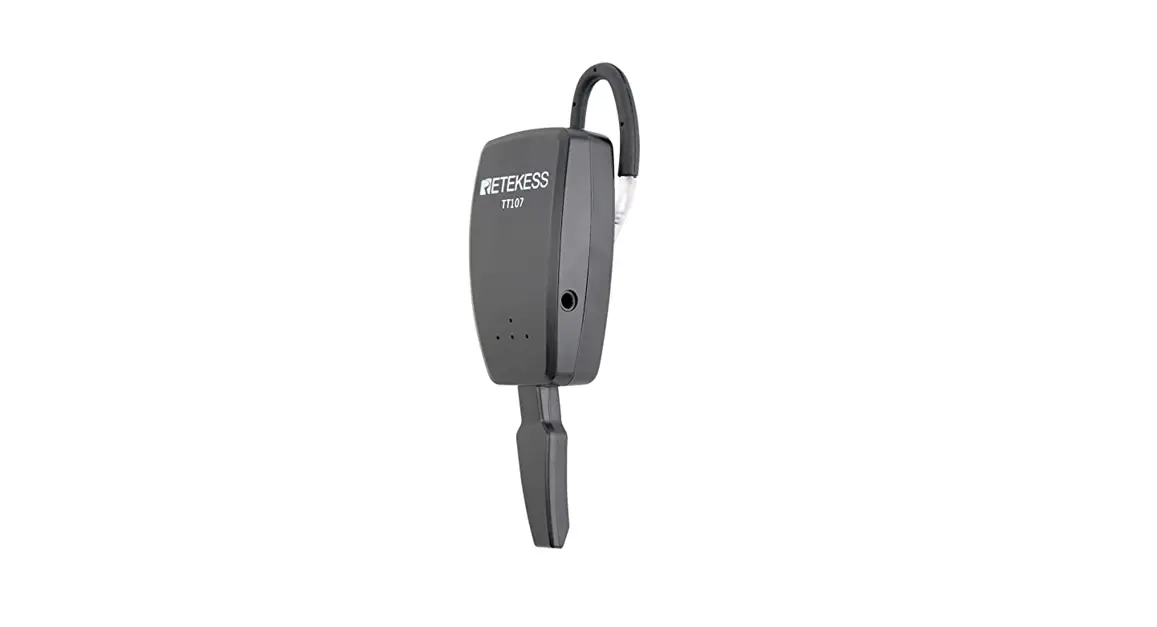
TT116 Wireless Transmitter with Receiver
TT116 Instruction Manual
Catalog
- Transmitter
- Schematic diagram
- Specification parameters
- Receiver
- Schematic diagram
- Specification parameters
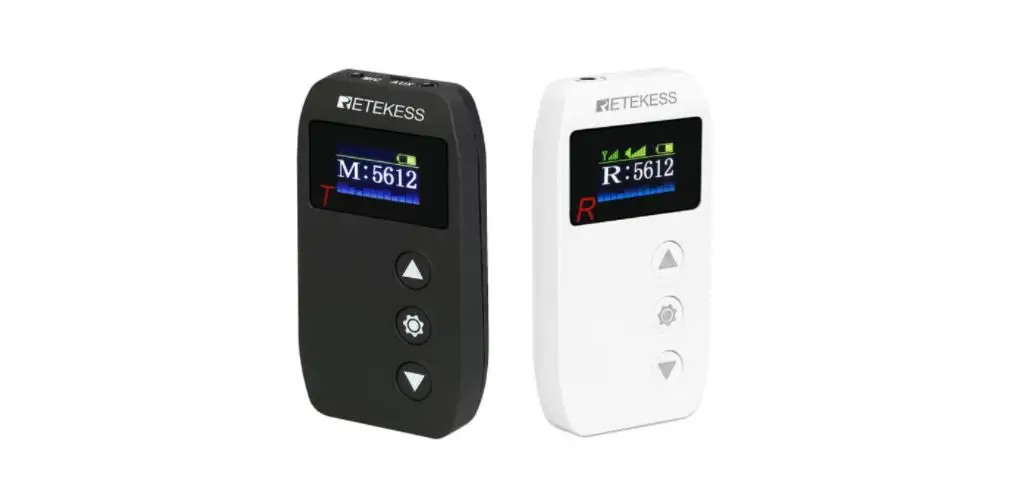
Transmitter
Schematic
- Transmitting antenna
- Charging indicator (red light means charging, green light means
full) - Display
- Power button
- M button
- S button
- Lanyard mouth
- + button
- – button
- Back clip
- Battery cover
- AUX jack
- MIC jack
- Type-C charging hole
- Charging contact of the seat charger
Specification parameters
- Microphone: omnidirectional microphone
- Transmitting distance: 200m
- Endurance: 10 hours
- Size: 150mm(L)*45mm(W)*15mm(H)
- Battery capacity: 1000mAh 3.7V
Receiver
Schematic diagram
- Display screen
- Power button
- UP button
- DOWN button
- Charging indicator (red light means charging, green light means
full) - Lanyard port
- + button
- – button
- Back clip
- Battery rear cover
- Headphone jack
- Type-C charging hole
- Charging contact of the seat charger
Specification parameters
- Working frequency:
- Europe: 823~832Mhz, 863~865Mhz, 50 channels.
- United States: 902-928Mhz, 50 channels.
- Receive sensitivity: -106dBm
- Working current: 70mA
- Charging method: Charging method: charging stand or USB-type C
cable, charging current
Function description
- Power on/off: Long press the power button to turn on the
power; in the power-on state, long press the power button to turn
off. - Transmitter Unlock: Press and hold the M and S keys at
the same time, the icon on the screen disappears to unlock. - Lock: In unlocked state, no operation within 30s will
automatically lock the button, the screen displays icon. After 30s,
the screen will automatically turn off. At this time, press any key
to light up the screen. - Channel conditioning: In the unlocked state, short press
the + or – key to change the channel. - Mute function on: In the unlocked state, short press the
M button, the Mute function will be turned on and the icon will be
displayed, the receiver can not receive voice signals. - Mute function off: In the unlocked state, short press
the M button, the Mute function will be turned off and the icon
will be displayed, the receiver can receive the voice signal. - One key shutdown: In the unlocked state, press and hold
the S button to enable the one-button shutdown function, the screen
will display the icon successfully paired with it, and remotely
turn off all the receivers that have. - Receiver Unlock: Press and hold the UP and DOWN keys at
the same time to unlock, the icon will disappear. - Lock: In the unlocked state, no operation within 30s
will automatically lock the button, and the screen displays
icon.
Note: Please refer to the user manual for more detailed
instructions and safety information.
TT116 Instruction Manual
Catalog
Transmitter …………………………………………………………………………………………. Schematic diagram ……………………………………………………………………….. Specification parameters ……………………………………………………………….
Receiver ……………………………………………………………………………………………… Schematic ……………………………………………………………………………………. Specification parameters ……………………………………………………………….
Function description ……………………………………………………………………………. Power on/off ……………………………………………………………………………….. Transmitter ………………………………………………………………………………….. Unlock ………………………………………………………………………………….. Lock ……………………………………………………………………………………… Channel conditioning …………………………………………………………….. Mute function on ………………………………………………………………………………………………….6 Mute function off ………………………………………………………………….. One click shutdown ……………………………………………………………….. Receiver ………………………………………………………………………………………. Unlock ………………………………………………………………………………….. Lock ……………………………………………………………………………………… Channel conditioning …………………………………………………………….. Mute settings ……………………………………………………………………….. Volume adjustment ……………………………………………………………….. Auto shutdown ……………………………………………………………………… Manually set up a pairing connection …………………………………………….. Transmitter settings ………………………………………………………………. Receiver settings …………………………………………………………………… Automatic search and pairing of connections ………………………………….. Transmitter settings ………………………………………………………………. Receiver settings ……………………………………………………………………
Transmitter
Schematic
1, Transmitting antenna 2, Charging indicator (red light means charging, green light means full)
3, Display
4, Power button
5, M button
6, S button
7, Lanyard mouth
8, + button
9, – button
10, Back clip
11, Battery cover
12, AUX jack
13, MIC jack
14, Type-C charging hole
15, Charging contact of the seat charger
Specification parameters
1.Operating frequency a) Europe: 823~832Mhz, 863~865Mhz, 50 channels. b) America: 902-928Hhz, 50 channels. 2. Transmitting power: 30~35mW. 3. Operating current: 100mA. 4. Charging method: Charging cradle or USB-type C, charging current 390mA, 2.5H fully charged. 5. Noise reduction function: Support. 6. Operating temperature: -20 °~ +70 °
7. Microphone: omnidirectional microphone 8. Transmitting distance: 200m 9. Endurance: 10hours 10.Size: 150mm(L)*45mm(W)*15mm(H) 11.Battery capacity: 1000mAh 3.7V
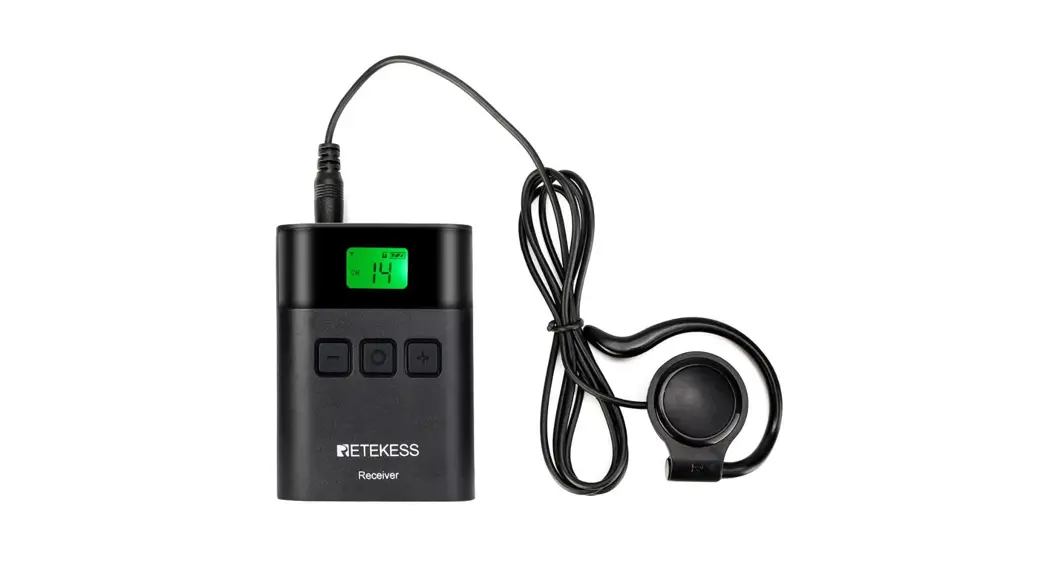
Receiver
Schematic diagram
1, Display screen
2, Power button
3, UP button
4, DOWN button
5. Charging indicator (red light means charging, green light means full) 6. Lanyard port
7, + button
8, – button
9, Back clip
10, Battery rear cover
11, Headphone jack
12, Type-C charging hole
13. Charging contact of the seat charger
Specifications
1. Working frequency: a) Europe: 823~832Mhz, 863~865Mhz, 50 channels. b) United States: 902-928Mhz, 50 channels. 2. Receive sensitivity: -106dBm. 3. Working current: 70mA. 4. Charging method: Charging method: charging stand or USB-type C cable, charging current
390mA, 2.5H fully charged. 5. Working temperature: -20°~+70° 6. Earphone: 32, D-shaped earhook. 7. Receiving distance: 200 meters. 8. Battery life: 13hours. 9. Size: 90mm(L)*45mm(W)*15mm(H) 10. Battery capacity: 1000mAh 3.7V
Function description
Power on/off
Long press the ” ” button to turn on the power; in the power-on state, long press the ” ” button to turn off.
Transmitter Unlock
Press and hold the “M” and “S” keys at the same time, the ” disappears to unlock.
” icon on the screen
Lock
In unlocked state, no operation within 30s will automatically lock the button, the screen
displays ” ” icon. After 30s, the screen will automatically turn off. At this time, press any key to light up the
screen.
Channel conditioning
In the unlocked state, short press the “+” or “-” key to change the channel.
Mute function on
In the unlocked state, short press the ” ” button, the Mute function will be turned on and the icon ” ” will be displayed, the receiver can not receive voice signals.
Mute function off
In the unlocked state, short press the ” ” button, the Mute function will be turned off and the icon ” ” will be displayed, the receiver can receive the voice signal.
One key shutdown
In the unlocked state, press and hold the “S” button to enable the one-button shutdown
function, the screen will display the ” successfully paired with it.
” icon, and remotely turn off all the receivers that have
Receiver
Unlock
Press and hold the ” ” and ” ” keys at the same time to unlock, the ” disappear.
” icon will
Lock
In the unlocked state, no operation within 30s will automatically lock the button, and the
” ” icon will be displayed on the screen. The screen will automatically turn off after another 30s. At this time, press any key to light
up the screen.
Channel conditioning
In the unlocked state, short press the ” ” or ” ” key to change the channel.
Mute settings
In the unlocked state, long press the ” ” button to mute, and the ” ” icon will be displayed; press and hold the ” ” button again to exit the mute mode and restore the original volume level;
Volume adjustment
By short pressing the “+” or “-” button to adjust, there are 10 levels of volume, ranging from 0 to 9 (every time you turn on the volume, the default volume is 5 levels).
Automatic shut-down
Automatically shut down after 10 minutes without signal.
Manually set up a pairing connection
Make sure the transmitter is connected to a microphone or AUX audio cable, and the receiver is connected to headphones.
Transmitter settings
In the unlocked state, short press the “+” or “-” key to adjust the channel, such as CH:50.
Receiver settings
In the unlocked state, short press the ” ” or ” ” button to adjust the channel, such as CH:50.
The receiver displays the ” ” icon means connect successfully, then you can listen to the audio signal from the transmitter.
Automatic search and pair connection
Make sure the transmitter is connected to a microphone or AUX audio cable, and the receiver is connected to headphones.
Transmitter settings
In the unlocked state, short press the “+” or “-” key to adjust the channel, such as CH:50. Press and hold the “M” button to enter the pairing mode, the screen will display “channel number (such as CH: 50)” and flashing, waiting for the receiver to search for the code. Short press the “M” key or ” ” key to exit the code pairing mode after successful code pairing.
Receiver settings
There is no need to operate the receiver under automatic code pairing. The receiver will automatically enter the code pairing state when it is not connected. At this time, the ” ” icon
and ” ” icon are displayed alternately on the screen. After the code pairing is successful, the channel number will automatically jump to the transmitter. The current setting channel of the device, such as automatic search jumps to CH:50, in the off-screen state, the screen will light up once after the code is successfully paired. After the connection is successful, you can listen to the audio signal from the transmitter. Note: The distance is controlled within 5m when pairing codes.
FCC Warning
This device complies with part 15 of the FCC Rules. Operation is subject to the following two conditions: (1) This device may not cause harmful interference, and (2) this device must accept any interference received, including interference that may cause undesired operation.
Any Changes or modifications not expressly approved by the party responsible for compliance could void the user’s authority to operate the equipment.
Note: This equipment has been tested and found to comply with the limits for a Class B digital device, pursuant to part 15 of the FCC Rules. These limits are designed to provide reasonable protection against harmful interference in a residential installation. This equipment generates uses and can radiate radio frequency energy and, if not installed and used in accordance with the instructions, may cause harmful interference to radio communications. However, there is no guarantee that interference will not occur in a particular installation. If this equipment does cause harmful interference to radio or television reception, which can be determined by turning the equipment off and on, the user is encouraged to try to correct the interference by one or more of the following measures:
-Reorient or relocate the receiving antenna.
-Increase the separation between the equipment and receiver.
-Connect the equipment into an outlet on a circuit different from that to which the receiver is connected.
-Consult the dealer or an experienced radio/TV technician for help.
The device has been evaluated to meet general RF exposure requirement. The device can be used in portable exposure condition without restriction.