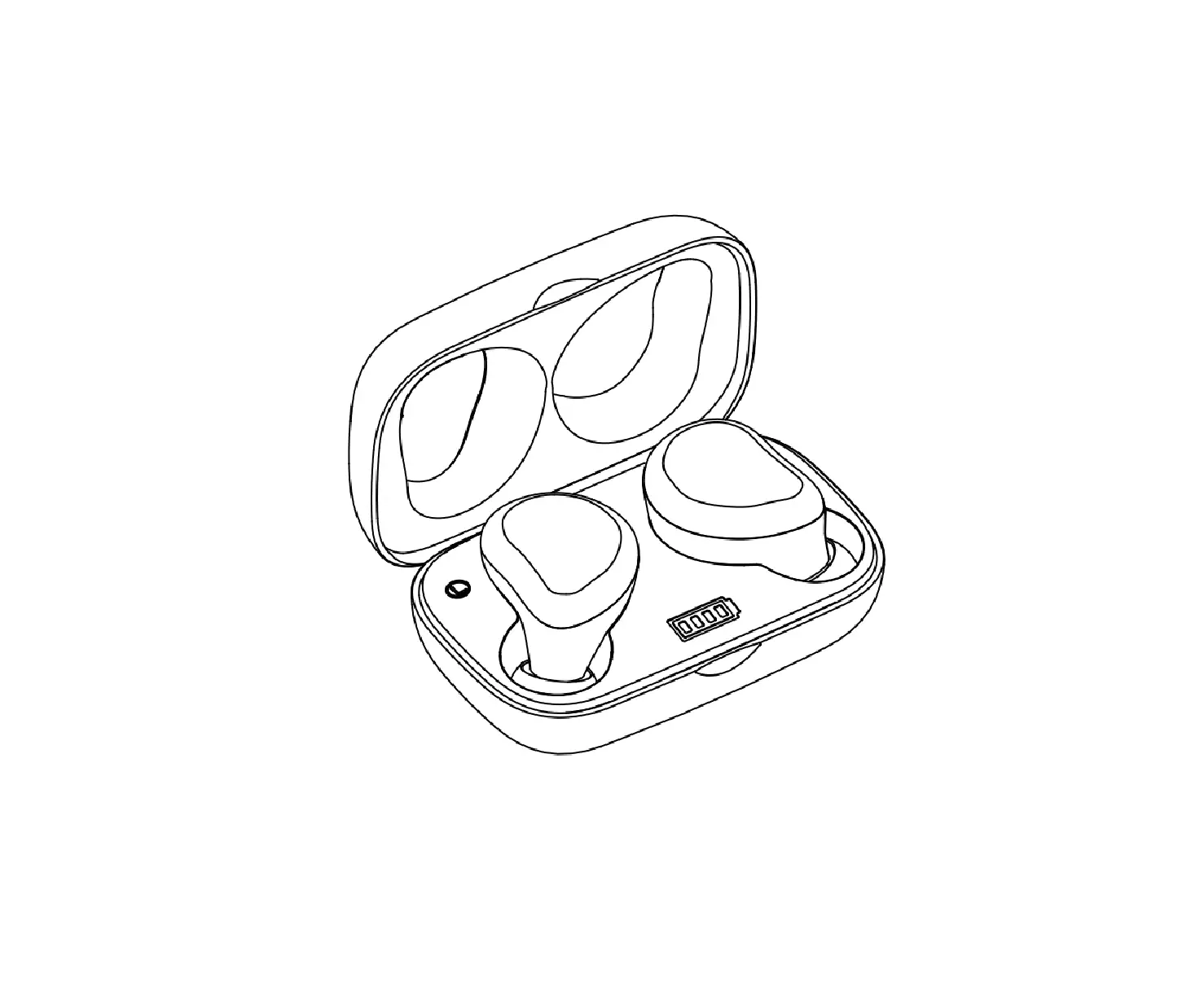
SonTinh B07S7B9FMC Cool Buds2
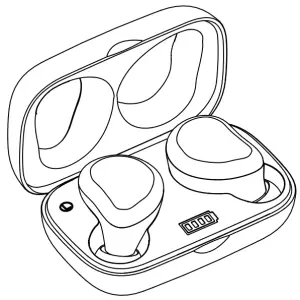
Product Introduction
This product is a Cool True Wireless Earbuds integrated with many high technologies such as Super Low Power Consumption, Optimized Stable Connectivity, Premium Sound Quality and Noise Reduction Algorithm. With the World Most Portable Charging case, it still could support 20 hours of playtime.
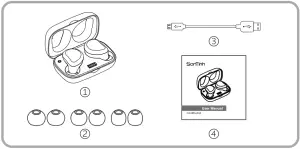
Components
Touch and Display
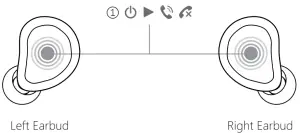
(1) Touch key | ||
| Scenario | Action | Functions |
Standby | Very Long Press | Power On/Off |
| Music or Standby | Double Press | Pause or Play |
Music or Standby | Treble press | Call Voice Assistant |
Incoming Call or Calling | Double Press | AnS’Ner or Hang up |
| Incoming Call | Long Press | Reject |
| Music Playing | Long Press | Previous Track (Left Earbud |
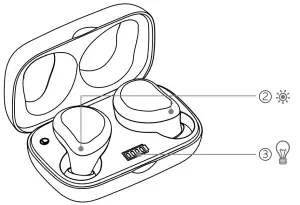
(2) Earbuds LED Display | ||
| Display | Indicates | |
| Red and blue LED alternate flash | Pairing mode | |
| Red Light On | Earbuds in the charging | |
(3) Charging Case LED Display | ||
| Display | Indicates | |
| Blue LED Light On | The Blue LED display numbers indicate the battery capacity from 25% to 100% | |
| Blue LED Flash | Indicate the Battery Charging Capacity status | |
Quick Start Guide
A When using this product for the first time, open the case, get out the earbuds, if the charging case still has the power~ the left and right earbuds will automatically power on and connected each other, then they will enter to the pairing mode.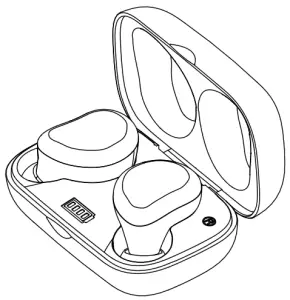
B, If the product in the pairing mode, it will display “Sontinh Coo1Buds2” as the Bluetooth name in the smartphone, please select and connect.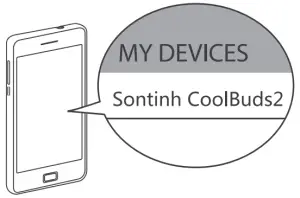
C, If the product in the pairing mode, it will display “Sontinh Coo1Buds2” as the Bluetooth name in the smartphone, please select and connect.
Reset Instructions
When you find that the left earbud and right earbud not automatically connected after power on and they are both in the pairing mode, then the earbuds need reset operation to make the earbuds connected together again.
A. Take both earbuds out of the charging case, the earbuds will automatically power on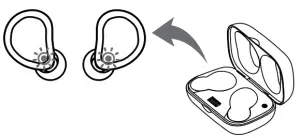
B. Long press the touch area of both earbuds for 3 seconds to make the left and right earbud entry to the pairing mode at the same time.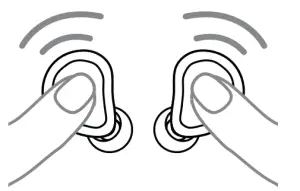
C. Double touch the left and right earbuds quickly at the same time, then the earbuds will be reset and connected to each other, finally only one earbud in the pair mode. (the red and blue LED flash alternately)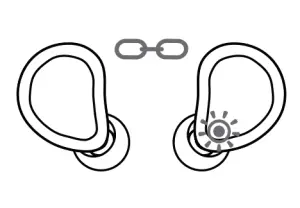
Important of Proper fit
For optimum audio performance, it’s important to choose the correct size ear tips. Additionally, the right size ear tips will give you the best comfort and fit in each ear.
Please follow the below steps to set up the ear tips.
- Select the correct size tips with the ‘S’, ‘M’ and ‘L’.
- Attach the tips to the earbuds.
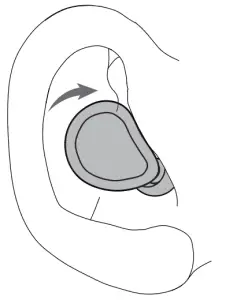
- Rotate the earbuds to best fit the inside of the ear.

Specifications
Bluetooth Version | Versions 5.0 |
| Bluetooth Profile | AVRCP, A2DP, HFP, HSP |
| Frequency Response | 2aHz-20KHz |
| Speaker Impedance | 320± 15% at 1KHz |
| Lithium Polymer Battery | 40mAh*2+350mAh*1 |
| Case Charging Time | 1.5 Hours |
| Playtime with Single Charge | 4 Hours |
| Working Range | More than 66ft |
Customer Service
 18-month limited warranty
 Lifetime technical support


Important Safety Information
- Don’t use the headphone at a high volume for any extended period.
-To avoid hearing damage, use your headphones at a comfortable, moderate volume level
-Turn the volume down on your device before placing the headphones in your ears, then turn the volume up gradually until you reach a comfortable listening level. - Don’t place the device near to heat source or naked flame source.
- Contains small parts which may be a choking hazard. Not suitable for children under age three.
- Don’t use this device and its accessories as ordinary household waste. Proper disposal and recycling helps to protect the environment, please contact your local disposal service for more information’s